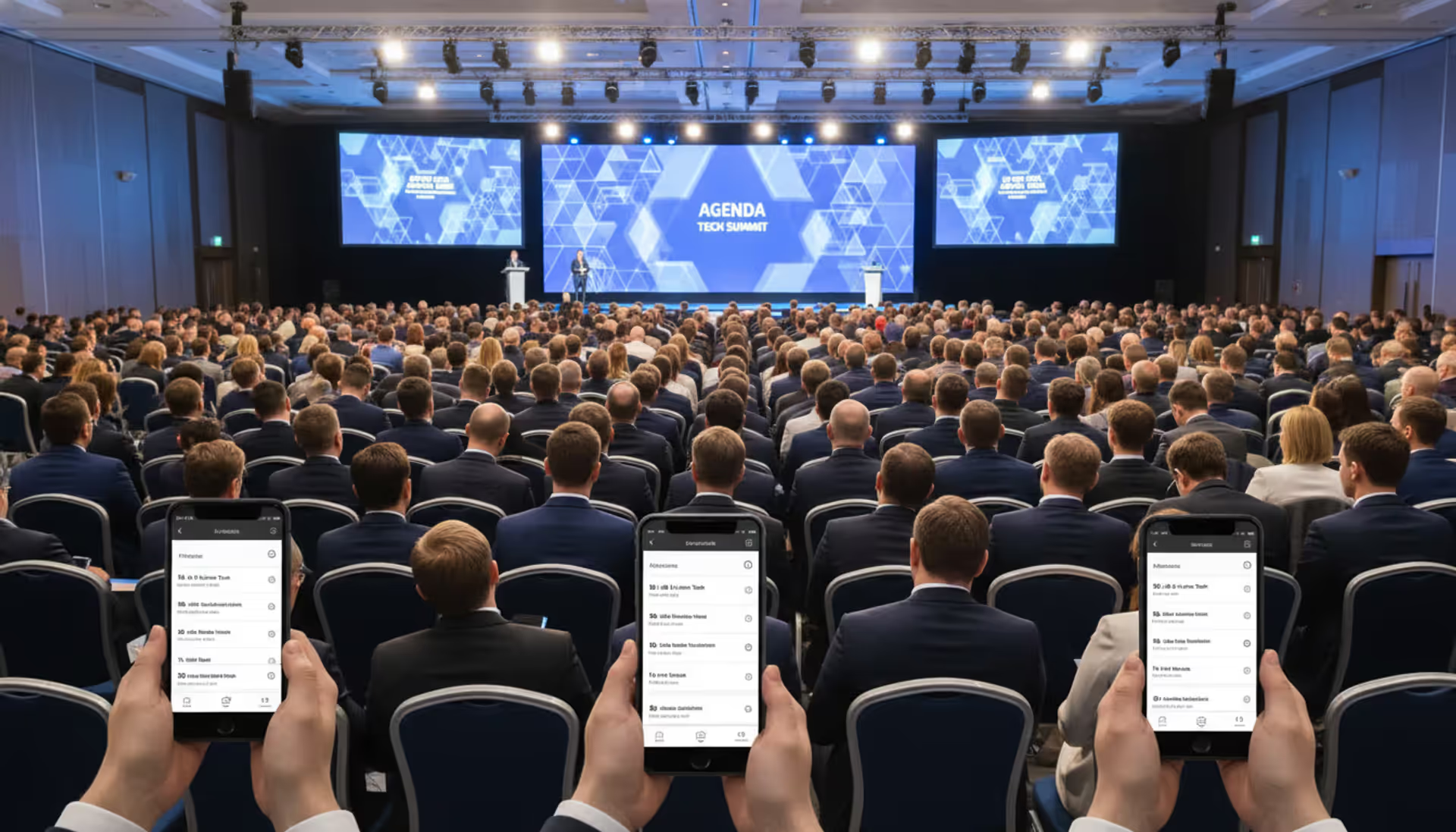
Conference organizers face a recurring challenge: keeping hundreds or thousands of attendees informed, engaged, and connected throughout multi-day events. Paper programs get lost. Schedules change. Networking opportunities slip away because people can't find each other.
Conference event apps solve these problems by putting the entire event experience into attendees' pockets. These specialized mobile platforms have become essential infrastructure for professional conferences, academic symposiums, and industry trade shows across the United States.
What Are Conference Event Apps?
Conference event apps are mobile software platforms designed specifically for managing and enhancing the attendee experience at conferences, conventions, and trade shows. Unlike general event management software that focuses on registration, ticketing, and backend logistics, these apps serve as interactive guides that attendees use before, during, and after the event.
A conference mobile app typically lives on attendees' smartphones or tablets, providing real-time access to schedules, speaker information, venue maps, and networking tools. Some platforms offer web-based versions alongside native iOS and Android apps, giving attendees flexibility in how they access information.
The distinction between conference apps and broader event management platforms matters. Event management software handles registration workflows, payment processing, and email campaigns—tasks that happen mostly behind the scenes. Event conference mobile apps, by contrast, are attendee-facing tools that create interactive experiences during the event itself.
Conferences use these apps for several practical reasons. They eliminate the cost and waste of printing thousands of program guides that become outdated the moment a speaker cancels or a room changes. They create structured networking opportunities that would be impossible to coordinate manually. They also generate behavioral data—which sessions drew crowds, which exhibitor booths got the most visits—that helps organizers improve future events.
The shift toward mobile-first conference experiences accelerated significantly after 2020, when hybrid events became common. By 2026, most conferences with more than 200 attendees deploy some form of mobile app, whether a custom-built platform or a white-labeled solution from specialized vendors.
Author: Liam Crestwood;
Source: musiconmainstreet.com
Key Features to Look for in Event Apps for Conferences
Not all event apps for conferences offer the same capabilities. The best platforms balance attendee-facing features that drive engagement with organizer tools that simplify event management.
Attendee-Facing Features
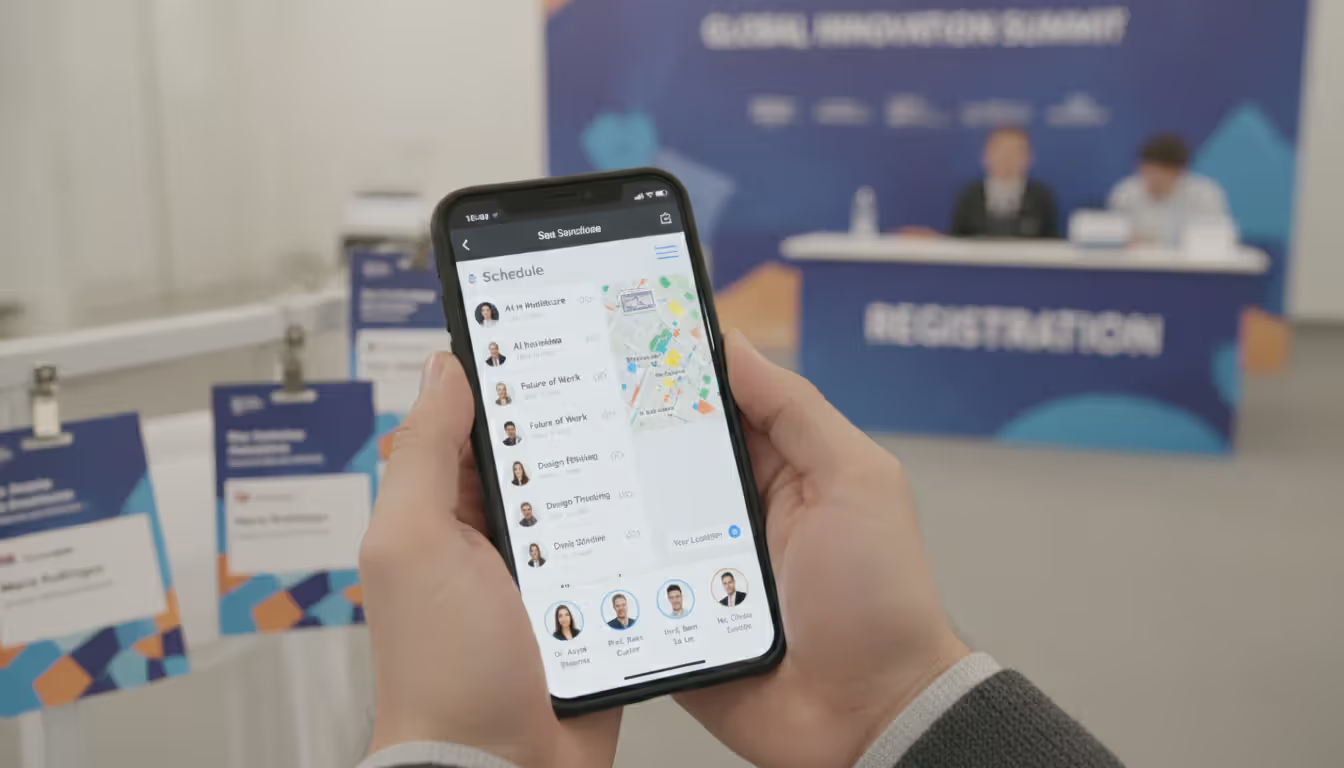
The conference agenda app functionality sits at the core of any good platform. Attendees need to browse sessions by track, speaker, time, or topic, then build personalized schedules. The app should send reminders before sessions start and automatically update when rooms or times change.
Attendee profiles enable networking by letting participants share contact information, job titles, and professional interests. The most effective conference networking app features include smart matchmaking algorithms that suggest relevant connections based on industry, role, or stated interests. QR code business card scanning eliminates the friction of manual contact exchange.
Interactive venue maps with GPS wayfinding help attendees navigate large convention centers. This becomes critical at trade shows where exhibitors pay premium prices for booth placement—the trade show app needs to help attendees actually find those booths.
Live polling and Q&A features turn passive audiences into active participants. Session moderators can collect questions, let attendees upvote their favorites, and address the most popular topics. Real-time polls gauge audience sentiment and provide speakers with immediate feedback.
Push notifications deliver time-sensitive updates: session room changes, surprise guest speakers, or last-minute networking events. The key is giving organizers granular control over notification frequency and targeting to avoid overwhelming attendees.
Sponsor and exhibitor directories with searchable profiles help attendees discover relevant vendors. Features like document sharing let exhibitors distribute product sheets or whitepapers directly through the app, creating measurable lead generation opportunities.
Organizer and Admin Features
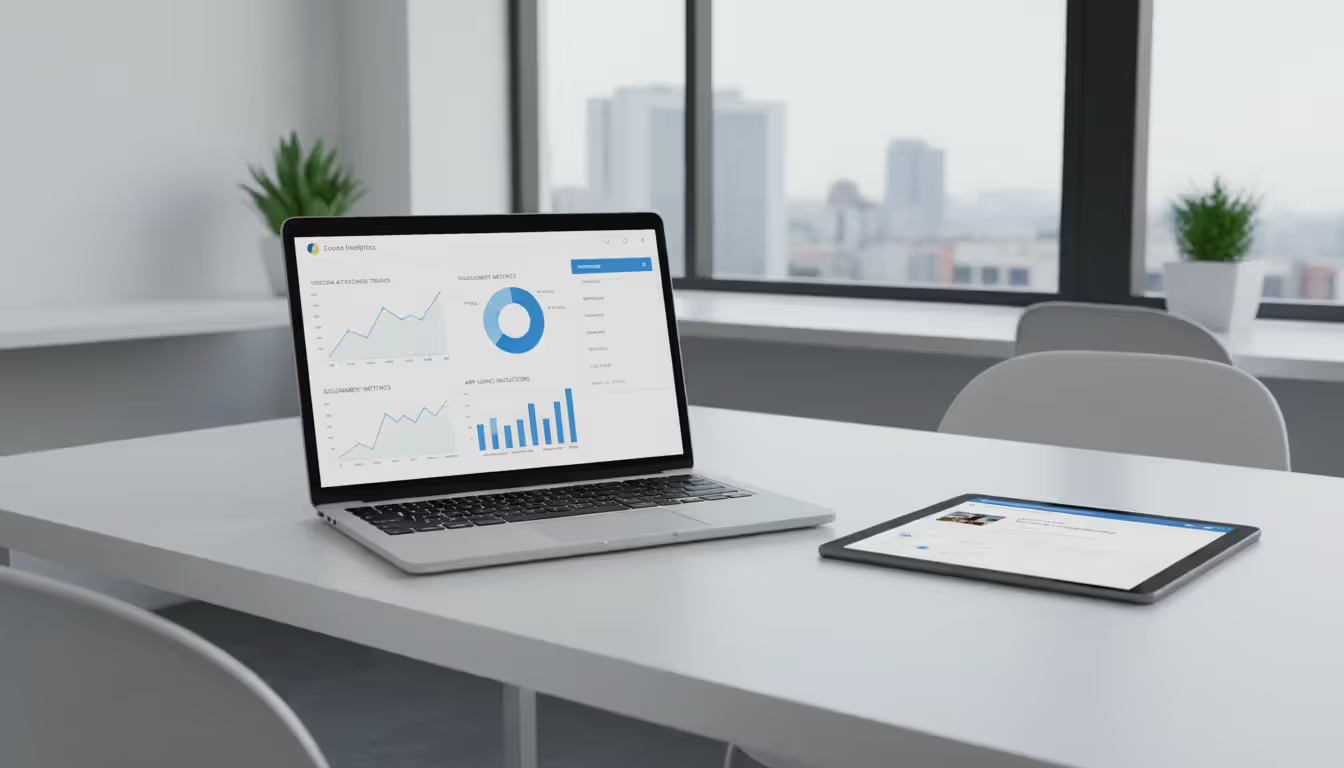
Backend analytics dashboards show organizers which sessions attracted the most attendees, which exhibitors generated the most booth visits, and which networking features saw the highest engagement. This data informs decisions about room sizes, speaker invitations, and format changes for future events.
Content management systems need to be simple enough that non-technical staff can update speaker bios, session descriptions, and schedules without developer help. The ability to make changes and push them live within minutes becomes essential when dealing with last-minute speaker substitutions.
Attendee check-in tools that integrate with registration systems streamline the arrival experience. Some platforms offer self-service check-in via QR codes, reducing lines and staffing requirements.
Multi-event management capabilities matter for organizations that run several conferences annually. The ability to clone event templates, reuse content, and maintain consistent branding across events saves significant setup time.
Role-based access controls let organizers delegate specific tasks—updating the agenda, managing exhibitor content, moderating Q&A—without giving everyone full administrative access.
How Conference Mobile Apps Improve the Attendee Experience
The conference attendee app transforms passive program consumption into active experience curation. Instead of flipping through a printed schedule trying to remember which sessions looked interesting, attendees can bookmark sessions weeks before the event, receive automated reminders, and adjust their plans on the fly when something more relevant appears.
Personalized schedules eliminate decision paralysis. When a conference offers six concurrent tracks across three days, attendees face overwhelming choice. The event session app solves this by letting them filter by topic, difficulty level, or speaker, then build a custom agenda that automatically checks for scheduling conflicts.
Networking moves from random hallway encounters to strategic connection-building. Attendees can browse participant lists, identify people in their industry or with complementary expertise, and request meetings. Some platforms offer scheduled "networking breaks" where the app suggests three-minute conversations with matched attendees, creating structured serendipity.
Real-time updates prevent the frustration of walking to a session only to discover it was canceled or moved. Push notifications reach attendees wherever they are in the venue, and schedule changes sync automatically.
Environmental benefits resonate with sustainability-conscious organizations. A 2,000-person conference that eliminates printed programs saves roughly 4,000 sheets of paper plus the associated printing and shipping costs. Many attendees appreciate the reduced waste.
Session feedback collection becomes frictionless. Instead of distributing paper evaluation forms that get thrown away, the app prompts attendees to rate sessions immediately after they end. Higher response rates give organizers better data for speaker selection and format decisions.
Gamification features—leaderboards, achievement badges, scavenger hunts—add playful engagement layers. Attendees might earn points for visiting exhibitor booths, attending sessions, or making new connections. Top participants win prizes, and everyone gets gentle encouragement to explore the full event.
Post-event access to session recordings, speaker slides, and contact lists extends value beyond the conference dates. Attendees can revisit content they missed and follow up with connections they made.
Author: Liam Crestwood;
Source: musiconmainstreet.com
Types of Conference Apps by Use Case
Different conference formats prioritize different app capabilities. Understanding these categories helps organizers match features to their specific needs.
Conference networking apps emphasize connection-building above all else. They offer robust attendee directories, AI-powered matchmaking, one-on-one meeting schedulers, and group discussion features. Academic conferences and professional association events often choose networking-focused platforms because facilitating peer connections drives much of their value proposition.
Agenda and session management apps excel at handling complex multi-track schedules. They're built for conferences where attendees need to navigate dozens of concurrent sessions, workshops, and keynotes. Features like conflict detection, session capacity monitoring, and speaker profile pages take priority. Medical conferences and technical symposiums frequently deploy this type of platform.
Trade show apps prioritize exhibitor discovery and lead capture. Searchable exhibitor directories, interactive floor plans, booth check-ins, and document sharing help attendees find relevant vendors. Lead retrieval tools let exhibitors scan attendee badges and collect contact information. The app becomes a revenue center—organizers can charge exhibitors for premium placement in the directory or sponsored push notifications.
Hybrid event apps support both in-person and virtual attendees simultaneously. They include live streaming integration, virtual networking lounges, and separate agendas for remote participants. These platforms became essential during the pandemic and remain relevant as many conferences maintain virtual attendance options to increase accessibility and reach.
Some conferences layer multiple use cases. A large industry trade show might need strong exhibitor features plus robust session management for its educational tracks plus networking tools for attendee connections. The best conference app platforms offer modular features that can be enabled or disabled based on specific event requirements.
How to Choose the Best Conference App for Your Event
Author: Liam Crestwood;
Source: musiconmainstreet.com
Selecting the right platform requires matching capabilities to your specific event context and organizational constraints.
Event size shapes platform requirements significantly. A 300-person academic symposium has different needs than a 10,000-attendee industry trade show. Smaller events can often use simpler, lower-cost platforms with essential features. Larger events need robust infrastructure that handles heavy concurrent usage, sophisticated networking algorithms, and detailed analytics.
Budget considerations extend beyond the platform license fee. Factor in design and customization costs, staff time for content setup, attendee support requirements, and potential integration expenses. Most vendors price based on expected attendee count, with costs ranging from $1,000 for small events to $50,000+ for major conferences. Some platforms charge per-attendee fees; others offer flat-rate pricing.
Integration requirements matter when you already use specific registration systems, CRM platforms, or marketing automation tools. The conference mobile app should sync attendee data from your registration system automatically rather than requiring manual uploads. Look for platforms with pre-built integrations to your existing tools or robust APIs that allow custom connections.
Customization needs vary by organization. Some events want apps that match their brand precisely, with custom colors, logos, and layouts. Others are fine with template-based designs. Understand whether you need white-label branding (no vendor logo visible) or can accept co-branded solutions that display the platform provider's name.
Support and training availability becomes critical during the compressed timeline of event week. Check whether the vendor offers live support during your event, what hours they're available, and whether you get a dedicated account manager. Some platforms provide on-site technical support for large events—a valuable safety net when thousands of attendees are actively using the app.
User reviews from similar events provide practical insights. Look for feedback from conferences in your industry or of comparable size. Pay attention to comments about ease of setup, attendee adoption rates, and vendor responsiveness when issues arise.
Trial options let you test platforms before committing. Many vendors offer demo environments where you can build a sample event and explore features. Some provide pilot programs for first-time customers at reduced rates.
Deployment timeline affects platform choice. If your event is three months away, you need a solution that's quick to set up and doesn't require extensive custom development. If you're planning a year ahead, you have more flexibility to implement sophisticated integrations or custom features.
Common Mistakes When Implementing a Conference Attendee App
We've seen adoption rates climb from 40% to over 80% when organizers promote the app as an essential event tool rather than an optional extra.The conferences that succeed treat the mobile app as core infrastructure—like the venue itself—and communicate that expectation clearly to attendees from the moment they register
— Michelle Torres
Even well-chosen platforms fail when implementation goes wrong. These mistakes undermine adoption and waste the investment.
Poor promotion leads to low usage rates. Organizers sometimes treat the app as an afterthought, mentioning it once in a pre-event email. Successful implementations promote the app repeatedly: in registration confirmation emails, pre-event communications, on-site signage, and during opening remarks. Highlight specific benefits—"Build your personal schedule before you arrive" or "Connect with other attendees in your industry"—rather than generic "Download our app" messages.
Choosing overly complex platforms creates unnecessary friction. Some organizers get excited about sophisticated features that attendees don't actually need. A regional conference with 400 attendees probably doesn't require AI-powered networking or gamification leaderboards. Feature bloat confuses users and increases setup time. Match complexity to actual requirements.
Ignoring mobile optimization produces frustrating user experiences. Some platforms offer web-based access but design primarily for desktop viewing. Attendees trying to check schedules on their phones encounter tiny text, difficult navigation, and slow loading. Verify that the platform works well on both iOS and Android devices and that web versions are truly mobile-responsive.
Lack of pre-event engagement misses opportunities to build momentum. The best conference apps launch weeks before the event, giving attendees time to build schedules, browse speaker bios, and start networking. Apps that only become available at on-site check-in see lower adoption because attendees haven't formed usage habits.
Author: Liam Crestwood;
Source: musiconmainstreet.com
Insufficient testing reveals problems when it's too late to fix them. Load-test the app with your expected attendee count. Verify that push notifications work correctly. Check that all links point to the right places. Test on multiple device types and operating system versions. Build in a week of buffer time before the event to address any issues discovered during testing.
Neglecting content quality undermines the app's value. Incomplete speaker bios, vague session descriptions, or outdated schedules frustrate attendees. Assign clear ownership for content population and establish deadlines well before the event. Remember that attendees judge your conference quality partly by how well the app works.
Forgetting about accessibility excludes attendees with disabilities. Ensure the app works with screen readers, offers sufficient color contrast, and provides text alternatives for images. Many platforms now include accessibility features, but they need to be properly configured.
Exhibitor directory, lead capture, document sharing
Notifications
Time-sensitive updates, personalized alerts
Direct communication channel, behavior nudging
Push messages, targeted announcements, reminders
Analytics
None (backend only)
Engagement tracking, ROI measurement, future planning
Dashboard reports, heat maps, export capabilities
Frequently Asked Questions About Conference Event Apps
How much does a conference event app cost?
Pricing varies widely based on attendee count, feature set, and customization level. Small events (under 500 attendees) typically pay $1,000–$5,000 for basic platforms. Mid-sized conferences (500–2,000 attendees) spend $5,000–$20,000. Large events (2,000+ attendees) with custom features and integrations can invest $20,000–$50,000 or more. Most vendors charge annual licenses, though some offer per-event pricing. Factor in additional costs for custom design work, integration development, and staff training. Many platforms offer tiered pricing where basic features cost less and premium capabilities like AI networking or advanced analytics add incremental fees.
Can conference apps work offline?
Most modern conference mobile apps offer offline functionality for essential features. Attendees can typically view their personal schedule, browse session descriptions, and access speaker bios without internet connectivity. This matters in convention centers where Wi-Fi can be unreliable or overloaded. However, real-time features—live polling, Q&A, push notifications, and schedule updates—require internet access. Networking features usually need connectivity since they involve live data exchange. When evaluating platforms, test offline capabilities specifically if your venue has known connectivity issues.
How far in advance should we launch the app before our event?
Launch the app three to four weeks before your conference begins. This gives attendees time to download it, build their personal schedules, and start networking with other participants. Early access increases adoption rates significantly—attendees who engage with the app pre-event are much more likely to use it during the conference. For very large events or conferences with extensive pre-event networking, consider launching six weeks ahead. Avoid launching less than one week before the event; attendees won't have time to form usage habits. Promote the launch through multiple channels: email, social media, and your event website.
What data can we collect from a conference mobile app?
Conference apps generate valuable behavioral data. You can track which sessions attracted the most attendees, how long people stayed, and which topics generated the most interest. Networking data shows connection patterns and helps identify influential attendees. Exhibitor analytics reveal booth visit counts and document download rates. Engagement metrics measure app usage frequency, feature adoption, and notification response rates. Survey and polling responses provide direct feedback. Most platforms anonymize and aggregate this data to protect attendee privacy. Always communicate your data collection practices clearly and comply with privacy regulations. Use insights to improve future events: adjust room sizes, refine session topics, and optimize schedules.
Do attendees need to download an app or can they use a web version?
Most platforms offer both native mobile apps (iOS and Android) and responsive web versions accessible through browsers. Native apps provide better performance, offline functionality, and push notification capabilities. Web versions eliminate download friction—attendees can access content immediately without installing anything. The best approach is offering both options and letting attendees choose. Promote the native app as the primary option while mentioning web access for those who prefer not to download. Roughly 60–70% of attendees typically download native apps when properly promoted; the remainder use web versions. Ensure both versions offer comparable core functionality.
How do we encourage attendees to actually use the app?
Successful adoption requires deliberate promotion and clear value demonstration. Start by mentioning the app in registration confirmation emails with specific benefits: "Build your schedule now and get session reminders." Send reminder emails as the event approaches with tips for using key features. Create on-site visibility through signage, mentions during opening sessions, and staff encouragement. Offer incentives like prize drawings for attendees who complete their profiles or visit a certain number of exhibitor booths. Make the app genuinely useful by ensuring content is complete and accurate before launch. Consider making certain features exclusive to the app—early access to session recordings or speaker contact information—to drive downloads.
Conference event apps have evolved from nice-to-have novelties to essential infrastructure for professional events. They solve real problems: keeping attendees informed when schedules change, facilitating meaningful networking at scale, reducing environmental waste, and generating actionable data for future improvements.
The right platform balances attendee-facing features that drive engagement with organizer tools that simplify management. Success requires more than just selecting good software—it demands thoughtful implementation, consistent promotion, and commitment to content quality.
Start by clearly defining your event's specific needs. A 500-person academic symposium focused on fostering research collaborations needs different capabilities than a 5,000-attendee trade show emphasizing exhibitor lead generation. Match platform features to those requirements rather than chasing impressive-sounding capabilities you won't actually use.
Budget sufficient time for setup, testing, and promotion. Launch the app weeks before your event to build usage habits. Communicate its value repeatedly through multiple channels. Ensure content is complete, accurate, and genuinely useful.
Measure results through both platform analytics and attendee feedback. Track adoption rates, feature usage, and engagement patterns. Survey attendees about their experience. Use these insights to refine your approach for future events.
The conference mobile app market continues maturing, with platforms adding AI-powered networking, enhanced hybrid capabilities, and more sophisticated analytics. As attendee expectations rise, the gap widens between events that offer seamless digital experiences and those still relying on printed programs and manual processes. Investing in the right conference event app positions your event to meet those expectations while gathering data that drives continuous improvement.
Selecting the right webinar platform impacts attendee experience, engagement rates, and ROI. This guide covers essential features, pricing models, use cases, and evaluation criteria to help you choose webinar software that aligns with your goals without overpaying for unused features
Virtual event production has evolved from emergency solution to strategic business tool. This comprehensive guide covers planning essentials, technical setup, engagement strategies, when to hire production companies, common mistakes to avoid, and the tools you need for successful virtual events that deliver measurable ROI
Managing trade shows requires coordinating exhibitors, attendees, and complex logistics. This guide breaks down trade show software categories, core features like lead capture and booth management, pricing models, and selection criteria to help event planners choose the right platform
The content on this website is provided for general informational and educational purposes only. It is intended to explain concepts related to event management software, ticketing systems, hybrid event platforms, and operational tools for event organisers.
All information on this website, including articles, guides, and examples, is presented for general educational purposes. Outcomes may vary depending on event size, technology choices, and organisational needs.
This website does not provide professional legal, financial, or software advice, and the information presented should not be used as a substitute for consultation with qualified event tech or IT professionals.
The website and its authors are not responsible for any errors or omissions, or for any outcomes resulting from decisions made based on the information provided on this website.