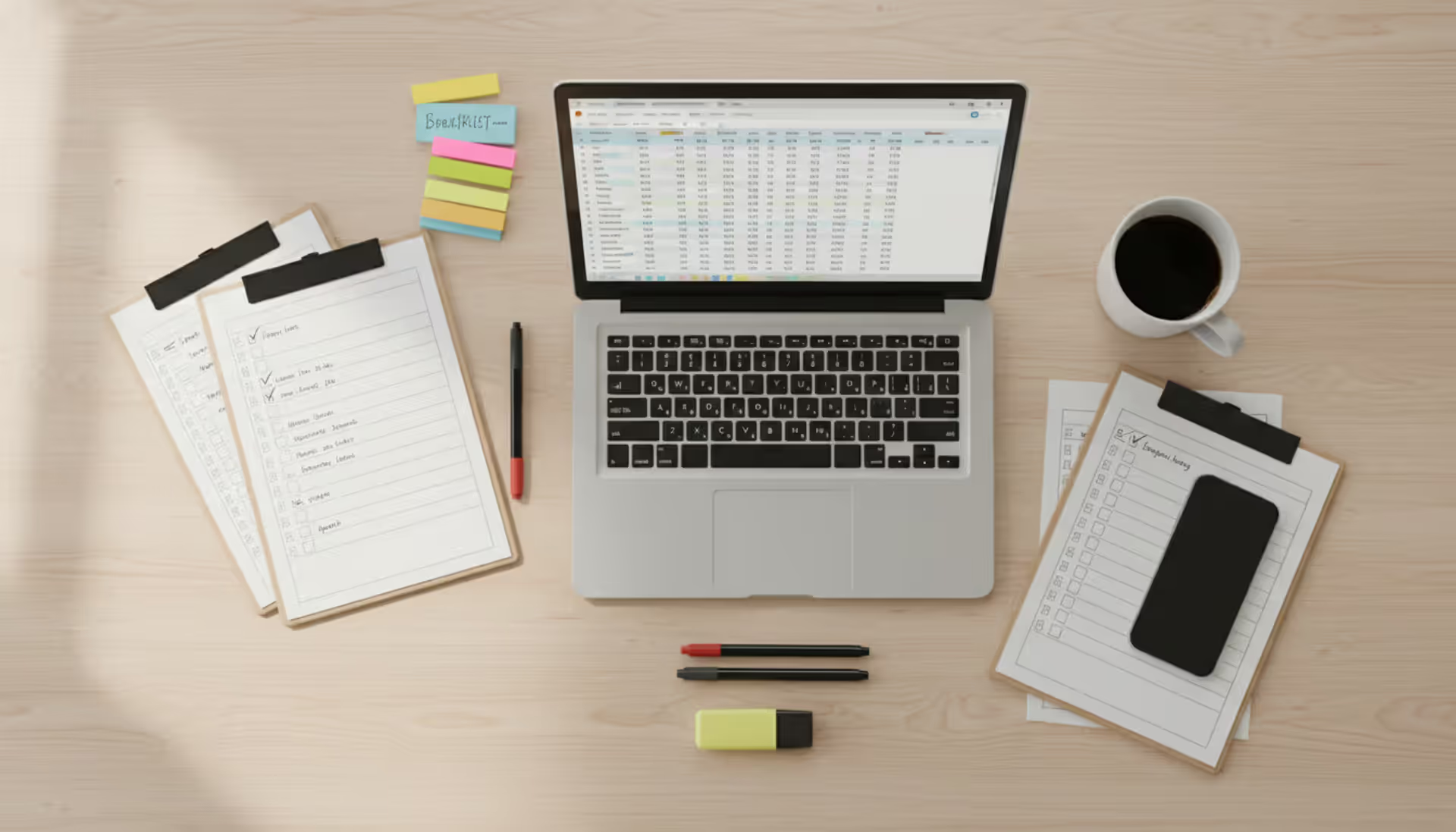
Top view of an organized wooden desk with a laptop showing a spreadsheet, paper checklists with checkmarks, colorful sticky notes, pens, a coffee cup, and a smartphone for event planning
Try organizing an event without a plan. You'll find yourself at 2 AM Googling "how many appetizers per person" while simultaneously panic-texting your caterer about dietary restrictions you forgot to collect. Ask me how I know.
Whether it's a corporate conference with 500 attendees or a 50-person nonprofit fundraiser, event planning templates keep you sane. They track everything—initial vendor emails six months out, speaker confirmations at the three-month mark, down to post-event surveys you'll send three days after everyone goes home.
What started as printed checklists on clipboards has evolved into dynamic spreadsheets, collaborative project boards, and software platforms that sync across teams. But the fundamental goal hasn't changed: keep every task, deadline, and stakeholder moving in the same direction.
What Is an Event Planning Template
Think of an event planning template as your master blueprint. It's a pre-structured framework capturing every task, timeline, resource, and logistical detail needed to pull off your event from the "hey, should we do this?" phase through the "let's document what we learned" wrap-up.
You'll typically find task checklists organized by phase, timeline markers showing specific deadlines, budget trackers comparing what you planned to spend versus reality, vendor databases with contact details, attendee management sections, and contingency protocols for when things go sideways. Some templates zoom in on one piece—like your minute-by-minute day-of schedule. Comprehensive versions pack everything into one system.
Corporate event planners use these for product launches, annual conferences, and client appreciation events where budget accountability matters and brand consistency can't slip. Marketing agencies juggle multiple simultaneous client events without mixing up details. Nonprofits stretch limited resources across fundraising galas, awareness campaigns, and community gatherings. Even someone planning a wedding or neighborhood block party benefits from this structure.
Here's the real value: reusability. Invest the time once to build or customize a template, and you've created a repeatable system. It captures what your organization knows, prevents those "oh no, we forgot to order chairs" moments, and speeds up planning next time. Each event you run makes your template more valuable as you refine processes and add what you learned.
Author: Ethan Marlowe;
Source: musiconmainstreet.com
Types of Event Planning Templates You Can Use
A multi-day conference needs different organizational tools than a two-hour product launch. Understanding which template type fits your situation prevents over-engineering simple gatherings while ensuring you don't underprepare for complex ones.
Event Checklist and Production Checklist Templates
Checklist templates organize tasks as sequential action items—usually grouped by category or timeline phase. Your event checklist might have sections labeled "6 months before," "3 months before," and "1 week before," with specific tasks listed under each. Check items off as you finish them. Satisfying, right?
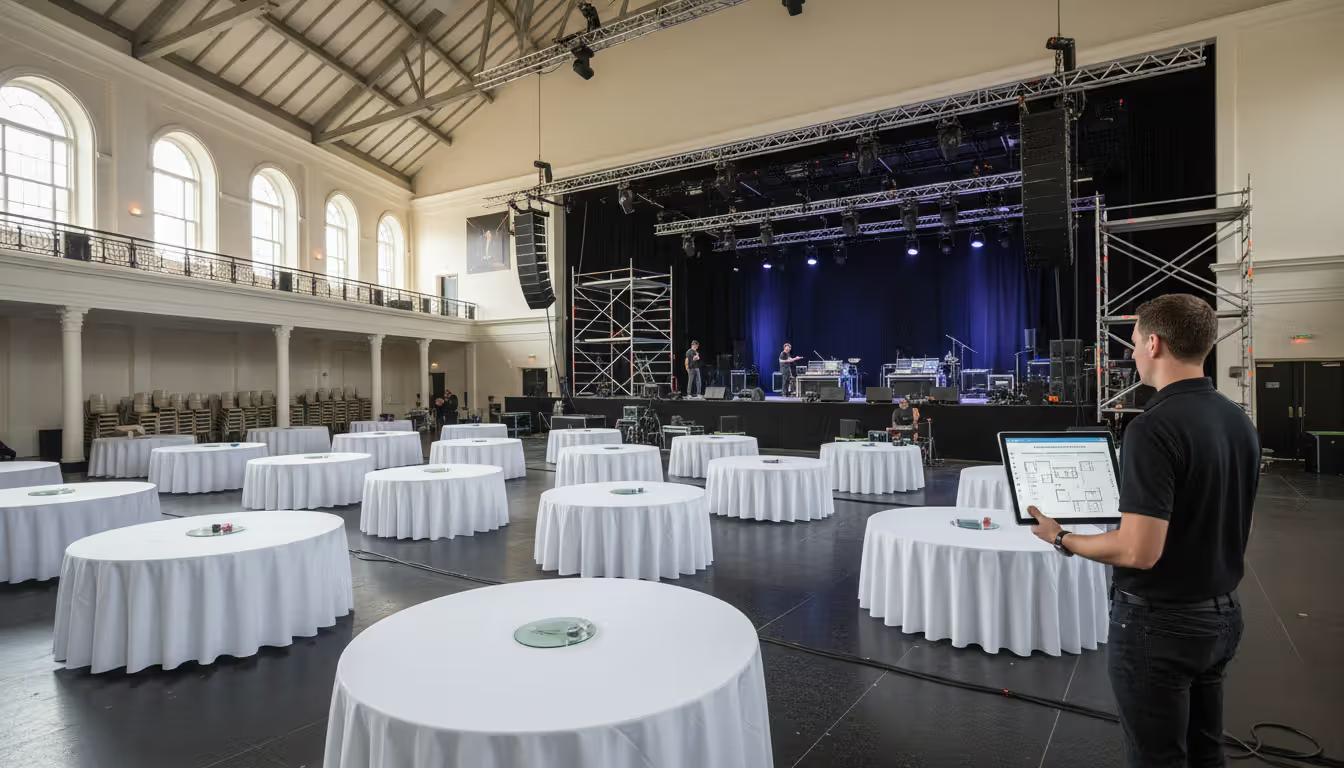
Production checklists zero in on technical and operational elements. Audio/visual setup. Staging requirements. Lighting cues. Catering delivery schedules. Equipment inventories. These become essential for events with significant technical components—concerts, theatrical performances, large conferences with breakout sessions.
Use checklist formats when you need straightforward task tracking without complex dependencies. They work well for smaller events, recurring events where you've established processes, or situations where multiple people need to glance at what's done and what's not.
Event Timeline and Run of Show Templates
Timeline templates map tasks and milestones across a calendar. They show when each activity should start and finish. You'll spot scheduling conflicts, sequence dependent tasks logically, and communicate pacing to stakeholders. A Gantt-style timeline might show venue booking running January through March, speaker confirmations February through April, registration opening in May.
Run of show templates drill down to minute-by-minute or hour-by-hour schedules for event day itself. Doors open at 8:00 AM. Welcome speech begins 8:45 AM. Lunch service starts 12:30 PM. Breakout sessions transition at 2:15 PM. Teardown commences 5:00 PM. This becomes your operational playbook that staff and vendors reference throughout.
Timeline templates suit events with long planning horizons or multiple overlapping workstreams. Run of show templates? Critical when precise timing matters—broadcasting, multi-track conferences, ceremonies with specific protocols, any event where delays create domino effects.
Event Project Plan and Workflow Templates
Project plan templates treat event planning as a formal project with defined phases, deliverables, resource allocations, and success metrics. They incorporate work breakdown structures, responsibility matrices (those RACI charts), risk registers, and status reporting frameworks. These answer not just "what needs doing" but "who's accountable," "what resources are required," and "how we'll measure success."
Workflow templates map processes and approval chains. How does a speaker proposal move from submission through review to confirmation? How does a sponsorship package progress from initial outreach through contract signing to benefit fulfillment? They standardize repeatable processes and clarify handoffs between team members.
Choose project plan formats for complex events with multiple stakeholders, significant budgets, or high organizational visibility. Workflow templates help when coordinating teams across departments or when consistent processes matter for compliance or quality control.
Event Planning Spreadsheet Templates
Spreadsheet templates combine multiple planning elements into tabbed workbooks. Tab one holds the master checklist. Tab two tracks the budget. Tab three lists vendor contacts. Tab four manages the attendee roster. Formulas calculate budget variances automatically. Conditional formatting highlights overdue tasks. Pivot tables summarize data by category.
These offer flexibility and familiarity—most professionals already know Excel or Google Sheets. You can customize layouts extensively, create custom formulas, export data easily. The trade-off? Spreadsheets require more manual updating and offer limited collaboration features compared to dedicated project platforms.
Spreadsheet templates work well for small to mid-sized events, teams comfortable with spreadsheet software, or situations requiring custom calculations and data manipulation.
Resource allocation, responsibility matrices, process maps, risk tracking
Medium to large (100+ people)
Spreadsheet
Flexible multi-function planning
Multiple tabs, formulas, custom calculations, easy data export
Small to medium; adaptable to most situations
How to Build Your Own Event Planning Template
Creating a custom template takes time upfront but saves you hours on every future event. Start by identifying your event type and scope. A corporate training session for 30 people looks nothing like a charity auction for 300. Consider: is this one-time or recurring? Single-location or multi-venue? One day or multiple days? These parameters determine how complex your template needs to be.
Next, brain-dump every task and milestone from initial concept through post-event wrap-up. Everything. Venue research. Contract negotiations. Speaker recruitment. Marketing campaign launches. Registration system setup. Collecting dietary restrictions. Printing name badges. Scheduling rehearsals. Sending thank-you notes. Organize this master list chronologically, then group related tasks—"Venue & Logistics," "Content & Programming," "Marketing & Communications," "Operations & Production."
Assign owners and deadlines to each task. Don't write "book venue." Write "Sarah to book venue by March 15." This specificity creates accountability. Build in dependencies—you can't send save-the-date emails before confirming the venue and date, obviously.
Choose your format based on team preferences and technical capabilities. Spreadsheet tools? Accessible and familiar, but collaboration requires manual effort. Project management platforms? Real-time updates and automated notifications, but learning curves and sometimes subscription costs. If your team already uses Asana or Monday.com, extending it to event planning makes sense. For occasional planners or small teams, a shared Google Sheet often does the job.
Customize sections to match your specific needs. Corporate events might need detailed budget approval workflows and brand compliance checklists. Nonprofit fundraisers might emphasize donor acknowledgment processes and sponsorship benefit tracking. Add sections for vendor contacts with contract terms and payment schedules, budget trackers with line-item detail, attendee lists with registration status and special needs, communication logs documenting key decisions.
Test your template on a smaller event first—don't debut it at your biggest annual conference. Note what works, what confuses people, what's missing. Refine based on real-world feedback. Templates get better through iteration.
Author: Ethan Marlowe;
Source: musiconmainstreet.com
What to Include in a Complete Event Planning Template
Comprehensive templates need to cover the entire event lifecycle. Not just the day itself—everything before and after matters too.
Your pre-event checklist should span from initial planning through the day before. Include strategic tasks: defining event objectives and success metrics, selecting dates and venues, establishing budgets, forming planning committees, securing necessary permits or insurance. Add tactical items: finalizing speaker lineups, ordering supplies, confirming vendor deliveries, conducting site visits, briefing staff.
The difference between smooth events and train wrecks usually comes down to the three weeks before. Your template can't just capture big milestones. You need the unglamorous details—confirming the AV tech's cell number, knowing which loading dock to use, having a backup plan for outdoor sessions. Templates that skip these specifics? They give you false confidence
— Sarah Mitchell
The day-of timeline deserves its own detailed section. Map every hour—ideally every 15-30 minute block for complex events. Specify who's responsible for each transition, where they should be, what they should be doing. Include setup start times, when registration opens, session start and end times, break schedules, meal service windows, speaker green room assignments, teardown procedures. Note technical cues: when to advance slides, adjust lighting, cue videos.
Post-event tasks get neglected but they matter for relationship maintenance and improvement. Include vendor payment processing, thank-you communications to speakers and sponsors, attendee survey distribution, social media recap posting, final budget reconciliation, scheduling a post-mortem meeting, and documenting lessons learned. These activities cement relationships and make future events better.
Your budget tracker should detail every revenue source and expense category. Track projected amounts, actual amounts, payment status, variance. Common categories: venue rental, catering, audio/visual equipment, marketing materials, speaker fees, entertainment, decor, staffing, insurance, contingency reserves. Update this regularly as quotes become contracts and estimates become invoices.
Maintain a vendor and contact list with complete information: company names, primary contacts, phone numbers, email addresses, contract terms, payment schedules, delivery times, special instructions. During event execution, you need this information instantly—not buried in email threads from three months ago.
Every template needs a contingency plan section addressing likely risks. What happens if your keynote speaker cancels the day before? Severe weather threatens an outdoor component? Registration exceeds venue capacity? Critical equipment fails? Document backup vendors, alternative spaces, communication protocols, and who has authority to make decisions for common scenarios.
Common Mistakes When Using Event Planning Templates
The biggest error? Treating templates as one-size-fits-all. A template designed for 500-person conferences becomes absurdly unwieldy for a 50-person workshop. Meanwhile, one optimized for intimate gatherings lacks the structure you need for large-scale events. Customize ruthlessly. Delete irrelevant sections. Add event-specific categories. Adjust timeline scales to match your planning horizon.
Many planners schedule tasks back-to-back without accounting for delays, revisions, or unexpected complications. Vendor proposals take longer than anticipated. Venue walk-throughs reveal issues requiring redesign. Speakers request last-minute changes. Build cushion into your timelines—if you need final headcount by Friday, set your internal deadline for Wednesday.
Templates lose value when they're not shared properly. If your comprehensive plan lives only on your laptop, it can't coordinate team efforts or survive your absence. Use collaborative formats allowing real-time updates. Provide appropriate access to everyone who needs it. Define clearly who can view, edit, and approve different sections.
Skipping post-event wrap-up represents a missed opportunity. The immediate aftermath, when details remain fresh? That's the ideal time to document what worked, what didn't, what you'd change next time. Schedule a post-mortem meeting while memories are current. Update your template with these insights so future events benefit.
Overcomplicating templates creates barriers to use. If your template requires 30 minutes of training to understand or involves elaborate color-coding schemes only you grasp, team members will work around it rather than with it. Prioritize clarity and simplicity. If a section doesn't drive decisions or prevent problems, eliminate it.
Event Planning Template Tools and Formats
Spreadsheet tools remain the most accessible option. Microsoft Excel offers powerful formulas, pivot tables, offline functionality. Google Sheets provides real-time collaboration, automatic saving, easy sharing via link. Both support templates with multiple tabs for different planning aspects. Learning curve? Minimal, since most professionals already have spreadsheet experience.
Spreadsheets excel at budget tracking, vendor lists, attendee rosters—anywhere calculations and sorting matter. They struggle with complex task dependencies, automated notifications, visual timeline representations. Collaboration happens but feels clunky. Simultaneous editing can cause conflicts. Tracking who changed what requires diving into version history.
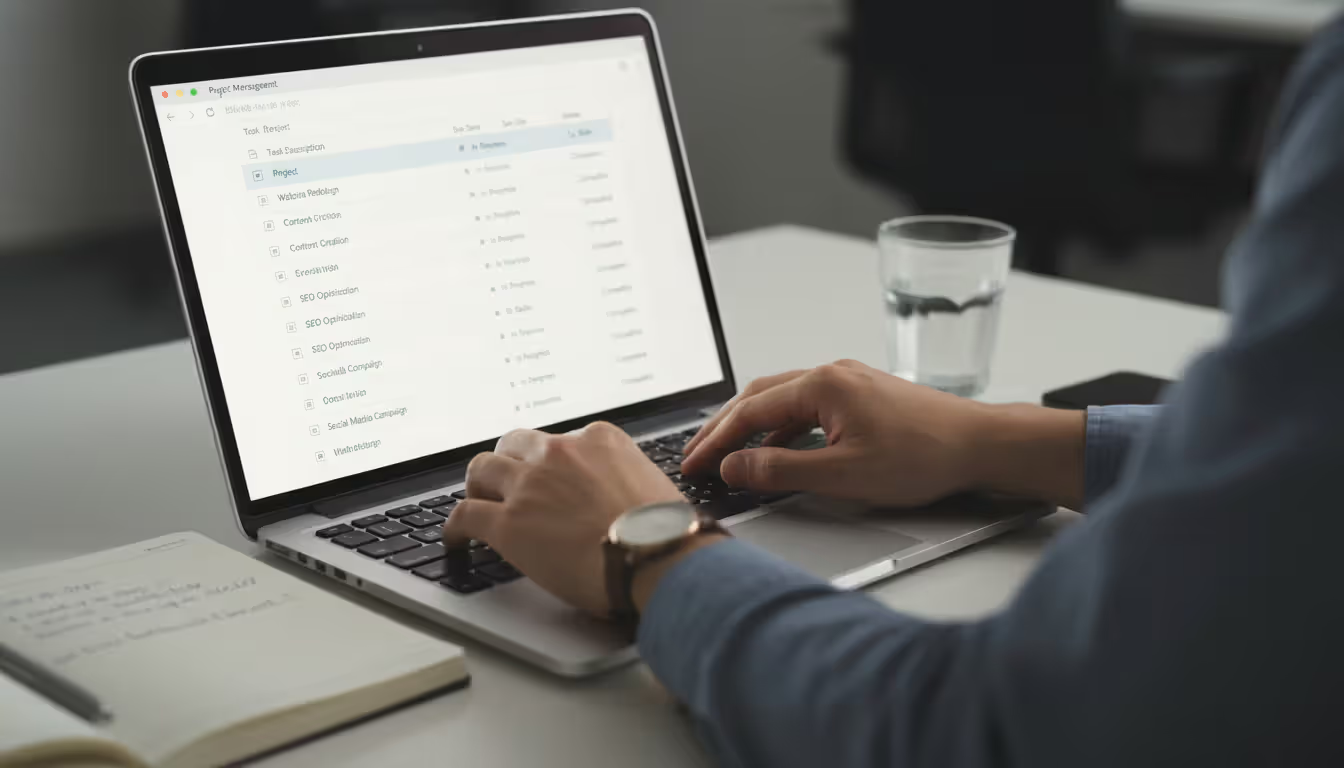
Project management platforms—Asana, Monday.com, Notion, Trello, ClickUp—offer purpose-built features for task management and team coordination. Kanban boards. Gantt charts. Automated reminders. File attachments. Comment threads. Mobile access. Templates can trigger workflows automatically. Completing one task notifies the next person in the chain.
These platforms shine for complex events with multiple team members, especially when those team members work remotely or across time zones. Visual interfaces make progress transparent. Notification systems keep everyone informed without constant meetings. Trade-offs? Subscription costs (though most offer free tiers with limitations), learning curves for unfamiliar team members, sometimes excessive features that overwhelm simple event needs.
Downloadable templates offer quick starts. Grab a pre-built Excel or Word file and customize it. They work offline. No ongoing subscriptions required. The limitation? Collaboration requires manual file sharing. Version control becomes your responsibility. Multiple people editing different versions creates reconciliation headaches.
Author: Ethan Marlowe;
Source: musiconmainstreet.com
Collaborative formats hosted in the cloud solve the version control problem and enable real-time teamwork. Changes appear instantly for all users. You always work from the current version. You need internet connectivity. You're dependent on the platform's continued availability and pricing.
Choose based on event complexity, team size, collaboration needs, budget. Solo planner organizing a small recurring event? Google Sheet template probably works great. Corporate team managing a multi-day conference across departments? Project management platform likely justifies the higher cost and learning investment.
Frequently Asked Questions About Event Planning Templates
What's the difference between an event checklist and an event timeline template?
A checklist focuses on task completion—what needs to happen, regardless of when. You work through items, checking them off. A timeline adds the time dimension. It shows when tasks should start and finish, how long they'll take, how they relate chronologically. Checklists answer "what." Timelines answer "when." Most comprehensive event plans need both: a timeline for overall pacing and dependencies, checklists for ensuring nothing gets forgotten within each phase.
Can one template work for all event types, or do I need different templates?
A single master template can provide the foundation, but you'll customize for different event types. Corporate training sessions, charity galas, and product launches share common elements—venue booking, catering, attendee management. But they differ significantly in other areas. Training needs content development and materials. Galas need fundraising mechanics and donor cultivation. Product launches need media coordination and brand messaging. Create a comprehensive master template with all possible sections, then copy and customize it for each event type. Remove what's irrelevant. Add specialized sections. Over time, you'll develop specialized versions for your most common event types.
How far in advance should I start using an event planning template?
As soon as you know the event will happen. Even if details remain undefined. Small events (under 50 people)? 8-12 weeks provides adequate planning time. Medium events (50-200 people)? Typically 3-6 months. Large conferences or complex events (200+ people)? Often 6-12 months or more. Starting early lets you secure preferred venues and vendors, negotiate better rates, spread workload over time instead of cramming everything into the final weeks. Your template helps you work backwards from the event date to establish when each task must start.
How do I handle last-minute changes when I've already built out my entire template?
Build flexibility into your template from the start. Include a "changes log" section documenting alterations with dates and reasons. Use conditional formatting or color-coding to highlight recently changed items—team members spot updates quickly. For significant changes, hold a brief team meeting to communicate impacts and reassign tasks if necessary. The template should be a living document, not a rigid script. Regular status check-ins—weekly during heavy planning periods—help you catch and address changes before they cascade into crises.
What are the best free event planning templates available?
Google Sheets and Microsoft Excel both offer free template galleries with event planning options. Search "event planning template" in their template libraries for starting points. Project management platforms like Asana, Trello, and Monday.com provide free event planning templates within their free tier accounts. Event industry associations and software companies often publish free downloadable templates as lead magnets—search "free event planning template" plus your event type. While free templates provide excellent starting points, expect to customize them significantly to match your specific needs and workflows.
Who should have access to the event planning template?
Everyone with a role in event execution needs appropriate access. But not everyone needs full editing rights. Core planning team? Edit access to update tasks, timelines, notes. Vendors and external partners? Maybe view-only access to specific sections like the run of show or delivery schedules. Senior stakeholders? Often need view access to track progress without accidentally altering details. Use permission settings to control who can view, comment, and edit different sections. Document who has access and at what level in your template itself—you can audit and adjust as team composition changes.
Event planning templates transform overwhelming complexity into manageable structure. They capture what your organization knows, prevent forgotten details, coordinate team efforts, create accountability through every planning phase. Whether you choose a simple spreadsheet checklist or a sophisticated project management platform depends on your event complexity, team size, collaboration needs.
The best template? One you'll actually use consistently. Start with a basic framework covering pre-event tasks, day-of timelines, post-event follow-up. Add budget tracking, vendor contacts, contingency plans. Test it on a smaller event. Refine based on experience. Build complexity gradually. Customize ruthlessly for each event type rather than forcing every occasion into the same rigid structure.
Your template should evolve with each event you execute. Document lessons learned. Add sections for newly discovered needs. Streamline processes that proved unnecessarily complicated. Over time, you'll develop a planning system reflecting your specific context, capturing your team's best practices, accelerating every future event you organize.
That upfront investment? It pays off across every event that follows. You'll move from reactive firefighting—"Wait, did anyone confirm the chairs?"—to proactive orchestration. You'll sleep better the night before. Your team will know what they're doing. And when someone inevitably asks at 2 AM how many appetizers per person, you'll actually know the answer because you documented it in your template.
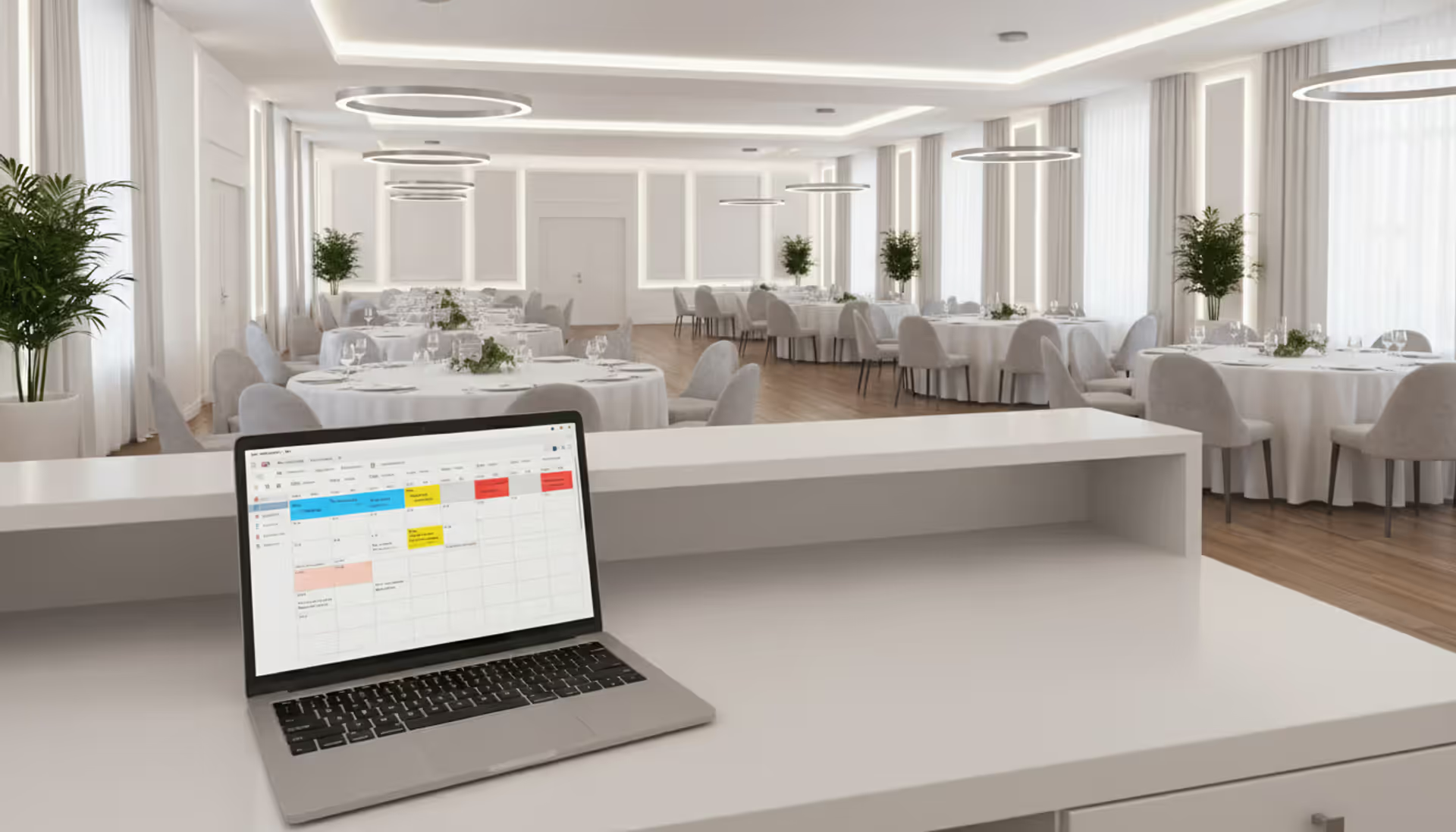
Venue management software automates reservations, scheduling, payments, and client communications through a centralized platform. Modern systems prevent double-bookings, reduce administrative time by 10-15 hours weekly, and increase booking conversion rates by 15-25% through real-time availability and instant quotes
Event scheduling software builds, organizes, and publishes event agendas and session timetables. This guide covers how it works, essential features like multi-track support and real-time updates, common use cases by event type, and how to choose the right platform for your needs
Event organizer insurance protects planners from liability claims, cancellations, and property damage. This guide covers coverage types, how liability works, policy selection, risk management strategies, and common mistakes to avoid when insuring events of any size
Planning an event without a floor plan is like building a house without blueprints. A well-designed layout determines how smoothly everything flows—from guest arrivals to the final toast. Discover how to create professional event floor plans that balance capacity, comfort, and safety
The content on this website is provided for general informational and educational purposes only. It is intended to explain concepts related to event management software, ticketing systems, hybrid event platforms, and operational tools for event organisers.
All information on this website, including articles, guides, and examples, is presented for general educational purposes. Outcomes may vary depending on event size, technology choices, and organisational needs.
This website does not provide professional legal, financial, or software advice, and the information presented should not be used as a substitute for consultation with qualified event tech or IT professionals.
The website and its authors are not responsible for any errors or omissions, or for any outcomes resulting from decisions made based on the information provided on this website.