Think about the last time you tried booking a venue. Maybe you called, left a voicemail, waited two days for a callback, only to find out your date wasn't actually available. Frustrating, right?
Venue management software fixes this mess. At its core, it's a digital system that handles everything from checking availability to processing payments—all without the back-and-forth chaos of emails and phone calls.
Here's what actually happens: The platform keeps everything in one place—your spaces, their availability, pricing rules, client details. Someone wants to book your venue? The system instantly checks if that time slot's open, calculates the price based on whatever rules you've set up (weekday discounts, peak season rates, whatever), and spits out a quote. Book it, and boom—the calendar updates, payment reminders go out automatically, and your whole team sees the same information.
Most of these platforms run in the cloud now. Your venue manager approves a Saturday wedding from her phone at lunch. Your front desk guy sees that update immediately on his desktop. Nobody's working from an outdated spreadsheet someone forgot to save.
This instant sync is what kills double-bookings. You know that nightmare where two couples show up on the same Saturday both waving confirmation emails? Yeah, that doesn't happen when everyone's working from the same live system. Clients get immediate answers instead of "let me check and get back to you."
Core Features of Venue Management Platforms
Let's break down what's actually inside these systems.
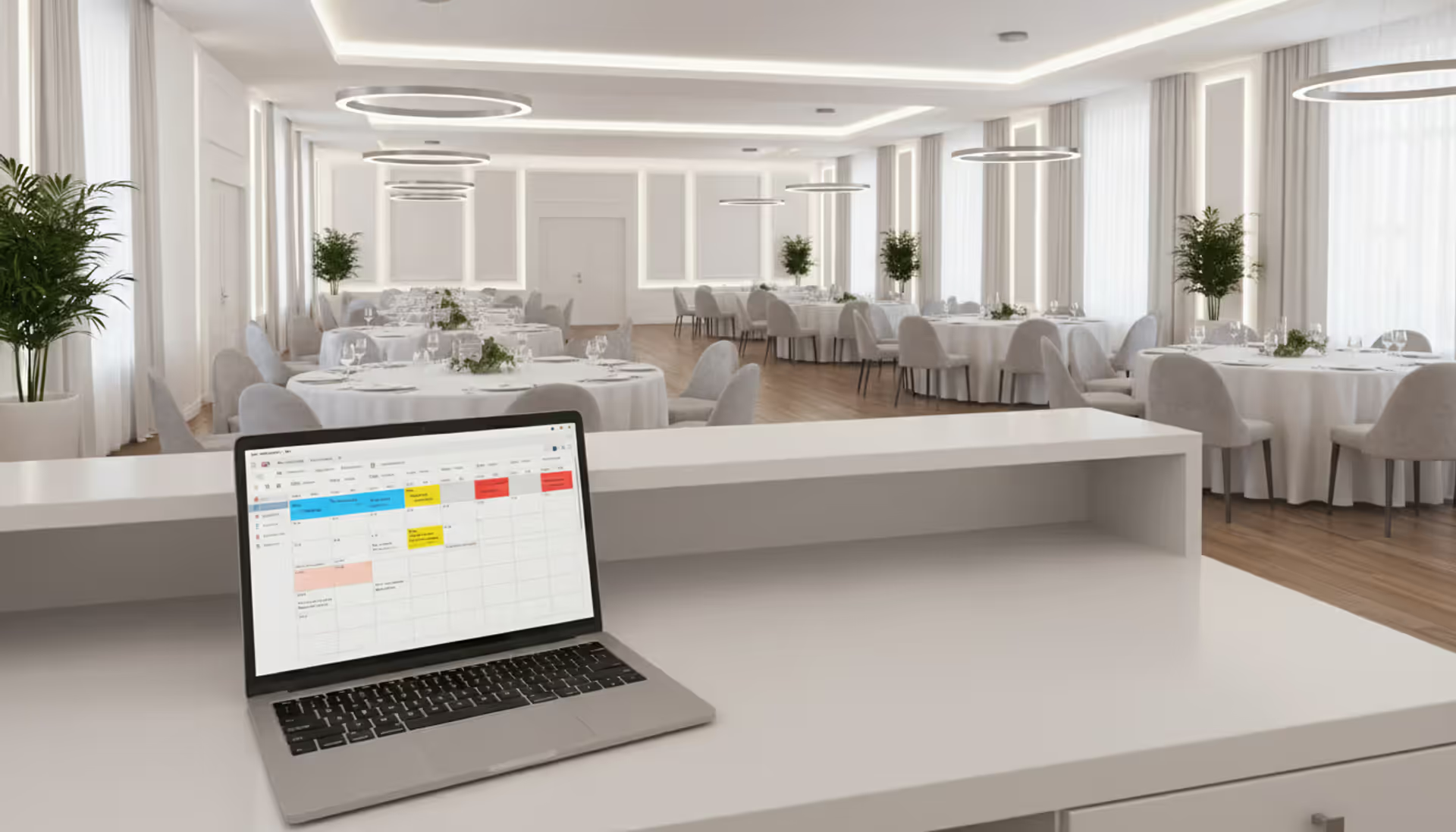
The booking calendar is your command center. Color-coded reservations, holds, available slots—all laid out visually. Need to see what's happening Thursday? Done. Want a monthly view showing which weeks are slammed? Got it. Venues with multiple rooms can layer calendars so you're not constantly switching between tabs trying to remember if the ballroom or the rooftop is booked for that corporate event.
Availability tracking gets smarter than you'd expect. Let's say your theater needs two hours before each show for setup and another hour after for breakdown. The software automatically blocks those buffer periods. Someone tries booking back-to-back time slots? Denied. You can also set blackout dates (your annual maintenance week), minimum booking lengths (no 30-minute reservations for spaces that need two-hour minimums), and recurring blocks for your own events.
Automated scheduling connects the dots between bookings and operations. When that Saturday wedding gets confirmed, the system can assign your catering staff, flag which AV equipment they requested, notify the cleaning crew about Sunday morning teardown. One venue manager told me this feature alone saved her from the Post-it note system she'd been using to track who needed to be where.
Author: Liam Crestwood;
Source: musiconmainstreet.com
Capacity management keeps you legal and safe. Your conference room fits 50 people theater-style but only 30 with round tables? The software tracks which setup the client picked and won't let you overbook. Some platforms integrate with floor plan tools—clients drag and drop tables around, see exactly how their 47 guests will fit, pick their layout. Way better than the old "um, I think that'll work?" approach.
Payment processing happens inside the platform. Clients get emailed payment links, pay through a secure portal, receive automatic receipts. The calendar updates to show payment status. No more cross-referencing your bank statement with your spreadsheet wondering if the Johnson wedding paid their deposit or if you just lost track of that check somewhere.
The customer database remembers everything. That corporate client who books quarterly? The system knows they always want the third-floor conference room, order vegetarian lunch options, and need the AV tech to show up 30 minutes early because their CEO is particular. This memory survives employee turnover. Your new sales coordinator treats repeat clients like VIPs instead of strangers.
How Venue Booking Systems Streamline Operations
The time savings hit you in dozens of small ways that add up fast.
Take the inquiry-to-contract workflow. Old way: Client emails asking about availability. You check your calendar. Email back. They ask about pricing. You calculate it, email again. They want to book. You draft a contract, email it. Wait for signature. Back and forth for days.
New way: They check your website, see real-time availability, click their date, get an instant quote based on your pricing rules, submit a booking request. The system routes it to you, you review it, click "approve," and a contract goes out. Hours instead of days. One venue coordinator cut her booking admin time from 15 hours weekly to 6.
Double-booking prevention works through database locks. When someone's actively booking Saturday afternoon, the system places a temporary hold. Someone else tries grabbing that same slot? They see it as unavailable. No more "two people checked the spreadsheet 30 seconds apart and both confirmed" disasters.
Staff time gets freed up by automation doing grunt work. Reminders go out automatically three days before payment deadlines. Contracts pre-fill with client names and event details—no retyping. You can bulk-export calendars to share with vendors without manually building lists. One community center reported their part-timer went from drowning in admin work to actually having time for member programs.
Client communication runs on autopilot for routine stuff. Booking confirmed? Email goes out instantly. Payment due soon? Reminder sent. Event next week? Pre-event checklist delivered. Clients access a portal 24/7 to update guest counts or upload insurance certificates. No more email tennis. No more "I sent that three days ago, check your spam folder."
Author: Liam Crestwood;
Source: musiconmainstreet.com
Types of Venues That Use Management Software
This technology adapts to wildly different spaces.
Event spaces—ballrooms, reception halls, banquet venues—deal with complex weddings and corporate galas. They need floor plan customization, vendor coordination, detailed invoices itemizing everything from linens to overtime charges. Their clients want to see exactly where the sweetheart table goes.
Conference centers juggle multi-day bookings across breakout rooms, keynote halls, exhibition floors. They track AV equipment moving between sessions, generate utilization reports showing which rooms earn their keep, create master bookings with sub-events so each breakout session isn't treated as a separate reservation nightmare.
Sports facilities—courts, fields, tracks—handle recurring league schedules plus one-off tournaments. They track field conditions (is Field 3 still waterlogged from yesterday's rain?), manage referee assignments, bill leagues where one payment covers 20 teams playing across multiple weeks.
Community centers balance free public programs, paid private rentals, and internal city events. They need tiered pricing (residents pay less than outsiders), membership verification, flexibility to block spaces for free events while still accepting paid bookings during open slots.
Performing arts venues coordinate rehearsal schedules, performance runs, dark days. They track stage availability but also dressing rooms, loading dock access, technical crew assignments. Some integrate with ticketing platforms so the venue calendar reflects both rental bookings and in-house productions.
Coworking spaces specialize in last-minute hourly bookings—conference rooms, hot desks, dedicated offices. Their members expect self-service booking at 11 PM for an 8 AM meeting. Integration with door access systems grants entry only during reserved time slots.
Venue Reservation Software vs. Manual Booking Methods
The gap between digital and manual approaches shows up fast:
Feature/Aspect
Manual Process
Software Solution
Impact on Business
Checking availability
Staff digs through paper calendar or spreadsheet; might need to call client back
Live calendar shows exact openings; clients see it themselves online
Answer inquiries in minutes instead of hours; fewer clients ghost you while waiting
Double-booking risk
High—two staff members checking outdated info at the same time
No more refunding deposits or scrambling for backup venues at midnight
Payment tracking
Separate spreadsheet you reconcile against bank statements monthly
Integrated processing with automatic receipts and accounting sync
Get paid faster; stop hunting for that deposit check somebody swears they mailed
Client communication
Manual emails for confirmations, reminders, updates
Triggered messages based on booking status
Consistent touchpoints without lifting a finger; 40% fewer no-shows
Reporting
Compiling data from multiple sources takes half a day
One-click reports on revenue, utilization, popular time slots
Actually know which spaces make money; finish month-end close before lunch
Scaling up
Adding venues or staff creates coordination chaos
Centralized system handles unlimited spaces and users
Grow without hiring proportionally more admin staff
Customer experience
Wait for callbacks during business hours; limited self-service
Instant quotes, online booking, 24/7 access to their details
Meet expectations clients now have after booking hotels and restaurants online
Small venues with five bookings monthly might survive on a shared Google Calendar. Hit 20+ bookings or add a second space? Manual methods fall apart. Your staff spends more time coordinating than actually serving clients. Errors multiply. Revenue leaks through missed follow-ups or underpriced bookings someone forgot to update.
What to Look for When Choosing Venue Rental Software
Feature checklists don't tell the whole story. Here's what actually matters.
Integration capabilities determine if this becomes your hub or just another login to remember. You need connections to your accounting software (QuickBooks, Xero), email platform (Mailchimp, Constant Contact), payment processors (Stripe, Square). Some venues need calendar syncing with Google or Outlook so staff see bookings in tools they already use daily. API access matters if you've got custom needs or niche tools specific to your venue type.
Pricing models vary wildly and affect your long-term costs. Per-booking fees (usually 2-5% of each transaction) mean costs scale with revenue but get expensive for high-volume venues. Monthly subscriptions offer predictable budgeting but might include features you'll never touch. Tiered plans restrict bookings per month or number of spaces—verify limits match your actual usage with room to grow. Watch for surprise costs: setup fees, training charges, premium support upgrades, custom branding fees.
User interface quality determines if your staff actually uses this thing. Get demo accounts and have real employees—not just you—test workflows they'll do daily. Can they create a booking in under two minutes? Does the mobile version actually work or is it just a tiny desktop view? Bad UX leads to shadow spreadsheets where staff keep their own records because the software's too clunky.
Reporting tools should answer your business questions without exporting to Excel. Essential reports: revenue by time period, utilization rates by space, booking sources (website vs. phone vs. referral), client retention metrics. Customizable dashboards let you monitor KPIs at a glance instead of running reports manually every Monday.
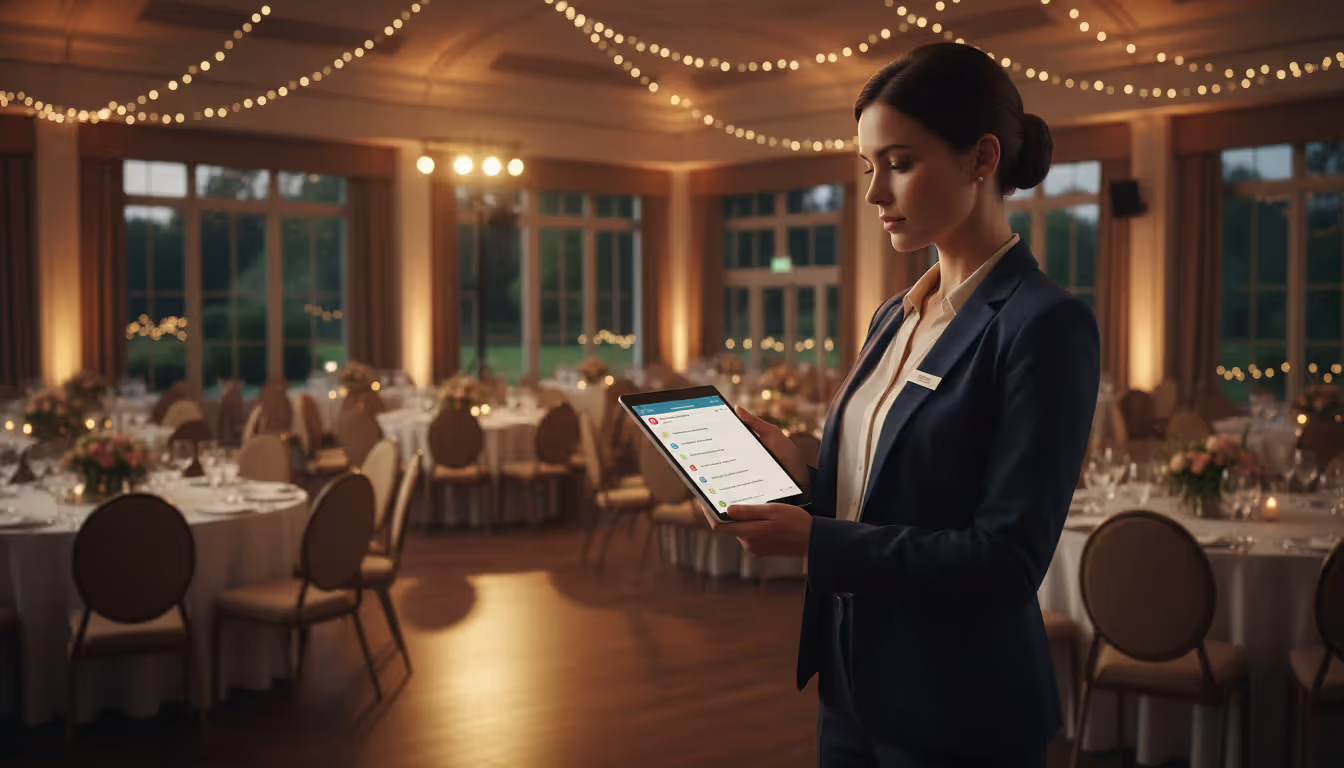
Mobile access matters more than you think. Approving bookings away from your desk, checking in clients from a tablet at the entrance, updating event notes from your phone during setup—all require genuinely responsive mobile functionality. Some platforms offer dedicated apps; others use mobile-optimized websites. Test both on your actual devices before committing.
Customer support becomes critical when something breaks the day before your biggest event. Check response time guarantees, available channels (phone, chat, email), whether support costs extra. Read recent reviews focusing on support experiences, not feature lists. Fewer features with responsive support beats feature-rich software with slow, outsourced help desks every time.
Author: Liam Crestwood;
Source: musiconmainstreet.com
Common Challenges Venue Operators Face Without Software
Operating manually creates the same problems over and over.
Double-bookings are your most public failure. Two sales staff check the same spreadsheet minutes apart. Both see Saturday open. Both confirm bookings. Now you're choosing between disappointing a client, scrambling to find an alternative venue, or attempting to squeeze two events into one space. Even catching it early means hours of apologizing, refunding, offering discounts. Your reputation takes a hit.
Payment tracking falls apart when deposits, installments, and final balances live in different places. Client pays the deposit by check, makes an installment through PayPal, then splits the final payment across two credit cards. Without integrated tracking, you spend 20 minutes before each event confirming they're paid up. Sometimes you discover shortfalls only when they arrive. Sometimes you accidentally double-charge because the spreadsheet wasn't updated.
Calendar conflicts go beyond double-bookings. You forget about buffer times, vendors need overlapping access, maintenance windows weren't communicated. Your venue books corporate training immediately after a wedding, not accounting for four-hour teardown and setup. The training client walks in to find centerpieces still on tables and catering staff breaking down the bar. This coordination failure happens when calendars don't automatically apply setup and breakdown rules.
Poor visibility into availability kills sales. Potential client calls about spring dates. Your staff member scrolls through a spreadsheet, cross-references pending quotes that might convert, checks maintenance schedules. "It looks like April 15th is open, but let me verify and call you back." Client hangs up, calls a competitor with real-time availability, books there immediately. You lost that sale to slow response time.
Lost revenue accumulates from pricing inconsistencies, forgotten upsells, missed follow-ups. Without automated reminders, staff forget to contact people who requested quotes but didn't book. Manual pricing means different staff quote different rates for similar events—leaving money on the table or creating fairness issues. Upsell opportunities (upgraded AV packages, extended hours, premium catering) get overlooked when you're rushing just to confirm basic bookings.
Before implementing our venue management system, we were losing approximately 15% of potential bookings simply because we couldn't respond to inquiries fast enough.Clients would submit availability requests through our website, and by the time someone checked our paper calendar and responded—sometimes 24 hours later—they'd already booked with a competitor who had online booking. Within three months of going live with automated availability and instant quotes, our inquiry-to-booking conversion rate jumped from 32% to 51%
— Marcus Chen
Frequently Asked Questions About Venue Management Systems
How much does venue management software typically cost?
You're looking at $50 to $500 monthly for small to mid-sized venues. Enterprise solutions for large convention centers or multi-location operators run $1,000+ monthly. Per-booking fee models charge 2-5% of each transaction instead of flat subscriptions. Don't forget one-time setup costs ($200-$2,000) and training time. Most vendors offer tiers—a community center with 30 monthly bookings might pay $100 monthly, while a wedding venue processing 80 events monthly might need the $300 tier with higher booking limits and advanced features.
How long does it take to implement a venue booking system?
Basic implementations take 2-4 weeks from signing to going live. That includes migrating data (transferring existing bookings and client info), training staff, testing workflows. Complex setups with custom integrations, multiple locations, or specialized pricing rules may need 6-8 weeks. Your biggest time investment? Cleaning up existing data. Standardizing how you categorize events, pricing tiers, and client information so it imports cleanly takes longer than the technical setup. Most vendors provide implementation checklists and dedicated onboarding specialists.
Can venue management software integrate with my existing tools?
Modern platforms connect with common business tools through native integrations or APIs. Expect compatibility with major accounting software (QuickBooks, Xero), payment processors (Stripe, Square, PayPal), email marketing platforms (Mailchimp, Constant Contact), calendar systems (Google Calendar, Outlook). Website embedding lets clients check availability and book directly from your site. Verify specific integrations during demos—"integrates with accounting software" might mean only one specific product. Custom integrations require API access and often cost extra for development work.
Do I need technical skills to use venue scheduling software?
Not really. Most platforms target regular users with zero coding knowledge. If you handle email and online banking comfortably, you'll manage booking creation, calendar management, and basic reporting fine. Initial setup—configuring pricing rules, customizing email templates, establishing user permissions—requires more technical comfort, but vendors usually provide guided wizards. Training varies by role: front desk staff might need 2-3 hours to learn booking basics, while managers configuring advanced features might invest 8-10 hours initially.
What ROI can I expect from venue booking software?
Most venues recoup software costs within 3-6 months through several channels. Reduced double-bookings alone saves thousands in refunds and reputation damage. Time savings—often 10-15 hours weekly for admin staff—translate to labor cost reductions or redeployed effort toward revenue-generating activities like sales outreach. Faster inquiry response increases booking conversion rates by 15-25% for many venues. Dynamic pricing features optimize revenue per booking. A venue paying $200 monthly for software that increases bookings by just three events annually at $500 margin each sees 7.5x ROI in year one.
Is cloud-based or on-premise venue software better?
Cloud-based wins for most venues. No server maintenance, automatic updates, remote access from any device, built-in data backups. Monthly subscriptions spread costs instead of requiring large upfront investments. On-premise software makes sense primarily for venues with strict data residency requirements, unreliable internet connectivity, or existing IT infrastructure they want to leverage. But even large venues increasingly choose cloud platforms for flexibility and lower total cost of ownership.
Venue management software addresses the operational chaos that manual methods create once booking volume grows. The right platform transforms scattered spreadsheets, email threads, and paper calendars into a unified system that prevents double-bookings, accelerates payment collection, and frees staff from repetitive admin work.
Choosing well requires matching software capabilities to your venue's specific needs instead of picking based on feature count alone. A performing arts center needs different tools than a sports facility. A single-room event space has different requirements than a multi-building conference center. Prioritize integrations with tools you already use, evaluate actual interface quality through hands-on demos, verify that reporting capabilities answer your specific business questions.
Success depends more on change management than technical configuration. Staff need adequate training time, clear documentation for common tasks, patience during the adjustment period. Expect initial resistance from team members comfortable with existing methods. Most venues report that staff become advocates within weeks once they experience the time savings and reduced stress.
The competitive landscape increasingly expects digital convenience. Potential clients compare your manual inquiry process—submit request, wait for callback, exchange multiple emails to confirm details—against competitors offering instant availability checks and online booking. Venues maintaining manual systems face growing disadvantages in conversion rates and customer satisfaction scores.
Start by documenting your current booking workflow, identifying the most time-consuming or error-prone steps, selecting software that specifically addresses those pain points. A phased rollout—perhaps starting with one venue space or event type—reduces implementation risk while demonstrating value that builds organizational support for full adoption.
Event scheduling software builds, organizes, and publishes event agendas and session timetables. This guide covers how it works, essential features like multi-track support and real-time updates, common use cases by event type, and how to choose the right platform for your needs
Discover how event planning templates organize tasks, timelines, and logistics for successful events. Compare template types, tools, and formats. Learn what to include, common mistakes to avoid, and how to build custom templates that improve with each use
Event organizer insurance protects planners from liability claims, cancellations, and property damage. This guide covers coverage types, how liability works, policy selection, risk management strategies, and common mistakes to avoid when insuring events of any size
Planning an event without a floor plan is like building a house without blueprints. A well-designed layout determines how smoothly everything flows—from guest arrivals to the final toast. Discover how to create professional event floor plans that balance capacity, comfort, and safety
The content on this website is provided for general informational and educational purposes only. It is intended to explain concepts related to event management software, ticketing systems, hybrid event platforms, and operational tools for event organisers.
All information on this website, including articles, guides, and examples, is presented for general educational purposes. Outcomes may vary depending on event size, technology choices, and organisational needs.
This website does not provide professional legal, financial, or software advice, and the information presented should not be used as a substitute for consultation with qualified event tech or IT professionals.
The website and its authors are not responsible for any errors or omissions, or for any outcomes resulting from decisions made based on the information provided on this website.