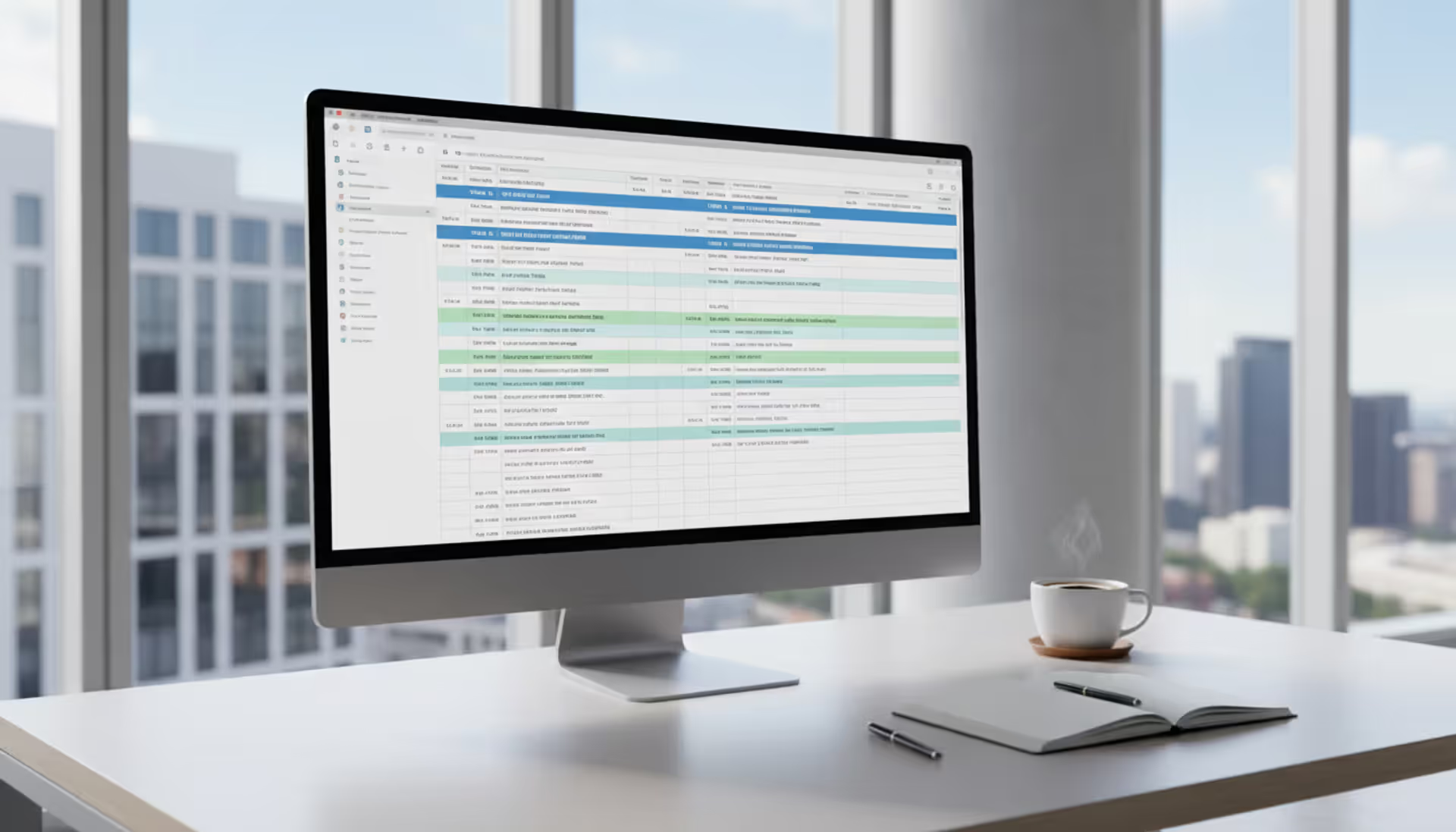
Modern workspace with a large monitor displaying a colorful multi-track event schedule grid, coffee cup and notebook on the desk, bright minimalist office background
Event scheduling software is a specialized tool designed to build, organize, and publish event agendas, session timetables, and speaker schedules. Unlike full-scale event management platforms that handle registration, ticketing, and marketing, this software focuses specifically on the timeline architecture of your event—what happens when, where, and with whom.
The core purpose centers on eliminating scheduling chaos. When you're coordinating a multi-session conference or a daylong corporate training, manual spreadsheets and email chains quickly become unmanageable. Event scheduling software centralizes all timeline data, prevents double-bookings, and provides attendees with a clear, accessible agenda they can navigate before and during the event.
The distinction from general event management platforms matters. A comprehensive event management system might include scheduling as one module among many—registration, email campaigns, analytics, and vendor coordination. Event scheduling software, by contrast, dedicates its entire feature set to the calendar component. Some organizations use it as a standalone tool; others integrate it with their broader event tech stack.
What Is Event Scheduling Software
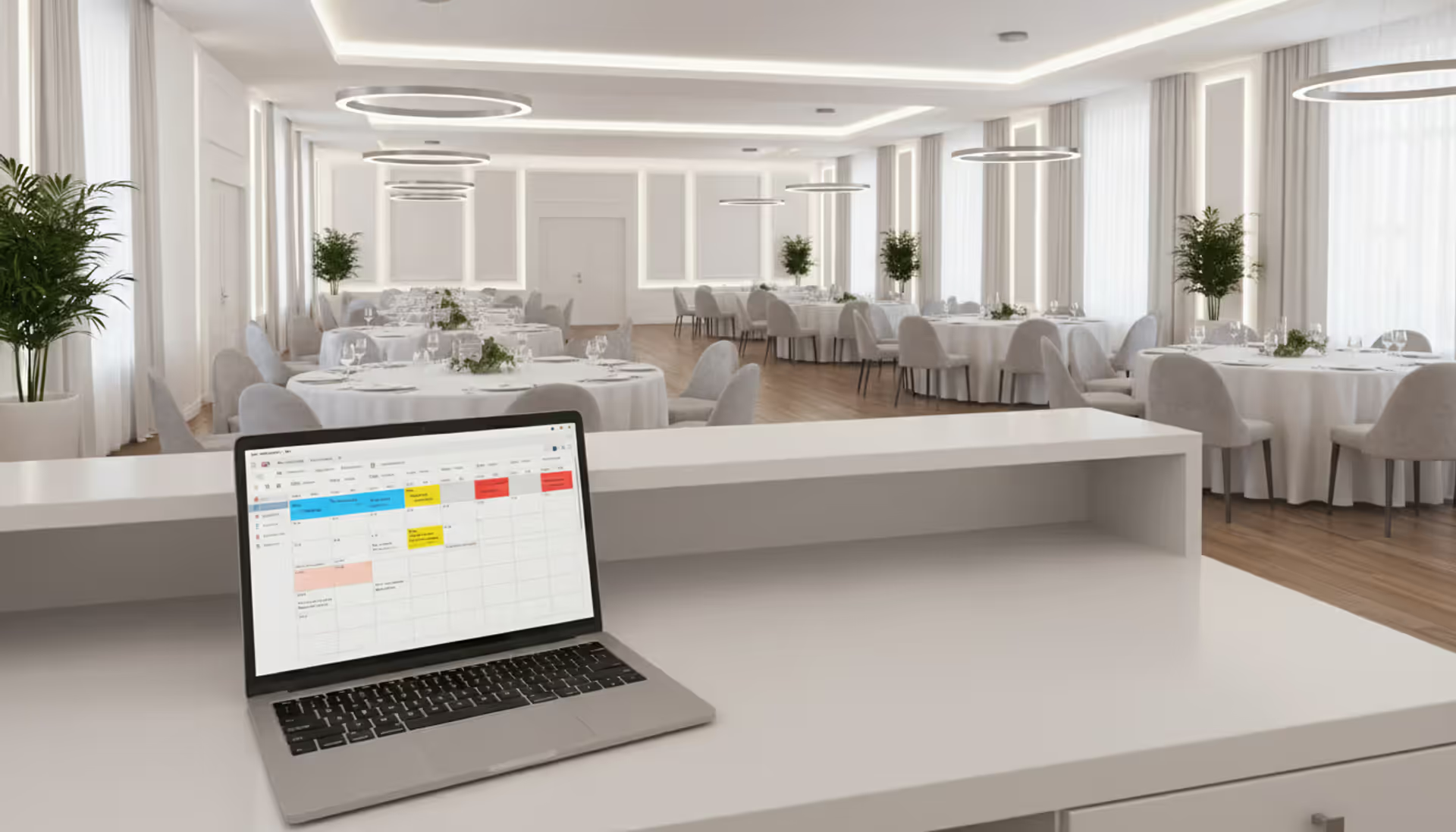
Event scheduling software serves as the central nervous system for your event's timeline. It allows organizers to create detailed session schedules, assign speakers and rooms, set time blocks, and publish the finalized agenda to attendees through web portals or mobile apps.
The software typically includes drag-and-drop interfaces for building schedules, conflict detection to prevent overlapping sessions in the same venue, and attendee-facing views that let participants filter sessions by track, speaker, or topic. Many platforms also support personalized agendas, where attendees bookmark sessions they plan to attend and receive reminders before each one starts.
What separates event scheduling software from a simple shared calendar is its event-specific functionality. It understands concepts like concurrent tracks, speaker bios, session descriptions, capacity limits, and CEU credit tracking. A corporate calendar tool can't handle a three-day conference with 12 parallel tracks, 80 speakers, and 200 individual sessions—event scheduling software was built for exactly that scenario.
Event management scheduling tools also address the publication challenge. Once you've built a schedule, you need to distribute it. The software generates embeddable widgets for your event website, mobile-responsive HTML pages, printable PDFs, and sometimes native mobile app integrations. Attendees access the same live schedule, so when you make a last-minute room change, everyone sees the update immediately.
How Event Scheduling Software Works
The typical workflow begins with event setup. You define the event's basic parameters: dates, venues, room capacities, and time slot increments. If you're running a single-day workshop, you might work in 90-minute blocks. A week-long conference could use 15-minute increments to accommodate short presentations and long keynotes.
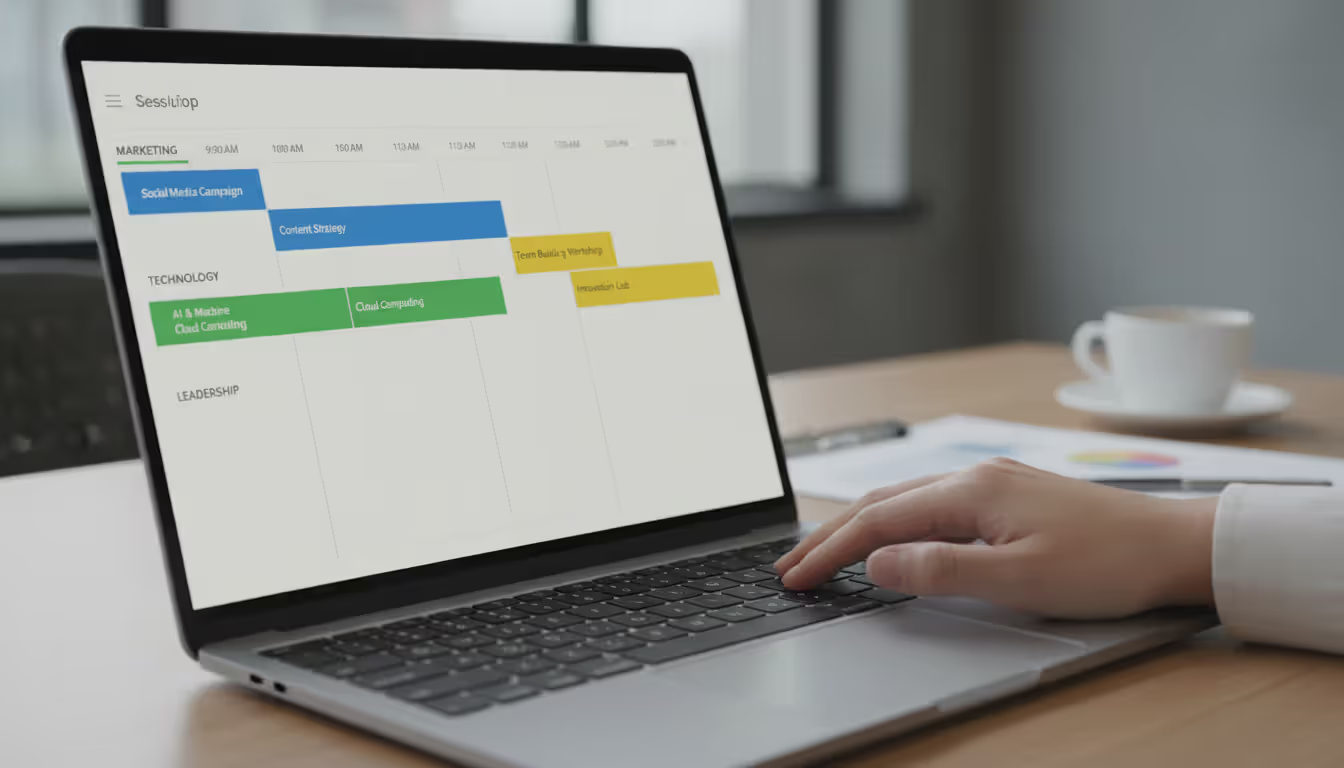
Next comes session creation. For each session, you enter a title, description, start and end times, assigned room, and speaker information. Most platforms let you categorize sessions by track or topic—"Marketing," "Technology," "Leadership"—so attendees can filter the agenda by their interests. You can also tag sessions with metadata: skill level, session format (panel, workshop, lecture), or whether it offers continuing education credits.
Author: Chloe Winslow;
Source: musiconmainstreet.com
Speaker and resource management follows. You assign speakers to sessions, upload their headshots and bios, and link their contact information. If a speaker is presenting in multiple sessions, the system tracks their availability and flags conflicts. The same logic applies to rooms and equipment—if Room A is booked for a panel at 2 PM, the software won't let you schedule another session there at the same time.
Once the schedule is built, you move to the publishing phase. The event session scheduling tools generate a live agenda that you embed on your event website or share via a direct link. Attendees log in (if registration integration is enabled) and view the full schedule. They can create personal agendas by favoriting sessions, which syncs to their mobile devices if you're using an event app.
Real-time updates are the final piece. When a speaker cancels or a room changes, you edit the session in the backend, and the update propagates instantly to all attendee views. Some platforms send push notifications or email alerts to anyone who bookmarked the affected session, reducing confusion and no-shows.
Key Features to Look For
Session and Speaker Management
Strong event scheduling software offers granular control over session details. You should be able to duplicate sessions (useful for repeating workshops), bulk-import sessions from a CSV file, and rearrange the schedule with drag-and-drop simplicity. Speaker management includes profile pages with bios, photos, social links, and session history—critical for conferences where attendees choose sessions based on who's presenting.
Look for conflict detection that works across multiple dimensions: speaker availability, room availability, and equipment needs. If you assign the same speaker to two overlapping sessions, the system should flag the error before you publish. Advanced platforms also track speaker travel time between venues, preventing back-to-back sessions in distant locations.
Attendee Registration Integration
Event calendar software gains significant power when it connects to your registration system. This integration allows you to see which attendees have registered for which sessions, enforce capacity limits, and provide personalized agendas based on registration data. If your event requires session-level registration—attendees choose specific workshops during sign-up—the scheduling software should pull that data and display "Your Schedule" views.
Integration also enables better analytics. You can track which sessions are most popular, identify underbooked sessions that might need promotion, and spot scheduling conflicts where two high-demand sessions run simultaneously, forcing attendees to choose.
Author: Chloe Winslow;
Source: musiconmainstreet.com
Real-Time Updates and Notifications
Event agendas change. A speaker gets delayed, a session hits capacity, or you add a surprise guest keynote. Your event agenda software must handle these changes gracefully. Real-time updates mean edits in the admin panel immediately reflect in the attendee-facing schedule without requiring a page refresh.
Notification systems vary in sophistication. Basic platforms send email alerts for major changes. Better ones offer push notifications through mobile apps, SMS alerts, and in-app messaging. The best systems let you customize notification rules: alert attendees only about sessions they've bookmarked, or send venue-wide announcements for emergency changes.
Multi-Track and Multi-Day Support
Simple events need simple schedules. Complex events demand robust structure. Multi-track support lets you run concurrent sessions across different themes or audience segments. A medical conference might have tracks for physicians, nurses, and administrators, each with its own session lineup running in parallel.
Multi-day support goes beyond just adding more dates. The software should let you define different schedules for each day—keynotes on day one, breakouts on day two, workshops on day three. Attendees should be able to view a single day at a glance or see the entire event schedule in a master calendar. Time zone support becomes critical here, especially for hybrid events with remote participants in different regions.
Common Use Cases by Event Type
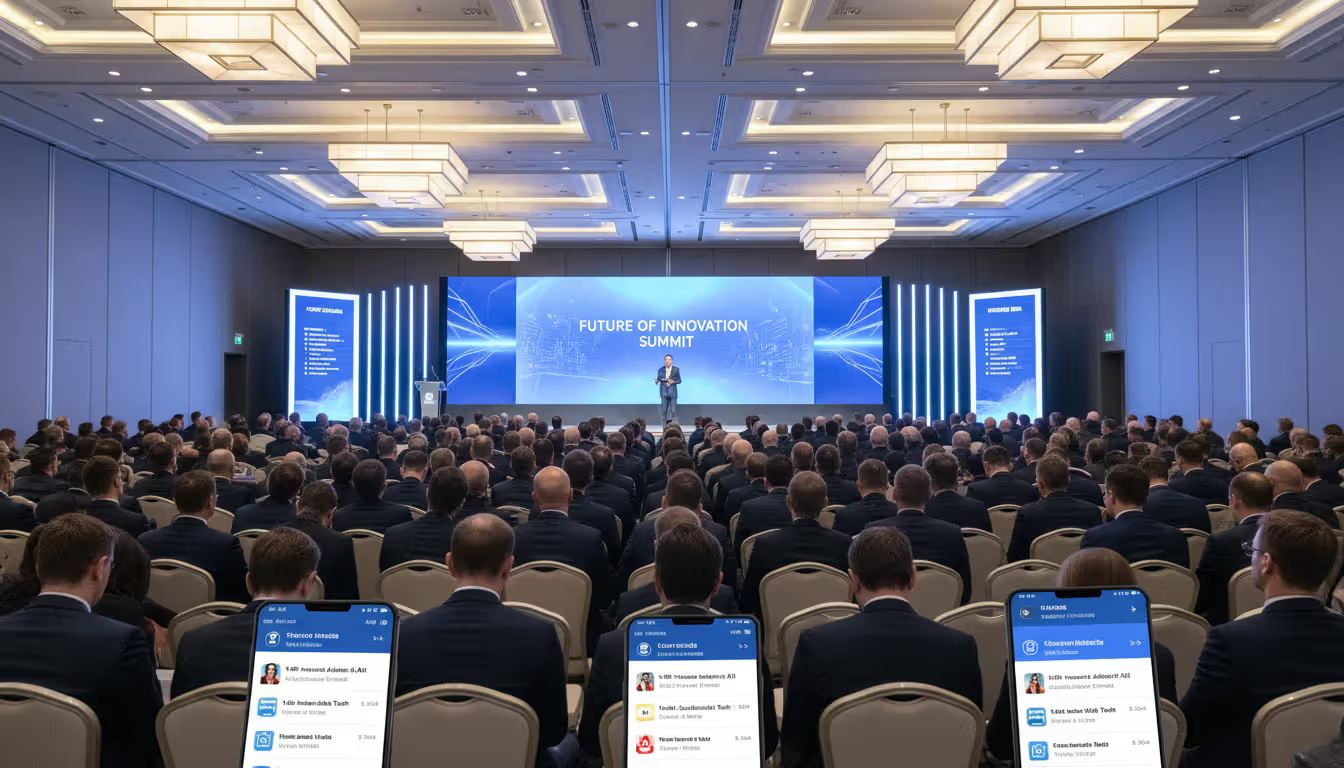
Conferences rely heavily on event timetable software to manage their complexity. A typical industry conference might feature 50+ sessions across four days, with eight concurrent tracks, 100 speakers, and 2,000 attendees. The scheduling software handles session catalog creation, speaker coordination, and attendee personalization. Attendees filter sessions by topic, bookmark their favorites, and receive reminders before each session starts.
Trade shows use event program scheduling differently. The focus shifts from sessions to exhibitor schedules, demo times, and product launches. The software coordinates booth presentations, celebrity appearances, and sponsored workshops. Attendees use the schedule to plan their floor time, ensuring they catch specific demos or networking events.
Corporate meetings prioritize simplicity and internal coordination. A company retreat might include team-building activities, department presentations, and leadership sessions. The event planner scheduling tool helps HR or operations teams build a cohesive agenda, assign breakout rooms, and communicate the schedule to employees. Integration with corporate calendars (Outlook, Google Workspace) ensures the event appears in everyone's work calendar.
Author: Chloe Winslow;
Source: musiconmainstreet.com
Webinars and virtual events demand different features. Time zones become paramount—an event schedule builder must display session times in each attendee's local time zone automatically. Virtual platforms also require integration with streaming software, so the schedule includes direct links to join each session. Breakout rooms, Q&A sessions, and networking lounges all need scheduling slots.
Hybrid events combine the challenges of both physical and virtual formats. The scheduling software must accommodate in-person attendees in a venue and remote participants online. Some sessions might be hybrid (broadcast live with in-room audience), while others are virtual-only or in-person-only. The event booking scheduling system tracks which format each session uses and presents appropriate join options to each attendee type.
How to Choose the Right Tool for Your Event
Event size directly influences your software needs. A 50-person internal meeting can work with a basic event scheduling system—perhaps even a well-organized Google Sheet embedded on a webpage. A 5,000-attendee conference demands enterprise-grade software with robust infrastructure, mobile apps, and dedicated support.
Complexity matters more than size in some cases. A 200-person academic symposium with 15 concurrent tracks and 80 speakers requires more sophisticated software than a 1,000-person single-track product launch. Count your sessions, tracks, speakers, and venues. If you're managing more than 30 sessions or three concurrent tracks, invest in dedicated scheduling software rather than improvising with general tools.
Budget considerations extend beyond license fees. Factor in setup time, training, and customization costs. Some platforms charge per event, others per attendee, and a few offer annual licenses with unlimited events. Free or low-cost options work for simple events but often lack critical features like mobile apps, real-time updates, or white-label branding. Mid-tier solutions ($500–$3,000 per event) typically cover most needs for conferences under 1,000 attendees.
Integration needs can make or break your choice. List every system your event touches: registration platform, email marketing tool, CRM, mobile app, website CMS, and analytics dashboard. Your event management scheduling tools should offer native integrations or API access for your core systems. Manual data entry between platforms wastes time and introduces errors.
User experience splits into two audiences: organizers and attendees. Organizer-facing interfaces should be intuitive enough that you can build a schedule without extensive training. Drag-and-drop calendars, bulk editing, and template reuse save hours. Attendee-facing interfaces must work flawlessly on mobile devices, load quickly, and offer clear navigation. Test the demo from both perspectives before committing.
The biggest mistake event planners make is treating the schedule as an afterthought. Your agenda is the attendee's roadmap to value. If they can't easily find and navigate your sessions, your content doesn't matter. Invest in scheduling tools that make the attendee experience seamless, and you'll see engagement metrics improve across the board
— Marcus Chen
Mistakes to Avoid When Scheduling Events
Overcomplicating agendas kills attendee engagement. When you offer 20 concurrent sessions, attendees face decision paralysis and FOMO. They spend mental energy choosing sessions instead of absorbing content. For most events, three to five concurrent tracks provide enough variety without overwhelming participants. If you must run more tracks, provide clear guidance: beginner vs. advanced, role-based tracks, or topic-based filtering.
Ignoring time zones creates confusion and no-shows for virtual or hybrid events. Always display session times in the attendee's local time zone automatically. If your event scheduling software doesn't support automatic time zone conversion, manually provide times in major zones (ET, CT, MT, PT for US events; add GMT for international audiences). Never assume attendees will correctly convert times themselves—they won't, and they'll miss sessions.
Poor mobile access is inexcusable in 2026. Over 70% of event attendees access schedules primarily through smartphones during the event. If your schedule isn't mobile-responsive—or worse, requires downloading a PDF—attendees will struggle to navigate. Test your published schedule on multiple devices and screen sizes before launch. Buttons should be tappable, text readable without zooming, and filters easy to apply with one hand.
Lack of buffer time between sessions causes cascading delays. Sessions run long, speakers finish late, and attendees need bathroom breaks. Schedule at least 15 minutes between sessions in the same room to allow for teardown, setup, and attendee movement. For sessions in different buildings or floors, extend the buffer to 20–30 minutes. Your event session scheduling should account for the physical realities of your venue.
Author: Chloe Winslow;
Source: musiconmainstreet.com
Failing to communicate schedule changes promptly frustrates attendees. If you update the schedule but don't notify affected participants, they show up to the wrong room or miss sessions entirely. Use your scheduling software's notification features aggressively. When you change a session time, room, or speaker, immediately alert everyone who bookmarked it. Send a summary of all changes in a daily update email during multi-day events.
Not collecting schedule feedback limits your ability to improve. After the event, survey attendees about the schedule: Were sessions too long or too short? Were breaks adequate? Did concurrent sessions force difficult choices? Use this data to refine your event schedule builder process for next time. Many event planners repeat the same scheduling mistakes year after year because they never ask attendees what worked and what didn't.
Time zone support, streaming links, Q&A scheduling
50–5,000+
Low–Medium
Trade Shows
Exhibitor schedules, demo times, floor maps
500–10,000+
Medium
Conferences
Multi-track support, speaker management, mobile app
200–5,000+
High
Hybrid Events
Dual format sessions, virtual/physical tracking, time zones
100–10,000+
Very High
Frequently Asked Questions
What is the difference between event scheduling software and event management software?
Event scheduling software focuses exclusively on building and publishing event agendas, session timetables, and speaker schedules. Event management software is a broader platform that includes scheduling plus registration, ticketing, email marketing, attendee tracking, and analytics. If you only need to organize your event timeline, dedicated scheduling software offers deeper features at a lower cost. If you need end-to-end event operations, a full management platform makes sense.
How much does event scheduling software typically cost?
Pricing varies widely based on features and event size. Basic tools start around $100–$300 per event for up to 500 attendees. Mid-tier platforms range from $500–$3,000 per event with advanced features like mobile apps and integrations. Enterprise solutions for large conferences can cost $5,000–$15,000+ annually with unlimited events. Some vendors charge per attendee ($1–$5 per person), while others offer flat-rate licenses. Free options exist but typically lack real-time updates, customization, and support.
Can event scheduling software handle multi-day conferences?
Yes, robust event scheduling systems are specifically designed for multi-day, multi-track conferences. They support complex schedules spanning several days with different session lineups each day. Features include day-by-day views, cross-day speaker tracking, and cumulative agendas. The software prevents scheduling conflicts across all days and helps attendees plan their entire conference experience. Look for platforms that explicitly advertise multi-day support and offer unlimited sessions per event.
Does event scheduling software work for virtual and hybrid events?
Modern event calendar software supports virtual and hybrid formats. Key features include automatic time zone conversion, direct links to streaming platforms (Zoom, Hopin, etc.), and format tags that indicate whether sessions are in-person, virtual, or both. For hybrid events, the software should let you specify session format and provide appropriate access information—physical room locations for in-person attendees and join links for remote participants. Some platforms integrate directly with virtual event platforms for seamless transitions.
What integrations should I look for in event scheduling tools?
Prioritize integration with your registration platform (Eventbrite, Cvent, etc.) to sync attendee data and enable personalized schedules. Calendar integrations (Google Calendar, Outlook) let attendees add sessions to their personal calendars. Mobile app integration is critical for on-site navigation. Email marketing integration (Mailchimp, Constant Contact) enables schedule announcements and updates. API access provides flexibility for custom integrations with your website, CRM, or proprietary systems. Check that integrations are native or well-documented before committing.
Is mobile access important for event scheduling software?
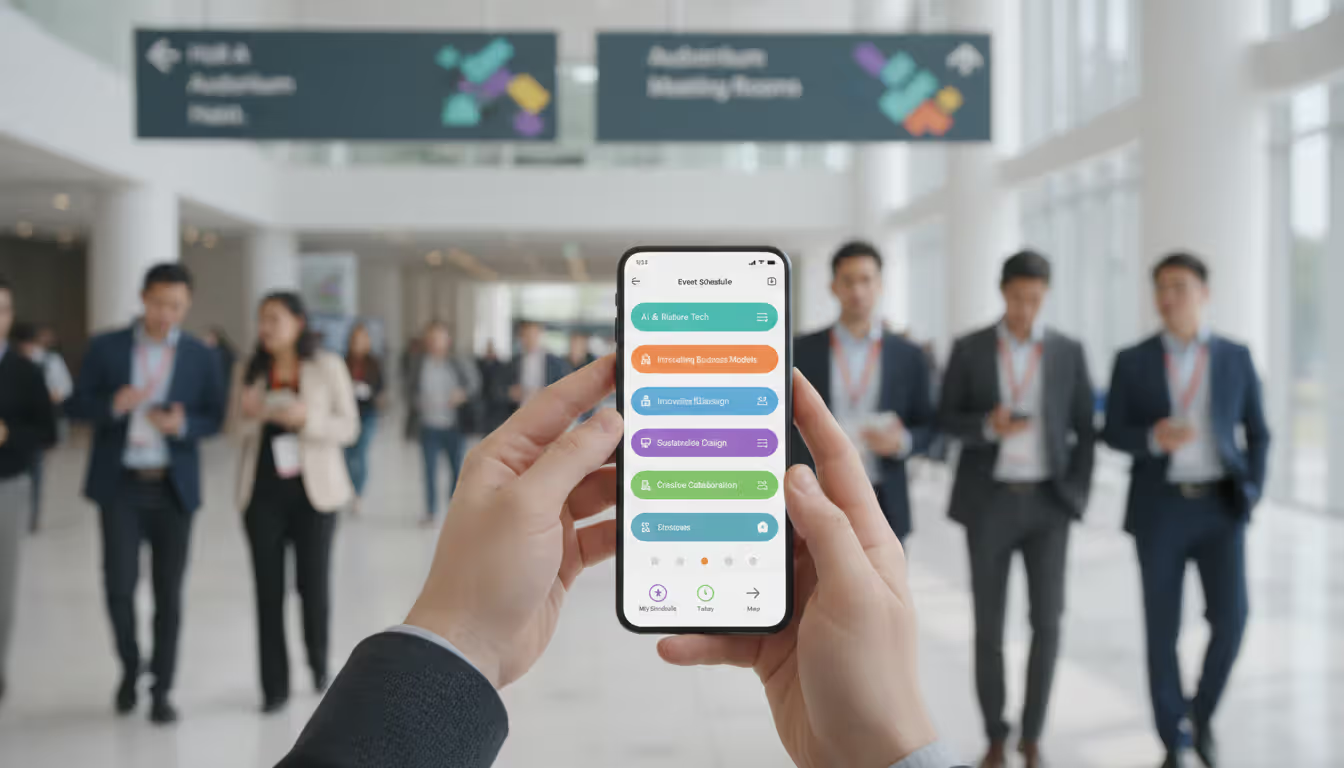
Mobile access is essential. Attendees primarily use smartphones to check schedules during events—standing in hallways between sessions, sitting in sessions deciding where to go next, or navigating venue maps. Your event timetable software must provide a mobile-responsive web interface or native mobile app. Features like offline access (for venues with poor connectivity), push notifications, and one-tap session bookmarking significantly improve attendee experience. Test the mobile interface thoroughly; a clunky mobile experience will frustrate attendees and reduce engagement.
Event scheduling software transforms the chaotic process of organizing multi-session events into a manageable, professional operation. By centralizing session data, automating conflict detection, and providing real-time updates to attendees, these tools eliminate the spreadsheet chaos that plagues manual scheduling.
The right platform depends on your specific needs. Small, simple events can work with basic tools or even well-structured shared documents. Complex conferences with multiple tracks, hundreds of sessions, and thousands of attendees demand robust, enterprise-grade solutions with mobile apps, integrations, and dedicated support.
Focus on the attendee experience when evaluating options. Your schedule is their primary tool for navigating your event and extracting value. If they can't easily find sessions, create personal agendas, and receive timely updates, even the best content will underperform.
Start your selection process by mapping your requirements: event size, number of sessions and tracks, integration needs, and budget. Test demo accounts with realistic data—build a sample schedule that mirrors your actual event complexity. Pay attention to how quickly you can create sessions, how easily you can make changes, and how the published schedule looks on mobile devices.
Remember that scheduling software is an investment in attendee satisfaction and operational efficiency. The hours you save on schedule management and the improved attendee experience translate directly to event success. Choose wisely, implement thoroughly, and your event schedule builder will become one of your most valuable event planning assets.
Venue management software automates reservations, scheduling, payments, and client communications through a centralized platform. Modern systems prevent double-bookings, reduce administrative time by 10-15 hours weekly, and increase booking conversion rates by 15-25% through real-time availability and instant quotes
Discover how event planning templates organize tasks, timelines, and logistics for successful events. Compare template types, tools, and formats. Learn what to include, common mistakes to avoid, and how to build custom templates that improve with each use
Event organizer insurance protects planners from liability claims, cancellations, and property damage. This guide covers coverage types, how liability works, policy selection, risk management strategies, and common mistakes to avoid when insuring events of any size
Planning an event without a floor plan is like building a house without blueprints. A well-designed layout determines how smoothly everything flows—from guest arrivals to the final toast. Discover how to create professional event floor plans that balance capacity, comfort, and safety
The content on this website is provided for general informational and educational purposes only. It is intended to explain concepts related to event management software, ticketing systems, hybrid event platforms, and operational tools for event organisers.
All information on this website, including articles, guides, and examples, is presented for general educational purposes. Outcomes may vary depending on event size, technology choices, and organisational needs.
This website does not provide professional legal, financial, or software advice, and the information presented should not be used as a substitute for consultation with qualified event tech or IT professionals.
The website and its authors are not responsible for any errors or omissions, or for any outcomes resulting from decisions made based on the information provided on this website.