I've seen a $500,000 industry conference nearly collapse because the registration system crashed two hours after launch. Three hundred angry executives couldn't sign up, the IT team spent the weekend rebuilding everything in Google Forms, and the event director updated her resume.
Most companies still track RSVPs in Excel spreadsheets, chase down payments through email, and manually update attendee lists until 2 AM before the event. There's a better way—registration platforms that handle sign-ups, payments, and confirmations automatically while you sleep.
Business events need different tools than consumer concerts. Your shareholder meeting can't use the same ticketing system as a music festival. You need purchase order processing, department code tracking, and integration with enterprise software that consumer platforms ignore.
What Is Corporate Event Registration Software?
Think of these platforms as automation systems for event sign-ups. They build registration pages, collect attendee information, process payments, send confirmations, and generate reports—without you touching a spreadsheet.
The difference between corporate and consumer systems shows up fast. Try paying for a conference ticket with a purchase order on Eventbrite. Can't do it. Need to export attendee job titles to your CRM? Not happening. Require NDA acceptance before registration completes? Wrong tool.
An event registration tool built for business handles the workflows companies actually use. Someone from accounting submits a registration, routes it through their manager for approval, charges it to department code 4782, and receives an invoice for the finance team—all automatically.
Consider what happens at a quarterly sales training. You need to track which reps from which territories attended which sessions, then send completion certificates to HR for compliance records. A product launch requires NDA signatures before prospects can register. Your annual partner conference involves tiered pricing (platinum sponsors pay nothing, regular partners pay $800, prospective partners pay $1,200), group discounts for firms sending five or more people, and workshop selection for eight concurrent breakout sessions.
Consumer ticketing platforms weren't designed for this complexity. Online event registration software built for corporate use expects these requirements and handles them without customization.
Manufacturing companies running safety training need to prove to OSHA inspectors that specific employees completed specific sessions on specific dates. Tech companies hosting developer conferences manage speaker submissions separately from attendee registrations, coordinate sponsor booth assignments with floor plans, and process payments on net-60 terms because that's how enterprise procurement works. Healthcare organizations require HIPAA-compliant data handling and audit trails showing who accessed patient information during medical conferences.
These scenarios explain why corporate event registration software exists as a separate category. The payment structures differ. The data requirements differ. The compliance obligations differ. Generic tools break when confronted with actual business workflows.
Key Features to Look for in Registration Platforms
Your form builder determines whether collecting information feels smooth or frustrating. Drag-and-drop interfaces let you add questions without writing code. When someone picks "attending the advanced workshop," fields for prerequisite course completion should appear automatically—that's conditional logic doing its job, tailoring the form based on earlier answers. Multi-page layouts prevent overwhelming people with 40 questions on one endless scrolling screen.
Payment handling separates amateur platforms from serious event registration and payment software. Credit card processing is table stakes. What you actually need: invoice generation for accounts payable departments, fields to collect purchase order numbers, the ability to mark someone as registered while flagging "payment pending" as finance processes their paperwork. One executive registers five team members but needs individual invoices sent to different cost centers—can your platform handle that? Refund processing should take two clicks, not a support ticket and three-day wait.
Attendee data lives in your system long after the event ends. You'll need to search and filter: show me VIP guests from the Austin office who selected the morning workshop but haven't confirmed their dietary restrictions. Export options matter when you're sharing lists with badge printers, catering staff, or security teams. Duplicate detection prevents John Smith and J. Smith from creating two separate registrations when they fat-finger the form on their phone.
Author: Ethan Marlowe;
Source: musiconmainstreet.com
Integration capabilities make or break operational efficiency. Your sales team lives in Salesforce—attendee records should flow directly into contact profiles without manual imports. Running email campaigns through HubSpot or Marketo? Registration activity should trigger automated sequences: people who registered but didn't attend get different follow-ups than attendees who stayed for all sessions. Single sign-on through Azure AD or Okta means employees use their corporate credentials instead of creating another password they'll forget. Calendar integrations automatically generate .ics files that work with Outlook, Google Calendar, and Apple Calendar.
Branding determines whether your event registration website looks professional or amateurish. White-labeling removes vendor logos completely. Custom CSS access lets developers match exact Pantone colors and corporate fonts. Email templates should carry your organization's header, footer, legal disclaimers, and accessibility statements. Some industries require specific data handling language—your platform needs to accommodate those additions without vendor support tickets.
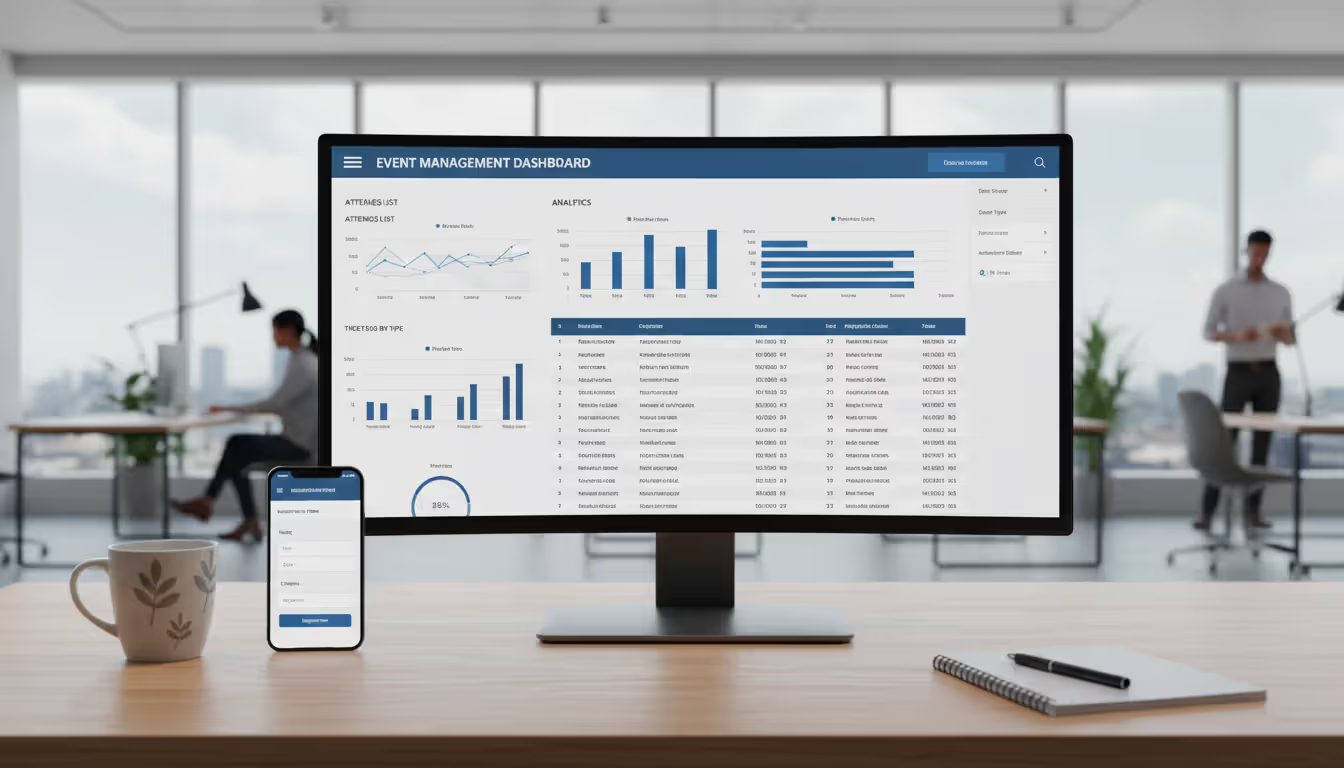
Reporting answers the questions executives actually ask. Real-time dashboards show registration velocity so you spot problems early—if sign-ups are trending 30% below this point last year, you need to adjust marketing now, not next week. Revenue reports track collected payments versus outstanding invoices. Demographic breakdowns reveal which departments or regions engage most. Post-event analysis documents attendance for budget justification: "Last year's product training achieved 94% attendance with 87% satisfaction scores, supporting our request to expand the program."
How Corporate Event Registration Tools Work
You start by entering basic information—event name, dates, location, attendance cap. Configure registration types: employees attend free, contractors pay $200, external partners pay $500. Add session selection if your agenda includes multiple tracks. The system generates a unique URL.
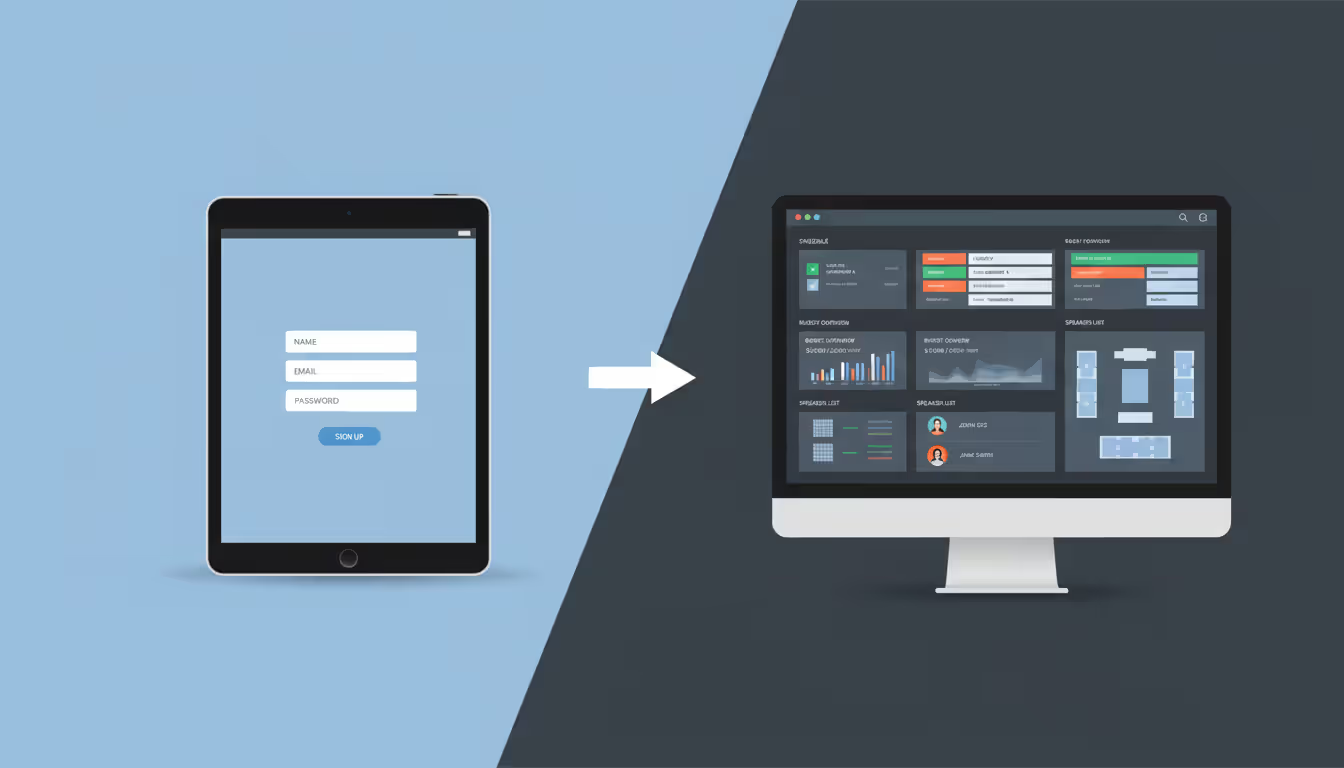
Someone clicks your invitation link and sees the registration page in their browser. They complete required fields—name, email, company, job title, department code. Based on selections, additional questions appear: picking the in-person option reveals parking preference and badge shipping address. Real-time validation catches formatting errors before submission rather than rejecting the form after they click submit.
Payment processing happens instantly for credit cards. The event management system connects to Stripe or PayPal, authorizes the transaction, and returns a success code. For invoice requests, the platform generates a PDF with payment instructions and your ACH details, then marks the registration as pending. Some systems hold these registrations in a separate queue until payment clears; others confirm attendance immediately and flag the outstanding payment for follow-up.
Confirmation emails go out automatically. The attendee receives their registration summary, a calendar file that adds the event to their schedule with one click, and pre-event information like required reading or parking maps. The system logs this communication with a timestamp for your records.
Managing your attendee list becomes an ongoing process. You check the dashboard each morning to monitor registration pace. When someone emails asking to switch from the morning session to the afternoon session, you update their record in thirty seconds. Registration hits capacity two weeks early—you activate the waitlist with one toggle. Five days before the event, you export the current list as a CSV and email it to the venue coordinator for badge printing.
Automated reminders run on schedules you configure. One week out, attendees receive the final agenda and speaker bios. The day before, another message includes parking instructions and the mobile app download link. These touchpoints reduce no-shows by 20-30% compared to events with no reminders.
Post-event workflows close the reporting loop. Attendance gets recorded through badge scans at session entrances or manual check-ins at registration desks. You generate reports showing which sessions attracted the most participants and which ran under capacity. Survey links go out within 24 hours while the event is fresh in people's minds. All this data exports to your CRM so sales teams can prioritize follow-ups with engaged prospects.
Common Mistakes When Choosing Event Management Systems
Companies skip integration planning and regret it immediately. Your registration system collects valuable attendee data that gets trapped in a silo. Marketing can't segment campaigns based on previous event attendance. Sales doesn't know which prospects came to the product demo last quarter. HR can't pull training completion records without manual exports and imports. Before evaluating platforms claiming to be the best event management system, map every tool that needs attendee data—CRM, email platform, HR system, accounting software. Then verify through actual demos (not marketing promises) that these connections work reliably.
The mobile experience breaks more registrations than most people realize. Someone pulls up your registration form during their commute, finds the date picker won't respond to taps, and abandons it. You just lost a registration. More than 60% of sign-ups now happen on phones. Test the complete flow on an actual iPhone and Android device—not just a resized browser window. Does payment processing load on Safari mobile? Can people tap the submit button without zooming? These details determine conversion rates.
Author: Ethan Marlowe;
Source: musiconmainstreet.com
Support quality becomes critical at the worst moments. Your 1,000-person annual conference is three days away when payment processing mysteriously stops working. You submit a support ticket. The auto-reply says they'll respond within 48 hours. Too late—your event is tomorrow and people are calling about registration errors. Corporate event management software decisions require reading actual support experiences in Reddit threads and Twitter complaints, not curated testimonials. What happens during emergencies? Can you call someone? Do they answer on weekends?
Pricing calculations hide gotchas everywhere. That platform advertising $2 per registration looks fantastic compared to a competitor's $200 monthly fee. You're planning a 500-person event—that's $1,000 versus $200, right? Except they also charge 2.9% on payment processing. Your $75,000 in registration revenue just incurred $2,175 in processing fees. Oh, removing their branding requires the premium tier at $400/month. Suddenly the "expensive" competitor with included payment processing and white-labeling costs less. Build a spreadsheet with your actual numbers before trusting advertised prices.
I watched a company select software because the admin dashboard had beautiful charts. Gorgeous interface for event managers. Know what happened when they opened registration? Attendees found it confusing. The form requested information in a strange sequence. Error messages appeared at the top while the actual problem was buried three scroll-lengths down. Payment confirmation looked like an error screen—multiple people paid twice thinking the first attempt failed. Create a test event and send the link to five colleagues. Have them register on their phones while you watch. Time them. Ask where they hesitated. That fifteen-minute investment prevents angry emails from 500 real attendees.
Data ownership clauses buried in contracts surprise people too late. Some vendors claim rights to attendee information collected through their platform. Others export basic fields—name, email, phone—but lock custom fields behind API access costing extra. Before signing anything, test the export function yourself. Download a CSV. Verify every field you collected appears in that file in a usable format. Check whether exports happen on-demand or run overnight on a batch schedule. Your attendee data belongs to you, not the software vendor.
Pricing Models and Cost Factors
Flat event fees charge one price each time you create a new event, typically $300 to $1,500 depending on features. You pay $750 for your annual conference regardless of whether 200 or 2,000 people register. This works well for occasional large events but becomes expensive when you run monthly training sessions—twelve events at $750 each is $9,000 annually. Zero ongoing costs between events simplifies budgeting, but you can't spread costs across multiple events.
Per-registration fees charge for each attendee, usually $0.50 to $3.00 per person. A 300-person event at $1.25 per registration costs $375 in platform fees. Costs scale naturally with event size—small meetings stay cheap, large conferences get expensive fast. A 2,500-person annual meeting at $2 per registration suddenly costs $5,000 just in platform fees. Some vendors charge even for free events; others waive fees when you're not collecting revenue.
Monthly subscriptions run $75 to $600 per month depending on features and attendee limits. You can create unlimited events within your plan's cap—usually starting at 500 registrations per month, jumping to 2,000 at the next tier, then 10,000. This suits organizations running weekly webinars or monthly training sessions. Predictable costs simplify budgeting, but you pay even during slow months. That $400/month plan costs $4,800 annually whether you run two events or twenty.
Annual contracts charge upfront for twelve months of access, typically $3,000 to $40,000 based on anticipated volume and required features. Large organizations with predictable event calendars benefit from cost savings—annual pricing often discounts 15-25% versus monthly billing. The commitment feels risky if your event plans change unexpectedly, and the upfront cost requires budget approval that monthly fees might slip past.
Freemium models offer basic functionality free with paid upgrades. You might get 100 free registrations per month but pay to remove branding, add custom domains, or access detailed analytics beyond basic counts. This lets you test platforms risk-free and works for small internal meetings. The problem: features you assumed were standard—custom email templates, Excel exports with all fields, phone support—require paid tiers.
Pricing Structure
Works Best For
What You'll Pay
Advantages
Disadvantages
Flat event fee
Companies running 2-4 major conferences annually
$300–$1,500 each time you launch an event
No recurring charges; predictable cost per event
Terrible economics for weekly training sessions; 50-person meetings cost the same as 500-person conferences
Per-registration charge
Unpredictable attendance or highly variable event sizes
$0.50–$3.00 for each person who registers
Only pay when people actually sign up; small events stay cheap
A 2,000-person conference costs $4,000+ in fees; some charge for free events too
Monthly subscription
Teams managing 5+ events monthly
$75–$600 recurring monthly charge
Create unlimited events within limits; easier budget approval than annual contracts
Paying in August when nobody runs events; hitting caps forces mid-year upgrades
Annual license
Established event programs with predictable calendars
$3,000–$40,000 paid upfront for the year
Lowest per-event cost available; includes dedicated account support
Finance must approve large upfront cost; you're stuck if the platform disappoints
Free with paid features
Testing new platforms or running simple internal meetings
$0 for basics, $50–$200/month for useful features
Try before buying with zero risk; keeps costs low for simple needs
Everything useful—custom branding, real analytics, decent support—requires paid tiers
Base prices tell half the story at best. Attendee volume determines your actual tier—most platforms bump you at 500 registrations, then again at 2,000 and 10,000. Companies pick the $99/month plan only to discover their 1,200-person annual meeting requires the $399/month tier. Features stack costs quickly: custom branding adds $50/month, API access costs another $100, white-label mobile apps run $200+. Payment processing fees land on top—typically 2.5% to 3.5% plus $0.30 per transaction.
Support tiers create hidden pricing complexity. Basic plans provide email support that gets answered... eventually. Premium tiers add phone support during business hours. Enterprise agreements include dedicated account managers, guaranteed response times, and weekend support. For events involving board members or major clients, that support difference justifies double the monthly cost. Decide whether saving $200/month is worth the risk of zero help when registration breaks Friday afternoon before your Monday morning event.
Comparing Registration Software vs Full Event Management Platforms
Registration-only tools focus on collecting sign-ups and processing payments. They build forms, manage attendee lists, and handle payment processing. The interface stays simple because features remain focused. Setup takes minutes. Costs stay low because you're not paying for unused capabilities.
A training manager running monthly safety sessions needs attendee tracking and confirmation emails—nothing more. A simple event registration tool provides exactly that without unnecessary complexity. Limited scope means less staff training and faster deployment.
Full event management platforms incorporate registration as one piece within comprehensive corporate event planning tools. Beyond sign-ups, they handle venue sourcing, vendor coordination, budget tracking, agenda building, speaker management, mobile apps, on-site check-in, session tracking, and post-event surveys. Everything lives in one system instead of scattered across multiple tools.
Author: Ethan Marlowe;
Source: musiconmainstreet.com
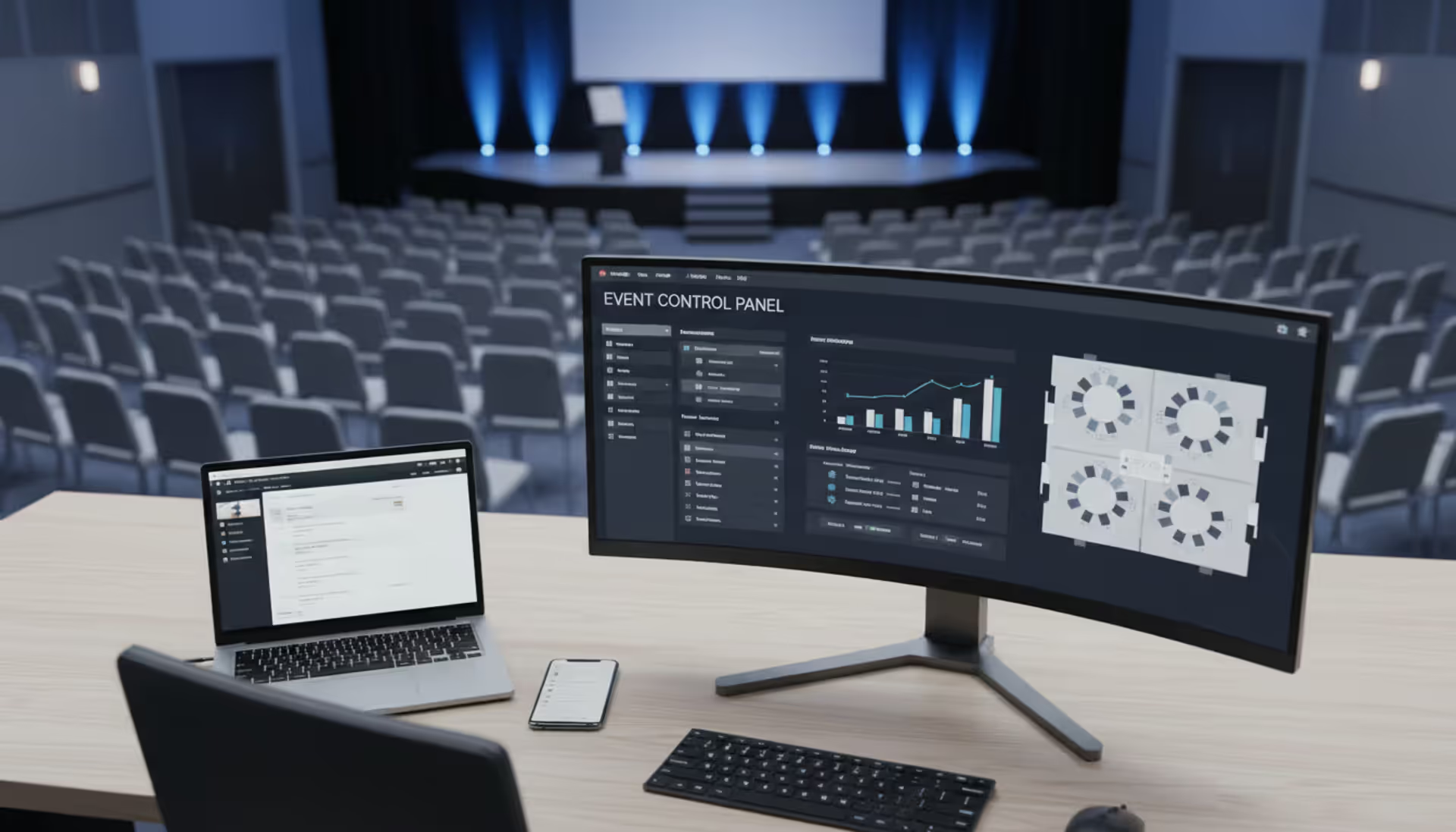
An event management platform for corporates makes sense for complex multi-day conferences. Your team coordinates speaker travel, manages AV requirements for 12 breakout rooms, adjusts catering headcounts as registrations change, and generates reports showing session popularity. Registration integrates with other functions—session capacity updates automatically based on room assignments, dietary restrictions flow to catering orders, badge printing pulls from the registration database.
The simplicity versus capability trade-off shapes your decision. Registration-only tools get you running quickly with minimal learning curve. You might collect your first registration within an hour of signing up. Focused features mean less to learn and fewer configuration decisions. However, you'll need separate tools for other event tasks, creating data disconnects and duplicate work.
Comprehensive systems require more upfront investment. Implementation might take weeks as you configure modules, establish integrations, and train staff. Broader feature sets mean steeper learning curves and more complex interfaces. But once running, everything connects: registrations feed attendance projections, attendance drives catering orders, catering costs update budget tracking, and post-event reports pull from all modules.
Consider your event portfolio. Organizations running simple, repetitive events—weekly webinars, monthly training, quarterly town halls—often find standalone registration software sufficient. Events don't vary enough to justify complex planning tools, and focused functionality matches straightforward requirements.
Diverse portfolios with varying complexity benefit from integrated platforms. Think about running lunch-and-learns for 20 people, quarterly regional meetings for 200, and an annual conference for 2,000. A comprehensive event management system handles all three scenarios while maintaining consistent processes and unified reporting.
Budget considerations extend beyond software costs. Standalone tools cost less upfront but may require additional platforms—survey tools, mobile apps, badge printing systems. Individual costs and staff time managing multiple systems can exceed comprehensive platform expenses. Conversely, paying for a full event management system when you only use registration wastes money on unused capabilities.
The registration experience sets expectations for your entire event.Attendees who encounter smooth, professional registration expect that same polish throughout the event. Conversely, a clunky registration system with payment errors and confusing forms creates anxiety about whether the event itself will be well-organized. We've measured this impact directly: events with streamlined registration see 12-15% higher attendance rates because people complete sign-up immediately rather than abandoning forms and forgetting to return later. The registration platform isn't just administrative infrastructure—it's your first impression and a direct driver of event success metrics
— Jennifer Martinez
Frequently Asked Questions
Do I need separate software for virtual and in-person corporate events?
Not usually—the distinction has mostly disappeared. Modern platforms let you choose your format during setup (in-person, virtual, hybrid), then adjust registration forms automatically. Virtual formats collect email addresses for webinar links instead of physical addresses for badge shipping. Hybrid events let attendees pick their participation mode during registration, with pricing reflecting the difference. Using one corporate event management software for all formats keeps your attendee database unified and simplifies year-over-year comparisons. You'd only need separate systems if virtual events demand specialized webinar features—breakout room assignments, live polling, moderated Q&A—that your registration platform lacks. In that case, prioritize platforms syncing attendee data with Zoom, WebEx, or Teams so registration information flows automatically without manual CSV imports every time.
Can event registration software integrate with our CRM and marketing tools?
Integration depth varies dramatically between platforms. Enterprise systems offer direct connections with Salesforce, Microsoft Dynamics, and HubSpot—attendee records sync automatically, lead scores update when someone registers, event participation appears in contact timelines without manual data entry. Marketing automation platforms like Marketo or Pardot trigger nurture sequences based on registration status or send different follow-ups depending on session attendance. Mid-tier platforms rely on Zapier, connecting to thousands of apps through workflow automation rather than native integrations. What matters: don't accept vague integration promises. Demand vendors demonstrate the specific connection you need during demos. Watch them show you—live, not screenshots—how a registration flows into your actual CRM instance. Request documentation links. Check user forums for complaints about broken integrations that worked during the sales demo but fail in production.
How secure is payment processing through event registration platforms?
Legitimate platforms maintain PCI DSS Level 1 compliance—the highest security standard for credit card handling. They use tokenization, meaning your database never stores actual card numbers. Payment processors handle sensitive information while your registration system receives only transaction reference codes. When evaluating event registration and payment software, look for current PCI compliance certificates (they expire annually) and verify platforms undergo regular third-party security audits. Corporate events involving sensitive attendee information require additional verification: does the platform meet GDPR requirements for European participants? What about HIPAA for healthcare industry events? SOC 2 compliance for general enterprise security? Check whether vendors carry cyber liability insurance and ask about breach notification procedures—not if they've been breached, but what happens when they are. Payment security extends to internal processes: limit staff access to financial data, enable two-factor authentication, and review transaction logs regularly for suspicious activity.
What's the difference between free and paid event registration tools?
Free tiers usually cap registrations around 50-100 attendees, display vendor logos across registration pages, offer only basic payment options (credit cards, maybe PayPal), and provide support through email tickets answered... eventually. That works fine for internal team meetings where branding doesn't matter and you're not collecting payments. Paid tiers remove attendee caps, eliminate vendor branding, unlock invoice payment and purchase order handling, provide detailed analytics beyond basic registration counts, grant API access for custom integrations, and include phone support with guaranteed response times. The breaking point typically hits when you need professional branding for external events, when clients demand invoice billing instead of credit cards, or when you need help urgently and can't wait two business days for email support. The calculation: does the paid platform save more staff hours than it costs? A $100/month subscription eliminating six hours of manual attendee management saves money if your staff costs more than $17/hour—and everyone costs more than $17/hour.
How far in advance should we set up our event registration system?
Registration should launch once you've confirmed your date, secured your venue, and finalized the basic agenda—usually 8-12 weeks before mid-sized corporate events. Opening early captures committed attendees and provides planning data for room sizing, catering volumes, and material printing quantities. Configure the system itself at least two weeks before opening registration. That gives you time to build the event, test the complete registration flow on multiple devices, verify payment processing works correctly, confirm automated emails send properly and don't land in spam folders, check that attendee data exports in the format you need, and fix problems without panic. Large or complex events—annual conferences with multiple tracks, hundreds of attendees, and custom functionality—need platform setup starting 4-6 months beforehand. You'll need that time for custom development, integration testing, staff training, and iterative improvements based on testing feedback. Too many organizations rush implementations the week before registration opens, discover critical problems, and spend the entire registration period firefighting instead of marketing the event.
Can attendees modify their registration details after signing up?
Most modern platforms enable self-service changes through personalized links in confirmation emails. Attendees click "update registration," verify their identity with their email address, then modify session selections, dietary preferences, or guest names without contacting your team. This capability cuts administrative burden dramatically—instead of processing dozens of manual change requests through email, the system handles updates automatically while you focus on higher-value work. You control what can change: session selections might remain open until 48 hours before the event while payment amounts lock after processing. Changes requiring price adjustments—switching from virtual to in-person attendance, adding paid workshop fees—can require admin approval to prevent billing confusion. The system timestamps every modification so you can audit changes if discrepancies appear. For events requiring payment, communicate refund policies and cancellation deadlines clearly upfront to prevent confusion when someone wants to cancel three days before your event starts.
Corporate event registration software transforms event planning from manual, error-prone processes into streamlined systems that save time and improve attendee experience. The right platform depends on your specific situation: simple registration tools work well for straightforward events, while comprehensive management systems suit complex conferences with multiple sessions and vendors.
Focus on capabilities that matter for your event portfolio. Your registration system should connect seamlessly with tools your team already uses—CRM platforms, marketing automation, calendar systems, payment processors. Mobile optimization determines whether you capture registrations the moment someone sees your invitation or lose them to abandoned forms. Reliable support means problems get resolved when deadlines loom, not on the vendor's schedule.
The decision framework comes down to testing, calculating real costs including hidden fees, and prioritizing attendee experience over flashy admin dashboards. Build a test event and have actual colleagues complete registration on their phones while you observe. Calculate total expenses including transaction fees and required upgrades, not advertised starting prices. Experience the registration process as your attendees will—that perspective reveals problems no marketing brochure mentions.
Whether you're managing quarterly training sessions or annual industry conferences, your registration platform affects attendance rates, data quality, and the overall impression your event makes before people walk through the door. Invest time selecting the right system now. That investment pays dividends through every event you run for years.
Running athletic events with spreadsheets creates chaos. Sports event management software consolidates registration, scheduling, payments, and communication into unified platforms that reduce administrative burden and improve participant experience for organizations of all sizes
Planning successful nonprofit events requires more than spreadsheets. Modern event management software handles registration, payments, donor tracking, and reporting through unified platforms. This guide compares free vs paid options, essential features, and selection criteria for nonprofits
Picking the right platform to showcase your event can make the difference between a sold-out venue and empty seats. This guide walks through what matters when evaluating event website software, from must-have features to pricing structures, so you can build an event page that converts
Event planning software centralizes registration, ticketing, scheduling, and analytics into one platform. Learn how these tools work, which features matter most, and how to choose the right solution for corporate, social, or hybrid events
The content on this website is provided for general informational and educational purposes only. It is intended to explain concepts related to event management software, ticketing systems, hybrid event platforms, and operational tools for event organisers.
All information on this website, including articles, guides, and examples, is presented for general educational purposes. Outcomes may vary depending on event size, technology choices, and organisational needs.
This website does not provide professional legal, financial, or software advice, and the information presented should not be used as a substitute for consultation with qualified event tech or IT professionals.
The website and its authors are not responsible for any errors or omissions, or for any outcomes resulting from decisions made based on the information provided on this website.