Aerial view of a large youth soccer tournament with multiple fields, teams in colorful uniforms playing simultaneous matches, spectators on sidelines on a sunny day
Running a youth soccer tournament with 40 teams means tracking 320 players, coordinating 15 fields, managing 60+ games, collecting registration fees, and communicating schedule changes to hundreds of parents. Doing this with spreadsheets and email threads creates chaos. Sports event management software replaces that fragmented approach with a unified system built specifically for athletic competitions.
What Is Sports Event Management Software
Sports event management software is a digital platform designed to handle the administrative, logistical, and communication requirements of organizing athletic competitions and programs. These systems consolidate registration, scheduling, payments, communication, and reporting into a single interface accessible to organizers, participants, and spectators.
Youth sports leagues use these platforms to manage seasonal registrations and weekly game schedules. Tournament organizers rely on them to handle bracket generation, field assignments, and real-time score updates. College athletic departments deploy sports event management platforms to coordinate multiple sports across different venues while managing compliance requirements. Recreational sports clubs use the software to streamline member sign-ups, facility bookings, and instructor assignments.
The core purpose centers on eliminating manual data entry, reducing communication errors, and providing participants with self-service access to registration, schedules, and updates. A typical platform replaces separate tools for email marketing, payment processing, spreadsheet scheduling, and website updates with integrated workflows that automatically sync information across all touchpoints.
Sports event management software serves anyone responsible for organizing competitive or recreational athletic activities—from volunteer-run Little League organizations to professional tournament management companies running national championship events.
Author: Chloe Winslow;
Source: musiconmainstreet.com
Key Features of Sports Event Management Platforms
Registration and Ticketing Capabilities
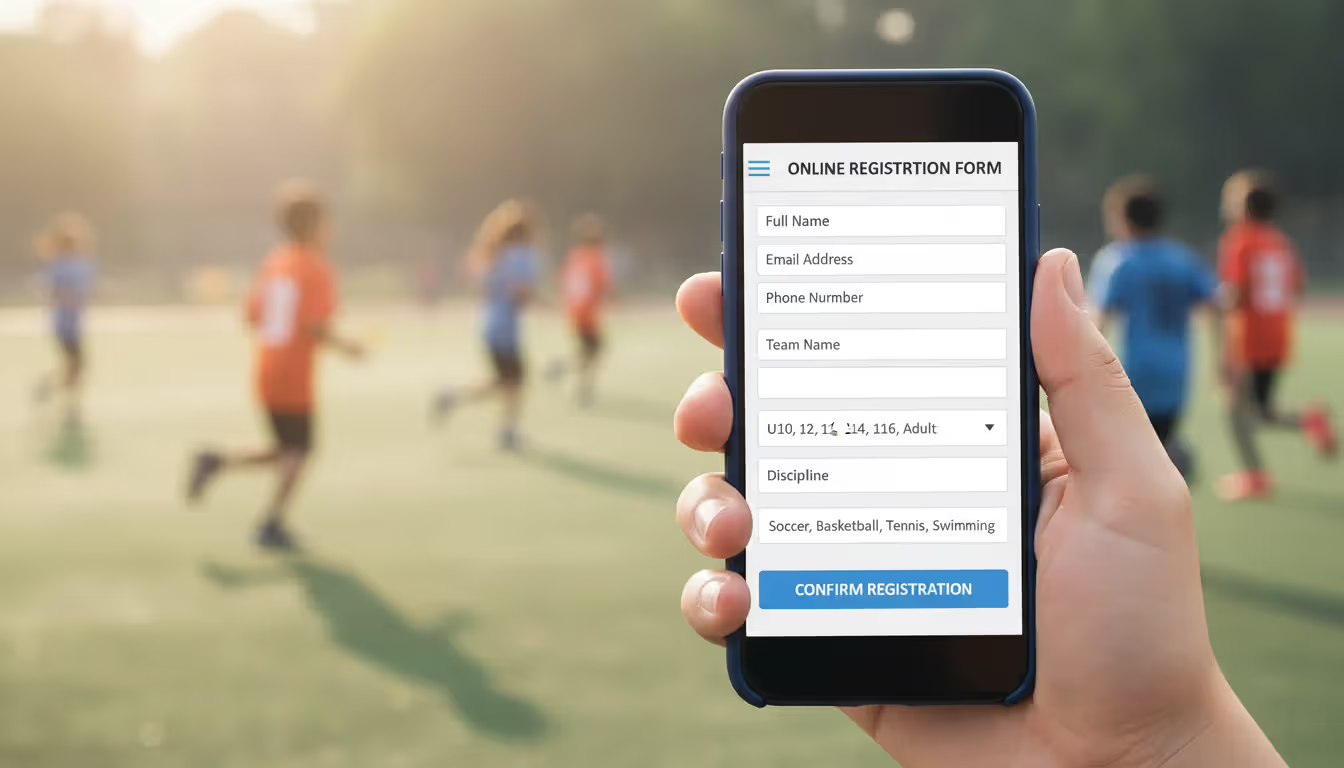
Registration functionality forms the foundation of most sports event software. These systems create customizable forms that collect participant information, team rosters, emergency contacts, waiver signatures, and medical disclosures. Smart forms adjust questions based on previous answers—if someone registers as a coach rather than a player, the system shows coaching certification fields instead of jersey size options.
Sports ticketing systems integrated into these platforms process spectator admissions, season passes, and VIP packages. Payment processing happens within the registration flow, accepting credit cards, ACH transfers, and sometimes digital wallets. The software generates confirmation emails, receipts, and tax documentation automatically.
A sports event registration platform typically offers early-bird pricing, group discounts, promo codes, and installment payment plans. For tournaments charging different fees for divisions or age groups, the system calculates totals based on selected categories. Waitlist management becomes automatic—when someone cancels, the next person on the waitlist receives an invitation to claim the spot within a specified timeframe.
Sports event booking systems handle facility reservations alongside participant registration. A basketball tournament platform might let teams book practice gym time while completing their tournament entry, with the system preventing double-bookings and enforcing facility usage policies.
Scheduling and Bracket Management
Automated scheduling eliminates the hours organizers spend manually assigning games to fields and time slots. The software considers constraints like team availability, venue capacity, required breaks between games, and travel distances for multi-site events. A soccer complex running simultaneous tournaments can configure the system to keep each tournament's games on dedicated fields while maximizing field utilization.
Bracket generation for elimination tournaments happens instantly. The platform creates single-elimination, double-elimination, round-robin, or pool-play formats, then automatically updates brackets as scores are entered. Parents checking the app see their child's next opponent immediately after the previous game concludes.
Schedule changes propagate automatically. If weather forces a two-hour delay, the organizer adjusts the start time once, and the system recalculates all subsequent game times, sends notifications to affected teams, and updates the public-facing schedule display.
Author: Chloe Winslow;
Source: musiconmainstreet.com
Referee and volunteer scheduling integrates with game assignments. Officials receive their assignments through the platform, confirm availability, and log their hours. The system tracks certification expiration dates and prevents assigning uncertified officials to games requiring specific credentials.
Communication and Notification Tools
Targeted messaging capabilities let organizers send announcements to specific groups—all coaches, teams in a particular division, or everyone registered for Saturday's events. Messages deliver via email, SMS, or push notifications to mobile apps, with the sender choosing channels based on urgency.
Automated reminders reduce no-shows. The platform sends registration confirmation immediately, a reminder one week before the event, and check-in instructions the day before. For leagues with weekly games, automated schedule notifications go out every Monday for the upcoming weekend's matches.
Two-way communication features allow participants to ask questions directly through the platform. A parent wondering about parking options sends a message that routes to the appropriate organizer, with the conversation history preserved for reference.
Weather alerts and emergency notifications reach all participants simultaneously. When lightning forces an evacuation, one message sent through the sports event software reaches everyone on-site within seconds, with delivery confirmation showing who received and read the alert.
How Sports Event Software Streamlines Planning
Event management tools transform workflows by eliminating redundant data entry. Information entered once during registration automatically populates schedules, rosters, contact lists, and financial reports. A tournament director who previously spent six hours building brackets from registration spreadsheets now generates them in three minutes.
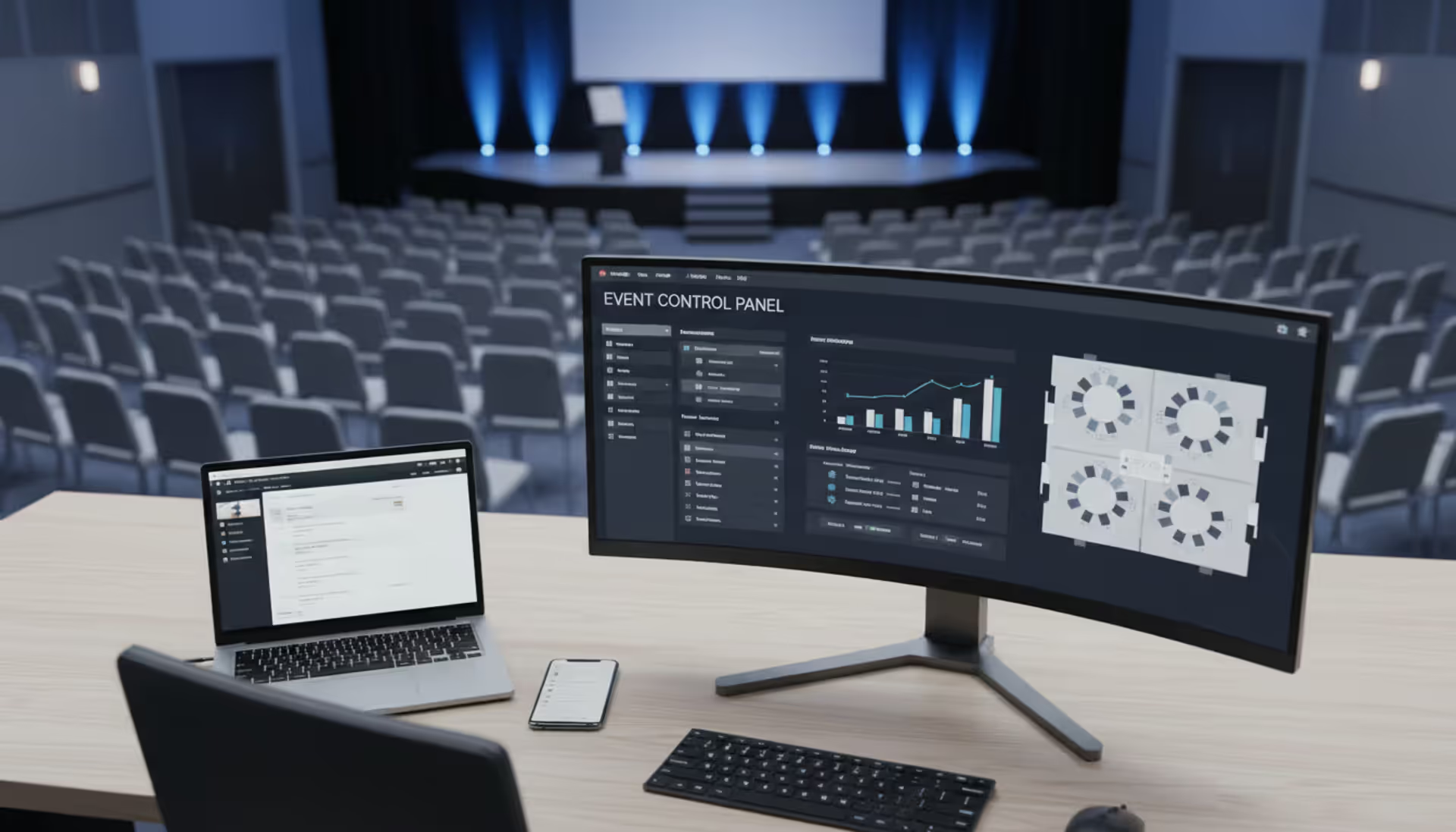
Centralized data storage means everyone works from the same information. Coaches access current rosters, officials see updated game assignments, and facility managers view real-time field schedules—all pulling from the same database. This eliminates version control problems where different people work from outdated spreadsheets.
Real-time updates solve the "information lag" problem. When a game time changes, that update appears instantly on the public schedule, in the mobile app, and in automated notifications. Nobody learns about the change by showing up to an empty field.
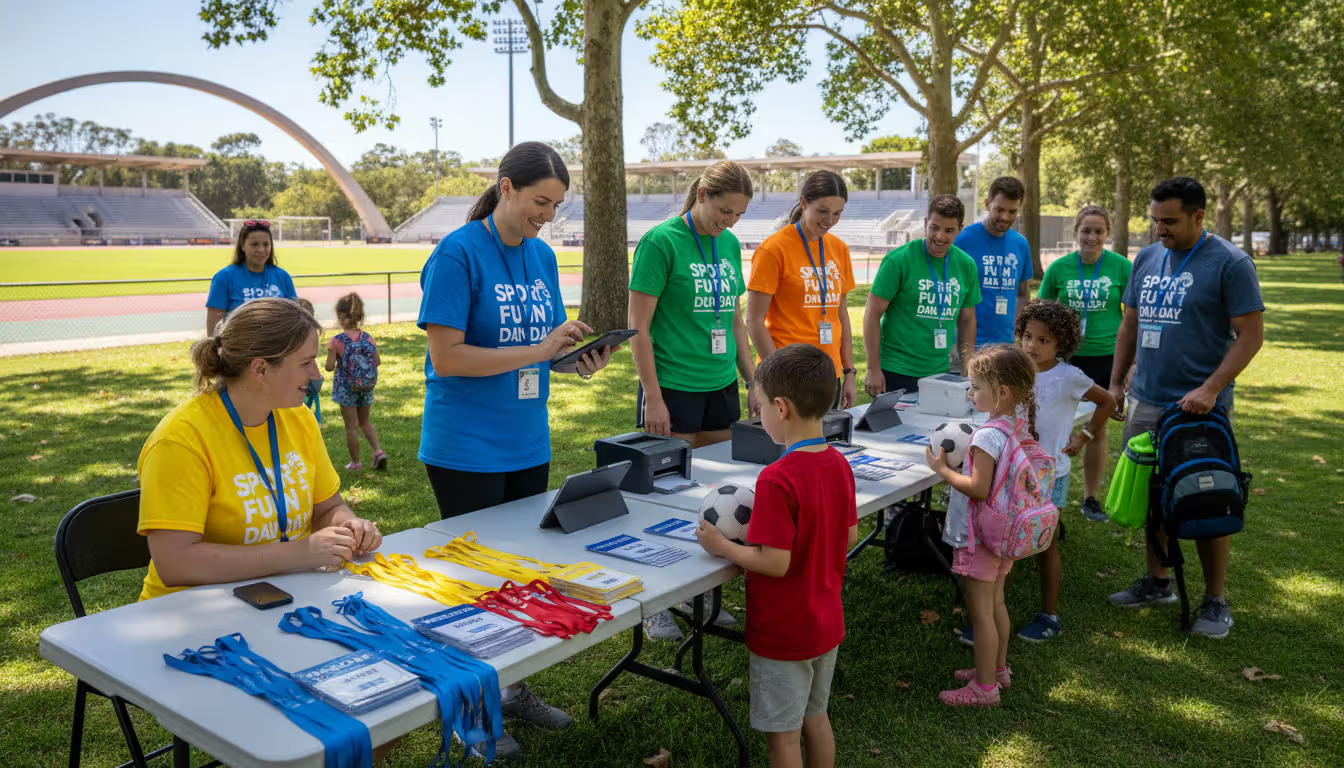
Volunteer coordination becomes manageable at scale. A youth baseball league needing concession workers, field maintenance crews, and scorekeepers for 200 games creates volunteer shifts in the platform. Parents sign up for available slots, receive reminder notifications before their shifts, and check in through the app when they arrive.
Financial reconciliation happens continuously rather than after the event. The platform tracks registration revenue, refund requests, scholarship allocations, and payment plan status in real time. Organizers see which teams haven't paid, send automated payment reminders, and generate financial reports for board meetings without manual calculation.
Sports event planning tools reduce the organizer-to-participant ratio. A tournament that previously required eight staff members to manage communication, registration questions, and schedule updates might operate smoothly with four people because the software handles routine inquiries and administrative tasks automatically.
Author: Chloe Winslow;
Source: musiconmainstreet.com
Types of Sports Organizations That Benefit
Youth sports leagues managing seasonal programs use these platforms to handle registration waves when hundreds of families sign up simultaneously. The software prevents overselling teams, enforces age verification, and distributes players across divisions according to predefined rules. A community soccer league with 600 participants across 12 age groups automates team formation, practice field assignments, and game scheduling that would otherwise consume dozens of volunteer hours.
College athletics departments coordinate multiple sports with overlapping seasons and shared facilities. The sports event management platform prevents scheduling conflicts when the basketball team needs the arena during a volleyball tournament. Compliance tracking features document eligibility verification, academic progress monitoring, and participation limits required by athletic associations.
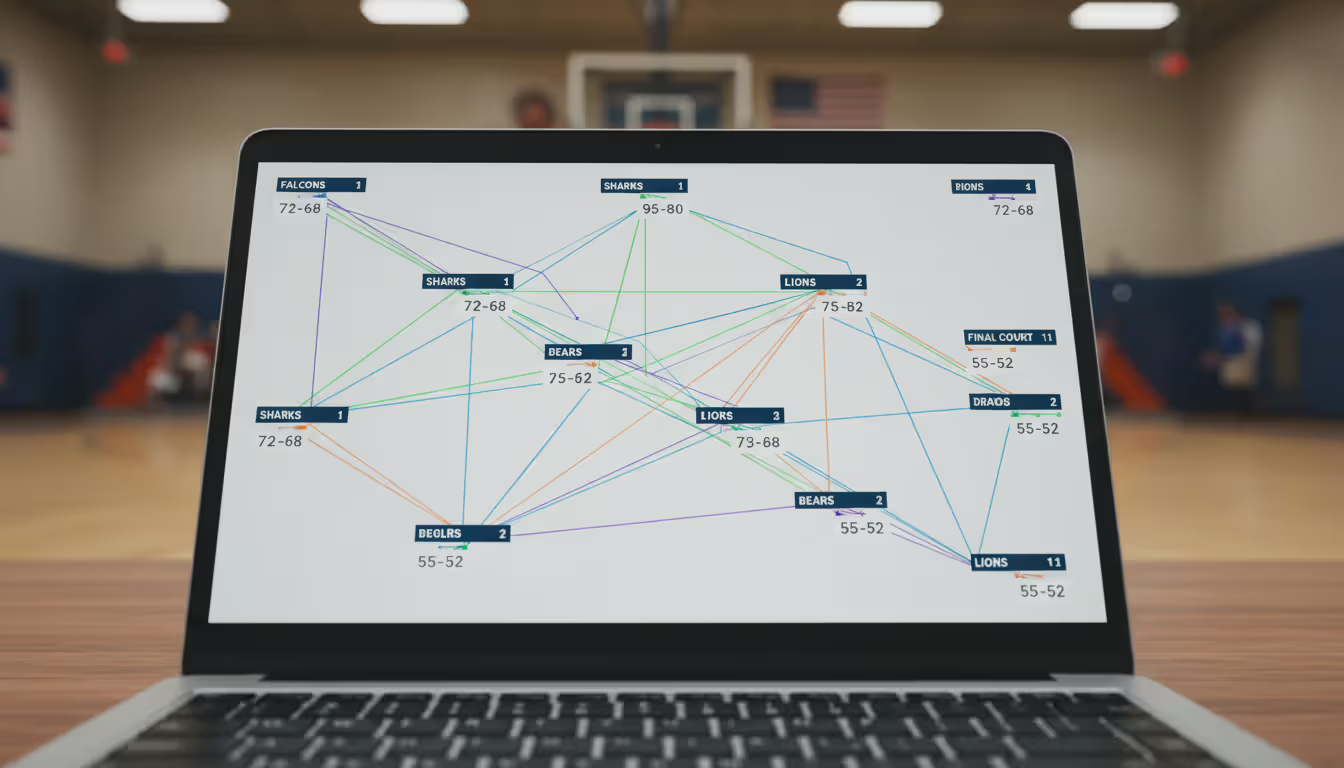
Tournament directors running weekend competitions face compressed timelines where delays cascade rapidly. Their event software generates pools and brackets, assigns games to courts or fields, tracks scores, and updates standings automatically. A pickleball tournament with 200 players competing across six divisions completes bracket updates in seconds rather than the 15 minutes manual calculation required.
Recreation departments managing community sports programs use the platforms to handle diverse offerings—youth leagues, adult recreational teams, instructional clinics, and drop-in sessions. The software manages different pricing structures, instructor assignments, and facility reservations across programs that share the same venues and staff.
Sports clubs offering membership-based access to facilities and instruction need integrated member management. The platform tracks membership status, processes recurring payments, manages court or field reservations, and enforces member-only access to premium time slots. A tennis club with 400 members uses the system to prevent non-members from booking courts while giving members priority access.
Multi-sport complexes hosting external tournaments alongside internal programming require sophisticated scheduling. The event software blocks facilities for contracted tournaments, manages changeover time between events, and coordinates with multiple tournament organizers simultaneously. A complex hosting three separate basketball tournaments in one weekend uses the platform to assign courts, manage spectator capacity, and prevent scheduling overlaps.
Choosing the Right Sports Event Management Tool
Organization size determines necessary capacity. A 50-team youth baseball league needs different infrastructure than a tournament company running 30 events annually. Small organizations should prioritize simplicity and per-event pricing that doesn't require year-round subscription costs. Larger operations benefit from enterprise platforms with multi-event management, advanced reporting, and dedicated account support.
Event complexity affects required features. Single-sport leagues with straightforward schedules can use basic platforms. Multi-sport tournaments with complex eligibility rules, multiple age divisions, and interleaved schedules need robust rule engines and constraint-based scheduling. A swimming meet tracking individual events, relay teams, and cumulative scoring requires specialized functionality that general event software lacks.
Budget considerations extend beyond subscription fees. Calculate total cost including payment processing fees (typically 2.5-3.5% of transactions), per-registration charges, SMS notification costs, and setup fees. A platform charging $50 monthly but adding $2 per registration becomes expensive for large-volume events. Compare all-inclusive pricing against à la carte models based on your registration volume.
Integration requirements matter when you use existing systems. If your league already uses QuickBooks for accounting, choose sports event planning tools with accounting software integration to avoid duplicate data entry. Organizations with existing websites need platforms offering embeddable registration forms and schedule widgets rather than forcing participants to a separate portal.
Scalability prevents outgrowing your platform. A youth league expecting growth from 200 to 500 participants over three years should select software that handles increased volume without platform migration. Check whether pricing tiers accommodate growth or if you'll face forced upgrades at arbitrary thresholds.
Customer support quality becomes critical during events when problems need immediate resolution. Platforms offering only email support fail during Saturday tournaments when registration issues arise. Look for live chat, phone support during peak hours, and documented response time commitments. Test support responsiveness during the trial period by asking complex questions.
Mobile experience affects participant satisfaction. More than 70% of sports event registrations now happen on mobile devices. Choose platforms with responsive design or native apps that provide full functionality on smartphones. A system requiring desktop access for registration creates friction that reduces sign-ups.
Author: Chloe Winslow;
Source: musiconmainstreet.com
Common Mistakes When Implementing Event Software
Overlooking mobile accessibility leads to participant frustration. Organizers who test the platform only on desktop computers miss problems like unreadable text, buttons too small for touch targets, and forms requiring horizontal scrolling on phones. Before launching registration, complete the entire sign-up process on a smartphone to identify mobile usability issues.
Ignoring participant experience in favor of administrative convenience backfires. A platform with powerful back-end features but a confusing registration process creates support burden when participants need help completing sign-ups. Choose systems that balance organizer needs with participant simplicity—complex administrative tools should hide behind simple public-facing interfaces.
Underestimating training needs causes poor adoption. Assuming volunteers will intuitively understand the platform without guidance results in underutilized features and workarounds that defeat the software's purpose. Schedule training sessions before the season, create quick-reference guides for common tasks, and designate "super users" who can help others.
Choosing feature-bloated platforms wastes money and creates complexity. A youth soccer league doesn't need fundraising campaign management, merchandise sales, or alumni networking features. Paying for unused functionality increases costs while making the interface more complicated. Match features to actual requirements rather than selecting platforms based on maximum capability.
Neglecting data security exposes participant information. Sports event management platforms store names, addresses, birth dates, and payment details for minors and adults. Verify the platform maintains PCI DSS compliance for payment processing, encrypts data in transit and at rest, and provides role-based access controls. Ask about data backup procedures and disaster recovery capabilities.
Failing to establish clear ownership of participant data creates problems when switching platforms. Some vendors claim ownership of data entered into their systems or charge extraction fees. Before committing, confirm you can export complete participant records in standard formats and understand what happens to your data if you cancel the subscription.
Rushing implementation without testing creates event-day disasters. Launch the platform with a small pilot event before using it for your largest tournament. A basketball league might test the system with a preseason clinic before relying on it for the 80-team championship tournament.
The transformation we've seen in sports event administration over the past five years is remarkable. Organizations that once required full-time staff just to manage registration and scheduling now run larger, more complex events with fewer people. The software hasn't just made things faster—it's fundamentally changed what's possible for community sports programs operating on volunteer power and limited budgets
— Michael Torres
Frequently Asked Questions
How much does sports event management software typically cost?
Pricing models vary significantly. Entry-level platforms start around $20-50 monthly for small leagues, while enterprise solutions range from $200-1,000+ monthly. Many providers charge per-registration fees ($0.50-$3.00 per participant) instead of or in addition to base subscriptions. Payment processing adds 2.5-3.5% of transaction value. Calculate total cost based on your registration volume—a platform with higher monthly fees but lower per-registration costs may prove cheaper for large events. Some vendors offer free tiers for very small organizations (under 100 participants) with limited features.
Can sports event software integrate with accounting systems?
Modern sports event management platforms offer integrations with QuickBooks, Xero, and other accounting software through direct connections or tools like Zapier. These integrations automatically transfer registration revenue, refunds, and payment details to your accounting system, eliminating manual entry. Verify that your specific accounting software version is supported—some platforms integrate only with QuickBooks Online, not desktop versions. Organizations with complex accounting needs should test the integration during trial periods to ensure transaction categorization meets their requirements.
How long does it take to set up a sports event platform?
Basic setup for a simple league takes 2-4 hours—creating registration forms, configuring payment processing, and building initial schedules. Complex tournaments with multiple divisions, custom rules, and facility constraints may require 10-20 hours of configuration. Most platforms provide setup wizards and templates that accelerate initial configuration. Factor in additional time for testing, training volunteers, and creating participant communications. Organizations switching from another platform should add time for data migration. Vendors often offer setup assistance or onboarding services, with some including guided setup in enterprise pricing tiers.
Do participants need to download an app to register?
Most sports event registration platforms work through web browsers without requiring app downloads. Participants complete registration on any device with internet access. Mobile apps, when available, are typically optional and provide enhanced features like push notifications, offline schedule access, and quick check-in. Some platforms offer organizer-specific apps for managing events on-site while keeping participant registration browser-based. This approach maximizes accessibility since not everyone wants to download apps for single-event participation. Check whether the platform's browser-based interface is mobile-responsive for smartphone users.
What happens to our data if we switch platforms?
Reputable sports event booking systems allow data export in standard formats (CSV, Excel, PDF) before canceling. Download complete participant records, payment history, schedules, and communications logs. Some platforms impose data retention limits after cancellation—data might remain accessible for 30-90 days before deletion. Read the service agreement regarding data ownership and export capabilities before committing. A few vendors charge data extraction fees or provide data only in proprietary formats that require conversion. Ask specifically about post-cancellation data access during the evaluation process and export a test dataset during your trial period.
Sports event management software addresses real operational challenges that spreadsheets and email can't solve at scale. The right platform reduces administrative burden, improves participant experience, and provides organizers with visibility into every aspect of their events.
Start by mapping your specific workflow—registration deadlines, payment collection, schedule creation, communication touchpoints, and reporting requirements. Match these needs against platform capabilities rather than selecting based on maximum features. A youth league with straightforward requirements wastes resources on enterprise platforms built for complex multi-sport operations.
Request trials from three to five platforms that fit your organization size and event complexity. During trials, complete the full participant journey from registration through schedule access. Test administrative functions like creating schedules, processing refunds, and generating reports. Involve volunteers who will actually use the system in evaluation—their feedback reveals usability issues you might miss.
Consider implementation timing carefully. Launching new software immediately before your largest event creates unnecessary risk. Implement during your off-season or test with a smaller event first. Build confidence with the platform before relying on it for critical operations.
The sports event management platform you select becomes the operational backbone of your organization. Choosing thoughtfully based on actual requirements, testing thoroughly, and training users properly determines whether the software delivers its promised efficiency gains or becomes another underutilized tool that complicates rather than simplifies your event management.
Planning successful nonprofit events requires more than spreadsheets. Modern event management software handles registration, payments, donor tracking, and reporting through unified platforms. This guide compares free vs paid options, essential features, and selection criteria for nonprofits
Picking the right platform to showcase your event can make the difference between a sold-out venue and empty seats. This guide walks through what matters when evaluating event website software, from must-have features to pricing structures, so you can build an event page that converts
Event planning software centralizes registration, ticketing, scheduling, and analytics into one platform. Learn how these tools work, which features matter most, and how to choose the right solution for corporate, social, or hybrid events
Planning events across multiple tools creates costly oversights. Event organizer software centralizes registration, ticketing, vendor management, and analytics—but choosing the right platform requires matching capabilities to your event portfolio and team structure
The content on this website is provided for general informational and educational purposes only. It is intended to explain concepts related to event management software, ticketing systems, hybrid event platforms, and operational tools for event organisers.
All information on this website, including articles, guides, and examples, is presented for general educational purposes. Outcomes may vary depending on event size, technology choices, and organisational needs.
This website does not provide professional legal, financial, or software advice, and the information presented should not be used as a substitute for consultation with qualified event tech or IT professionals.
The website and its authors are not responsible for any errors or omissions, or for any outcomes resulting from decisions made based on the information provided on this website.