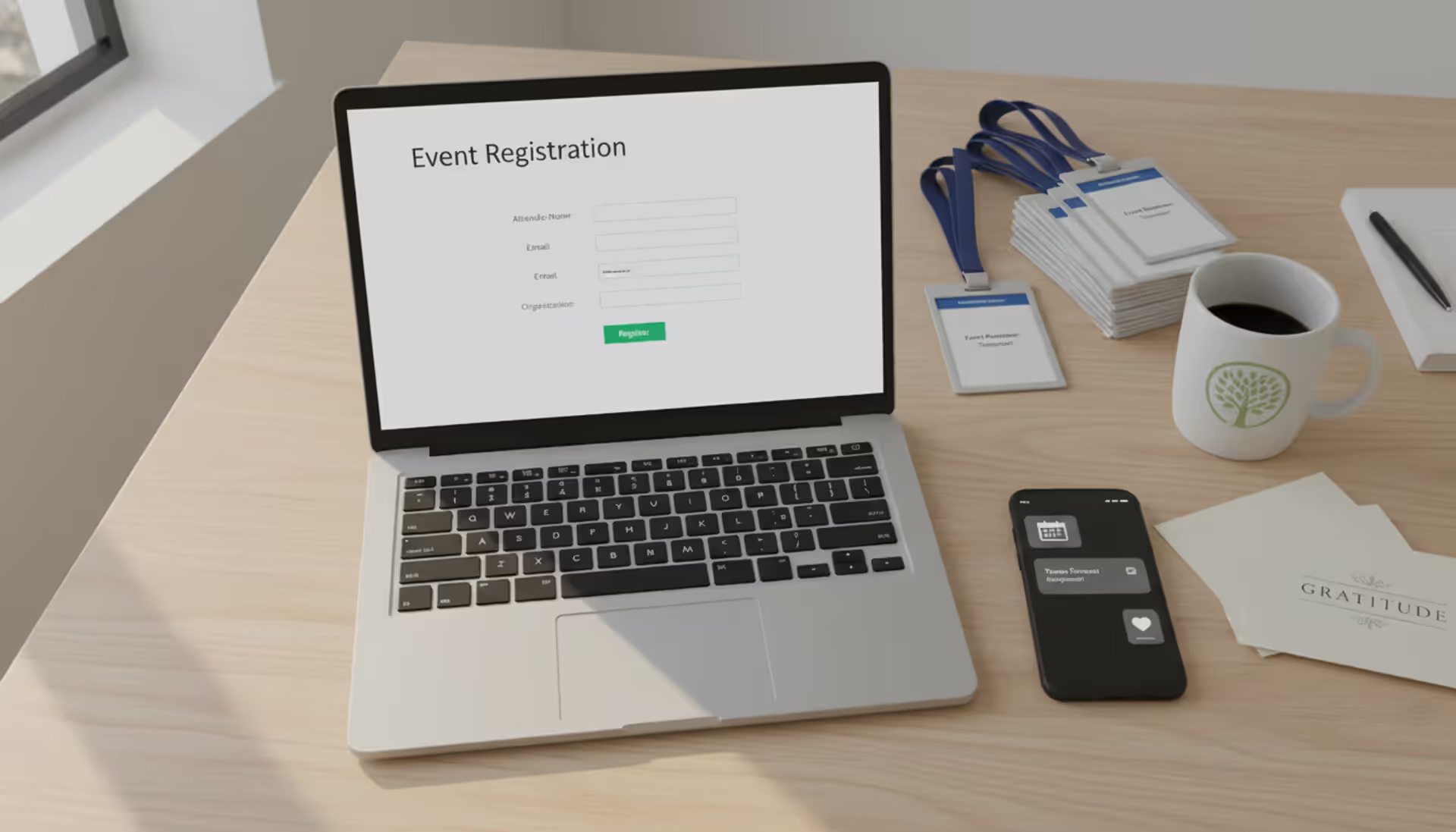
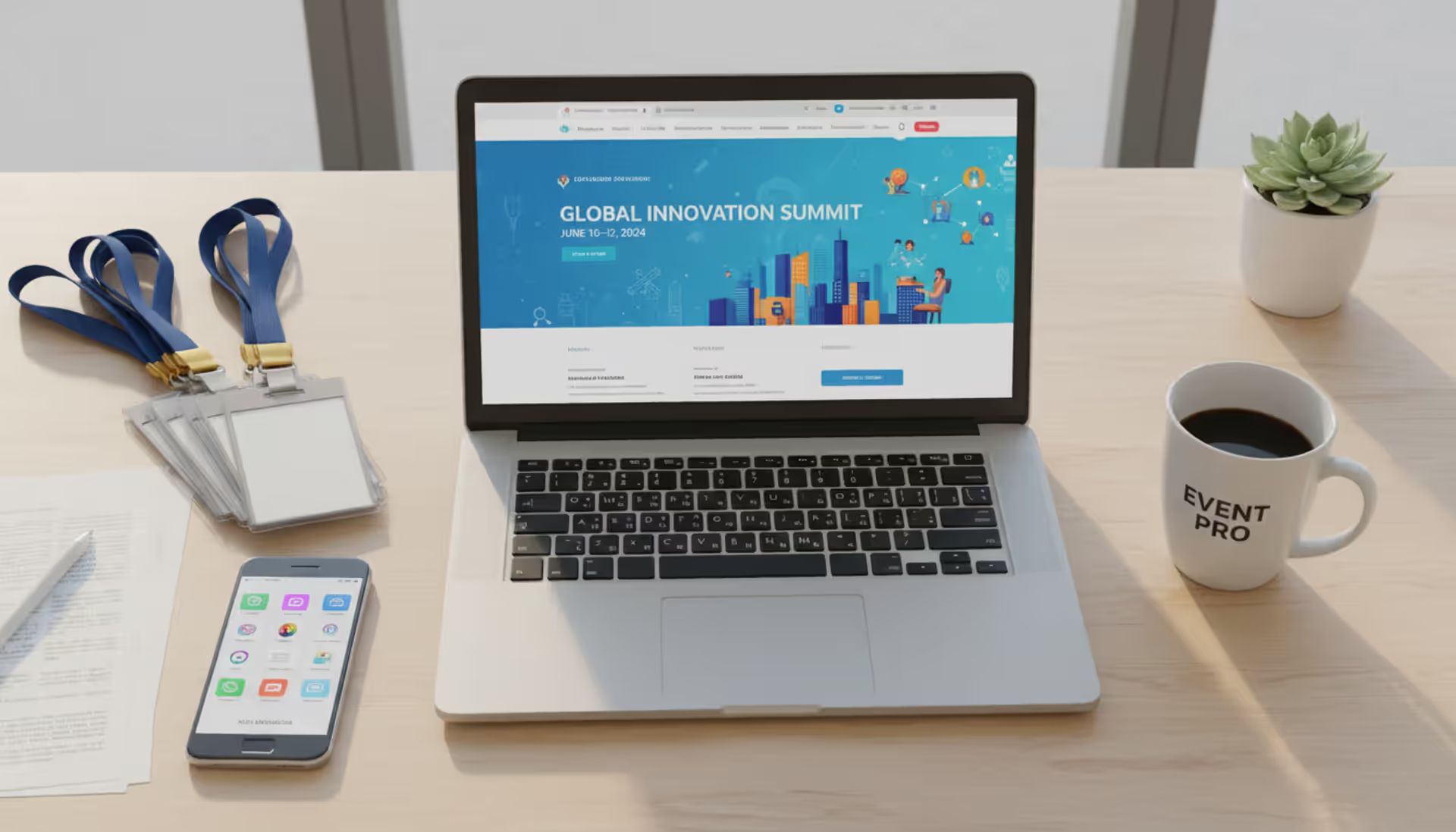
Top view of a nonprofit staff workspace with a laptop showing event registration platform, attendee badges, smartphone notifications, coffee cup, and thank-you cards
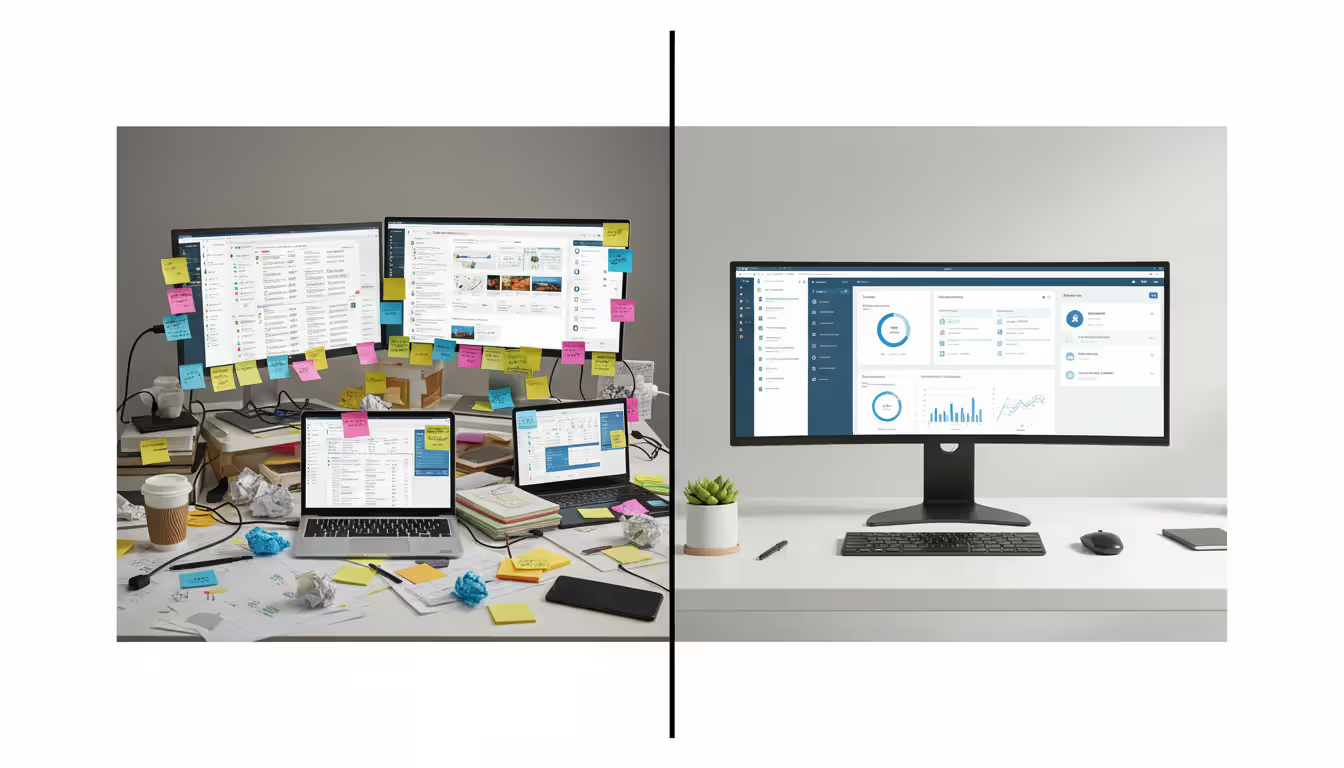
Ever tried managing event registration through a combination of Google Forms, PayPal, and three different spreadsheets? You're juggling confirmation emails manually, someone registers twice under different names, and your treasurer can't reconcile who actually paid. Meanwhile, your donor database has zero record of who attended your biggest fundraiser last month.
Small nonprofit teams already stretch thin across fundraising, program delivery, and keeping the lights on. When event planning adds layers of data entry, payment tracking, and attendee coordination, something breaks—usually staff sanity or event revenue.
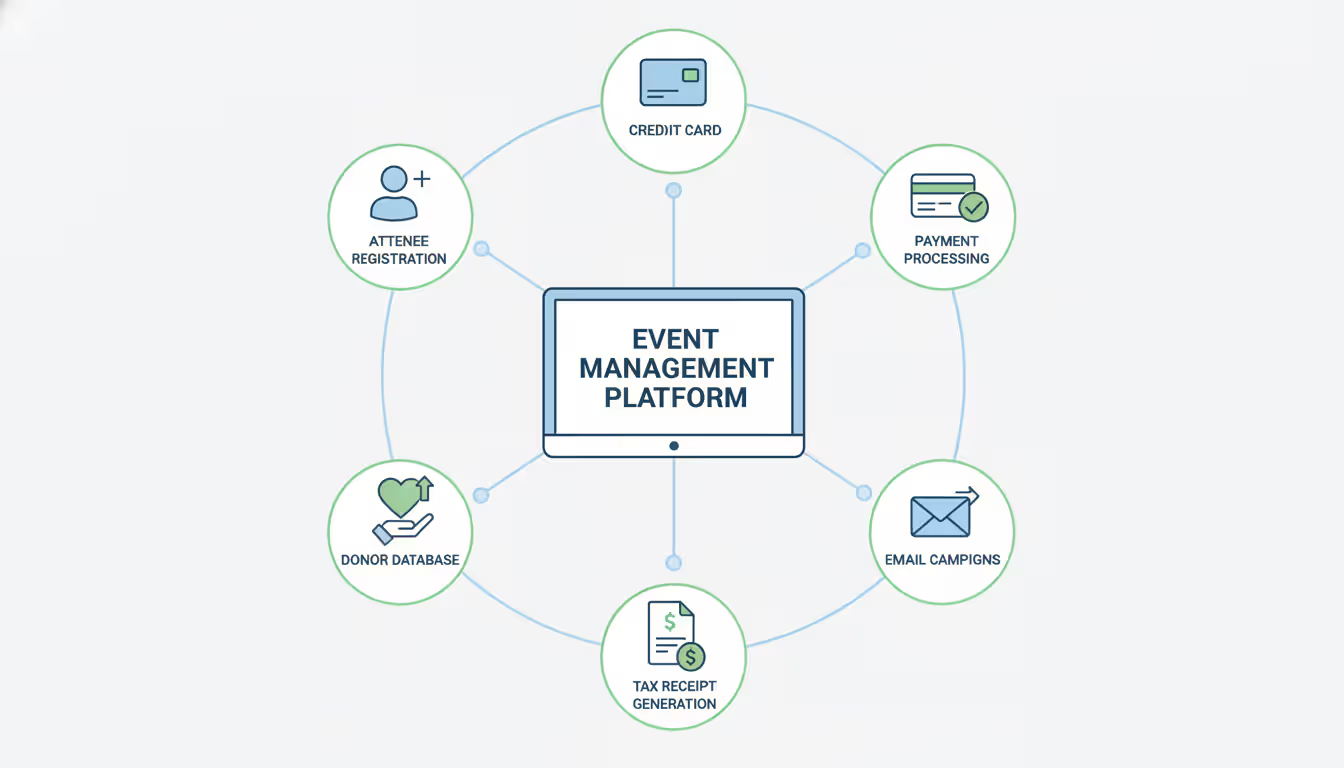
Event software built for nonprofits centralizes registration pages, payment processing, guest lists, and fundraising tracking into one system. Instead of duct-taping generic tools together, you get platforms purpose-built for organizations that need every attendee interaction to strengthen donor relationships, not just fill seats.
What Is Nonprofit Event Management Software?
Think of it as mission control for any gathering where you're asking people to show up and potentially open their wallets. These platforms handle the boring infrastructure—who's coming, did they pay, what's their dietary restriction—while layering on nonprofit-specific capabilities that corporate event tools completely miss.
Registration forms do the basic job of collecting names and processing credit cards. But when someone buys a $200 gala ticket, your platform should automatically generate a tax receipt showing only $75 is deductible (because dinner cost $125), add them to your donor database as a mid-level prospect, trigger a thank-you email sequence, and flag them for your board member who lives in their neighborhood. Generic event software from the corporate world? It just says "payment received."
These systems connect the dots between marketing campaigns and long-term donor cultivation. Registration isn't a standalone transaction—it's a data point in someone's giving journey. When your annual 5K participant creates a peer fundraising page, recruits ten friends, and raises $3,000, that entire relationship history should live in your CRM without anyone manually entering spreadsheet rows at midnight.
Here's what separates nonprofit tools from standard event platforms: built-in donation upsells at checkout, auction bidding interfaces, volunteer shift scheduling, sponsor logo management, and transparent handling of processing fees (including options for donors to cover costs). Companies planning sales conferences don't need any of that. You absolutely do.
The system serves as a translation layer between "someone interested in our cause" and "documented supporter we can cultivate." Manual data transfer creates gaps. Automated integration builds relationships.
Author: Ethan Marlowe;
Source: musiconmainstreet.com
Key Features to Look for in Event Software for Nonprofits
Your registration form builder needs drag-and-drop simplicity—no IT degree required. Can you add custom questions ("How did you hear about us?"), show different ticket options based on membership status, and create early-bird pricing that expires automatically? If building a form requires emailing support screenshots of what you want, keep shopping.
Payment processing can't be an afterthought. The checkout flow should accept major credit cards and digital wallets while clearly displaying fees. Here's a feature that pays for itself: letting donors voluntarily cover transaction costs. Organizations enabling fee coverage report 4-8% higher net revenue per event. Someone buying a $100 ticket sees "add $3.25 to cover processing fees" and clicks yes more often than you'd expect.
Donation layering transforms ticket sales into fundraising opportunities. Mid-checkout, after someone commits to attending, present a quick upsell: "Add $50 to sponsor a student scholarship?" or "Contribute $100 to our capital campaign?" One-click additions convert because donors are already in giving mode. This single feature distinguishes event registration software for nonprofits from platforms built for corporate webinars or birthday parties.
Managing who's actually showing up requires real-time guest lists, not email attachments from last Tuesday. Track meal selections, accessibility needs, plus-one names, and table preferences in fields you define. On event day, mobile check-in apps that scan QR codes beat paper lists every time—guests breeze through, you get live attendance counts, and late arrivals don't create bottlenecks.
Reporting separates platforms that track transactions from tools that drive strategy. How fast are tickets selling compared to last year? Which marketing channel drives registrations? What's the average donation per attendee? Export these insights to Excel, your CRM, or accounting software without reformatting columns for an hour.
Mobile-first design isn't optional anymore. Pull up your last event's website traffic source data—probably 65-70% came from phones. Registration forms that require pinch-zooming or mis-tap buttons lose registrants at checkout. Test everything on an actual iPhone and Android device, not just a desktop browser made narrow.
CRM connections prevent the data disasters that plague event-dependent fundraising. Direct integration with platforms like Salesforce, Bloomerang, or Kindful means registration details flow automatically into constituent records. Contact info updates? Captured. Engagement tracked? Done. Follow-up sequences triggered? Automatically. No CSV exports, no import errors, no duplicate records because someone used "Bob" instead of "Robert."
Free vs Paid Event Registration Platforms for Nonprofits
"Free" sounds perfect when your annual budget wouldn't cover a new laptop. But understanding what you're actually getting—and giving up—prevents expensive surprises six months in.
Most free registration tools make money the same way paid platforms do: transaction fees. You pay nothing monthly, but they take 2.9% plus $0.30 from every ticket sold. Do the math on 200 tickets at $50 each: that's $350 in fees. Paid platforms charging $79/month with 2.2% fees cost $299 total—you just saved fifty bucks while getting better features.
Feature Category
Free Platforms
Paid Platforms
Capacity
Usually capped at 50-100 people per event
No attendee limits; restrictions based on pricing tier
Transaction Costs
2.5-3.5% plus $0.30-0.50 per ticket
1.9-2.9% plus $0.30; nonprofit-specific pricing available
Free platforms work fine for straightforward scenarios: your annual volunteer lunch with 40 people, one ticket type, no complicated meal choices. Registration opens, people sign up, you download a list, done.
Complexity breaks free tools fast. Try setting up early-bird pricing that expires, member discounts, sponsor tables with seat selection, and dietary restrictions—you'll hit feature walls or create such clunky registration flows that people abandon mid-checkout.
The real cost emerges when connecting event data to your donor system. Exporting spreadsheets, cleaning up formatting, importing to your CRM, fixing duplicate records, and updating contact info consumes hours. A development director earning $65,000 annually costs about $31/hour. Spending two hours monthly on data wrestling costs $744 annually—way more than software subscriptions.
Upgrade when you cross these thresholds: running four or more events yearly, expecting 150+ people at your largest gathering, presenting event data in board reports, or watching staff spend afternoons copy-pasting between systems.
Author: Ethan Marlowe;
Source: musiconmainstreet.com
Calculate return on investment honestly. Paid platforms might run $1,500/year in subscriptions but save 50 staff hours and add $2,000 through fee coverage options and donation upsells. That's net positive before counting reduced errors and better donor data.
Top Use Cases by Organization Type
Fundraising Event Management
Fundraising events aren't just attendance targets—they're cultivation opportunities disguised as parties. Your software needs to treat ticket buyers as donor prospects from first click.
Ticket structures get complicated fast: individual seats at $150, couples at $275, VIP tables for eight at $3,000, student discounts at $50. Fundraising event software handles these tiers while tracking which sponsors committed to specific recognition levels and ensuring their benefits (logo placement, program acknowledgment, premium seating) actually get delivered.
Peer-to-peer functionality multiplies your reach beyond direct ticket sales. Your walk-a-thon participants become fundraisers, creating personal campaign pages, setting goals, and soliciting their networks. Sarah registers for your 5K, sets a $500 goal, emails twenty friends, and raises $875 before race day. The platform tracks her individual progress, sends milestone celebration emails ("You're 50% to goal!"), and aggregates everything to your organization's total.
Auction management deserves its own chapter in complexity. Online and silent auctions need item catalogs with photos, mobile bidding apps (nobody wants paper bid sheets anymore), proxy bidding for people who can't attend, automatic outbid notifications, and instant invoicing for winners. Trying to run a serious auction without dedicated software means chaos, disputed bids, and payment collection nightmares.
Example: A community foundation runs their annual gala through specialized fundraising event management tools. They sell $250 individual tickets and $5,000 corporate tables, manage 75 silent auction items via mobile bidding, run a live auction for high-value experiences, execute a paddle raise that brings in $40,000, and generate compliant tax receipts that allocate deductible amounts correctly. One platform handles everything, updating donor records in real-time.
Author: Ethan Marlowe;
Source: musiconmainstreet.com
Church Event Planning and Registration
Churches juggle dozens of simultaneous programs with wildly different needs: weekly services, youth retreats, mission trips, VBS, breakfast groups, women's conferences. Each event requires different questions, payment structures, and capacity limits.
Family-friendly registration matters enormously. Parents need household accounts where they register three kids for different programs—Billy for youth camp, Sarah for mission trip, Emma for VBS—in one checkout. The system should handle sibling discounts, collect emergency contacts once, gather activity waivers, and assign kids to age-appropriate groups automatically.
Volunteer coordination makes or breaks church events. During registration, members should be able to sign up for setup crew, greeting teams, childcare shifts, or cleanup duty. Automated reminder texts reduce no-shows ("You're signed up for setup tomorrow at 8am—see you then!").
Budget constraints shape every decision. Churches rarely have discretionary funds for expensive subscriptions, so church event management software often uses donation-based pricing (pay what you can afford), generous free tiers for smaller congregations, or flat-rate annual fees instead of per-attendee charges.
Recurring events need template functionality. Instead of rebuilding your Wednesday night dinner registration monthly, clone last month's event, update the date, and publish in three clicks. For weekly programs, truly automated recurring registration saves hours.
Charity Galas and Auctions
Formal fundraisers demand polish from the first impression. Registration form design signals event quality—clunky checkouts suggest disorganization and tank donation add-ons.
Seating management becomes mission-critical when you're placing 300 people across 40 tables. Charity event software should display floor plans, assign guests to specific tables, track VIP requests ("our board chair wants table near stage"), and print seating charts. Some platforms offer guest-facing seating selection, letting corporate sponsors choose preferred table locations during checkout.
Sponsorship tracking requires custom workflows. A $10,000 platinum sponsor expects their logo on invitations, website recognition, program book placement, and a premium table. The platform should create automated checklists ensuring these deliverables happen and nothing gets forgotten in the chaos.
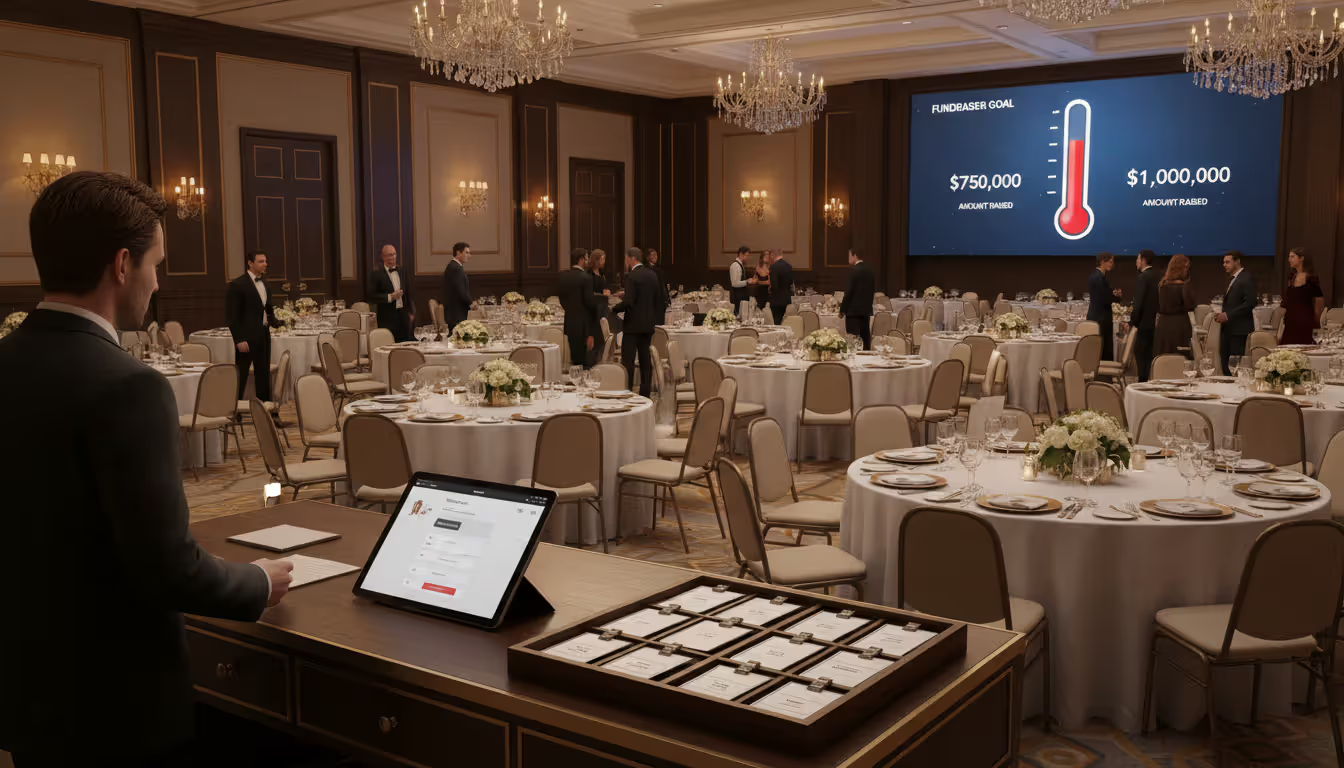
Day-of-event tools separate amateurs from pros: express check-in using pre-printed badges or tablet lookup, mobile credit card processing for walk-up sales, and live fundraising thermometers projected on screens showing progress toward goals. When your emcee announces "we're at $125,000 toward our $150,000 goal," that number should be accurate to the minute.
Post-event segmentation drives next-year revenue. Tag attendees by behavior: came but didn't donate, bid in auction, made additional gift, brought guests who registered. Trigger appropriate follow-up sequences, tax documentation, and cultivation touches based on actual engagement levels.
Nonprofit event management software turns registration from a manual headache into a strategic fundraising tool—connecting payments, attendance, donor data, and follow-up in one place.
— Emily Carter, Nonprofit Technology Advisor
How to Choose the Right Event Management Solution
Start with brutal honesty about your organization's actual needs versus wishlist features. A three-person nonprofit hosting two events annually doesn't need enterprise auction management. Calculate your total annual event attendance across all programs—this number drives whether you need robust tools or simple solutions.
Budget evaluation requires looking beyond monthly subscription costs. Request full pricing breakdowns: nonprofit discounts, contract requirements, setup fees, overage charges if you exceed tier limits, transaction percentages. Calculate 12-month total cost of ownership including both subscription and estimated processing fees based on last year's ticket volume.
Feature prioritization comes from reviewing recent events. Which manual processes consumed absurd amounts of time? Where did registrants get confused and abandon checkout? What data did you desperately need but couldn't capture? Write down must-have features (dealbreakers) versus nice-to-have additions.
Testing user experience from both sides prevents launch-day disasters. Actually register for vendor demo events as an attendee. Does the form make sense on your phone? Can you easily add a donation? Is checkout confusing? Then evaluate admin interfaces: can you build a registration form without calling support? Are reports comprehensible without a statistics degree?
Integration verification with existing tools matters more than flashy features. If you're running Salesforce, QuickBooks, or Mailchimp, confirm the platform offers real connections—not just "we can export CSV files." Ask vendors for reference customers using your exact tech stack and call them directly about integration reliability.
Review research beyond vendor websites reveals actual user experience. Search " nonprofit complaints" or " problems" to surface honest feedback. Contact listed customers directly—most nonprofit colleagues will candidly share what works and what drives them crazy.
Author: Ethan Marlowe;
Source: musiconmainstreet.com
Pilot testing on low-stakes events before your major fundraiser prevents expensive failures. Many vendors offer month-to-month contracts or free trials. Run a small program registration through the system before betting your gala on it.
Common Mistakes Nonprofits Make When Selecting Event Software
Hidden fees destroy budgets faster than anything else. That "free registration" platform might charge 5% transaction fees plus $1.50 per ticket—costs that blow past paid platforms' monthly subscriptions once you sell 100 tickets. Always calculate total expense using your actual expected volume, not advertised base pricing.
Mobile testing gets skipped constantly, then registration opens and half your traffic bounces. Open the form on your actual phone—not desktop browser mode. Are fields too small to tap accurately? Do dropdown menus work? Does checkout require excessive scrolling? Fix these before launching, not after watching analytics show 60% mobile abandonment.
Complexity overkill wastes money and overwhelms staff. Enterprise platforms built for universities running 500 annual events will crush a small nonprofit managing six programs. The learning curve delays launches, requires extensive training, and leaves you using 10% of available features while paying for 100%.
Registration flow testing needs to happen end-to-end before going live. Submit a test registration, verify the confirmation email arrives with correct details, check that reminder messages send on schedule, and walk through check-in day-of. Discovering broken confirmation emails on event morning creates panic.
Volunteer tools get ignored during selection, then create operational headaches. If events depend on volunteer labor for setup, greeters, or cleanup, confirm the software includes shift scheduling, automated reminders, and volunteer check-in. Buying separate volunteer management tools doubles costs and fragments data.
Reference skipping means missing obvious red flags. Vendors showcase their best customers in case studies. You need to hear from average users dealing with typical problems. Request references from organizations matching your size and event complexity, then actually call and ask hard questions.
Frequently Asked Questions
What's the best free event registration software for small nonprofits?
Small organizations hosting occasional events under 100 people should explore Eventbrite's nonprofit program or Humanitix. Eventbrite offers recognizable interfaces and decent promotion tools, while Humanitix donates portions of transaction fees to causes you select. Both handle straightforward registration and basic payment processing without monthly costs. Expect to manage data manually though—neither provides sophisticated CRM connections or advanced fundraising capabilities. You'll download spreadsheets and transfer information yourself.
How much should we budget for nonprofit event management software?
Pricing spans from zero to several thousand monthly depending on complexity and scale. Entry-level platforms run $0-50/month for small organizations with basic needs. Mid-tier solutions offering CRM integration, custom branding, and unlimited events cost $100-300 monthly. Enterprise systems serving large organizations with complex requirements run $500-2,000+ monthly. Transaction fees add 2-3% plus $0.30-0.50 per registration across all levels. Most vendors discount standard pricing by 10-30% for registered nonprofits—always ask.
Will event software actually connect with our donor database?
Modern platforms typically integrate with major nonprofit CRMs including Salesforce Nonprofit Cloud, Blackbaud products, Bloomerang, DonorPerfect, and Little Green Light. Integration quality varies dramatically—some sync bidirectionally in real-time while others require manual triggering or only push data one direction. Before committing, request a live technical demo showing exactly how registration flows into your specific system, including custom field handling and duplicate record management. Don't accept "yes, we integrate" without seeing it work.
Should we use different software for fundraising versus program events?
Not necessarily—comprehensive nonprofit platforms handle both galas and program registration through unified systems. Single-platform advantages include consolidated reporting, consistent attendee experience, and simplified staff training. However, if fundraising events demand specialized auction management or peer fundraising while programs need complex class scheduling or certification tracking, separate purpose-built tools might serve better despite integration headaches. Evaluate whether your events share enough similarities to warrant unified management.
What portion of registration fees do platforms typically charge?
Standard credit card processing runs 2.5-3.5% plus $0.30-0.50 per transaction across most systems. Nonprofit-focused vendors sometimes offer reduced rates of 1.9-2.5% for qualified organizations. Watch for platforms layering additional platform fees on top of processing—total costs can hit 5-7% per transaction. Bank transfer processing costs less (0.5-1%) but settles slower. Growing numbers of platforms now let donors voluntarily cover processing costs during checkout, which can protect net revenue.
Do churches need specialized event software versus general nonprofit platforms?
Church-specific platforms emphasize features general nonprofit tools may under-develop: recurring event templates for weekly gatherings, secure childcare check-in with parent codes, small group management, member directories, and integrated giving for tithes and offerings. They also typically provide more generous free tiers or donation-based pricing models. That said, many general nonprofit platforms serve churches effectively, especially larger congregations running diverse programming beyond Sunday services. Evaluate based on your actual feature needs, not just category labels.
Choosing event software shapes fundraising capacity, operational efficiency, and donor experience for years ahead. Strong platforms reduce administrative burdens, increase event revenue through strategic features like donation upsells and fee coverage, and strengthen relationships through better constituent data management.
Begin your selection by honestly assessing current frustrations rather than chasing features you'll never touch. Simple platforms your team consistently uses outperform complex systems sitting mostly idle because nobody learned them. Test thoroughly before signing contracts, prioritize connections with existing donor databases, and calculate complete costs including subscriptions plus transaction charges.
Software serves your mission—it should simplify event planning, not create technical obstacles. The right platform for your organization lets attendees register easily, enables staff to manage without constant support tickets, and captures data that builds lasting donor relationships extending far beyond single events.
Running athletic events with spreadsheets creates chaos. Sports event management software consolidates registration, scheduling, payments, and communication into unified platforms that reduce administrative burden and improve participant experience for organizations of all sizes
Picking the right platform to showcase your event can make the difference between a sold-out venue and empty seats. This guide walks through what matters when evaluating event website software, from must-have features to pricing structures, so you can build an event page that converts
Event planning software centralizes registration, ticketing, scheduling, and analytics into one platform. Learn how these tools work, which features matter most, and how to choose the right solution for corporate, social, or hybrid events
Planning events across multiple tools creates costly oversights. Event organizer software centralizes registration, ticketing, vendor management, and analytics—but choosing the right platform requires matching capabilities to your event portfolio and team structure
The content on this website is provided for general informational and educational purposes only. It is intended to explain concepts related to event management software, ticketing systems, hybrid event platforms, and operational tools for event organisers.
All information on this website, including articles, guides, and examples, is presented for general educational purposes. Outcomes may vary depending on event size, technology choices, and organisational needs.
This website does not provide professional legal, financial, or software advice, and the information presented should not be used as a substitute for consultation with qualified event tech or IT professionals.
The website and its authors are not responsible for any errors or omissions, or for any outcomes resulting from decisions made based on the information provided on this website.