Running an event means wrangling a hundred different tasks at once. You're booking venues, tracking RSVPs, coordinating caterers, monitoring budgets, and sending update emails—often while putting out fires in real time. Event planning software pulls all these scattered pieces into one central system, replacing the chaos of spreadsheets, sticky notes, and overflowing inboxes with organized workflows that actually make sense.
This guide walks you through what these platforms actually do, how they operate behind the scenes, and how to pick one that fits your specific situation.
What Is Event Planning Software
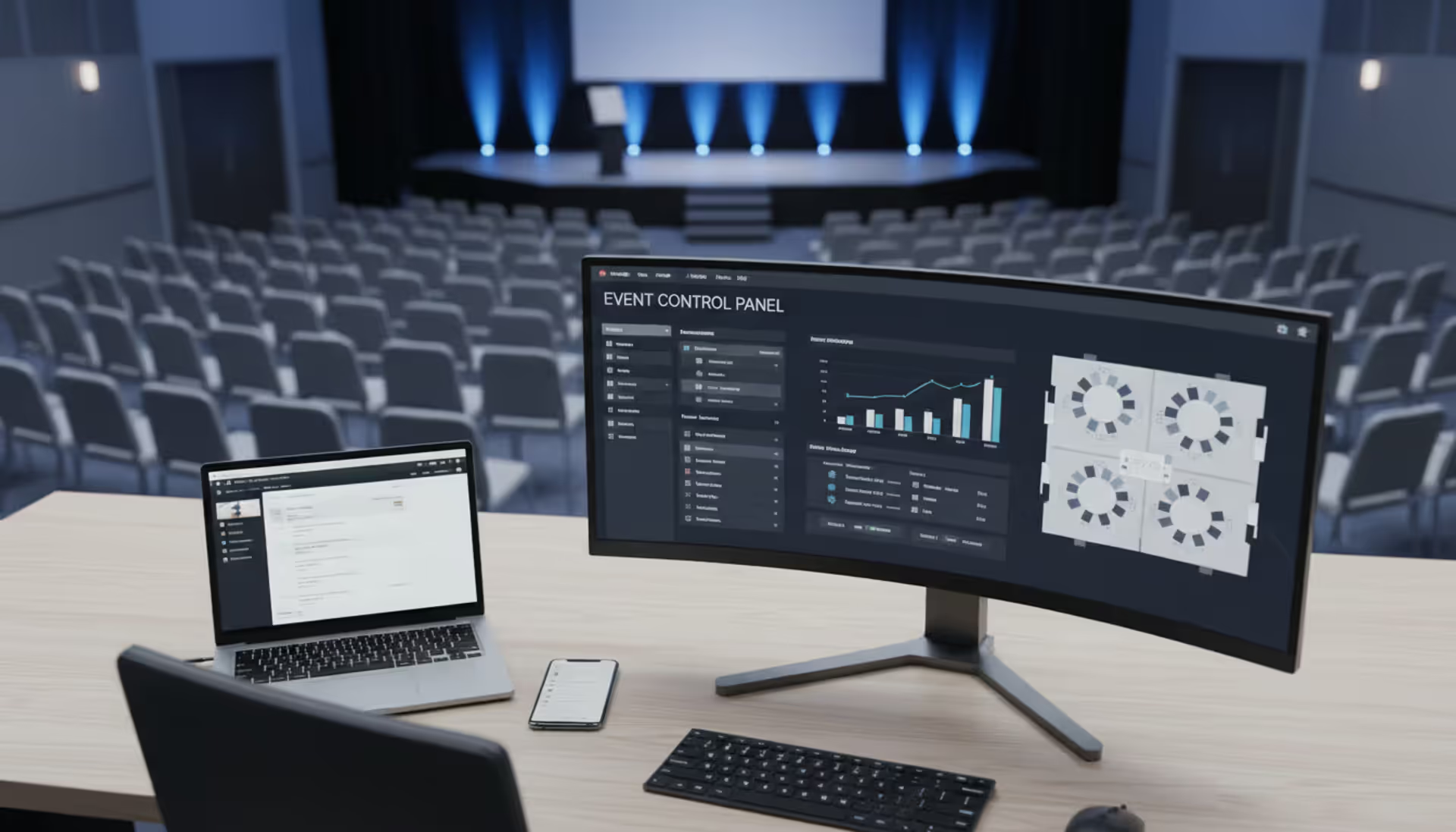
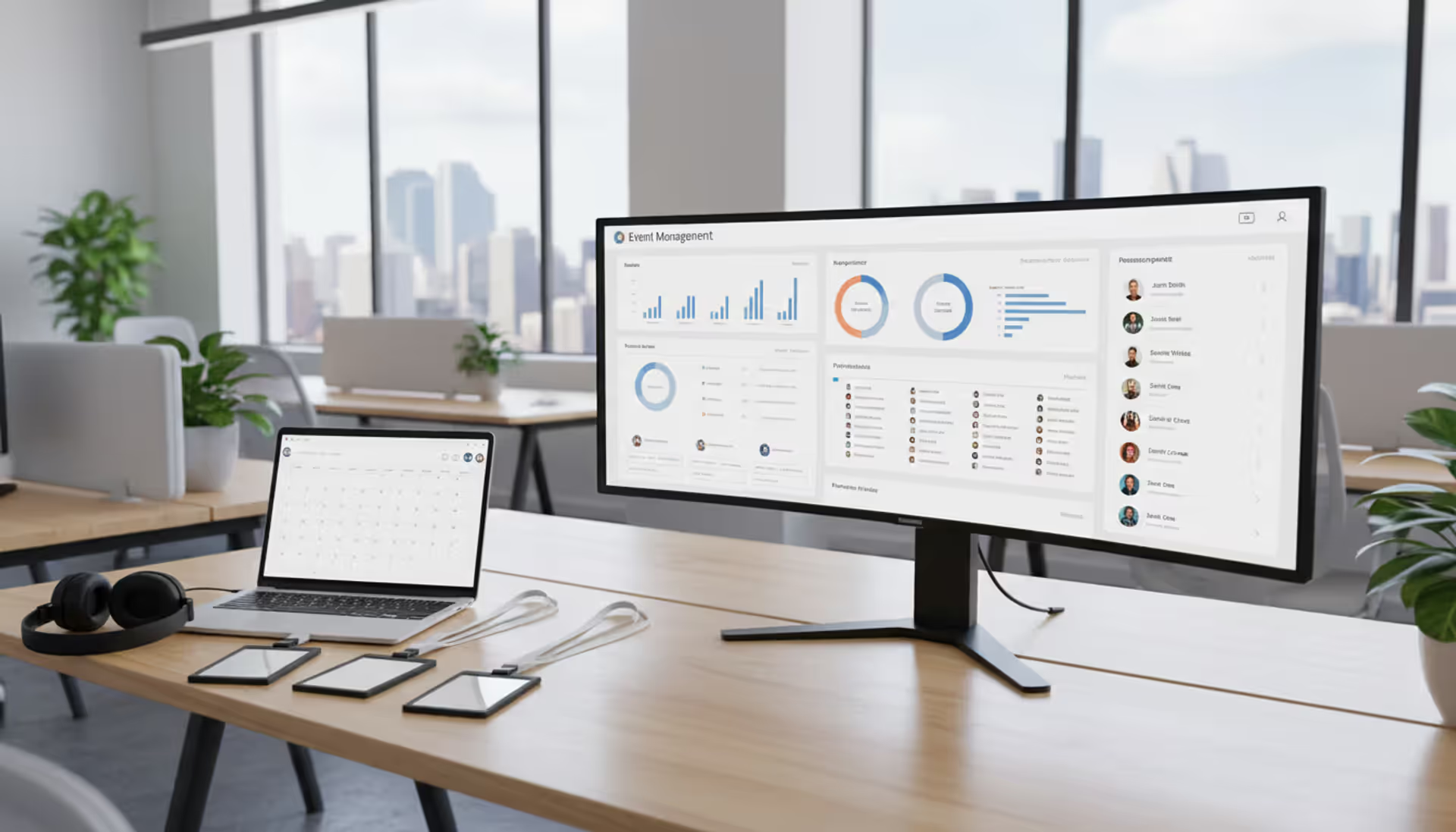
Event planning software gives you a digital command center for running events from start to finish. It handles registration forms, ticket sales, schedule building, budget monitoring, vendor communications, and post-event reporting—all from one dashboard instead of jumping between a dozen different apps.
Think of it as mission control for anyone bringing people together. Corporate event managers use professional event planning software to run conferences, product launches, and annual meetings. Wedding planners coordinate guest lists, timeline logistics, and vendor schedules through these systems. Nonprofits manage fundraising galas and donor appreciation events. Marketing departments organize webinars, trade show booths, and customer appreciation dinners. The common thread? Anyone coordinating people, places, and schedules benefits from having everything in one spot.
The main goal is removing friction. When you're manually tracking RSVPs in a spreadsheet, double-booking happens. When vendor contracts live in different email threads, important deadlines slip through. When budget tracking happens on paper, cost overruns surface too late to fix. Event planner software automates the tedious stuff—sending reminders, syncing calendars, flagging scheduling conflicts—so you can spend energy on the parts that actually matter, like creating an experience people remember.
How Event Planning Software Works
An event planning platform connects several specialized modules that handle different phases of putting together an event. Here's what happens at each stage.
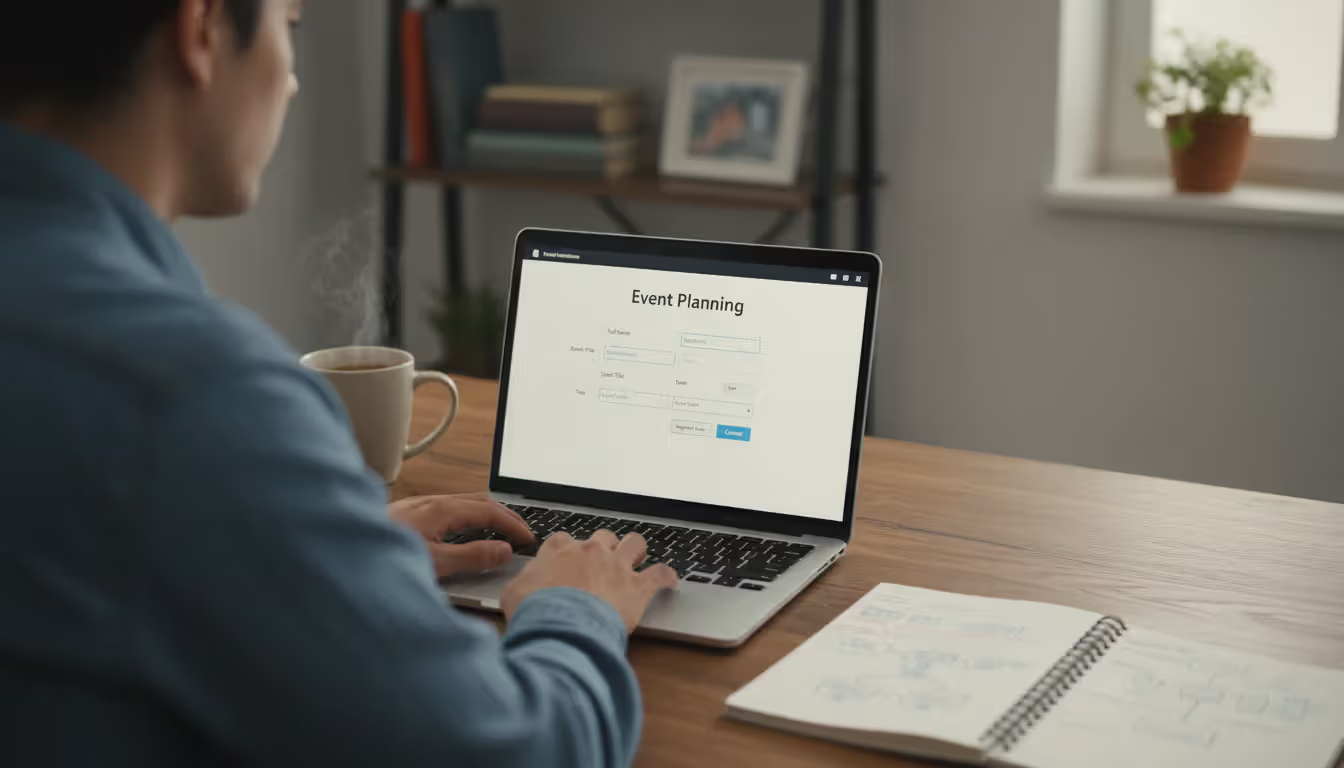
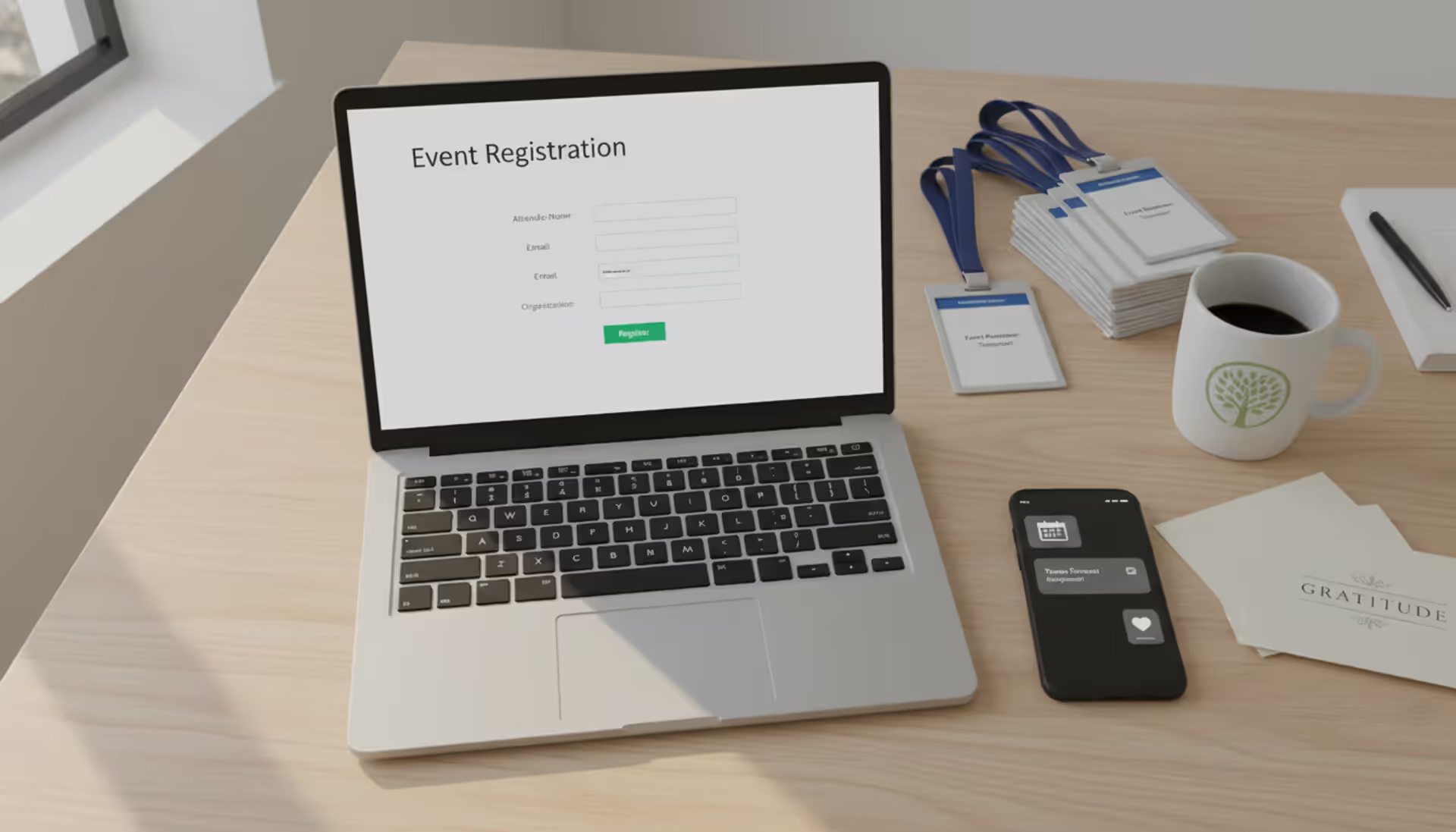
Registration and ticketing usually kick things off. You build a custom landing page where people sign up, pick their ticket level, and pay online. The system grabs their information—email addresses, job titles, meal preferences, breakout session choices—and drops everything into a master database. Confirmations go out automatically. Attendees get digital tickets or QR codes without you lifting a finger.
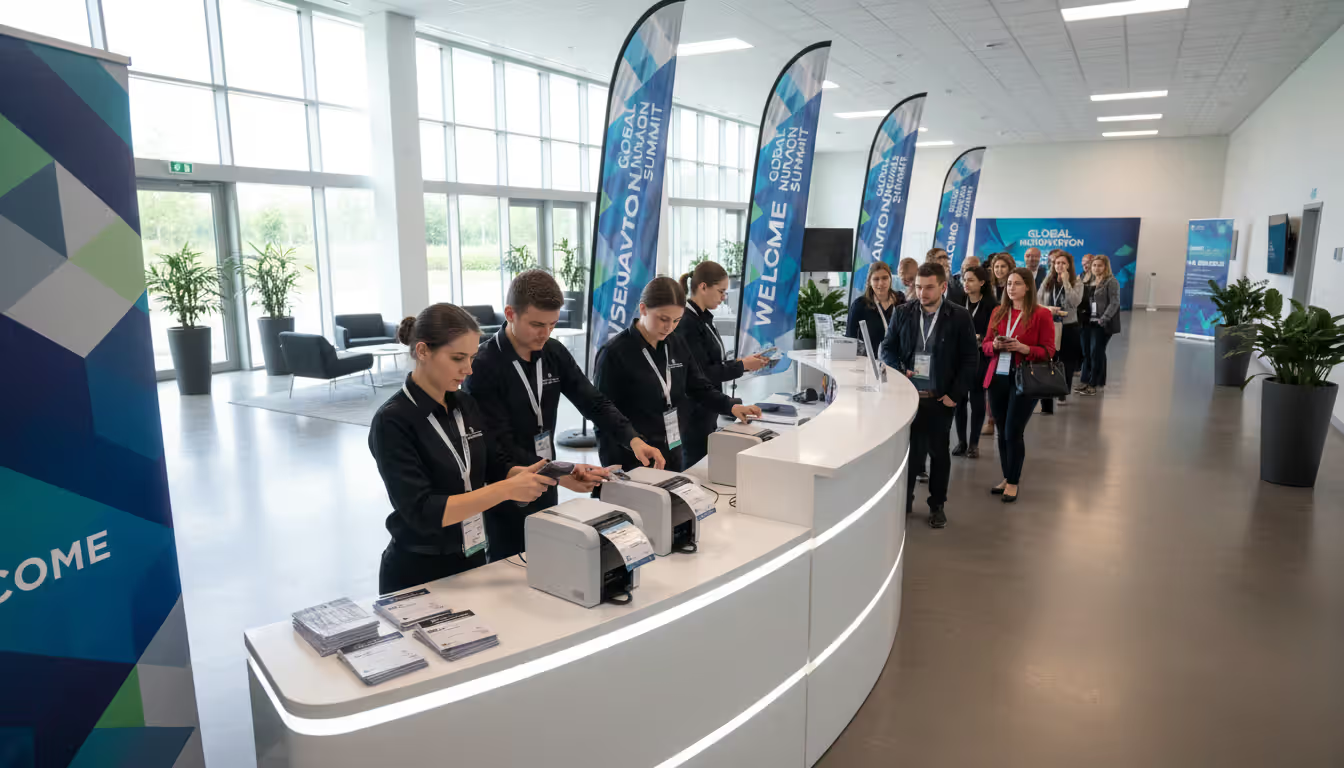
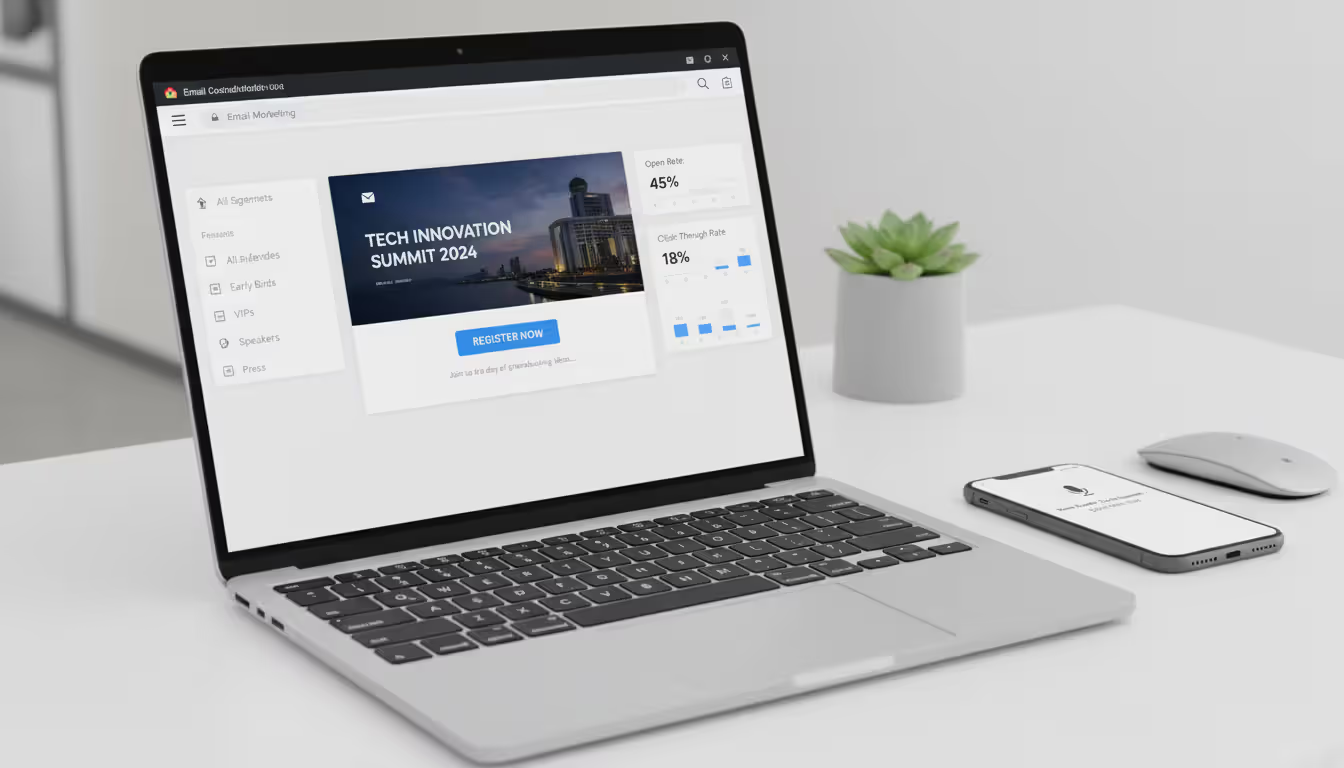
Attendee management starts once registrations roll in. You can slice and dice your attendee list by company size, ticket type, or interests. Need to send VIP ticket holders a special reception invite? Takes thirty seconds. Want to remind early-bird registrants about the agenda? One email blast handles it. On event day, check-in happens through a mobile scanner that reads QR codes, marks attendance, and prints name badges on the spot.
Author: Liam Crestwood;
Source: musiconmainstreet.com
Scheduling and agenda creation lets you map out multi-track programs. Sessions get assigned to specific rooms at specific times. Speakers receive their time slots. Attendees browse everything in a mobile app, bookmark the sessions they want, and get alerts five minutes before each one starts. If a speaker cancels last minute, you update the schedule once and every attendee sees the change instantly on their phone—before anyone shows up to an empty room.
Vendor and task management keeps the operational machinery humming. You create task lists with owners and deadlines. Upload contracts with caterers, AV companies, and florists. Track what's been delivered versus what's still pending. The system nudges people when deadlines approach. Budget modules show projected spending versus actual costs as charges hit your account.
Reporting and analytics wrap everything up after the event ends. Pull reports showing how many people attended each session, which marketing channels drove ticket sales, total revenue collected, and survey response breakdowns. These numbers inform how you plan the next one.
Event planning tools plug into your other software. They connect to Salesforce or HubSpot so leads from your conference automatically flow into your sales pipeline. They sync with Mailchimp or Constant Contact for email campaigns. QuickBooks integration pulls financial data. Your Google Calendar or Outlook stays current without manual updates.
Key Features to Look For
Event planning software solutions vary wildly in what they include. Focus on these capabilities based on what you're actually organizing.
Registration and ticketing needs to handle early-bird rates, group discounts, coupon codes, and different access levels. Registration forms should let you customize fields without requiring a developer—collect exactly what you need without creating a massive form that scares people away. Payment processing has to accept major credit cards, digital wallets, and invoicing for corporate buyers who need a 30-day payment term.
Budget tracking modules let you set spending limits for every line item—venue rental, catering, promotional materials, staff costs. The platform tracks actual expenses against your projections and sends alerts when categories get close to their caps. Receipt matching connects invoices to budget categories automatically instead of requiring manual reconciliation.
Communication features keep everyone in the loop. Send targeted email campaigns to specific attendee segments. Fire off SMS reminders to people who haven't checked in yet. Enable two-way messaging so attendees can ask questions through the platform instead of flooding your personal inbox. Some systems even include chatbots that answer common questions like "What's the WiFi password?" or "Where's the restroom?"
Author: Liam Crestwood;
Source: musiconmainstreet.com
Analytics and reporting provide live dashboards displaying current registration counts, revenue totals, and demographic breakdowns. After your event wraps, aggregate reports compile survey feedback, session attendance figures, and engagement metrics. Export raw data to Excel or your business intelligence tools for deeper analysis.
Mobile access matters for everyone involved. Planners need smartphone apps to manage on-site check-in, solve problems in real time, and monitor metrics while walking the venue. Attendees expect to view schedules, join live polls, network with other participants, and download presentation slides—all from their phones. Skip platforms with clunky mobile experiences and you'll regret it.
Other useful features: seating chart designers, waitlist automation, sponsor portals, exhibitor dashboards, live audience polling, and virtual event capabilities like streaming and digital breakout rooms.
Types of Event Planning Software
Event planning softwares split into distinct categories, each tackling different challenges and scenarios. What works depends heavily on the events you're running.
All-in-one platforms bundle registration, marketing automation, attendee engagement, and analytics into a single system. They handle your entire event lifecycle from promotional emails through post-event surveys. Companies running events regularly love the consistency—identical workflows, standardized reporting, same integration points every time. The downside? Higher price tags and paying for capabilities you might never touch.
Specialized tools focus on solving one narrow problem really well. A ticketing app might excel at fraud prevention and payment processing but won't help with budget tracking. A venue marketplace helps you compare spaces but stops there. These make sense when you've already built a tech stack and just need to fill one specific gap.
Corporate event platforms designed for business conferences, training sessions, and trade shows emphasize lead tracking, CRM synchronization, and ROI measurement. Reporting centers on metrics like cost-per-lead and conversion rates. Features like QR-code lead scanning and exhibitor analytics are perfect for trade shows but completely irrelevant for planning a wedding.
Social event applications for weddings, milestone birthdays, and family reunions take a completely different approach. You'll find gift registry tools, RSVP tracking with meal choices, and drag-and-drop seating charts. The interface prioritizes beautiful design templates and easy DIY customization over enterprise reporting dashboards.
In-person event systems emphasize on-site logistics like check-in, badge printing, and real-time attendance tracking. Many bundle hardware like badge printers and check-in kiosks.
Virtual and hybrid platforms add streaming capabilities, virtual expo halls, digital networking lounges, and on-demand content libraries. Attendees participate from anywhere with an internet connection. The software attempts to recreate face-to-face interaction in a digital environment. Hybrid solutions manage both physical attendees and remote participants at the same time, keeping schedules synchronized and enabling interaction across both groups.
Mobile-centric applications deliver everything through a smartphone app. Attendees download it for schedule access, networking features, and live notifications. Planners run the entire operation from their phones. This approach works best when your audience is tech-comfortable and people are constantly on the move.
Remote attendees or blended in-person and virtual crowds
Business Platform
Yes
Yes
Yes
Yes
Enterprise license agreements
Corporate conferences, expos, lead generation events
Benefits of Using Event Planning Software
Switching from manual processes to event planning tools creates measurable improvements you'll notice immediately.
Time savings consistently top the list of benefits. Automated reminder sequences eliminate chasing individual RSVPs through email. Self-service registration runs around the clock—someone in Australia can sign up at 3 AM their time without waiting for you to wake up. Task assignment distributes workload across your team with automatic reminders so details don't vanish. A colleague who manages corporate events told me she cut her prep timeline from six weeks down to three weeks just by automating routine communications and eliminating duplicate data entry.
Financial control improves dramatically when every expense lands in one system. Budget disasters usually happen because small charges accumulate unnoticed—an extra microphone rental here, last-minute menu changes there, rush shipping fees for forgotten items. When your platform sends alerts as spending categories approach their limits, you've got runway to make adjustments before hitting the wall. Payment reconciliation speeds up too, shrinking what used to consume days of accounting time into a few hours.
Attendee experience gets noticeably better. Streamlined registration processes reduce abandonment rates—fewer people start signing up only to give up halfway through a confusing form. Mobile apps put agendas and venue maps directly in pockets. Networking tools help participants connect with people they'd never meet otherwise. Post-session feedback collection happens while memories are fresh and opinions haven't softened or faded.
Data intelligence transforms from scattered observations into strategic assets. Which breakout sessions packed the room? What time did most people register? Which Facebook ad drove actual ticket purchases versus which one just got likes? These answers directly shape your next event. You can test different pricing structures, identify trending topics, and allocate resources based on actual behavior instead of hunches.
Team collaboration smooths out when everyone works from the same system. Shared task lists keep team members aligned without status meetings. Synchronized calendars prevent double-booking conference rooms or scheduling conflicts. Centralized document storage means contracts, floor plans, and vendor contacts live in one searchable location instead of scattered across email inboxes. Remote team members coordinate just as easily as people sharing an office.
Event planning software has cut our planning cycles in half while making attendees happier. Real-time data visibility and workflow automation let us focus on designing memorable experiences instead of drowning in administrative tasksvent Planning Software
— Sarah Mitchell
Finding the best event planning software means matching capabilities to your actual requirements. Start by defining what you really need.
Event size and format heavily influence which platform makes sense. A 50-person workshop needs basic registration and email tools. A 2,000-person industry conference demands robust ticketing, complex scheduling across multiple tracks, and exhibitor management. Running events monthly justifies higher subscription costs; organizing one annual gala favors pay-as-you-go pricing.
Budget considerations extend beyond the monthly subscription fee. Account for payment processing charges (usually 2-3% per transaction), hardware purchases (badge printers, tablets for check-in), staff training time, and integration setup costs. Free plans work for small gatherings but typically cap attendee numbers at 50-100 or charge per registration. Mid-tier options ($100-$500 monthly) suit regular event organizers. Enterprise packages ($1,000+ per month) serve large organizations with sophisticated needs.
Usability matters more than an impressive feature list. A powerful platform that confuses your team wastes both time and money. Look for intuitive navigation, drag-and-drop builders, and clean visual design. Check whether the vendor provides onboarding assistance and training materials. I've seen teams abandon feature-rich platforms because nobody could figure out how to use them.
Author: Liam Crestwood;
Source: musiconmainstreet.com
Integration capabilities determine whether the software actually fits your existing workflow. Does it sync with your CRM to capture leads automatically? Will it push financial data directly into your accounting system? Can it connect to your email marketing platform? Poor integration forces manual data entry, destroying the efficiency gains you're hoping to achieve.
Customer support quality becomes critical when technical issues strike the day before your event starts. Research available support channels—phone, email, live chat, help documentation. Check average response times. Read reviews that specifically mention support experiences. Some vendors assign dedicated account managers; others rely entirely on self-service knowledge bases and community forums.
Scalability ensures the platform grows with you. Planning 100-person events today but expecting 500-person conferences next year? Choose software that handles both scenarios without forcing you to migrate platforms. Check whether pricing scales gradually or includes dramatic jumps at certain thresholds that might surprise you later.
Trial periods let you test-drive before committing. Most professional event planning software offers trials lasting 14-30 days. Use this window to build a mock event, invite team members to participate, and test key workflows. Pay close attention to friction points and missing features that only surface during hands-on use.
Common Mistakes When Selecting Event Planning Software
Even experienced planners fall into these avoidable traps during the selection process.
Overlooking mobile functionality creates major problems. Actually test the mobile experience by registering as an attendee, browsing the agenda, and trying networking features. Verify that planners can handle check-in and troubleshoot issues from smartphones. Your attendees—especially younger ones—expect smartphone-optimized experiences. Desktop-first platforms feel outdated and frustrating.
Ignoring integration requirements creates data silos that waste hours. You'll end up manually exporting attendee lists to your CRM, copying budget figures into QuickBooks, and duplicating email campaigns across systems. Before signing anything, map your complete workflow and confirm the software connects to critical tools. Ask vendors for detailed integration documentation, not just "yes, we integrate with Salesforce."
Choosing based solely on price backfires regularly. The cheapest option typically lacks essential features, forcing you to purchase add-ons or switch platforms after the first event. Conversely, the most expensive option often includes enterprise capabilities you'll never use. Focus on value: does the software solve your specific problems at a reasonable price point?
Skipping team involvement during evaluation leads to adoption problems. You might find the interface intuitive, but what about the colleagues who'll actually use it? Assign real tasks to team members during the trial period. Collect honest feedback about confusing elements. Features that make perfect sense to you might completely baffle someone else.
Not testing during trial periods means you're buying blind. Vendor demos showcase curated best-case scenarios; trials reveal real-world quirks and limitations. Always test the platform with actual event data and realistic workflows before signing a contract. Reading car reviews tells you nothing compared to actually test-driving the vehicle yourself.
Author: Liam Crestwood;
Source: musiconmainstreet.com
Underestimating learning curves causes rushed implementations and avoidable mistakes. Even user-friendly platforms require dedicated learning time. Budget at least two weeks for proper training and configuration before your first event. Rushing leads to errors—misconfigured registration forms, broken email templates, incorrect budget categories. Start learning well before launch day pressure hits.
Frequently Asked Questions About Event Planning Software
What's the typical price range for these platforms?
Pricing varies significantly based on features and scale. Basic online event planning software starts around $50-$100 each month for smaller events with limited attendees. Mid-range platforms run $200-$800 monthly, supporting larger gatherings and more sophisticated capabilities. Enterprise solutions cost $1,000+ per month with pricing often customized based on event volume and specific needs. Some vendors charge per-ticket fees (typically $1-$3 per registration) instead of flat monthly rates. Payment processing fees (2-3% of ticket revenue) usually apply separately. Free versions exist but generally cap attendance at 50-100 people and exclude advanced features.
What works best for smaller gatherings?
For events under 100 attendees, simplicity and cost-effectiveness take priority. Platforms offering free or low-cost tiers that include basic registration, email capabilities, and payment processing work well. Mobile-friendly interfaces help since small teams often work remotely or on the go. Skip overly complex enterprise platforms—you'll pay for capabilities you don't need. The best event planning software for small events balances straightforward usability with essential functionality like custom registration forms and automated confirmation emails.
Do these systems support virtual and hybrid formats?
Yes, many current platforms accommodate virtual and hybrid events. Virtual capabilities include live streaming, on-demand video libraries, virtual exhibitor booths, networking lounges, and interactive Q&A sessions. Hybrid functionality manages both physical attendees and remote participants simultaneously, synchronizing schedules and enabling cross-channel interaction. When evaluating options for virtual events, test video quality, maximum attendee capacity, and engagement tools like polling and chat. Some platforms specialize exclusively in virtual experiences; others added these features recently and may have limitations or bugs.
What's the learning curve like?
The learning timeline varies based on platform complexity. Basic event planning apps with streamlined interfaces can be mastered in a few hours of focused practice. Comprehensive platforms with advanced features—multi-track scheduling, complex ticketing rules, custom reporting dashboards—may require days or weeks to fully understand. Most vendors provide tutorials, knowledge bases, and onboarding assistance. Plan for roughly two weeks of learning before your first event. Start with core features (registration, email) and gradually add advanced capabilities as confidence builds. Get your entire team involved early so everyone learns together.
How well is attendee information protected?
Reputable event planning software solutions implement robust security measures. Look for platforms with PCI-DSS compliance for payment processing, SSL encryption for data transmission, and storage in secure, redundant data centers. GDPR and CCPA compliance matters if you're serving European or California residents. Review the vendor's privacy policy to understand data retention and sharing practices. Two-factor authentication for planner accounts adds another security layer. Check for third-party security audits if available. Avoid vendors that can't clearly explain their security practices when asked.
Should I use different systems for business versus personal events?
Not necessarily, though specialized platforms optimize for each scenario. Corporate-focused systems emphasize lead capture, CRM integration, and ROI tracking—capabilities that don't matter for weddings. Social event applications include gift registries, seating charts, and consumer-friendly templates that corporate planners rarely need. If you regularly organize both types, an all-in-one platform with flexible features might serve both purposes. For occasional events outside your main focus, consider short-term access to specialized tools rather than maintaining multiple ongoing subscriptions.
Event planning software transforms logistical chaos into organized workflows, giving planners visibility and control from initial promotion through final wrap-up reports. The right platform saves hours of administrative work, prevents expensive mistakes, and creates better attendee experiences through automation and real-time data access.
Selecting software starts with understanding your event format, expected attendance, and available budget. Comprehensive platforms suit organizations running multiple events annually, while specialized tools fill specific gaps in existing processes. Corporate gatherings demand different capabilities than social celebrations, and hybrid events require virtual functionality that traditional in-person tools don't provide.
Sidestep common pitfalls: thoroughly test mobile functionality, verify integrations with current tools, and involve your entire team in the evaluation process. Trial periods reveal real-world usability challenges that polished demos never show. Consider learning curves and support quality alongside feature lists and pricing.
The event planning platform you choose becomes your operational backbone. Invest time in selecting wisely, and you'll gain a tool that scales with your ambitions, streamlines team collaboration, and delivers insights that make each event better than the last.
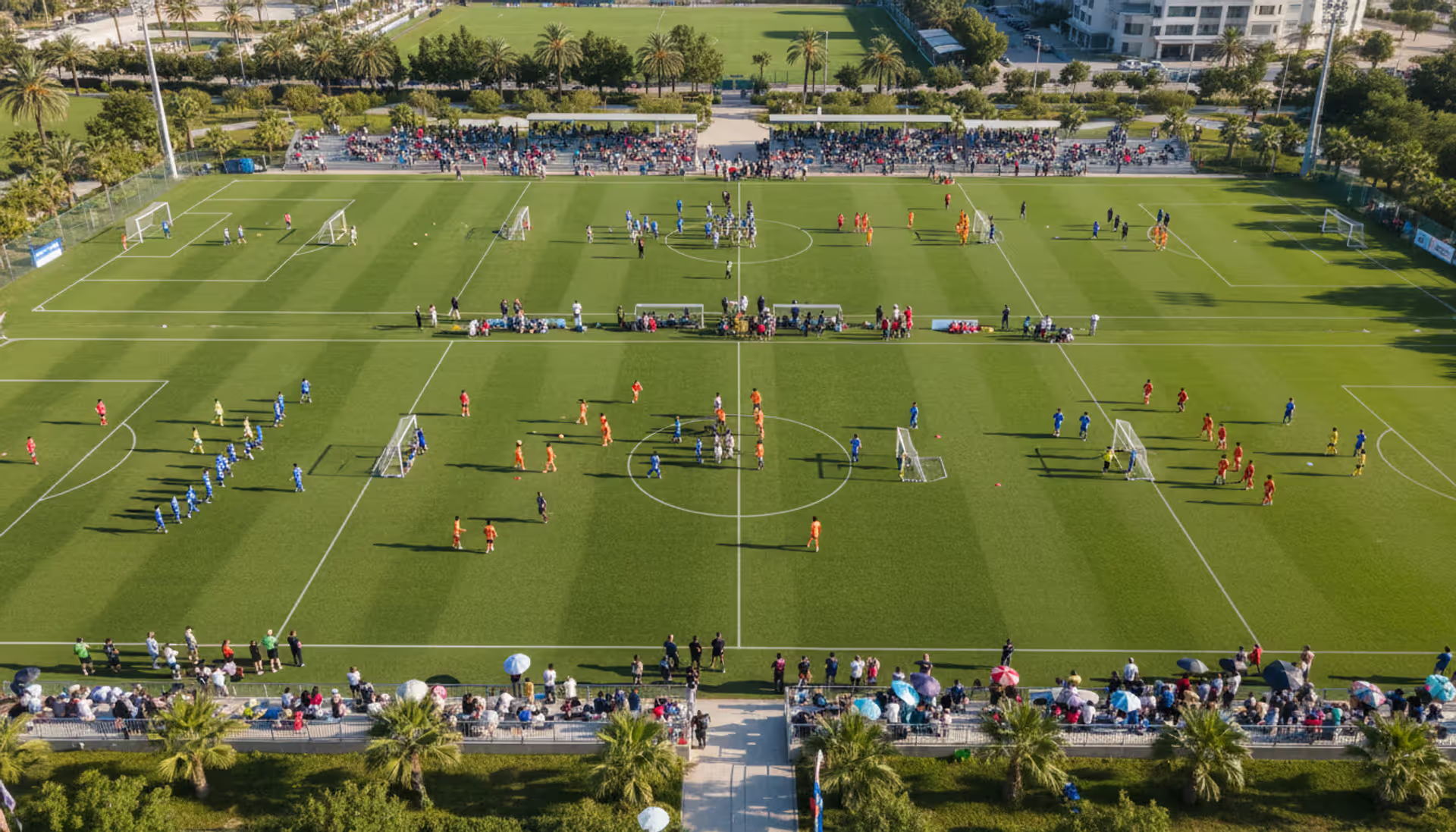
Running athletic events with spreadsheets creates chaos. Sports event management software consolidates registration, scheduling, payments, and communication into unified platforms that reduce administrative burden and improve participant experience for organizations of all sizes
Planning successful nonprofit events requires more than spreadsheets. Modern event management software handles registration, payments, donor tracking, and reporting through unified platforms. This guide compares free vs paid options, essential features, and selection criteria for nonprofits
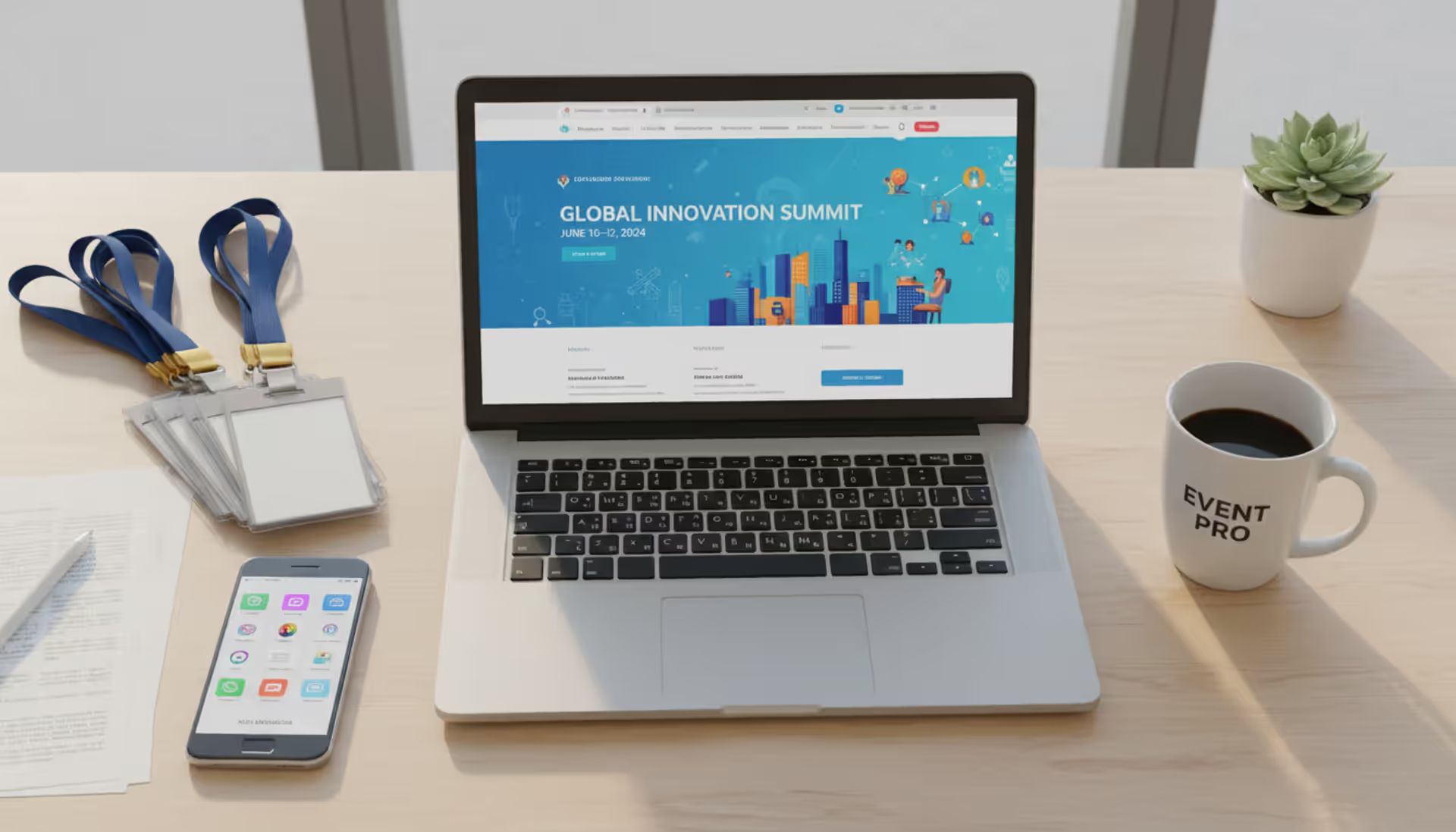
Picking the right platform to showcase your event can make the difference between a sold-out venue and empty seats. This guide walks through what matters when evaluating event website software, from must-have features to pricing structures, so you can build an event page that converts
Planning events across multiple tools creates costly oversights. Event organizer software centralizes registration, ticketing, vendor management, and analytics—but choosing the right platform requires matching capabilities to your event portfolio and team structure
The content on this website is provided for general informational and educational purposes only. It is intended to explain concepts related to event management software, ticketing systems, hybrid event platforms, and operational tools for event organisers.
All information on this website, including articles, guides, and examples, is presented for general educational purposes. Outcomes may vary depending on event size, technology choices, and organisational needs.
This website does not provide professional legal, financial, or software advice, and the information presented should not be used as a substitute for consultation with qualified event tech or IT professionals.
The website and its authors are not responsible for any errors or omissions, or for any outcomes resulting from decisions made based on the information provided on this website.