Last month, I watched a friend's product launch event flop—not because the product was bad, but because her registration page crashed under traffic. She'd cobbled together a WordPress site with three different plugins, and none of them played nice together when 200 people tried to sign up simultaneously.
The market's flooded with platforms claiming they'll handle your event registration, ticketing, and marketing. Some are overpowered for a simple meetup. Others can't scale past 100 attendees without choking. The real question isn't "which tool is best?"—it's "which one won't let me down when it matters?"
If you're organizing anything from an intimate workshop to a sprawling conference, you need a web presence that works when people actually want to register. Here's how to pick software that handles the boring technical stuff so you can focus on putting together an event worth attending.
What Is an Event Website Builder and Why Use One?
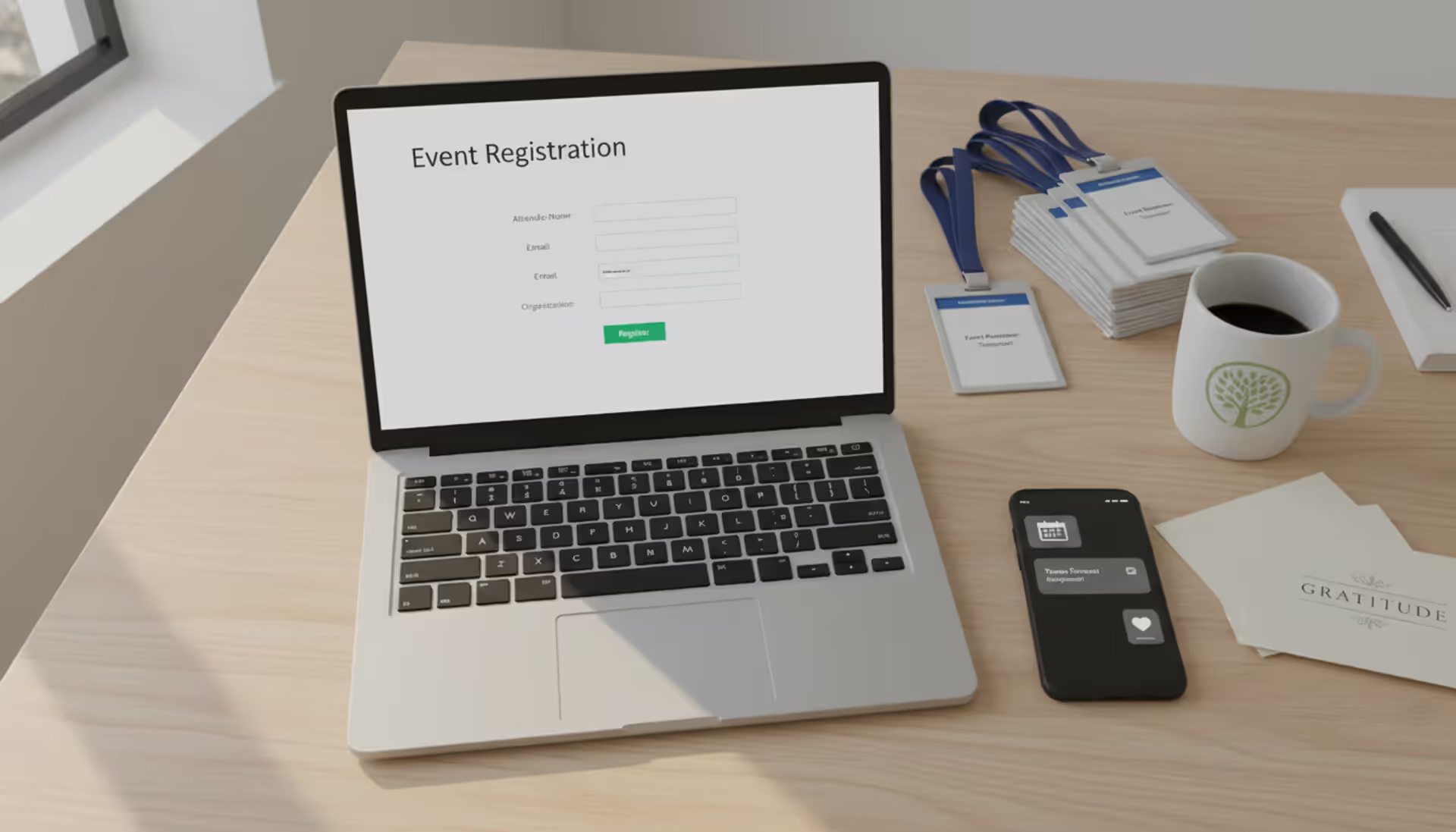
Think of these platforms as purpose-built tools for a specific job. While you could use WordPress or Wix to create pages for your conference, you'd spend hours installing form plugins, connecting payment systems, and figuring out how to generate QR codes for tickets.
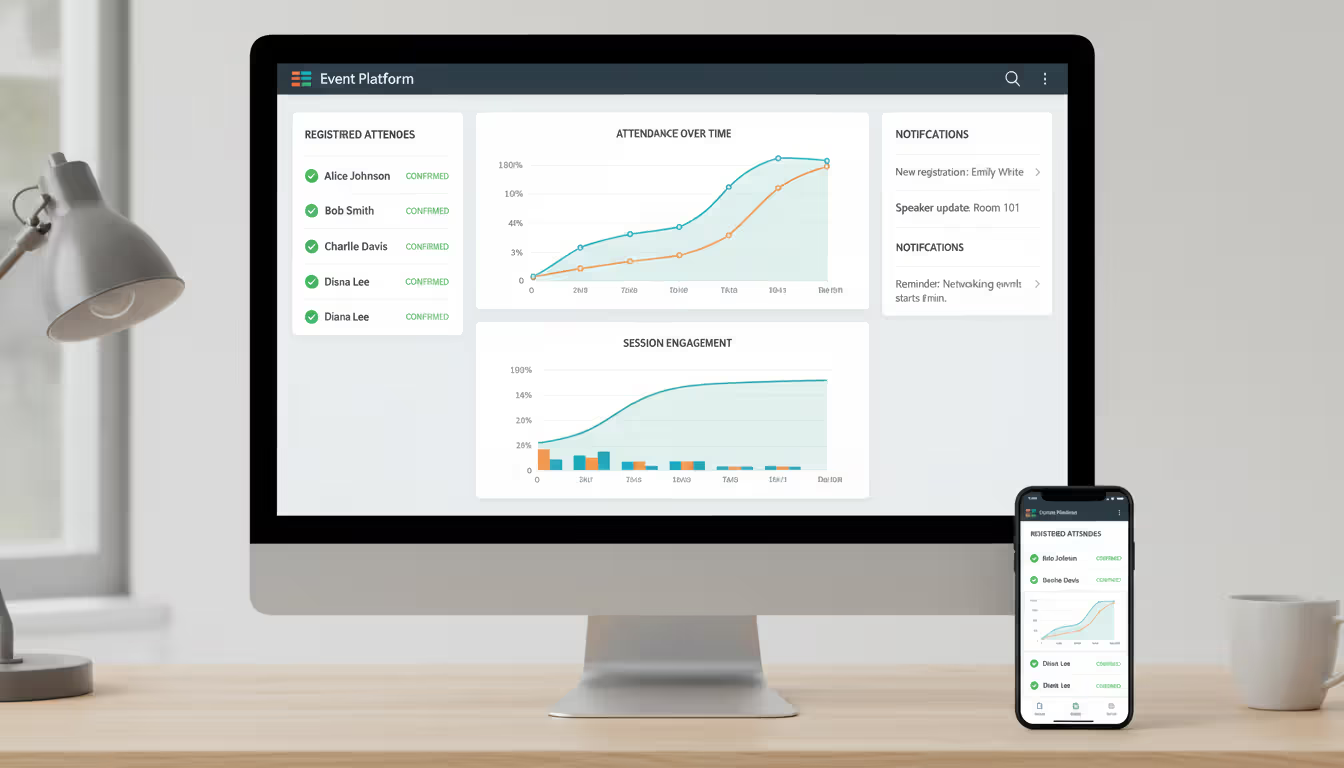
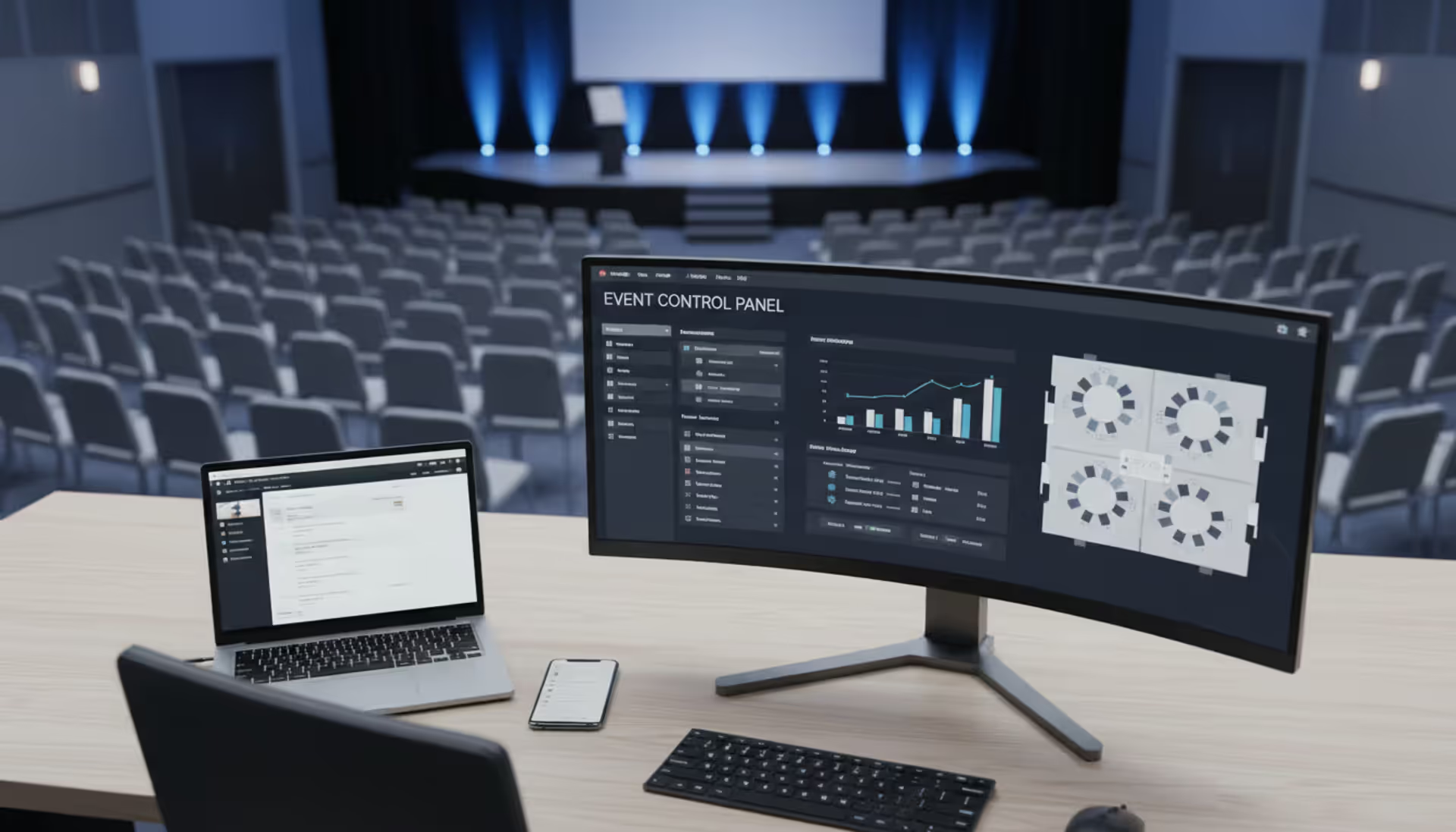
Event website builders skip that headache. They ship with everything already wired together: registration forms that actually work on phones, ticket checkout flows tested by thousands of events, automated confirmation emails, and dashboards showing who's coming. No plugin archaeology required.
These tools typically handle three jobs:
Getting information to people: Your attendees need to know what's happening, when, where, and why they should care. That means displaying schedules, venue directions, speaker bios, and FAQ sections in formats that make sense on both laptops and phones.
Collecting responses and data: Whether you're selling tickets or just tracking headcount, you need forms that capture information, send confirmations automatically, and export clean spreadsheets for your check-in team. Good platforms let you customize what you ask (dietary restrictions, T-shirt sizes, job titles) without requiring a CS degree.
Processing money: If people are paying to attend, you need checkout pages that connect to Stripe or PayPal, calculate taxes correctly, handle discount codes, and process refunds when someone's flight gets canceled.
The alternative—building everything yourself—usually means managing multiple accounts across different services. You might use Eventbrite for ticket sales, Google Forms for dietary preferences, and Mailchimp for reminder emails. When something breaks, you're troubleshooting three systems instead of one. Consolidated platforms put everything behind a single login, which matters at 11 PM the night before your event when you're trying to resend confirmation emails to 50 people.
Author: Sophie Langford;
Source: musiconmainstreet.com
Key Features to Look for in Event Website Software
Not every platform includes the same toolkit. Before signing up, match your actual requirements against these categories.
Registration and RSVP Capabilities
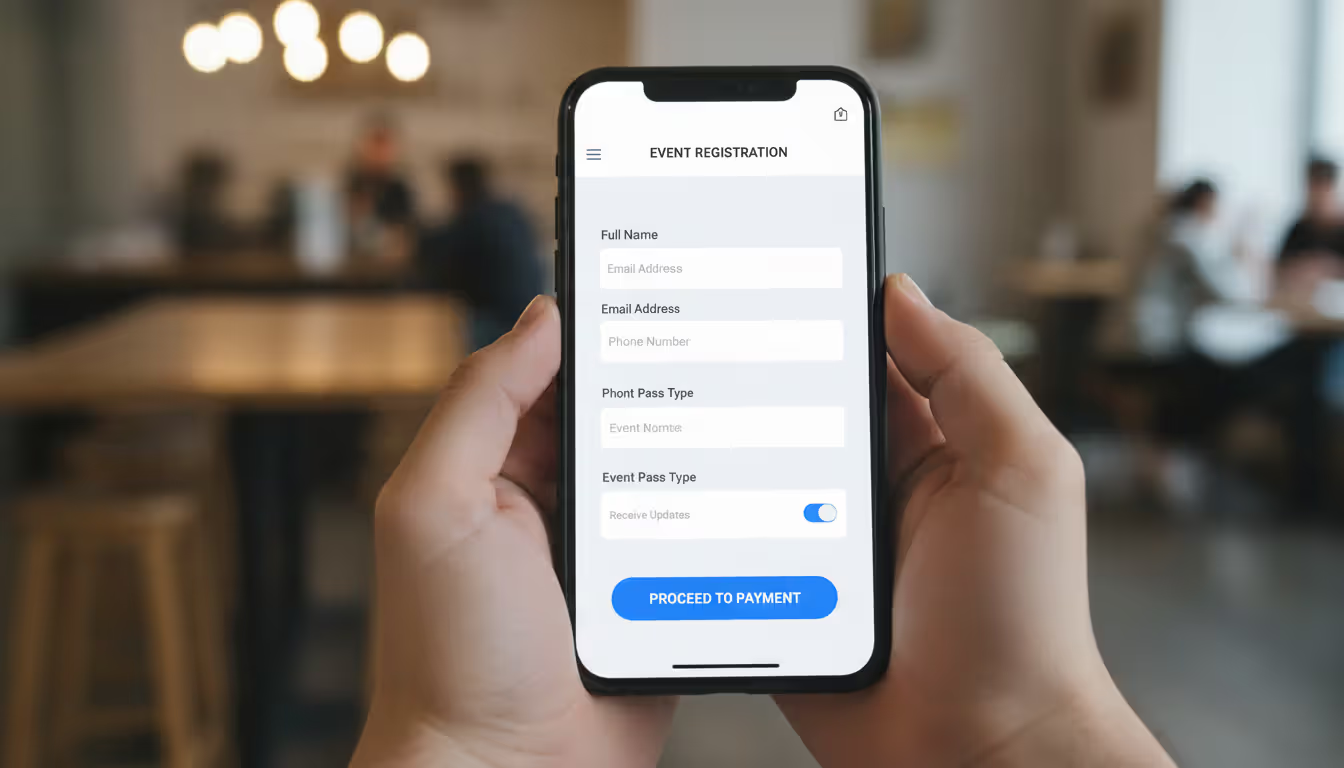
Your registration form is where most people bounce. Ask for too much information, and they'll close the tab. Make the form hard to read on mobile, and you've lost half your potential attendees.
Strong platforms let you control which fields are mandatory versus optional. They use conditional logic—if someone checks "I have dietary restrictions," additional questions appear asking for specifics. This keeps forms short for most people while gathering necessary details from those who need accommodations.
You might need different registration types for different audiences. Corporate events often require approval workflows where department heads review employee signups before confirming. Conferences need group registration where one person can register five colleagues simultaneously. Community events might use invite codes to control access.
RSVP tracking differs from paid ticketing. Free events still need headcount estimates for catering and room setup. Look for systems that send automatic reminders, let guests update their response if plans change, and provide host controls over whether the guest list is public or private.
Ticketing and Payment Processing
Payment handling gets complicated fast. First, check which processors the platform supports. Stripe and PayPal are standard, but depending on your location or industry, you might need Square, Authorize.Net, or regional alternatives.
Fee structures vary dramatically. Some builders charge 2-5% per ticket on top of whatever Stripe takes (usually another 2.9% plus $0.30). Others include unlimited transactions in their monthly subscription. Do the math before committing: selling 500 tickets at $50 each with a 3% platform fee means $750 in charges. A $200/month subscription with zero transaction fees costs $2,400 yearly but makes sense if you're running multiple events.
Features worth checking:
Tiered pricing: Early-bird rates, VIP packages, group discounts, student pricing
Discount codes: Percentage or dollar-amount reductions for sponsors or marketing campaigns
Tax automation: Sales tax calculated by attendee location (critical for US events)
Refund tools: One-click refunds without logging into your payment processor separately
Some platforms support "pay what you want" pricing or optional donation add-ons during checkout—useful for fundraisers or donation-based community events.
Customization and Branding Options
Templates get you started quickly, but generic designs make events forgettable. Your event page should match your brand guidelines: your colors, your fonts, your visual style.
Basic platforms offer 10-15 templates with limited customization—you can swap colors and upload a logo, but that's it. Mid-range tools provide drag-and-drop editors where you rearrange sections, add custom images, and embed videos. Enterprise platforms offer white-label configurations that strip out the builder's branding entirely and support custom domains like summit.yourcompany.com instead of yourcompany.eventplatform.io.
Mobile responsiveness isn't negotiable anymore. More than 60% of registration traffic comes from phones. Test how forms and schedules render on actual mobile devices, not just a resized browser window. Some builders automatically optimize everything; others require manual adjustments per screen size.
Author: Sophie Langford;
Source: musiconmainstreet.com
Integration with Marketing Tools
Your event page feeds data to other systems. Registrants should automatically join your email list. Purchases should log in your CRM. Calendar invites should generate without manual work.
Check for native connections or Zapier compatibility with tools you already use:
Email platforms: Mailchimp, Constant Contact, ActiveCampaign for confirmation sequences and reminder campaigns
CRM software: Salesforce, HubSpot, Pipedrive for tracking leads and post-event follow-up
Analytics: Google Analytics, Facebook Pixel for measuring traffic sources and conversion rates
Video platforms: Zoom, Hopin, StreamYard if you're running hybrid or virtual components
Larger organizations with custom tech stacks need REST API access. If your IT team wants to pull registration data into proprietary databases, confirm the platform exposes a well-documented API—not all do.
How to Create an Event Page That Converts
Building a functional page is straightforward. Building one that actually converts browsers into attendees requires some strategy. Here's a workflow that works:
Step 1: Pick a template matching your event format. A single-day workshop needs different layout than a three-day conference. Multi-track conferences benefit from templates with built-in schedule grids and speaker directories. Workshop templates emphasize instructor credibility and learning outcomes upfront.
Step 2: Write a headline that communicates specific value. Skip generic titles like "Annual Marketing Summit." Try "How B2B Teams Build $1M Pipelines in 90 Days"—specific, benefit-focused, fewer than 12 words. Your subheadline adds logistics: date, city, and one sentence on target audience.
Step 3: Put critical information immediately visible. Don't make people scroll to find your date, venue, and registration button. Place these in your hero section above the fold. Countdown timers work well when events are 2-6 weeks out—they create urgency without feeling desperate.
Step 4: Organize content into scannable chunks. Use clear headings and short paragraphs. Standard sections include:
Event overview: Two or three paragraphs explaining what attendees experience and why it matters to them specifically
Schedule breakdown: Time-blocked agenda with session titles, speaker names, and room assignments
Speaker profiles: Professional photos, three-sentence bios highlighting relevant credentials and achievements
Venue information: Full address, parking details, transit options, and an embedded Google Map
Ticket tiers: Clear descriptions of what's included at each price point with prominent "Register" buttons
FAQ accordion: Address refund policies, dress codes, accessibility accommodations, and common logistical questions
Design is not just what it looks like and feels like. Design is how it works
— Steve Jobs
Step 5: Optimize forms for thumbs, not cursors. Make tap targets large enough to hit on mobile screens. Minimize required fields—every additional field costs you conversions. Enable autofill for names and email addresses. Test the entire registration flow on an actual smartphone, not a desktop browser pretending to be mobile.
Step 6: Build credibility with proof. Show sponsor logos, testimonials from past attendees, or media mentions. First-time events can substitute attendee counts: "Join 250+ marketers already registered" or "Featured in ." Live registration counters work when momentum is building—don't show "3 people registered" on day one.
Step 7: Configure automated emails. Send confirmations immediately after someone registers, including calendar invite files they can click to add to Google Calendar or Outlook. Schedule reminder emails at seven days out, three days out, and the morning of your event. These reduce no-shows by 20-30%.
Common mistake: treating your event page as static after launch. Update it as speakers confirm, sponsors sign on, or pricing changes. Fresh content signals active management and builds trust.
Event Microsite Builder vs. Event Landing Page Builder
People use these terms interchangeably, but they're different tools for different situations.
Pick a landing page when you prioritize speed and simplicity. One-off product launches or lunch-and-learn sessions work great with single-page designs that keep messaging tight and eliminate decision paralysis.
Choose a microsite when you have substantial content to organize. Multi-track conferences need dedicated pages for each track, individual speaker profiles, sponsor showcases, and downloadable resources. Microsites also rank better in search—each page can target specific keywords like "keynote speakers at “ or ” tech conference agenda."
Some builders blur this line by offering "expandable" pages where sections become full pages as your content grows. Useful flexibility if you're unsure about scope when starting.
Common Mistakes When Building an Event Registration Website
Even experienced organizers trip up on these issues. Avoid them:
Overloading pages with unnecessary design. Animations and parallax effects might look slick, but they tank load times and distract from your actual goal: getting people to register. Every design element should either explain why someone should attend or show them how to sign up. If a section does neither, delete it.
Skipping mobile testing. Forms that work perfectly on your laptop often break on phones. Dropdowns become unclickable. Text fields overlap. Submit buttons disappear below the fold. Use responsive frameworks and test on actual devices—borrow phones from friends if needed.
Creating friction in your RSVP flow. Requiring account creation before someone can RSVP kills conversions. Allow guest checkout or social login through Google/LinkedIn to speed the process. If you need detailed attendee information, use multi-step forms that feel less overwhelming than a single wall of 20 fields.
Missing social proof entirely. First-time events lack testimonials, but you have alternatives: "Join 200+ marketers already registered" or "Featured in [Industry Publication]." Display live registration counts if momentum is building (but hide them during slow periods).
Hiding true costs until checkout. Surprise fees—processing charges, taxes, venue fees—make people abandon carts. Show total cost upfront, including everything. If your platform adds service fees, either bake them into ticket prices or display them as separate line items early in the flow.
Vague or missing refund policies. People hesitate when they don't know if they can get money back. State your terms clearly: "Full refund until 14 days before event date" or "All sales final—transfers allowed." Clarity reduces support emails and cart abandonment.
Ignoring accessibility requirements. Add alt text to images. Ensure text has sufficient color contrast against backgrounds. Make forms navigable with keyboard shortcuts. Accessibility isn't just ethically right—it's legally required for many public events and expands your addressable audience.
Author: Sophie Langford;
Source: musiconmainstreet.com
How Much Does Event Website Software Cost?
Pricing varies by event size, feature needs, and transaction volume. Here's what you'll encounter in 2025:
Free tiers: Many platforms offer free plans for small gatherings under 50-100 people. Expect basic registration forms, limited email sends, and the builder's branding plastered on your page. Free plans rarely process payments or offer design customization.
Entry-level paid: $20-$50 monthly or $200-$500 annually. These remove platform branding, add custom domains, support several hundred registrants, and include ticketing with transaction fees typically running 2-5% per ticket plus standard payment processor fees.
Mid-tier plans: $100-$300 per month. Support 1,000-5,000 attendees, charge lower or zero transaction fees, integrate with marketing tools, and include priority support. Some charge per-event instead of monthly—expect $300-$800 for single-event licenses with unlimited ticket sales.
Enterprise solutions: Custom pricing starting around $500 monthly or $5,000+ yearly. You get white-label configurations, dedicated account managers, API access, multi-event dashboards, and advanced analytics. Organizations running dozens of events annually need this tier.
Transaction fees versus subscriptions: Calculate your break-even point. Selling 500 tickets at $50 each with 3% transaction fees costs $750. A $200/month subscription with zero transaction fees runs $2,400 yearly—worth it if you're hosting multiple events. For single events, pay-per-ticket usually costs less.
Hidden costs people forget: Payment processor fees exist regardless (Stripe/PayPal charge roughly 2.9% plus $0.30 per transaction). Add domain registration ($10-$15 yearly) and email overages if you exceed plan limits.
ROI depends on conversion improvement. A better-designed event page that lifts registrations 20% pays for itself immediately. Track actual metrics: page views, form starts, form completions, and completed purchases. Compare platforms based on real conversion data, not feature checklists.
Frequently Asked Questions
What's the difference between an event page and an event website?
An event page is typically one web page containing everything—date, venue, schedule, registration form—in a single scrolling format. An event website (or microsite) consists of multiple connected pages organized with navigation: separate pages for home, agenda, speakers, sponsors, and venue details. Use a page for straightforward events; use a website for complex multi-day events with extensive content.
Do I need a separate RSVP site for my event?
Usually not. Most platforms include RSVP functionality directly on your main event page. Separate RSVP sites make sense only when managing multiple invitation tiers (public versus VIP access) or needing a private portal for invite-only guests. For typical events, an embedded RSVP form streamlines the attendee experience.
Can I sell tickets directly from an event landing page?
Absolutely. Current builders integrate payment processing directly, letting visitors purchase tickets without leaving your page. Look for platforms supporting your preferred gateway (Stripe, PayPal, Square) that handle sales tax calculations automatically. Embedded checkout reduces friction compared to sending people to third-party ticketing sites.
How long does it take to create an event page?
With a template and prepared content, you can build a working landing page in 1-3 hours. This assumes you've written copy, gathered images, and finalized agenda details. More elaborate microsites with speaker bios, detailed session descriptions, and custom branding take 6-12 hours. First-timers should budget extra time for learning the interface and testing the registration flow thoroughly.
What's the best event registration website builder for small events?
For gatherings under 100 people, prioritize simplicity and affordability. Eventbrite, Splash, and Luma offer free or inexpensive tiers with essential features. If you need more design flexibility, consider Webflow or Carrd paired with form tools like Tally or Typeform. The "best" choice depends whether you value customization capabilities (Webflow) or plug-and-play simplicity (Eventbrite).
Do event website builders integrate with email marketing tools?
Most current platforms connect with popular email services like Mailchimp, Constant Contact, and ActiveCampaign. These integrations automatically sync registrant data, trigger welcome sequences, and schedule event reminders. Check for native integrations or Zapier support if you use less common tools. Larger organizations with custom systems can build their own connections using the platform's REST API, though not all vendors provide this option.
Picking an event website builder isn't about finding the platform with the longest feature list—it's about matching capabilities to your specific situation and budget. A 30-person workshop doesn't need enterprise software, and a 2,000-person conference can't rely on basic landing page tools.
Start by listing your non-negotiables: Do you need paid ticketing or just headcount tracking? How many people do you expect? What's your design skill level? Then test 2-3 platforms meeting those criteria. Most offer free trials or demo accounts letting you build a test event before committing money.
The right software should be invisible to your attendees. They notice your event content, not the technology delivering it. When registration flows smoothly, forms load quickly, and confirmation emails arrive instantly, you've found something that works.
Running athletic events with spreadsheets creates chaos. Sports event management software consolidates registration, scheduling, payments, and communication into unified platforms that reduce administrative burden and improve participant experience for organizations of all sizes
Planning successful nonprofit events requires more than spreadsheets. Modern event management software handles registration, payments, donor tracking, and reporting through unified platforms. This guide compares free vs paid options, essential features, and selection criteria for nonprofits
Event planning software centralizes registration, ticketing, scheduling, and analytics into one platform. Learn how these tools work, which features matter most, and how to choose the right solution for corporate, social, or hybrid events
Planning events across multiple tools creates costly oversights. Event organizer software centralizes registration, ticketing, vendor management, and analytics—but choosing the right platform requires matching capabilities to your event portfolio and team structure
The content on this website is provided for general informational and educational purposes only. It is intended to explain concepts related to event management software, ticketing systems, hybrid event platforms, and operational tools for event organisers.
All information on this website, including articles, guides, and examples, is presented for general educational purposes. Outcomes may vary depending on event size, technology choices, and organisational needs.
This website does not provide professional legal, financial, or software advice, and the information presented should not be used as a substitute for consultation with qualified event tech or IT professionals.
The website and its authors are not responsible for any errors or omissions, or for any outcomes resulting from decisions made based on the information provided on this website.