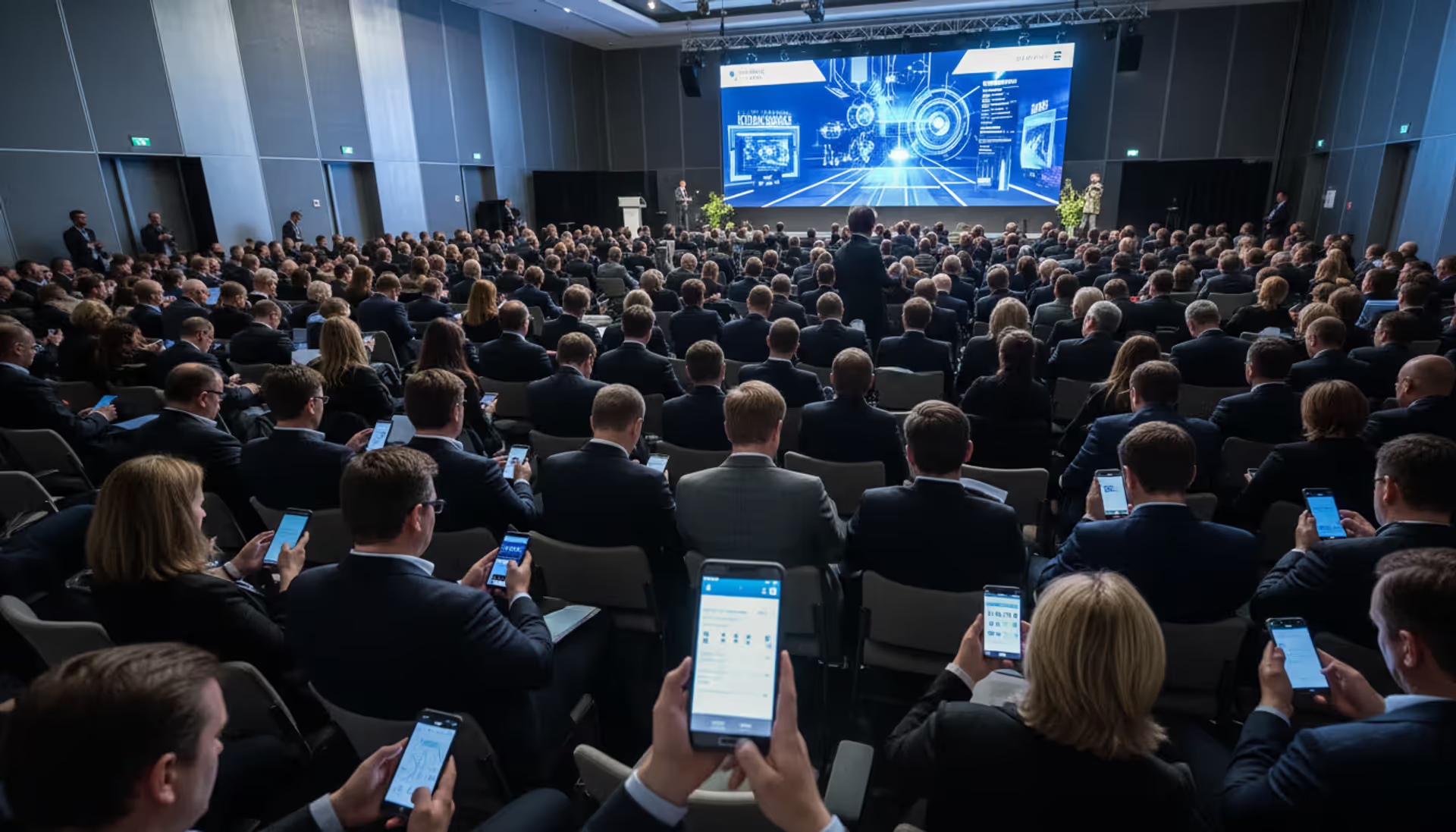
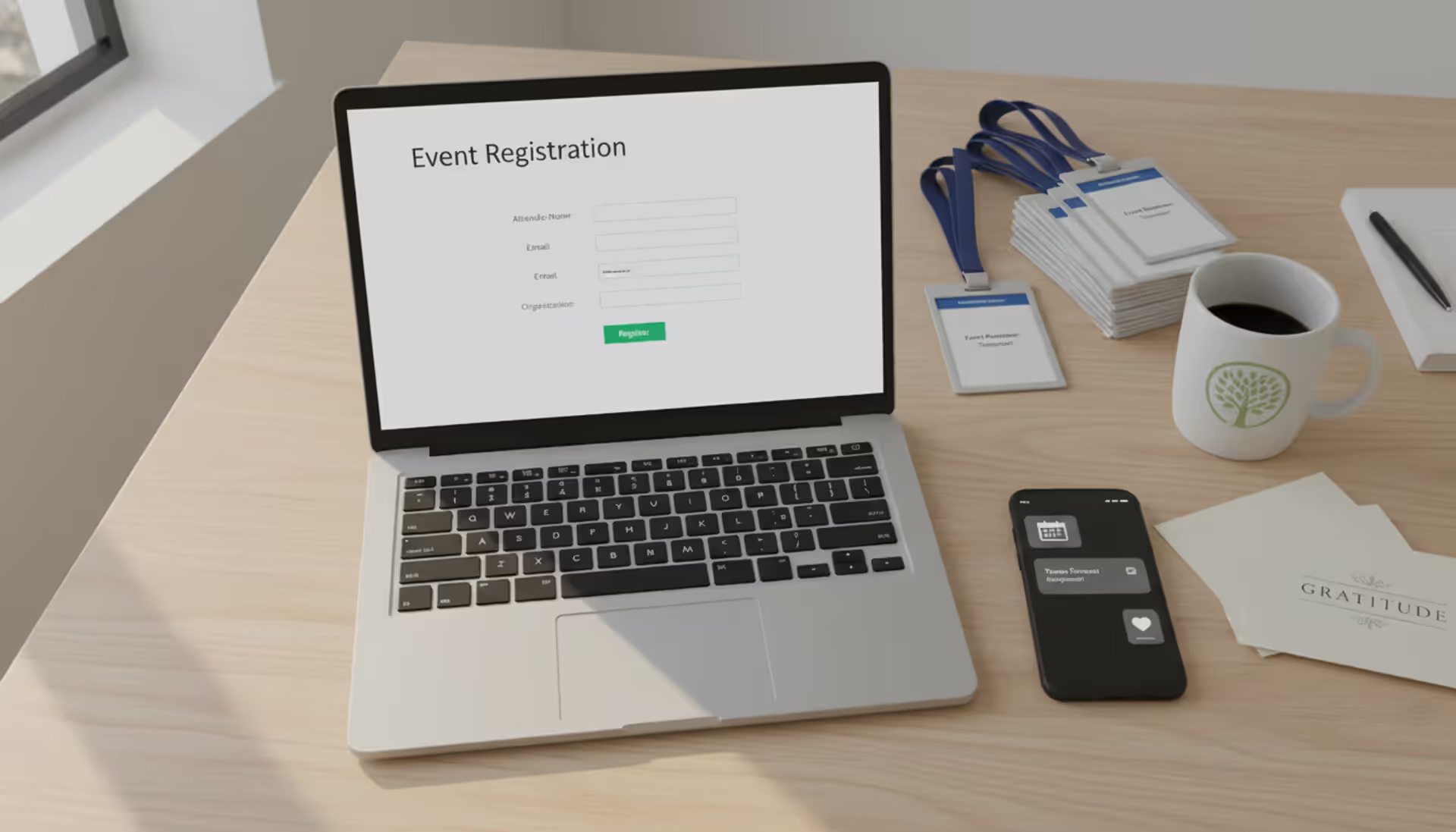
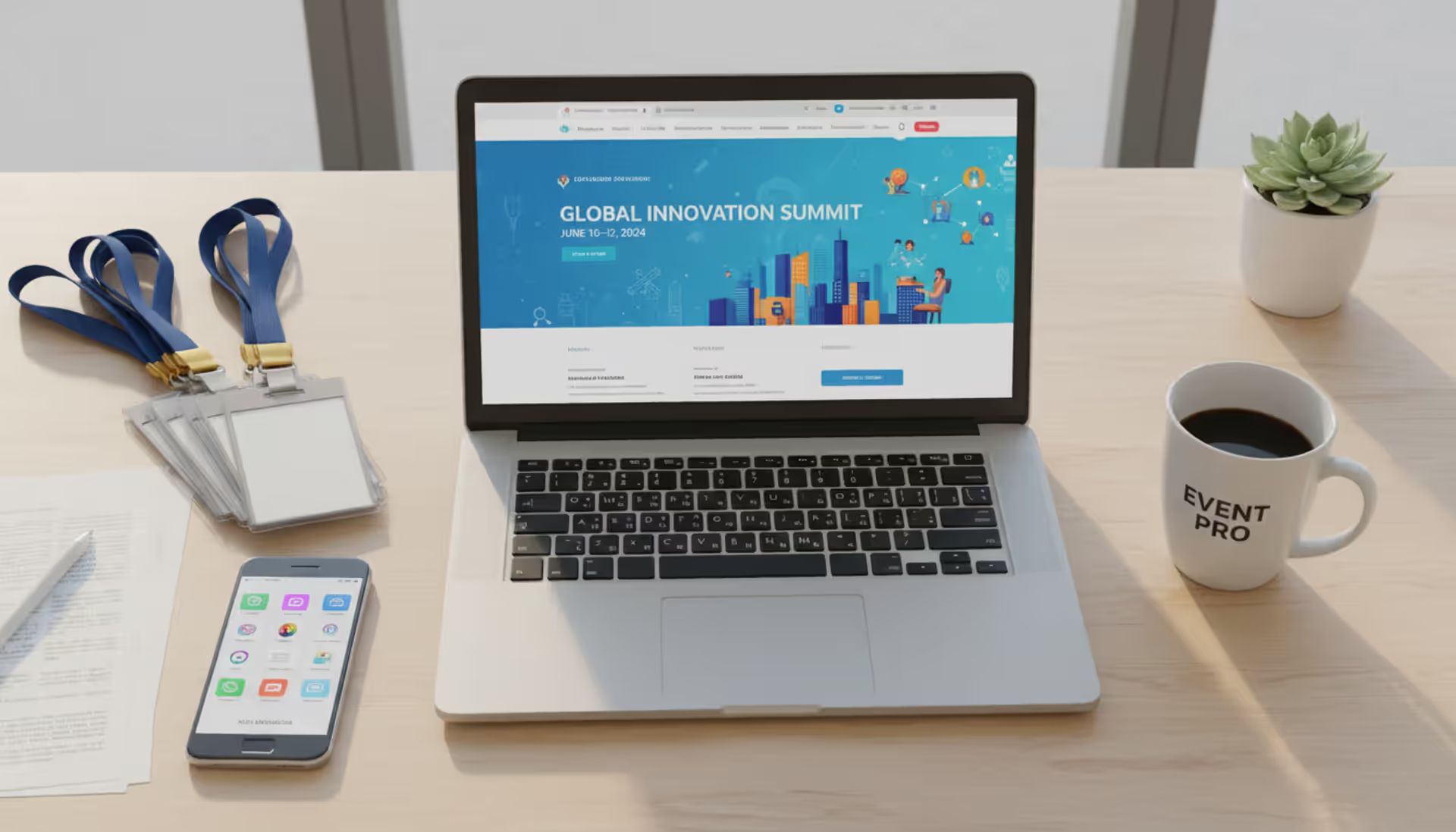
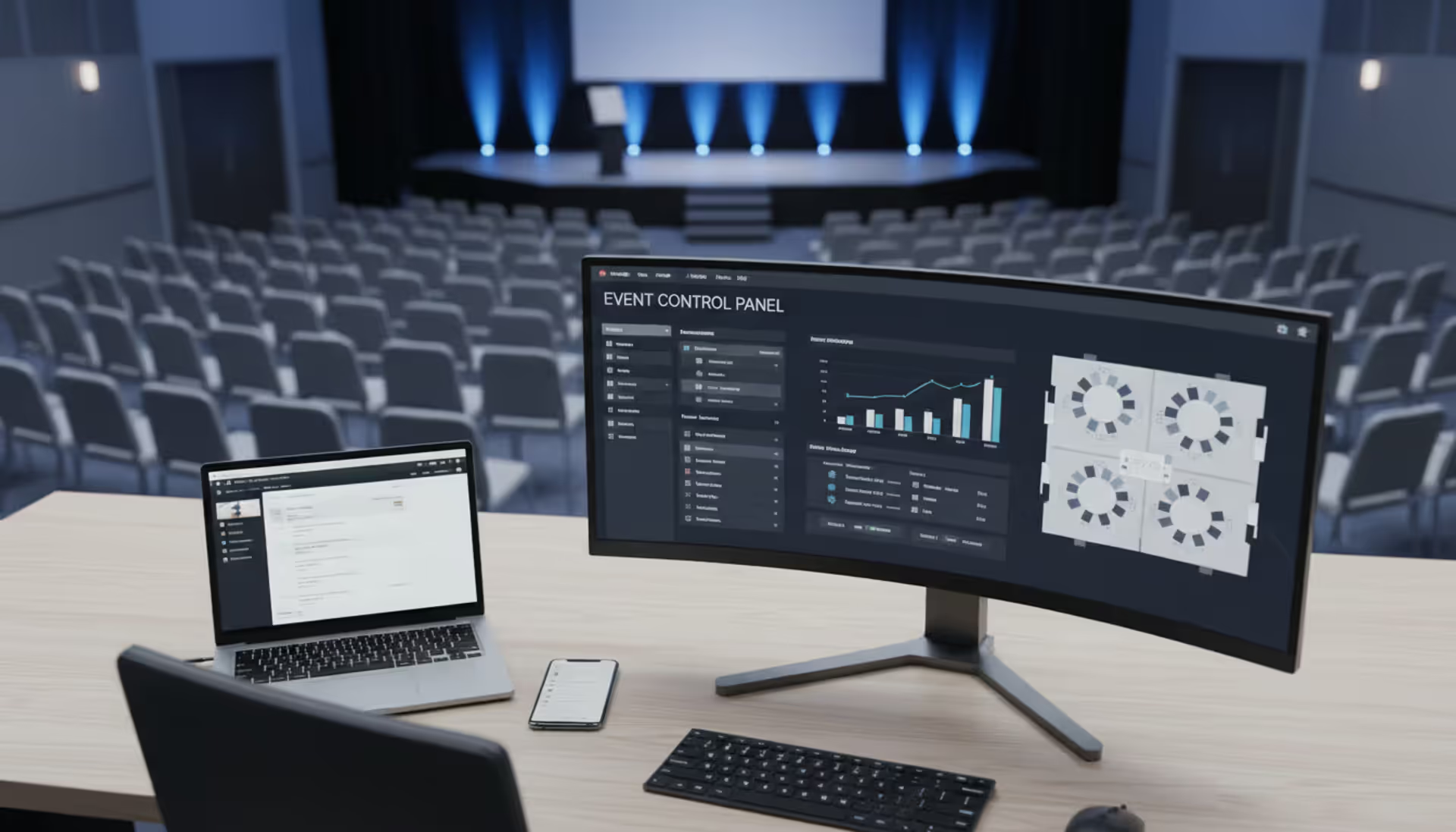
Event app software is a digital platform designed to centralize event information, streamline attendee interactions, and provide real-time communication before, during, and after conferences, trade shows, and corporate gatherings. Unlike basic registration tools or simple website landing pages, a dedicated event app serves as the operational hub for both organizers and participants.
Event planners, corporate meeting teams, association managers, and trade show coordinators use these platforms to replace printed programs, manage last-minute schedule changes, and track attendee behavior through analytics. The software typically runs on iOS and Android devices, though many providers now offer responsive web versions that eliminate mandatory downloads.
In-person events benefit from features like QR code check-in, interactive floor maps, and beacon-triggered notifications when attendees approach specific booths. Hybrid configurations add livestream integration, virtual networking lounges, and separate engagement tracks for remote participants. A conference hosting 500 people onsite and 2,000 online requires synchronized agendas, unified Q&A feeds, and analytics that distinguish between physical and digital engagement patterns.
The core distinction between a mobile event app and general event management software lies in attendee-facing functionality. While backend platforms handle vendor contracts and budget tracking, event apps focus on the participant experience—personalized schedules, peer-to-peer messaging, session ratings, and sponsor content delivery.
Key Features to Look For in Event Apps
Registration integration should sync attendee data automatically, eliminating manual imports that introduce errors. When someone registers through your event website, their profile, session selections, and dietary preferences should populate the app within minutes. Look for two-way sync capabilities; if an attendee updates their company name in the app, that change should reflect in your CRM.
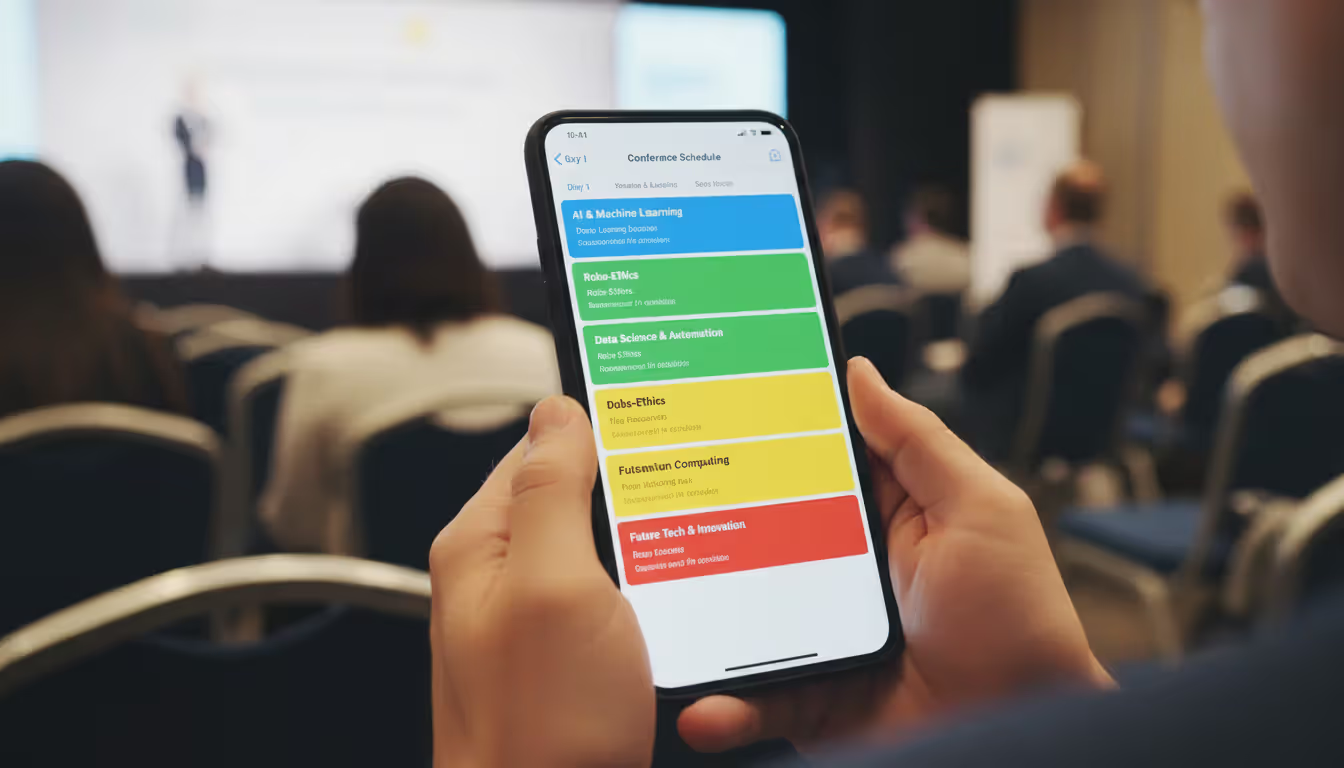
Agenda management needs filtering options beyond basic search. Attendees want to sort sessions by track, speaker, time slot, or room—then build custom schedules with conflict warnings. A pharmaceutical conference might tag sessions by therapeutic area; a tech summit could categorize by skill level. The best systems let organizers push emergency schedule changes with mandatory read receipts.
Author: Chloe Winslow;
Source: musiconmainstreet.com
Networking tools range from simple attendee directories to AI-powered matchmaking algorithms. Basic implementations offer LinkedIn-style profiles with messaging. Advanced platforms suggest connections based on job title, interests, or session attendance overlap, then facilitate table reservations or video chats. Trade shows benefit from lead retrieval scanners that capture booth visitor data directly into the app.
Live polling and Q&A features drive session interactivity. Moderators can launch multiple-choice polls mid-presentation, display results instantly on projection screens, and export response data by attendee segment. Anonymous Q&A submission encourages participation from introverted attendees who avoid microphones, while upvoting surfaces the most popular questions.
Push notifications require smart throttling. Overuse trains attendees to disable alerts; underuse means they miss critical updates. Geofencing triggers location-based messages—a welcome note when someone enters the venue, a booth promotion when they walk past the expo hall. Scheduled notifications remind attendees about sessions starting in 15 minutes or networking receptions at 6 PM.
Sponsor visibility modules give exhibitors ROI beyond booth traffic. Sponsored push notifications, banner ads on the home screen, and boosted directory listings justify higher sponsorship tiers. Analytics show sponsors exactly how many people viewed their profile, downloaded collateral, or scanned their badge at the booth.
Mobile Event App Capabilities
Native mobile apps deliver smoother performance and offline functionality compared to web-based alternatives. Attendees can download the full schedule, speaker bios, and venue maps before arriving, then access everything without WiFi—critical when conference centers have spotty connectivity or charge exorbitant internet fees.
Camera integration enables badge scanning for lead capture, session check-in, and gamification challenges. A scavenger hunt might require attendees to scan QR codes at five sponsor booths to enter a prize drawing. Native apps also support biometric login, so attendees unlock the app with fingerprint or face recognition instead of remembering passwords.
Progressive web apps (PWAs) offer a middle ground. They work across all devices without app store downloads, update instantly when organizers push changes, and avoid the two-week Apple review process that can delay last-minute features. The trade-off: limited offline access and no push notification support on iOS unless users add the PWA to their home screen.
Check-In and Badge Printing Features
Event check-in apps replace manual name searches with instant QR or barcode scanning. Attendees receive scannable codes via email confirmation; onsite staff use tablets or phones to validate registration, mark attendance, and trigger badge printing in under 10 seconds. This eliminates the registration desk bottleneck that creates 30-minute lines at 8 AM.
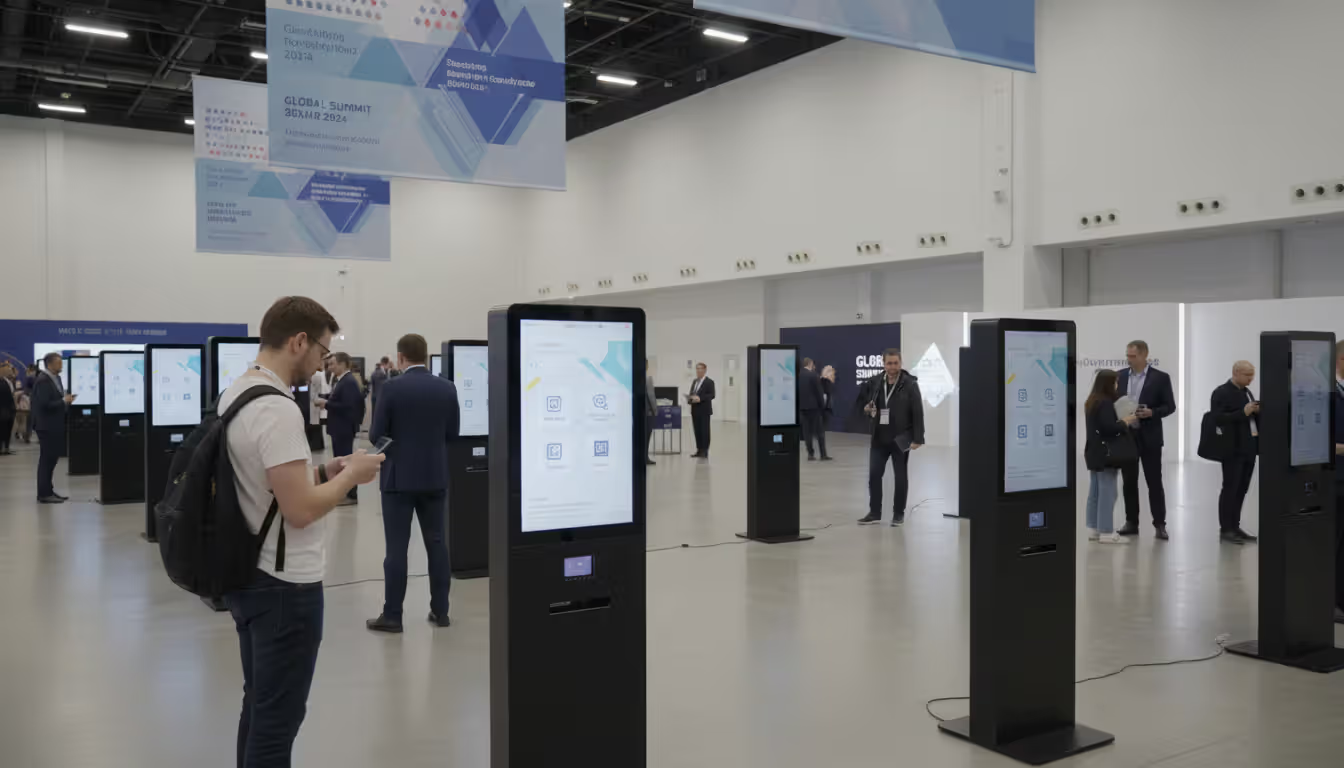
Self-service kiosks let attendees print their own badges by scanning confirmation emails or entering phone numbers. A medical conference with 3,000 attendees might deploy 15 kiosks, reducing staffing needs from 20 volunteers to five roaming troubleshooters. The system flags VIPs, speakers, and press for special badge ribbons or access levels.
Author: Chloe Winslow;
Source: musiconmainstreet.com
Real-time capacity tracking uses check-in data to monitor room occupancy. Fire code limits a ballroom to 800 people; the app alerts staff when 750 have scanned in, so they can redirect overflow to the simulcast room. Post-event analytics reveal which sessions attracted standing-room crowds versus half-empty auditoriums, informing next year's room assignments.
Types of Event App Software
Conference event apps specialize in multi-session, multi-day programs with complex agendas. They excel at track management, speaker coordination, and CEU credit tracking for professional associations. A three-day medical conference might have 12 concurrent tracks, 200 speakers, and requirements to document attendance for continuing education compliance. These platforms generate certificates automatically based on which sessions each attendee scanned into.
Hybrid event apps balance onsite and virtual experiences without favoring one audience. Dual-mode networking lets in-person attendees video chat with remote participants during breaks. Unified Q&A feeds display questions from both audiences to presenters. Analytics dashboards compare engagement metrics—perhaps virtual attendees watch 40% of sessions on-demand while onsite participants attend 65% live.
Mobile-only event apps prioritize simplicity for single-day events, networking mixers, or product launches. A startup's launch party might only need an attendee list, venue map, and photo-sharing wall. Stripped-down interfaces reduce setup time to under two hours and eliminate features that confuse non-technical users.
All-in-one event management suites bundle registration, email marketing, website builders, and mobile apps into single platforms. This integration prevents data silos—registration updates flow automatically to the app, email campaigns segment based on app activity, and website content mirrors the app agenda. The trade-off: these comprehensive tools cost more and require steeper learning curves than standalone apps.
How Event Apps Improve Attendee Engagement
Personalized agendas transform passive attendees into active participants. Instead of carrying a 50-page printed program, attendees build custom schedules highlighting sessions relevant to their role. A marketing director filters for brand strategy talks; a data analyst bookmarks technical workshops. The app sends reminders 15 minutes before each selected session, reducing no-shows by 30-40% compared to events without personalized scheduling.
Gamification mechanics tap into competitive psychology. Leaderboards reward attendees for scanning booth QR codes, attending sessions, completing profile information, or posting on social media with event hashtags. A sustainability conference might award points for using reusable water bottles (verified by scanning a special code at refill stations). Top scorers win prizes ranging from gift cards to free registration for next year's event.
Live feedback loops give speakers instant performance data. Post-session surveys pop up when attendees mark a talk as complete, asking them to rate content quality, speaker effectiveness, and likelihood to recommend. A speaker presenting at 2 PM can see preliminary ratings by 2:45 PM and adjust their 4 PM session accordingly. Organizers identify struggling speakers in real-time and offer coaching before their next presentation.
Real-time updates prevent the chaos of last-minute changes. When a keynote speaker's flight gets canceled, organizers swap in a replacement and push a notification to all 1,500 registrants within minutes. Attendees see the updated agenda automatically; those who bookmarked the session get a targeted alert. This beats the alternative: volunteers standing at ballroom doors with handwritten signs.
Networking facilitation addresses the biggest pain point at conferences—meeting the right people. AI matching suggests connections based on job function, company size, or stated interests. A CTO looking for cybersecurity vendors gets introduced to three exhibitors selling relevant solutions. Attendees schedule 15-minute coffee chats through in-app booking calendars, eliminating the awkward "let's connect sometime" conversations that never materialize.
Author: Chloe Winslow;
Source: musiconmainstreet.com
Choosing the Right Event App for Your Needs
Event size dictates platform complexity. A 100-person corporate retreat needs basic scheduling and announcements; a 10,000-attendee trade show requires multi-zone mapping, session capacity tracking, and load-balanced infrastructure. Platforms price by attendee tiers—500, 1,000, 5,000, unlimited—with dramatic cost jumps at each threshold. A company hosting quarterly 200-person meetings should negotiate annual contracts covering four events rather than paying per-event rates.
Format considerations split along in-person, virtual, and hybrid lines. Pure in-person events prioritize check-in speed, offline access, and beacon technology. Virtual events need breakout room integration, on-demand video hosting, and virtual booth functionality. Hybrid events require both feature sets plus synchronization logic that prevents duplicate notifications or conflicting schedules across audiences.
Budget constraints force trade-offs between white-label customization and templated designs. Fully branded apps with custom color schemes, logos, and UI elements cost $15,000-$50,000 for enterprise conferences. Template-based solutions start at $2,000-$5,000 but limit design flexibility to pre-set themes. Mid-market associations often choose semi-custom options: branded home screens with standardized internal pages.
Integration requirements determine platform viability. An organization using Salesforce for CRM needs native sync to capture leads automatically. A company running Zoom webinars wants one-click session joining without copy-pasting links. AMS (association management system) integrations let member organizations auto-populate attendee data, apply member discounts, and track CEU credits. Evaluate APIs before signing contracts; "integration" sometimes means manual CSV exports rather than real-time sync.
User experience priorities vary by audience demographics. Tech conferences can deploy feature-rich apps with complex navigation; attendees expect sophisticated tools. Medical conferences serving older physicians need larger fonts, simplified menus, and prominent help buttons. International events require multi-language support with instant switching, not just translated PDFs buried in settings menus.
Common Mistakes When Selecting Event Conference Apps
Ignoring mobile UX during demos creates post-launch regret. Vendors demonstrate platforms on large desktop monitors with fast internet; attendees use phones on crowded conference WiFi. Request mobile-specific demos showing real-world scenarios: finding a session while walking, messaging a contact in a dim ballroom, or accessing maps without data connectivity. Test apps on both iOS and Android; performance disparities between platforms reveal quality issues.
Overlooking onsite support leaves teams stranded during critical moments. A platform might offer 24/7 email support, but an email response doesn't help when check-in kiosks freeze at 7:30 AM with doors opening at 8:00 AM. Enterprise contracts should include dedicated phone support during event hours, onsite technicians for conferences over 1,000 attendees, and guaranteed response times under 15 minutes for P1 issues.
Underestimating setup time causes rushed launches with incomplete data. Building agendas, uploading speaker headshots, configuring networking algorithms, and testing integrations takes 40-60 hours for a typical three-day conference. Starting two weeks before the event guarantees errors: misspelled names, broken session links, missing sponsor logos. Best practice: finalize the app six weeks out, then spend the final two weeks promoting adoption rather than fixing mistakes.
Choosing features over usability produces bloated apps nobody uses. A platform offering 47 features sounds impressive until attendees can't find basic functions buried in nested menus. Prioritize core use cases—agenda, maps, networking—then add advanced features only if they serve clear needs. A corporate meeting doesn't need exhibitor lead scanning; a trade show doesn't need abstract submission portals.
Neglecting attendee adoption strategies results in 20% download rates and wasted investment. The app won't magically improve engagement if nobody uses it. Successful launches include pre-event email campaigns explaining benefits, onsite signage with download QR codes, incentives like prize drawings for completing profiles, and staff demonstrating features during registration. Track daily active users and push re-engagement campaigns if usage drops mid-event.
Skipping data security reviews exposes organizations to compliance violations. Event apps collect names, emails, job titles, and behavioral data—all subject to GDPR, CCPA, and industry-specific regulations. Verify that platforms encrypt data in transit and at rest, maintain SOC 2 compliance, allow attendees to delete their data post-event, and sign BAAs (business associate agreements) for healthcare conferences handling protected information.
The biggest mistake event planners make is selecting apps based on feature lists rather than attendee experience.An app with 40 features but confusing navigation will see 25% adoption. A streamlined app nailing the core five features hits 75% adoption and actually improves attendee satisfaction. Technology should disappear into the background, not become another obstacle
— Marcus Chen
Frequently Asked Questions
What is the average cost of event app software?
Pricing ranges from $1,500 for basic single-event apps supporting 200 attendees to $75,000+ for enterprise hybrid platforms serving 10,000+ participants. Mid-market conference apps typically cost $5,000-$15,000 per event, with discounts for annual contracts covering multiple events. Per-attendee pricing models charge $2-$8 per registrant, making them cost-effective for smaller gatherings but expensive at scale. White-label customization, dedicated support, and advanced features like AI matchmaking add 30-50% to base prices.
Do attendees need to download an app to participate?
Not necessarily. Most modern platforms offer responsive web apps accessible through mobile browsers without downloads, eliminating the friction of app store searches and device storage concerns. However, native apps provide superior offline access, push notifications, and camera integration for badge scanning. Hybrid approaches work well: promote the native app for engaged attendees while ensuring core features remain accessible via web browser for casual participants who resist downloads.
Can event apps work for both virtual and in-person attendees?
Yes, hybrid event apps synchronize experiences across both audiences. Virtual attendees access livestreams, join networking lounges, and submit Q&A questions through the same platform in-person participants use for scheduling and check-in. Advanced platforms create unified attendee directories where onsite and remote participants can message each other, schedule video meetings, and view the same sponsor content. Analytics dashboards separate engagement metrics by attendance mode, helping organizers understand how each audience interacts differently with content.
How far in advance should I set up my event app?
Launch the app 4-6 weeks before your event to maximize adoption and allow time for attendee familiarization. This timeline gives participants time to download the app, build personalized schedules, and start networking before arriving onsite. Early launches also surface technical issues when there's still time to fix them. For recurring annual conferences, open the app 8-10 weeks out to leverage anticipation and enable early networking. Avoid launching less than two weeks before the event; rushed setups produce incomplete data and low adoption rates.
What integrations should I look for in an event app?
Prioritize registration platform integration (Cvent, Eventbrite, Whova) for automatic attendee data sync. CRM connections (Salesforce, HubSpot) enable seamless lead capture and follow-up workflows. Video platform integration (Zoom, Hopin) allows one-click session joining for hybrid events. Marketing automation tools (Marketo, Mailchimp) sync app activity to trigger targeted email campaigns. AMS (YourMembership, Fonteva) integration helps associations manage member-specific pricing and CEU tracking. Payment processor connections enable in-app purchases for merchandise, session upgrades, or charitable donations.
Are event apps secure for attendee data?
Reputable platforms employ bank-level encryption (AES-256), maintain SOC 2 Type II compliance, and undergo annual security audits. Data encryption protects information both in transit and at rest. Role-based access controls limit which staff members can view sensitive attendee information. GDPR and CCPA compliance features let attendees request data deletion, export their information, or opt out of certain data collection. For healthcare conferences, select vendors willing to sign BAAs and maintain HIPAA compliance. Always review vendor security documentation and avoid platforms that can't provide current compliance certificates.
The right event app software aligns with your specific event goals rather than checking the most feature boxes. A 300-person corporate sales kickoff needs reliable check-in and clear agenda presentation more than AI networking or gamification. A 5,000-attendee association conference requires robust hybrid capabilities, CEU compliance, and exhibitor ROI tools.
Start by mapping your must-have features against nice-to-have additions. Prioritize platforms that excel at your top three requirements rather than those offering mediocre implementations of 20 features. Request references from organizations running similar event types—a vendor's success with tech conferences doesn't guarantee they understand medical symposium compliance needs.
Demo platforms with your actual event data—real session titles, speaker names, and sponsor logos—not vendor sample content. This reveals how the interface handles your specific complexity level. Test the attendee experience by creating dummy accounts and attempting common tasks: finding sessions, messaging other attendees, locating restrooms on venue maps.
Budget for the total cost of ownership, not just license fees. Factor in staff time for setup and management, potential consulting fees for complex integrations, onsite support costs, and post-event data export needs. A $3,000 platform requiring 80 hours of staff time costs more than a $7,000 platform with white-glove setup service when you calculate internal labor at $50/hour.
The conference and hybrid event landscape continues evolving. Platforms that combine intuitive design, reliable performance, and responsive support will help your events stand out in an increasingly crowded market where attendees expect seamless digital experiences alongside valuable content.
Running athletic events with spreadsheets creates chaos. Sports event management software consolidates registration, scheduling, payments, and communication into unified platforms that reduce administrative burden and improve participant experience for organizations of all sizes
Planning successful nonprofit events requires more than spreadsheets. Modern event management software handles registration, payments, donor tracking, and reporting through unified platforms. This guide compares free vs paid options, essential features, and selection criteria for nonprofits
Picking the right platform to showcase your event can make the difference between a sold-out venue and empty seats. This guide walks through what matters when evaluating event website software, from must-have features to pricing structures, so you can build an event page that converts
Event planning software centralizes registration, ticketing, scheduling, and analytics into one platform. Learn how these tools work, which features matter most, and how to choose the right solution for corporate, social, or hybrid events
The content on this website is provided for general informational and educational purposes only. It is intended to explain concepts related to event management software, ticketing systems, hybrid event platforms, and operational tools for event organisers.
All information on this website, including articles, guides, and examples, is presented for general educational purposes. Outcomes may vary depending on event size, technology choices, and organisational needs.
This website does not provide professional legal, financial, or software advice, and the information presented should not be used as a substitute for consultation with qualified event tech or IT professionals.
The website and its authors are not responsible for any errors or omissions, or for any outcomes resulting from decisions made based on the information provided on this website.