Here's what happens when you manage bookings manually: A potential client emails Tuesday morning about your venue. You're off-site until Thursday. They book elsewhere by Wednesday afternoon. You lost a $3,000 event because email isn't real-time.
Or worse—you accidentally double-book your main ballroom for the same Saturday night. Now you're scrambling to find alternatives, refunding deposits, and watching your reputation tank on Google reviews.
Spreadsheets worked fine when you handled 10 events monthly. At 50+ bookings? You need automation that handles reservations while you sleep.
What Is Event Booking Software and How Does It Work
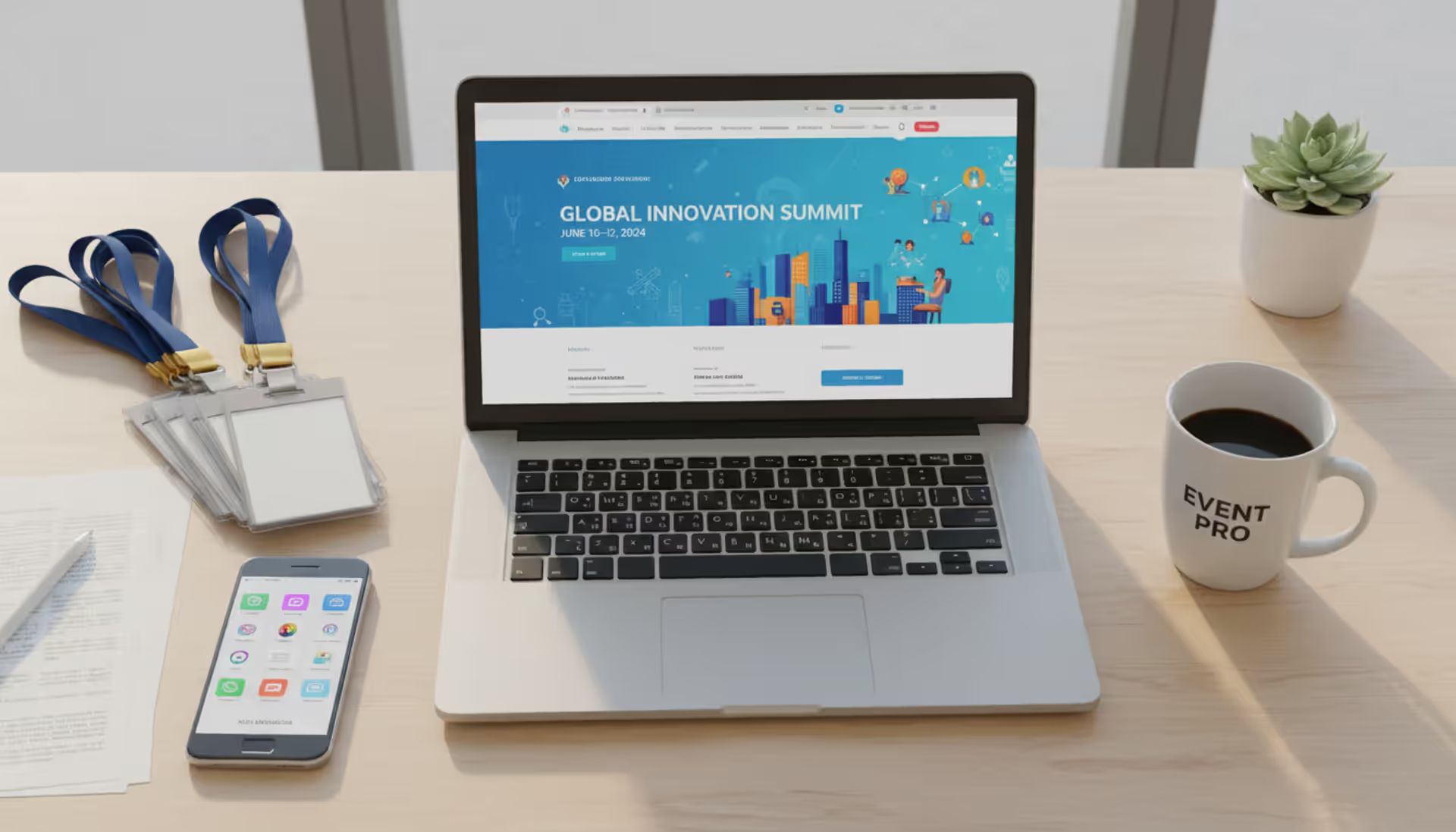
Think of event booking software as a digital receptionist that never takes a day off. Someone visits your website at 11 PM on Sunday, browses your available dates, picks a venue package, pays their deposit, and receives instant confirmation—all without you touching anything.
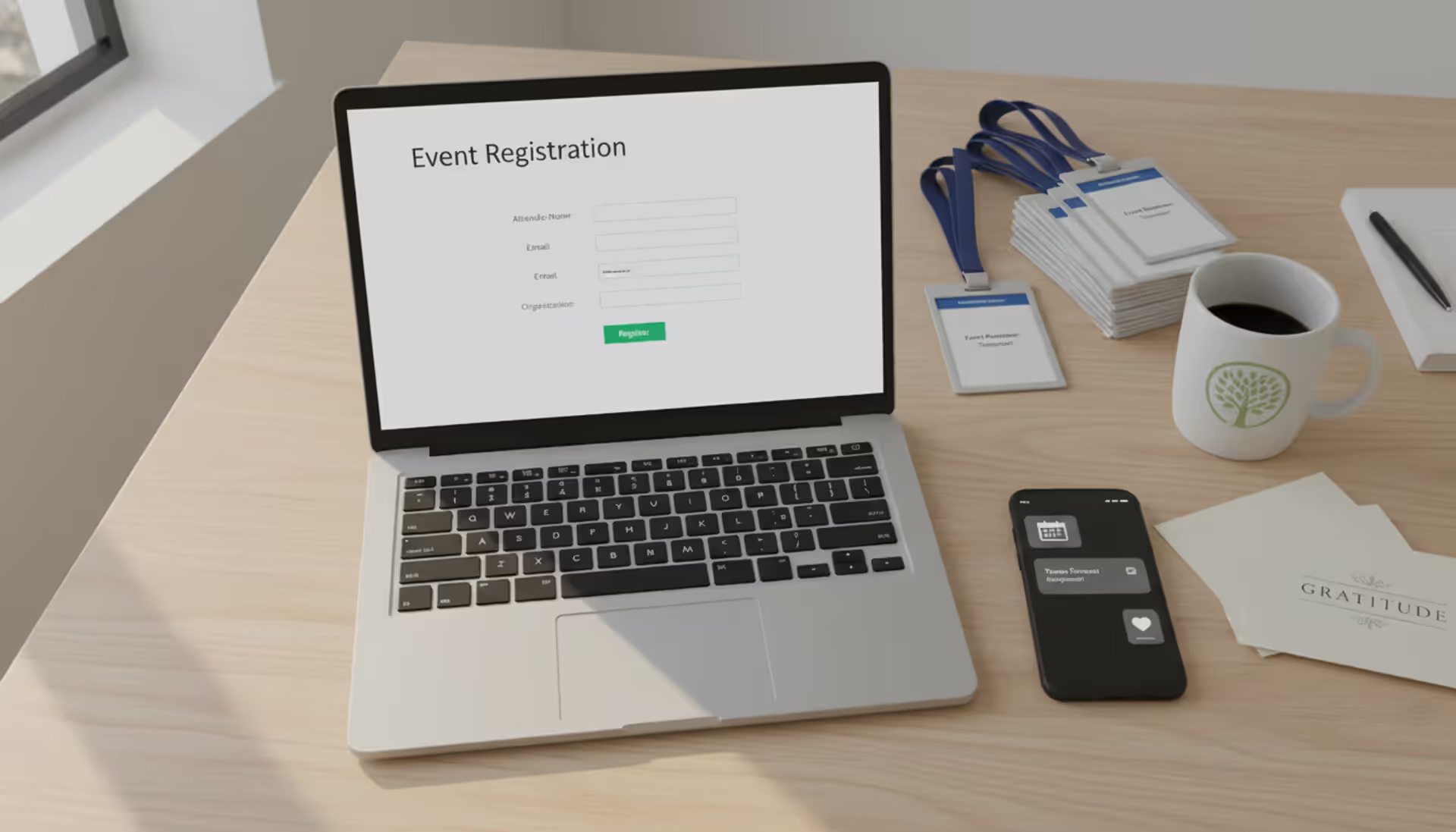
Here's the basic flow: The platform maintains a live calendar showing which dates and spaces you've got open. A customer picks their preferred slot, fills out event details (guest count, special requirements, add-on services), and completes payment through integrated processing. The system immediately marks that time as booked, emails confirmation to the customer, and notifies your team about the new reservation.
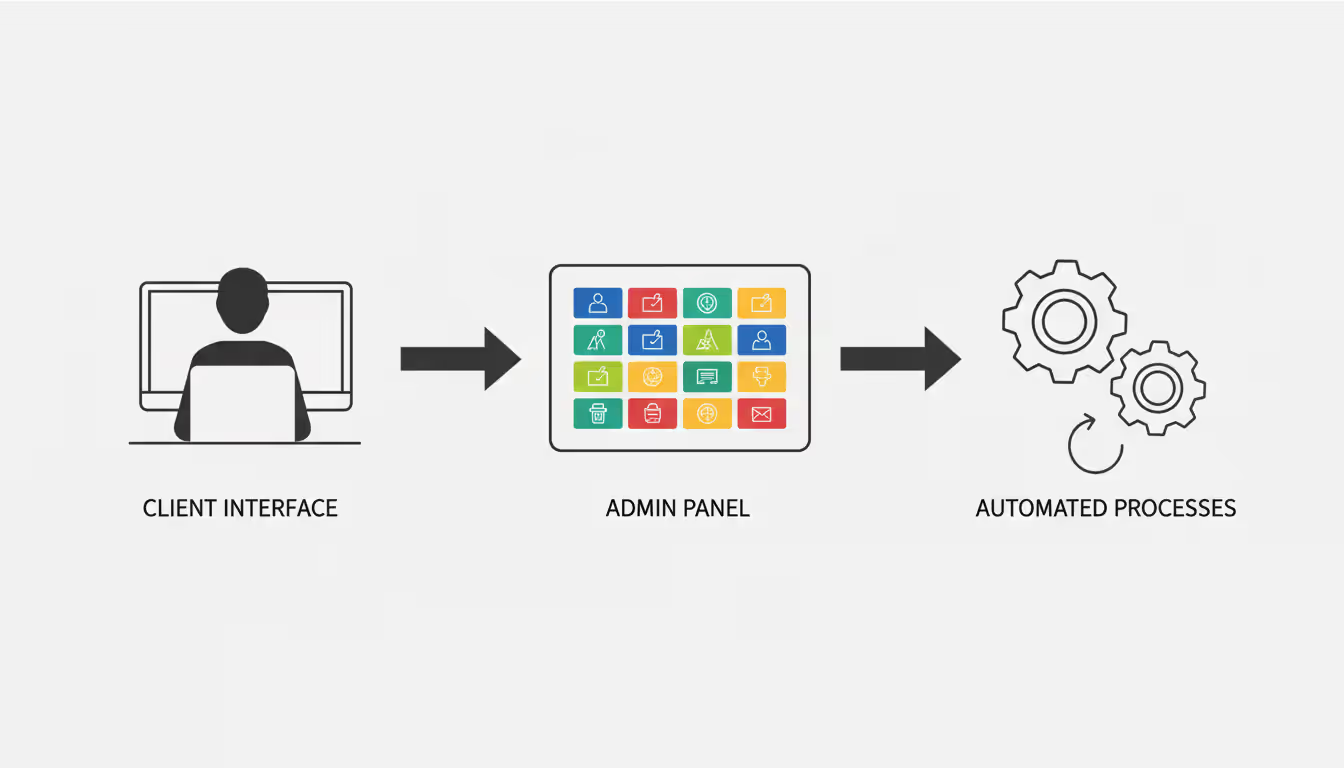
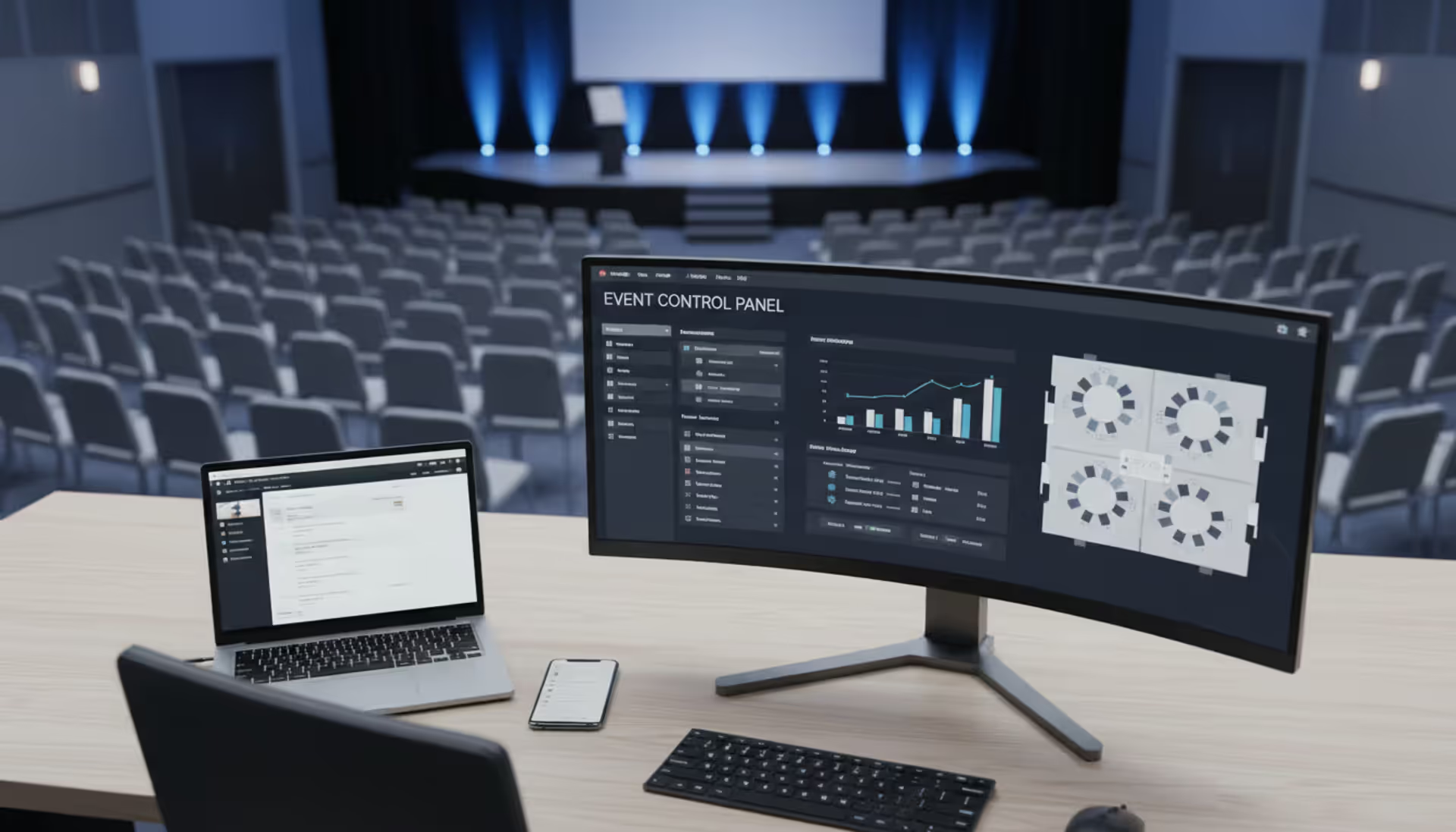
Most event booking systems split into three parts. Customers interact with a booking interface—usually embedded on your website—where they check availability and submit reservations. Your staff uses an admin dashboard to manage the calendar, adjust pricing, process refunds, and communicate with clients. Behind the scenes, automated workflows handle repetitive tasks: sending reminders three days before events, following up afterward for reviews, and chasing outstanding balances.
Setting up your inventory comes first. You'll define what you're renting (conference rooms, outdoor spaces, AV equipment), set pricing rules, block off dates when you're unavailable, and establish requirements like how far in advance people can book or minimum rental periods.
The online event booking system handles two approval styles. Instant confirmation works great for straightforward rentals—someone books your small meeting room for two hours, pays upfront, and they're done. Request-based bookings let you review before confirming, which makes sense for weddings or corporate events where you want to screen clients or discuss custom requirements before committing.
Author: Liam Crestwood;
Source: musiconmainstreet.com
Small venues often start with instant bookings to maximize conversion (no waiting means fewer abandoned inquiries), then switch complex events to request mode once they're getting enough volume to be selective.
Key Features to Look for When Choosing a Solution
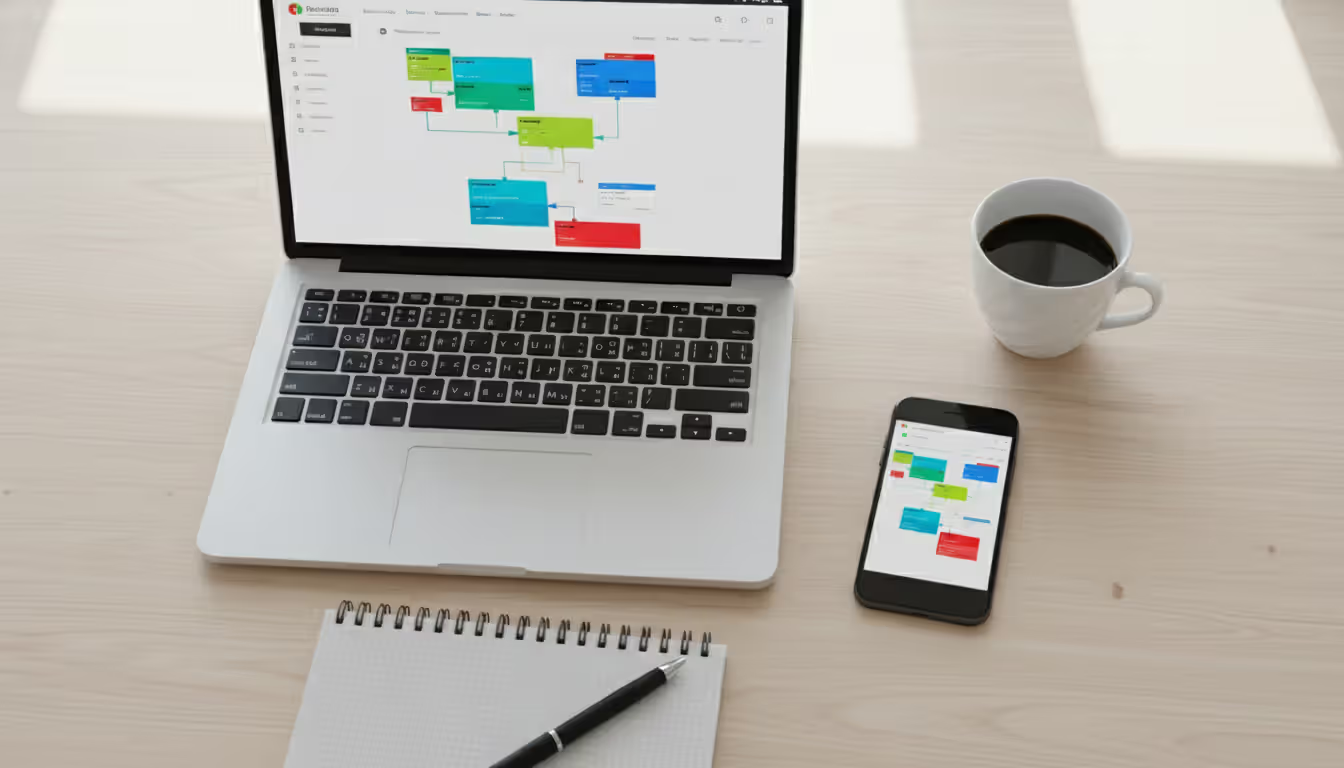
Your calendar needs to handle multiple resources without breaking a sweat. Let's say you've got three event spaces, five equipment packages, and two coordinators. The system should track everything independently while preventing conflicts—nobody wants to realize they've promised the same projector to two events happening simultaneously.
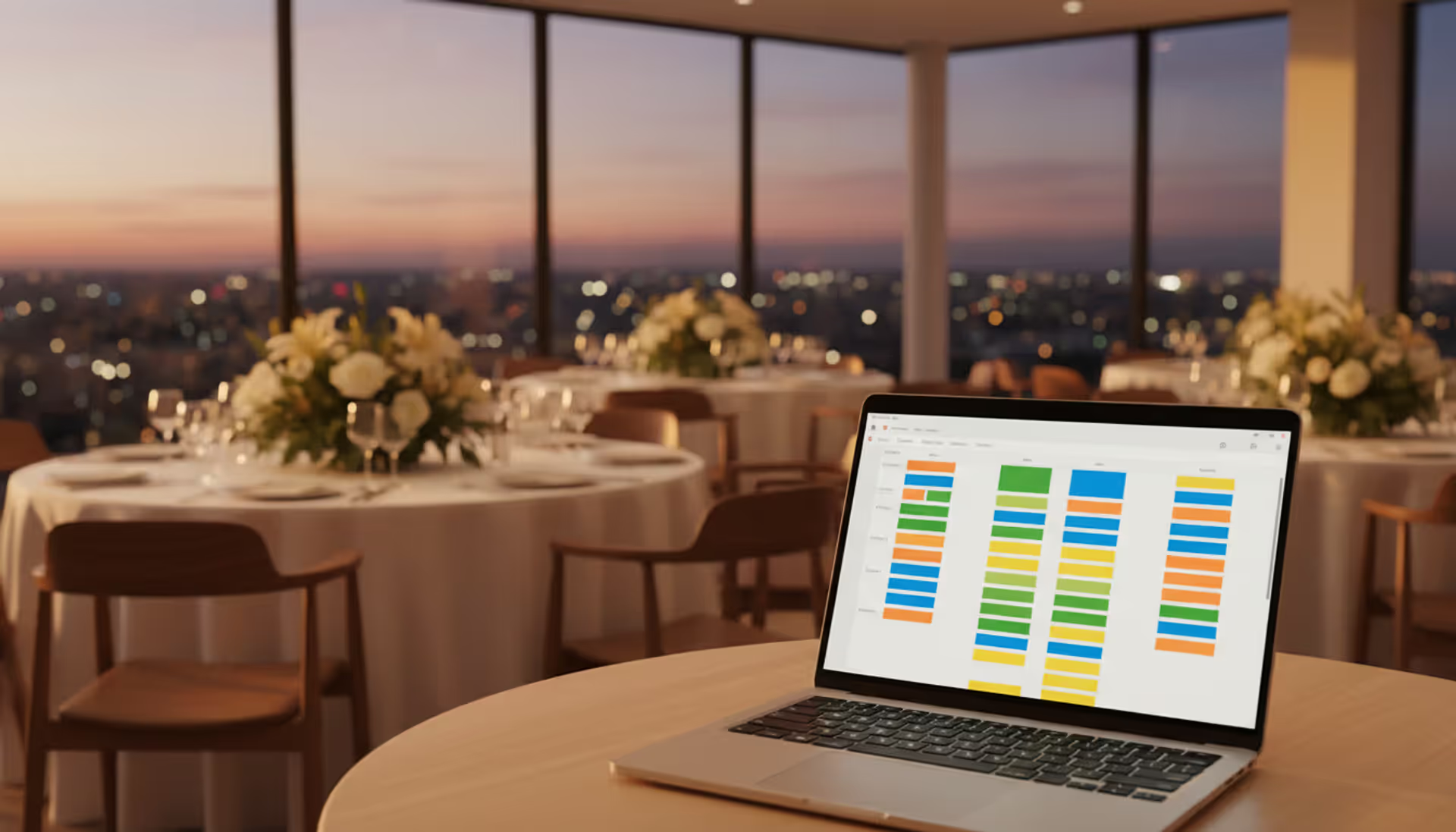
Look for drag-and-drop rescheduling. When someone needs to move their event from Saturday to Sunday, you shouldn't need to cancel and recreate the entire booking. Color-coding by event type (weddings in pink, corporate in blue) helps you visualize your calendar at a glance.
Payment processing needs to live inside the event booking platform, not bolted on as an afterthought. When customers can complete payment during booking, your conversion rate doubles compared to systems that require separate invoicing. You'll want split payment support—collect 30% now as a deposit, automatically charge the balance two weeks before the event.
Automated communication saves ridiculous amounts of time. The event reservation software should fire off confirmations immediately, send reminders as events approach, request reviews afterward, and handle all those "Where do I park?" emails through templated responses. Customize the templates once, then let them run forever.
You need reporting that actually tells you something useful. Which months are slow? What's your average booking value by event type? How many inquiries convert versus abandon? When you're deciding whether to invest in marketing or expand capacity, these numbers matter.
The event booking app has to work flawlessly on phones. Not "technically functional"—genuinely smooth. Over 60% of initial searches happen on mobile devices. If customers can't easily browse availability and complete payment on their iPhone while standing in line for coffee, you're bleeding revenue.
Integration capabilities determine whether this becomes your central system or another disconnected tool. Google Calendar sync prevents double-bookings from your personal schedule. QuickBooks connection eliminates manual invoice entry. Mailchimp integration keeps your marketing lists updated automatically. Map out which systems absolutely must talk to each other—that list narrows your options fast.
Custom forms let you collect exactly what you need without annoying customers with irrelevant questions. Wedding venues need catering preferences and guest counts. Photography studios need shoot descriptions and expected crew size. Equipment rental companies need delivery addresses and unloading help availability. One-size-fits-all forms frustrate everyone.
Types of Event Booking Systems by Use Case
Venue Management Platforms
Event venue booking software specializes in managing physical locations—think banquet halls, conference centers, galleries, or outdoor pavilions. These platforms excel at visualizing floor plans, tracking capacity limits by room configuration (150 seated versus 200 standing), and coordinating related services.
You'll find features for managing room setups: theater-style seating, banquet rounds, classroom configuration, cocktail standing. Each layout has different capacity and pricing, and the better platforms calculate this automatically when customers select their preferred arrangement.
Venue and event management software often includes staff scheduling because you need to coordinate setup crews, bartenders, security, and cleanup teams. The smart systems link labor costs to specific bookings so you can see actual profitability per event, not just top-line revenue.
Equipment and Space Rental Systems
Event rental software focuses on tracking individual items rather than managing spaces. If you're renting tents, tables, chairs, staging, lighting, or audio gear, you need different functionality than venue operators.
These systems track each item's availability, handle delivery logistics, calculate hourly or daily rental periods, and manage damage deposits. You'll need barcode scanning for quick check-in/check-out, maintenance schedules to track when equipment needs servicing, and condition documentation (photos before and after each rental).
Route optimization for delivery drivers becomes crucial when you're running multiple deliveries daily. Field apps let your crew check items out of inventory on-site and document any damage immediately rather than discovering problems back at the warehouse.
Author: Liam Crestwood;
Source: musiconmainstreet.com
Multi-Purpose Event Reservation Tools
Some businesses don't fit clean categories. A photography studio that rents space but also offers lighting equipment packages. A community center booking rooms, renting tables, and scheduling instructors. These operations need hybrid systems.
Venue manager software in this category handles diverse booking patterns: two-hour meeting room rentals, all-day workshops, weekend-long conferences, and monthly recurring reservations. The flexibility requires more upfront configuration, but you get a system matching your actual business model instead of fighting against assumptions built into specialized software.
The best platforms use modular pricing—activate only the features you actually use. Start with basic calendar and payment processing, add advanced reporting when you need it, turn on the mobile app when you're ready to invest in training.
Pricing Models and What Affects Software Costs
Vendors structure their fees three different ways, and picking the wrong model costs you money unnecessarily.
Easy budgeting; no surprises; unlimited bookings included; support typically bundled
Paying full price during slow months; higher cost if you're just starting out
Per-Transaction Fee
2–5% per booking
New venues testing demand; seasonal operations; low-volume specialty spaces
Zero cost when you have no bookings; grows proportionally with revenue
Gets expensive fast at high volumes; vendor profits from your bookings, not from helping you succeed
Hybrid Model
$30–$150/month plus 1–3% per booking
Growing businesses; venues with fluctuating seasonal demand
Lower base commitment; reasonable transaction costs; some predictability
Requires math to figure out which tier makes sense; accounting gets messier
Run the numbers based on your actual volume. Processing 60 events monthly at $400 average value generates $24,000 in bookings. A 3% transaction fee costs $720 monthly—way more than a $200 flat subscription. But if you're booking 15 events at $300 each? That 3% fee ($135) beats the subscription.
Feature tiers hide costs. Entry plans cap you at one location, three staff users, or two bookable resources. That works fine until you add a second venue space or hire another coordinator. Mid-tier plans ($150–$300 monthly) typically handle small to medium operations comfortably. Enterprise pricing ($500+) adds white-label branding, API access, and dedicated account management.
Watch user limits carefully. If three team members need daily access but two others check bookings occasionally, some platforms charge for all five users while others count only active daily users. Shared logins seem tempting but destroy your audit trail when you're investigating a pricing error or disputed booking.
Setup costs catch people off guard. Simple platforms might need nothing beyond watching tutorial videos. Complex venue and event management software often requires $1,500–$5,000 for implementation: migrating old bookings, customizing workflows, configuring integrations, and training staff.
Don't forget payment processing fees stack on top of software costs. Even if your event booking platform charges zero commission, Stripe or Square still takes 2.9% plus $0.30 per transaction. A $500 booking costs $14.80 in processing fees regardless of which booking software you use.
Common Mistakes When Implementing Booking Software
Buying features you'll never use inflates costs and clutters your interface. A small gallery hosting 25 events yearly doesn't need enterprise resource planning or complex approval hierarchies. Every unused feature is another button your team needs to work around.
Start lean. Get calendar management, payment processing, and basic automated emails working smoothly. Add advanced capabilities—custom reporting, API integrations, white-label branding—only when you've got specific use cases. Sales reps love comprehensive packages; your checking account won't.
Author: Liam Crestwood;
Source: musiconmainstreet.com
Mobile experience kills more conversions than almost anything else. Someone finds your venue on Instagram while riding the subway. They tap through to your site, try to book, and immediately face tiny text, impossible-to-tap buttons, and a checkout flow requiring horizontal scrolling. They close the tab. Your competitor with a clean mobile interface gets that booking.
Test everything on an actual phone—preferably an older model with a smaller screen. Browse availability, select add-ons, complete payment. If you find it frustrating, customers will bail.
Skimping on training undermines everything. Vendors claim "15-minute setup" but real competency takes 4-6 hours per team member. Staff need hands-on practice with real scenarios: processing walk-in bookings, handling cancellations with partial refunds, running monthly revenue reports, managing waiting lists.
Build your own documentation. Vendor manuals explain generic features; yours should show "Here's exactly how we handle birthday parties" with screenshots of your specific settings. Record 3-minute videos demonstrating common tasks your team performs weekly.
Ignoring customer experience during transitions tanks bookings immediately. Your regulars expect familiarity. When you suddenly require account creation where before they just emailed, or when the booking process adds three new steps, prepare for complaints and abandoned carts.
Warn customers before switching. Email your database two weeks ahead explaining what's changing and why it's better (instant confirmation! automated reminders!). Offer phone booking as a backup for the first month while people adjust.
Choosing software without thinking through data flows creates manual work nightmares. Your event rental software doesn't talk to QuickBooks? Someone manually enters every booking into accounting. No Mailchimp connection? You're exporting CSV files and importing contact lists weekly. These minutes add up to hours monthly.
Before evaluating platforms, list which systems absolutely must share data automatically. That requirement alone might eliminate 70% of options, saving you evaluation time while ensuring you pick something that actually fits your tech ecosystem.
Author: Liam Crestwood;
Source: musiconmainstreet.com
How to Choose the Right Event Booking Platform
Business size matters less than booking complexity and volume. A solo photographer booking 150 one-hour sessions monthly needs different tools than a 10,000-square-foot event center hosting 20 multi-day conferences. Transaction volume demands speed and automation; event complexity requires customization and approval workflows.
Small operations (under 50 monthly bookings) benefit from simple platforms with minimal learning curves. You don't need every feature—you need rock-solid basics that work reliably. Mid-size venues (50–200 bookings monthly) require stronger automation and reporting without enterprise complexity. Large or multi-location operations demand granular permissions, sophisticated analytics, and API access for custom integrations.
Technical requirements eliminate most options fast. Need Salesforce integration? Only consider platforms offering it natively or through documented APIs. Require custom branding throughout the customer journey? Cross off anything that shows vendor logos. Must support split payments with automatic balance collection? Verify this works exactly how you need before considering other features.
Budget matters, but calculate total cost including saved time. A $100 monthly platform requiring 10 hours weekly of manual work (sending confirmations, updating calendars, chasing payments) costs more than $300 monthly software that runs itself. Value your time at $50/hour minimum—that's $2,000 monthly you're spending on tasks software should handle.
Growth trajectory determines whether you're choosing software once or preparing for a painful migration. Planning to add locations, expand service offerings, or triple booking volume? Pick event booking software with headroom. Switching platforms later means migrating customer data, retraining staff, and explaining changes to confused clients.
We thought booking software just saved admin time. Wrong. Our average inquiry-to-confirmation window dropped from 4 hours to 4 minutes. Conversion jumped 23% because customers could finalize plans immediately instead of waiting for our office hours. The software became our best salesperson
— Marcus Chen
Trial periods reveal what feature lists hide. Actually process mock bookings end-to-end. Test the customer-facing interface on your phone. Generate the reports you'd use for real decisions. Have your staff—especially less tech-savvy team members—try core tasks. Their comfort level determines whether you'll get adoption or resistance.
Support quality determines whether minor hiccups become business-stopping disasters. Submit a test question during your trial: "How do I handle a customer who paid a deposit but needs to reschedule?" Time the response. Evaluate whether the answer actually solves the problem or just regurgitates documentation.
Check support availability against your operational hours. If you host evening and weekend events when problems occur, 9-to-5 weekday-only support leaves you stranded exactly when you need help most.
Frequently Asked Questions
What's the difference between event booking software and venue management software?
Booking-focused tools handle reservations, payments, and customer communication—the sales and transaction side. Management platforms add operational capabilities: staff scheduling, inventory tracking, maintenance logs, and comprehensive resource allocation across your entire operation. A small venue renting one space needs only booking functionality. Larger operations running multiple venues with equipment inventories, service staff, and maintenance schedules benefit from integrated management features that coordinate everything in one system.
How much does event booking software typically cost?
Monthly subscriptions run $50–$500 depending on features and scale. Entry-level plans ($50–$100 monthly) work for small venues with straightforward needs. Mid-tier options ($150–$300 monthly) handle most professional operations with multiple resources and moderate volume. Enterprise solutions exceed $500 but include advanced customization and dedicated support. Transaction-based pricing charges 2–5% per booking instead of flat fees. Remember that payment processing (typically 2.9% plus $0.30 per transaction) and potential setup costs ($500–$5,000) add to your total investment.
Can event booking software integrate with my existing calendar or CRM?
Calendar sync with Google Calendar, Outlook, and Apple Calendar is standard in most modern platforms—this prevents you from double-booking against personal commitments or external meetings. CRM integration varies dramatically. Popular systems like Salesforce, HubSpot, and Zoho frequently offer native connections or documented APIs. Niche or custom CRMs might require developer work for integration. Check your specific integration needs before evaluating other features, since connectivity requirements often narrow your viable options to just a few platforms.
Do I need technical skills to set up an event booking system?
Basic configuration requires no coding knowledge. You'll set up calendars, pricing, and booking forms through web interfaces similar to managing a WordPress site or configuring email. Expect 8–12 hours for straightforward setups, possibly more if you're managing multiple venues or complex pricing rules. Advanced customization—API integrations, custom workflows, white-label branding—might need technical help. Most vendors offer implementation support, and many include onboarding calls to walk through initial configuration. Complex operations sometimes hire consultants for $1,500–$5,000 to handle migration and customization.
What payment options should event booking software support?
Major credit cards (Visa, Mastercard, American Express, Discover) are non-negotiable. ACH or bank transfers become important for large deposits since transaction fees on a $5,000 payment add up fast. Modern platforms should handle digital wallets—Apple Pay and Google Pay—which dramatically improve mobile conversion rates since customers avoid typing card numbers on tiny keyboards. Split payment scheduling (30% deposit now, 70% two weeks before the event) is essential for high-value bookings. Some venues also need invoice generation for corporate clients requiring net-30 payment terms rather than immediate processing.
How does mobile access work with event reservation software?
You'll encounter two approaches: responsive websites that adapt to phone screens, or dedicated mobile apps for iOS and Android. Responsive designs work adequately for occasional mobile use but can feel clunky for complex tasks. Native apps typically provide smoother performance, offline access to critical information, and push notifications about new bookings. For staff, mobile access should handle core tasks—viewing upcoming events, approving booking requests, communicating with customers. For clients booking your venue, the mobile experience must support the complete flow from browsing availability through payment without frustrating navigation or tiny form fields.
Automation transforms event venues from businesses constantly reacting to inquiries into operations that book themselves while you focus on delivering great experiences. The right platform eliminates scheduling bottlenecks, cuts down booking friction, and provides visibility into performance patterns that spreadsheets never could.
Success comes from matching software to actual requirements rather than buying impressive feature lists you'll never use. A small venue benefits more from a simple system they've mastered than a complex platform they barely understand. Nail the fundamentals—calendar management, payment processing, automated communication—before considering advanced capabilities.
Your software choice matters less than implementation quality. Platforms succeed when you invest time in proper configuration, thorough team training, and clear customer communication about what's changing. The venues extracting maximum value treat booking technology as improving customer experience first, operational efficiency second.
Start by clarifying your non-negotiables: required integrations, must-have features, absolute budget limits. Test platforms thoroughly during trials with the actual staff who'll use them daily. Which system requires minimal thinking to complete your most common tasks? That's your answer, regardless of which vendor claims the longest feature list.
Running athletic events with spreadsheets creates chaos. Sports event management software consolidates registration, scheduling, payments, and communication into unified platforms that reduce administrative burden and improve participant experience for organizations of all sizes
Planning successful nonprofit events requires more than spreadsheets. Modern event management software handles registration, payments, donor tracking, and reporting through unified platforms. This guide compares free vs paid options, essential features, and selection criteria for nonprofits
Picking the right platform to showcase your event can make the difference between a sold-out venue and empty seats. This guide walks through what matters when evaluating event website software, from must-have features to pricing structures, so you can build an event page that converts
Event planning software centralizes registration, ticketing, scheduling, and analytics into one platform. Learn how these tools work, which features matter most, and how to choose the right solution for corporate, social, or hybrid events
The content on this website is provided for general informational and educational purposes only. It is intended to explain concepts related to event management software, ticketing systems, hybrid event platforms, and operational tools for event organisers.
All information on this website, including articles, guides, and examples, is presented for general educational purposes. Outcomes may vary depending on event size, technology choices, and organisational needs.
This website does not provide professional legal, financial, or software advice, and the information presented should not be used as a substitute for consultation with qualified event tech or IT professionals.
The website and its authors are not responsible for any errors or omissions, or for any outcomes resulting from decisions made based on the information provided on this website.