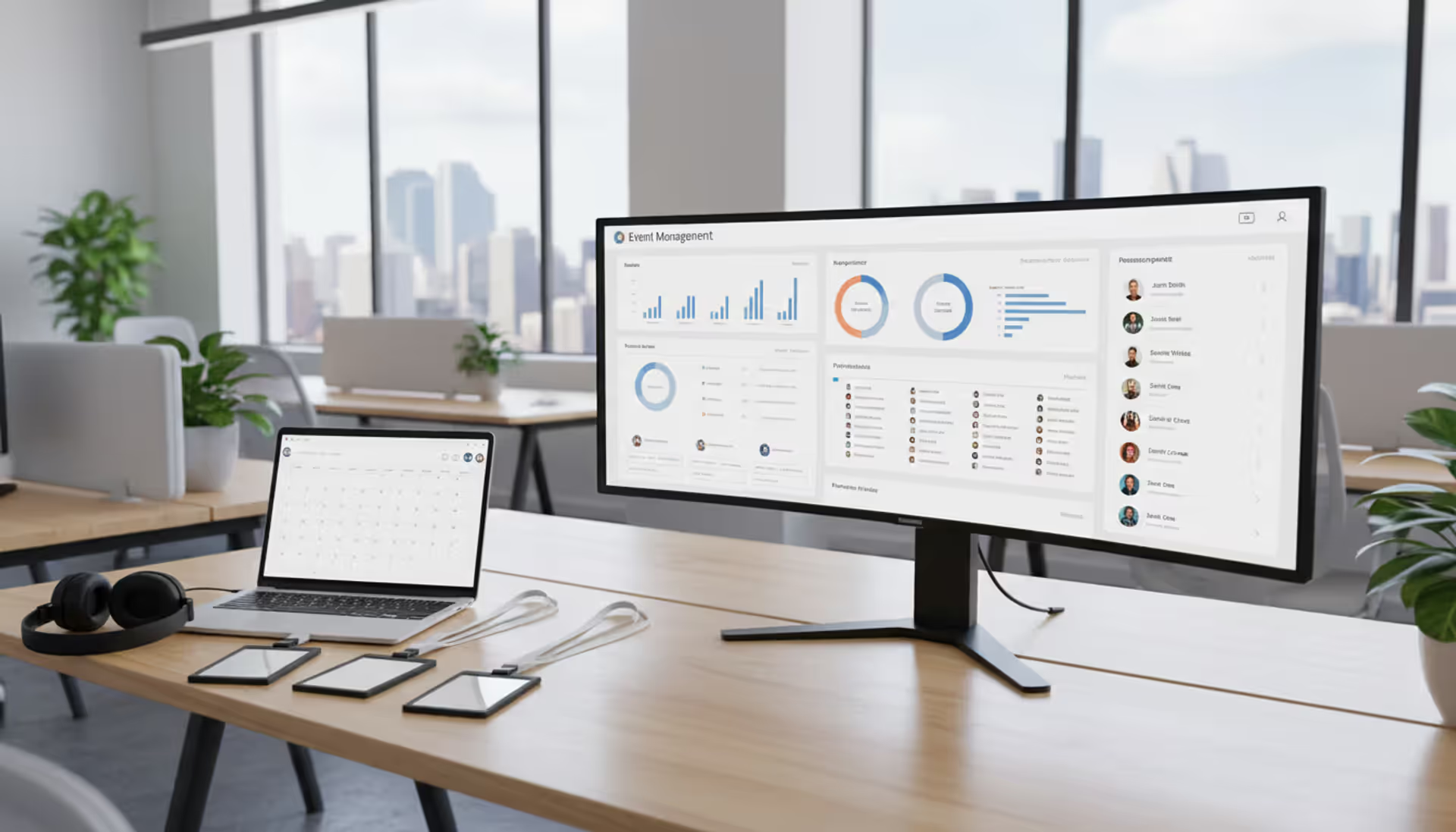
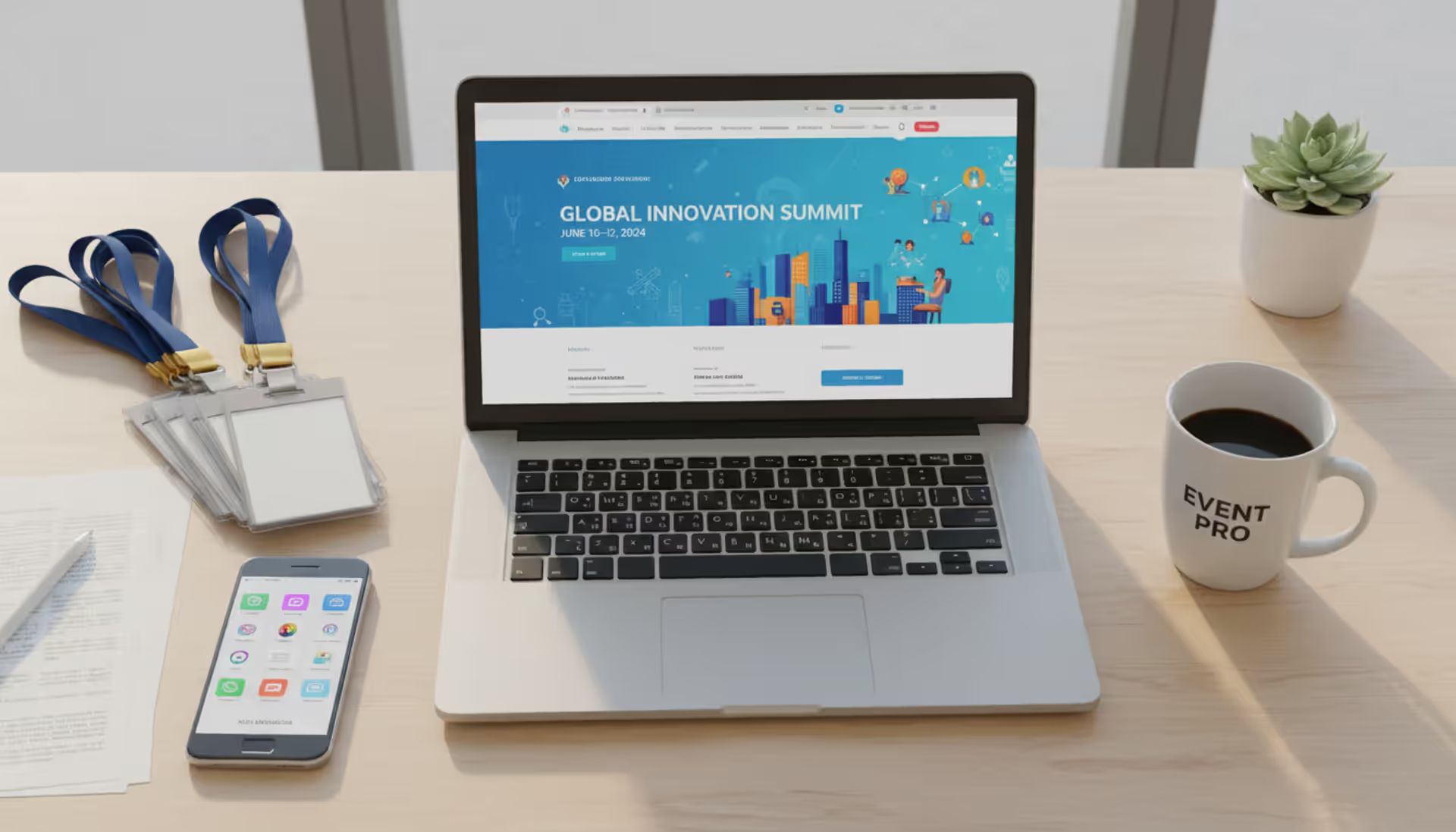
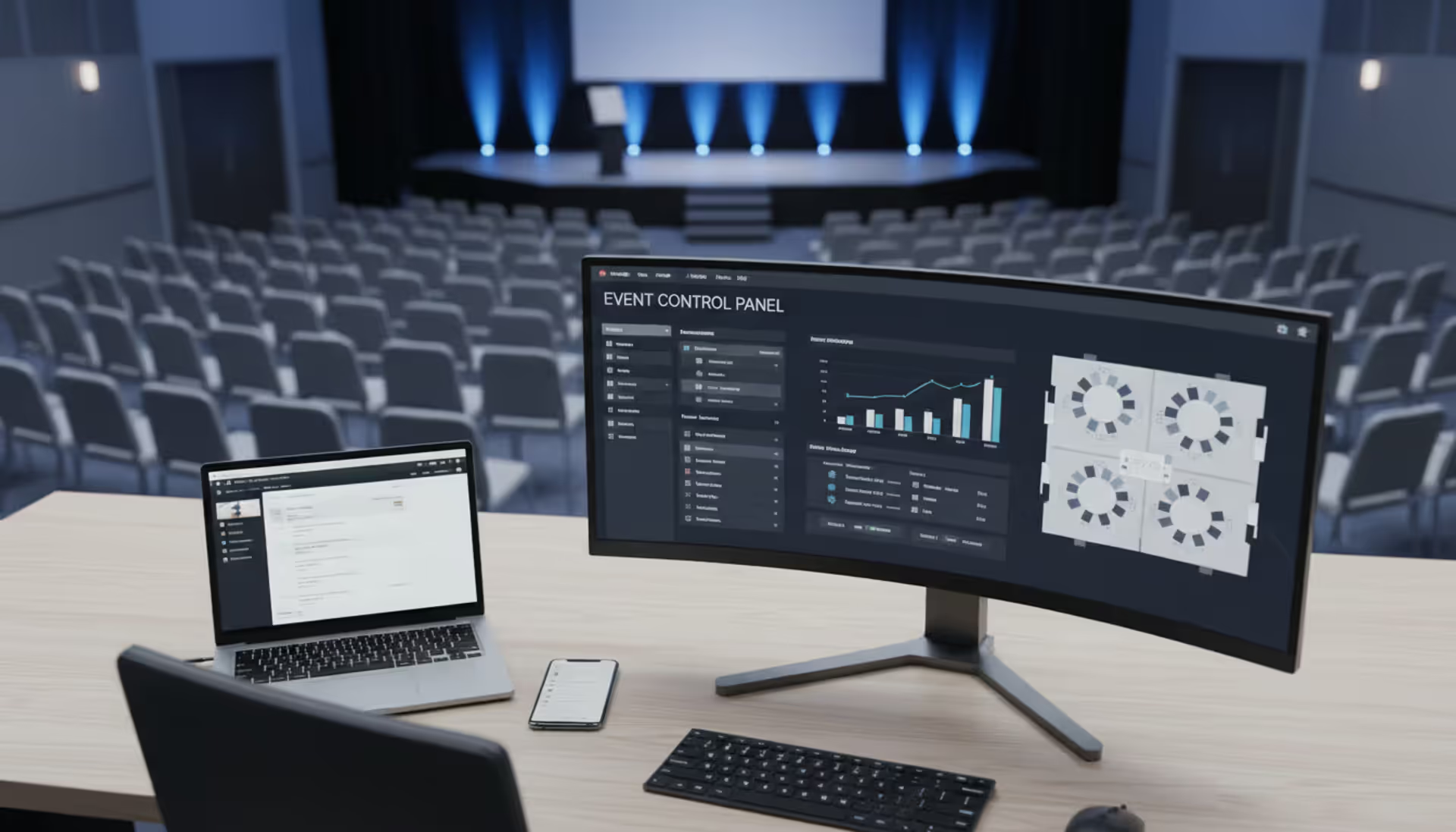
Modern event manager workspace with event dashboard on large monitor showing attendee lists and timelines, laptop, badges, and headset on a clean office desk
Planning a corporate conference for 500 attendees while juggling vendor contracts, budget spreadsheets, and registration lists across five different tools is a recipe for disaster. Event organizer software consolidates these moving parts into a single platform, reducing the administrative burden and minimizing costly oversights.
What Is Event Organizer Software?
Event organizer software is a digital platform designed to centralize planning, execution, and post-event analysis for gatherings of any scale. Unlike basic calendar apps or spreadsheet templates, these systems handle complex workflows: attendee registration, payment processing, vendor coordination, venue logistics, and real-time reporting.
The core users include corporate event planners, nonprofit coordinators, university administrators managing campus events, and professional event management companies handling multiple clients simultaneously. A wedding planner tracking RSVPs in Excel is not using event coordinator software—but a planner managing ticketing, dietary restrictions, seating charts, and vendor timelines through an integrated dashboard is.
The distinction matters because event organizer online platforms offer automation that manual methods cannot match. When a registrant updates their meal preference three days before an event, the catering vendor receives an instant notification. When ticket sales hit 80% capacity, the system can trigger early-bird pricing to expire. These conditional workflows separate true event business management software from glorified to-do lists.
Universities, for instance, manage dozens of events weekly—alumni gatherings, academic conferences, student orientations. Without centralized software, departments duplicate effort, double-book venues, and lack visibility into campus-wide event calendars. Event management software for universities solves this by providing role-based access, shared resource calendars, and compliance tracking for safety protocols.
Key Features to Look for in Event Management Tools
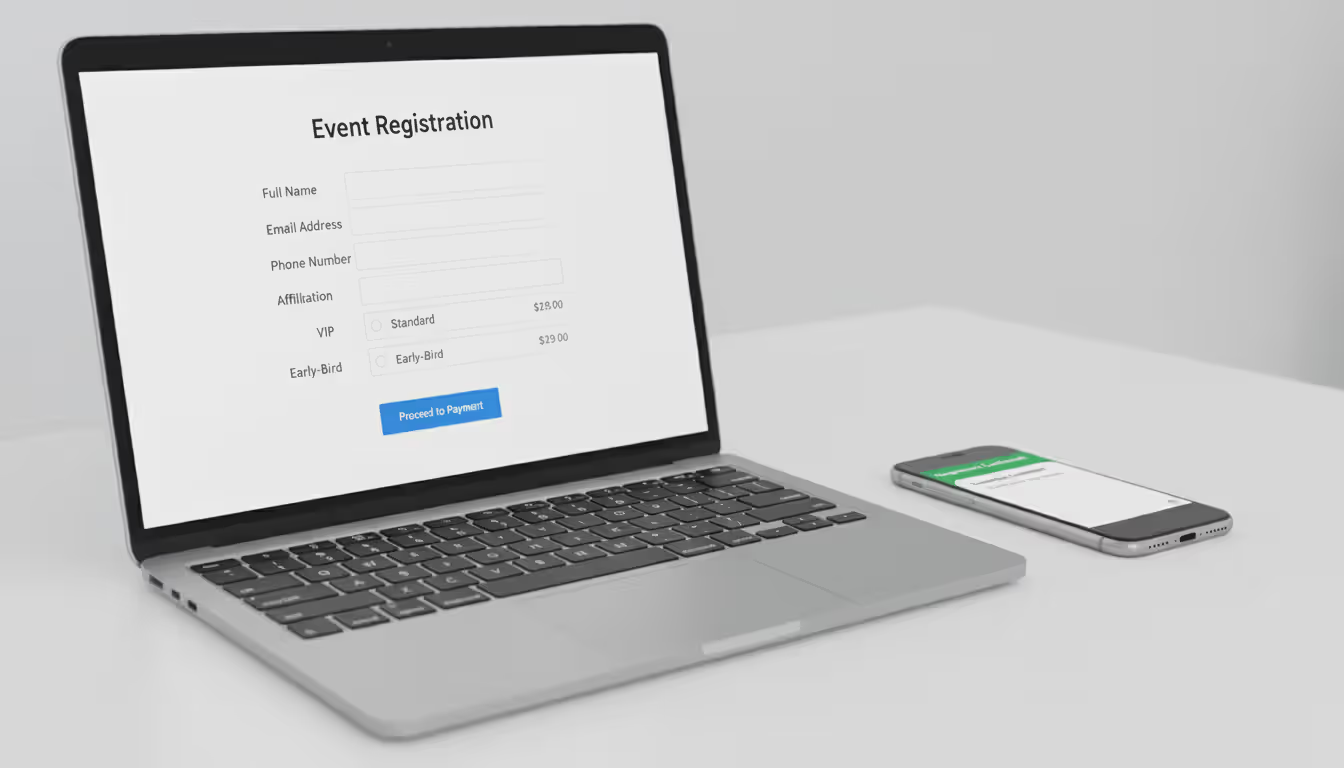
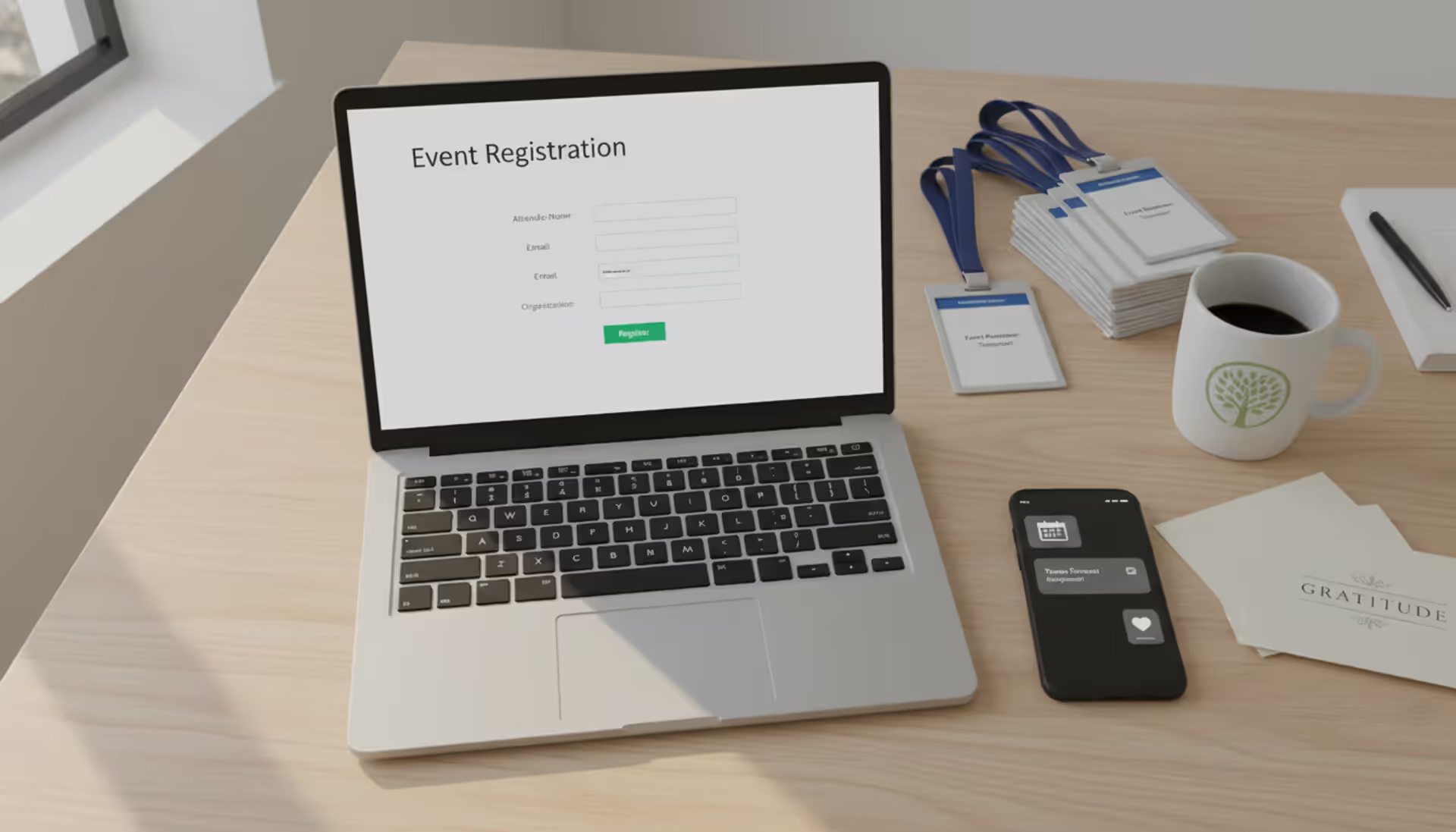
Registration systems form the foundation. Attendees should complete sign-ups through branded forms that capture custom data fields—job titles for networking events, accessibility needs for conferences, T-shirt sizes for charity runs. The best event management tools sync this data with email marketing platforms, automatically segmenting attendees for targeted pre-event communications.
Ticketing capabilities extend beyond simple payment collection. Tiered pricing (early-bird, VIP, group discounts), promo code management, and waitlist automation prevent revenue leakage. A corporate training event might offer free admission for employees but charge external participants—software should handle these rules without manual intervention.
Author: Chloe Winslow;
Source: musiconmainstreet.com
Attendee tracking becomes critical at multi-session events. Badge scanning at workshop entrances records which sessions each person attended, feeding data into continuing education credit systems or sales lead scoring. Event manager software with mobile check-in apps eliminates paper lists and provides real-time attendance counts.
Vendor management modules centralize contracts, payment schedules, and deliverable checklists. When coordinating a trade show, you might work with 15 vendors—AV technicians, caterers, booth builders, security teams. Storing all contracts and communication threads in the platform prevents the "I never received that requirement" disputes that derail events.
Budgeting tools track projected versus actual spending across categories. If floral arrangements are trending 20% over budget while catering is 15% under, planners can reallocate funds before overspending occurs. Integration with accounting software like QuickBooks eliminates duplicate data entry.
Analytics dashboards answer crucial questions: Which marketing channels drove the most registrations? What was the no-show rate? How many attendees visited the sponsor booths? Post-event reports should export to PDF for stakeholder presentations or CSV for deeper analysis.
Integrations determine whether your software becomes a productivity multiplier or another data silo. CRM connections (Salesforce, HubSpot) ensure event attendance updates contact records automatically. Email platform integrations (Mailchimp, Constant Contact) enable one-click attendee list imports. Calendar syncs (Google Calendar, Outlook) prevent double-booking.
Must-Have vs. Nice-to-Have Features
Must-have features for any event organizer software include online registration with payment processing, attendee database management, email communication tools, and basic reporting. Without these, you're essentially using an expensive spreadsheet.
Nice-to-have features depend on event complexity. Mobile event apps with personalized agendas and networking tools add value for multi-day conferences but are overkill for quarterly team meetings. Live polling and Q&A integrations enhance engagement at large presentations but aren't necessary for intimate workshops. Sponsor management portals with lead retrieval tools matter for revenue-generating events, not internal company gatherings.
The trap is paying for enterprise features you'll never activate. A small business running monthly networking mixers doesn't need multi-track session management or abstract submission workflows designed for academic conferences.
How to Choose Event Organizer Software for Your Needs
Start by cataloging your event portfolio. List every event type you manage annually—webinars, conferences, fundraisers, training sessions—with average attendance figures. A company hosting quarterly town halls for 200 employees has different needs than an association running annual conferences for 3,000 members plus monthly regional meetups.
Assess team size and technical skill. A solo event coordinator needs intuitive interfaces with minimal learning curve. A five-person team can invest time mastering more complex platforms with powerful automation. If your team lacks technical expertise, prioritize vendors offering hands-on onboarding and responsive support.
Budget constraints should account for total cost of ownership, not just subscription fees. Calculate attendee volume across all annual events—pricing often scales with registrations. A platform charging $200 monthly plus $2 per registrant costs $2,600 annually for 100 monthly attendees, but $14,600 for 600 monthly attendees. Per-event pricing might prove cheaper if you run infrequent large events rather than frequent small ones.
Scalability prevents painful migrations. If you're currently managing 10 events annually but plan to expand to 30 within two years, choose software that accommodates growth without forcing a platform switch. Migrating historical attendee data and rebuilding registration forms wastes weeks.
Trial periods expose deal-breakers before commitment. Build a complete registration form for your most complex event during the trial. Attempt to generate the three reports you reference most frequently. Test the mobile app if field check-in is important. Many limitations only surface during hands-on use—a beautiful demo doesn't reveal that custom field options max out at 10 choices when you need 15.
Request references from current users in your industry. A platform excelling at corporate events might lack features critical for nonprofit fundraisers. Ask specific questions: "How long did implementation take?" "What's support response time for urgent issues?" "What hidden costs emerged after purchase?"
Event Organizer Software by Business Type
Different organizational structures demand different capabilities. A university managing campus events faces challenges unrelated to those confronting a boutique event planning agency.
Software for Universities and Educational Institutions
Event management software for universities must accommodate decentralized planning across multiple departments while maintaining central oversight. The alumni office, athletic department, academic schools, and student affairs all host events—often competing for the same venues.
Shared resource calendars prevent double-bookings. When the engineering school reserves the main auditorium for a guest lecture, the system blocks that time slot for all other departments. Approval workflows route event requests through facilities management, ensuring adequate setup time and compliance with fire codes.
Author: Chloe Winslow;
Source: musiconmainstreet.com
Student organization management adds complexity. Universities might support 200+ student groups hosting events, requiring simplified interfaces for inexperienced planners while maintaining administrative controls. Automated compliance checks ensure events meet university policies before approval.
Integration with student information systems streamlines registration for credit-bearing events like workshops or orientations. When students register for freshman orientation through the event platform, their attendance should update their academic record automatically.
Software for Small Event Businesses
Event management software for small business prioritizes client management over internal coordination. A wedding planner or corporate event consultant juggles multiple clients simultaneously, each with distinct events, budgets, and communication preferences.
Client portals allow customers to review planning progress, approve vendor selections, and track budget allocation without endless email chains. When a bride wants to see updated seating arrangements, she logs into her portal rather than requesting files.
Author: Chloe Winslow;
Source: musiconmainstreet.com
Proposal and contract generation tools accelerate sales cycles. Templates with variable pricing options let planners quickly create professional proposals. E-signature integration eliminates the "I'll mail back the signed contract" delays that stall projects.
Time tracking features matter when billing hourly or managing internal profitability. Recording hours spent on each client event reveals which event types generate healthy margins and which drain resources.
Mobile access is non-negotiable. Small business owners manage events on-site without office support staff. The ability to check attendees in, communicate with vendors, and update timelines from a phone or tablet maintains professionalism when problems arise.
Software for Event Management Companies
Event management company software handles the complexity of serving multiple clients across diverse event types. An agency might simultaneously plan a product launch for a tech company, a charity gala for a nonprofit, and a multi-city roadshow for a pharmaceutical client.
Multi-tenant architecture segregates client data while allowing agency staff to switch between accounts seamlessly. A project manager overseeing five client events shouldn't log out and back in to access different dashboards.
White-label capabilities let agencies present branded registration pages and mobile apps to clients. When attendees register for the charity gala, they see the nonprofit's branding, not the event management company's logo—maintaining the illusion of direct client-attendee relationships.
Resource allocation tools prevent overcommitting staff. If three events occur the same weekend, the system should flag potential conflicts when assigning team members. Equipment inventory tracking ensures you don't promise the same AV setup to two simultaneous events.
Financial management separates client budgets, tracks profitability by event, and manages invoicing. Event management companies services often involve complex billing—retainer fees, per-event charges, vendor markups, reimbursable expenses. Software should handle these variations without custom spreadsheet workarounds.
Common Mistakes When Selecting Event Coordinator Software
Overlooking integration requirements causes immediate friction. You discover post-purchase that the software doesn't connect with your CRM, forcing manual data exports and imports after every event. Before committing, map your current tech stack and verify native integrations or API availability for critical systems.
Ignoring mobile access leads to on-site chaos. Your beautiful desktop interface becomes useless when you're standing at a registration desk with only your phone. Test mobile apps or responsive web interfaces during trials—attempt to check in attendees, scan tickets, and update session capacities from a smartphone.
Underestimating support requirements is common among first-time buyers. Event crises don't respect business hours. A registration system crash at 8 PM the night before a major event demands immediate assistance. Understand support channels (phone, chat, email), availability (24/7 vs. business hours), and response time guarantees before issues arise.
Choosing based on price alone often backfires. The cheapest option frequently lacks features you'll desperately need six months later, forcing either expensive customization or complete platform replacement. A $50 monthly tool that requires 10 hours of manual workarounds costs more than a $200 monthly solution that automates those tasks.
Skipping user testing with actual team members creates adoption problems. The decision-maker finds the interface intuitive, but the coordinator who'll use it daily struggles with the workflow. Include end users in trial evaluations—their frustrations predict long-term success.
The biggest mistake event planners make is selecting software based on feature lists rather than workflows. A platform might offer 50 capabilities you'll never use while missing the three automations that would save you 10 hours weekly. Focus on how the software handles your specific event lifecycle, not how many checkboxes it ticks on a comparison chart
— Marcus Chen
Cost Factors and Pricing Models
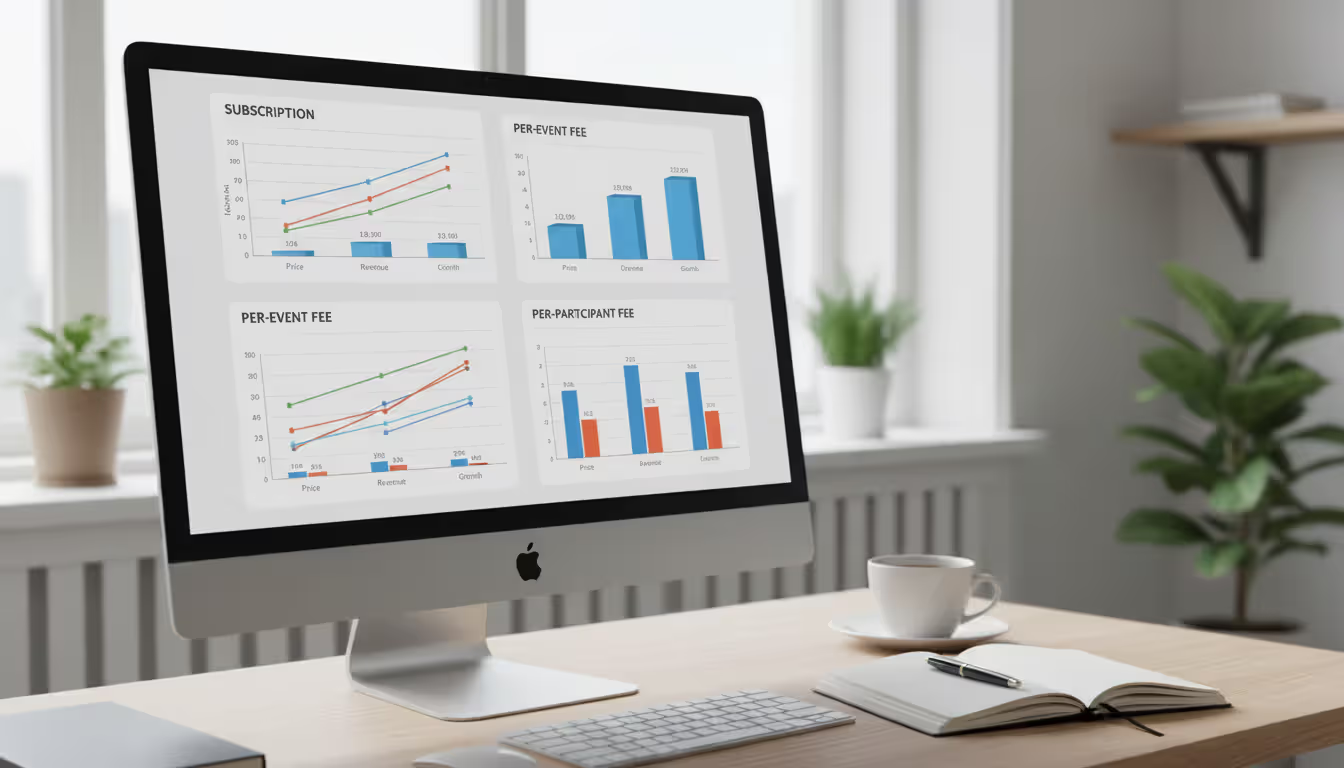
Per-event pricing charges a flat fee for each event you create in the system. A platform might charge $150 per event regardless of attendee count, making it economical for large events but expensive for frequent small gatherings. This model suits organizations running a few major annual events rather than ongoing programming.
Subscription pricing bills monthly or annually for unlimited events up to certain attendee thresholds. A $300 monthly plan might include up to 1,000 registrations across all events. This benefits organizations with consistent event volume, providing predictable budgeting.
Author: Chloe Winslow;
Source: musiconmainstreet.com
Attendee-based pricing scales with registration volume, typically charging per registrant or ticket sold. Rates often decrease in tiers—$2 per registrant for the first 500, $1.50 for 501-2,000, $1 for 2,001+. This aligns costs with event success but creates variable monthly expenses.
Hidden fees emerge in payment processing charges, premium support tiers, custom branding removal, and API access. A platform advertising $100 monthly might add 2.9% + $0.30 per transaction, $50 monthly for phone support, $200 one-time for logo customization, and $500 monthly for API access. Calculate total cost including these additions.
ROI considerations should factor in time savings and error reduction. If event coordinator software eliminates 15 hours of manual work monthly at a $50 hourly labor cost, it justifies $750 in monthly expenses before breaking even. Reducing registration errors that previously caused 5% no-show rates adds further value through improved attendance.
Business Type
Event Scale
Recommended Features
Pricing Model
Small Business (1-3 planners)
5-20 events/year, 50-300 attendees each
Client portals, proposal tools, mobile check-in, basic reporting
Per-event ($100-$300/event) or low-tier subscription ($50-$150/month)
Subscription ($200-$600/month) with priority support
Frequently Asked Questions
What's the difference between event organizer software and event management services?
Event organizer software is a technology platform you license and operate yourself, maintaining control over data, processes, and customization. Event management services involve hiring a company to plan and execute events on your behalf—they handle vendor negotiations, logistics, and on-site coordination. Some event management companies services include proprietary software as part of their offering, but you're primarily paying for human expertise rather than technology access. Choose software when you have internal planning capacity and want tools to increase efficiency. Choose services when you lack staff, expertise, or time to manage events internally.
How long does it take to implement event coordinator software?
Basic implementation for small teams takes 1-2 weeks: account setup, registration form customization, payment gateway connection, and team training. Mid-sized organizations requiring integrations with CRM systems, accounting software, and custom branding typically need 4-6 weeks. Enterprise deployments with single sign-on, API customizations, multi-department rollouts, and data migration from legacy systems can extend to 8-12 weeks. Accelerate timelines by preparing attendee data exports, documenting current workflows, and assigning dedicated implementation team members before kickoff. Most vendors provide implementation checklists and project timelines during the sales process.
Do I need different software for in-person vs. virtual events?
Not necessarily—many modern platforms handle both formats and hybrid events combining in-person and virtual components. However, virtual-specific features like streaming integration, virtual booth environments, and breakout room management may require premium tiers. If you exclusively host virtual events, specialized webinar platforms might offer better value than general event organizer software with virtual add-ons. Organizations running hybrid events should prioritize platforms with unified attendee experiences, allowing seamless switching between in-person sessions and virtual content without separate registrations.
Can event organizer software integrate with CRM systems?
Most established platforms offer native integrations with major CRM systems like Salesforce, HubSpot, and Microsoft Dynamics. These connections automatically sync attendee data, update contact records with event participation, and trigger follow-up workflows. Implementation typically requires API key exchanges and field mapping—deciding which event data fields populate which CRM fields. Smaller or newer event platforms may lack native integrations but offer Zapier connections as workarounds, though these sometimes have data sync delays. Verify specific CRM compatibility before purchase if integration is critical to your workflow.
What security features should event management software include?
Essential security features include SSL encryption for data transmission, PCI DSS compliance for payment processing, role-based access controls limiting who can view sensitive information, and regular data backups. For organizations handling personal data of EU citizens, GDPR compliance features like data deletion workflows and consent tracking are mandatory. SOC 2 Type II certification indicates the vendor undergoes regular third-party security audits. Two-factor authentication for admin accounts prevents unauthorized access. Ask vendors about data residency—where your information is physically stored—and whether they'll sign Business Associate Agreements if you're subject to HIPAA regulations.
Is it worth paying more for dedicated support?
Dedicated support becomes worthwhile when events generate significant revenue or reputational risk. A ticketed fundraiser expecting $50,000 in donations cannot afford a 24-hour email response time if registration breaks the day before. Organizations running frequent events also benefit—if you're hosting events weekly, you'll encounter issues regularly enough to justify premium support costs. However, a company running quarterly internal meetings can likely manage with standard business-hours support. Calculate the cost of event failure: lost ticket revenue, damaged reputation, staff overtime troubleshooting. If potential losses exceed annual premium support costs, it's a reasonable investment.
Selecting event organizer software requires matching platform capabilities to your specific event portfolio, team structure, and growth trajectory. Universities need shared resource management and approval workflows. Small businesses prioritize client portals and mobile access. Event management companies require multi-tenant architecture and white-label options.
Avoid the temptation to choose based solely on feature counts or pricing. A platform with 100 features you'll never use provides less value than one with 20 features perfectly aligned to your workflow. Test thoroughly during trial periods, involve end users in evaluations, and verify integrations with your existing systems before committing.
The right event business management software transforms event planning from a chaotic juggling act into a streamlined process, freeing your team to focus on creating memorable experiences rather than wrestling with administrative tasks. Start by documenting your three most common event types, identifying the manual tasks consuming the most time, and prioritizing platforms that automate those specific pain points.
Running athletic events with spreadsheets creates chaos. Sports event management software consolidates registration, scheduling, payments, and communication into unified platforms that reduce administrative burden and improve participant experience for organizations of all sizes
Planning successful nonprofit events requires more than spreadsheets. Modern event management software handles registration, payments, donor tracking, and reporting through unified platforms. This guide compares free vs paid options, essential features, and selection criteria for nonprofits
Picking the right platform to showcase your event can make the difference between a sold-out venue and empty seats. This guide walks through what matters when evaluating event website software, from must-have features to pricing structures, so you can build an event page that converts
Event planning software centralizes registration, ticketing, scheduling, and analytics into one platform. Learn how these tools work, which features matter most, and how to choose the right solution for corporate, social, or hybrid events
The content on this website is provided for general informational and educational purposes only. It is intended to explain concepts related to event management software, ticketing systems, hybrid event platforms, and operational tools for event organisers.
All information on this website, including articles, guides, and examples, is presented for general educational purposes. Outcomes may vary depending on event size, technology choices, and organisational needs.
This website does not provide professional legal, financial, or software advice, and the information presented should not be used as a substitute for consultation with qualified event tech or IT professionals.
The website and its authors are not responsible for any errors or omissions, or for any outcomes resulting from decisions made based on the information provided on this website.