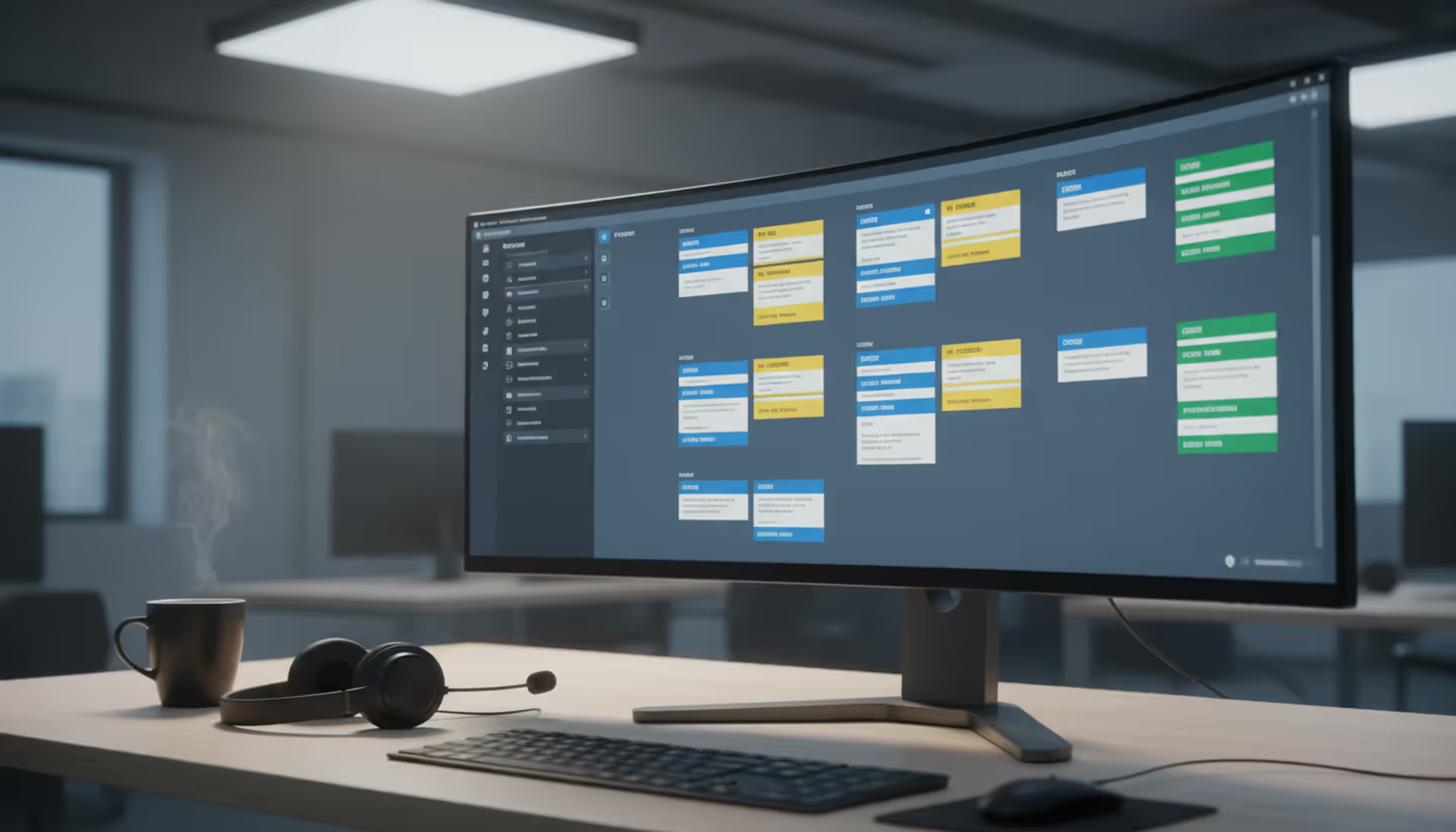
Picture this: Your support inbox has 147 unread messages. Three customers just sent their third follow-up asking "Did anyone see my email?" Your newest team member accidentally replied to a ticket someone else was already handling. Meanwhile, an urgent issue from your biggest client sits buried somewhere in the pile, invisible until they escalate to your CEO.
Sound familiar? When support requests bounce around email inboxes without structure, important issues vanish while customers grow frustrated repeating their problems to different people. Helpdesk ticketing systems fix this mess by turning every request into a numbered, trackable item that moves through your workflow until it's actually resolved—not just marked read and forgotten.
What Is a Helpdesk Ticketing System
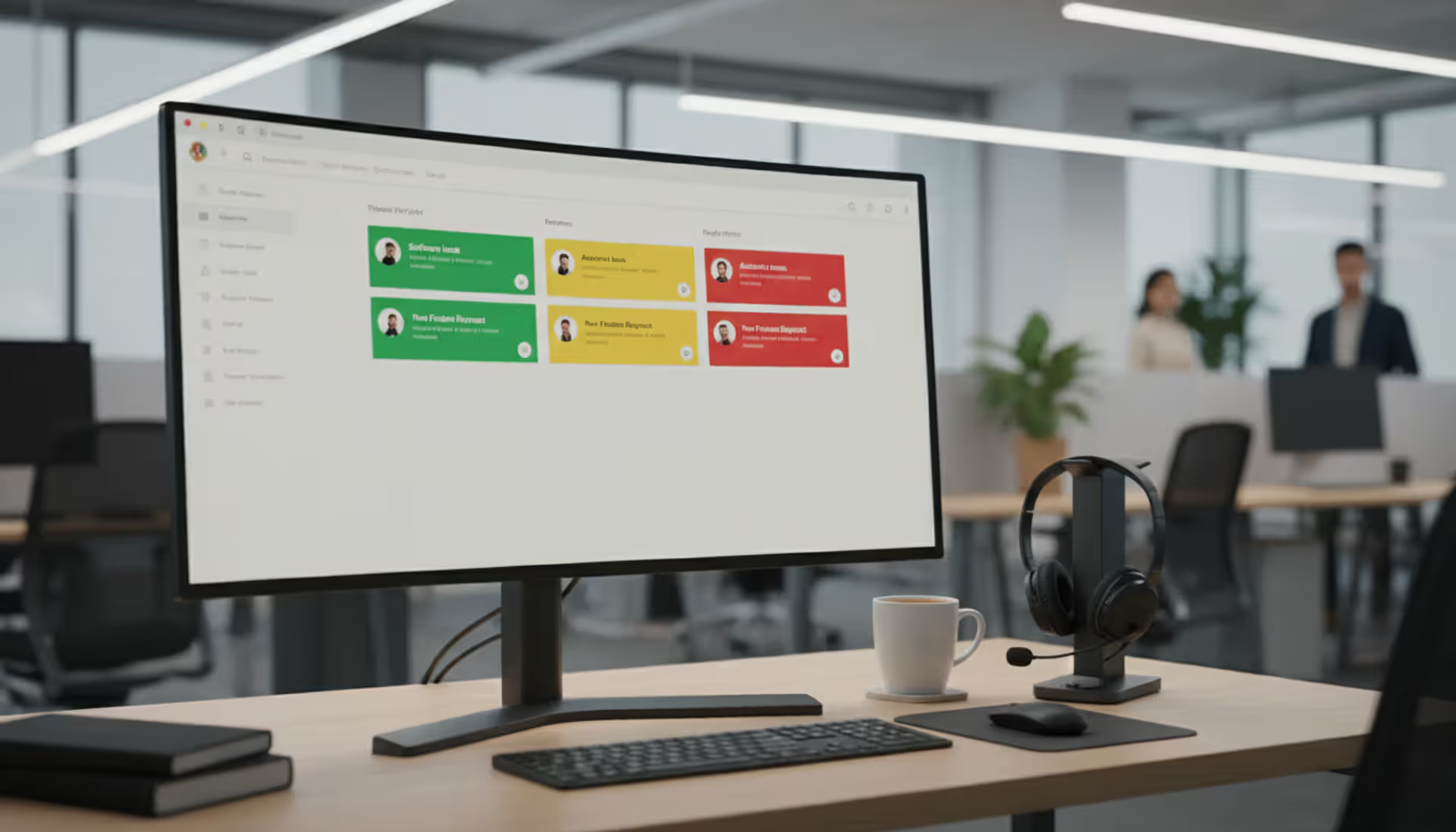
Think of helpdesk ticketing as giving every customer question its own case file. Someone emails your support address, fills out a contact form, or sends a direct message on social media. The system catches that incoming request and generates a ticket—essentially a dedicated workspace containing everything related to that one issue.
Each ticket gets assigned a reference number (like #4782), captures when it arrived, records who submitted it, and stores the complete conversation thread. Your team sees these tickets in shared queues instead of individual email accounts.
Here's what makes this different from everyone just checking support@yourcompany.com: Shared visibility means Lisa can see the tickets Mark is working on. Complete history means when a customer contacts you for the fourth time about the same broken feature, whoever answers sees the entire backstory instantly. No more "Can you explain your issue again?" conversations that make customers feel ignored.
The centralized view matters most when someone's out sick or on vacation. Their active tickets don't disappear into a personal inbox nobody else can access. Other agents jump in without missing context or duplicating work already done.
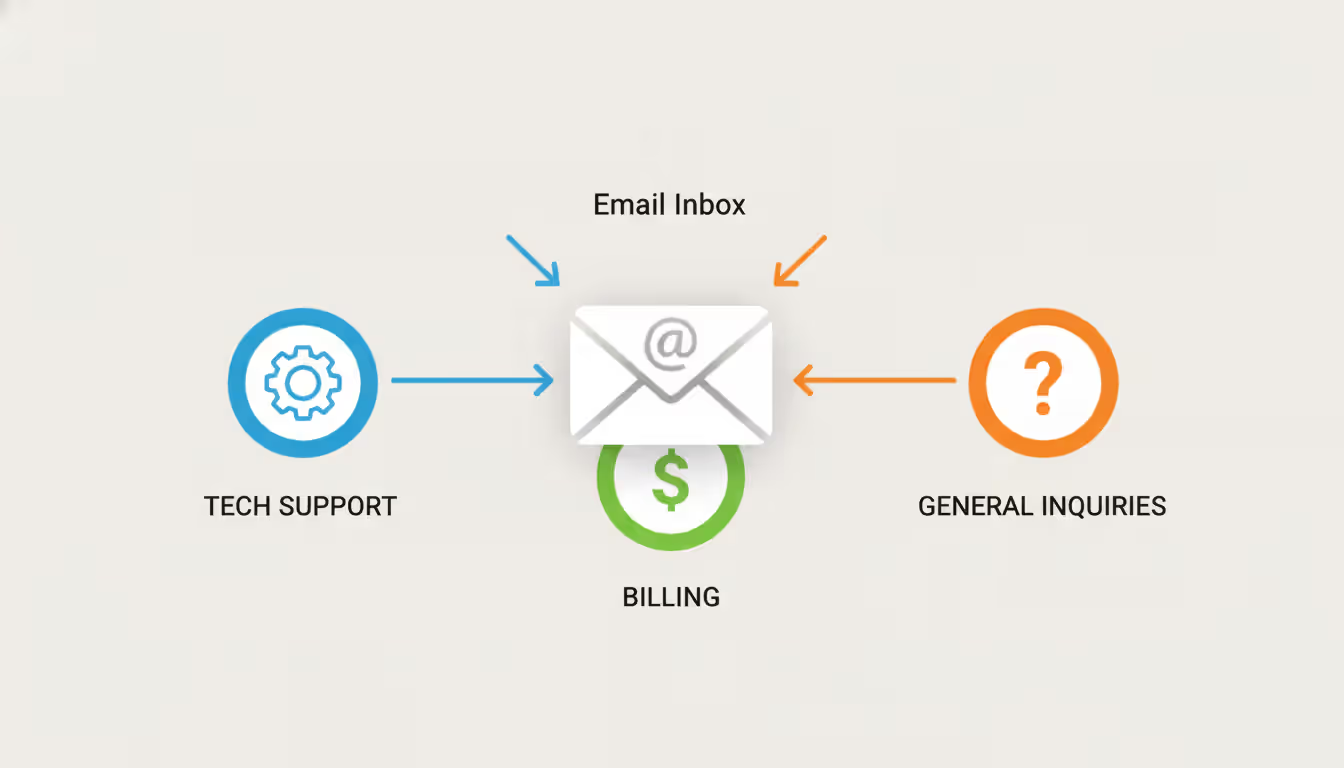
Modern help desk ticketing pulls from multiple channels into one feed. A customer might tweet a complaint, you respond asking them to email details, they send screenshots, you follow up with a phone call—the system threads everything together so anyone looking at ticket #4782 sees the complete story across all those touchpoints.
How Helpdesk Ticketing Software Works
Let's walk through what actually happens when someone needs help, from their first contact to problem solved.
Creating tickets starts the moment a request arrives. Forward support emails to a special address and the system generates tickets automatically. Embed a help widget on your website and form submissions become tickets. Some platforms monitor your company's @mentions on Twitter or Facebook and create tickets from those too. The software grabs contact details, the description of what's wrong, any attached files or screenshots—basically everything in one container.
Smart routing sends tickets where they belong without anyone manually sorting them. Set up rules that scan for keywords and assign accordingly. Mention "refund" and the ticket lands with your billing team. Say "website down" and it goes to technical staff. You can distribute tickets round-robin style to spread work evenly, or route based on customer type (enterprise accounts to senior agents, free users to tier-one support).
Author: Liam Crestwood;
Source: musiconmainstreet.com
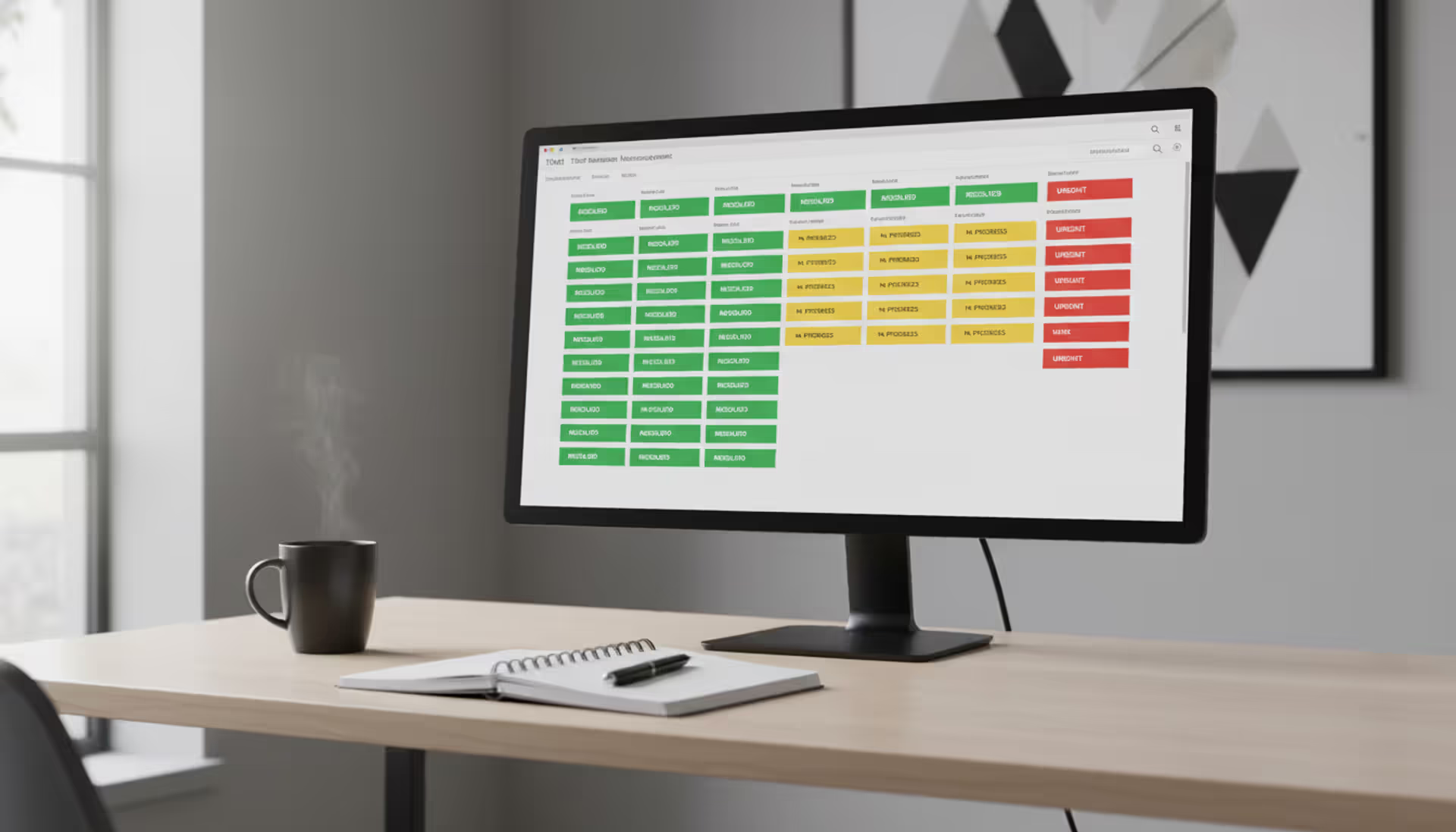
Priority levels separate "my entire website is offline" from "I have a question about your documentation." Most help desk ticketing software lets you define three to five urgency levels. You might automatically bump priority when tickets sit unanswered past certain timeframes—anything open for two days without response escalates from medium to high, flagging it for management attention.
Assigning work happens manually or automatically depending on your setup. Smaller teams often let agents pick from a shared queue based on their expertise and current workload. Automated assignment might look at who handled similar issues before, who has capacity right now, or who specializes in specific products or problems.
Status updates mark progress through your workflow stages. An agent investigating a database problem marks it "in progress." Waiting for the customer to test a fix? Tag it "pending customer reply." These status changes trigger automatic emails keeping customers informed. They see updates without needing to call and ask "What's happening with my ticket?"
Internal collaboration uses notes customers never see. When first-level support hits something beyond their knowledge, they @ mention a senior engineer in an internal note asking for guidance. That expert can see the full ticket history, add their advice or take over entirely—all invisible to the customer, who just sees seamless service.
Closing resolved tickets happens after confirming the fix actually worked. Agents mark tickets resolved, which typically sends a satisfaction survey asking the customer to rate their experience. Most systems auto-close tickets after a week or so if customers don't respond, on the assumption that no news means the solution worked.
Automation cuts repetitive busywork significantly. Save your answer to "How do I reset my password?" once, then insert it with two clicks whenever needed. Create macros that execute multiple actions together—change status to resolved, add a "password-help" tag, send the template response, and request satisfaction feedback, all with one button. Build triggers that watch for conditions and act automatically: if a VIP customer's ticket gets no response within 90 minutes, text the support manager.
Key Features to Look For
Shopping for the best helpdesk ticketing system means identifying which capabilities actually matter for how your team operates versus flashy features you'll never touch.
Ticket Management and Routing
Organization beyond basic folders makes the difference between finding information quickly and hunting through hundreds of tickets. Tags, custom fields, and flexible categorization let you slice data however makes sense for your business. A development team might tag tickets by which software version exhibited the bug, whether it's reproducible, and severity level. That granular organization powers searches like "show me all critical bugs in version 3.2 that we can reproduce."
Systems that show when someone else is viewing a ticket prevent duplicated effort. Sarah opens ticket #892 to start working on it, and the system displays "Sarah is viewing this ticket" to everyone else. Without this feature, two agents waste time investigating the same issue simultaneously.
Merging duplicate tickets matters when customers send three separate emails about the same problem, creating three tickets. Split functionality helps when someone bundles five unrelated questions into one message—you need to track resolution of each part separately.
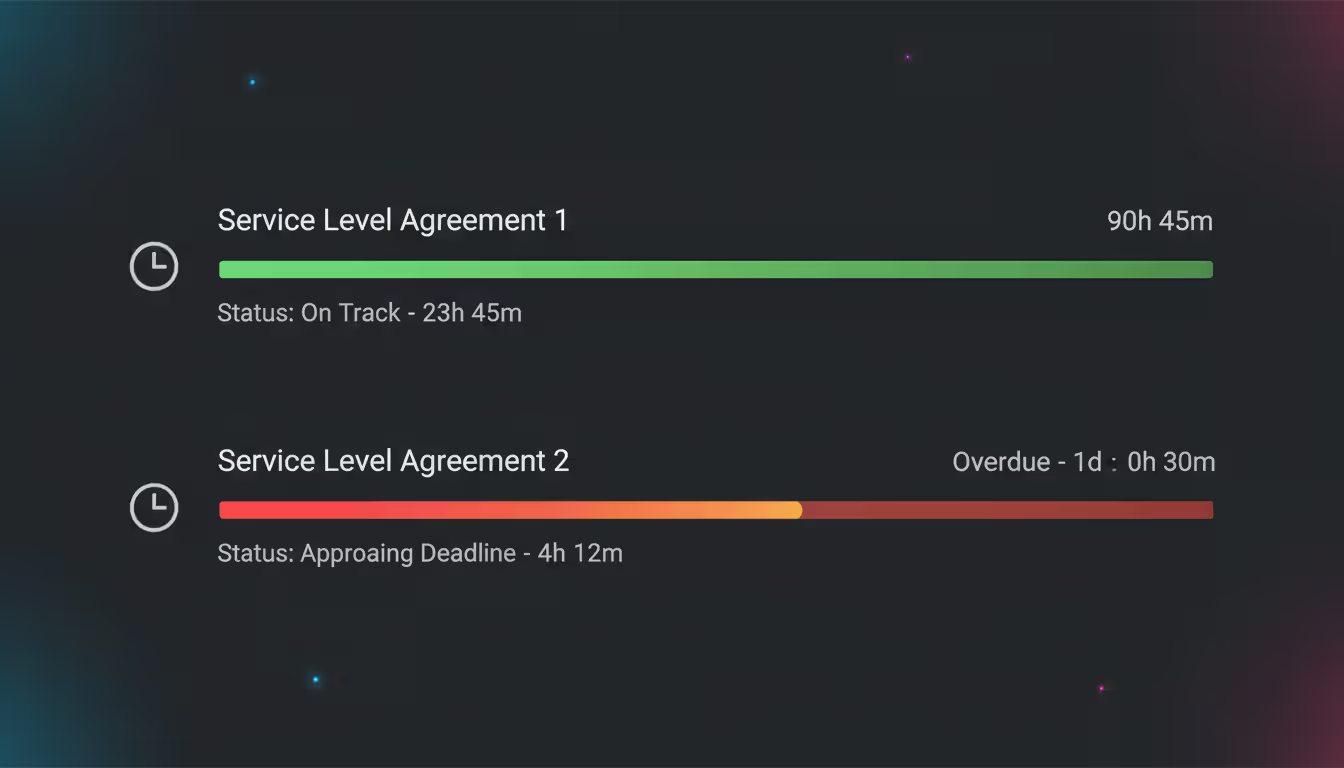
SLA tracking automates monitoring whether you're meeting your promised response times. Tell your enterprise customers "We respond within four hours"? The system counts down that deadline and alerts agents when tickets approach the limit, turning commitments into measurable accountabilities rather than aspirational goals nobody actually tracks.
Author: Liam Crestwood;
Source: musiconmainstreet.com
Reporting and Analytics
Data visibility separates the best help desk ticketing system options from basic ones. Standard reports should cover first response time (how quickly someone replies initially), full resolution time (how long until the problem is actually fixed), volume by category, individual agent productivity, and satisfaction ratings.
Spotting patterns prevents recurring fires. When 63 tickets last month all involved customers confused by your new checkout process, that's not 63 individual issues—it's one design problem creating 63 support requests. Fix the root cause instead of treating symptoms repeatedly.
Workload reports reveal imbalances before they cause burnout. If Jake closed 147 tickets last month while Amy closed 52, you need to understand why. Is Jake getting easier questions? Is Amy stuck handling complex enterprise issues that take longer? Does workload distribution need adjustment?
Custom reporting flexibility answers your specific business questions. You might want to correlate tickets with customer lifetime value to see if support quality impacts retention. Or compare resolution times across product lines to identify which offerings need better documentation. Generic preset reports only go so far.
Integration Capabilities
Your help desk ticketing system works best when connected to the other software you use daily, not sitting in isolation. Email integration comes first—the system must send and receive messages as normal email, not require customers to use a special portal they'll never remember.
CRM connections surface customer context immediately. Open any ticket and see their purchase history, account value, contract tier, and every previous support interaction. This context transforms service from generic to personalized and helps you prioritize appropriately—enterprise accounts get faster attention than free trial users.
Chat platform integrations bring Slack or Microsoft Teams into your workflow. Discuss complex tickets in team channels without leaving your communication hub. Get notifications when VIP tickets arrive or when your queue hits certain thresholds.
Knowledge base links reduce repetitive answers. As customers type questions during ticket creation, the system suggests existing help articles that might solve their problem immediately. For agents, relevant documentation appears in a sidebar while working tickets, making it effortless to send helpful resources.
E-commerce integrations automatically retrieve order details. When a customer references order #54321, agents see shipping status, items purchased, payment method, and delivery address without opening a separate tab or asking the customer to repeat information.
Time tracking connections matter if you bill for support hours. The system logs time spent on each ticket and pushes that data to your invoicing software, eliminating manual timesheet entry.
Free vs Paid Ticketing Systems
Plenty of vendors offer a helpdesk ticketing system free version alongside their paid plans. Understanding what you gain and lose at each level helps you choose appropriately.
Feature Category
Free Systems
Paid Systems
Monthly ticket caps
100-500 tickets monthly, or unlimited tickets with restricted features
No volume limits regardless of tier
Team size
Maximum 1-3 support agents
Anywhere from 5 agents to unlimited depending on plan level
Email only, possibly one or two other integrations
Extensive app marketplace with native connections to dozens of platforms
Contact channels
Email ticketing exclusively
Email, live chat, phone systems, social media monitoring, SMS, customer self-service portals
Analytics
Ticket counts and basic status reports
Customizable dashboards, trend analysis over time, SLA compliance tracking, exportable data
Response commitments
No SLA features
Configurable SLAs with automatic escalation when deadlines approach
A help desk ticketing system free plan works fine for very small operations. Maybe you get 40 support emails weekly, two people split coverage, and requests are straightforward product questions. Free tools handle this adequately.
Problems emerge as complexity or volume increases. Free versions typically lack prioritization tools beyond "high/medium/low," making it difficult to systematically ensure urgent issues jump the queue. Without SLA monitoring, you can't objectively track whether you're actually meeting your response promises or just guessing.
Limited reporting in free helpdesk ticketing system offerings prevents improvement over time. You can't identify your slowest resolution categories or track whether you're getting faster. Managing support becomes reactive guesswork instead of data-driven optimization.
User caps force awkward decisions. Your company hires a third support person, but the free plan maxes at two agents. Do you pay for an upgrade or have them share login credentials with someone else? Shared accounts eliminate individual accountability and make performance measurement impossible.
Most businesses hit the upgrade decision when support becomes revenue-critical rather than occasional customer service. If fast, reliable support directly influences whether customers renew subscriptions or recommend your product, paid systems deliver ROI through improved retention worth far more than the monthly cost.
Choosing the Right System for Small Businesses
Finding the right helpdesk ticketing system for small business use requires balancing capability against budget constraints and implementation complexity.
Count your actual ticket volume first. How many support requests do you receive monthly across email, phone, chat, and social media? Track this number for 2-3 months, then add 40% for growth over the next year. Currently handling 180 tickets monthly? Plan for 250. This projection shows whether free tiers' volume restrictions will become bottlenecks quickly.
Author: Liam Crestwood;
Source: musiconmainstreet.com
Match features to current reality, not future dreams. Small businesses often overspend initially, paying for advanced automation and integrations that won't get used for 18 months. If your process is simple—customer asks question, you answer it, ticket closes—you don't need multi-stage workflows with conditional routing based on five different criteria.
That said, don't under-buy features you'll definitely need within six months. Switching help desk ticketing systems later means migrating ticket history, retraining staff, updating all your customer-facing documentation with new contact processes. Planning to add live chat support next quarter? Choose a system with chat capability now, even if you don't activate it until you're ready.
Consider setup time realistically. Small businesses rarely have dedicated IT teams who can spend two weeks configuring software. Cloud-based systems offering quick-start templates get you operational in a few hours rather than days. Look for vendors including setup assistance or onboarding calls as standard, not expensive add-ons.
Check mobile access if your team works remotely or on-site with customers. A responsive website that works on phones might suffice, but native mobile apps provide offline access and push notifications. Field service businesses particularly benefit from mobile ticket updates—technicians can close tickets immediately after fixing on-site issues.
Test the customer experience, not just the agent dashboard. How do customers actually submit tickets in this system? Does the process feel intuitive or confusing? Can they check status updates without creating an account and remembering another password? Customer-facing simplicity affects whether people use your support channel or abandon it for alternatives like posting angry tweets instead.
Calculate true total cost including extras. Some vendors advertise "$15/month" but charge additional fees for features like automation, advanced reporting, extra email addresses, or integration access. Compare total cost for everything you actually need, not just the advertised starting price.
Read recent reviews from similar-sized companies. A system praised by 500-person enterprises might be overkill or poorly designed for a 5-person team. Filter reviews by company size and look for businesses with comparable ticket volumes and use cases to yours.
Common Implementation Mistakes to Avoid
Even selecting the best helpdesk ticketing system doesn't guarantee success if you implement it poorly. These mistakes undermine adoption and prevent teams from realizing benefits.
Creating overly complex workflows right away tops the list of implementation failures. Teams design elaborate multi-stage processes with conditional routing, automatic escalation rules, complex priority matrices, and intricate approval chains before handling even one ticket in the new system. Start simple instead. Get basic ticket creation, assignment, and resolution working first. Add sophistication after everyone's comfortable with core functionality.
Skipping thorough training leads to inconsistent usage that undermines the whole system. If agents don't understand how tagging works, they won't tag tickets, rendering your reporting completely useless. If they don't know about saved responses, they'll keep typing the same answers repeatedly. Schedule hands-on practice sessions where agents work through common scenarios. Build cheat sheets covering frequently-used features and keep them accessible.
Author: Liam Crestwood;
Source: musiconmainstreet.com
Leaving integrations disconnected forces agents to juggle multiple browser tabs and applications. Customer information lives in your CRM but agents can't see it from the ticketing system? They waste time constantly switching between tools, slowing down every interaction. Identify the three software platforms your team uses most and prioritize connecting them with your help desk ticketing software before launch.
Using default settings without customization produces generic implementations that don't match reality. Default ticket categories rarely align with your actual products and services. Default priority definitions might not reflect your customer commitments. Invest time configuring categories, priorities, status options, and custom fields to match how your business actually operates, not some generic template.
Leaving ticket ownership ambiguous creates confusion and dropped tickets. When multiple agents see the same shared queue, who's actually responsible for responding to each ticket? Define whether agents self-assign work from the pool or whether a manager assigns tickets. Clarify what happens when someone goes on vacation or calls in sick—do their open tickets get reassigned automatically or manually?
Ignoring your knowledge base means agents repeatedly answer identical questions manually forever. Even starting with just 10 basic help articles addressing your most common questions reduces ticket volume and speeds resolution. Build this resource incrementally—whenever you answer the same question three times, create an article you can send instead of retyping the explanation.
Forgetting to configure customer notifications leaves people wondering if you received their request. Set up automatic confirmations when tickets are created, updates when status changes, and notifications when issues are resolved. Customers tolerate longer resolution times when they receive regular communication confirming you're working on it.
Never reviewing your metrics prevents continuous improvement. Schedule weekly or biweekly reviews of key numbers: average initial response time, typical resolution time, current ticket backlog, customer satisfaction ratings. Use this data to spot bottlenecks, identify training needs, and redistribute workload before problems become crises.
After implementing our ticketing system, initial response time dropped from 8 hours to under 45 minutes. Customer satisfaction scores jumped 34% that first quarter. The visibility into ticket status and team workload revealed training gaps and workload imbalances we couldn't see when everything lived in shared email inboxes. Best operational change we made all year
— Marcus Chen
Frequently Asked Questions
How much does a helpdesk ticketing system cost?
Costs range dramatically based on capabilities and team size. Free helpdesk ticketing system options exist with restricted functionality and user limits. Entry-level paid plans typically run $15-25 monthly per agent for basic ticketing features. Mid-tier plans including automation, integrations, and comprehensive reporting cost $40-70 per agent monthly. Enterprise plans offering unlimited features, dedicated support, and custom SLAs start around $100+ monthly per agent. Annual payment or small team size often qualifies you for discounts worth exploring.
What is the best free helpdesk ticketing system?
Depends entirely on your specific requirements. Freshdesk and Zoho Desk both offer solid free tiers supporting 1-3 agents with basic ticketing, email integration, and simple reporting. osTicket provides free open-source software you can self-host if you have technical staff available. HubSpot Service Hub includes free ticketing integrated with their CRM platform. Compare based on user limits you need, which features are must-haves versus nice-to-haves, and whether you require phone or chat support beyond email.
How long does it take to set up a ticketing system?
Basic cloud-based system setup takes 2-4 hours. You'll create your account, configure email forwarding, set up agent logins, define initial categories and priority levels, and customize customer-facing forms. More involved implementations including integrations, custom workflows, and knowledge base setup might take 1-2 weeks of part-time work. Enterprise deployments with extensive customization and historical data migration can require 4-8 weeks. Most small businesses become operational within one business day.
Can small businesses benefit from helpdesk ticketing software?
Absolutely—often more dramatically than large companies because you're transitioning from completely chaotic support (shared email inboxes, personal email accounts, sticky notes) to organized systems. Benefits include guaranteeing no customer requests fall through cracks, tracking response times to actually meet commitments, maintaining complete conversation history when team members are unavailable, and generating data that identifies product issues or training gaps. Even teams handling just 50-100 monthly tickets see measurable improvements in efficiency and customer satisfaction.
What integrations should I look for in a ticketing system?
Prioritize connections to software you already use daily. Email integration is absolutely essential. Beyond that, CRM integration (Salesforce, HubSpot, Pipedrive) provides crucial customer context. Chat platform integration (Slack, Microsoft Teams) enables team collaboration without switching apps. E-commerce integration (Shopify, WooCommerce, Magento) automatically pulls order information. Calendar integration (Google Calendar, Outlook) helps schedule follow-ups. Knowledge base integration surfaces help articles during ticket work. Time tracking integration (Harvest, Toggl) supports billing for support hours. Look for systems offering open APIs if you use custom or specialized software requiring future integrations.
How do I measure ROI from a helpdesk ticketing system?
Track several metrics before implementation, then compare after. Average response time measures how quickly customers get initial replies. Resolution time shows how long problems take to fully solve. Ticket backlog indicates whether requests accumulate or get handled promptly. Customer satisfaction scores (CSAT) or Net Promoter Score (NPS) measure support quality perception. Calculate agent productivity through tickets resolved per person daily. Estimate time savings from automation features like saved responses and smart routing. For businesses where support impacts retention directly, track customer churn rates before and after. Most organizations see positive ROI within 3-6 months through efficiency gains and improved customer retention.
Helpdesk ticketing systems transform support from chaotic firefighting into predictable, measurable processes. Structured tickets replace scattered email threads, ensuring every customer request gets tracked from submission through actual resolution. Automation handles repetitive tasks, freeing your team to focus on complex problems requiring human judgment and expertise.
Choosing the right system requires honest assessment of your current ticket volume, team size, and workflow complexity. Free options serve very small teams with straightforward needs adequately, while paid systems provide automation, integrations, and reporting that growing businesses require to scale support operations.
Success depends less on selecting the single "best" system and more on thoughtful implementation. Start with simple workflows, train your team thoroughly, integrate with existing tools you already use, and customize categories matching your actual business operations. Review metrics regularly to identify improvement opportunities before they become problems.
The investment pays dividends through faster response times, higher customer satisfaction, and better visibility into support operations. Agents spend less time hunting for information and more time actually solving problems. Managers gain data-driven insights into team performance and recurring issues worth addressing systematically. Customers experience consistent, professional support regardless of which agent handles their request.
Start by documenting your current support volume and identifying your three biggest pain points. Use that information to evaluate systems offering features addressing those specific challenges directly. Most vendors offer free trials—test both the agent interface and customer experience before committing. With the right system and thoughtful implementation, you'll wonder how you ever managed support without structured ticketing.
Running a small business means wearing multiple hats. When support requests pile up in email inboxes, Slack threads, and sticky notes, tracking who's handling what becomes impossible. A ticketing system transforms chaos into clarity by centralizing every request, assigning ownership, and creating workflows your team can follow
Choosing the wrong ticketing system costs thousands in lost productivity and expensive migrations. This comprehensive comparison evaluates leading platforms across features, pricing, and real-world use cases to help you select the right solution for IT support or customer service needs
A ticketing system converts requests into structured records called tickets, preventing customer questions and IT issues from falling through the cracks. Learn how ticketing platforms work, what features matter, and how to choose the right solution for your business needs
Managing support requests without breaking the budget is possible with open source ticketing systems. This guide compares popular platforms like osTicket, Zammad, and OTRS, covering essential features, implementation considerations, and hidden costs to help you choose the right solution
The content on this website is provided for general informational and educational purposes only. It is intended to explain concepts related to event management software, ticketing systems, hybrid event platforms, and operational tools for event organisers.
All information on this website, including articles, guides, and examples, is presented for general educational purposes. Outcomes may vary depending on event size, technology choices, and organisational needs.
This website does not provide professional legal, financial, or software advice, and the information presented should not be used as a substitute for consultation with qualified event tech or IT professionals.
The website and its authors are not responsible for any errors or omissions, or for any outcomes resulting from decisions made based on the information provided on this website.