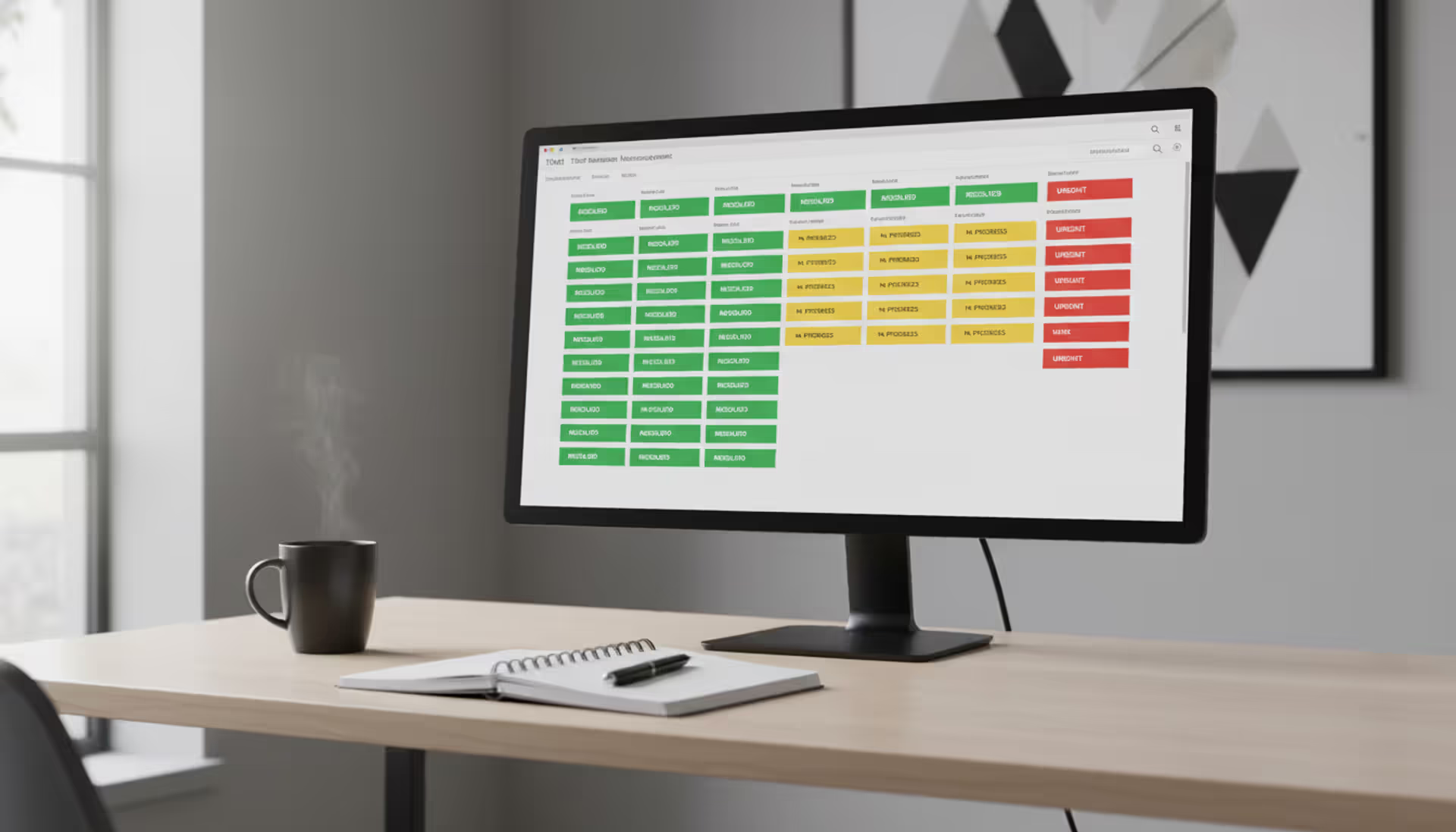
Modern help desk workspace with a monitor displaying a colorful ticket management interface showing open and resolved tickets, headset and coffee mug nearby
Managing customer inquiries, IT requests, and internal support tickets without breaking the budget remains a priority for organizations of all sizes. An open source ticketing system provides a compelling alternative to expensive proprietary platforms, offering full control over your support infrastructure while eliminating recurring license fees.
What Is an Open Source Ticketing System?
An open source ticketing system is software designed to track, manage, and resolve customer support requests or internal IT issues. Unlike proprietary solutions, the source code is publicly available for anyone to inspect, modify, and distribute. Organizations can download, install, and customize these platforms without paying licensing fees to a vendor.
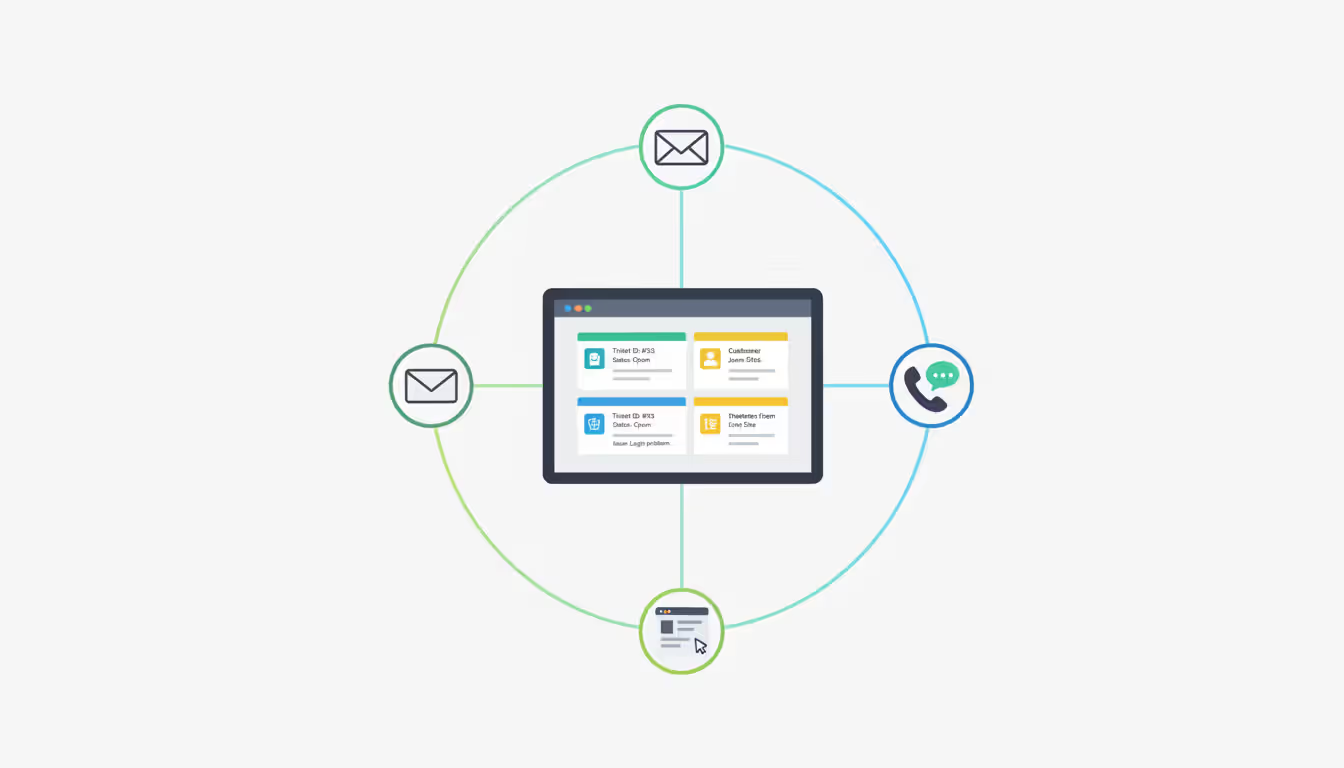
These systems convert support requests from email, web forms, phone calls, or chat into structured tickets. Each ticket receives a unique identifier, gets assigned to the appropriate team member, and moves through a defined workflow until resolution. The open source support system tracks every interaction, response time, and status change, creating an audit trail for accountability and analysis.
Core components include a ticket management engine, user authentication system, notification framework, and reporting module. Most platforms support multiple communication channels, allowing customers to submit requests through their preferred method while support staff work from a unified interface. The database stores ticket history, customer information, and knowledge base articles.
Typical use cases span IT help desks handling employee hardware issues, customer support teams managing product inquiries, facilities management tracking maintenance requests, and HR departments processing internal service requests. Educational institutions use these systems for student support, while non-profits coordinate volunteer activities and donor communications.
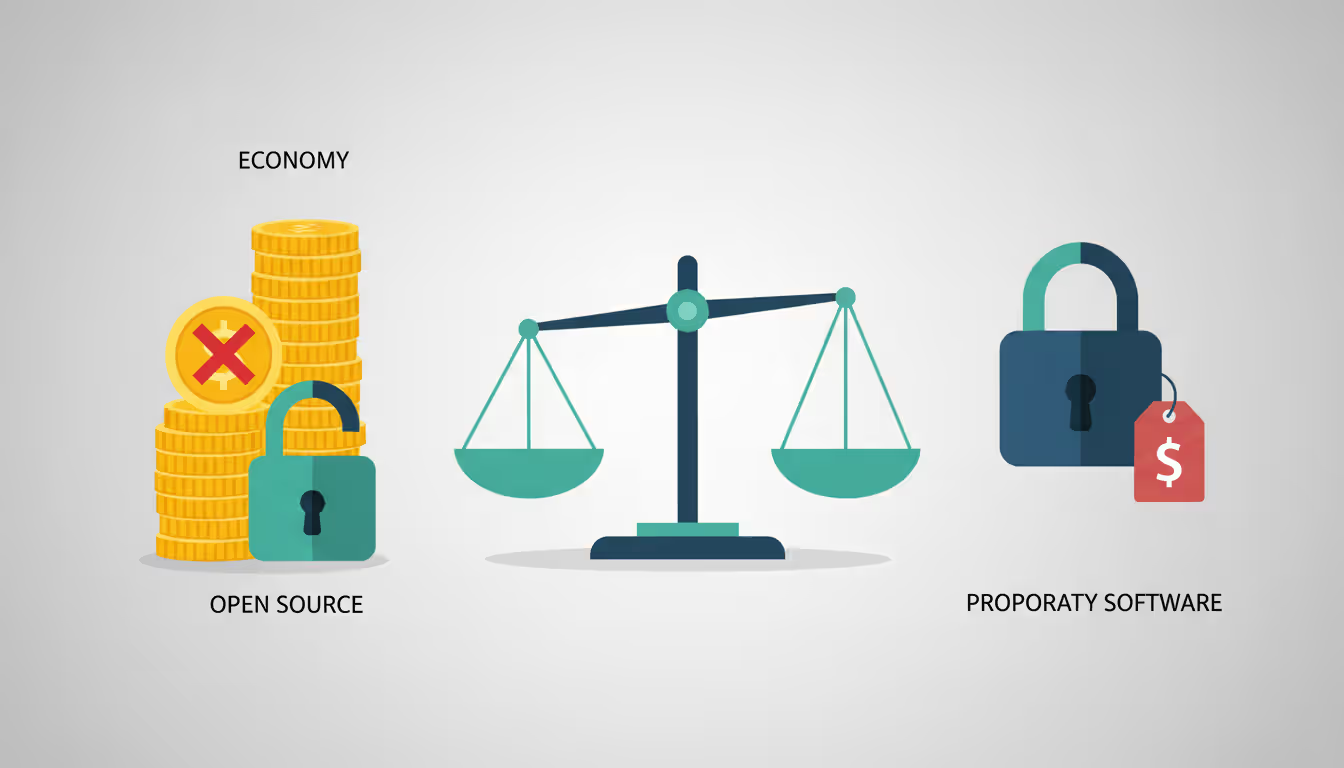
The fundamental difference from proprietary solutions lies in transparency and control. You can examine exactly how the software processes data, modify workflows to match your processes, and deploy on infrastructure you control. No vendor dictates upgrade schedules, feature priorities, or pricing changes.
Author: Liam Crestwood;
Source: musiconmainstreet.com
Why Organizations Choose Free Ticketing Solutions
Budget constraints drive many initial explorations of free ticketing system options, but cost savings extend beyond the absence of license fees. A mid-sized company paying $50 per agent monthly for a SaaS platform spends $6,000 annually for a ten-person team. Over five years, that's $30,000—enough to fund significant customization work on a no cost ticketing solution.
Customization flexibility matters when your support processes don't fit standard templates. A manufacturing company might need to integrate equipment sensor data into tickets. A healthcare provider could require HIPAA-compliant workflows with specific retention policies. Proprietary vendors often charge premium fees for custom development or refuse requests that don't align with their product roadmap. With source code access, your team or a contractor can build exactly what you need.
Community support creates a different dynamic than traditional vendor relationships. Active projects have forums where users share configuration tips, troubleshoot issues, and contribute code improvements. While you won't get guaranteed response times, experienced community members often provide faster, more detailed answers than tier-one support agents reading from scripts.
Data ownership becomes critical when handling sensitive customer information or complying with regulations like GDPR. Self-hosting a free online ticketing system means your data never leaves your infrastructure. You control backup procedures, retention policies, and access permissions without relying on a vendor's security practices or terms of service changes.
Avoiding vendor lock-in preserves future flexibility. Proprietary platforms often use closed APIs and proprietary data formats that make migration expensive. Open standards and accessible databases mean you can switch solutions or build custom integrations without negotiating with vendors or paying extraction fees.
Author: Liam Crestwood;
Source: musiconmainstreet.com
One manufacturing firm switched from a $15,000 annual SaaS contract to self-hosted open source software. They invested $8,000 in initial setup and customization, then spent roughly $2,000 yearly on server hosting and occasional contractor support. The three-year savings exceeded $30,000 while gaining features their previous vendor wouldn't implement.
Top Features to Look for in Open Source Help Desk Software
Effective ticket management forms the foundation. The system should automatically convert emails into tickets, assign unique identifiers, route requests based on rules you define, and track status through your workflow stages. Look for bulk operations that let agents update multiple tickets simultaneously, merge duplicates, and split complex issues into subtasks.
Automation capabilities reduce repetitive work and ensure consistency. Rule engines should trigger actions based on conditions—escalate unresponded tickets after four hours, assign hardware requests to the IT team, send satisfaction surveys when tickets close. Canned responses save time on common questions, while macros combine multiple actions into one click.
Multi-channel support unifies communication streams. Customers might email, submit web forms, call your phone system, or message through chat. The open source helpdesk software should consolidate these channels so agents see complete interaction history regardless of the original contact method. Some platforms integrate with social media, SMS, or collaboration tools like Slack.
Reporting and analytics transform ticket data into actionable insights. Standard reports track metrics like first response time, resolution time, ticket volume by category, and agent workload. Custom reports might analyze seasonal patterns, identify knowledge gaps, or measure SLA compliance. Export capabilities let you feed data into business intelligence tools for deeper analysis.
Integration capabilities determine how well the ticketing system fits your technology ecosystem. REST APIs enable connections to CRM platforms, monitoring tools, billing systems, and custom applications. Pre-built integrations with popular services reduce implementation time, but verify the API documentation supports your specific requirements.
Self-service portals empower customers to find answers without creating tickets. A searchable knowledge base with articles, FAQs, and troubleshooting guides reduces support volume. Customers should track their open tickets, add updates, and access account information. The best portals suggest relevant articles based on the issue description before ticket submission.
Must-Have vs. Nice-to-Have Features
Must-have features for most organizations include email-to-ticket conversion, assignment rules, status tracking, basic reporting, and role-based permissions. You need reliable notification systems so agents know when tickets require attention. Search functionality across tickets and knowledge bases is essential for efficiency.
Nice-to-have features depend on your specific context. Time tracking matters for billable support but adds complexity for internal help desks. Advanced SLA management with multiple tiers and escalation paths benefits large teams but overwhelms small groups. Mobile apps help field technicians but provide limited value for desk-bound agents.
A common mistake is prioritizing extensive feature lists over core functionality quality. A system with 100 mediocre features performs worse than one with 20 excellent capabilities. Focus on features your team will use daily, not impressive capabilities that sound useful but gather dust.
Popular Open Source Ticketing Platforms Compared
The open source ecosystem offers diverse free ticketing platform options, each with distinct strengths and ideal use cases.
osTicket has served organizations since 2006, earning popularity for straightforward installation and intuitive interfaces. The web-based system handles email, web forms, and phone tickets with customizable forms and help topics. The free version covers essential ticketing needs, while paid plugins add features like LDAP integration and advanced reporting. Community forums provide extensive documentation and user-contributed solutions.
Zammad positions itself as a modern alternative with a polished interface and strong mobile support. The platform excels at multi-channel communication, treating email, chat, phone, and social media as equals. Built-in knowledge base functionality and text modules accelerate responses. The open source service desk supports both self-hosted and managed hosting options. German engineering emphasizes privacy and GDPR compliance.
OTRS (now OTOBO in the community fork) targets enterprise IT service management with ITIL-aligned processes. The system handles complex workflows, change management, and configuration databases alongside standard ticketing. Extensive customization requires more technical expertise than simpler platforms. Large organizations appreciate the scalability and comprehensive feature set, though small teams may find it overwhelming.
Freescout replicates the Helpscout interface as a self-hosted alternative. The PHP-based application emphasizes simplicity and speed, making it accessible for teams with limited technical resources. Email remains the primary channel, with clean conversation threading and collision detection preventing duplicate responses. The module system extends functionality without core code modifications.
Request Tracker appeals to technical teams comfortable with command-line interfaces and Perl programming. The powerful workflow engine handles intricate business processes, while extensive API support enables deep integrations. Universities and technology companies appreciate the flexibility, though non-technical users face a steeper learning curve.
UVdesk brings a modern Laravel framework foundation with marketplace extensions. The community ticketing system supports multiple brands from one installation, useful for agencies managing client support. Built-in productivity metrics and agent performance tracking suit teams focused on efficiency optimization.
Platform
License Type
Best For
Key Features
Hosting Options
Community Size
osTicket
GPL v2
Small to mid-sized teams
Email tickets, custom forms, help topics
Self-hosted, cloud partners
Large, active forums
Zammad
AGPL v3
Modern multi-channel support
Chat, social media, mobile apps
Self-hosted, managed hosting
Growing, responsive
OTRS/OTOBO
AGPL v3
Enterprise ITSM
ITIL processes, CMDB, change management
Self-hosted
Large, enterprise-focused
Freescout
AGPL v3
Teams wanting Helpscout alternative
Email conversations, modules, simple UI
Self-hosted
Medium, expanding
Request Tracker
GPL v2
Technical teams
Complex workflows, extensive API
Self-hosted
Mature, technical
UVdesk
MIT
Multi-brand environments
Marketplace apps, performance metrics
Self-hosted, SaaS option
Emerging
How to Choose the Right Open Source IT Ticketing Solution
Team size influences platform selection more than most organizations expect. A three-person support team needs simplicity and quick implementation, not enterprise workflow engines. Freescout or osTicket provide adequate capabilities without overwhelming complexity. Teams exceeding 25 agents benefit from advanced routing, workload distribution, and performance analytics found in OTRS or Zammad.
Technical expertise available in-house determines feasible options. Installing and maintaining open source it ticketing systems requires someone comfortable with web servers, databases, and basic system administration. Request Tracker demands Perl knowledge for customization, while PHP-based platforms like osTicket and Freescout align with more common skill sets. Organizations without technical staff should consider managed hosting or simpler platforms with extensive documentation.
Deployment options split between self-hosted and cloud-based approaches. Self-hosting provides maximum control and data privacy but requires server infrastructure, backup systems, and security maintenance. Cloud virtual private servers from providers like DigitalOcean or Linode reduce infrastructure management while preserving control. Some platforms offer managed hosting that combines open source software with vendor-supported infrastructure.
Scalability requirements separate temporary solutions from long-term platforms. A startup handling 50 tickets monthly has different needs than an established company processing 5,000 requests. Database performance, concurrent user limits, and storage capacity matter at scale. Test platforms with realistic data volumes before committing to avoid painful migrations later.
Support requirements vary by organizational risk tolerance. Community-supported platforms provide no guarantees but often deliver excellent help through forums and documentation. Some vendors offer paid support contracts for open source products, providing SLAs and direct assistance. Evaluate whether your team can troubleshoot issues independently or needs guaranteed response times.
We evaluated eight ticketing platforms before selecting Zammad for our 40-person support team. The deciding factors were multi-channel capabilities and the active community. We've customized workflows extensively and contributed code back to the project. Our total cost over three years—including hosting and one contractor engagement—was less than six months of our previous SaaS subscription
— Michael Torres
Consider your primary use case. IT help desks prioritize asset tracking and integration with monitoring tools. Customer support teams need knowledge bases and satisfaction surveys. Facilities management requires location tagging and priority escalation. Match platform strengths to your specific requirements rather than choosing based on general popularity.
Implementation Considerations and Common Mistakes
Installation requirements vary significantly across platforms. Basic implementations need a web server (Apache or Nginx), PHP or another runtime environment, and a database (MySQL, PostgreSQL). Memory requirements range from 2GB for small installations to 16GB+ for enterprise deployments. Document dependencies carefully—missing PHP extensions or incorrect database permissions cause frustrating delays.
Hosting options include on-premises servers, cloud virtual machines, or container platforms like Docker. On-premises hosting suits organizations with existing infrastructure and strict data residency requirements. Cloud VMs provide flexibility and easier scaling. Docker containers simplify deployment and updates but require container orchestration knowledge for production environments.
Customization challenges emerge when modifying core functionality. Some platforms support customization through plugins or modules that survive updates. Others require direct code changes that complicate future upgrades. Establish a development environment separate from production, use version control for customizations, and document all modifications thoroughly.
Author: Liam Crestwood;
Source: musiconmainstreet.com
Migration planning prevents data loss and service disruptions. Export existing ticket data, customer information, and knowledge base articles before switching platforms. Most open source systems import CSV files, though complex data structures may require custom scripts. Plan for field mapping differences—your old "priority" values might not match new platform options. Run parallel systems briefly to verify data integrity before fully transitioning.
Training needs extend beyond support agents to administrators and customers. Agents need time to learn the interface, understand workflow changes, and master new features. Administrators require training on user management, reporting, and customization. Customer-facing changes like new portal interfaces need communication and documentation to prevent confusion and support requests about the support system itself.
Common mistakes include underestimating ongoing maintenance effort. Security updates, backup verification, and performance optimization require regular attention. One company installed osTicket then ignored updates for 18 months, eventually suffering a security breach through a known vulnerability with an available patch.
Another frequent error is over-customizing before understanding default workflows. A team spent $12,000 on custom development during initial implementation, then discovered built-in features could handle 80% of their requirements. Start with the standard configuration, identify genuine gaps through actual use, then customize strategically.
Neglecting backup procedures creates catastrophic risk. Automated daily backups stored off-server should be standard practice. Test restoration procedures quarterly—backups you can't restore provide false security. One organization lost three months of ticket history when their server failed and backup files were corrupted.
Skipping the pilot phase leads to chaotic full-scale rollouts. Implement with a small team or single department first. Identify configuration issues, workflow problems, and training gaps before expanding to the entire organization. The pilot period reveals practical challenges that theoretical planning misses.
FAQ
Is open source ticketing software really free?
The software itself costs nothing to download and use, but "free" doesn't mean zero total cost. You'll pay for server hosting (typically $20-200 monthly depending on scale), staff time for installation and maintenance, and potentially contractor help for customization. These costs usually remain far below proprietary license fees, especially for larger teams. Budget for 10-20 hours of technical work for initial setup and 2-5 hours monthly for maintenance.
What's the difference between open source and SaaS ticketing systems?
SaaS platforms host software on vendor servers with subscription pricing, automatic updates, and guaranteed uptime. You access through a web browser without managing infrastructure. Open source systems require you to handle hosting, updates, and maintenance but provide complete control over data, customization, and long-term costs. SaaS suits organizations wanting minimal technical involvement, while open source appeals to teams with technical capacity seeking flexibility and data ownership.
Do I need technical expertise to run an open source help desk?
Basic implementations require moderate technical skills—comfort with command lines, understanding of web servers and databases, and troubleshooting ability. Platforms like Freescout and osTicket offer simpler installation than complex systems like OTRS. Managed hosting services reduce technical requirements by handling infrastructure while you focus on configuration. Organizations without technical staff should either choose managed hosting, hire contractors for setup, or consider SaaS alternatives.
Can open source ticketing systems integrate with other tools?
Most mature platforms provide REST APIs enabling integration with CRM systems, monitoring tools, billing platforms, and custom applications. Pre-built integrations exist for popular services like Slack, Jira, and various authentication systems. Verify specific integration requirements before selecting a platform—API documentation quality varies significantly. Some systems support webhooks for real-time data synchronization, while others rely on scheduled imports.
What are the hidden costs of free ticketing solutions?
Server hosting fees, SSL certificates, and backup storage create ongoing expenses. Staff time for maintenance, updates, and troubleshooting represents significant cost, especially if you need to hire contractors. Customization projects can run thousands of dollars depending on complexity. Training time for both agents and administrators should be budgeted. Plugin or module purchases add costs for some platforms. Calculate total cost of ownership over three years for realistic comparison with SaaS alternatives.
How secure are open source support systems?
Security depends more on implementation than software type. Open source code allows security researchers to identify vulnerabilities, often leading to faster patches than proprietary systems. However, you're responsible for applying updates promptly—unpatched systems face significant risk. Follow security best practices: use SSL certificates, implement strong authentication, restrict database access, maintain firewalls, and monitor logs. Regular security audits and penetration testing provide additional protection for sensitive environments.
Selecting and implementing an open source ticketing system requires balancing technical capabilities, budget constraints, and feature requirements. The platforms discussed offer viable alternatives to expensive proprietary solutions, each with distinct strengths matching different organizational contexts.
Success depends on realistic assessment of your technical capacity, clear understanding of must-have features, and commitment to ongoing maintenance. Start with a pilot implementation, resist over-customization initially, and establish solid backup procedures before full deployment.
The cost savings and customization flexibility make these systems compelling for organizations willing to invest technical effort. Whether you choose osTicket's simplicity, Zammad's modern interface, or OTRS's enterprise capabilities, thorough planning and realistic expectations will determine whether your implementation delivers lasting value or becomes an abandoned experiment.
Running a small business means wearing multiple hats. When support requests pile up in email inboxes, Slack threads, and sticky notes, tracking who's handling what becomes impossible. A ticketing system transforms chaos into clarity by centralizing every request, assigning ownership, and creating workflows your team can follow
Choosing the wrong ticketing system costs thousands in lost productivity and expensive migrations. This comprehensive comparison evaluates leading platforms across features, pricing, and real-world use cases to help you select the right solution for IT support or customer service needs
A ticketing system converts requests into structured records called tickets, preventing customer questions and IT issues from falling through the cracks. Learn how ticketing platforms work, what features matter, and how to choose the right solution for your business needs
Learn everything about MSP ticketing systems—from core functionality and must-have features to pricing models and implementation best practices. Compare MSP vs service desk platforms and discover how to choose the right solution for your managed service provider business
The content on this website is provided for general informational and educational purposes only. It is intended to explain concepts related to event management software, ticketing systems, hybrid event platforms, and operational tools for event organisers.
All information on this website, including articles, guides, and examples, is presented for general educational purposes. Outcomes may vary depending on event size, technology choices, and organisational needs.
This website does not provide professional legal, financial, or software advice, and the information presented should not be used as a substitute for consultation with qualified event tech or IT professionals.
The website and its authors are not responsible for any errors or omissions, or for any outcomes resulting from decisions made based on the information provided on this website.