You know that moment when three people simultaneously ask if anyone's handling the broken conference room TV? Or when a customer's urgent email gets buried under 47 other messages? That's the cost of managing support requests through whatever communication channel happens to be open.
Here's what changes with a ticketing system: every request—customer complaint, password reset, broken printer—gets a unique number and a home. No more "I thought you were handling that" conversations. Just a clear record of what needs fixing and who's on it.
What Is a Ticketing System and Why Small Businesses Need One
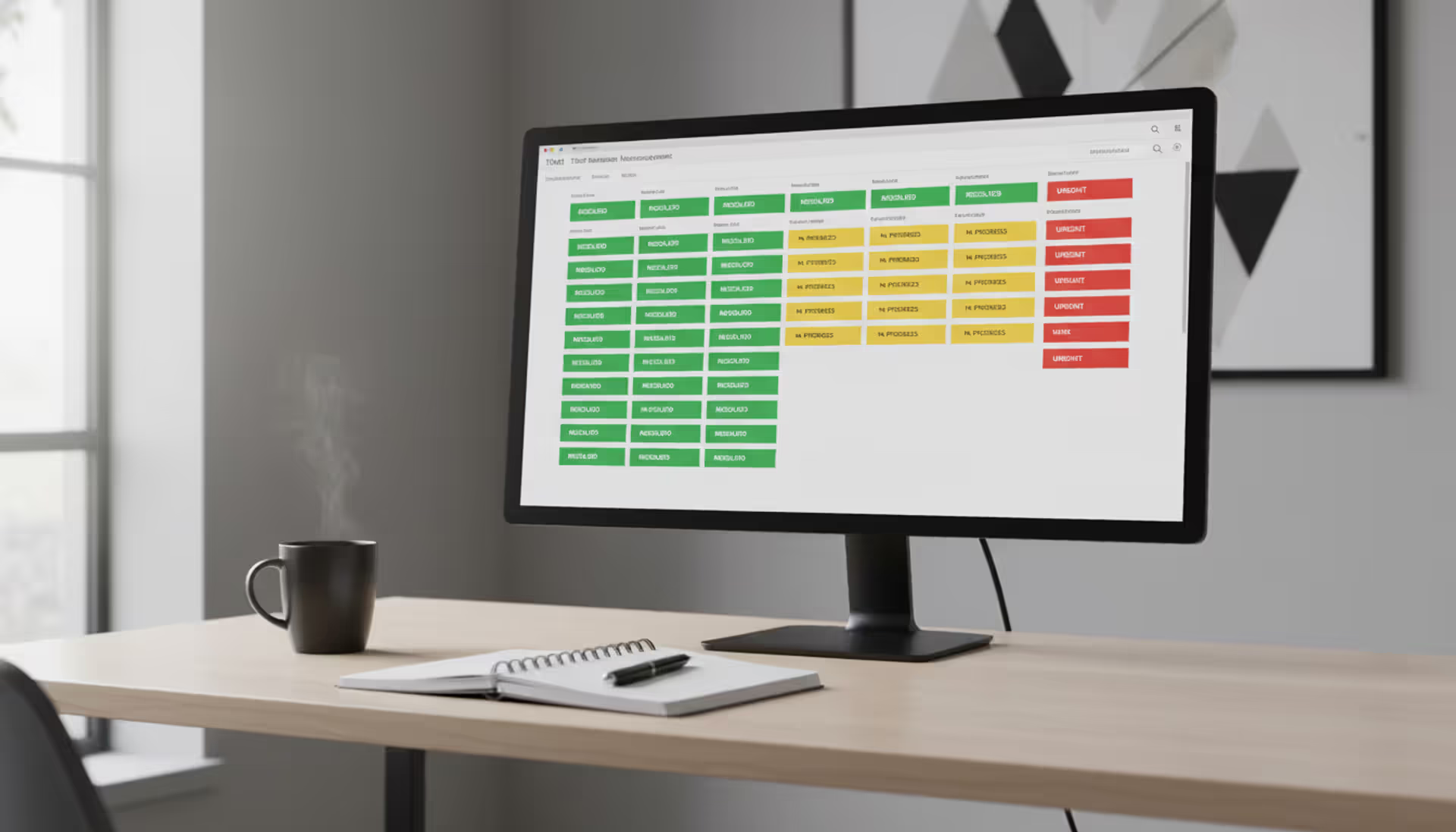
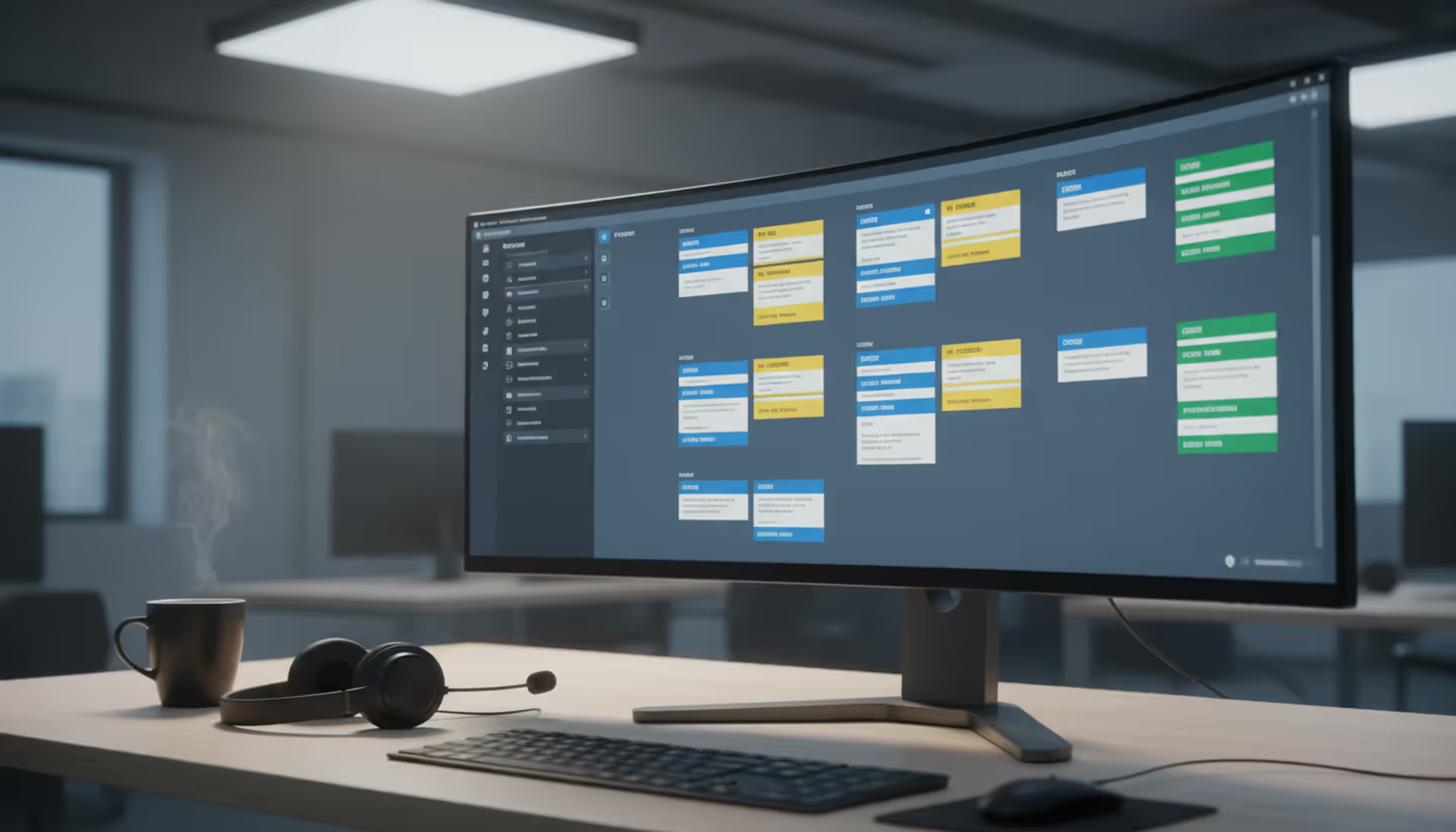
Think of ticketing software as a specialized inbox. Someone emails your support address, and instead of landing in a regular email thread that six people might or might not see, it becomes ticket #247. That ticket sits in a queue until someone claims it, works on it, and marks it done.
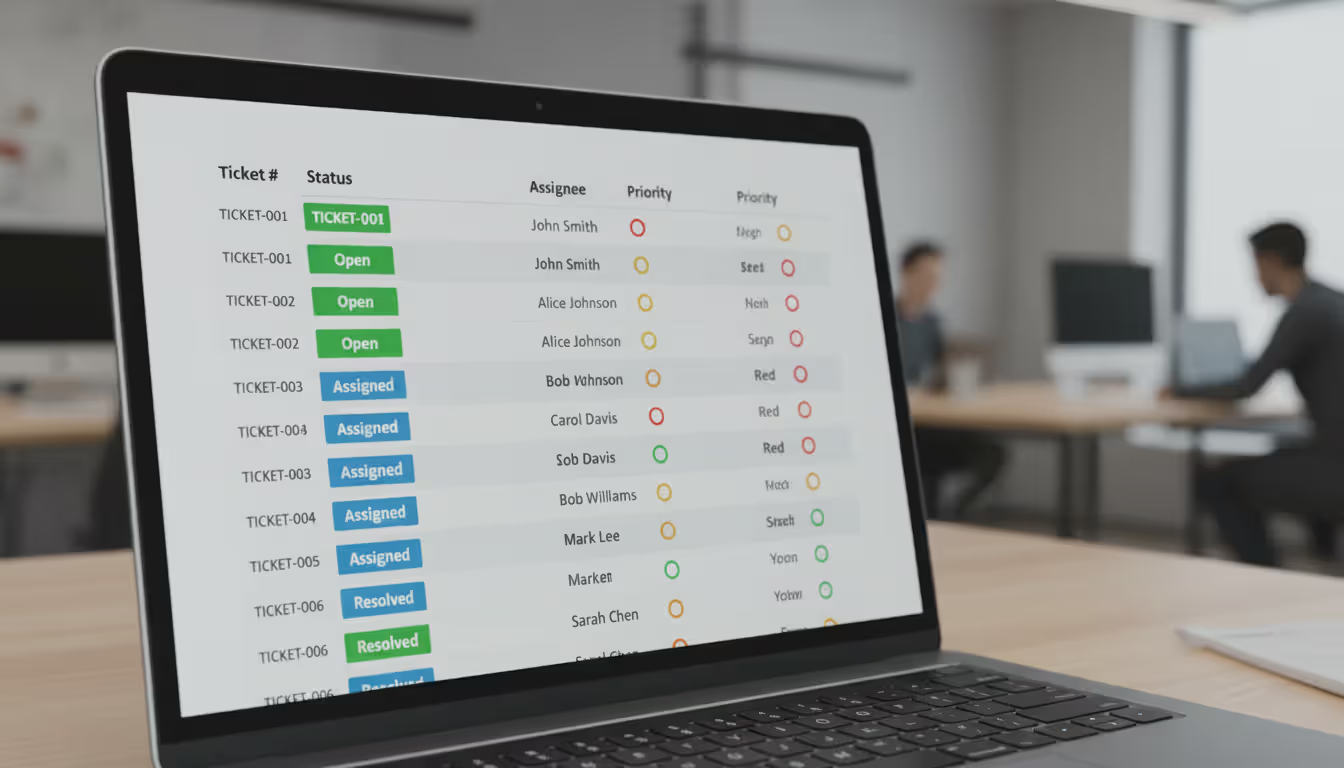
The mechanics are straightforward. Request comes in (email, web form, chat message, phone call you manually log). System generates a ticket with a number. Ticket gets assigned based on rules you set or manual selection. Person works the issue. Ticket closes. Everyone can see the history.
Why bother when email exists? Because email wasn't built for team collaboration on customer issues.
I watched a three-person startup nearly lose their biggest client last year. The client sent a billing question to their general inbox. Two team members saw it, each assumed the other would respond, neither did. Four days later, angry client. With a ticketing system, that question would've shown as "unassigned" until someone explicitly grabbed it.
The accountability piece matters more than you'd expect. When ticket #312 shows "opened Monday, assigned to Jake, no updates for 72 hours," there's no ambiguity about where the bottleneck sits. Not to shame Jake—maybe he's drowning and needs help—but you can't fix problems you can't see.
Author: Chloe Winslow;
Source: musiconmainstreet.com
Small business helpdesk software handles scenarios like:
Customer support: Bug reports for your SaaS product, "how do I" questions, angry customers who can't log in
IT support: The eternal "I forgot my password" tickets, software that won't install, laptops that decided to update during a client presentation
HR stuff: Time-off requests that need approval, benefits questions during open enrollment, onboarding checklists for new hires
Office management: Reporting that the bathroom sink leaks, requesting new business cards, scheduling the HVAC maintenance you've been postponing
Cross-team projects: Tracking who's supposed to deliver what when multiple departments touch the same work
You might handle ten tickets one week, fifty the next. The same tool grows with you—assuming you pick one that doesn't punish growth with ridiculous pricing jumps.
Types of Ticketing Systems for Small Businesses
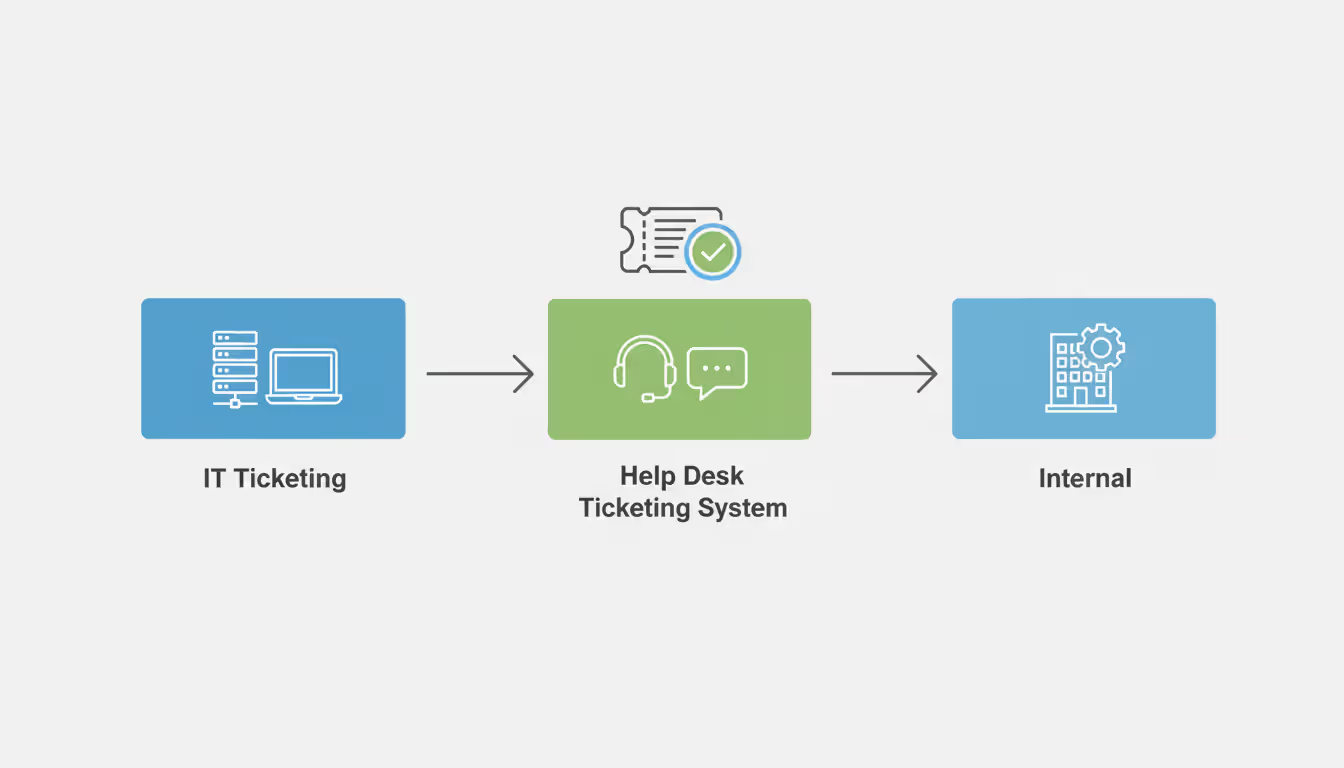
Three categories exist, and picking the wrong one means paying for features you'll never touch or missing the one thing you actually need.
IT Ticketing Systems
An IT ticketing system for small business zeroes in on tech problems. These platforms assume you're tracking hardware (which employee has laptop #47?), maintaining software licenses, and documenting fixes so the next time Outlook inexplicably stops syncing, you remember the solution.
Specialized IT systems include fields for operating systems, error codes, device serial numbers. They often connect to network monitoring tools—server goes down at 2 AM, ticket auto-creates, on-call person gets paged.
If 80% of your tickets involve "computer won't work" in some form, IT-specific tools match your reality better than general-purpose options.
Help Desk Ticketing Systems
Help desk ticketing systems cast a wider net. Customer asks about pricing? Ticket. Employee needs expense report help? Ticket. Printer jammed again? Also a ticket.
The help desk ticketing system for small business shines when you need multi-channel ticket creation. Customer emails, another uses your website form, third person tweets at you. Everything funnels into one queue instead of scattering across platforms.
These systems obsess over customer satisfaction. They track first response time, resolution time, customer happiness ratings. They typically include public-facing knowledge bases where customers can self-serve before creating tickets.
Internal Ticketing Systems
Internal ticketing systems serve your team, not your customers. The use cases shift: approval workflows (manager signs off on time-off requests), department routing (HR questions go to Jane, accounting questions go to Tom), privacy controls (not everyone should see every ticket).
An internal help desk ticketing system might track facility requests, IT onboarding tasks, cross-departmental projects—basically the operational backbone of running your business. Many companies start with customer support ticketing, then realize around employee fifteen that internal chaos needs the same structure.
The difference? Customer-facing tools optimize for speed and satisfaction metrics. Internal tools optimize for workflows, approvals, and accountability across departments.
Author: Chloe Winslow;
Source: musiconmainstreet.com
Key Features to Look for in Small Business Ticketing Software
Feature checklists make your eyes glaze over, so let's focus on what actually matters versus what sounds impressive in demos.
Automation that doesn't require a CS degree: You need rules like "if ticket mentions billing, assign to Rachel" or "if no response in 48 hours, escalate to manager." You don't need machine learning, AI-powered sentiment analysis, or predictive routing algorithms. Basic ticketing systems should let you set up simple rules without writing code or watching training videos.
Email that actually works both ways: Your team lives in Gmail or Outlook. They're not logging into another platform every hour to check tickets. The system must send ticket updates via email and accept responses via email. Customer hits reply, and that reply becomes a comment on the ticket. Anything requiring constant platform switching gets abandoned within a week.
Mobile access for when you're not at your desk: Your IT person's at a client site and needs to check ticket details. Your support rep's commuting and wants to clear quick tickets from their phone. Responsive web interface at minimum, native app as a bonus. Cloud-based ticketing software for small business generally handles this better than stuff you install on a server.
Three reports that matter: Open tickets by person (is work distributed fairly?), average time to close (are we getting faster or slower?), tickets by category (where do most problems occur?). You can survive without the other 47 reports vendors love to demo.
Connections to tools you actually use: Creating tickets from Slack messages saves time. Pulling customer data from your CRM prevents retyping. Syncing with your calendar for scheduling follow-ups matters. But if a system boasts 500 integrations and you only need three, don't pay extra for 497 you'll ignore.
A knowledge base that reduces ticket volume: After answering "how do I reset my password" for the twentieth time, you write it once and link to it. Internal documentation cuts tickets and helps new employees help themselves. The knowledge base doesn't need to be fancy—searchable articles with screenshots beats nothing.
Permissions so HR tickets stay private: Even seven-person companies need role-based access. Your accounting person shouldn't see HR performance review tickets. Your intern doesn't need access to customer billing history. Basic privacy controls prevent awkward situations.
The trap: buying enterprise features for a small team. If you've got eight employees, you don't need multi-tier SLA management, advanced escalation workflows, or custom API development. Those features cost money and add complexity you'll never use.
— Chloe Winslow
Free vs. Paid Ticketing Systems: What to Choose
Free IT ticketing systems work great for specific situations. They also have hard limits that'll bite you at inconvenient times.
Free tools make sense when:
You've got under five people handling tickets
Monthly volume stays under 100 tickets
You need tracking and assignment without complex workflows
Community support is good enough (no guaranteed response times when something breaks)
You don't care if "Powered by [Vendor]" appears on customer-facing pages
Integrations with your CRM, chat platform, or other tools are essential
You've promised customers specific response times and need SLA tracking
You want reliable vendor support instead of hoping someone on Reddit knows the answer
Free help desk ticketing systems usually cap users, monthly tickets, or features like automation. That's fine for testing whether ticketing works for you or running a tiny operation. Problems hit when you outgrow free tier limits mid-quarter and scramble to migrate during your busy season.
Here's what's actually available:
System
Free Tier
Paid Starts At
Free User Cap
What It's Good At
Pick It If...
osTicket
Completely free (open-source)
Hosting costs only
No limit
Customizable, you own your data
You're technical and want full control
Freshdesk
Up to 10 agents free
$15/agent/month
10 agents
Quick setup, solid mobile app
You're supporting customers and want easy onboarding
Spiceworks
Free with ads
Not available
No limit
IT-focused, includes asset tracking
Your tickets are mostly IT issues
Zoho Desk
3 agents free
$14/agent/month
3 agents
Works with other Zoho products
You're already using Zoho CRM or Mail
HubSpot Service Hub
Limited free version
$45/month for 2 agents
2 agents
Deep CRM integration
Customer relationship data matters as much as tickets
Affordable ticketing system pricing typically runs $10-30 per user monthly. For three support staff, you're spending $50/month. If that saves each person 30 minutes daily, you've justified the cost in saved labor within the first week.
Rule of thumb: if tickets directly impact revenue (customer support, sales inquiries, billing questions), don't rely on free tools. The risk of downtime, data loss, or a missed critical ticket costs more than any subscription fee.
How to Choose the Right Ticketing System for Your Small Business
Analysis paralysis is real when evaluating software. Too many options, too many features, too many demos showing ideal scenarios that don't match your messy reality.
Step 1: Document your current chaos
Before looking at any software, map how support works today. Who receives requests? Through what channels—email, phone, Slack, texts? How do you currently track status—spreadsheets, memory, prayer? What information do you need to actually resolve issues?
This reality check prevents buying systems designed for workflows you don't have. If 90% of your tickets come through email, don't pay extra for fancy phone integration.
Step 2: Separate must-haves from nice-to-haves
Make two lists. Must-haves might include: email integration, works on mobile, under $100/month total. Nice-to-haves might include: Slack integration, custom reporting, customer portal.
Any system missing a must-have gets eliminated immediately, regardless of how slick the demo looked. Nice-to-haves can't override deal-breakers.
Step 3: Think about where you'll be in 18 months
Hiring three support people next quarter? That free tier limiting you to two users won't work. Check pricing at double your current size to avoid switching systems during rapid growth—migrations hurt.
Author: Chloe Winslow;
Source: musiconmainstreet.com
Step 4: Actually test with real scenarios
Demos show ideal conditions. Trials reveal daily reality. Sign up for trials with your top three choices. Create actual tickets your team handles. Have team members use it for a full week.
Someone needs to check tickets while commuting? Test mobile experience. Customers submit tickets? Test that form on your phone. Does the email integration actually work bidirectionally or do replies create new tickets instead of updating existing ones?
Step 5: Calculate what it really costs
Don't just compare monthly subscription prices. Factor in:
Setup time—will you need help getting it configured?
Training time—how long until your team's productive?
Integration costs—any custom work needed to connect existing tools?
Migration costs—if you're switching systems, how long to move old data?
A system costing $20/user that takes two hours to set up beats a $15/user option requiring 20 hours of configuration when you value your time honestly.
Step 6: Make sure you can leave if needed
Can you export all ticket data if you switch systems later? Is it in a usable format (CSV, JSON) or some proprietary mess? Vendor lock-in through data formats creates problems. Any legitimate system offers straightforward data export.
Common Mistakes Small Businesses Make When Implementing Ticketing Software
Even great software fails with bad implementation. These mistakes show up repeatedly.
Overbuilding the system on day one: You're tempted to configure every possible automation, custom field, workflow rule, and integration before anyone creates their first ticket. This kills adoption. Start absurdly simple: create tickets, assign them, close them. Add complexity only after the basic process runs smoothly for two weeks and you've identified specific pain points automation would solve.
Assuming everyone will just figure it out: Skipping training leads to tickets sitting unassigned, customers getting duplicate responses, or staff reverting to email because "it's easier." Schedule one hour for training. Create a simple guide. Designate someone as the go-to expert for questions. Fifteen minutes of upfront explanation prevents weeks of confusion.
Picking based only on price: The cheapest option frequently costs more in daily frustration. A system that doesn't fit your workflow wastes time every single day. That $15/month price difference becomes irrelevant when one tool saves each team member 30 minutes daily.
Making customers jump through hoops: If customers need to create accounts, verify emails, answer five required fields, and navigate multiple pages to submit a ticket, they'll call or email instead—defeating the purpose. Test your submission process. Can someone describe their problem and submit in under 60 seconds? If not, simplify.
Nobody owns ticket assignment: Who decides which tickets go to whom? Who can close them? What happens if a ticket sits untouched for two days? Without clear rules, tickets languish. Document simple policies before launch: "Customer tickets get assigned within 2 hours. IT tickets default to Jake unless he's out. Tickets over 48 hours old get flagged in daily standup."
Building a knowledge base that rots: Creating documentation and never updating it might be worse than having nothing. Outdated articles frustrate people. Assign someone to review and refresh documentation quarterly, or don't build it at all.
Ticketing everything: Not every question needs a ticket. Quick Slack questions with immediate answers don't need tracking. Using the system for everything creates noise that buries urgent issues. Define what becomes a ticket—anything requiring follow-up, anything customer-facing, anything likely to recur—and what stays in chat.
Small businesses think ticketing systems are for companies with big support teams. Actually? If you've answered the same customer question twice, you need a ticket system. Implementation now saves more time than any other operational change you'll make this year
— Sarah Hatter
Frequently Asked Questions
What is the best free IT ticketing system for a small business?
Spiceworks Cloud Help Desk wins for IT-focused teams because it bundles asset management and network monitoring with ticketing. If you need broader help desk capabilities beyond just IT, Freshdesk's free tier supports up to 10 agents and handles both IT tickets and customer support. "Best" depends on whether IT-specific features matter or if you need general-purpose ticketing.
Do I need a help desk ticketing system if I only have 5 employees?
Yes, if those five employees handle requests from customers or manage internal requests across different areas. Even tiny teams benefit from centralized tracking that prevents dropped requests and creates accountability. But if your five employees rarely field support questions and mostly work on independent projects, you probably don't need ticketing software yet—maybe in six months when you hire employee six.
Can I use a ticketing system internally without customer-facing features?
Absolutely. Plenty of small businesses run internal ticketing systems exclusively for employee requests—IT support, HR questions, facilities management, project coordination. Most platforms let you disable customer portals and external submission forms entirely. You'd only use internal ticket creation and management. Some companies never turn on customer-facing features.
How long does it take to implement a ticketing system in a small business?
Cloud-based systems can go live in a few hours. Budget one to two hours for initial setup—configuring email integration, creating user accounts, setting basic assignment rules. Another hour for team training. More complex implementations with custom integrations might take a few days. Self-hosted open-source solutions require substantially more time—potentially several days for installation, configuration, testing, and troubleshooting when things inevitably break.
Should I get separate ticketing systems for IT and customer support?
Not initially. Most small businesses should start with one system handling everything, using categories or tags to distinguish IT issues from customer support questions. Separate systems make sense only when you've got dedicated teams for each function—typically once you're beyond 15-20 employees—or when privacy requirements demand complete separation (regulated industries with customer data restrictions).
What's the difference between a ticketing system and project management software?
Ticketing systems handle reactive work—responding to incoming requests from customers or employees. Someone reports a problem, you fix it, ticket closes. Project management software handles proactive work—building something new with defined milestones and deliverables. Tickets resolve independently. Projects involve multiple connected tasks with dependencies. There's overlap, but mixing them in one tool creates confusion. Bug report? Ticket. Building a new feature? Project.
Setting up a ticketing system for small business doesn't require enterprise budgets or dedicated IT staff. Whether you need an IT ticketing system for small business handling tech problems, a help desk ticketing system for small business managing customer support, or an internal ticketing system organizing employee requests, the right tool converts chaos into manageable workflows.
Start by understanding your specific needs—customer support, IT management, internal operations—then match capabilities to those needs instead of buying impressive features you'll never touch. Free options work for very small teams with basic requirements. Affordable paid systems usually justify their cost through time savings once you exceed a few users.
The most important decision isn't which system you pick. It's implementing something. Every day without centralized ticket tracking means dropped requests, duplicated work, frustrated customers or employees. A basic ticketing system deployed this week beats the perfect system you'll implement "eventually."
Pick something that fits your current team size and budget. Train your staff properly—spend that one hour upfront. Start with simple workflows. Add complexity only when you've identified specific problems that automation would solve.
Your future self will thank you when that critical customer request doesn't vanish into an email black hole.
Choosing the wrong ticketing system costs thousands in lost productivity and expensive migrations. This comprehensive comparison evaluates leading platforms across features, pricing, and real-world use cases to help you select the right solution for IT support or customer service needs
A ticketing system converts requests into structured records called tickets, preventing customer questions and IT issues from falling through the cracks. Learn how ticketing platforms work, what features matter, and how to choose the right solution for your business needs
Managing support requests without breaking the budget is possible with open source ticketing systems. This guide compares popular platforms like osTicket, Zammad, and OTRS, covering essential features, implementation considerations, and hidden costs to help you choose the right solution
Learn everything about MSP ticketing systems—from core functionality and must-have features to pricing models and implementation best practices. Compare MSP vs service desk platforms and discover how to choose the right solution for your managed service provider business
The content on this website is provided for general informational and educational purposes only. It is intended to explain concepts related to event management software, ticketing systems, hybrid event platforms, and operational tools for event organisers.
All information on this website, including articles, guides, and examples, is presented for general educational purposes. Outcomes may vary depending on event size, technology choices, and organisational needs.
This website does not provide professional legal, financial, or software advice, and the information presented should not be used as a substitute for consultation with qualified event tech or IT professionals.
The website and its authors are not responsible for any errors or omissions, or for any outcomes resulting from decisions made based on the information provided on this website.