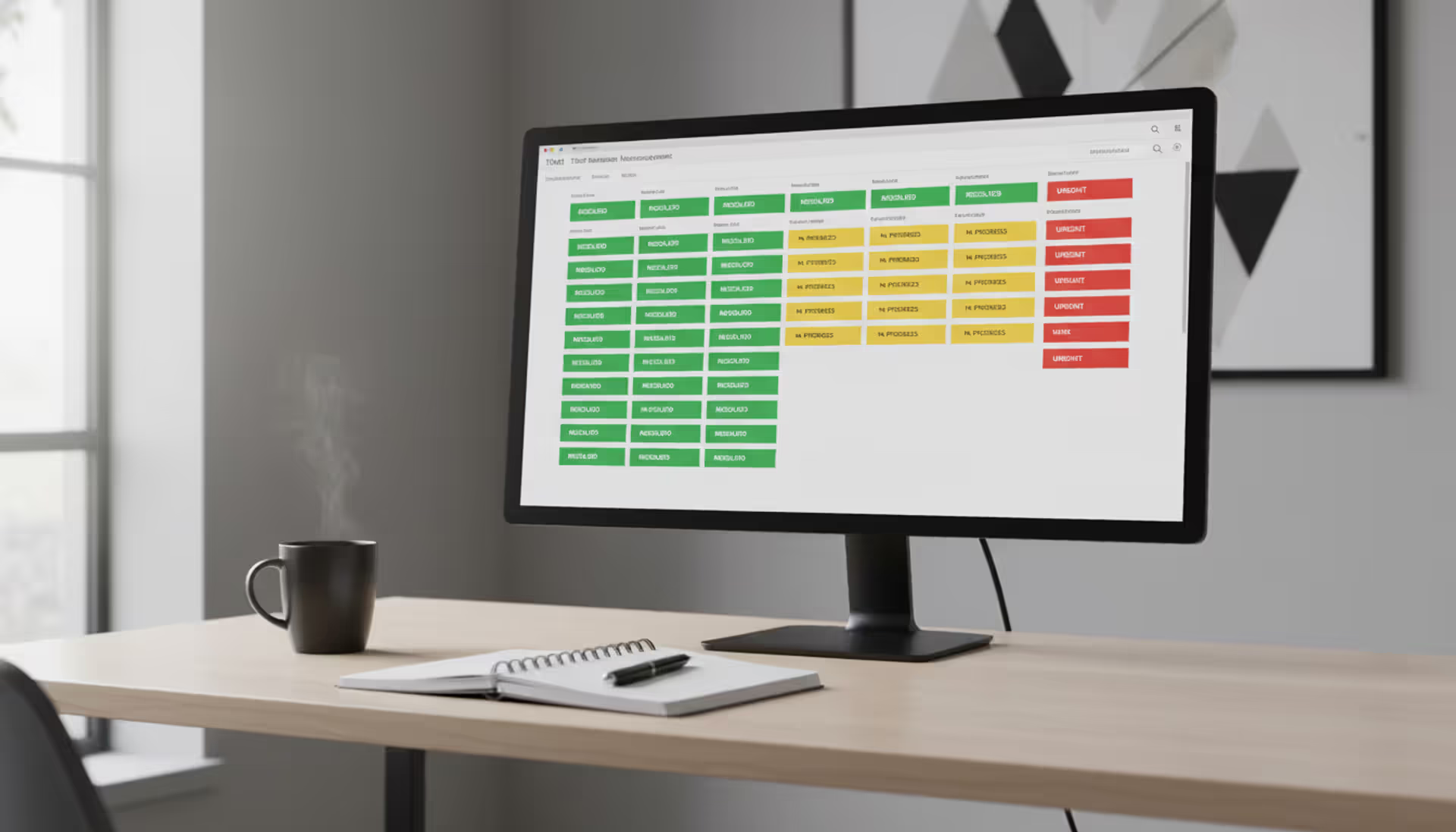
Modern open-plan office with a large screen displaying a ticketing system dashboard with colorful ticket cards arranged in columns, support agents wearing headsets working at desks
Author: Sophie Langford;Source: musiconmainstreet.com
Every business hits the same wall: customer questions flood in through email, someone mentions a broken printer in passing, an urgent IT problem gets buried in Slack, and three people accidentally work on solving the same issue. A ticketing system converts this mess into something manageable—every request becomes a numbered record that someone owns, with a clear path from "help!" to “fixed.”
Understanding Ticketing Systems in Business
Think of a ticketing system as software that turns scattered requests into organized work items. Someone emails about a billing problem, an employee reports a laptop issue, a customer complains on Twitter—all of these become individual tickets with unique tracking numbers.
Here's what a ticketing system actually does: it prevents things from disappearing. Before you had one, a customer might email support@yourcompany.com and their message would sit in Janet's inbox while she was out sick for three days. Someone could mention a broken conference room lock to facilities, but if that conversation wasn't written down anywhere, the lock never gets fixed. Ticketing software creates a permanent record and assigns a specific person to handle it.
The basic architecture includes a few essential pieces. You need ways for people to submit requests—maybe they email a specific address, fill out a form on your website, or click a chat widget. Those requests land in a central database that stores everything: the original message, who sent it, every reply, attached screenshots, and notes your team added. Assignment rules automatically route incoming tickets based on criteria you define—maybe billing questions go to accounting, password resets to IT, and shipping delays to logistics. Your support team gets a workspace showing their assigned tickets, conversation history, and tools to respond or collaborate with coworkers. Analytics dashboards reveal patterns in your data.
What is a ticketing system in real-world terms? Picture a furniture retailer during a holiday sale. Five hundred people contact them about delivery dates, damaged items, assembly instructions, and missing hardware. Without structured tracking, two agents might call the same customer about their damaged table while nobody responds to the person whose shipment is stuck in transit. With ticketing in place, each inquiry gets a number, relevant details auto-populate from the order system, and available agents pick tickets from a shared queue based on priority and expertise.
Author: Sophie Langford;
Source: musiconmainstreet.com
How Ticketing System Works Step by Step
Following how ticketing system works means tracking a single request from arrival to completion.
Someone sends a request through whatever channel you've set up. Maybe your customer emails support, maybe an employee texts a facilities hotline, maybe someone submits a form on your help center. The platform immediately creates a ticket—let's say #3847—and captures who submitted it, when it arrived, and what they wrote. Smart systems scan the content looking for clues about urgency or category.
Next comes routing. You've configured rules that examine each new ticket and decide where it goes. A message mentioning "invoice" might land in your billing queue. Anything with "can't log in" routes to IT authentication specialists. More sophisticated setups check agent availability and skill sets—if you have one person fluent in Japanese and a ticket arrives in Japanese, that's an obvious match. Some systems also balance workload, steering new tickets away from agents already handling fifteen open issues.
An agent grabs the ticket and starts working on it. They see the requester's original message, any files attached, and contextual details pulled from connected systems—maybe recent purchases, account status, or previous tickets this person submitted. If the agent needs help, they can tag a colleague in internal comments that the customer never sees. Every action gets timestamped. If the ticket sits untouched for too long, automated escalations kick in.
The agent figures out the solution and writes back. Their response goes to the customer through whatever channel the request came in—email reply, chat message, phone callback. The customer's answer threads back onto the same ticket rather than spawning a new one. This back-and-forth continues until the problem's solved.
Once resolved, the agent marks it closed. Many systems trigger a satisfaction survey at this point. If the customer replies to a closed ticket days later with a follow-up question, it either reopens automatically or creates a linked ticket that references the original.
Real scenario: An employee reports their monitor went dark. Help desk software catches the email, generates ticket #5921, assigns it to desktop support based on keywords. The assigned tech checks the employee's desk location and equipment inventory remotely, sees the monitor is three years old, and grabs a replacement from storage. He swaps the monitor, tests it, updates the ticket noting the hardware swap, and marks it resolved. Total time: 31 minutes. Total documentation: complete. Next year when the same employee has display issues, whoever helps them can pull up #5921 to see the monitor was already replaced and troubleshoot from there.
Author: Sophie Langford;
Source: musiconmainstreet.com
Types of Ticketing Platforms for Different Business Needs
Different ticketing platforms target different problems, and your choice depends on who's requesting help and what they need.
IT help desk systems handle technical problems from employees. People submit tickets for software crashes, network access, new equipment, and account permissions. These platforms usually connect with asset tracking databases so you know exactly which laptop belongs to which employee, and they hook into authentication systems like Active Directory. SLA enforcement matters here because IT teams often promise specific response times—a downed email server might require response within one hour, while a request for new software could wait 48 hours.
Customer support platforms manage inquiries from the people who buy your products. These emphasize multi-channel collection because customers reach out however they want—some email, some tweet, some call, some use live chat. Integration with CRM systems is crucial so agents see purchase history and account details without switching tabs. Features like saved replies for common questions, searchable help articles, and satisfaction ratings carry more weight than in internal IT tools.
Service management systems for internal operations extend beyond technology into HR, facilities, legal, procurement, and more. An employee might submit a ticket requesting parental leave, reporting a leak in the break room ceiling, or asking the legal team to review a contract. These need flexible approval workflows because different departments operate differently—HR might require two levels of manager approval while facilities just needs basic assignment.
Hybrid platforms combine all these capabilities. A mid-sized company might initially buy separate tools for IT and customer service, then consolidate when they realize they're paying twice for similar functionality. This consolidation cuts costs and gives executives unified visibility into all service operations.
Collects from email/chat/social/phone, shows purchase history, measures satisfaction, includes public help documentation
Online stores, subscription services, consumer products—anywhere customers need post-sale assistance
Internal Service Management
Time off requests, building maintenance, contract reviews, supply orders
Staff across all departments
Custom approval flows, department-specific intake forms, mobile submission, cross-functional routing
Medium to large companies managing service requests beyond IT
Hybrid Platforms
Everything above in one system
Both employees and customers
Unified reporting dashboard, flexible routing between contexts, single source of truth, reduced software spending
Companies consolidating tools or needing visibility across all service operations
Key Features to Look for in Ticketing Software
When you're evaluating ticketing software, certain capabilities separate tools that genuinely help from those that just create busywork.
Automation handles repetitive tasks without human involvement. Good systems auto-assign incoming tickets based on content analysis, send instant acknowledgment emails, escalate neglected tickets after a time threshold, and auto-close resolved tickets when customers confirm the fix worked. You might set up a rule that detects the word "refund" and automatically tags the ticket as billing-related, routes it to your finance team, and bumps the priority to high. This happens in under a second, no person required.
Integration capabilities determine whether your ticketing application connects with the rest of your technology or sits isolated. Critical connections include email systems (obviously), CRM platforms for customer context, chat tools like Slack for team notifications, and single sign-on for secure access. More advanced integrations might include your online store so agents can see order details without logging into a separate system, server monitoring that creates tickets automatically when something breaks, or accounting software to track billable support time.
Reporting features convert raw ticket data into decisions you can act on. Basic metrics—ticket volume, average response duration, resolution speed—matter, but trends matter more. Is your backlog growing month over month? Which categories generate the most tickets? Which team members close issues fastest? Which customers submit the most requests? These insights help you schedule staffing, identify knowledge gaps, and spot recurring problems that need permanent fixes instead of repeated bandaids.
Multi-channel collection gathers messages from wherever customers send them. A modern platform shouldn't just handle email. It should pull in live chat conversations, social media posts (Twitter mentions, Facebook messages), text messages, phone transcripts, and web form submissions into one unified queue. Your agent shouldn't need five browser tabs to see all customer communications.
SLA enforcement maintains accountability around your service promises. The system tracks how long tickets wait for initial response and ultimate resolution against targets you set, pauses timers when you're waiting for customer input, and alerts supervisors when deadlines are at risk. A ticket from a premium customer with a one-hour response commitment that's been waiting 52 minutes should flash warnings and trigger escalation.
Author: Sophie Langford;
Source: musiconmainstreet.com
Customization lets you bend the system to match your actual processes instead of changing how you work to match the software. You should be able to add custom fields capturing business-specific information, design conditional workflows with if-then logic, configure different intake forms for different request types, and set role-based permissions so agents only access tickets they should handle.
Benefits of Implementing a Ticketing Solution
Companies that properly deploy a ticketing solution see real improvements you can measure.
Faster responses happen because tickets don't hide in individual inboxes. When a request arrives, it immediately appears in a shared queue where any available agent can claim it. Smart assignment sends urgent tickets to appropriate experts right away. A business that previously took half a workday to respond to customer emails might drop to under two hours after implementing a business ticketing system with proper routing and queue management.
Clear ownership emerges when every request has an assigned person and a complete history. Managers see exactly which tickets each team member handled, how long resolution took, and whether promised deadlines were met. Agents can't claim they never saw a request—the system shows assignment time and whether they opened it. This visibility discourages blame-shifting and encourages people to own their work.
Happier customers result from several compounding factors. They hear back faster. They receive consistent answers because agents reference previous conversations and documentation. They don't repeat their story to five different people because the complete thread lives in one place. They can check status themselves through a portal instead of calling repeatedly for updates.
Better efficiency builds over time. Agents spend less energy hunting for information and more solving actual problems. Automation handles straightforward tasks—password resets, order status checks, basic troubleshooting—freeing people for complex issues requiring human judgment. Knowledge base integration means agents can send detailed help articles rather than typing identical instructions twenty times. One support rep might handle 40 tickets daily instead of 25, without working longer or harder.
Actionable data enables systematic improvement. You might discover 35% of tickets relate to confusing language on your checkout page. Rewriting that page reduces ticket volume permanently—better than hiring another support agent. You might notice resolution times spike on Monday mornings because weekend tickets pile up. Adjusting weekend coverage or Monday staffing addresses the pattern. Without a ticketing system capturing this information, you'd make decisions based on hunches instead of evidence.
Our support team was drowning before we implemented proper ticketing. We had zero visibility into workload distribution, and customers frequently got conflicting answers from different agents on the same issue. Three months after going live, average resolution time fell 35%, our customer satisfaction scores jumped 22 points, and agent burnout dropped noticeably because people finally had tools that actually helped them work instead of fighting them. The platform covered its own cost in year one just from productivity improvements, not even counting the customers we retained who would've left
— Jennifer Martinez
Choosing the Right Ticketing Application for Your Company
Selecting the right ticketing application means matching capabilities to your actual situation rather than buying the most feature-packed option.
Company size heavily shapes your requirements. A ten-person startup might do great with a simple, inexpensive platform handling email tickets and basic assignment. A 500-employee enterprise needs sophisticated routing across departments, complex approval workflows, granular permissions, and robust reporting. Don't overpay for enterprise features you'll never touch, but also avoid choosing a system you'll outgrow in six months when you double your support team. Good guideline: pick something that can handle three times your current volume and team size.
Industry requirements matter more than people expect. Healthcare providers need systems that comply with HIPAA regulations protecting patient data. Financial firms require extensive audit logging and retention policies meeting regulatory standards. Online retailers benefit from platforms offering tight integration with Shopify, BigCommerce, or WooCommerce. Software companies often need systems that auto-generate tickets from application error logs or monitoring alerts.
Growth capacity determines whether your investment lasts. Check how pricing scales as you add team members and volume—some vendors charge reasonably as you grow, others spike costs aggressively. Confirm performance stays acceptable under load—certain systems crawl to a halt when you accumulate 10,000 open tickets. Verify the vendor actively develops new features and maintains a public roadmap. A platform unchanged for two years is probably dying.
True cost extends well beyond monthly subscription fees. Calculate everything: per-agent licenses, setup fees, training hours, custom integration development, ongoing maintenance, and administrative overhead. A platform charging $50 per agent monthly but requiring 120 developer hours to integrate with your systems might cost more than one charging $80 per agent with pre-built connectors. Also factor in the cost of not having a system—lost customers, wasted staff time, missed opportunities, and reputation damage.
Setup complexity varies dramatically between platforms. Some ticketing solutions go live in an afternoon. Others require weeks of configuration, data migration, workflow design, and integration development. Honestly assess your team's technical capacity. If you lack IT resources for complex implementation, choose a platform with strong onboarding support and intuitive setup. If you have specialized requirements demanding customization, ensure the platform provides APIs and developer resources.
Author: Sophie Langford;
Source: musiconmainstreet.com
Common Mistakes When Adopting a Business Ticketing System
Even excellent software fails when implemented carelessly. Watch for these common traps.
Rushing configuration undermines everything. Companies hurry to launch without thoughtfully designing ticket categories, priority definitions, and routing logic. Result: tickets get mislabeled, land with wrong teams, and resolve slowly. Invest time upfront mapping actual workflows. If your team handles returns differently than technical questions, create distinct ticket types with separate forms and routing. If VIP customers deserve faster attention, configure priority rules automatically flagging their submissions.
Skipping training leaves people frustrated and unproductive. Don't assume staff will figure things out through trial and error. Run real training covering not just interface mechanics but why specific practices matter. Explain that internal notes help colleagues taking over a ticket mid-stream. Show how searching past tickets before escalating saves everyone time. Create quick-reference guides for frequent tasks. Schedule follow-up sessions after the first month when people have questions based on actual usage.
Over-engineering happens when you try automating everything immediately. Start simple. Get basic submission, assignment, and resolution working smoothly before adding complex automation. A company creating 52 different ticket categories and 94 automation rules on launch day will spend more time managing the system than using it. Begin with 5-7 broad categories and a handful of simple automations. Layer in complexity gradually as patterns emerge.
Neglecting integration creates information silos and duplicate data entry. If agents toggle between ticketing, CRM, and order management to help customers, they waste time and make errors. Prioritize connections eliminating context switching. If your team constantly looks up order details, integrate your commerce platform. If they need account information, connect your CRM. The target is a single workspace with everything needed to resolve tickets without leaving the screen.
Weak change management triggers resistance and low adoption. People resist new tools, particularly when they're comfortable with current workflows even if inefficient. Communicate clearly why you're implementing the ticketing software system and how it makes their jobs easier, not harder. Involve frontline staff in selection and setup so they feel ownership rather than having changes forced on them. Identify enthusiastic early adopters who can mentor colleagues. Track usage metrics and address resistance quickly—if certain people aren't using the system, find out why and fix their concerns.
Frequently Asked Questions
What separates a ticketing system from a CRM?
A ticketing system tracks specific requests from submission to resolution, focusing on workflow, assignment, and completion. A CRM manages your entire relationship with customers, including sales pipeline, contact details, and purchase history. They complement each other—most companies connect their ticketing platform to their CRM so support agents see customer background while handling tickets. Simple distinction: your CRM tells you who the customer is and what they've bought; your ticketing system tracks what specific problem they need solved today.
What should I expect to pay for ticketing software?
Pricing spans a wide range depending on features and scale. Entry-level plans start around $15-25 monthly per agent for basic email ticketing. Mid-range platforms with automation, analytics, and integrations typically run $40-80 per agent each month. Enterprise options with extensive customization, dedicated support, and unlimited volume can hit $100-200+ per agent. Many vendors discount pricing for larger teams. Some charge by ticket volume rather than agent count, which benefits small teams handling high volumes. Don't forget setup costs—simple cloud platforms need minimal configuration, while complex on-premise deployments might require $10,000-50,000 in consulting.
Do small businesses actually benefit from ticketing platforms?
Definitely. Even a three-person company handling 50 weekly customer inquiries gains from organized tracking. Small businesses often benefit more than large ones because they can't absorb the damage from dropped requests or unhappy customers. A single ignored complaint can seriously hurt a small company's reputation. Many vendors offer affordable plans for small teams, and the time savings from organization and automation often pay back the cost within weeks. Start with a basic plan and expand as you grow.
How quickly can we get a ticketing system running?
Cloud-based ticketing solutions can go live within hours—sign up, configure basic settings, add your team, start creating tickets. However, thoughtful implementation including workflow design, automation setup, integration configuration, and staff training typically takes 2-6 weeks. Enterprise rollouts with complex requirements, legacy data migration, and extensive customization might take 2-4 months. The main variable is how much configuration and integration you tackle. A company simply replacing email with ticket tracking moves fast. One designing sophisticated routing across multiple departments with custom workflows needs more time.
Which integrations matter most in a ticketing solution?
Critical connections include email systems (Gmail, Outlook), team communication platforms (Slack, Microsoft Teams), and authentication services (Google Workspace, Active Directory, Okta). Beyond basics, prioritize integrations eliminating duplicate data entry for your specific situation. Online retailers need shopping platform connections (Shopify, WooCommerce, Magento). Software companies benefit from monitoring tools (Datadog, New Relic, PagerDuty) auto-creating tickets when systems fail. Sales-heavy organizations want CRM integration (Salesforce, HubSpot, Pipedrive). Check whether the platform offers ready-made connectors for tools you already use versus requiring custom API development.
Are ticketing systems only for IT departments?
Definitely not. While IT help desks adopted them early, ticketing systems now manage customer support, HR processes, facilities requests, legal reviews, procurement, and virtually any workflow involving requests and responses. Marketing teams use them for content requests. Finance tracks invoice questions. HR processes vacation requests and benefits inquiries. The core concept—converting unstructured asks into trackable, assigned work items—applies across almost any business function. Modern platforms offer enough flexibility to handle multiple use cases within one organization.
A ticketing system transforms request handling by replacing chaos with structure, assumptions with data, and reactive scrambling with proactive management. Whether you're managing customer inquiries, internal IT problems, or cross-departmental service requests, the right ticketing platform establishes accountability, accelerates response times, and delivers visibility needed for continuous improvement.
Success doesn't come from simply buying software—it comes from thoughtfully matching capabilities to specific needs, configuring workflows reflecting how your team actually operates, and investing in proper training and change management. Start with clear objectives, implement systematically, measure results. Companies gaining the most value treat ticketing systems not as technology projects but as fundamental improvements to how they serve customers and support employees.
Running a small business means wearing multiple hats. When support requests pile up in email inboxes, Slack threads, and sticky notes, tracking who's handling what becomes impossible. A ticketing system transforms chaos into clarity by centralizing every request, assigning ownership, and creating workflows your team can follow
Choosing the wrong ticketing system costs thousands in lost productivity and expensive migrations. This comprehensive comparison evaluates leading platforms across features, pricing, and real-world use cases to help you select the right solution for IT support or customer service needs
Managing support requests without breaking the budget is possible with open source ticketing systems. This guide compares popular platforms like osTicket, Zammad, and OTRS, covering essential features, implementation considerations, and hidden costs to help you choose the right solution
Learn everything about MSP ticketing systems—from core functionality and must-have features to pricing models and implementation best practices. Compare MSP vs service desk platforms and discover how to choose the right solution for your managed service provider business
The content on this website is provided for general informational and educational purposes only. It is intended to explain concepts related to event management software, ticketing systems, hybrid event platforms, and operational tools for event organisers.
All information on this website, including articles, guides, and examples, is presented for general educational purposes. Outcomes may vary depending on event size, technology choices, and organisational needs.
This website does not provide professional legal, financial, or software advice, and the information presented should not be used as a substitute for consultation with qualified event tech or IT professionals.
The website and its authors are not responsible for any errors or omissions, or for any outcomes resulting from decisions made based on the information provided on this website.