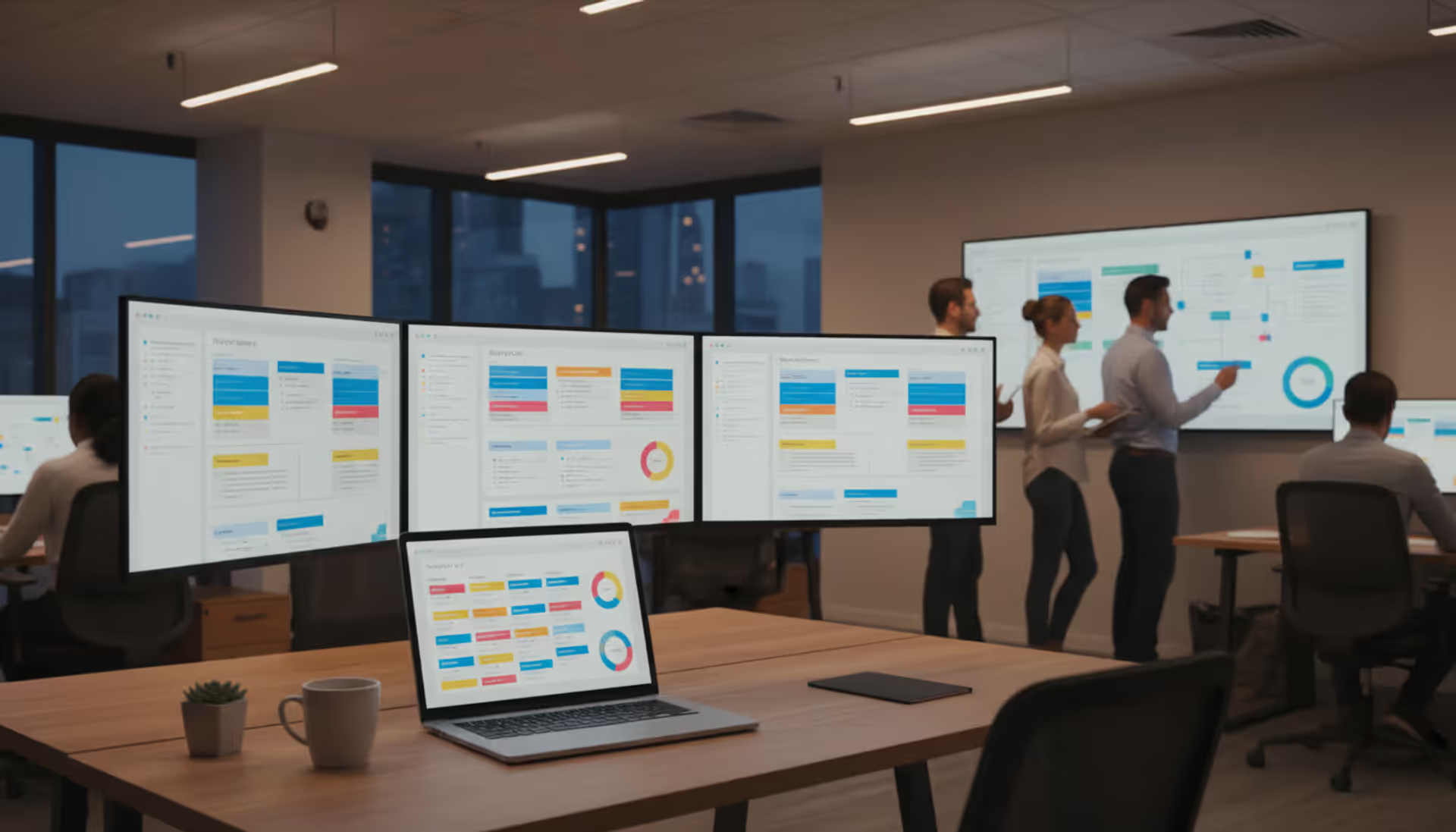
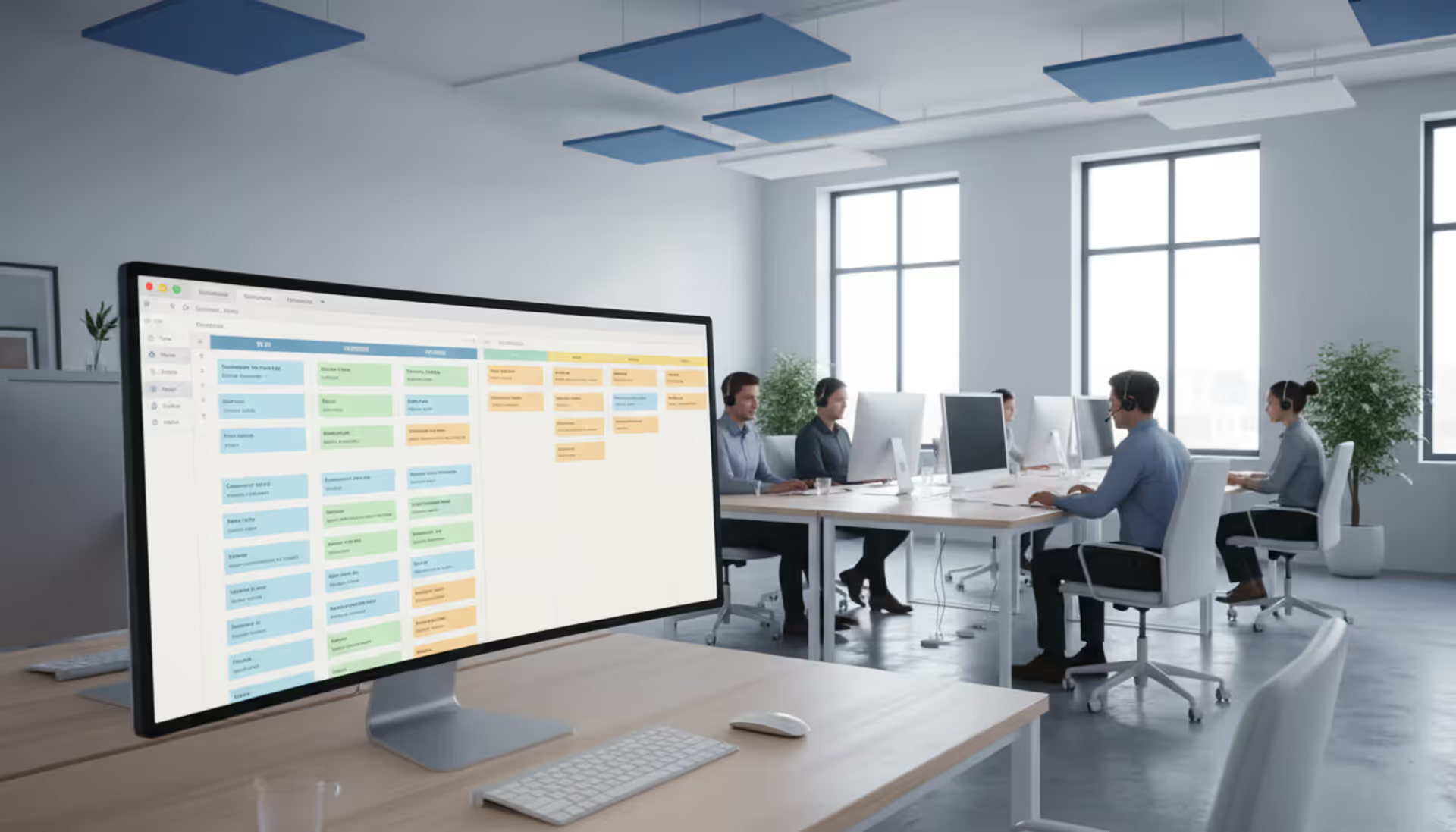
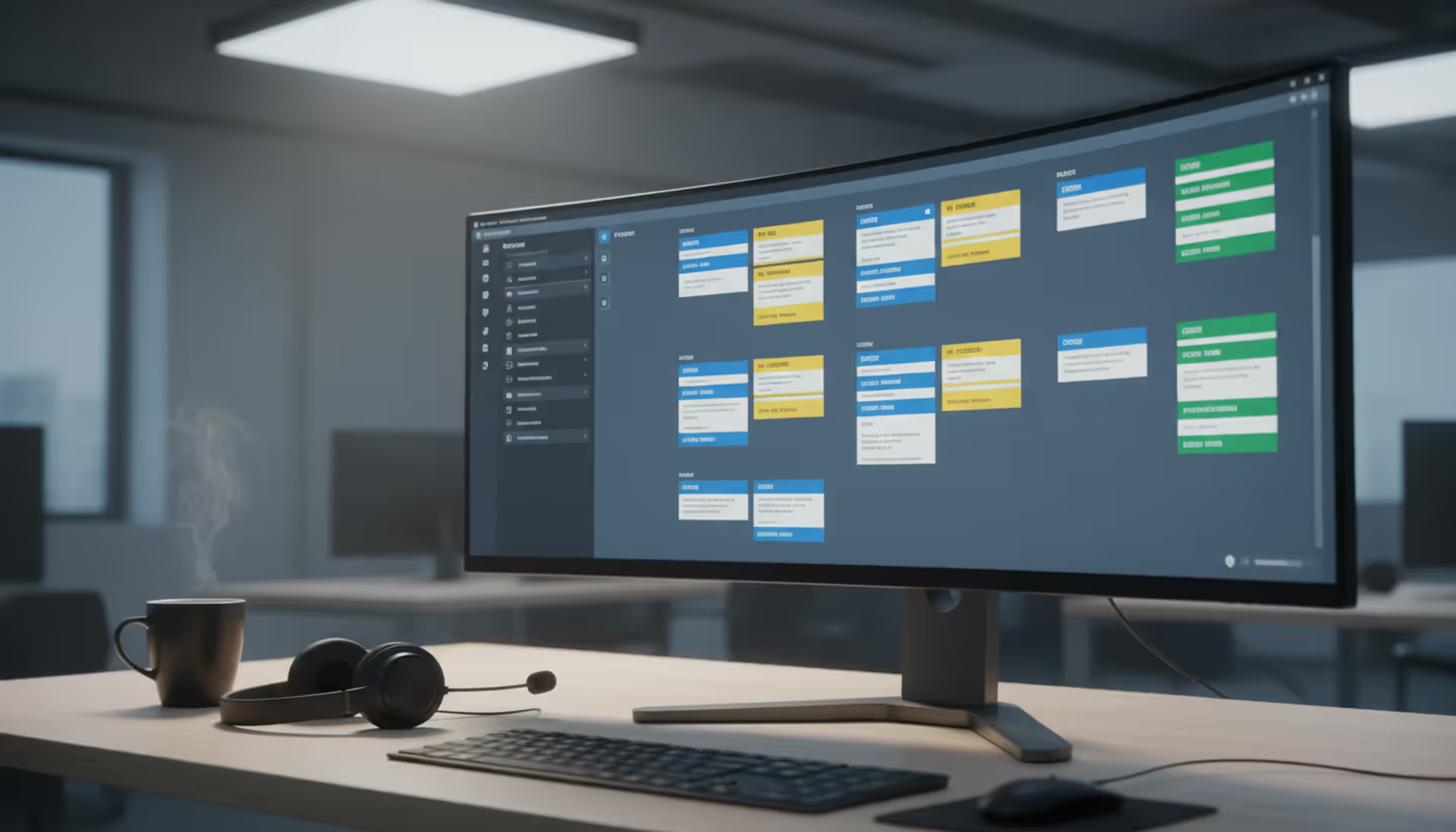
Email chains about employee questions create bottlenecks that slow down your entire HR operation. Your team wastes hours hunting through message threads, employees wait days for straightforward answers, and you have no idea which issues consume the most resources. A proper ticketing system converts this chaos into trackable workflows that actually close.
What Is an HR Ticketing System?
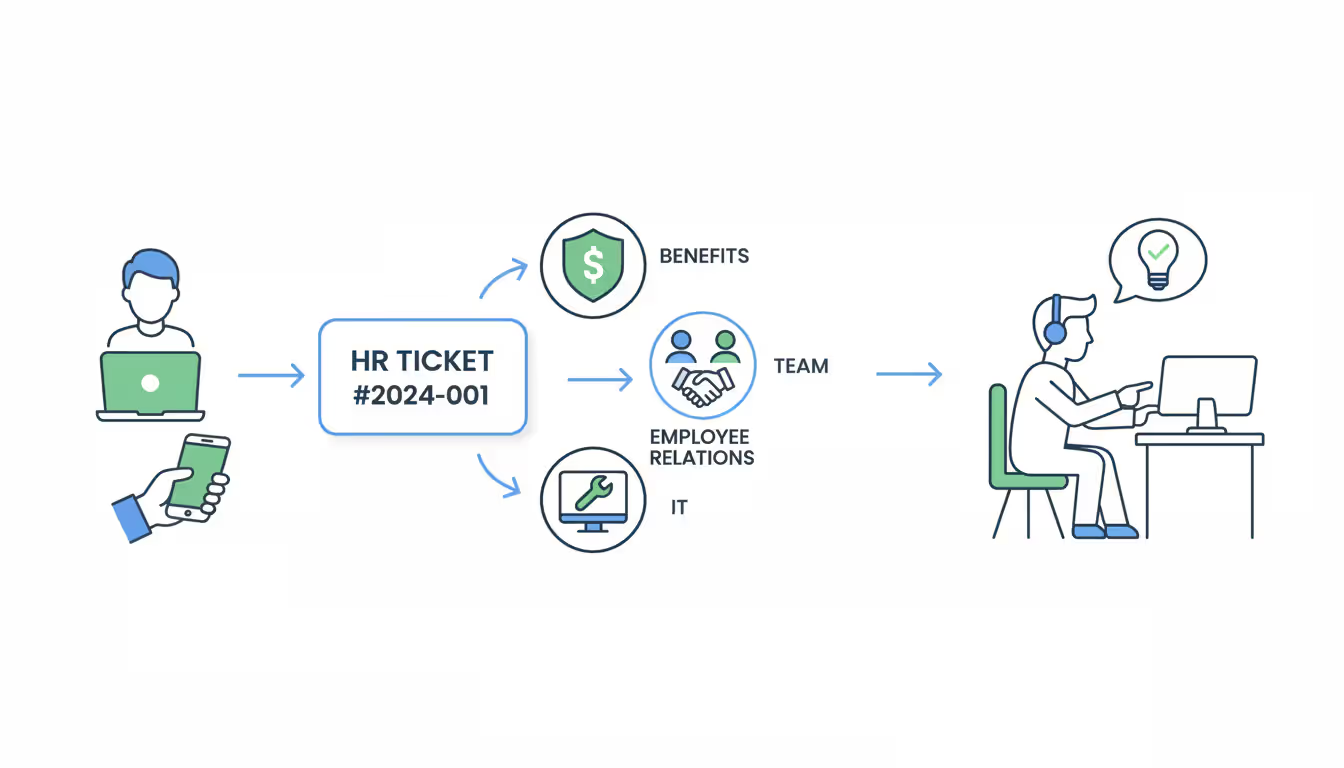
Think of an hr ticketing system as a digital intake process that transforms every employee question into a numbered case. Someone asks about their 401k match? That becomes ticket #4783. They need parental leave information? Ticket #4784. The software assigns each request to the right team member, tracks every response, and documents the complete resolution path.
General helpdesk platforms designed for customer support don't understand HR workflows. You're not troubleshooting product defects—you're interpreting policies, coordinating approvals, and handling information so sensitive that the wrong person seeing it could trigger legal liability. An hr helpdesk ticketing system enforces the confidentiality requirements that distinguish HR from typical support operations.
Consider the differences from IT service desks. Technical issues usually follow predictable patterns: password reset, software bug, hardware failure. HR requests involve human judgment calls. Does this accommodation request meet ADA requirements? Should we approve this manager's discipline recommendation? These questions take days to research, not hours to fix. The system needs to support extended timelines and multiple reviewer checkpoints.
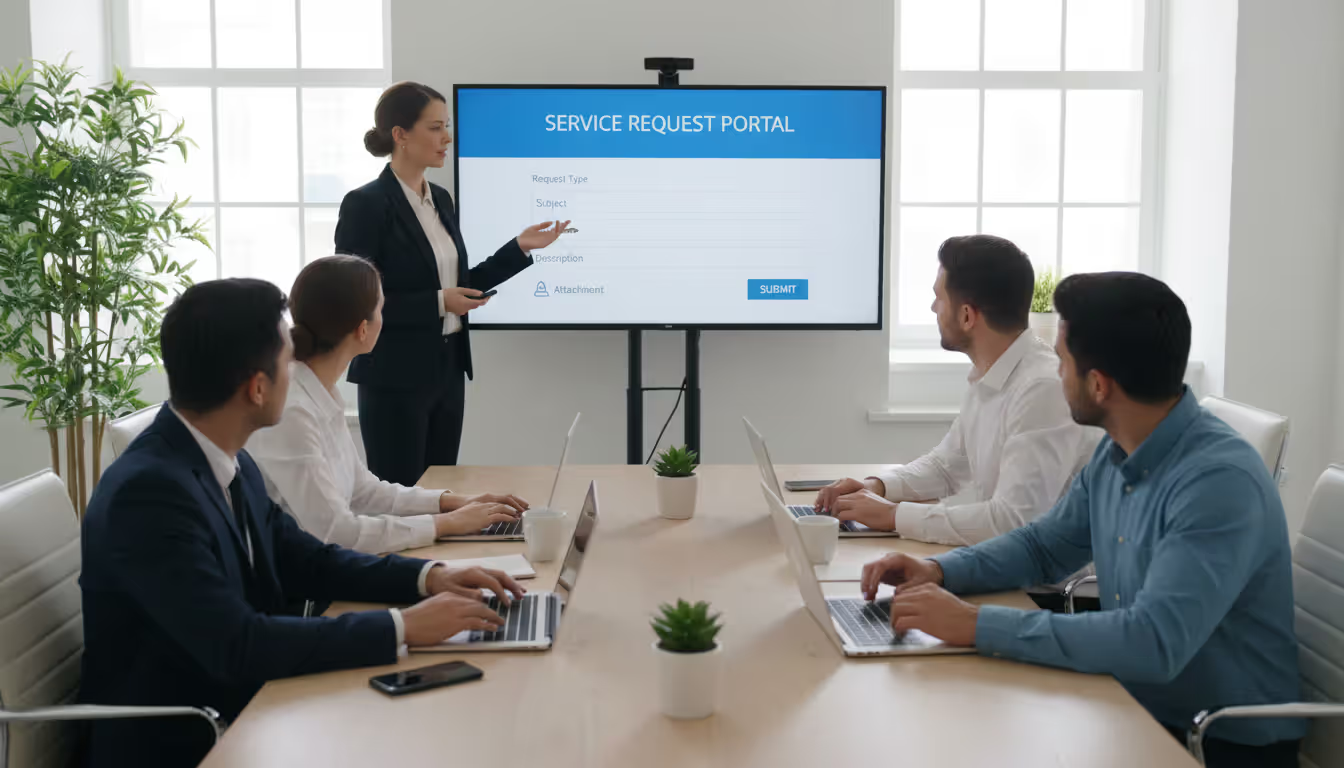
The software accepts requests through whatever channel employees prefer. Web forms, email, mobile apps, even chatbots that escalate complex questions. Each submission captures essential details: who's asking, what they need, when they need it, and any relevant attachments. Rules automatically route benefits questions to your benefits specialist, harassment reports to employee relations, and equipment requests to IT.
Beyond HR, you'll find applications across internal services. IT logs computer problems and access requests. Facilities tracks conference room repairs, parking assignments, and building maintenance. An employee helpdesk system covering all three departments means workers learn one interface instead of juggling multiple platforms.
Author: Sophie Langford;
Source: musiconmainstreet.com
Every action creates a permanent record. When did the complaint arrive? Who investigated? What evidence did they review? When did it close? This audit trail becomes critical during lawsuits, regulatory inspections, or internal investigations. You can prove exactly how you handled that discrimination allegation from 18 months ago.
Key Features to Look for in HR Ticketing Software
The feature list matters less than whether those features solve your actual problems. A tiny HR team needs different capabilities than an enterprise department supporting thousands of employees across multiple countries.
Smart routing determines whether requests reach the right desk or bounce around wasting time. Basic platforms require someone to manually read each ticket and forward it appropriately—a bottleneck that defeats the purpose. Better hr ticketing software applies conditional logic: if the subject contains "health insurance," route to benefits; if severity equals "critical," escalate to the department head; if location equals "California," assign to the specialist who understands state-specific rules. Round-robin distribution prevents one person from drowning while colleagues have capacity.
Knowledge portals reduce ticket volume before requests even get submitted. Employees search for answers about holiday schedules, find the article, problem solved. No ticket created. Well-maintained knowledge bases deflect 30-40% of repetitive questions. Make sure the portal also displays each worker's open tickets so they can check status without emailing "any update on my request?"
Workflow automation handles the tedious steps that bog down your team. When a relocation request arrives, the system notifies the employee's manager for approval, alerts payroll about tax implications, tells IT to ship equipment to the new address, and adds move coordination tasks to someone's calendar. You built this workflow once; now it executes perfectly every time without human intervention. Look for automation that escalates aging tickets, sends status reminders, and closes resolved cases after the employee confirms satisfaction.
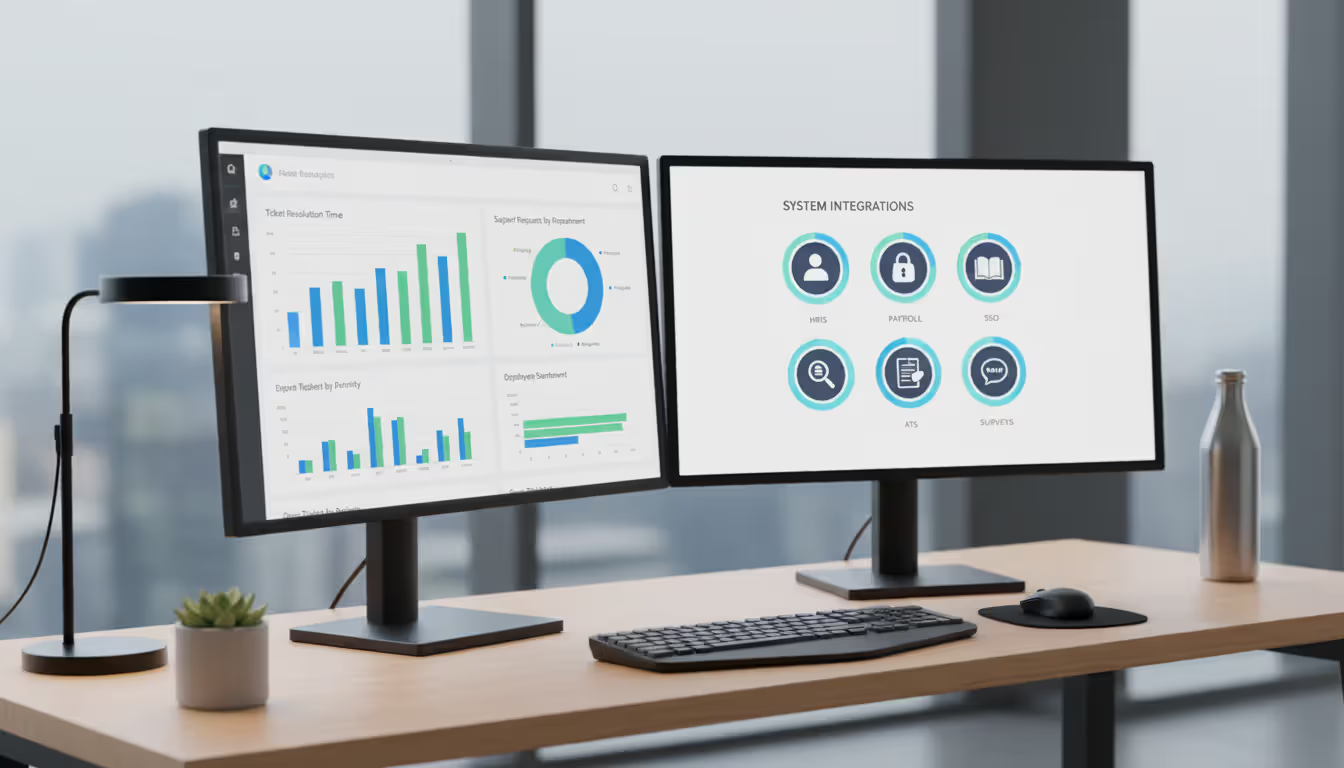
Analytics transform ticket data into operational intelligence. Which request categories consume the most hours? Which team members consistently close cases fastest? Where do you see patterns suggesting systemic problems? Hr service desk software worth using reveals these insights through dashboards you can understand without a statistics degree.
Mobile functionality isn't optional anymore. Field employees, remote workers, and managers traveling for business need to submit tickets and approve requests from phones. Download the vendor's mobile app and actually try submitting a complex request with attachments on your phone. Many platforms claim mobile support but deliver interfaces clearly designed for desktop computers.
HRIS integration eliminates duplicate data management. Your ticketing system should pull names, departments, locations, manager relationships, and contact details from your system of record. When someone transfers divisions, their ticket assignments update automatically. When a manager leaves, their approval queue routes to their replacement. Connections to payroll, learning platforms, and applicant tracking systems create end-to-end processes—onboarding tickets trigger training assignments, which update completion status, which close related tickets.
Author: Sophie Langford;
Source: musiconmainstreet.com
Enterprise-grade service management ticketing system platforms add capabilities most small organizations don't need: SLA monitoring across 50+ countries, support for 25 languages, advanced security certifications. Assess whether these features justify the complexity and cost.
Types of HR Ticketing Systems
HR Helpdesk vs. Service Desk Solutions
The "helpdesk" versus "service desk" distinction reflects philosophical differences about how you deliver employee support. Helpdesks react to incoming problems. Tickets arrive, staff resolve them, cases close. Service desks take a strategic approach to internal service delivery that includes reactive support plus proactive improvements, standardized service offerings, and performance management.
Smaller companies (under 500 employees) typically do fine with helpdesk functionality. Employees email questions, HR responds through the ticketing interface, problems get solved. These platforms cost less and require minimal setup time.
Larger organizations benefit from service desk maturity. They build service catalogs—browsable menus of standardized offerings like "request salary verification letter" or "report workplace safety concern." Each catalog item triggers a predefined workflow with approval checkpoints, deadline tracking, and quality controls. They measure performance against service level commitments and analyze trends to prevent recurring issues.
Specialized vs. All-in-One Platforms
HR-specific platforms understand benefits administration, employee relations case management, and compliance documentation in ways that general ticketing tools don't. They include pre-configured templates for FMLA requests, exit interviews, and policy exception approvals. Privacy controls recognize that payroll questions have different visibility requirements than office supply requests.
Unified platforms consolidate HR, IT, and facilities into one employee-facing portal. Workers submit every internal request through the same interface regardless of which department handles it. This simplifies the employee experience significantly—one login, one submission process, one place to check all request statuses. The tradeoff? You might sacrifice depth of functionality in any single area.
Facilities ticketing system capabilities manage work orders, space allocation, vendor coordination, and safety inspections. Some enterprises run separate systems for facilities and HR; others combine them to reduce platform proliferation.
Distinguish between issue ticketing systems that track investigative cases (harassment allegations, policy violations) and trouble ticketing systems designed for technical malfunctions. The former require confidential case files, complex approval chains, and compliance reporting. The latter focus on speed and technical documentation.
Healthcare organizations face special constraints. A hipaa compliant ticketing system encrypts all data in transit and at rest, enforces role-based access so only authorized staff view protected health information, maintains comprehensive audit logs showing who accessed which records when, and supports secure messaging about medical conditions. Standard platforms don't include these safeguards by default. HIPAA compliance demands specific technical controls, staff training on permitted uses, and signed business associate agreements with your vendor.
How HR Ticketing Systems Improve Employee Experience
Employees evaluate your HR department based on responsiveness and clarity. Traditional email-based support frustrates people because their messages vanish into someone's inbox with no acknowledgment, no status updates, and no visibility into whether anyone's actually working on their problem.
Resolution speed improves dramatically when systems route intelligently and track accountability. Email support at most companies averages 5-7 business days for HR questions. Hr service desk software cuts that to 2-3 days by eliminating the hunting, forwarding, and "did you see my email?" delays. Automatic routing lands each request on the right desk immediately. Escalation rules flag overdue tickets before they become fire drills.
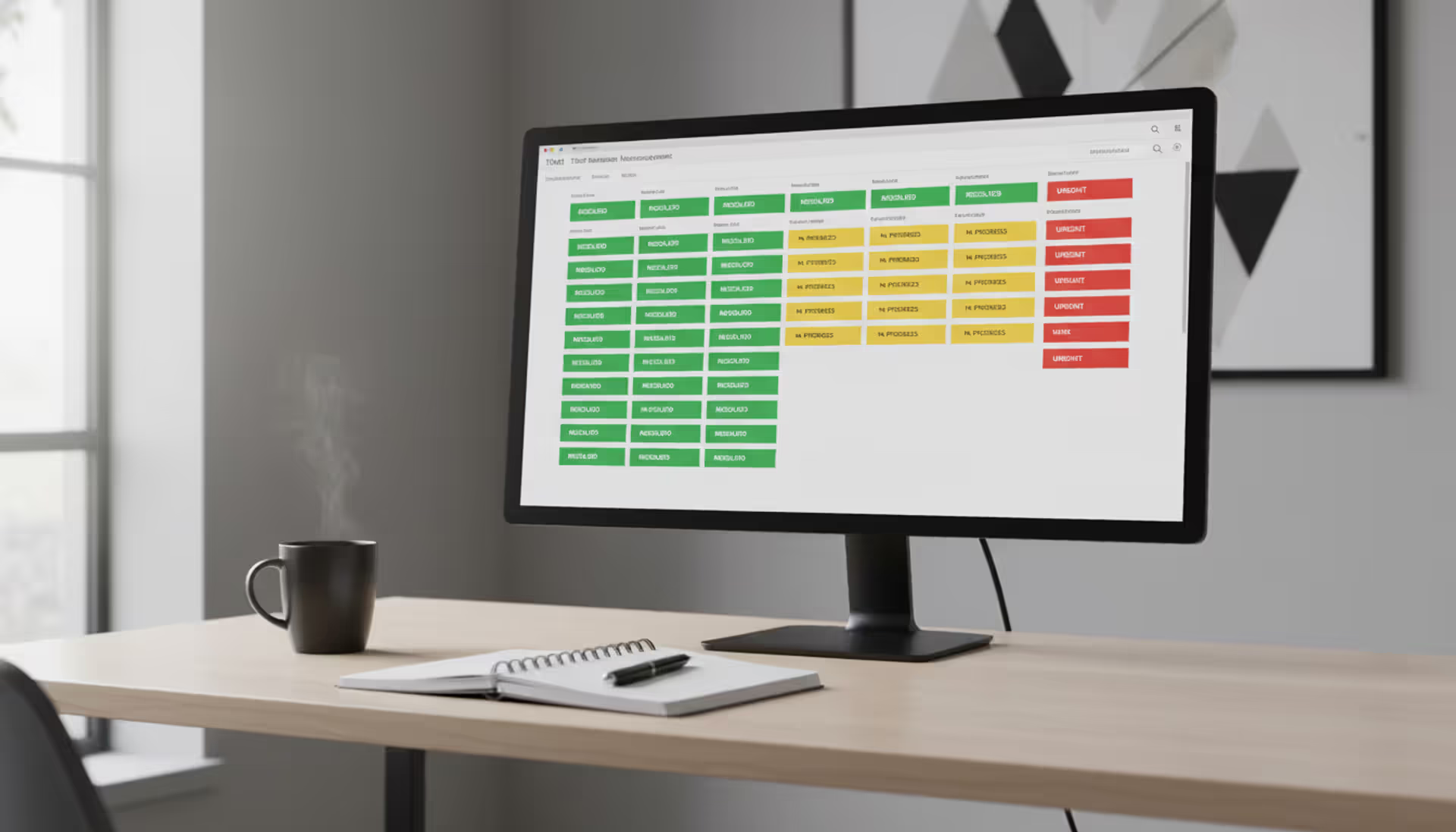
Status transparency changes the employee experience fundamentally. Instead of wondering whether their benefits question disappeared into the void, workers log into the portal and see: "Ticket #5832 - Assigned to Jennifer in Benefits - In Progress - Last updated 2 hours ago." Automatic notifications arrive when someone responds, when additional information is needed, or when the ticket closes. No more anxiety-driven follow-up emails.
Inbox overload decreases for everyone involved. Rather than CC'ing half the department and forwarding sprawling email threads, all communication lives inside the ticket. Every question, every answer, every attachment exists in one chronological thread accessible to authorized staff. New team members brought into a case can read the complete history in minutes.
Service consistency improves when you standardize responses. Benefits questions get answered using approved policy language instead of each HR person's interpretation. New hires in Dallas complete the same onboarding checklist as those in Denver because the system triggers identical workflows. You're not relying on individual memory—the process lives in the software.
Pattern recognition becomes possible once you can measure request volumes. You might discover 40% of tickets involve the same confusing expense policy, prompting a rewrite that prevents hundreds of future tickets. Maybe facilities requests spike every Monday morning, revealing weekend HVAC problems. Perhaps your Denver office generates three times more IT requests per employee than Phoenix, suggesting a training opportunity.
After implementing our employee helpdesk system, average response time dropped from 48 hours to just six hours. Even better—our annual survey showed employee satisfaction with HR services jumped 34 points. Transparency matters. Once people could actually see their request status and receive consistent information, their trust in HR increased substantially
— Sarah Chen
Common Mistakes When Choosing an HR Ticketing System
Skipping compliance due diligence creates expensive problems later. Healthcare companies handling medical information need HIPAA-compliant systems from day one, not bolted on afterward. California employers face CCPA requirements for employee data. Federal contractors must meet additional privacy obligations. Identify your regulatory requirements before evaluating vendors, then verify compliance through security documentation, not just sales promises. Retrofitting compliance into an incompatible platform costs far more than choosing correctly initially.
Integration planning gets overlooked until implementation begins. Your hr ticketing software needs to exchange data with your existing HRIS, payroll processor, learning management system, and identity provider. Entering employee information twice—once in your HR system, again in the ticketing platform—wastes hours weekly and guarantees data inconsistencies. Before signing contracts, document every system that should connect to your ticketing platform and confirm integration capabilities, ideally through technical demos, not PowerPoint slides.
Feature overload kills adoption rates among small teams. Enterprise platforms with 300 configuration options impress during sales presentations but overwhelm two HR generalists supporting 200 employees. You don't need capabilities designed for 50 HR specialists managing 10,000 global workers. Match system complexity to your team's size and technical sophistication. A lean platform they'll actually use beats a comprehensive platform they'll abandon.
Author: Sophie Langford;
Source: musiconmainstreet.com
Launch planning determines whether employees actually adopt new systems. Technology alone changes nothing—you need communication explaining why this matters, training demonstrating how it works, and management commitment to enforcing the change. Some organizations run old and new systems simultaneously during transition, which splits attention and delays full adoption. Set a hard cutover date and stick to it.
Mobile experience testing gets skipped during evaluations. If 30% of your workforce rarely sits at desks—retail employees, field technicians, healthcare providers—they require genuine mobile functionality. Many vendors claim mobile support but deliver clunky interfaces barely usable on phones. Actually submit a complex request with attachments using the mobile app on your own device before buying.
Here's a purchasing mistake that costs organizations thousands: selecting based solely on monthly subscription price. The cheapest option frequently lacks critical capabilities, forcing workarounds that waste staff time worth far more than you saved on licensing fees. The priciest option may bundle enterprise features you'll never touch. Calculate the complete ownership expense: licensing, implementation services, custom integration development, staff training time, and ongoing administration effort.
HR Ticketing System Implementation Best Practices
Category design requires balancing detail against usability. Start with major buckets: Benefits, Payroll, Time Off, Employee Relations, Onboarding, Facilities. Add subcategories based on actual request volumes you're seeing. Too few categories (just "HR Question") makes reporting meaningless. Too many categories (35 micro-specific options) confuses submitters. Review ticket distribution quarterly and adjust categories as patterns emerge.
Build templates capturing information you'll need for common requests. Time-off submissions should collect exact dates, leave type (vacation, sick, personal), coverage arrangements, and approval chain. Benefits inquiries might ask which specific benefit, what triggering event prompted the question (new baby, spouse job loss), and urgency level. Good templates prevent the back-and-forth requesting additional details that extends resolution time.
Service level expectations need grounding in reality, not aspiration. Differentiate commitments by priority and category. Payroll errors affecting someone's mortgage payment demand same-day resolution. General policy questions about next year's benefits can wait three business days. Not everything is urgent.
Build SLAs from current performance, then improve incrementally. If benefits questions currently take five days to resolve, don't commit to one-day turnaround. Start at four days, hit that target consistently for two months, then tighten to three days. Unrealistic commitments you constantly miss destroy credibility faster than honest timelines you reliably meet.
Author: Sophie Langford;
Source: musiconmainstreet.com
Staff training splits into two audiences with different needs. Your HR team requires deep platform training: ticket assignment, workflow customization, reporting tools, privacy controls, escalation procedures. Regular employees need simple instructions: how to submit tickets, how to check status, how to respond when additional information is requested. Don't force everyone through the same training.
Create role-specific guidance. Benefits specialists need different knowledge than employee relations investigators. Managers approving requests need focused training on the approval workflow, nothing else. Finance staff processing expense tickets require different training than IT staff handling equipment requests.
Performance measurement guides continuous improvement, but choosing the wrong metrics drives counterproductive behavior. If you only measure tickets closed per day, staff rush through cases without fully resolving issues, leading to reopened tickets and frustrated employees. If you only track speed, quality suffers. Monitor multiple indicators: ticket volume by category, average resolution time, reopen rate, employee satisfaction scores, knowledge base article views. Review these monthly and investigate unexpected changes.
Watch for unintended consequences. One company started measuring first-response time and saw it improve dramatically—but employees complained because "we respond faster but don't actually fix anything." The team optimized for quick initial responses while letting overall resolution time slip. Balance matters.
Continuous refinement separates mediocre implementations from excellent ones. Schedule quarterly retrospectives where your team examines ticket trends, discusses frustrations, and proposes improvements. Which knowledge base articles get viewed most frequently? Which categories take longest to close? What new automation would save the most staff time? Which policies generate the most confusion?
Ask employees specifically about their ticketing experience. After resolution, send brief surveys: Was submission easy? Did you understand the process? Was the answer helpful? What would you change? Actually read the feedback and act on patterns.
Frequently Asked Questions About HR Ticketing Systems
What's the difference between an HR ticketing system and a traditional helpdesk?
Traditional helpdesks evolved from customer service and IT support contexts. They're built for troubleshooting product problems or resolving technical issues. HR ticketing systems include specialized functionality for human resources: benefits enrollment tracking, employee relations case management, confidential investigation files, onboarding/offboarding checklists, and HRIS integration. Privacy controls differ significantly—HR handles medical records, compensation information, and performance documentation requiring stricter access limitations than typical support tickets. The workflow assumptions differ too. HR cases often need policy interpretation, legal review, and manager approvals, whereas IT tickets usually follow more predictable resolution paths.
Do I need a HIPAA-compliant ticketing system for HR?
It depends on two factors: whether your organization is a HIPAA covered entity and whether your HR team handles protected health information through the ticketing platform. Medical leave requests, disability accommodations, health insurance questions, and workers' compensation cases all involve PHI that requires HIPAA safeguards. You'll need encryption, detailed audit logs, role-based access restrictions, and secure messaging capabilities. However, not every HR ticket contains PHI. General policy clarifications, vacation requests, and parking assignments don't trigger HIPAA requirements. Some platforms let you apply different security controls to specific ticket types—maximum protection for medical cases, standard security for routine requests. If you're a covered entity, consult your compliance officer before selecting any platform that will touch employee health data.
Can an HR ticketing system handle facilities and IT requests?
Many modern platforms support multiple departments through unified service catalogs. Employees access one portal for all internal requests—HR benefits questions, IT laptop repairs, facilities conference room reservations. The system routes each submission to the appropriate team based on category selection. This unified approach simplifies the employee experience significantly since they learn one interface instead of three separate systems. However, departments with specialized requirements might need dedicated platforms. IT teams managing complex networks may require deeper asset management and change control capabilities than generic ticketing systems provide. Facilities departments maintaining industrial equipment might need work order features that HR platforms lack. Evaluate whether one platform genuinely meets all departments' needs or if specialized systems deliver better functionality despite creating multiple employee touchpoints.
How much does HR ticketing software typically cost?
Pricing varies enormously based on features, user count, and deployment model. Cloud-based platforms for small teams start around $10-15 per user monthly with basic functionality. Mid-market solutions supporting 100-500 users range from $25-50 per user monthly with expanded features and integrations. Enterprise platforms with advanced compliance certifications, extensive customization, and premium support can exceed $100 per user monthly. Some vendors charge by ticket volume rather than user seats. Beyond licensing, implementation costs add 20-100% of first-year subscription fees depending on complexity—basic configuration versus extensive custom workflow development. Training consumes staff time worth thousands of dollars. Ongoing administration requires dedicated personnel hours. A mid-size company implementing a mid-tier platform typically spends $15,000-50,000 in year one including all costs, then $8,000-25,000 annually thereafter.
What integrations are essential for an HR ticketing system?
Start with HRIS integration to pull employee records, organizational hierarchy, and manager assignments automatically. Without this connection, you're manually entering and updating employee data in two systems—a time drain that guarantees inconsistencies. Single sign-on (SSO) through your identity provider enables seamless access using existing credentials instead of creating separate passwords. Email integration allows ticket creation and updates through email for users preferring that workflow. Calendar systems help schedule appointments related to cases. Beyond these fundamentals, evaluate integrations based on your specific processes. Do benefits questions often require pulling plan documents from your benefits administration platform? Does your ticketing workflow trigger learning assignments in your LMS? Do separation tickets need to update your applicant tracking system? Each integration should solve a concrete problem you face regularly, not just exist because the capability is available.
How long does implementation typically take?
Timeline depends more on organizational factors than technology complexity. Simple cloud platforms with minimal customization can go live in 2-4 weeks: basic setup, data import, testing, and user training. Mid-complexity projects requiring custom workflows, several system integrations, and structured change management typically need 2-3 months. Enterprise deployments with extensive customization, complex compliance requirements, and thousands of users across multiple countries may require 4-6 months. The constraint is rarely the software—it's decision-making speed, resource availability, integration complexity, and change management execution. Organizations that make decisions quickly, assign dedicated implementation resources, and manage change well finish faster. Those where decisions require multiple committee approvals, IT resources get pulled to other priorities, and change management consists of a single announcement email take much longer. Run a pilot with one department before company-wide rollout to surface issues in a controlled environment where you can fix problems before they affect everyone.
The right HR ticketing platform transforms how employees get support and how your HR team delivers services. But technology represents maybe 30% of success. The other 70%? Thoughtful process design, thorough training, meaningful measurement, and relentless improvement.
Begin by understanding your specific requirements instead of getting dazzled by feature lists. Small companies need simplicity and fast deployment more than enterprise capabilities. Healthcare organizations can't compromise on HIPAA compliance. Distributed workforces demand excellent mobile experiences.
Select a platform that connects to your existing systems, satisfies your compliance obligations, and matches your team's technical abilities. Involve employees in vendor selection—they're the ones who'll use it daily. Test your assumptions through a limited pilot before committing the entire organization.
Success depends on adoption rates. The most sophisticated platform delivers zero value if employees keep emailing questions directly or if HR staff route around the system. Invest seriously in change management. Communicate benefits clearly. Celebrate early wins to build momentum.
Measure what actually matters to your organization. Faster resolution improves employee experience. Better documentation protects against compliance failures. Data-driven insights reveal opportunities to eliminate root causes instead of just treating symptoms endlessly.
An effective hr ticketing system does more than organize incoming requests—it elevates HR from reactive firefighting to strategic service delivery. When implemented properly, it becomes invisible infrastructure employees barely notice but would immediately miss if it disappeared.
Running a small business means wearing multiple hats. When support requests pile up in email inboxes, Slack threads, and sticky notes, tracking who's handling what becomes impossible. A ticketing system transforms chaos into clarity by centralizing every request, assigning ownership, and creating workflows your team can follow
Choosing the wrong ticketing system costs thousands in lost productivity and expensive migrations. This comprehensive comparison evaluates leading platforms across features, pricing, and real-world use cases to help you select the right solution for IT support or customer service needs
A ticketing system converts requests into structured records called tickets, preventing customer questions and IT issues from falling through the cracks. Learn how ticketing platforms work, what features matter, and how to choose the right solution for your business needs
Managing support requests without breaking the budget is possible with open source ticketing systems. This guide compares popular platforms like osTicket, Zammad, and OTRS, covering essential features, implementation considerations, and hidden costs to help you choose the right solution
The content on this website is provided for general informational and educational purposes only. It is intended to explain concepts related to event management software, ticketing systems, hybrid event platforms, and operational tools for event organisers.
All information on this website, including articles, guides, and examples, is presented for general educational purposes. Outcomes may vary depending on event size, technology choices, and organisational needs.
This website does not provide professional legal, financial, or software advice, and the information presented should not be used as a substitute for consultation with qualified event tech or IT professionals.
The website and its authors are not responsible for any errors or omissions, or for any outcomes resulting from decisions made based on the information provided on this website.