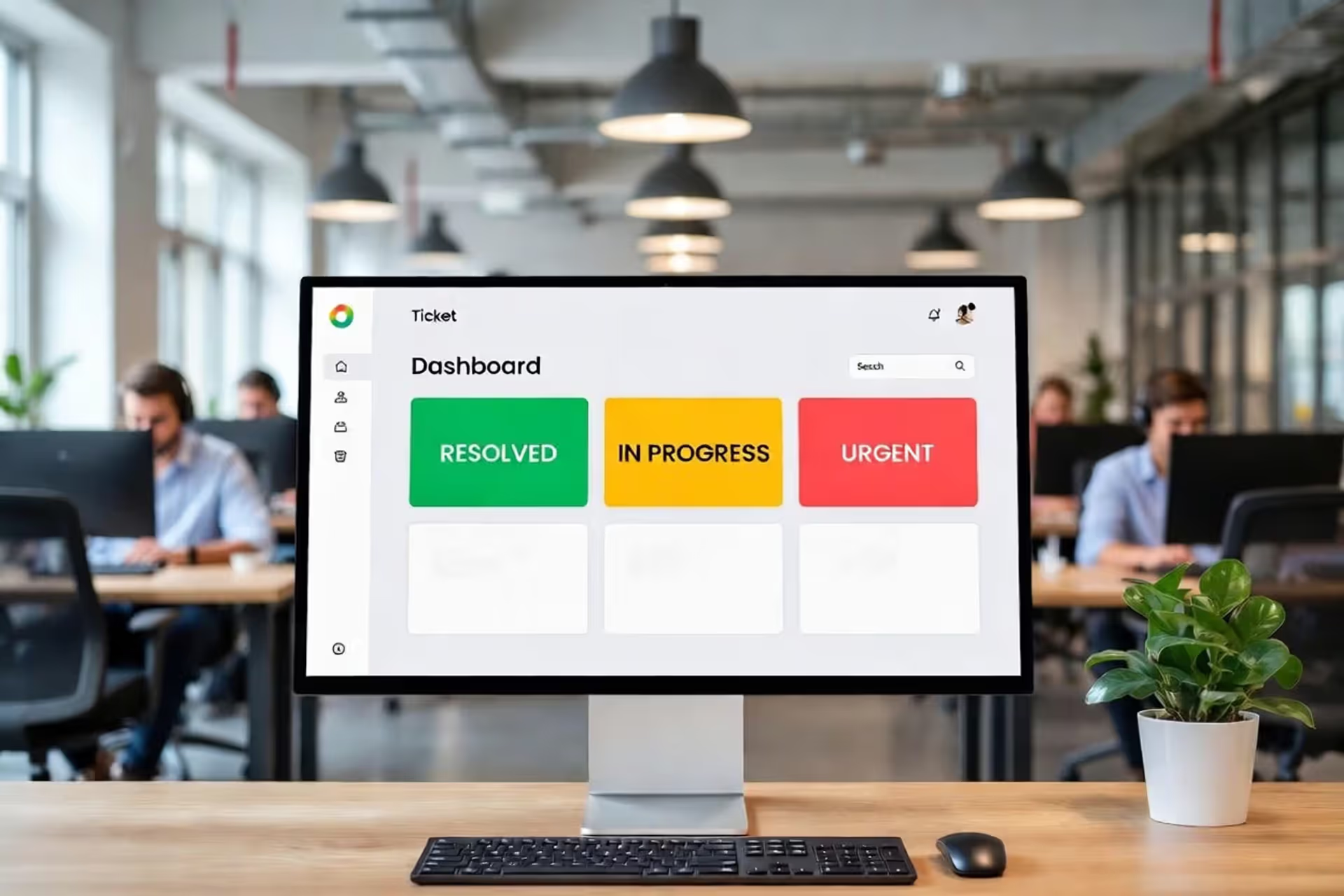
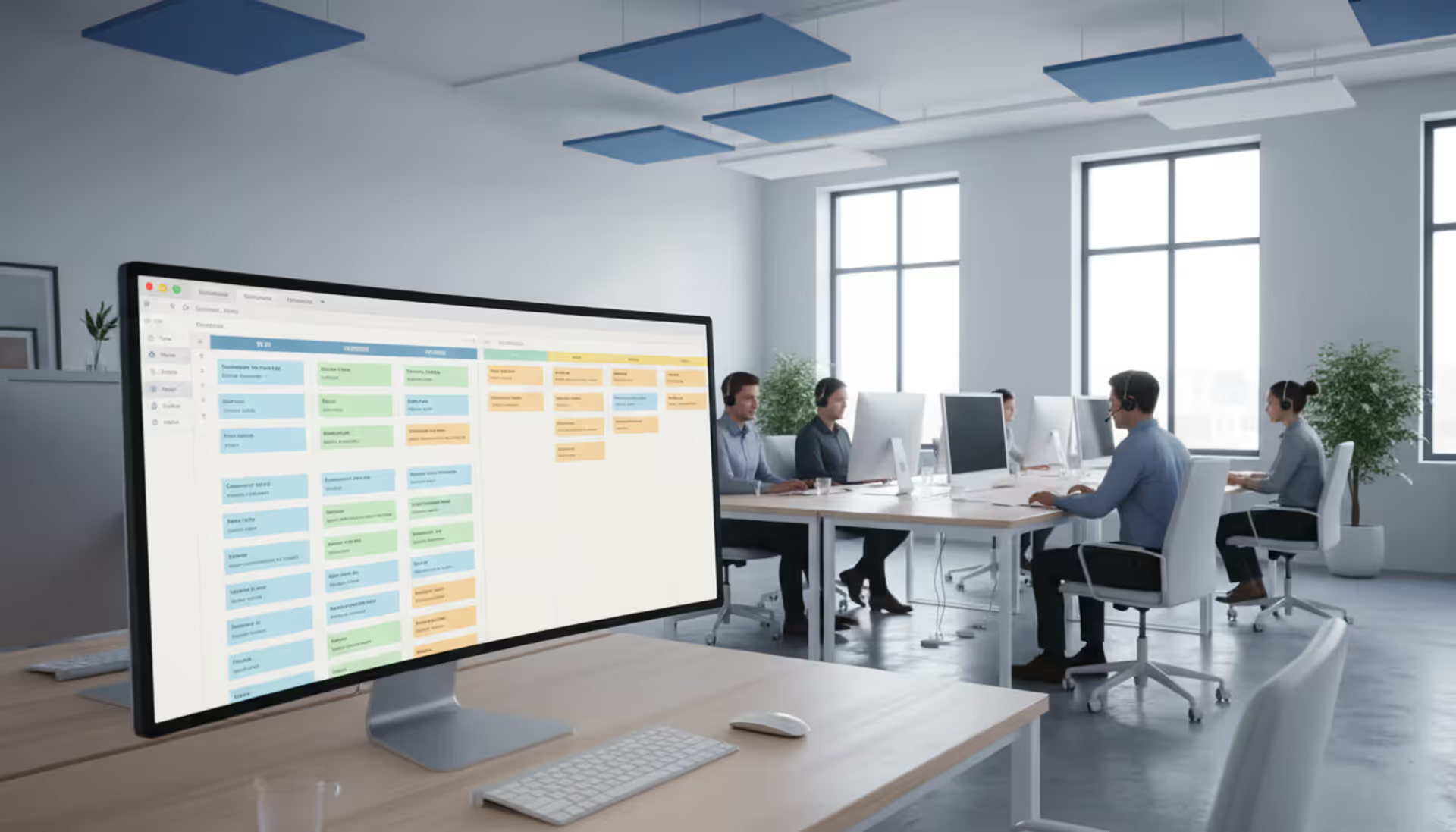
Modern IT department open-space office with a large monitor displaying a ticketing system dashboard with colorful status cards, support team members working at laptops in the background
Here's what happens in most IT departments: someone's laptop won't boot, another person can't access their email, and a third employee is stuck waiting for software they requested two weeks ago. Meanwhile, your team juggles these requests across email threads, Slack messages, and people literally walking up to desks asking “did you get my email?”
That scattered approach falls apart fast. Requests get buried in overflowing inboxes. Nobody knows who's working on what. Critical issues sit unnoticed while someone spends an hour on a low-priority task. Users send the same request through three different channels hoping one sticks.
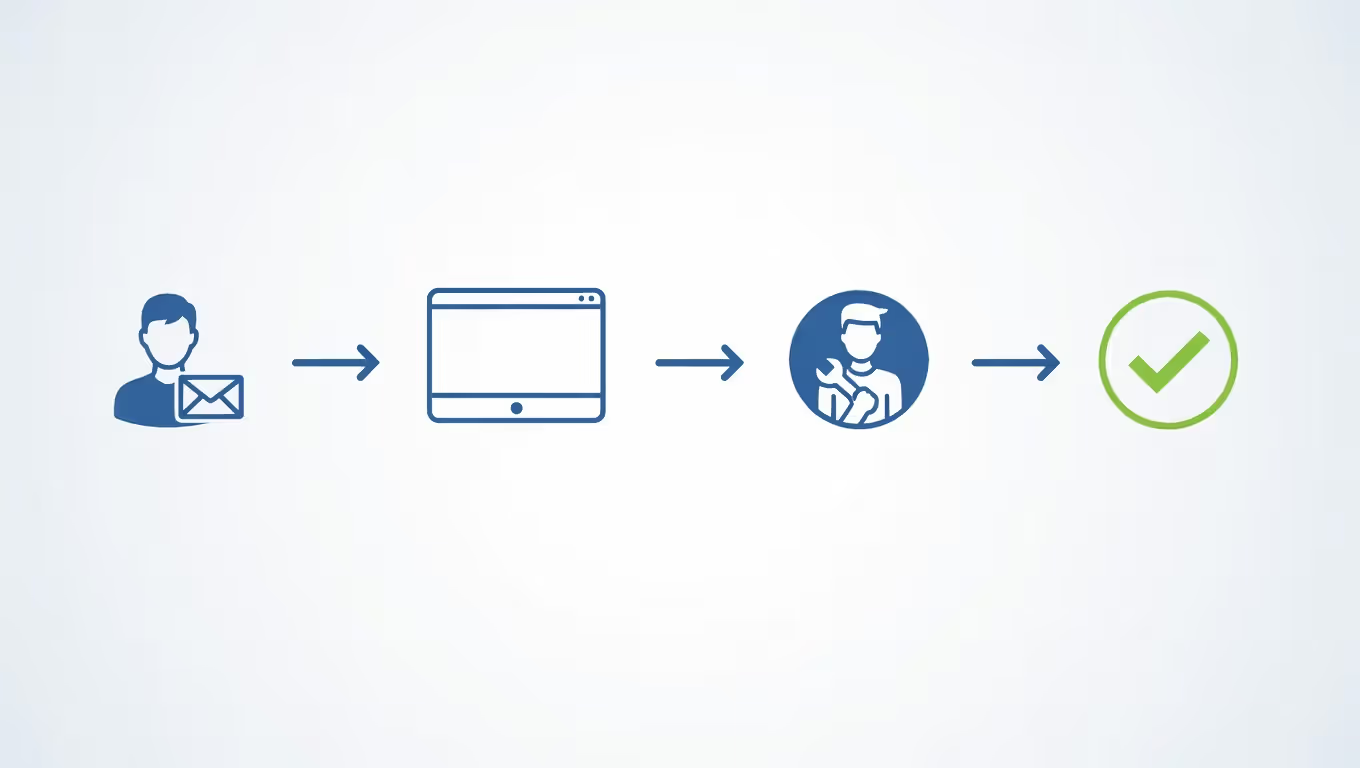
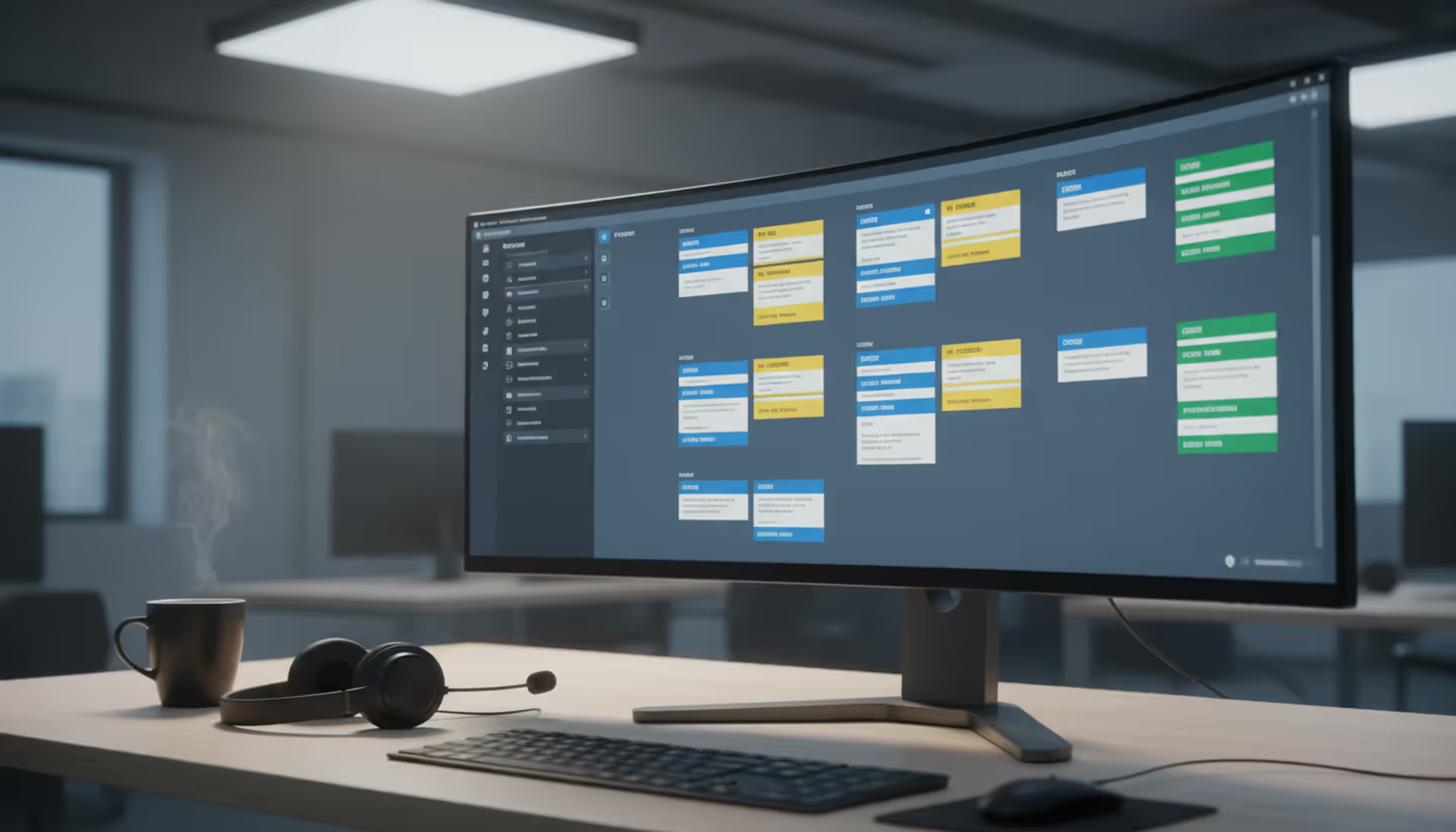
IT ticketing software creates a single system of record for every support interaction. Submit a request through any channel—email, web form, chat—and it becomes a numbered ticket with an owner, due date, and status anyone can check. The question shifts from "did anyone see my request?" to "what's the status of ticket #4729?"
Organizations handling even 20-30 requests daily see immediate returns from structured ticketing. Resolution times drop because nothing slips through cracks. User satisfaction climbs because people get consistent responses instead of radio silence. Team stress decreases because workload becomes visible and manageable.
What Is an IT Ticketing System
Think of ticketing software as a digital reception desk that never sleeps. Someone reports a problem or asks for help, and the system immediately creates a numbered record capturing who needs help, what they need, when they asked, and how urgently they need it.
Here's the typical flow: Sarah in accounting emails help@company.com saying her monitor went dark. The system creates ticket #5847, tags it as "hardware issue," sets priority to "high" since she can't work, and drops it into the hardware support queue. Mike picks up the ticket, sees Sarah's location and asset number, grabs a replacement monitor, swaps it out, and marks the ticket resolved with notes about the failed monitor's disposal. Total elapsed time with full documentation: 23 minutes instead of the hour it would've taken coordinating through email.
Author: Ethan Marlowe;
Source: musiconmainstreet.com
Every ticket captures this complete history. Who reported it, who worked on it, what they tried, what fixed it, and how long it took. This creates a searchable database of solutions. When the next monitor fails, the assigned technician sees exactly what Mike did last time.
Project management tools solve different problems. Asana and Monday.com help teams coordinate on planned initiatives with dependencies, milestones, and Gantt charts. You'd use those to plan a six-month datacenter migration. Ticketing systems handle the unpredictable daily flow of "stuff broke, please fix" requests. Using a project tool for support tickets means fighting the tool constantly. Using a ticketing system to manage strategic projects means missing crucial planning features.
The real difference? Project work is proactive and planned. Support work is reactive and unpredictable. You plan projects. Tickets happen to you.
How IT Ticketing Systems Work
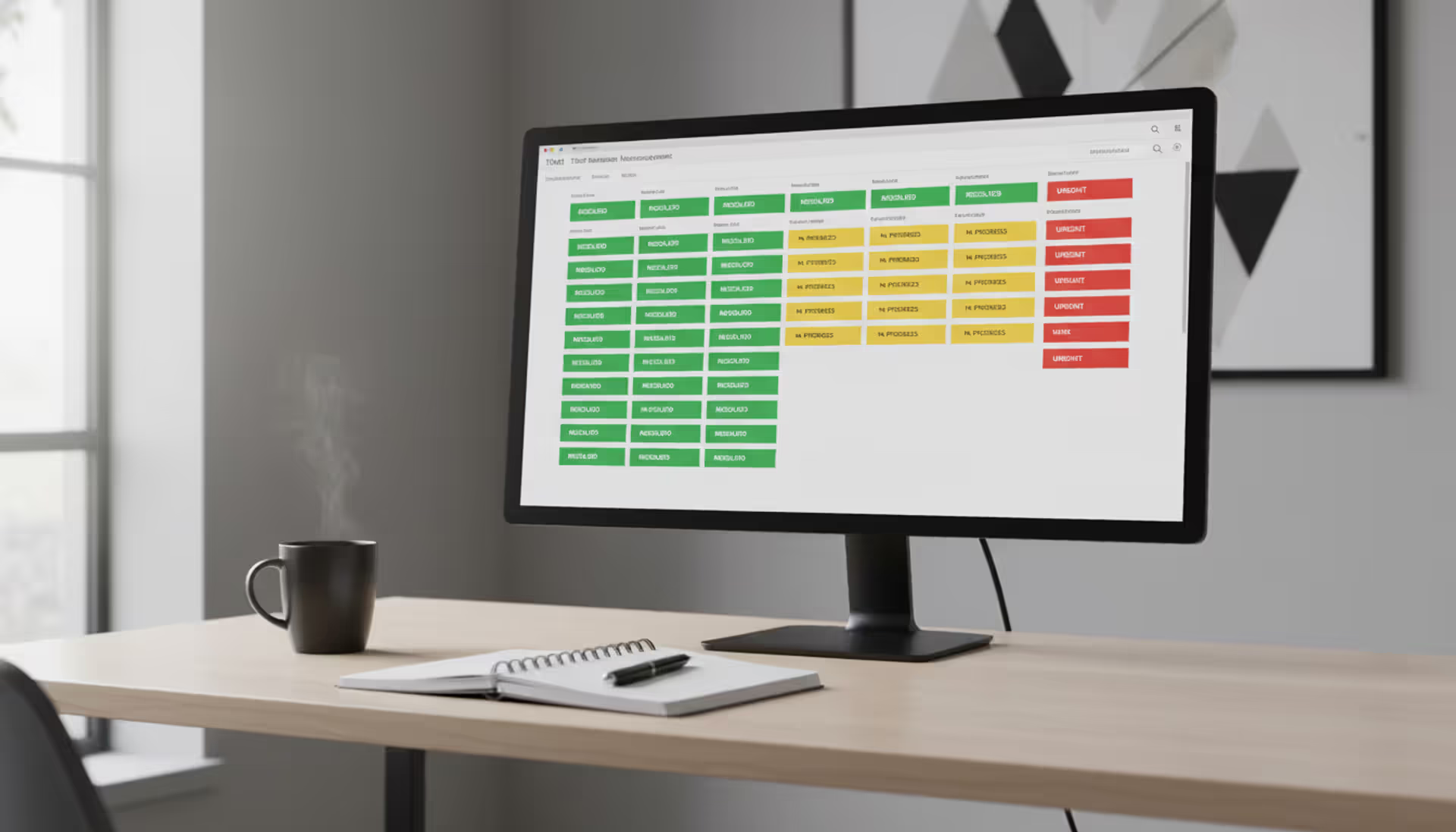
Picture a ticket's journey from birth to death. Someone submits a request and it enters the system as "New." A support team member reviews it during triage, adding details like which system is affected and whether it's actually broken or just a question about how something works. The ticket becomes "Assigned" once a specific technician claims it.
That technician starts investigating, changing status to "In Progress." Maybe they discover they need more information from the user—the ticket shifts to "Pending User Response." Or perhaps this is actually a network issue beyond their expertise, so it escalates to the infrastructure team. Once the technician implements a fix, they document what they did and mark it "Resolved." The user confirms everything works, and the ticket closes permanently.
Routing determines which requests land on whose plate. Manual routing means a team lead reviews each incoming ticket and delegates based on who's available and skilled for that issue type. Automatic routing uses rules: anything mentioning "password" goes to identity management, "VPN" routes to network team, "Salesforce" lands with the CRM specialists.
Geographic routing helps distributed teams. A ticket from the London office goes to European support during business hours there, not to someone in California who's asleep. Skills-based routing matches requirements to expertise—database errors go to DBAs with Oracle experience, not Linux system administrators.
Escalation kicks in when tickets exceed normal timeframes or hit walls. Time-based escalation automatically bumps unresolved tickets after defined periods. A P1 critical issue unresolved after one hour escalates to senior staff and management. Hierarchical escalation moves tickets up support tiers when Level 1 can't crack it. Functional escalation transfers tickets between teams when the original assignment was wrong.
Resolution tracking measures more than "did we close it?" Systems capture time-to-resolution, how many tickets got fixed on first contact, which ones reopened because the fix didn't stick, and what users thought about the experience. Patterns emerge: password resets average 8 minutes while application bugs average 4 hours. The morning shift resolves 15% more tickets than afternoon. One technician closes 40% of tickets on first contact while another barely hits 20%.
Key Features to Look For
Automation and Workflow Rules
Automation handles the boring repetitive stuff so humans can tackle problems requiring actual thinking. Auto-categorization reads ticket content and tags appropriately. Someone writes "can't print to the third floor copier" and the system instantly tags it as "printing issue," sets medium priority, assigns it to facilities IT, and even suggests the technician check toner levels based on similar past tickets.
Automated acknowledgment replies reach users within seconds: "We received your request about email access. Ticket #6891 has been created and assigned to the messaging team. Expect a response within 2 hours." This simple confirmation stops the "did you get my email?" follow-ups that waste everyone's time.
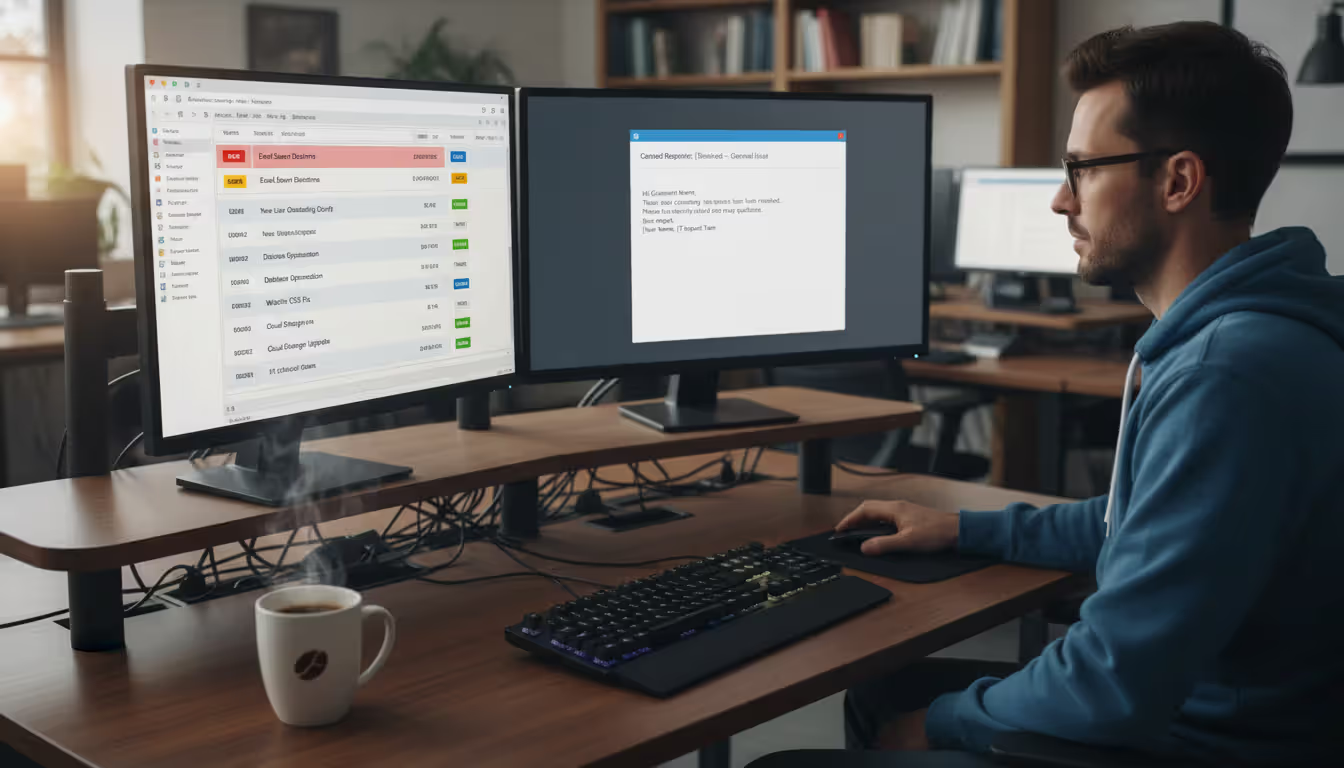
Canned responses let technicians insert pre-written solutions with two clicks. Password reset instructions, browser cache clearing steps, VPN configuration guides—anything you've typed more than five times deserves a canned response. Why retype the same instructions repeatedly?
Author: Ethan Marlowe;
Source: musiconmainstreet.com
Workflow automation triggers actions based on conditions. If a ticket sits unassigned for 30 minutes, assign it to whoever's on-call. When someone submits four tickets in a day, flag their account for a follow-up call to address underlying issues. After closing a ticket, automatically send a satisfaction survey.
The trap? Over-automation creates fragile systems nobody understands. One company built 73 interconnected rules that broke constantly. Tickets routed incorrectly because rule #42 conflicted with rule #58. Start with three automation rules addressing your biggest pain points. Add more only after those run smoothly for a month.
Integration Capabilities
Ticketing systems work best when connected to your existing tools, not as isolated islands. Active Directory integration means the system already knows every user's department, manager, location, and phone extension. No manual data entry. No duplicate accounts. Someone submits a ticket and all their details auto-populate.
Communication platform integration meets people where they work. Slack integration lets users type "/ticket laptop won't charge" directly in Slack and receive updates there instead of checking another portal. Microsoft Teams integration works the same way. Email integration converts support messages into tickets while preserving conversation threads.
Monitoring tool integration shifts support from reactive to proactive. Nagios detects a web server hitting 95% CPU and automatically creates a ticket assigned to infrastructure before users notice slowness. SolarWinds spots a failed backup and generates a ticket to investigate why. Problems get addressed before they cascade.
Asset management integration links tickets to specific hardware and software. Someone reports "my laptop is slow" and the system displays that it's a 2019 Dell Latitude with 8GB RAM running Windows 10, still under warranty, previously repaired twice for overheating. This context speeds diagnosis and reveals that maybe this particular laptop should be replaced instead of repaired again.
API availability determines whether you can build custom connections for specialized needs. Well-documented REST APIs let developers connect the ticketing system to homegrown tools, extract data for executive dashboards, or trigger workflows in other platforms. Closed systems without APIs become data prisons.
Reporting and Analytics
Reporting turns ticket data into decisions. Volume reports show that ticket submissions spike every Monday morning and dip Friday afternoons, suggesting you need more coverage Mondays and can run lighter Fridays. Category distribution reveals that 40% of tickets involve password resets, pointing toward implementing self-service password reset to reduce that load.
Performance metrics track team and individual productivity. Average resolution time shows whether response speed is improving or degrading. Tickets closed per day reveals capacity constraints. First-contact resolution rates identify which technicians consistently solve problems without escalation or repeated attempts.
SLA compliance reports measure whether you're meeting commitments. If you promise 4-hour response for high-priority tickets but only hit that target 73% of the time, the report highlights the gap. Drill down to discover that network issues consistently blow past SLA while software requests stay on track.
User satisfaction analytics aggregate post-resolution survey responses. Tracking satisfaction trends across teams reveals that the helpdesk team scores 4.2/5 while the application team scores 3.1/5. Correlating satisfaction with other metrics might reveal that users don't actually care about resolution speed—they care about communication quality during the resolution process.
Custom reporting flexibility separates good systems from great ones. Pre-built reports cover 80% of needs. The ability to create custom views filtering by specific criteria—show me all tickets from the finance department about ERP issues resolved by Sarah in the last quarter—handles the remaining 20%. Scheduled automated reports deliver these custom views to stakeholders' inboxes weekly without manual work.
Types of IT Ticketing Solutions
Different ticketing philosophies match different support models. Mismatching your approach to the wrong platform creates constant friction.
Enterprises, regulated industries, organizations following ITIL frameworks
Support Ticketing
External customer assistance
Multi-channel intake, self-service portals, public knowledge bases, customer satisfaction tracking
SaaS companies, product manufacturers, any team supporting paying customers
Help desk ticketing platforms focus on speed and simplicity. Something breaks, someone fixes it, ticket closes. These systems emphasize quick intake from multiple channels, clear queue visibility, and simple workflows without ceremony. They excel for small to mid-sized internal IT teams where "support" means resolving employee issues quickly without extensive documentation requirements.
Service desk ticketing systems implement ITSM frameworks like ITIL with all the ceremony that entails. Beyond fixing broken things, they manage service requests, change approvals, problem investigations, and asset lifecycles. They maintain Configuration Management Databases linking every ticket to specific infrastructure components. These platforms suit regulated industries, large enterprises, or any organization where "we fixed it" isn't sufficient documentation.
The service desk approach introduces overhead that small teams don't need. Requiring three-person change advisory board approval for routine tasks like password resets slows everything down without adding value. But organizations managing complex infrastructure or facing SOX compliance benefit from this structure. When auditors ask "show me every change to your financial systems in Q3," you'll appreciate detailed change records.
Support ticketing systems serve customer-facing teams helping external users with products or services. They emphasize omnichannel communication—users can start conversations via email, continue in chat, and escalate to phone without losing context. Features like customer self-service portals, public knowledge bases, and community forums matter more here than internal asset tracking. Measuring customer satisfaction becomes critical when those customers can switch to competitors.
Pick based on who you're supporting and what rules you follow. Internal IT supporting 500 employees has different needs than a SaaS company supporting 50,000 paying customers. A hospital IT department faces HIPAA requirements that a marketing agency doesn't.
Common Implementation Mistakes
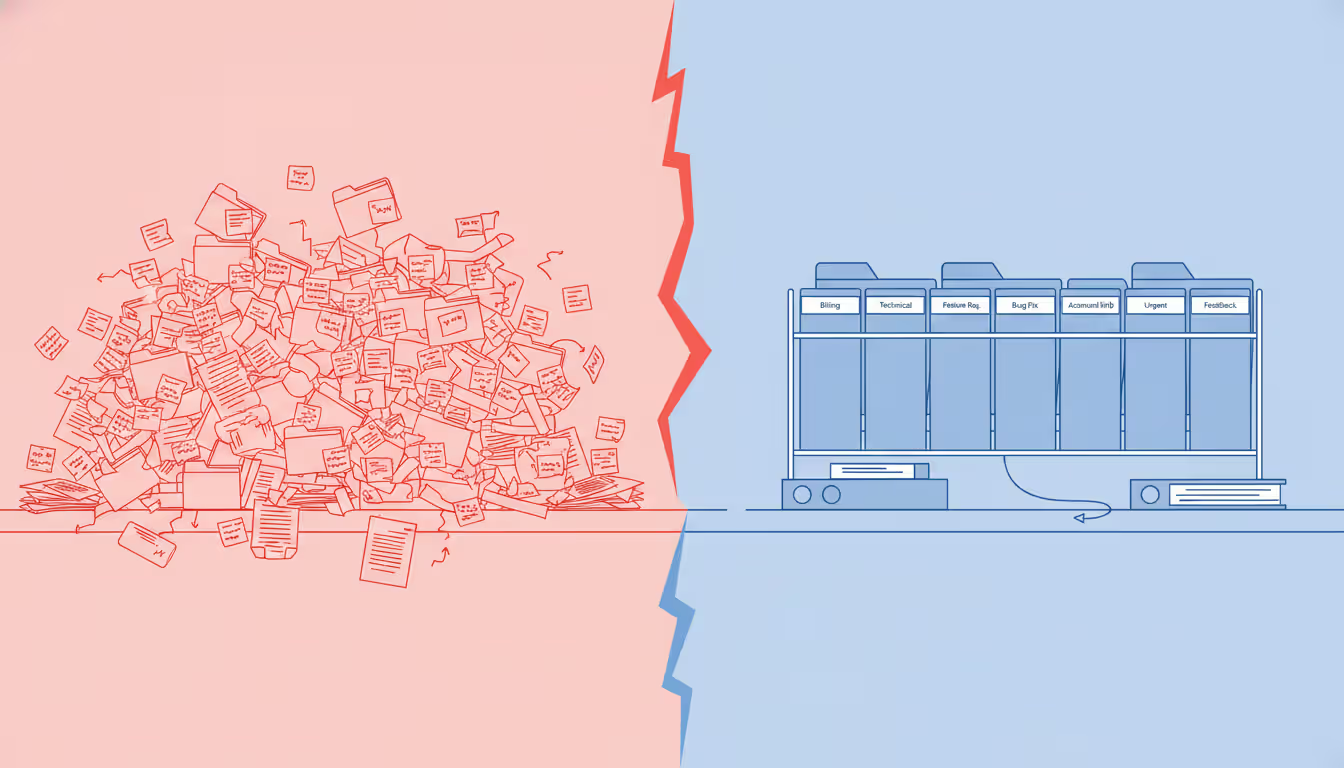
Poor categorization schemes torpedo reporting before you start. Too few categories—just "hardware," "software," and "other"—means everything becomes "other" and you can't identify trends. Too many granular categories confuse staff and fragment reporting. One retailer created separate categories for "register won't turn on," "register turns on but screen black," "register screen works but won't scan," and 44 other point-of-sale variations. Nobody could remember which to use, and ticket data became meaningless.
Effective categorization balances specificity with usability. Generally 8-12 top-level categories with 3-5 subcategories each works well. "Hardware > Desktop," "Hardware > Laptop," "Hardware > Printer" provides enough detail without overwhelming.
Author: Ethan Marlowe;
Source: musiconmainstreet.com
Skipping SLA definitions means tickets languish because nobody knows what "urgent" means. Without clear response and resolution targets, teams work reactively—whoever complains loudest gets attention regardless of actual business impact. One financial services firm discovered that 40% of tickets marked "critical" involved non-essential requests like software trials because they'd never defined what made something critical versus routine.
Define SLAs during implementation, not six months later when you're drowning. Critical issues affecting revenue need 1-hour response. High-priority items blocking work need 4-hour response. Medium-priority requests need same-day response. Low-priority questions can wait 48 hours. Put stakes in the ground.
Insufficient training derails adoption on both sides. Support staff need training not just on clicking buttons but on consistent processes for categorizing, prioritizing, and documenting work. End users need clear guidance on when to submit tickets versus using other channels. Without this, users continue emailing managers directly, stopping technicians in hallways, or sending the same request three different ways hoping something works.
Over-customization creates technical debt that haunts you for years. Every custom field, workflow rule, and integration adds maintenance burden and complicates upgrades. One manufacturer customized their ticketing system so extensively that they couldn't upgrade for three years, missing security patches and new features. Each upgrade required a $40,000 consulting engagement to preserve customizations.
Use implementation as an opportunity to streamline workflows, not cement existing inefficiencies in software. Just because you've always done something a certain way doesn't mean the new system should replicate it exactly.
Ignoring mobile requirements in 2025 seems absurd, yet implementations still optimize purely for desktop use. Technicians work in server rooms, on factory floors, and at remote locations. If updating tickets requires returning to a desk, they'll wait hours, delaying status updates and extending apparent resolution times.
How to Choose the Right System
Team size and structure shape requirements dramatically. Five IT staff supporting 200 users need different capabilities than 50 support staff managing 10,000 employees across 12 locations. Small teams benefit from intuitive systems requiring minimal administration—nobody has time to be a full-time ticketing system administrator. Larger teams need robust automation, sophisticated routing, and granular permissions to manage complexity.
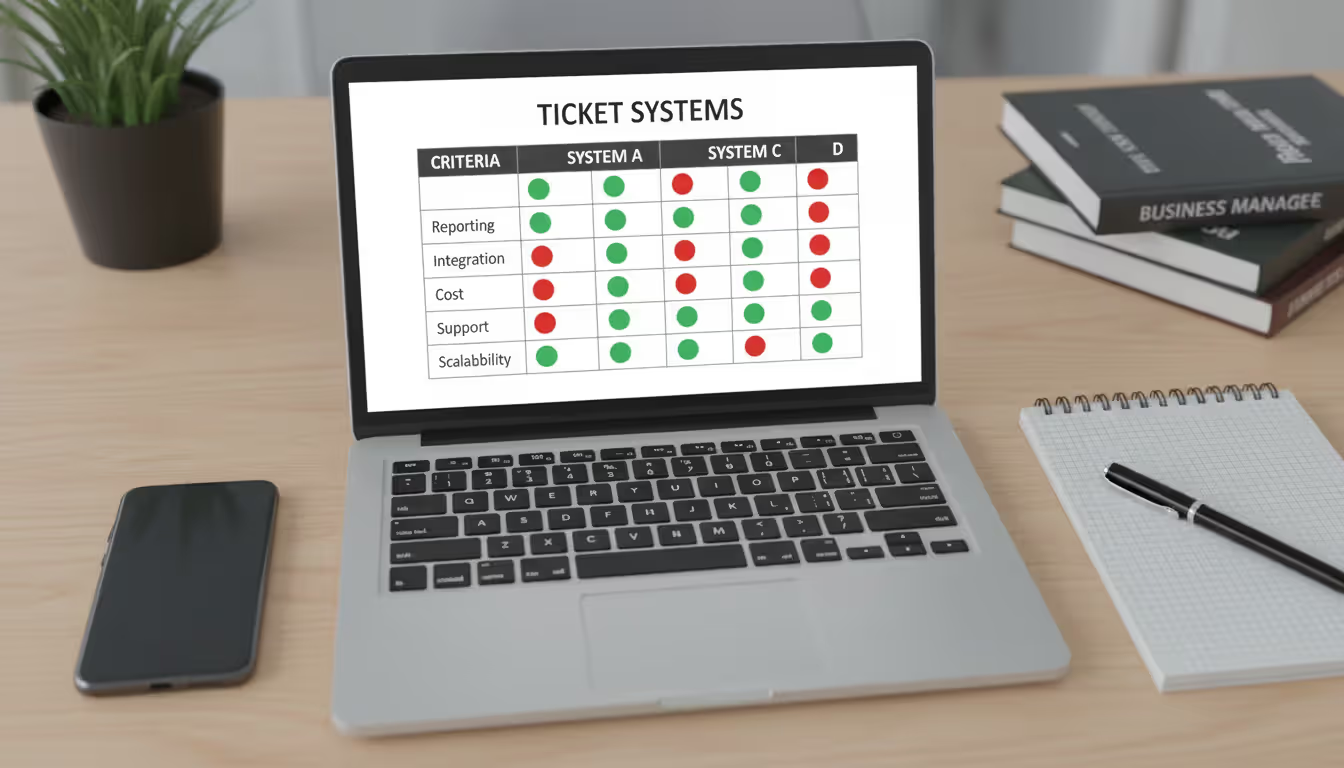
Create a weighted scoring matrix listing requirements and their importance. Critical features receive weights of 5, nice-to-haves get weights of 1. If your organization lives in Slack, Slack integration isn't optional—it's critical, weight 5. If supporting remote workers across time zones is your reality, mobile access and asynchronous communication features are critical, not nice-to-haves.
Author: Ethan Marlowe;
Source: musiconmainstreet.com
Score each system against requirements, multiply by weights, and total the scores. This prevents "shiny feature syndrome" where an impressive demo of a feature you'll never use sways decisions.
Think about scaling from day one. A system handling 500 monthly tickets smoothly might collapse under 5,000. Ask vendors pointed questions about performance at 10x your current volume. Check their pricing models carefully—some charge per technician, others per ticket, some by enabled features. A platform with low entry costs but expensive scaling might cost more over five years than a higher-priced but linearly scaling alternative.
When calculating costs, look beyond licensing fees to total ownership expenses. Migration from your current system costs money and time. Building integrations costs money and time. Customization costs money and time. Training costs money and time. Ongoing maintenance, support contracts, and administrator time all cost money. Cloud platforms typically charge monthly or annually per user with minimal upfront investment but perpetual costs. On-premise systems require larger initial investments for licenses and infrastructure but lower recurring expenses.
Trial extensively before committing. Most vendors offer 30-day trials or proof-of-concept implementations. Test with actual tickets and real team members, not just the implementation team. Watch how quickly new users become productive. Identify friction points in common workflows. A system that demos beautifully might prove clunky in daily use. Better to discover that during trial than after signing a three-year contract.
too many organizations select ticketing platforms based on feature checklists rather than workflow fit. The system your team consistently uses beats the feature-rich platform they resist. Sometimes the simpler tool with 80% of desired capabilities but high adoption outperforms the comprehensive system nobody wants to touch
— Jennifer Martinez
Vendor stability matters for long-term success. Research the vendor's financial health, customer base, and development velocity. A platform from a struggling startup risks abandonment, leaving you stranded on unsupported software. Review product roadmaps to confirm planned features align with your future needs. Check release frequency—vendors shipping updates monthly show active development, while vendors on annual release cycles might be coasting.
Frequently Asked Questions
What distinguishes help desk from service desk ticketing systems?
Help desk platforms concentrate on reactive incident resolution—fixing broken things quickly. Service desk platforms implement comprehensive IT service management including change approval workflows, asset lifecycle tracking, and service catalogs. Help desks work well for smaller teams handling straightforward support without regulatory requirements. Service desks fit organizations following ITIL frameworks, requiring detailed audit trails, or managing complex change control processes.
What should I expect to pay for ticketing software?
Cloud-based systems range from $15-$100 monthly per agent depending on features. Entry-level platforms start around $15-30 per agent covering basic ticketing, email integration, and simple reporting. Mid-tier systems run $40-70 per agent adding automation, integrations, and advanced analytics. Enterprise platforms exceed $100 per agent including full ITSM capabilities, extensive customization, and dedicated support. On-premise systems require upfront license investments from $5,000-$50,000 plus infrastructure costs and ongoing maintenance.
Will ticketing systems connect to our current tools?
Modern platforms offer extensive integration options through pre-built connectors and APIs. Common integrations include email systems, Active Directory, monitoring platforms, asset databases, Slack or Teams, and SSO providers. Integration capabilities vary significantly between vendors, so verify specific integrations during evaluation. Systems with robust APIs let you build custom connections for specialized internal tools.
At what point does a team need ticketing software?
Teams handling more than 10-15 daily requests benefit from structured ticketing. Below this threshold, a shared email account or simple spreadsheet might suffice. Once volume increases, team size grows beyond three people, or request complexity rises, manual tracking breaks down. Organizations with compliance mandates, SLA commitments, or multi-tier support need ticketing regardless of volume to maintain audit trails and measure performance.
How much time should we budget for implementation?
Basic implementations for small teams take 2-4 weeks including configuration, limited data migration, and training. Mid-sized deployments with multiple integrations and workflow customization require 1-3 months. Enterprise implementations involving complex workflows, extensive integrations, change management processes, and data migration from legacy systems can extend 4-6 months or longer. Cloud platforms generally deploy faster than on-premise installations because they eliminate infrastructure setup.
Are cloud and on-premise systems functionally different?
Feature parity has mostly converged, though some differences persist. Cloud systems update automatically with new capabilities, while on-premise versions require manual upgrades you control. Cloud platforms include infrastructure management, backups, disaster recovery, and security in subscription costs. On-premise systems offer greater customization control and data residency options important for certain compliance scenarios. Cloud systems scale more elastically but may cost more long-term. On-premise systems require larger upfront investments but potentially lower total cost of ownership over 5+ years.
Deploying ticketing software fundamentally transforms how teams deliver support. The shift from reactive chaos to structured service delivery shows up immediately in measurable ways: faster resolution times, higher user satisfaction, lower stress, better visibility into workload distribution.
Success depends less on selecting the platform with the longest feature list and more on choosing one matching your team's actual workflows and capabilities. A system packed with features nobody uses underperforms a simpler platform everyone adopts enthusiastically. Begin with clear requirements based on real needs rather than theoretical possibilities. Roll out thoughtfully with adequate training and change management support. Measure results against baseline metrics to demonstrate value and identify improvement opportunities.
The ticketing system becomes your foundation for continuous improvement. Resolved ticket data reveals patterns informing training priorities and documentation needs. Common issues transform into self-service knowledge base articles. Complex problems develop documented procedures. Team expertise compounds through shared learning captured in ticket histories.
Support teams committed to delivering reliable, measurable service find ticketing systems shift the conversation from "what broke?" to "how do we prevent this from breaking again?" That shift—from reactive firefighting to proactive improvement—represents the real value.
Running a small business means wearing multiple hats. When support requests pile up in email inboxes, Slack threads, and sticky notes, tracking who's handling what becomes impossible. A ticketing system transforms chaos into clarity by centralizing every request, assigning ownership, and creating workflows your team can follow
Choosing the wrong ticketing system costs thousands in lost productivity and expensive migrations. This comprehensive comparison evaluates leading platforms across features, pricing, and real-world use cases to help you select the right solution for IT support or customer service needs
A ticketing system converts requests into structured records called tickets, preventing customer questions and IT issues from falling through the cracks. Learn how ticketing platforms work, what features matter, and how to choose the right solution for your business needs
Managing support requests without breaking the budget is possible with open source ticketing systems. This guide compares popular platforms like osTicket, Zammad, and OTRS, covering essential features, implementation considerations, and hidden costs to help you choose the right solution
The content on this website is provided for general informational and educational purposes only. It is intended to explain concepts related to event management software, ticketing systems, hybrid event platforms, and operational tools for event organisers.
All information on this website, including articles, guides, and examples, is presented for general educational purposes. Outcomes may vary depending on event size, technology choices, and organisational needs.
This website does not provide professional legal, financial, or software advice, and the information presented should not be used as a substitute for consultation with qualified event tech or IT professionals.
The website and its authors are not responsible for any errors or omissions, or for any outcomes resulting from decisions made based on the information provided on this website.