An MSP ticketing system is specialized software designed to help managed service providers track, organize, and resolve client IT issues across multiple organizations from a single platform. Unlike standard help desk tools built for internal IT departments, these systems handle requests from dozens or hundreds of different client companies simultaneously while keeping each client's data completely separate.
The core functionality revolves around converting every client request—whether it arrives via email, phone, chat, or self-service portal—into a structured ticket. Each ticket captures the problem description, priority level, affected user, client organization, and any relevant technical details. Technicians then work these tickets through to resolution while the system tracks time spent, communications exchanged, and actions taken.
What sets managed service ticketing apart is its multi-tenant architecture. When a ticket comes in from Company A, it remains isolated from Company B's tickets even though both clients share the same MSP. Technicians see a unified queue but can filter by client, service agreement, or urgency. The system enforces different SLA timers, escalation rules, and approval workflows depending on which client contract applies.
The typical ticket lifecycle in an MSP context starts when a client employee reports an issue through their dedicated portal or sends an email to a monitored address. The system automatically creates a ticket, assigns it based on predefined rules (client location, issue type, technician skills), and starts the SLA clock. As the assigned technician investigates, they document findings, track billable hours, and communicate updates back to the client. Once resolved, the ticket moves to a closed state, but the system retains all details for future reference, trend analysis, and billing verification.
Managed IT ticketing platforms integrate deeply with other MSP tools. They pull device information from remote monitoring systems, sync with professional services automation software for billing, and connect to knowledge bases for faster resolution. This integration eliminates duplicate data entry and ensures technicians have complete context when addressing client issues.
Key Features Every MSP Ticketing Platform Should Include
Multi-tenant architecture stands as the non-negotiable foundation. Without it, you're essentially running separate help desk instances for each client, which defeats the entire purpose of centralized service delivery. Proper multi-tenancy means one database, one interface for technicians, but complete data isolation between clients. Each organization gets its own branding, custom fields, and portal access without seeing other clients' information.
Automation capabilities determine how much manual busywork your team endures daily. MSP ticketing software should automatically route tickets based on client, issue category, and technician availability. It should escalate overdue tickets without human intervention, send status updates to clients at predefined intervals, and close resolved tickets after confirmation periods expire. The best platforms let you build conditional workflows: if a VIP client reports a server issue after hours, page the senior technician immediately and notify the account manager.
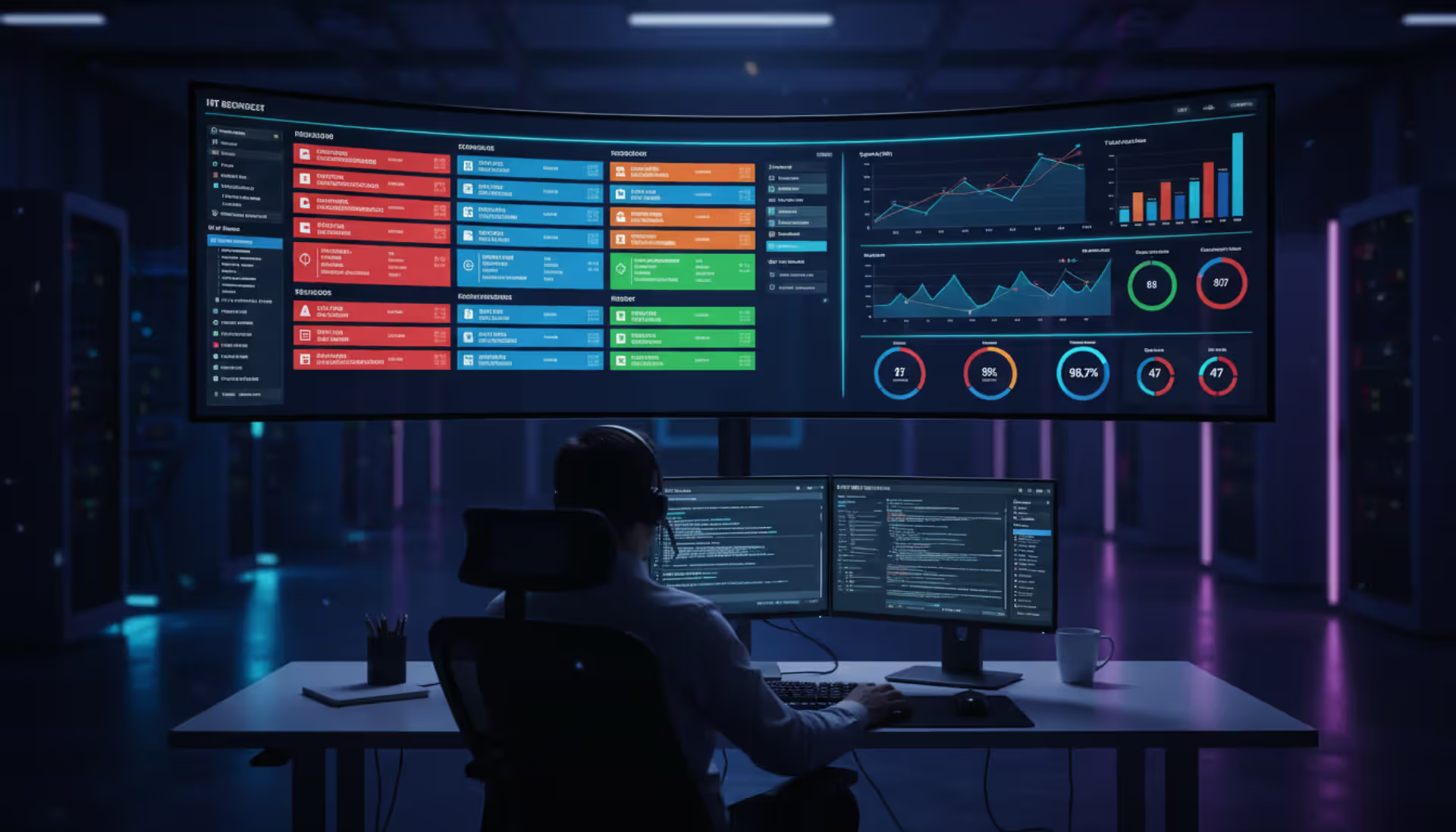
SLA management goes beyond simple timers. Your msp helpdesk software needs to handle multiple SLA tiers simultaneously—bronze clients get 8-hour response times while platinum clients get 1-hour guarantees. The system should pause SLA clocks when waiting for client input, adjust targets based on time zones, and provide early warnings before breaches occur. Dashboards must show SLA compliance rates by client, technician, and issue type so you can spot problems before they become contract disputes.
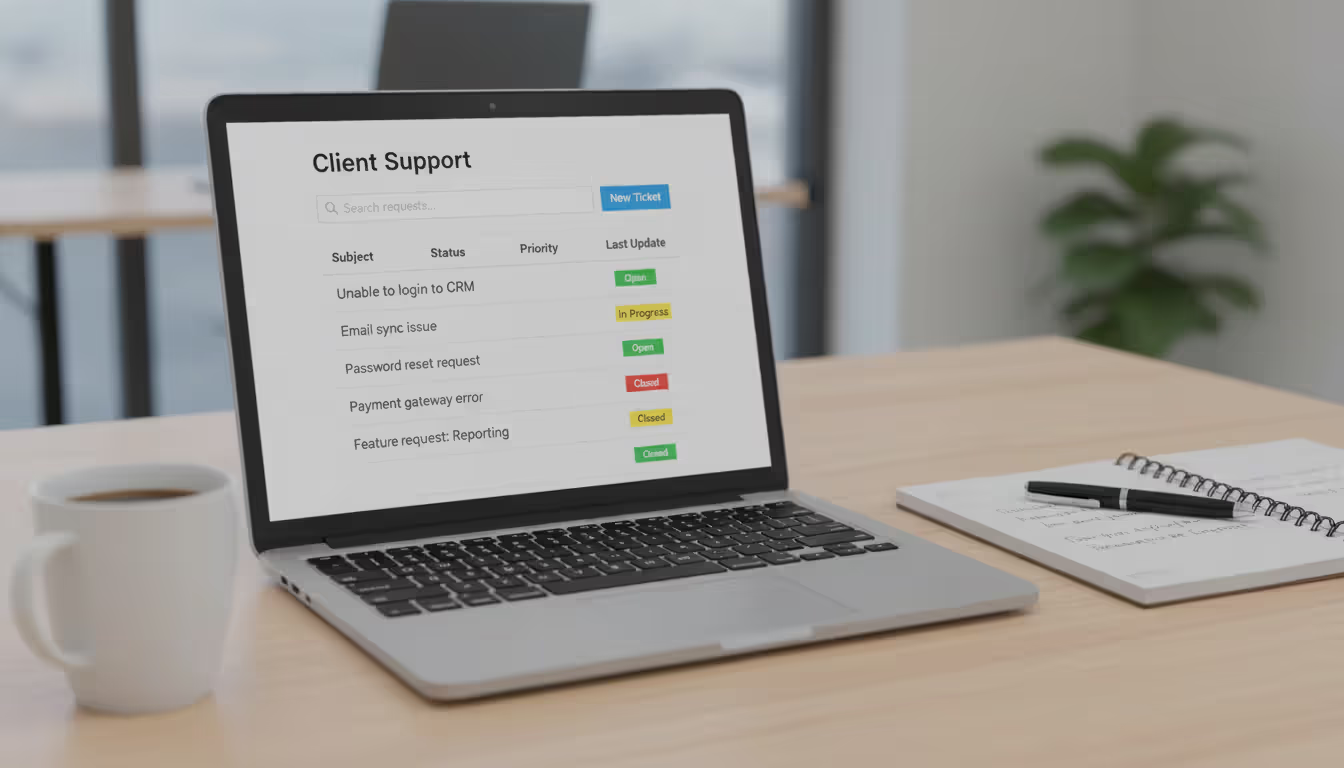
Client portals give your customers self-service capabilities without granting access to your internal systems. Through their branded portal, clients submit tickets, check status, search knowledge articles, and review their ticket history. Portal access reduces phone interruptions and creates an audit trail of every request. Some MSPs restrict portal access to designated client contacts, while others allow any employee to submit tickets depending on the service agreement.
Author: Chloe Winslow;
Source: musiconmainstreet.com
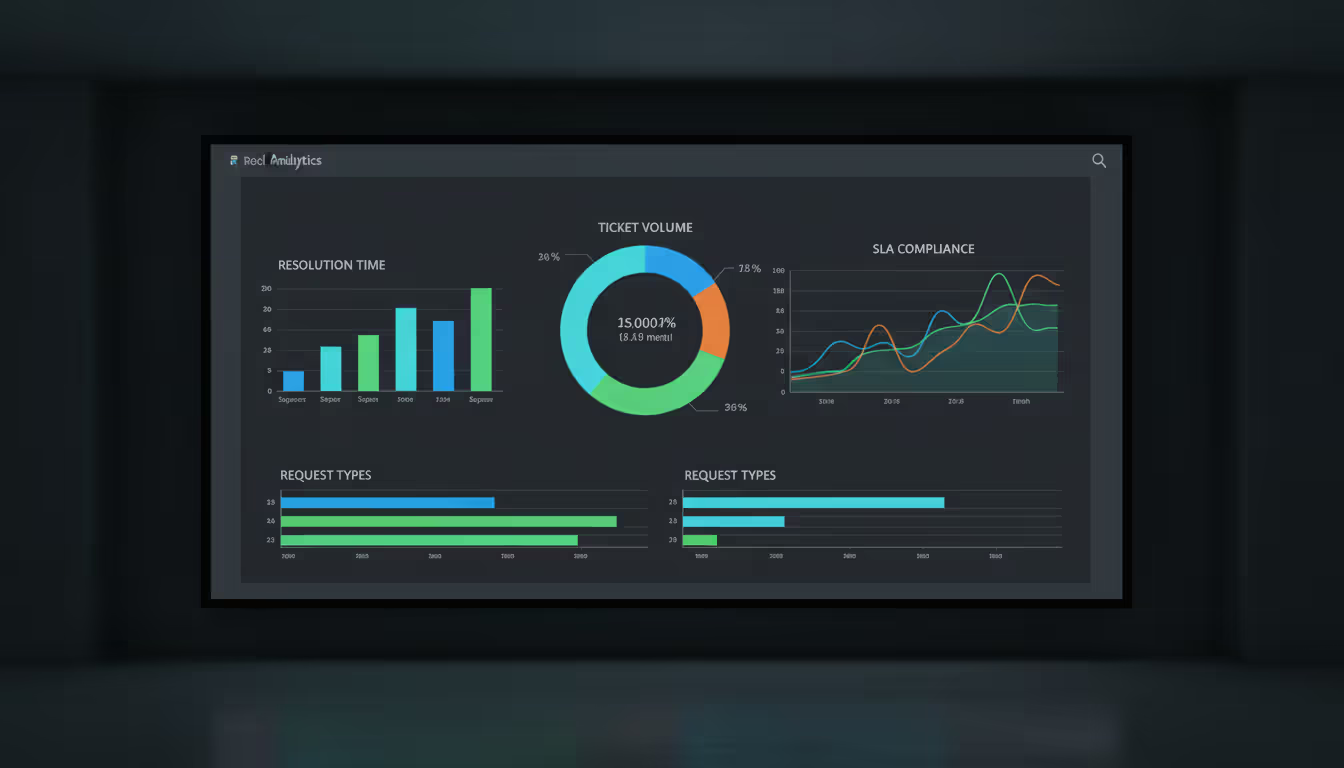
Reporting and analytics separate functional itsm ticketing system platforms from exceptional ones. You need visibility into ticket volume trends, average resolution times, recurring issues by client, technician productivity, and SLA compliance rates. Monthly business reviews with clients become straightforward when you can generate reports showing exactly how many issues you resolved, how quickly, and how much downtime you prevented. Internal reports help identify training needs, staffing gaps, and clients who might benefit from proactive maintenance.
Integration capabilities determine whether your ticketing system becomes the hub of your service delivery or an isolated data silo. Direct connections to RMM platforms let technicians see device health metrics without switching applications. PSA integration ensures every billable minute flows automatically to invoicing. Email integration converts client messages to tickets without manual forwarding. Documentation system links attach relevant procedures to common ticket types. The fewer times technicians need to copy information between systems, the more time they spend actually solving problems.
MSP Ticketing System vs Service Desk Ticketing Software
Feature
MSP Ticketing System
Service Desk Ticketing Software
Client management
Handles hundreds of separate client organizations with isolated data and custom SLAs
Manages single organization with departments or locations
Multi-tenant support
Core architecture requirement with complete data separation between clients
Not applicable; designed for single-tenant use
Billing integration
Direct connection to time tracking and invoicing with client-specific rates
May track time but rarely integrates with external billing
Primary use case
External service delivery across multiple client companies
Internal IT support for one organization
Typical user base
MSPs, IT consultancies, break-fix providers
Corporate IT departments, government agencies, universities
The distinction between service desk ticketing systems and MSP-specific platforms becomes critical as your client base grows. A service desk ticketing system works perfectly when supporting employees within one company. You configure it once, train your team, and run it for years with minor adjustments. The moment you add a second client with different SLA requirements, billing rates, and support hours, standard service desk software starts showing cracks.
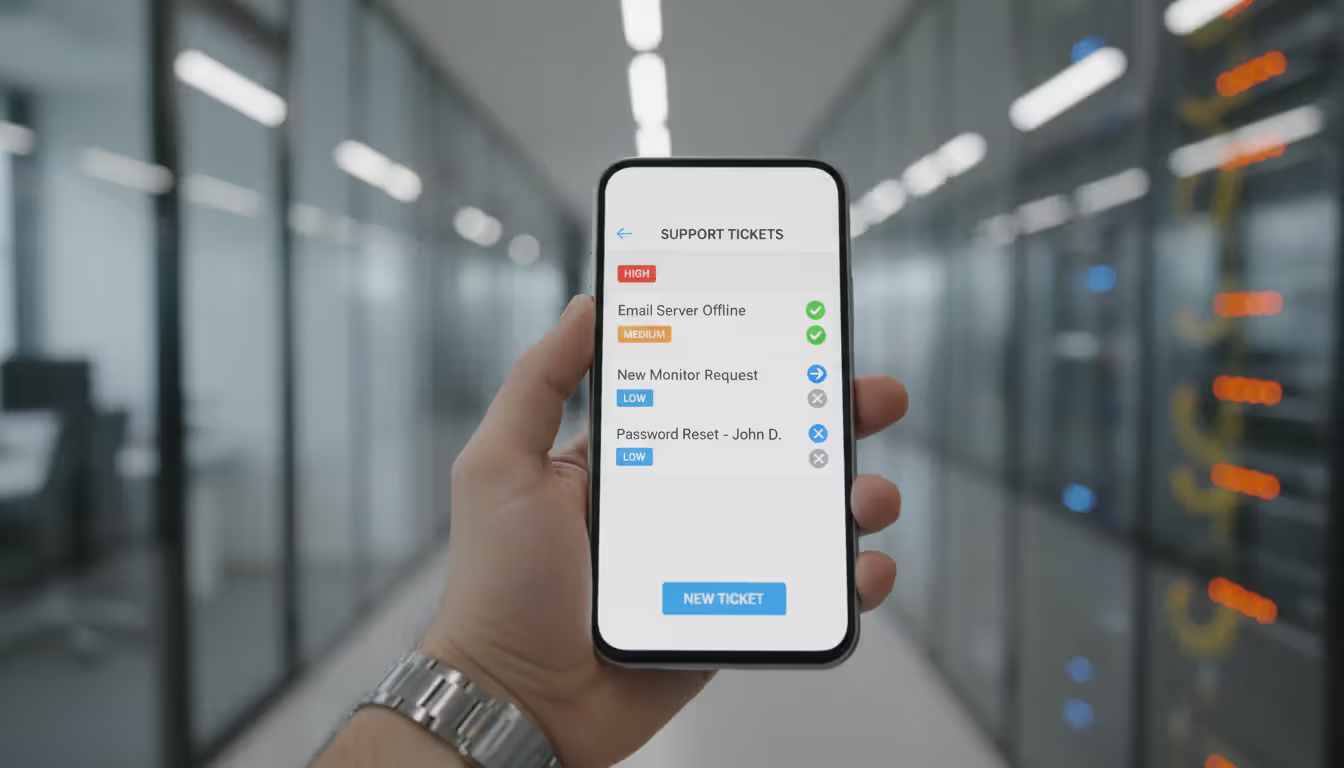
Field service ticketing system capabilities represent another differentiator. MSPs often dispatch technicians to client sites for on-premise work. MSP ticketing platforms include mobile apps with offline access, GPS tracking, client signature capture, and parts inventory management. Service desk ticketing software typically assumes technicians work from a central office and remote into systems.
Billing integration reveals the sharpest contrast. MSPs bill clients for support time, often with different rates for various service types or times of day. MSP platforms track billable versus non-billable time automatically, apply client-specific rates, and export timesheet data to accounting systems. Internal IT teams using standard service desk ticketing systems don't bill for their time, so these features don't exist or remain underdeveloped.
Scalability requirements differ fundamentally. Adding another client to an MSP ticketing system means creating a new tenant, configuring their specific settings, and granting portal access—maybe 30 minutes of work. Trying to support multiple external clients with internal service desk software often requires awkward workarounds like treating each client as a department or creating custom fields to track which company each ticket belongs to. These hacks break down as client count increases.
How to Choose the Best MSP Ticketing System for Your Business
Start by assessing your current client volume and growth projections. Managing 10 clients with simple support needs differs dramatically from supporting 100 clients across multiple industries. Some platforms price per technician regardless of client count, making them economical for MSPs with many small clients. Others charge per client or per end-user, which works better when you support a few large organizations with hundreds of employees each.
Integration requirements often narrow your options quickly. If you've already invested in a specific RMM platform or PSA tool, verify that potential ticketing systems offer native integration—not just API access that requires custom development. Check whether the integration is bidirectional and real-time. A technician should see RMM alerts within the ticket interface and update ticket status from the RMM console without synchronization delays.
Mobile access matters more than most MSPs initially realize. Technicians traveling between client sites need to update tickets, check documentation, and log time from their phones. Evaluate mobile apps for offline functionality, ease of use, and feature completeness compared to the desktop version. A mobile app that only lets technicians view tickets but not update them creates frustration and data entry backlogs.
Author: Chloe Winslow;
Source: musiconmainstreet.com
Customization requirements vary based on your service offerings. If you provide standardized support packages, you might succeed with minimal customization. MSPs offering specialized services—healthcare IT compliance, manufacturing systems support, legal technology—often need custom fields, workflows, and reporting that generic configurations can't provide. Balance customization needs against complexity; every custom field adds training overhead and potential confusion.
Budget considerations extend beyond monthly subscription fees. Factor in implementation costs, data migration from your current system, training time for technicians and clients, and potential productivity dips during the transition period. A platform that costs $50 per technician monthly but requires $10,000 in setup fees and three months of reduced productivity might cost more than a $100 per technician solution that you can deploy in two weeks.
The best msp ticketing system for a 5-person shop differs completely from the optimal choice for a 50-technician operation. Smaller MSPs should prioritize ease of use and quick setup over enterprise features they won't use for years. Growing MSPs need platforms that won't require replacement when they double in size. The switching cost—in data migration, retraining, and client disruption—often exceeds the cumulative cost difference between platforms
— Sarah Chen
Test thoroughly before committing. Most vendors offer 14 to 30-day trials. During your evaluation, migrate a subset of real client data, have technicians work actual tickets, and generate the reports you'll need for client reviews. Don't just click through demo environments with sample data. You'll discover limitations and friction points that sales presentations never mention.
Common Mistakes When Implementing MSP Ticketing Software
Rushing through onboarding represents the most expensive mistake. MSPs eager to escape their current system often configure the bare minimum, import client data hastily, and declare victory. Three months later, they're drowning in miscategorized tickets, broken automation rules, and client complaints about confusing portal interfaces. Proper implementation takes 4-6 weeks minimum for small MSPs and 2-3 months for larger operations. That time investment pays dividends in reduced ongoing friction.
Ignoring automation features wastes the primary advantage of modern platforms. If technicians still manually assign every ticket, copy-paste canned responses, and set reminder tasks to check on overdue issues, you've replaced one manual system with another. Spend time building automation rules for common scenarios: password resets auto-assign to junior technicians, server alerts escalate to senior staff, tickets from VIP clients trigger immediate notifications. Start with 3-4 automation rules and add more as you identify repetitive patterns.
Neglecting client communication setup creates unnecessary support calls to your support team. Clients need clear instructions for submitting tickets, checking status, and understanding what information to include. Create simple how-to guides with screenshots, record brief video tutorials, and hold kickoff calls with key contacts at each client organization. When clients understand the system, ticket quality improves and resolution times drop.
Inadequate training extends beyond showing technicians where buttons live. Training should cover your specific workflows, escalation procedures, time tracking policies, and documentation standards. Role-play common scenarios: a client calls about an urgent issue while you're working another ticket—what's the process? A ticket seems resolved but the client disagrees—how do you handle it? Technicians need to understand not just the software mechanics but how your MSP uses it to deliver consistent service.
Not leveraging reporting capabilities means flying blind. Many MSPs generate reports only when clients ask or during quarterly business reviews. Weekly internal reports on ticket volume, resolution times, and recurring issues help you spot problems early. A sudden spike in tickets from one client might indicate an underlying infrastructure issue. A technician with significantly longer resolution times than peers might need additional training or reassignment. Monthly SLA compliance reports let you address potential breaches before they become contract issues.
Author: Chloe Winslow;
Source: musiconmainstreet.com
MSP Ticketing System Pricing and Cost Factors
Pricing models split into two main categories: per-technician and per-client or per-end-user. Per-technician pricing typically ranges from $40 to $150 monthly per user depending on feature sets. This model works well for MSPs supporting many small clients because costs scale with team size rather than client count. Per-client pricing runs $10 to $50 monthly per client organization, making it economical for MSPs with few technicians supporting numerous clients.
Implementation costs vary wildly based on complexity and vendor support levels. Some cloud-based platforms offer self-service setup with documentation and video guides at no additional cost. Others include implementation assistance as part of first-month fees. Enterprise-grade platforms might charge $5,000 to $25,000 for professional implementation services including data migration, custom workflow configuration, integration setup, and training. Clarify what's included before signing contracts.
Hidden fees appear in various forms. Some vendors charge extra for premium support, advanced reporting modules, additional integrations, or mobile app access. Others limit ticket volume per month and assess overage charges. API access might require higher-tier plans. White-label portal branding could cost extra. Request a complete fee schedule including all potential charges, not just base subscription rates.
ROI calculations should account for time savings, reduced errors, and improved client satisfaction. If automation eliminates 2 hours of manual ticket routing daily across your team, that's 40 hours monthly—roughly 25% of a full-time technician. Better SLA tracking prevents contract penalties and client churn. Integrated time tracking ensures you bill for every minute worked instead of losing 10-15% to forgotten or unbilled time. Most MSPs see positive ROI within 6-9 months when they fully utilize platform capabilities.
Consider total cost of ownership over 3-5 years rather than focusing solely on monthly fees. A platform with higher subscription costs but minimal implementation fees, excellent vendor support, and comprehensive features might cost less over time than a cheaper option requiring extensive customization, frequent vendor support tickets, and eventual replacement.
Author: Chloe Winslow;
Source: musiconmainstreet.com
Frequently Asked Questions About MSP Ticketing Systems
What's the difference between MSP ticketing and ITSM ticketing systems?
ITSM (IT Service Management) ticketing systems follow frameworks like ITIL and focus on internal IT processes including incident management, problem management, change management, and service catalog delivery. MSP ticketing systems prioritize multi-tenant client management, billing integration, and external service delivery. While some overlap exists, ITSM platforms typically lack the client isolation and billing features MSPs require, while MSP platforms may not include the full ITSM process framework larger enterprises need.
Can an MSP ticketing system integrate with my existing PSA tool?
Most established MSP ticketing platforms offer native integrations with popular PSA tools like ConnectWise, Autotask, and Kaseya BMS. These integrations typically sync tickets, time entries, and client information bidirectionally. Some MSPs use their PSA's built-in ticketing module instead of separate ticketing software. Verify integration capabilities during evaluation—ask for demonstrations of the actual integration, not just confirmation that it exists. Check whether the integration requires additional fees or third-party middleware.
How much does MSP ticketing software typically cost?
Expect to pay $40-$150 per technician monthly for per-user pricing models, or $10-$50 per client monthly for per-client pricing. Entry-level platforms start around $30-$40 per technician with basic features. Mid-tier options run $60-$100 per technician and include automation, robust reporting, and integrations. Enterprise platforms exceed $100 per technician but offer advanced customization, dedicated support, and unlimited clients. Add implementation costs ($0-$25,000), training expenses, and potential integration fees to calculate true total cost.
Do I need separate ticketing systems for field service and remote support?
No—comprehensive MSP ticketing platforms handle both field service and remote support within one system. Tickets should indicate service type (on-site vs remote) and route accordingly. Field service tickets trigger mobile app notifications and can include GPS directions, parts inventory checks, and client signature capture. Remote support tickets might integrate with remote access tools for one-click connections. Using separate systems creates data silos, complicates reporting, and confuses clients about where to submit requests.
What is multi-tenant ticketing and why does it matter for MSPs?
Multi-tenant ticketing means one software instance serves multiple clients with complete data isolation between them. Each client exists as a separate tenant with their own tickets, users, SLAs, and portal branding, but technicians manage all clients from a unified interface. This architecture matters because it enables efficient scaling—adding clients doesn't require new software instances or infrastructure. It ensures client data security through built-in isolation rather than relying on naming conventions or manual processes. Without true multi-tenancy, managing more than a handful of clients becomes operationally complex and risky.
How long does it take to implement an MSP ticketing system?
Small MSPs (1-5 technicians, under 20 clients) can complete basic implementation in 2-4 weeks including configuration, data migration, and training. Mid-sized MSPs (6-20 technicians, 20-100 clients) typically need 6-8 weeks for thorough implementation with automation setup and integration testing. Large MSPs (20+ technicians, 100+ clients) should allocate 10-12 weeks for enterprise implementation including custom workflows, extensive integrations, and phased client migration. These timelines assume dedicated project management and vendor support. Implementations often take longer when treated as background projects without clear ownership or deadlines.
Selecting and implementing the right MSP ticketing system directly impacts service delivery efficiency, client satisfaction, and bottom-line profitability. The platform you choose becomes the operational hub where technicians spend most of their workday, where clients interact with your MSP, and where service quality either improves or deteriorates.
Focus on platforms built specifically for managed service providers rather than adapting internal help desk tools. True multi-tenant architecture, billing integration, and client portal capabilities aren't optional features—they're fundamental requirements for sustainable MSP operations. Evaluate options based on your current reality and near-term growth plans, not aspirational scenarios five years out.
Implementation quality matters as much as platform selection. Invest adequate time in configuration, automation setup, integration testing, and training. The MSPs that struggle with ticketing systems usually rushed implementation or never fully adopted available features. Those that succeed treat implementation as a strategic project with clear goals, dedicated resources, and measurable outcomes.
Your ticketing system should reduce manual work, improve response times, prevent SLA breaches, and provide visibility into service delivery performance. If your current platform creates more problems than it solves, the switching cost—while significant—pales compared to the cumulative cost of inefficiency, client churn, and technician frustration over years of continued use.
Running a small business means wearing multiple hats. When support requests pile up in email inboxes, Slack threads, and sticky notes, tracking who's handling what becomes impossible. A ticketing system transforms chaos into clarity by centralizing every request, assigning ownership, and creating workflows your team can follow
Choosing the wrong ticketing system costs thousands in lost productivity and expensive migrations. This comprehensive comparison evaluates leading platforms across features, pricing, and real-world use cases to help you select the right solution for IT support or customer service needs
A ticketing system converts requests into structured records called tickets, preventing customer questions and IT issues from falling through the cracks. Learn how ticketing platforms work, what features matter, and how to choose the right solution for your business needs
Managing support requests without breaking the budget is possible with open source ticketing systems. This guide compares popular platforms like osTicket, Zammad, and OTRS, covering essential features, implementation considerations, and hidden costs to help you choose the right solution
The content on this website is provided for general informational and educational purposes only. It is intended to explain concepts related to event management software, ticketing systems, hybrid event platforms, and operational tools for event organisers.
All information on this website, including articles, guides, and examples, is presented for general educational purposes. Outcomes may vary depending on event size, technology choices, and organisational needs.
This website does not provide professional legal, financial, or software advice, and the information presented should not be used as a substitute for consultation with qualified event tech or IT professionals.
The website and its authors are not responsible for any errors or omissions, or for any outcomes resulting from decisions made based on the information provided on this website.