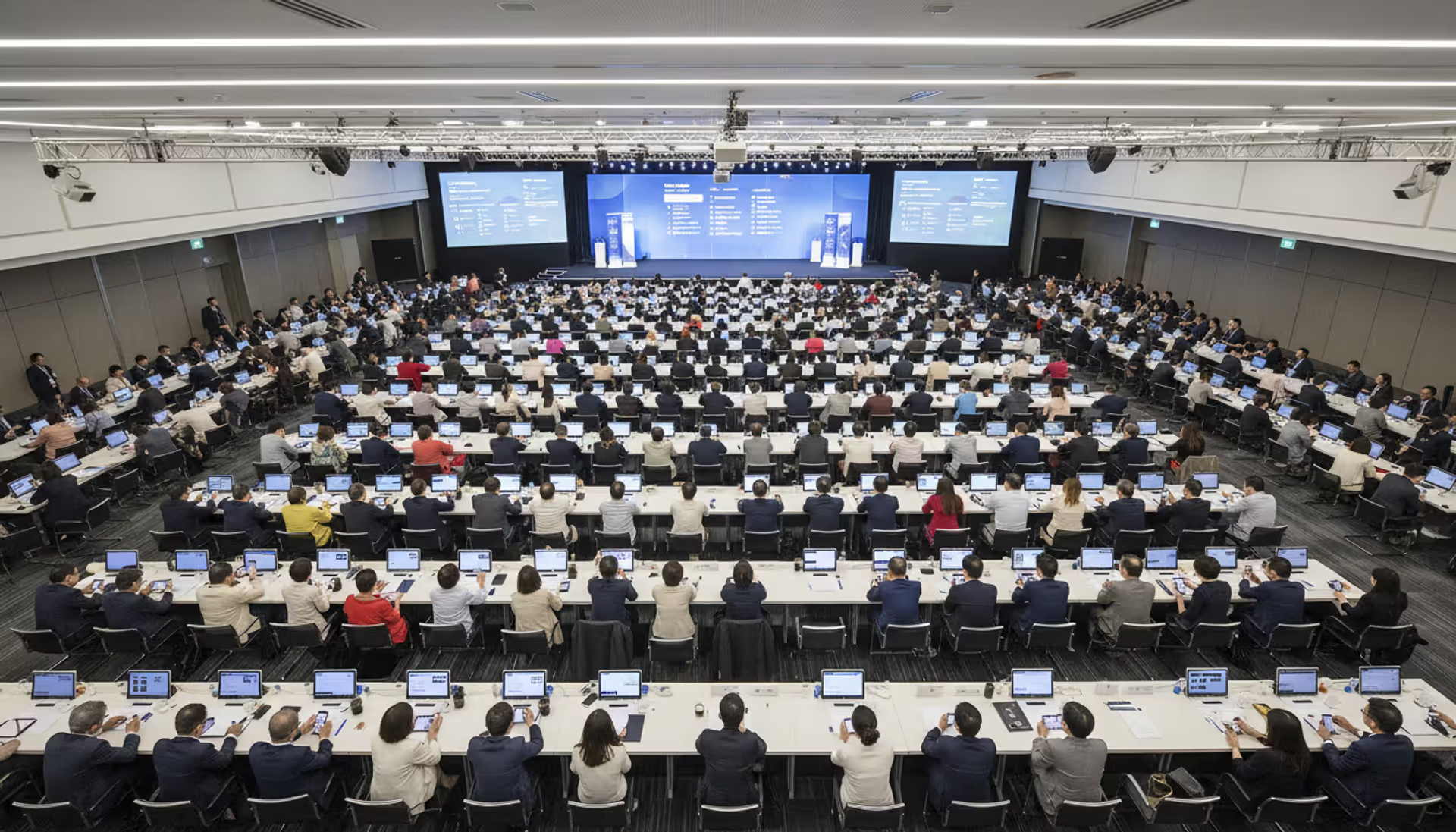
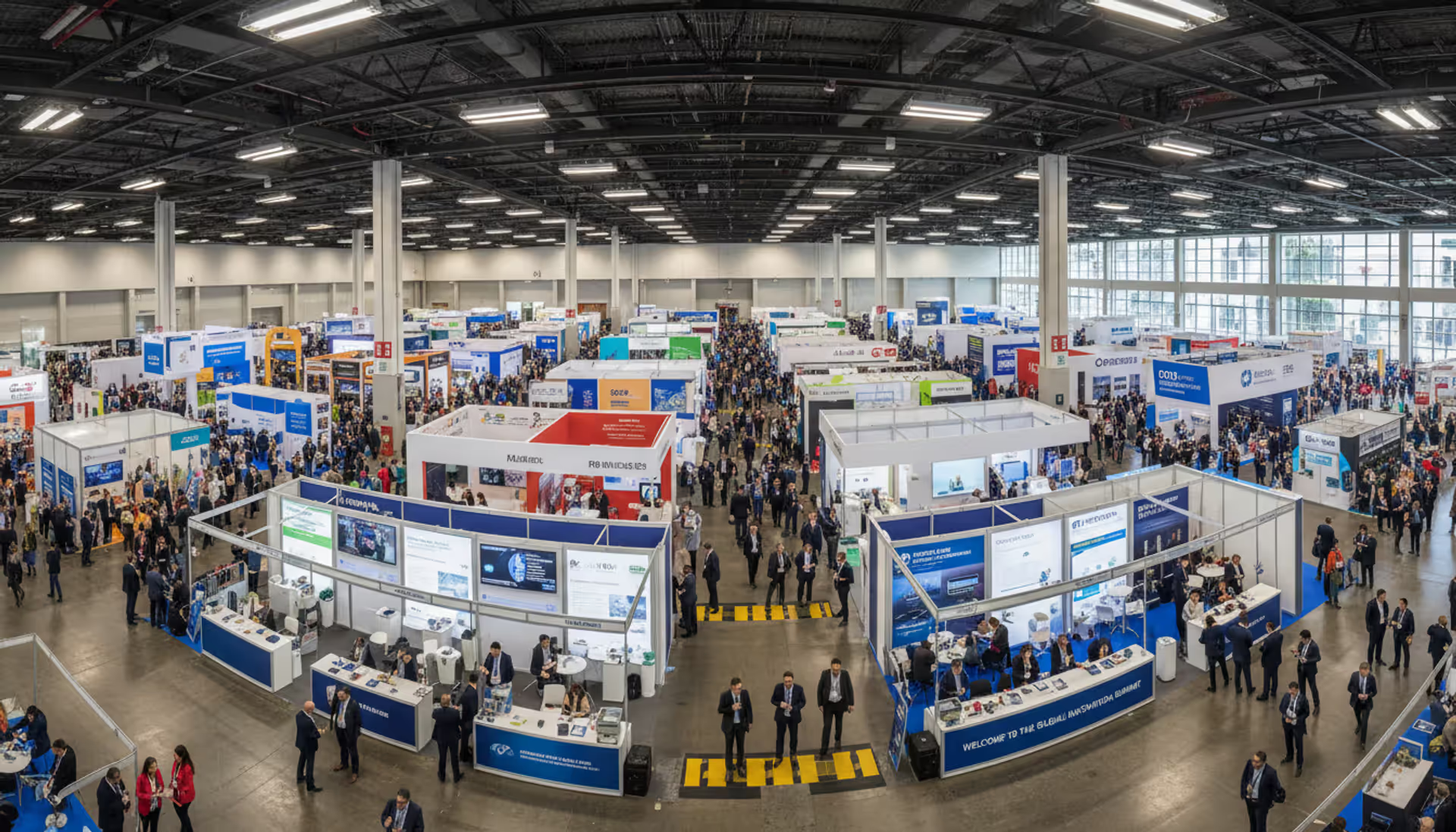
You know what kills a great conference? When attendees spend half their time hunting for session rooms, missing schedule changes, or standing in registration lines. I've watched organizers spend months perfecting speaker lineups, only to deliver those sessions through a clunky app that nobody downloads.
Here's the thing: 73% of event attendees now expect a mobile app before they even arrive. Not a PDF schedule. Not a website. An actual app they can tap through while grabbing coffee or sprinting between sessions.
Working with an event app development company means you're hiring specialists who've seen what works (and what spectacularly fails) when 5,000 people try to use the same app simultaneously in a convention center with sketchy WiFi. This guide walks you through everything from vetting developers to avoiding the mistakes that turn launch day into a crisis.
What Does an Event App Development Company Do?
These companies build and maintain mobile applications designed specifically for live gatherings—think conferences, trade shows, product launches, music festivals, or corporate retreats. They're not your typical app developers who pivot from e-commerce to fitness tracking. They specialize in the chaos of live events.
What makes them different? They've dealt with organizers who change the entire agenda two days before launch. They know venue WiFi will crash during peak hours. They understand that attendees won't read instructions, no matter how clear you make them.
Here's what you're actually paying them to do:
Discovery sessions that challenge your assumptions. Good developers don't just build whatever you request. They ask why attendees need each feature, what problems you're solving, and which ideas sound clever but will go unused. This is where you learn that your "must-have" gamification system might matter less than basic offline schedule access.
Interface design that works in terrible conditions. Picture someone checking your app while balancing coffee, a tote bag, and trying to hear directions in a noisy exhibit hall. Event-specific design means big buttons, high contrast, and information architecture that makes sense when you're distracted and rushing.
Author: Ethan Marlowe;
Source: musiconmainstreet.com
Building for iOS, Android, or web platforms. Some shops specialize in native apps (separate builds for iPhone and Android). Others use cross-platform frameworks like Flutter that share most code between systems. Progressive web apps skip app stores entirely—attendees just visit a URL.
Backend systems and organizer dashboards. The pretty app attendees see is worthless without the content management system that lets your team update speakers, send notifications, and track who's attending which sessions. Most development time goes here, actually.
Connecting to your existing tools. Your registration system (Eventbrite, Cvent, whatever) needs to sync attendee data. Your CRM wants to capture leads from booth scans. Your streaming platform has to embed in the app. These integrations eat more hours than anyone expects.
Testing under realistic conditions. Smart developers simulate 3,000 simultaneous users, test on old Android phones with cracked screens, and deliberately kill the internet connection to verify offline mode works.
War-room support during your actual event. When push notifications fail at 8:47 AM on day one, you need someone who answers their phone. Many companies station developers on-site or on-call throughout your event.
Post-event reports and recommendations. Which sessions had the highest attendance? Did anyone use the networking feature? Where did people drop off? Good developers turn usage data into insights for next time.
You'll typically receive the compiled apps, admin access to your content system, all source code (make sure this is contractual), documentation, and sometimes white-label frameworks you can rebrand for future events.
Key Features to Include in Your Event Management App
I've reviewed probably 200 event apps over the years. Maybe 30 were actually good. The rest fell into two camps: either bare-bones schedule viewers that did nothing interesting, or kitchen-sink nightmares with 40 features that buried the stuff people actually needed.
Here's what separates useful from forgettable:
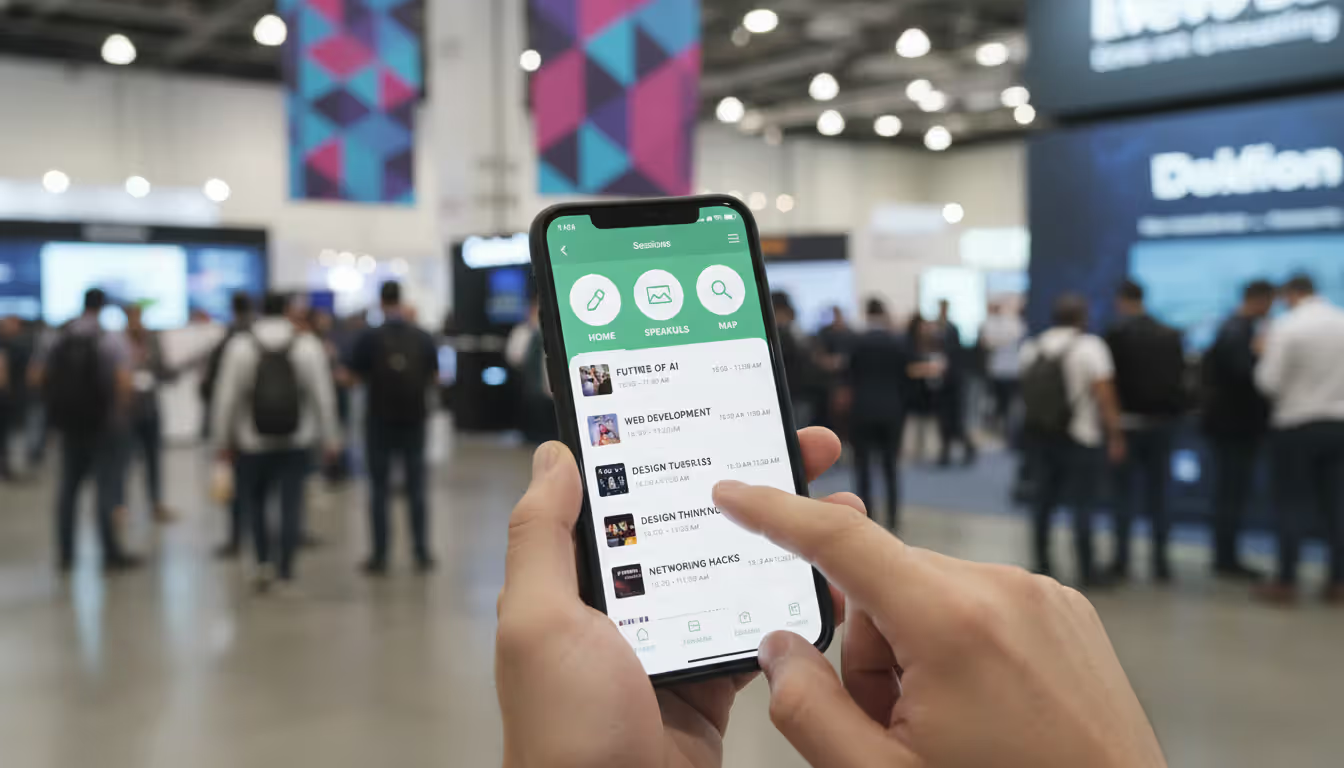
Personal agenda builders that actually sync. Attendees browse your full schedule, star the sessions they want, and get reminders 10 minutes before start time. Sounds basic, right? Except half the apps I test don't sync between devices, so when someone logs in on their iPad, their carefully planned schedule vanishes. Include speaker headshots and session descriptions—decisions happen faster when people can see who's talking.
QR-based check-in that eliminates badge tables. Attendees show a QR code from the app, staff scan it, done. This cuts 15-minute registration lines down to 90 seconds. Bonus: it integrates with most badge-printing systems if you still need physical badges for sponsors.
Maps that don't require you to zoom and pan. Large venues are mazes. A searchable map showing session rooms, exhibitor booths, restrooms, and coffee stations prevents the "wandering aimlessly" experience. Indoor positioning using beacons can provide turn-by-turn directions, though that requires hardware installation.
Live Q&A and polling that moderators can control. Attendees submit questions, upvote the ones they want answered, and see results displayed on presentation screens. This works vastly better than hoping someone finds a microphone. Moderators need filtering controls because someone always asks something inappropriate.
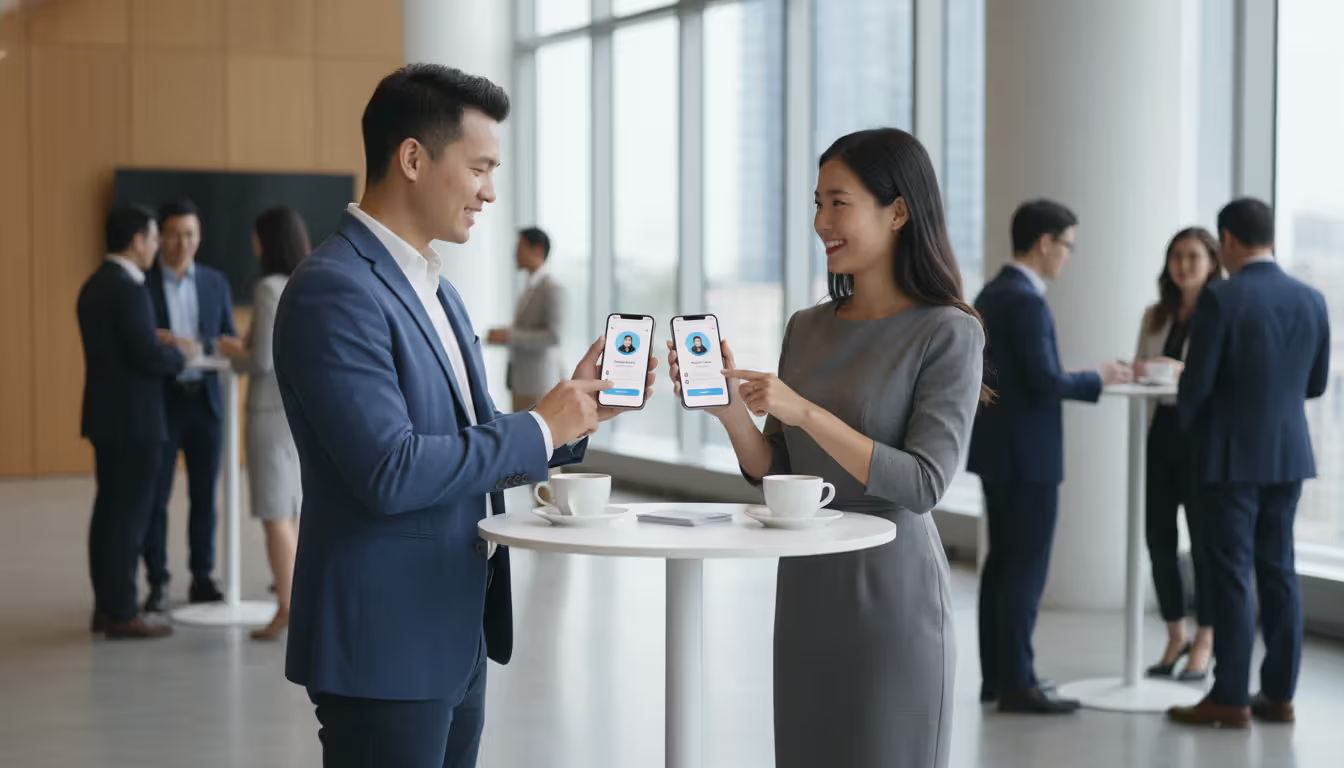
Networking tools beyond a basic directory. Simple versions let attendees browse profiles and send messages. Advanced systems use AI to suggest connections based on job titles, interests, or stated meeting goals. The best implementation I've seen let people set office hours in the app—others could book 15-minute slots at the coffee bar.
Author: Ethan Marlowe;
Source: musiconmainstreet.com
Strategic push notifications (emphasis on strategic). Session reminders? Yes. Schedule changes? Absolutely. Sponsor promotions every hour? That's how you train people to disable notifications. Build frequency caps and let attendees choose notification categories.
Document library for slides and resources. Presenters upload their decks, exhibitors share white papers, sponsors distribute case studies. Attendees want this content both during sessions and afterward when they're following up. Make it downloadable for offline access.
Gamification that drives desired behaviors. Award points for checking into sessions, visiting sponsor booths, completing profile information, or networking with other attendees. Leaderboards create friendly competition. One conference I attended gave the top scorer a free pass to next year's event—adoption jumped 40%.
Exhibitor showcases with measurable engagement. Sponsors pay premium rates expecting visibility and leads. Give them rich profiles with videos, product sheets, and contact capture. Track which attendees viewed their content and for how long.
Hybrid event infrastructure. Post-2020, most events need to support in-person, remote, and mixed audiences. That means embedded streaming, virtual networking spaces, and separate agendas for different attendance modes. Remote attendees shouldn't feel like afterthoughts.
Offline mode that's actually offline. WiFi fails. Data networks get overwhelmed. Critical features—schedules, maps, saved content, personal agendas—must work with zero connectivity. The app syncs updates whenever connection returns.
Analytics dashboards for organizers. Real-time visibility into which sessions are popular, what engagement levels look like, which sponsors are getting traction, and where attendees spend time. Export this data for sponsors who want proof of ROI.
Accessibility that meets WCAG standards. Screen reader compatibility, adjustable text sizes, high-contrast modes, closed captions for videos. This isn't optional—it's legally required in many jurisdictions and ethically required everywhere.
The organizers who succeed pick 6-8 features that directly address their attendees' biggest pain points. The ones who fail try cramming in everything, creating bloated apps nobody can navigate.
How to Choose the Right Event App Developer
Hiring a developer is like hiring a caterer—portfolios and references matter infinitely more than sales pitches. Here's your evaluation framework:
Review their actual event work, not generic apps. A team that built a killer restaurant reservation system may completely bomb an event app because the constraints are different. Ask to see apps they've launched for events similar to yours in size, industry, and format. Download them. Use them. Notice what works.
Call their references (really, actually call them). Email is too easy to fake. Phone conversations reveal truth. Ask past clients: Did the developer hit deadlines? How did they handle unexpected changes? What happened when bugs appeared during the live event? Would you hire them again?
Verify platform expertise matches your needs. If 85% of your attendees use iPhones, you might build iOS-only initially. If it's a 50/50 split, you need both platforms. Confirm the developer has shipped apps to the App Store and Google Play before—submission requirements trip up novices.
Examine their design portfolio carefully. Some developers build functional but visually dated interfaces. Others create gorgeous designs that ignore usability. You want a balance: modern aesthetics with intuitive navigation. Look for event app design companies that understand the difference between an app used daily (where users learn complexity) and one used for three days (where simplicity wins).
Understand customization boundaries before signing. Template providers deploy faster but limit flexibility. Custom developers build anything but need longer timelines. Ask specifically: "Can we add a custom feature six months from now?" The answer reveals whether you're buying software or renting it.
Test their integration experience. Request a list of registration platforms, CRM systems, and streaming services they've connected to. If they've integrated with your existing tools, great. If not, ask how they approach new integrations. Vague answers are red flags.
Clarify the support model explicitly. What happens when the app crashes 30 minutes before your keynote? Some developers offer 24/7 support included in the base price. Others charge $3,000 for on-site launch day coverage. Know the financial model before emergencies happen.
Confirm code ownership and licensing terms. Who owns what you're paying to build? Can you take the code to another developer later? Are there per-event fees or per-attendee charges? I've seen organizers surprised by annual licensing fees that matched the original development cost.
Evaluate timeline realism, not optimism. A developer promising a fully custom app in six weeks is either lying or planning to cut corners you'll regret. Quality custom development takes 12-16 weeks minimum for moderately complex projects. Shorter timelines mean either template platforms or serious risk.
Judge communication during the sales process. How quickly do they respond? Do they explain technical trade-offs clearly? Do they push back on unrealistic expectations or just agree to everything? Their sales behavior predicts their development behavior.
The biggest mistake is choosing based solely on price. The cheapest bid usually comes from teams that underestimate complexity. That leads to scope creep, missed deadlines, and panicked fixes the week before your event. Pay for a partner who asks hard questions upfront and tells you when your ideas won't work
— Sarah Chen
Custom Event App Development vs. Template-Based Platforms
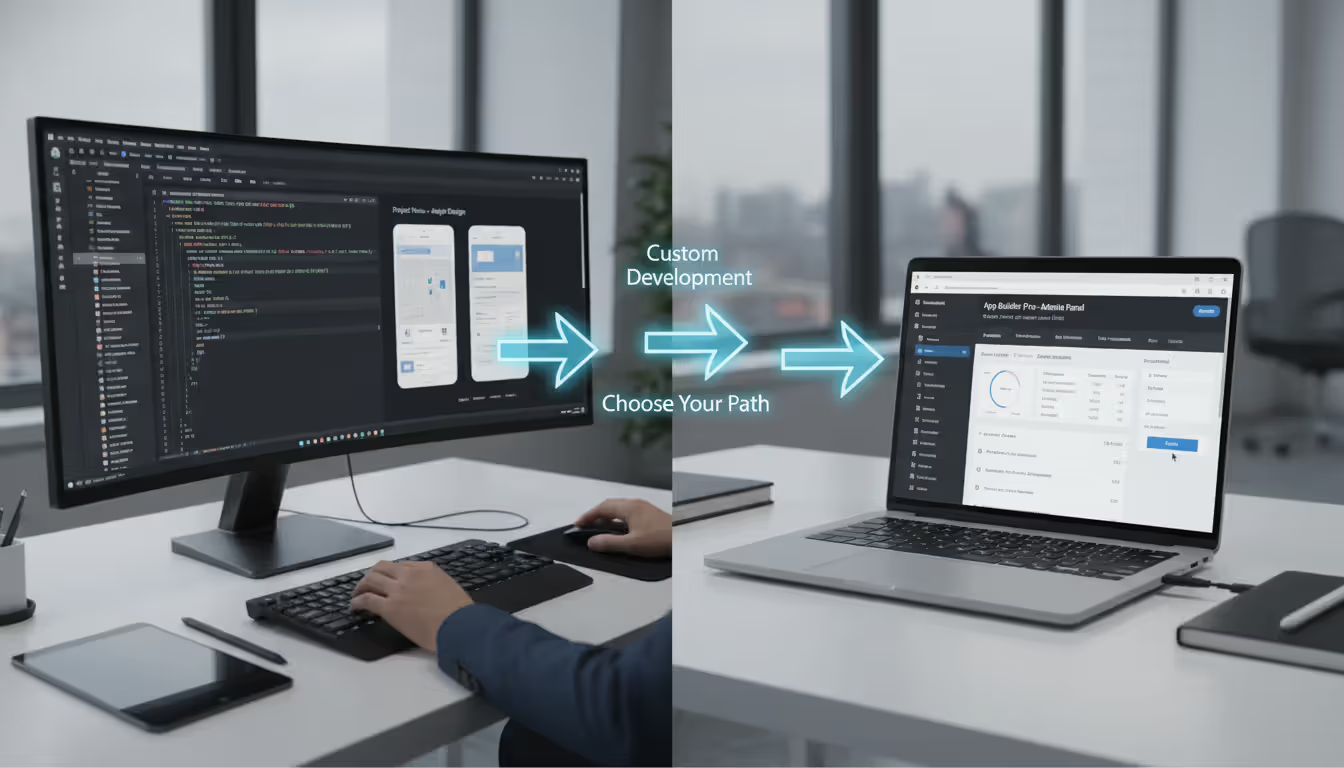
Should you build from scratch or use an existing platform? This decision shapes your budget, timeline, and what's actually possible. Here's the real comparison:
Feature
Custom Event App Development
Template-Based Platform
Cost
$25,000–$150,000+ for initial build
$2,000–$15,000 per event (usually subscription)
Time to Market
12–20 weeks from kickoff to launch
2–6 weeks for configuration and content loading
Customization
Build exactly what you envision, no compromises
Limited to platform features and theme options
Scalability
Handles any event size with proper architecture
May impose attendee caps or feature limits by pricing tier
Ongoing Support
Requires maintenance contracts or internal developers
Vendor handles updates, hosting, and infrastructure
One-off events, limited budgets, standard feature sets
Template platforms make sense when you're organizing a single event, working with tight budgets, or need only standard features without exotic integrations. Plenty of event mobile app builders deliver solid experiences at predictable costs. You sacrifice uniqueness but gain speed and eliminate technical risk.
Custom development justifies its cost when you're running annual events that amortize the investment across multiple years, need features no platform offers (like proprietary attendee matching algorithms), require deep integration with internal systems, or compete in markets where the app itself differentiates your event.
There's also a hybrid path: launch with a platform for your first event, validate which features actually matter through real usage data, then migrate to custom development when you can confidently specify requirements. This de-risks the investment while preserving future flexibility.
Author: Ethan Marlowe;
Source: musiconmainstreet.com
The expensive mistake is over-building (custom development for a one-time event) or under-building (template platform for a flagship conference that demands differentiation).
Event App Development Cost Factors
Why does one app cost $30,000 and another $120,000? Understanding these variables helps you budget realistically and make informed trade-offs:
Platform decisions create 2x multipliers. Building separate native apps for iOS and Android costs roughly double what you'd pay for a single cross-platform solution using React Native or Flutter. Progressive web apps cost even less but sacrifice some native functionality. If analytics show 88% of your attendees use iOS, build for that first and add Android later.
Feature count and complexity compound quickly. A basic app with schedule viewing, simple maps, and push notifications might cost $25,000–$40,000. Add sophisticated networking with AI matchmaking, live video streaming, gamification with leaderboards, and custom CRM integration, and you're easily at $80,000–$120,000. Each complex feature adds 1-3 weeks of development time.
Design depth affects pricing significantly. Stock UI components with basic branding cost far less than custom illustrations, animations, and branded experiences throughout the app. If you have existing brand guidelines and accept platform-standard UI patterns, you'll save $8,000–$15,000 compared to fully custom design.
Admin panel sophistication varies dramatically. A basic content management system for updating schedules runs $5,000–$8,000. A sophisticated dashboard with real-time analytics, user management, sponsor tools, and custom reporting might add $15,000–$25,000. Define what organizers truly need versus nice-to-have admin features.
Third-party integrations consume more time than expected. Connecting to registration systems, payment processors, or CRM platforms requires API development, authentication handling, data syncing, and extensive testing. Budget $3,000–$10,000 per complex integration. Simple integrations might cost $1,500–$3,000.
Content management approach affects ongoing costs. If your team updates all content, developers build more sophisticated admin tools (higher upfront cost, lower ongoing fees). If developers handle updates, you save on initial build but pay hourly for every small change.
Quality assurance and testing typically add 15-20% to development costs. Proper testing across devices, load testing with simulated users, and security audits prevent embarrassing failures. Cutting this budget is false economy.
Launch support and maintenance create recurring expenses. First-event on-site or on-call support typically costs $2,000–$5,000. Annual maintenance (bug fixes, OS updates, security patches) usually runs 15-20% of original development cost.
Developer rates vary by location and expertise. US-based event app development services charge $100–$200 hourly. Offshore teams quote $30–$75 hourly but often require more communication time, clearer specifications, and additional oversight.
For a typical multi-day corporate conference app with standard features (agenda, maps, networking, push notifications, exhibitor profiles, basic analytics), expect $35,000–$60,000 for initial development plus $8,000–$12,000 annually for maintenance. Complex apps for 5,000+ attendee events with advanced features easily exceed $100,000.
Get itemized quotes from at least three developers. Ask them to break costs by feature and phase. This reveals where you can trim scope if budget requires and prevents "oh, that's extra" surprises mid-project.
Common Mistakes When Hiring Event App Providers
Even experienced event organizers stumble when managing app projects. Avoid these expensive mistakes:
Confusing feature quantity with user value. I reviewed an app last year that had 28 menu options. Twenty-eight! Attendees couldn't find anything. A focused app excelling at 7 core functions beats a bloated app mediocrely handling 25 features. More options create decision paralysis, not engagement.
Underestimating content preparation effort. Developers can't build your app in a vacuum. They need session descriptions, speaker bios, exhibitor details, venue maps, sponsor logos, and approved messaging. Organizers routinely delay providing content, then expect developers to magically compress timelines. Start content preparation before development begins.
Skipping real user testing. Your team understands your event intimately. Attendees don't. What seems obvious to you confuses them. Test with 5-10 people who match your target audience—not your colleagues—at least two weeks before launch. Watch them try to complete basic tasks without help.
Ignoring offline functionality until it's too late. Venue WiFi fails predictably. Cellular networks get overwhelmed when 3,000 people arrive simultaneously. Apps that become useless without connectivity create terrible experiences. Offline mode isn't optional; it's fundamental. Require it from the start.
Hiring developers without event-specific experience. General app developers underestimate event challenges: compressed timelines, constant last-minute changes, the importance of launch-day reliability, and the need for instant support during live events. They build apps using timelines and processes that work fine for products that launch gradually but fail catastrophically for events with hard deadlines.
Launching without defined success metrics. How will you know if the app worked? "People seemed to like it" isn't measurable. Define KPIs before development: adoption rate above 60%, average of 15 minutes in-app daily, 40% of attendees using networking features, sponsor content viewed by 50%+ of users. Measure what matters.
Treating apps as one-time projects. Successful event apps evolve based on feedback and data. Budget for post-event iterations, not just initial launch. The first version establishes the foundation; subsequent versions make it actually great.
Relying on verbal agreements. "We discussed that feature" means nothing when disputes arise. Document every feature, integration, design element, timeline, deliverable, and payment term in writing. Detailed specifications prevent expensive misunderstandings.
Cutting timeline too close to event date. Release your app at least three weeks before the event. This allows time to discover and fix bugs, train your team, promote adoption, and let attendees download and explore it. Two-week or one-week launches create panic, not quality.
Author: Ethan Marlowe;
Source: musiconmainstreet.com
Forgetting post-event value. Great event apps remain useful after closing sessions. Share session recordings, facilitate ongoing networking, collect post-event surveys, and build anticipation for next year's event. Extend the lifecycle beyond three days.
One organizer told me their horror story: They hired a developer who promised delivery eight weeks before their 2,500-person conference. The app arrived four days before the event, completely broken. Sessions didn't display correctly. Maps were blank. Push notifications failed. With no time for fixes, they printed 2,500 paper programs at the last minute and spent the conference apologizing. The developer blamed late content delivery; the organizer blamed unrealistic timelines. Both contributed to the disaster—and both could have prevented it with clearer communication and honest scheduling.
FAQ
How long does it take to create an event application from start to finish?
Template-based platforms can be configured in 2-6 weeks if your content is ready and requirements are straightforward. Custom builds typically require 12-20 weeks covering discovery, design, development, testing, and content population. Rush projects happen but increase costs by 25-40% and substantially raise risk. Start conversations with developers 4-6 months before your event for custom work, or 2-3 months minimum for platform-based solutions.
Which platforms should my event application support—iOS, Android, or both?
Survey your past attendees or analyze registration data to understand the device split. Corporate events often skew 65-75% iOS; consumer events may favor Android. If budget allows, support both platforms to maximize adoption. Progressive web apps work across all devices without app store downloads, making them ideal for one-time events, international audiences facing app store restrictions, or situations where you can't afford dual native development.
What should I budget for developing a custom event application?
Moderately featured custom apps supporting iOS and Android with standard capabilities (schedules, networking, push notifications, basic analytics, exhibitor profiles) typically cost $25,000–$60,000. Complex applications featuring video streaming, AI-powered matchmaking, sophisticated gamification, or extensive system integrations can run $75,000–$150,000+. Template platforms cost $2,000–$15,000 per event but limit customization. Expect annual maintenance to add 15-20% of original development expense.
Should I build a native app or use a web-based solution?
Native apps deliver superior performance, reliable offline functionality, and access to device features like cameras and push notifications. They justify investment for recurring events or when attendee engagement drives event success. Progressive web apps work well for single events, constrained budgets, or scenarios where app store approval timelines create problems. Hybrid frameworks like React Native offer near-native performance at lower cost than separate iOS and Android builds.
Which integrations matter most for event management applications?
Priority integrations connect your app to registration platforms (Cvent, Eventbrite, Bizzabo), CRM systems (Salesforce, HubSpot), and email marketing tools. This keeps attendee data synchronized and reduces manual work. Virtual or hybrid events require streaming platform integration. Payment processing matters when selling merchandise, upgrades, or tickets through the app. Analytics platforms like Mixpanel or Amplitude help understand usage patterns beyond basic metrics.
Can event apps support both in-person and virtual attendees effectively?
Modern platforms and custom solutions handle virtual, in-person, and hybrid formats. Essential features include integrated streaming video, virtual networking spaces, separate agendas for different attendance modes, and engagement tools functioning across both audiences. The best hybrid apps create equivalent experiences rather than treating remote attendees as secondary participants. Expect to pay 20-30% more for robust hybrid functionality compared to in-person-only applications.
Selecting an event app development company represents a significant investment in attendee experience and event success. The right partner doesn't just write code—they become a strategic advisor helping you understand which features drive meaningful engagement, how to measure ROI, and where to allocate limited resources.
Start by clarifying your primary objectives. Are you trying to increase networking connections, eliminate printed materials, demonstrate sponsor value, or collect attendee behavior data? Different goals demand different feature priorities and development approaches.
Evaluate potential developers based on event-specific portfolio work, technical capabilities across your required platforms, communication style during sales conversations, and support models during live events. Never choose based solely on price—the cheapest bid frequently becomes the most expensive option when you factor in delays, scope expansion, and emergency fixes.
Decide whether custom development or template platforms better align with your needs, budget, timeline, and long-term plans. Neither approach is universally superior; the right choice depends on your specific circumstances.
Budget realistically by understanding how platform choices, feature complexity, design depth, and system integrations affect total cost. Plan for ongoing maintenance and iteration rather than treating the app as a one-time deliverable.
Avoid common pitfalls like feature bloat, inadequate user testing, unrealistic timelines, and launching too close to your event date. The most successful event apps launch early, focus relentlessly on core attendee needs, and evolve based on actual usage data and feedback.
Your event app should function as a helpful companion throughout the entire attendee journey—not another obligation or frustration. When executed well, it transforms how people experience your event and generates insights making each subsequent gathering better than the last.
Selecting the right webinar platform impacts attendee experience, engagement rates, and ROI. This guide covers essential features, pricing models, use cases, and evaluation criteria to help you choose webinar software that aligns with your goals without overpaying for unused features
Virtual event production has evolved from emergency solution to strategic business tool. This comprehensive guide covers planning essentials, technical setup, engagement strategies, when to hire production companies, common mistakes to avoid, and the tools you need for successful virtual events that deliver measurable ROI
Managing trade shows requires coordinating exhibitors, attendees, and complex logistics. This guide breaks down trade show software categories, core features like lead capture and booth management, pricing models, and selection criteria to help event planners choose the right platform
The content on this website is provided for general informational and educational purposes only. It is intended to explain concepts related to event management software, ticketing systems, hybrid event platforms, and operational tools for event organisers.
All information on this website, including articles, guides, and examples, is presented for general educational purposes. Outcomes may vary depending on event size, technology choices, and organisational needs.
This website does not provide professional legal, financial, or software advice, and the information presented should not be used as a substitute for consultation with qualified event tech or IT professionals.
The website and its authors are not responsible for any errors or omissions, or for any outcomes resulting from decisions made based on the information provided on this website.