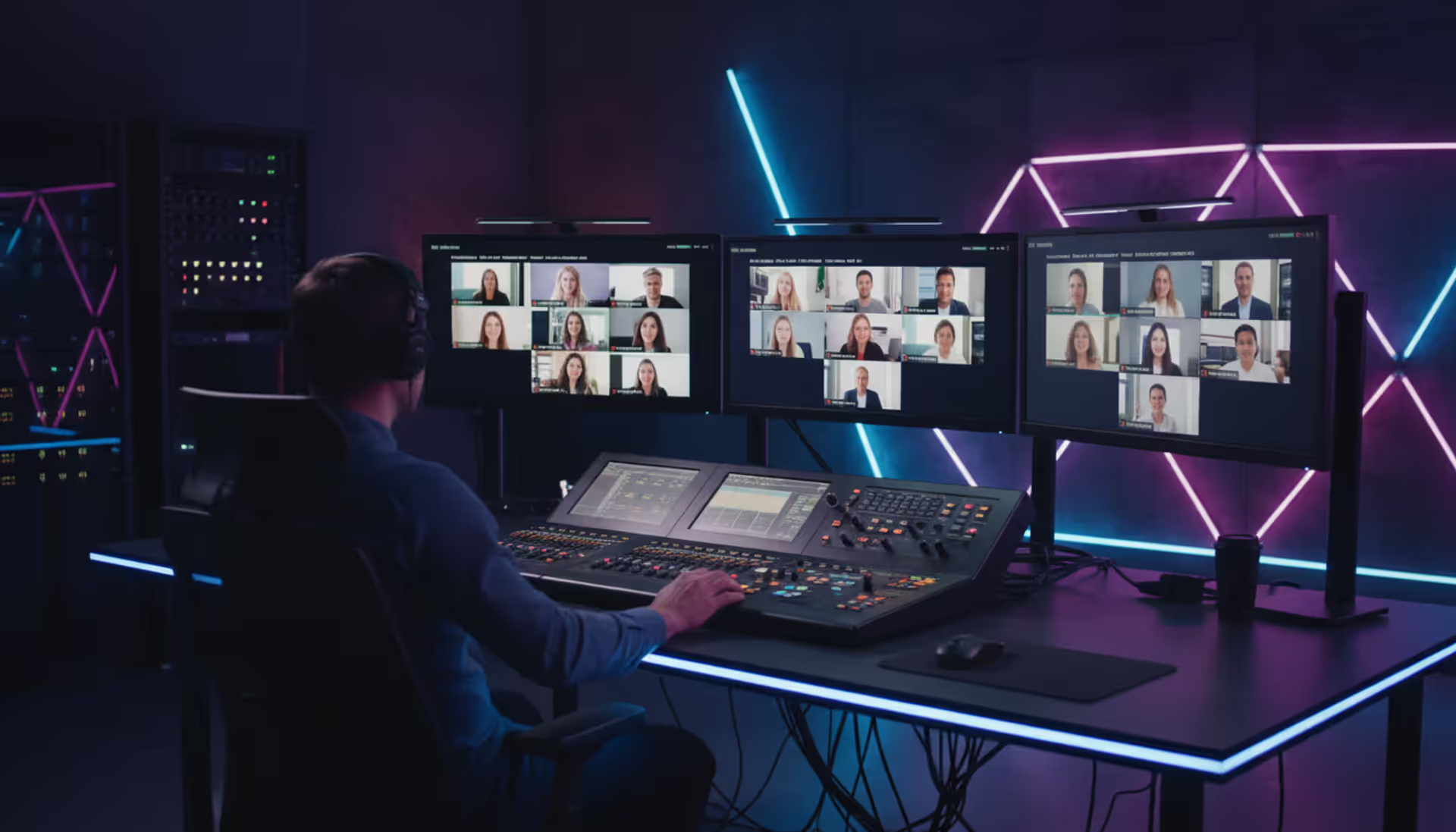
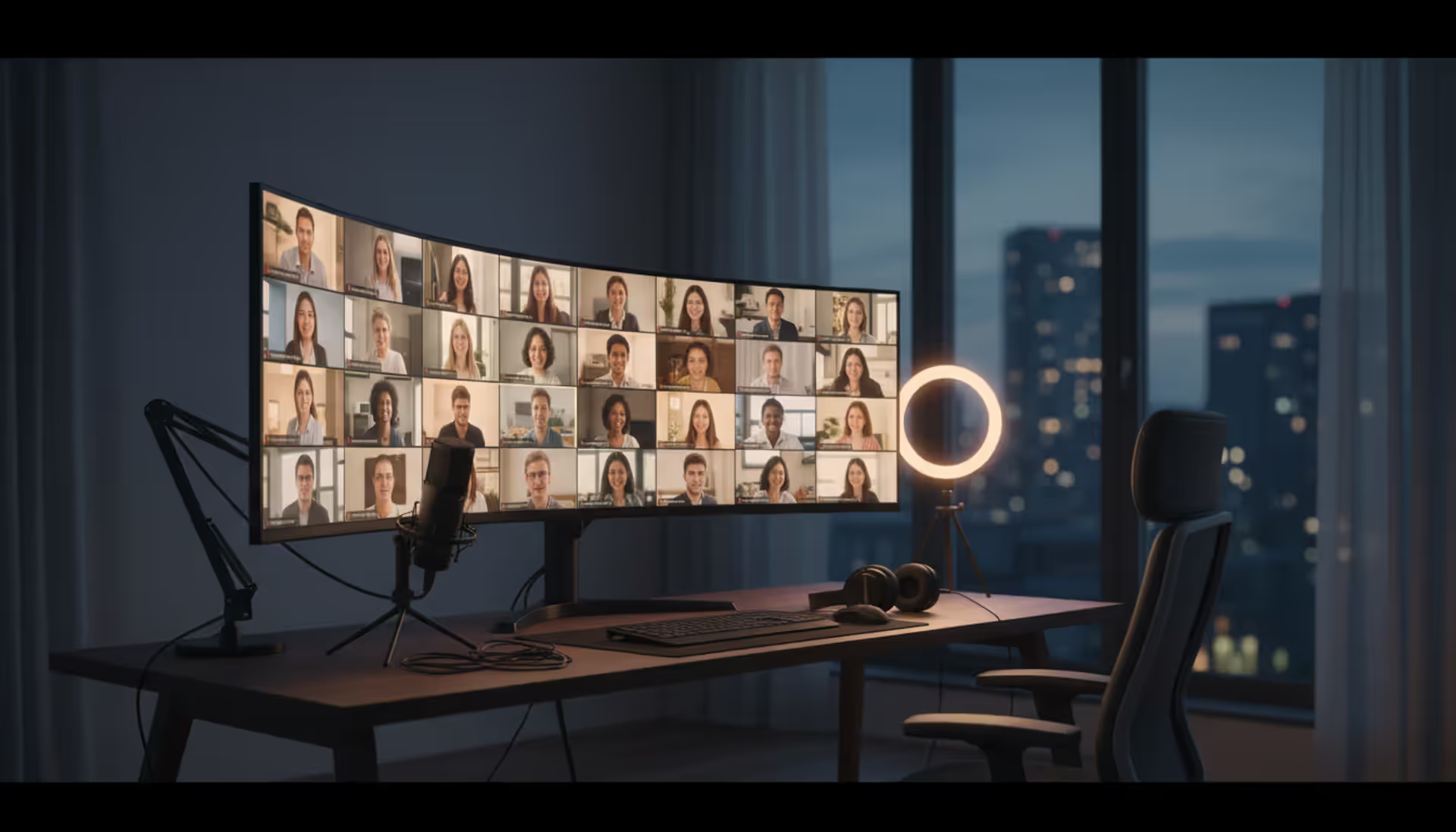
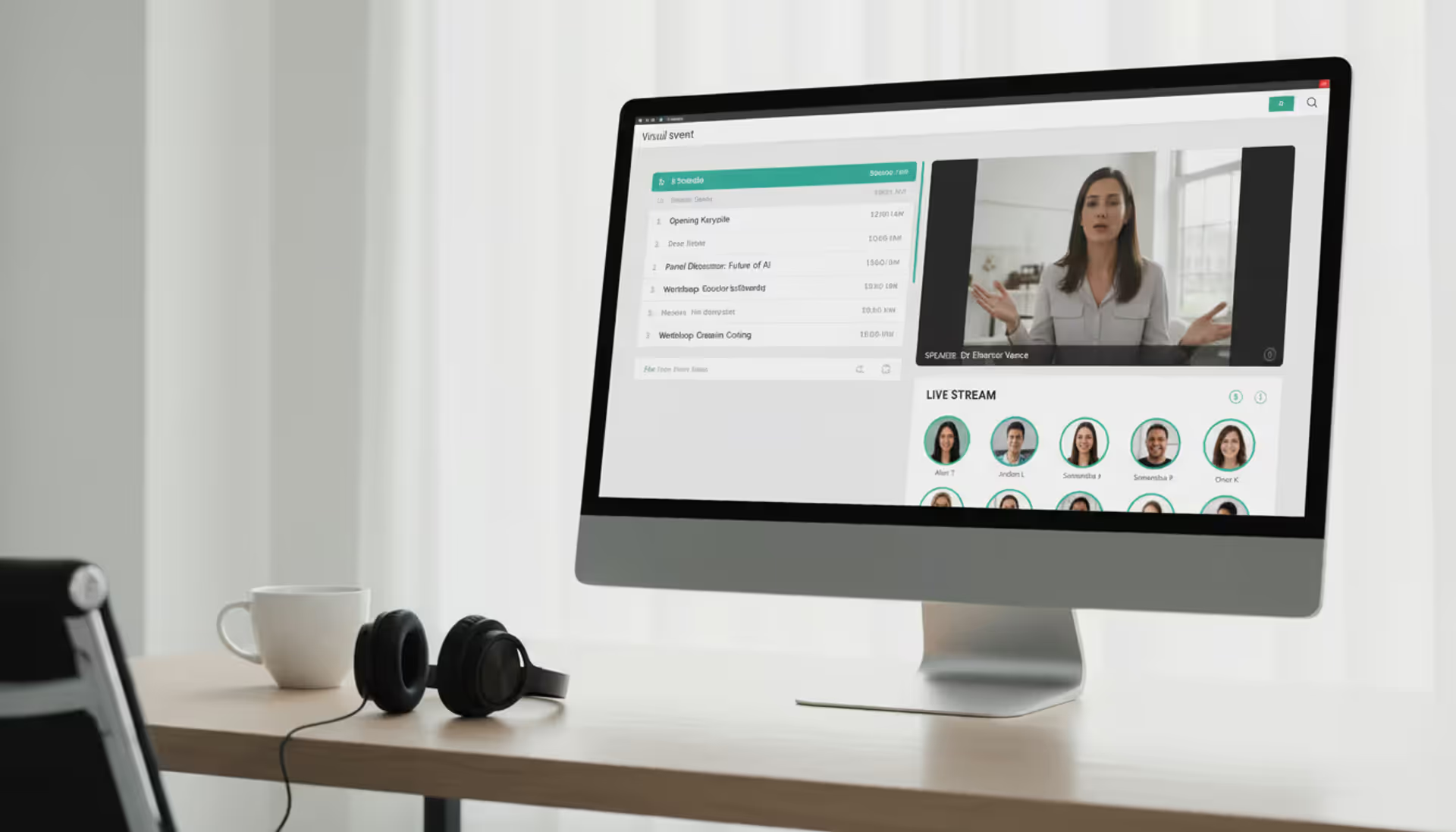
Professional virtual event production control room with multiple monitors showing live stream, operator at broadcast mixing console, modern studio lighting
Author: Sophie Langford;Source: musiconmainstreet.com
Virtual events have become a permanent fixture in the corporate landscape. What started as an emergency response to global disruptions has evolved into a sophisticated medium that delivers measurable business outcomes—when executed properly. The difference between a forgettable Zoom call and a compelling virtual experience comes down to production quality.
This guide walks through the practical steps of virtual event production, from initial planning through post-event analysis. Whether you're running a 50-person product launch or a 5,000-attendee conference, the fundamentals remain consistent.
What Is Virtual Event Production and Why It Matters
Virtual event production encompasses all technical and creative elements required to deliver a live online experience. This includes video production, audio engineering, platform management, content coordination, real-time troubleshooting, and audience engagement mechanics.
A production team handles stream quality, speaker transitions, graphic overlays, chat moderation, breakout room management, and the dozens of technical details that attendees never notice when done right—but immediately notice when something breaks.
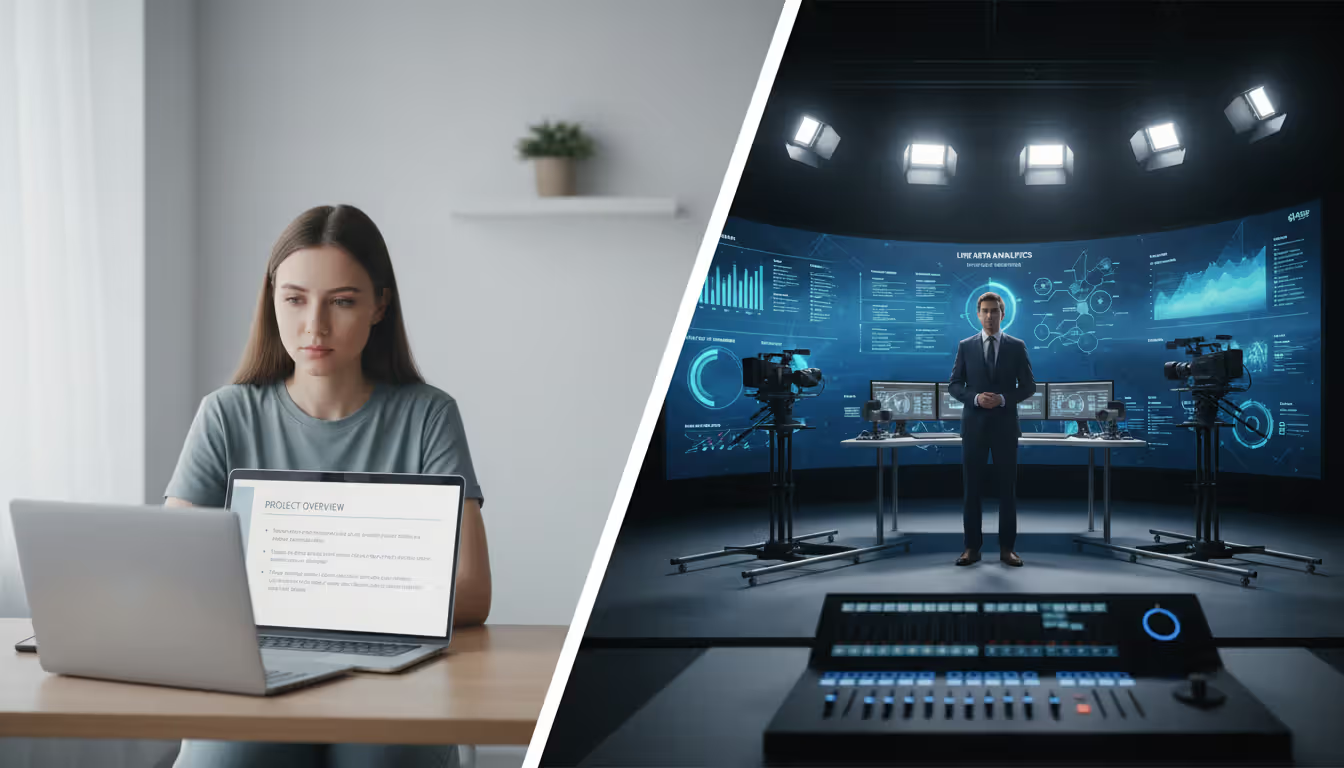
The distinction between virtual event production and a basic webinar lies in complexity and interactivity. A webinar typically features one or two speakers presenting slides with minimal audience interaction. Virtual event production involves multiple presenters, dynamic content formats, interactive elements, professional broadcast quality, and coordinated experiences across different session types.
A virtual event management company orchestrates these moving parts. They bring broadcast-grade equipment, experienced technicians, redundant systems, and rehearsal protocols that reduce risk. For organizations running high-stakes events—product launches, investor presentations, annual conferences—the production value directly impacts credibility.
Business value extends beyond crisis continuity. Virtual events eliminate travel costs, expand geographic reach, generate detailed engagement data, and allow for on-demand content repurposing. A pharmaceutical company might spend $400,000 on an in-person medical conference reaching 800 attendees, or $120,000 on a virtual equivalent reaching 3,200 participants with higher content retention metrics.
Author: Sophie Langford;
Source: musiconmainstreet.com
The production quality threshold has risen sharply. Audiences now expect broadcast television standards: crisp audio, stable video, smooth transitions, and responsive interaction. Anything less triggers drop-offs. A 2025 study found that 67% of attendees leave virtual events within the first 12 minutes if they encounter audio issues or confusing navigation.
How to Plan Your Virtual Event from Start to Finish
The virtual events that generate real ROI in 2026 aren't the ones with the flashiest graphics. They're the ones where every production decision—from platform selection to lighting setup—serves the attendee experience first and the brand message second
— Sarah Chen
Pre-Event Production Planning Essentials
Start with clear objectives. "Increase brand awareness" won't guide production decisions. "Generate 200 qualified leads from financial services directors" will. Your goals determine platform requirements, content format, speaker selection, and engagement tactics.
Engagement mechanics: Which sessions include polls, Q&A, chat, breakout discussions
Contingency protocols: What happens when a speaker loses connection, platform crashes, or content doesn't load
Assign specific owners to each element. When "the team" is responsible for speaker tech checks, nobody actually does them. When Jessica from marketing owns that task with a deadline, it happens.
Virtual event production planning requires more lead time than many expect. A polished 90-minute virtual experience typically needs 8-10 weeks of preparation. Complex multi-day conferences with concurrent sessions require 14-16 weeks minimum.
Budget 30% more time than seems necessary for rehearsals. Run full technical rehearsals with every speaker, not just a quick audio check. Have them present their actual content, practice screen shares, test video feeds, and simulate Q&A transitions. The events that run smoothly are the ones where everyone has rehearsed their segment at least twice.
Author: Sophie Langford;
Source: musiconmainstreet.com
Technical Setup and Platform Selection
Platform selection depends on event size, interaction requirements, and technical capabilities. A 75-person workshop with heavy breakout room usage has different needs than a 2,000-person keynote presentation.
Evaluate platforms on these criteria:
Capacity limits: Attendee count, concurrent sessions, streaming quality at scale
Technical support: Real-time assistance during the event, not just email tickets
Don't assume your daily meeting software scales to event production. Platforms designed for internal meetings often lack the registration workflows, branding customization, and analytics that events require.
Technical setup extends beyond the platform. Consider:
Streaming infrastructure: Single stream vs. multi-track sessions, backup streaming services, CDN requirements for global audiences
Production software: Switcher tools for transitions, graphic overlay systems, lower-third name displays
Audio systems: Professional microphones for speakers, audio mixing for panel discussions, music beds for transitions
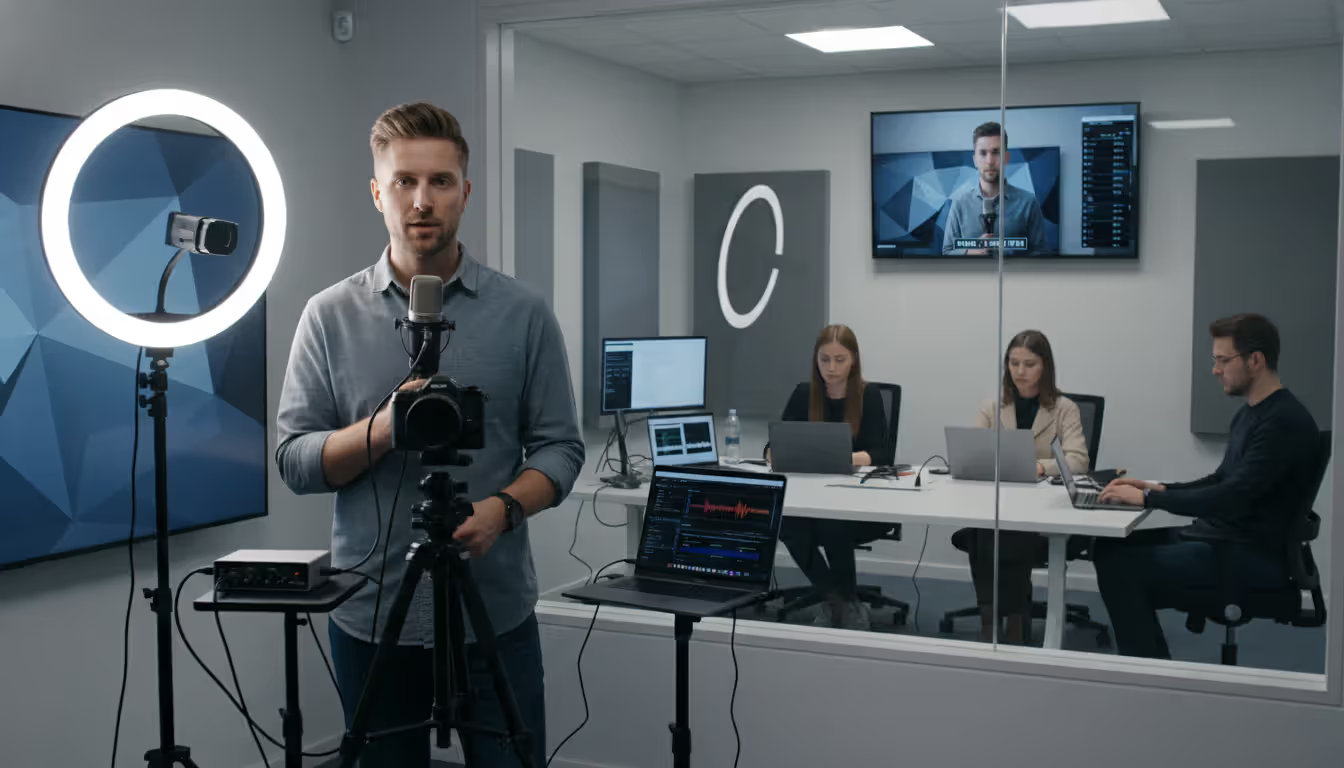
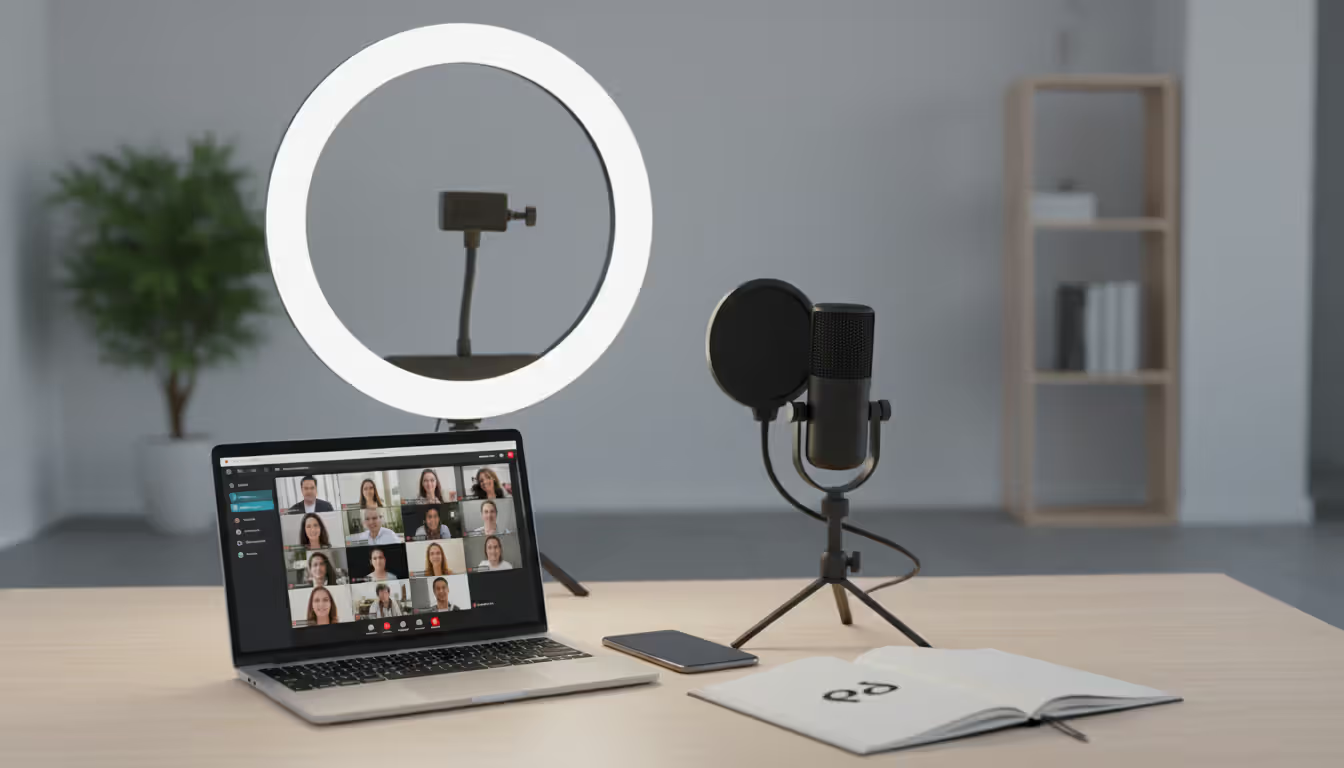
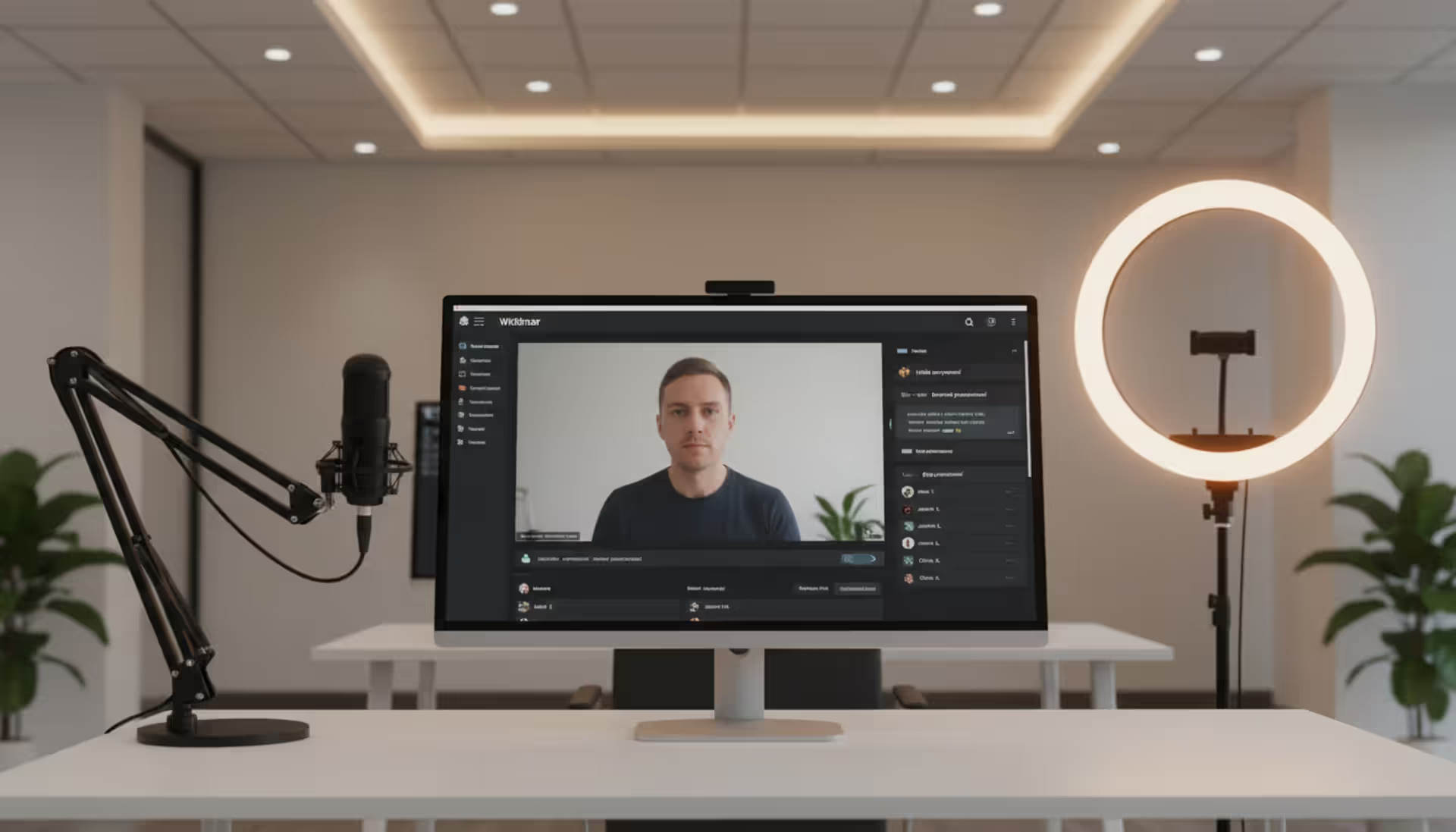
Lighting: Ring lights or three-point lighting setups for speakers, background considerations
Backup internet: Secondary connection methods, mobile hotspots as failsafes
For critical events, build redundancy into everything. Primary internet connection plus cellular backup. Main platform plus emergency streaming destination. Lead presenter plus a co-host who can take over if needed.
Measuring Success and ROI
Virtual event ROI calculation starts before the event launches. Establish baseline metrics:
Registration conversion rate: Landing page visitors who register
Track cost per attendee, cost per engaged attendee, and cost per conversion. A $50,000 event that generates 1,000 attendees costs $50 per person. If 300 engage meaningfully and 40 convert to qualified leads, you're at $1,250 per lead—which might be excellent or terrible depending on your average deal size.
Compare virtual event ROI against alternative tactics. If your typical trade show costs $180,000 and generates 60 qualified leads ($3,000 per lead), a virtual event delivering leads at $1,250 represents significant efficiency gains.
Platform analytics reveal engagement patterns. Notice that 40% of attendees drop off exactly 12 minutes into keynote presentations? Your speakers are taking too long to reach valuable content. See that breakout sessions on product roadmaps have 3x higher attendance than industry trend discussions? Adjust future content accordingly.
Post-event surveys matter, but behavioral data matters more. People say they want educational content but actually engage more with interactive case studies. Trust the metrics over the stated preferences.
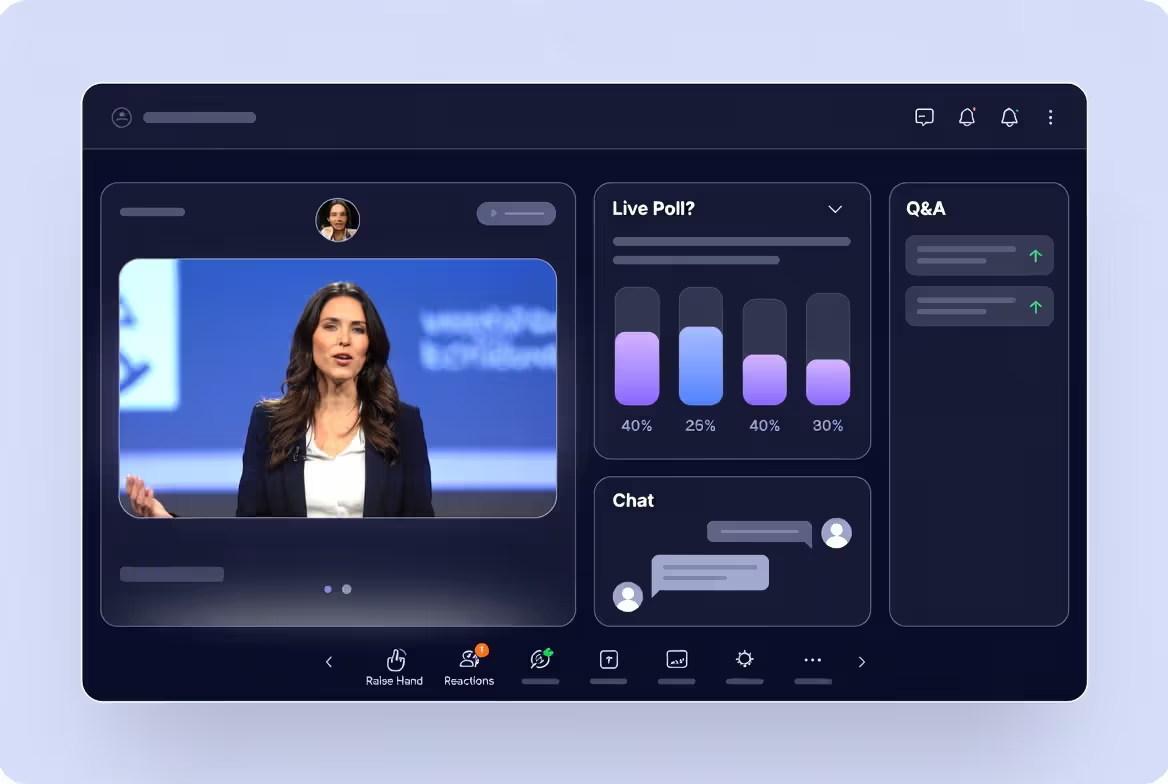
Polling and live questions: Insert polls every 8-10 minutes during presentations. Not throwaway questions—use polls that connect to the content and reveal results that surprise or validate attendees. "What percentage of your budget goes to this initiative?" followed by aggregate results showing how they compare to peers creates engagement and value.
Q&A with real prioritization: Don't just read questions in order received. Have moderators surface the most relevant questions, group similar ones, and push speakers to give specific answers. Generic responses kill engagement. "That's a great question" followed by corporate talking points makes attendees stop asking.
Breakout room structure: Random breakout assignments rarely work. Give breakout rooms specific discussion prompts, time limits, and a reporting mechanism. "Discuss challenges with implementation" is vague. "Identify the top three technical barriers your team faces and one workaround you've tried—you'll share one insight when we reconvene in 8 minutes" drives focused conversation.
Gamification with purpose: Points for session attendance, leaderboard for engagement, prizes for participation. This works for certain audiences (sales teams, younger demographics) and feels forced for others (C-suite executives, academic conferences). Match the mechanics to your attendee profile.
Networking features: Facilitate one-on-one video connections, topic-based discussion rooms, or virtual networking lounges. Provide conversation starters. "Connect with other attendees in healthcare" is less effective than "Join the healthcare lounge to discuss: How are you handling the new compliance requirements?"
Interactive content formats: Replace some standard presentations with live demos, panel debates, fireside chats, or case study workshops. Varied formats maintain energy better than five consecutive 45-minute presentations.
Chat moderation strategy: Assign dedicated chat moderators who surface good questions, answer basic ones directly, redirect off-topic discussions, and maintain positive tone. Unmoderated chat becomes either a ghost town or a complaint forum.
The virtual event best practices that consistently work share a common thread: they give attendees something to do, not just something to watch. Engagement correlates directly with interactivity opportunities.
Author: Sophie Langford;
Source: musiconmainstreet.com
When to Hire a Virtual Event Production Company
The decision to hire a virtual event production company depends on event complexity, internal capabilities, and risk tolerance.
In-house production works when:
Event attendance is under 100 people
Content format is straightforward (single speaker, simple slides)
You have team members with technical skills and available bandwidth
Acceptable risk tolerance if minor technical issues occur
Budget constraints are significant
Outsourced production makes sense when:
Attendance exceeds 200 or involves multiple concurrent sessions
High-stakes event where technical failures would damage reputation
Complex production needs (multiple speakers, video packages, live demos)
A virtual event management company typically provides:
Platform selection and management
Technical rehearsals and speaker training
Production crew (director, technical director, audio engineer, graphics operator)
Professional equipment (cameras, lighting, audio, streaming encoders)
Real-time technical support during the event
Recording, editing, and post-event content delivery
Analytics and reporting
When vetting production companies, ask about:
Specific experience: Have they produced events in your industry or format?
Technical redundancy: What backup systems do they deploy?
Crew credentials: Who actually runs the production (not just account managers)?
Reference events: Can you see examples of similar events they've produced?
Problem-solving: How have they handled technical crises during live events?
Cost varies dramatically based on production complexity. A basic single-camera setup with platform management might cost $15,000–$25,000. A multi-day conference with concurrent sessions, professional video production, custom graphics, and on-demand content editing could run $80,000–$150,000 or more.
Get detailed proposals that break down costs by component. "Virtual event production: $45,000" doesn't help you understand where money goes or what you can adjust if budget is tight.
Common Virtual Event Mistakes and How to Avoid Them
Technical failures from inadequate testing: Running a single quick tech check isn't testing. Full rehearsals mean presenting actual content, not saying "my slides look fine." Test screen sharing, video playback, audio transitions, and every interactive element under conditions that mirror the live event.
Poor engagement from passive content design: Ninety minutes of uninterrupted presentation guarantees attention drift. Break content into shorter segments, insert interaction points, and vary formats. If you wouldn't stay engaged watching it, neither will your attendees.
Lack of rehearsal with speakers: Subject matter experts often underestimate virtual presentation challenges. They're comfortable speaking to rooms of people but haven't presented to a camera. They assume their office lighting is fine (it isn't). They plan to "just share their screen" without testing. Mandatory rehearsals aren't optional for smooth events.
Ignoring accessibility requirements: Closed captions aren't nice-to-have features. They're necessary for deaf and hard-of-hearing attendees, helpful for non-native speakers, and useful for anyone in a noisy environment. Live captions cost $200–$400 per hour but expand your accessible audience significantly. Also consider screen reader compatibility, keyboard navigation, and color contrast in graphics.
Weak follow-up strategy: The event ends and... silence. Attendees who were engaged drift away. Send post-event emails within 24 hours with session recordings, relevant resources, and clear next steps. The engagement window closes quickly.
Overcomplicating the attendee experience: Every additional step—separate registration, required app download, complicated login process—loses attendees. Simplify ruthlessly. The best virtual event experience is the one that works immediately without troubleshooting.
No backup plan for common failures: Speakers will lose internet connections. Platforms will have unexpected issues. Slides won't load. Have documented protocols: secondary presenters on standby, pre-recorded content ready to deploy, alternative streaming destinations configured.
Author: Sophie Langford;
Source: musiconmainstreet.com
Virtual event tips that prevent most problems: test everything twice, simplify attendee steps, rehearse with actual content, build redundancy for critical components, and assign specific owners to every task.
Virtual Event Kits and Tools You Need
Virtual event kits ensure consistency and quality across all participants. A speaker kit might include:
Lighting equipment: Ring light or LED panel with specific setup instructions
Microphone: USB microphone with pop filter and positioning guide
Background recommendations: Branded virtual background or physical setup guidelines
Presentation templates: Branded slide deck with optimized formatting for screen sharing
Ship these kits 3-4 weeks before the event. Include simple setup instructions with photos, not just text descriptions. Schedule individual tech checks to verify everything works.
Attendee packages for premium events might include:
Digital access: Login credentials, mobile app information, agenda with personal schedule
Engagement tools: Instructions for networking features, gamification mechanics, Q&A submission
Production software and equipment requirements vary by event scale:
Basic setup (under 100 attendees): - Platform: Zoom, Microsoft Teams, or Webex - Camera: Webcam or mirrorless camera with capture card - Microphone: USB condenser microphone - Lighting: Ring light or LED panel - Software: Native platform tools
Professional setup (200+ attendees): - Platform: Dedicated virtual event platform (Hopin, Swapcard, 6Connex) - Cameras: Multiple PTZ or cinema cameras - Audio: XLR microphone system with mixer - Lighting: Three-point lighting setup with diffusion - Switcher: Hardware or software video switcher (vMix, OBS, TriCaster) - Graphics: Lower-third generator, transition templates - Streaming: Dedicated encoding hardware, backup streaming service
Backup solutions prevent catastrophic failures:
Internet redundancy: Wired connection plus cellular hotspot or secondary ISP
Power backup: UPS (uninterruptible power supply) for critical equipment
Equipment backup: Spare microphones, cables, cameras for quick swaps
Platform backup: Secondary streaming destination configured and ready
Personnel backup: Second producer who can take over if primary has issues
Budget tiers for virtual event tools:
Minimal budget ($500–$2,000): Platform subscription, basic USB microphone, ring light, existing laptop
Professional ($25,000–$100,000+): Broadcast cameras, professional switcher, dedicated streaming encoders, full production crew, redundant systems
The equipment matters less than the expertise using it. A skilled operator with mid-range gear produces better results than an inexperienced person with professional equipment.
Frequently Asked Questions About Virtual Event Production
How much does virtual event production cost?
Costs range from $2,000 for basic in-house production of small events to $150,000+ for professionally produced multi-day conferences. A typical single-day corporate event with 200-500 attendees and professional production runs $25,000–$60,000, including platform fees, production crew, equipment, rehearsals, and post-event content. Platform costs alone range from $1,000–$15,000 depending on attendee count and features needed.
What's the difference between a virtual event and a webinar?
Webinars are typically one-directional presentations with minimal interaction, lasting 30-60 minutes, focused on education or lead generation. Virtual events are more complex experiences with multiple sessions, higher production value, extensive networking and engagement features, and often span several hours or days. Virtual events emphasize attendee interaction and experience, while webinars prioritize content delivery.
How far in advance should I start planning a virtual event?
Plan for 8-10 weeks minimum for straightforward single-track events under 200 attendees. Multi-day conferences with concurrent sessions require 14-16 weeks. Complex productions with custom development, extensive speaker coordination, or significant sponsor integration need 20+ weeks. Rush productions are possible but increase costs and technical risk significantly.
What metrics should I track for virtual event ROI?
Track registration conversion rate, attendance rate (registrants who attend), engagement rate (active participation in polls, Q&A, chat), average viewing time, session completion rates, content downloads, post-event actions (demo requests, sales inquiries), and cost per qualified lead. Compare these against your event goals and alternative marketing tactics. Platform analytics provide granular data on individual attendee behavior and content performance.
Do I need a production company for a small virtual event?
Not necessarily. Events under 100 attendees with straightforward formats (single speaker, simple slides, basic Q&A) can often be managed in-house if you have technically capable team members. However, if the event is high-stakes (investor presentation, major product launch, executive visibility), even small attendee counts justify professional production to eliminate technical risk and ensure polished delivery.
What are the most common technical issues during virtual events?
Audio problems (echo, feedback, poor microphone quality) top the list, followed by internet connectivity failures, screen sharing difficulties, platform navigation confusion, and speaker video quality issues. Most are preventable through proper rehearsals, equipment checks, backup internet connections, and clear attendee instructions. Having technical support monitoring the event in real-time allows quick resolution of issues before they derail the experience.
Virtual event production has matured from emergency alternative to strategic business tool. The organizations seeing real returns treat virtual events as productions, not meetings. They invest in proper planning, technical infrastructure, rehearsal time, and engagement design.
Start with clear objectives that guide every production decision. Choose platforms and tools that match your specific needs rather than defaulting to familiar software. Build extra time into your timeline for the inevitable complications. Test everything under realistic conditions, not just quick checks.
Whether you produce in-house or hire a virtual event production company depends on your event's complexity, internal capabilities, and acceptable risk level. Small straightforward events work fine with internal teams. High-stakes complex productions justify professional support.
The virtual events that deliver measurable business value share common characteristics: they prioritize attendee experience over production flash, they build interaction into content design, they test thoroughly, and they measure results honestly. Production quality matters because it enables the experience, not because it impresses with technical sophistication.
Your next virtual event will compete for attention against every other digital experience your attendees encounter. The bar is high, but the tools, knowledge, and production partners exist to clear it. The question is whether you'll invest the planning time and resources required to execute at that level.
Selecting the right webinar platform impacts attendee experience, engagement rates, and ROI. This guide covers essential features, pricing models, use cases, and evaluation criteria to help you choose webinar software that aligns with your goals without overpaying for unused features
Managing trade shows requires coordinating exhibitors, attendees, and complex logistics. This guide breaks down trade show software categories, core features like lead capture and booth management, pricing models, and selection criteria to help event planners choose the right platform
Organizing events has shifted dramatically over the past few years. Online event management software powers this transformation, enabling organizers to build, promote, and execute events entirely through digital channels. The right platform can mean the difference between a seamless virtual conference and a logistical nightmare
The content on this website is provided for general informational and educational purposes only. It is intended to explain concepts related to event management software, ticketing systems, hybrid event platforms, and operational tools for event organisers.
All information on this website, including articles, guides, and examples, is presented for general educational purposes. Outcomes may vary depending on event size, technology choices, and organisational needs.
This website does not provide professional legal, financial, or software advice, and the information presented should not be used as a substitute for consultation with qualified event tech or IT professionals.
The website and its authors are not responsible for any errors or omissions, or for any outcomes resulting from decisions made based on the information provided on this website.