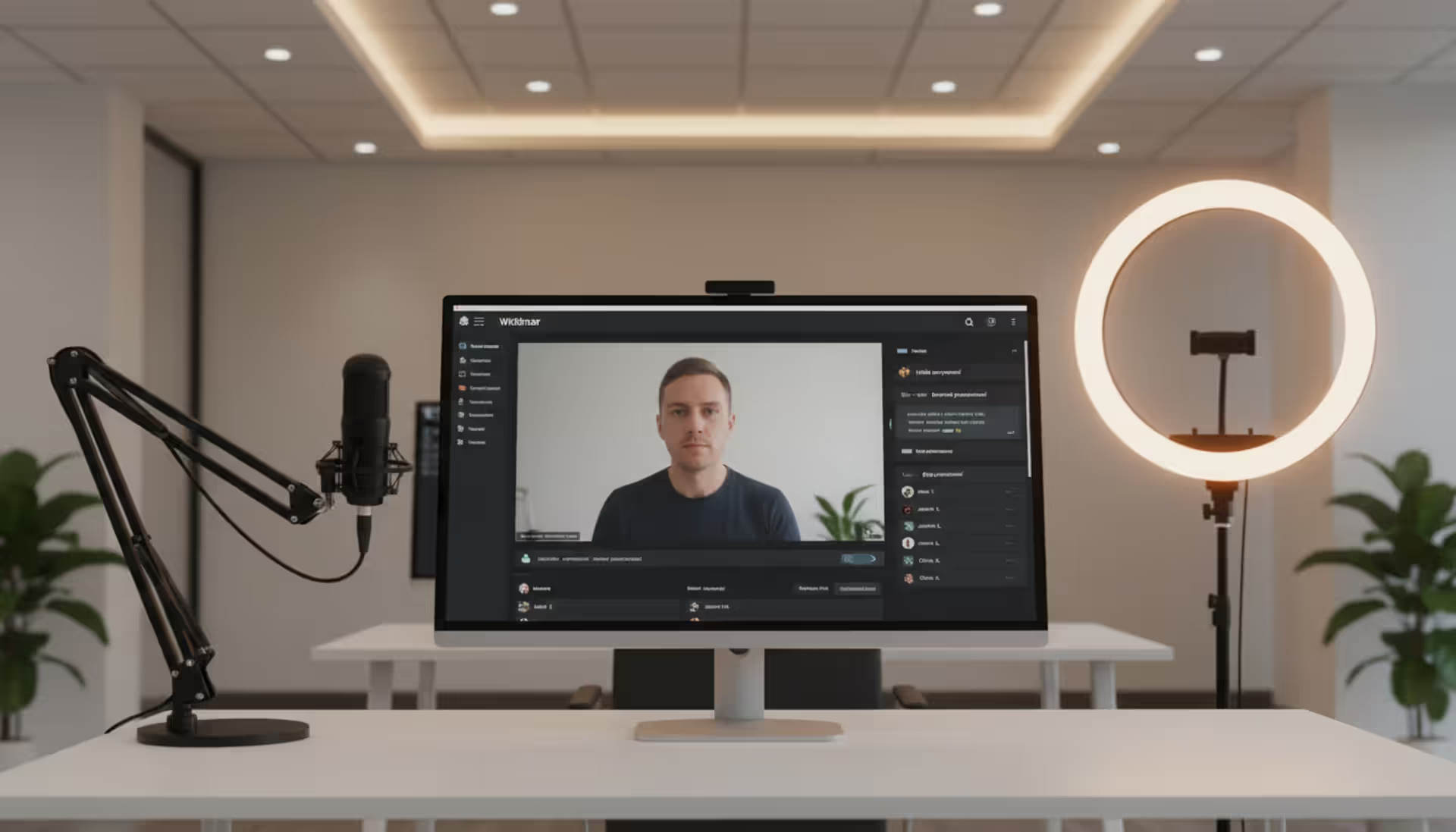
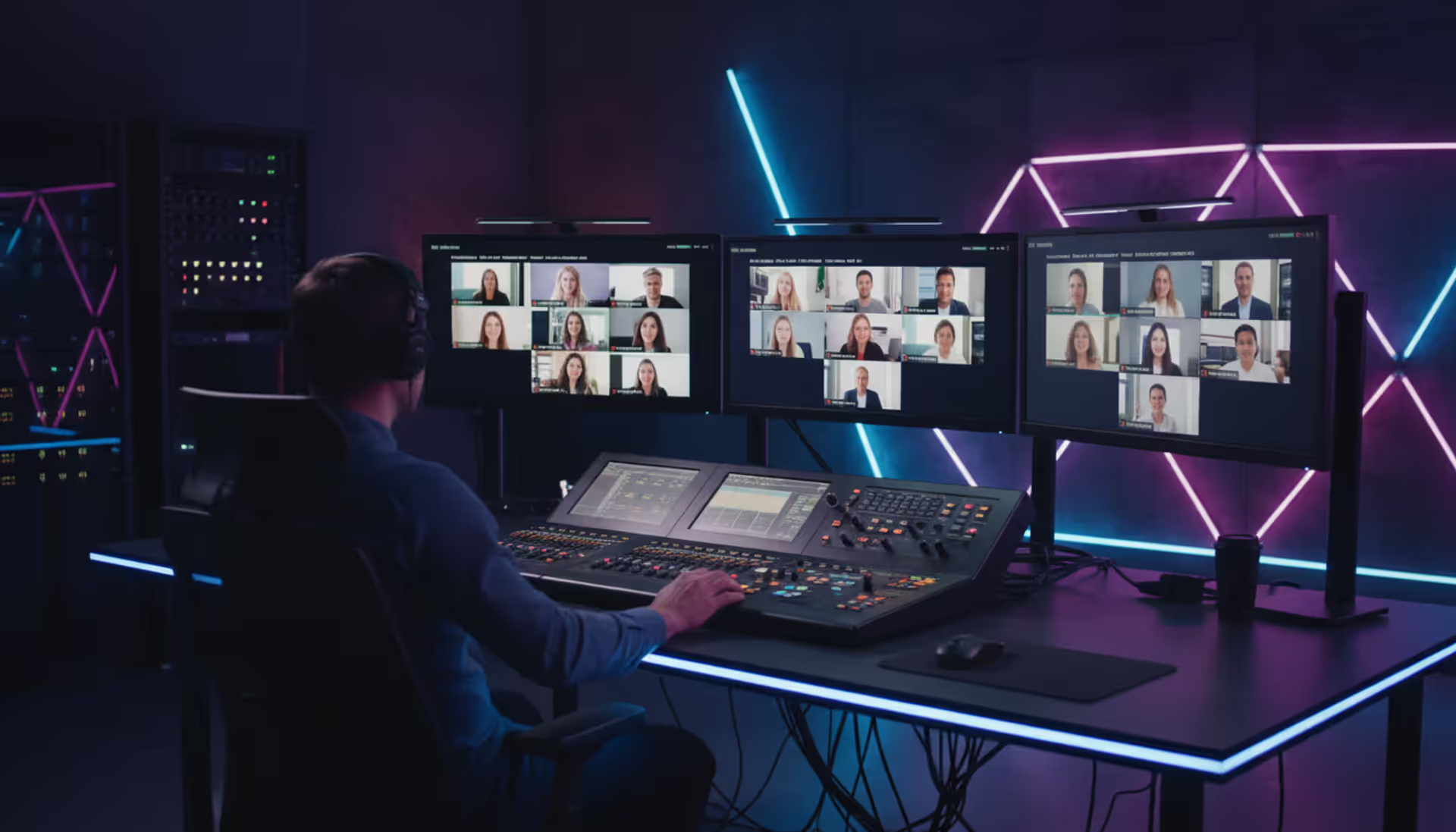
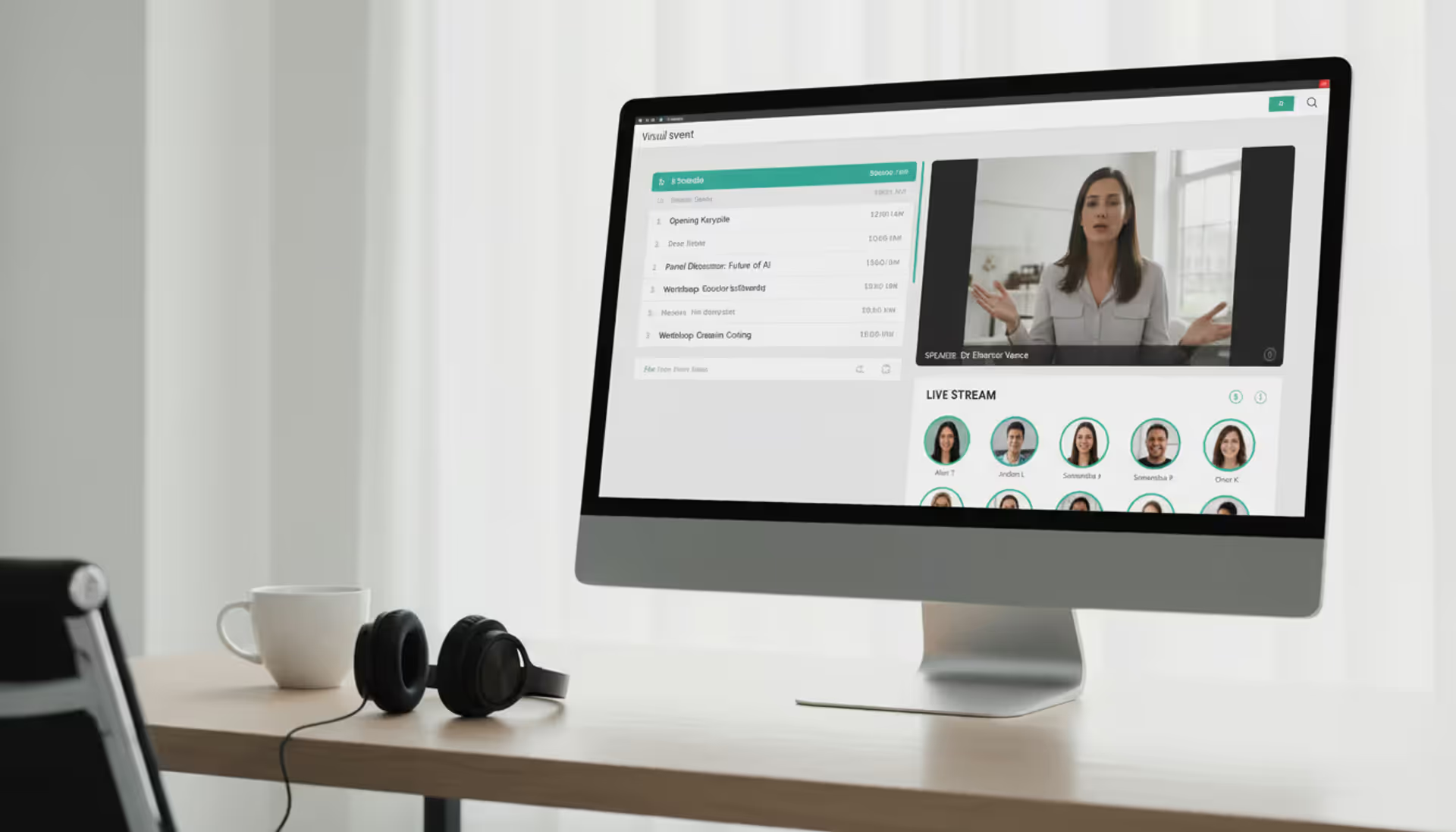
Professional home studio setup with large monitor showing virtual conference grid of video participants, ring light, condenser microphone, and headphones on a modern desk
Virtual events have evolved from emergency substitutes into sophisticated engagement platforms that deliver unique value. Organizations that master virtual event strategy gain access to global audiences, reduce overhead costs by 60–70%, and generate engagement data impossible to capture at physical venues. Yet most virtual events still suffer from poor attendance rates and minimal interaction because planners treat them as inferior copies of in-person gatherings rather than distinct experiences requiring their own strategic approach.
What Makes a Virtual Event Strategy Different from In-Person Events
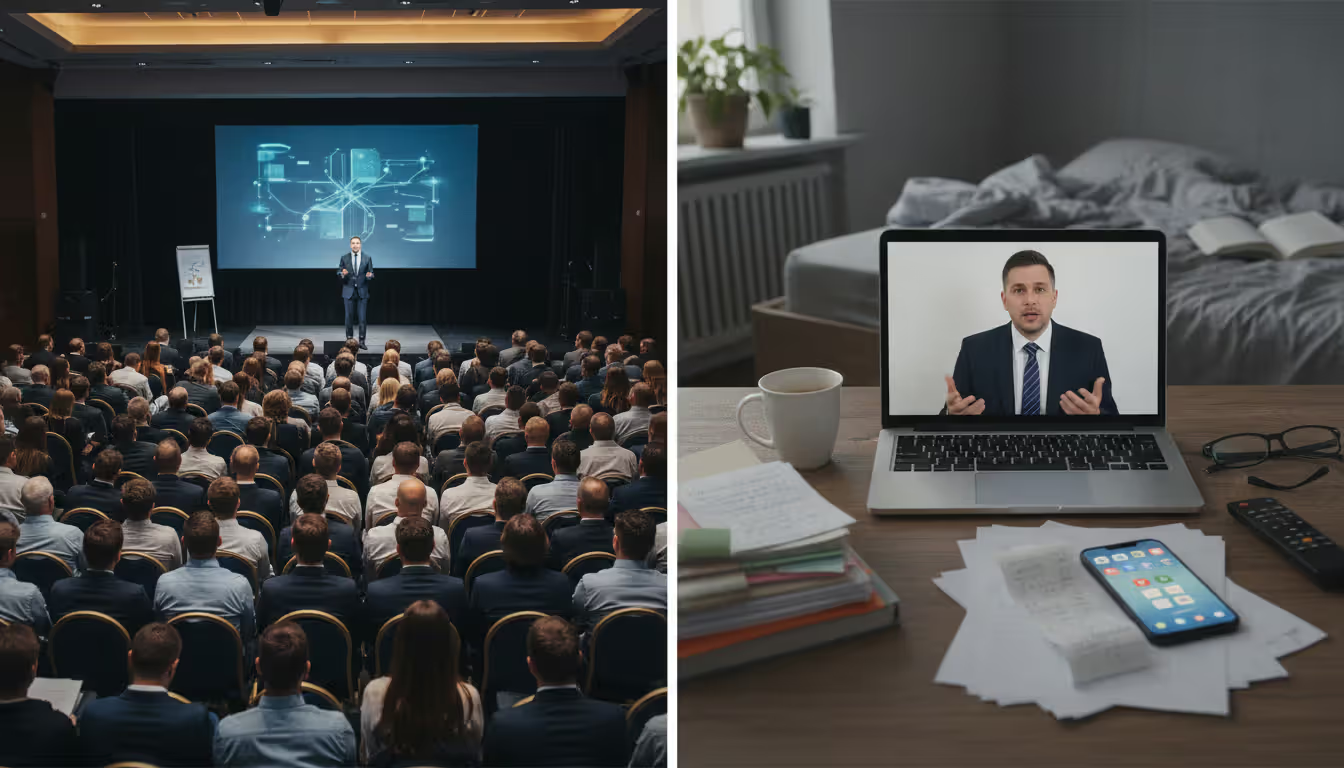
Physical events rely on controlled environments where attendees commit blocks of time with minimal distractions. Virtual participants operate in environments filled with competing demands—email notifications, household interruptions, and the constant temptation to multitask. This fundamental difference reshapes every planning decision.
Timing becomes critical in ways that don't apply to conferences. A three-day physical summit translates poorly to virtual format because screen fatigue sets in after 90 minutes. Successful virtual event strategy breaks content into focused sessions with built-in breaks, often spreading programming across multiple weeks rather than consecutive days.
Technology requirements shift from venue logistics to bandwidth management and platform stability. Where physical events worry about room capacity and catering, virtual planners must ensure servers handle traffic spikes, test backup streaming solutions, and prepare contingency plans for speakers who lose internet connectivity mid-presentation.
Audience behavior changes completely. Physical attendees who traveled and paid for hotels feel invested in attending sessions. Virtual registrants face zero sunk costs and will abandon events that don't immediately deliver value. Registration numbers mean little when actual attendance typically runs 40–50% of sign-ups. Your virtual event strategy must account for this drop-off by over-communicating value and creating compelling reasons to show up live rather than watching recordings later.
The planning timeline compresses in some areas and extends in others. You can finalize virtual venues (platforms) weeks before an event rather than booking months ahead. However, speaker tech rehearsals require more preparation time than physical sound checks, and promoting virtual events demands longer runway periods because registration barriers are lower, leading to later decision-making.
Author: Ethan Marlowe;
Source: musiconmainstreet.com
Choosing the Right Platform for Your Virtual Event
Platform selection determines what's possible for your event. The wrong choice creates frustration for attendees and limits your ability to execute your online event management strategy effectively.
Start by mapping your must-have features against your event type. A 50-person workshop needs different capabilities than a 5,000-attendee conference. Webinar platforms excel at broadcast-style presentations but lack networking features. Full event platforms offer robust interaction tools but come with steeper learning curves and higher price tags.
Integration capabilities matter more than most planners realize. Your platform should connect with your CRM, marketing automation system, and analytics tools. Manual data transfer between systems wastes hours and introduces errors that corrupt your metrics. Platforms offering native integrations with Salesforce, HubSpot, Marketo, and similar tools save significant administrative burden.
Virtual event platform selection should account for your team's technical capabilities. Feature-rich platforms with extensive customization options require dedicated technical staff or vendor support. Simpler platforms limit creative possibilities but allow small teams to execute professional events without specialized expertise.
Must-Have Features vs. Nice-to-Have Features
Must-have features for most events include reliable HD streaming, screen sharing, live Q&A functionality, basic analytics (attendance, engagement duration), mobile accessibility, and recording capabilities. Events fail when these core functions underperform.
Nice-to-have features include custom branding beyond logo placement, AI-powered networking matchmaking, simultaneous translation, white-label mobile apps, advanced gamification with leaderboards, and virtual exhibit halls with booth analytics. These elements enhance experiences but aren't foundational.
The distinction shifts based on your event goals. B2B conferences prioritizing lead generation need robust sponsor analytics and attendee tracking—features that become must-haves rather than nice-to-haves. Community-building events require strong networking tools that might be optional for training sessions.
Budget Considerations and Pricing Models
Platform costs vary dramatically. Basic webinar tools start around $150–$300 monthly for up to 500 participants. Mid-tier event platforms range from $3,000–$15,000 per event depending on attendee count and feature access. Enterprise solutions with dedicated support and unlimited customization run $25,000–$100,000+ annually.
Most platforms use one of three pricing models: per-event licensing, monthly/annual subscriptions, or attendee-based pricing. Per-event models work for organizations running occasional virtual events. Subscription pricing makes sense for regular programming. Attendee-based pricing can become expensive for large events but offers predictability for smaller gatherings.
Hidden costs include premium support packages, additional streaming bandwidth for high-definition video, custom development for specific integrations, and training sessions for your team. Budget an extra 20–30% beyond base platform costs for these elements.
Planning Hybrid Events That Serve Both Audiences
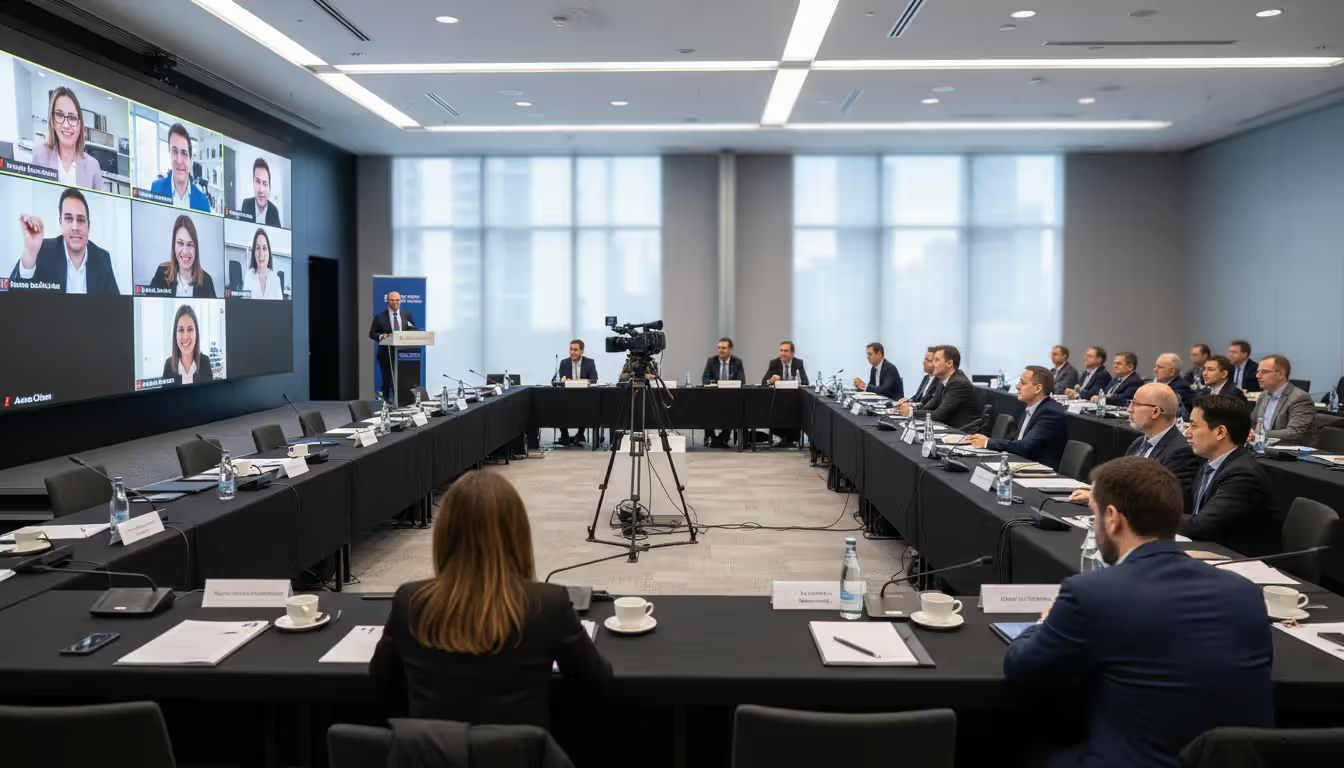
Hybrid event strategy presents unique challenges because you're essentially producing two events simultaneously. The biggest mistake planners make is treating virtual attendees as secondary participants watching a livestream of the in-person event.
Both audiences deserve distinct but equivalent experiences. In-person attendees benefit from physical networking and environmental immersion. Virtual participants need compensatory advantages—perhaps exclusive digital-only sessions with speakers, AI matchmaking for one-on-one video meetings, or early access to session recordings.
Technology setup for hybrid events requires careful coordination. You need professional A/V crews managing both room sound and broadcast quality streaming. Camera operators must capture not just speakers but audience reactions and room energy that help virtual attendees feel present. Dedicated moderators should manage online chat separately from in-room questions to ensure virtual voices get heard.
Engagement parity remains difficult but achievable. Use platform features that allow virtual attendees to submit questions that appear on in-room screens. Create hybrid breakout sessions where physical tables include video screens showing remote participants. Design activities that work across both formats—polls that everyone answers simultaneously, collaborative documents that both groups contribute to in real-time.
Pricing strategy for hybrid events typically positions virtual tickets at 40–60% of in-person pricing, reflecting lower costs while acknowledging different value propositions. Some organizations charge the same for both to avoid creating perceived quality tiers.
Author: Ethan Marlowe;
Source: musiconmainstreet.com
Proven Tactics to Keep Virtual Audiences Engaged
Virtual event audience engagement requires active design, not passive hope. Attention spans collapse online, with engagement dropping 30–40% after the first 20 minutes of passive content.
Interactive elements must appear every 5–7 minutes. Polls, quick quizzes, chat prompts, and reaction requests break up presentation monotony. These don't need complexity—simple "raise hand if you've experienced this" moments reset attention and create participation momentum.
Chat moderation transforms passive viewers into active community members. Dedicated moderators who ask questions, highlight interesting comments, and facilitate peer-to-peer conversation create the hallway-track experience that physical events offer naturally. Unmoderated chats become ghost towns or spam channels.
Gamification works when tied to meaningful actions rather than arbitrary point collection. Award badges for asking questions, visiting sponsor booths, or completing session surveys. Create leaderboards that recognize engagement rather than just attendance duration. Offer tangible prizes—free consulting hours, product discounts, exclusive content access—that motivate participation.
Breakout sessions provide intimacy that main-stage presentations can't deliver. Groups of 6–12 participants can have actual conversations. Rotate breakout assignments multiple times during longer events so attendees meet different people. Provide discussion prompts rather than expecting organic conversation to emerge.
Virtual event networking tools range from simple chat functions to sophisticated AI-powered matchmaking platforms that connect attendees based on shared interests, complementary needs, or business compatibility. Speed networking sessions—structured 5-minute video conversations that rotate participants—replicate conference floor serendipity in digital environments.
Managing Speakers and Sponsors in a Virtual Environment
Virtual event speaker management starts weeks before your event. Speakers need clear technical requirements, platform training, and rehearsal time. The professionals who deliver flawless keynotes at physical venues often struggle with virtual presentation mechanics.
Tech rehearsals should happen 3–5 days before the event, not the morning of. Test speakers' internet bandwidth, audio quality, lighting, camera angles, and screen sharing functionality. Identify backup plans—secondary internet connections, alternative devices, pre-recorded content ready if live streaming fails.
Speaker preparation extends beyond technology. Virtual presentations require different pacing, more frequent voice modulation, and direct camera eye contact that feels unnatural to speakers accustomed to reading room energy. Provide coaching on these adjustments or accept diminished presentation quality.
Virtual event sponsor strategy must evolve beyond logo placement. Sponsors buying virtual event packages expect measurable ROI—leads captured, booth visits tracked, engagement quantified. Your platform must deliver these metrics or sponsor renewal rates will plummet.
Virtual Sponsor Activation Ideas
Create sponsored networking lounges where attendees meet company representatives in video chat rooms. Offer sponsored gamification elements where completing sponsor-related activities (watching product demos, downloading resources) earns points toward prizes. Provide sponsored content sessions that deliver educational value rather than sales pitches—cooking demonstrations by food brands, productivity workshops by software companies.
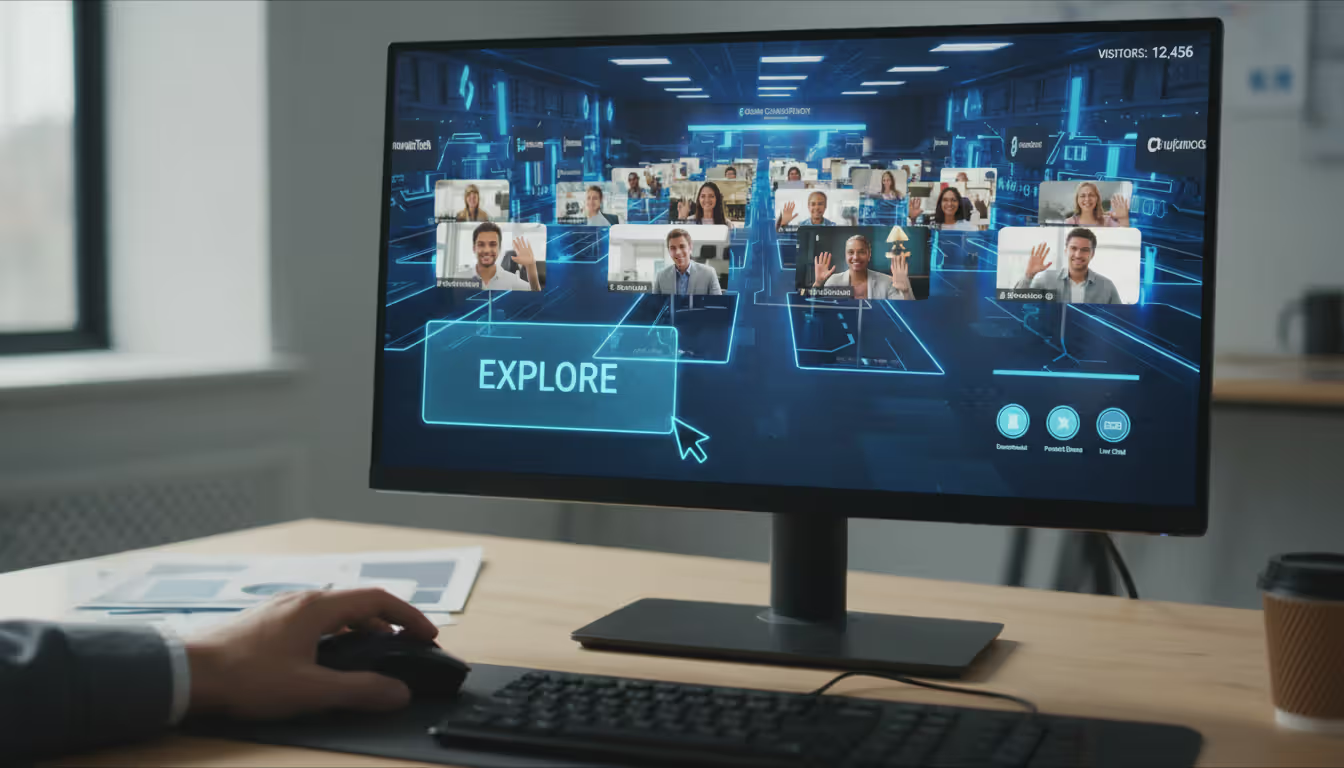
Virtual exhibit halls work when they offer interactive experiences, not static PDF downloads. Video chat with company reps, live product demonstrations, exclusive discount codes for event attendees, and contests or giveaways create reasons to visit digital booths. Track metrics like booth dwell time, resource downloads, and meeting requests to demonstrate sponsor value.
Email introduction programs connect sponsors directly with attendees who opt in based on specific interests. This targeted approach delivers higher-quality leads than physical booth traffic where conversations happen by proximity rather than intent.
Author: Ethan Marlowe;
Source: musiconmainstreet.com
Speaker Technical Requirements Checklist
Speakers need: - Minimum 25 Mbps upload speed (test at presentation time of day) - Wired ethernet connection (WiFi as backup only) - External microphone (USB or headset, not computer built-in) - Ring light or desk lamp for face lighting - Neutral background or virtual background capability - Platform software installed and tested 48+ hours in advance - Backup device ready (second computer or tablet) - Mobile hotspot as internet backup - Presentation files uploaded to platform 24 hours early - Contact number for tech support during their session
Revenue Models and Monetization Approaches
Virtual event monetization offers flexibility that physical events can't match. Ticket pricing typically ranges from free (lead generation focus) to $50–$200 for professional development content to $500–$2,000 for specialized industry conferences.
Tiered access models create multiple revenue streams from single events. Offer free registration for live session attendance, $99 for 30-day recording access, and $299 for lifetime access plus bonus content. VIP tiers at $500–$1,000 might include small-group sessions with speakers, exclusive networking events, or certification programs.
Sponsorship packages for virtual events should price 30–50% below comparable physical event sponsorships, reflecting reduced costs while acknowledging smaller audience sizes. A conference that charged $25,000 for physical platinum sponsorship might offer virtual platinum at $12,000–$15,000.
On-demand content sales extend event revenue beyond live dates. Package session recordings, presentation slides, and supplementary resources as digital products. Price individual sessions at $29–$49 or full conference access at $199–$399. This creates evergreen revenue from content that required one-time production costs.
Certification programs attached to virtual events command premium pricing. Attendees who complete sessions, pass assessments, and demonstrate competency will pay $300–$800 for recognized credentials that advance careers.
Measuring Success: Metrics That Matter
Virtual event metrics provide granular data that physical events can't capture. However, tracking everything creates analysis paralysis. Focus on metrics tied to specific goals.
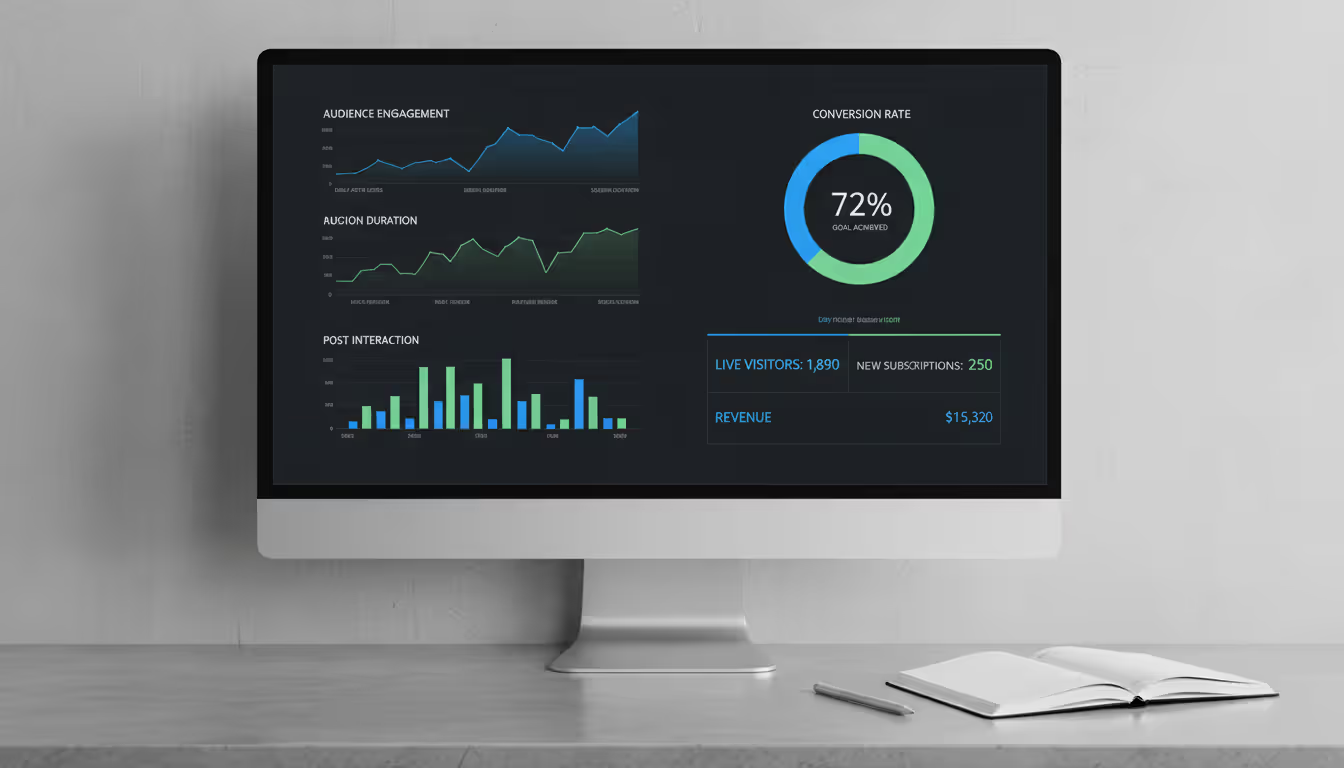
Registration-to-attendance conversion rates average 40–50% for virtual events. Rates below 35% suggest weak pre-event engagement or poor value communication. Rates above 60% indicate strong audience commitment or effective reminder campaigns.
Engagement duration matters more than simple attendance. Attendees who stay for 70%+ of session duration demonstrate genuine interest. Track average watch time per registrant and per attendee (those who actually showed up). Industry benchmarks show 60–75 minute average engagement for 90-minute sessions represents strong performance.
Interaction rates measure active participation—poll responses, questions asked, chat messages sent, resources downloaded. Aim for 40–50% of attendees taking at least one interactive action during sessions. Rates below 25% indicate passive viewing that suggests content or format problems.
Survey immediately post-event; focus on content quality and platform ease-of-use
Conversion tracking connects event participation to business outcomes. For lead generation events, measure how many attendees become qualified leads, schedule sales calls, or convert to customers. For educational events, track certification completion, course enrollment, or membership sign-ups.
ROI calculation compares total event costs (platform, marketing, production, staff time) against revenue generated (ticket sales, sponsorships, leads valued at average customer acquisition cost). Positive ROI typically requires multiple revenue streams unless ticket prices are substantial.
Author: Ethan Marlowe;
Source: musiconmainstreet.com
Production Essentials and Networking Tools
Virtual event production guide essentials start with audio-visual quality. Poor audio kills events faster than any other factor. Invest in professional-grade microphones for hosts and speakers. USB condenser mics ($100–$200) deliver vastly better sound than laptop built-ins.
Lighting transforms production value. Ring lights ($50–$150) eliminate shadows and create professional appearance. Three-point lighting setups (key light, fill light, back light) used in broadcast studios can be replicated affordably with desk lamps and diffusers.
Streaming reliability requires redundancy. Primary internet connections should be wired ethernet with minimum 50 Mbps upload speeds. Have backup connections ready—secondary internet service, mobile hotspot, or alternative streaming location. Use platforms that allow seamless presenter switching so technical failures don't derail entire events.
Production teams for professional virtual events typically include a technical director managing streaming and platform, a producer coordinating speakers and timing, a moderator handling chat and Q&A, and a technical support person troubleshooting attendee issues. Small events can combine roles, but separating these functions improves execution quality.
Virtual networking features determine whether attendees build meaningful connections. Basic platforms offer chat and Q&A. Advanced platforms provide speed networking, AI matchmaking based on profiles and interests, virtual coffee breaks with random small-group assignments, and one-on-one meeting scheduling.
Networking tools that work best create structure rather than hoping organic interaction emerges. Scheduled networking sessions with specific prompts ("share your biggest challenge in this area") generate better conversations than open-ended "mingle" time. Icebreaker activities, collaborative challenges, and facilitated small-group discussions replicate the accidental hallway conversations that make physical events valuable.
The most successful virtual events aren't just webinars on steroids—they're carefully designed experiences that leverage technology to create connections that wouldn't be possible in a physical room
— Julius Solaris
Frequently Asked Questions
How far in advance should I start planning a virtual event?
Plan 8–12 weeks ahead for professional virtual events with 200+ attendees. Smaller events (under 100 people) need 4–6 weeks minimum. This timeline allows for platform selection and testing, speaker recruitment and rehearsals, marketing campaign execution, and content development. Rush planning under four weeks typically results in poor attendance and technical problems. Complex hybrid events require 12–16 weeks because coordinating physical venues adds logistical layers.
What's the average cost of a virtual event platform?
Platform costs range from $150–$300 monthly for basic webinar tools (up to 500 participants) to $3,000–$15,000 per event for mid-tier platforms with engagement features and analytics. Enterprise solutions run $25,000–$100,000+ annually for unlimited events with custom development and dedicated support. Budget an additional 20–30% for premium support, extra bandwidth, integrations, and training. Total production costs including marketing, speakers, and staff time typically run $8,000–$25,000 for professional 200-person events.
How do I prevent virtual event fatigue among attendees?
Limit continuous content to 90 minutes maximum before substantial breaks. Break longer events into multiple days rather than marathon sessions. Add interactivity every 5–7 minutes through polls, chat prompts, or quick activities. Use multiple speakers and formats (panels, interviews, solo presentations) to vary pacing and voices. Schedule networking breaks where attendees step away from content. Offer asynchronous options so people can engage on their own schedules rather than requiring real-time attendance for everything.
Can I record my virtual event and sell access later?
Yes, and you should. On-demand content creates evergreen revenue streams from one-time production costs. Price individual session recordings at $29–$49 or full event access at $199–$399. Ensure your platform terms of service and speaker agreements allow recording and resale. Edit recordings to remove technical glitches and dead time before offering them for sale. Create chapters or timestamps so buyers can navigate to specific topics. Market recordings separately to people who couldn't attend live and as upgrade options for free registrants.
What engagement rate should I expect for a virtual event?
Expect 40–50% of registrants to actually attend live sessions. Of those who attend, aim for 40–50% to take at least one interactive action (answer polls, ask questions, participate in chat). Average engagement duration should reach 60–75 minutes for 90-minute sessions. Rates significantly below these benchmarks indicate content, format, or promotion problems. Highly successful events with strong audience fit and compelling content can achieve 60–70% registration-to-attendance conversion and 60%+ interaction rates.
How do hybrid events differ in cost from fully virtual events?
Hybrid events typically cost 60–80% of fully in-person events but 3–5 times more than virtual-only events. You're essentially producing two events simultaneously—paying for physical venue, catering, and in-room A/V while also covering virtual platform costs, streaming equipment, and digital production staff. Budget $25,000–$75,000 for professional 200-person hybrid events (100 in-person, 100 virtual) compared to $8,000–$25,000 for virtual-only. The cost premium buys access to both local attendees who prefer physical experiences and global audiences who can't travel.
Building an effective virtual event strategy requires treating digital events as distinct experiences rather than inferior substitutes for physical gatherings. Success comes from understanding how virtual audiences behave differently, choosing platforms that match your specific needs and technical capabilities, and designing engagement into every aspect of your event rather than hoping it emerges organically.
The organizations winning with virtual events focus relentlessly on attendee experience—eliminating friction in registration and access, delivering content in digestible segments with frequent interaction opportunities, and creating networking experiences that leverage technology's unique capabilities. They measure what matters, using data to continuously improve rather than tracking vanity metrics that don't connect to business outcomes.
Virtual events offer advantages that physical gatherings can't match: global accessibility, detailed engagement analytics, lower environmental impact, and revenue opportunities that extend far beyond event dates through on-demand content sales. The question isn't whether to incorporate virtual events into your strategy but how to execute them at a level that delivers real value to attendees and measurable results for your organization.
Start with clear goals, choose technology that supports those goals rather than impresses with unnecessary features, and invest in production quality that respects your audience's time. The virtual events that succeed in 2026 and beyond will be those that embrace the medium's unique strengths rather than trying to replicate experiences better suited to physical spaces.
Selecting the right webinar platform impacts attendee experience, engagement rates, and ROI. This guide covers essential features, pricing models, use cases, and evaluation criteria to help you choose webinar software that aligns with your goals without overpaying for unused features
Virtual event production has evolved from emergency solution to strategic business tool. This comprehensive guide covers planning essentials, technical setup, engagement strategies, when to hire production companies, common mistakes to avoid, and the tools you need for successful virtual events that deliver measurable ROI
Managing trade shows requires coordinating exhibitors, attendees, and complex logistics. This guide breaks down trade show software categories, core features like lead capture and booth management, pricing models, and selection criteria to help event planners choose the right platform
Organizing events has shifted dramatically over the past few years. Online event management software powers this transformation, enabling organizers to build, promote, and execute events entirely through digital channels. The right platform can mean the difference between a seamless virtual conference and a logistical nightmare
The content on this website is provided for general informational and educational purposes only. It is intended to explain concepts related to event management software, ticketing systems, hybrid event platforms, and operational tools for event organisers.
All information on this website, including articles, guides, and examples, is presented for general educational purposes. Outcomes may vary depending on event size, technology choices, and organisational needs.
This website does not provide professional legal, financial, or software advice, and the information presented should not be used as a substitute for consultation with qualified event tech or IT professionals.
The website and its authors are not responsible for any errors or omissions, or for any outcomes resulting from decisions made based on the information provided on this website.