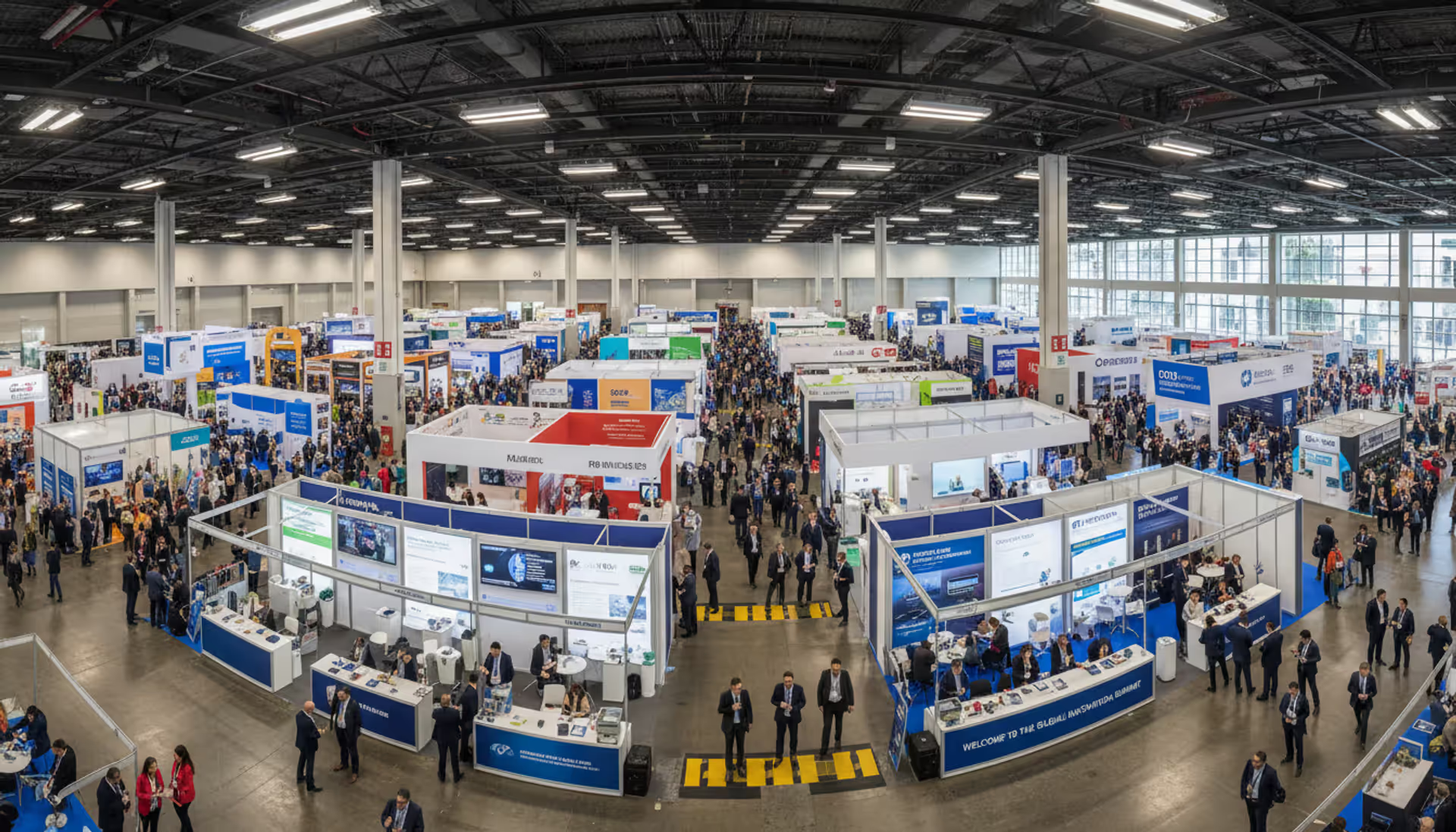
Managing a trade show involves coordinating hundreds of moving parts—exhibitor contracts, floor plans, attendee registration, lead tracking, and real-time logistics. Without the right tools, even experienced planners face bottlenecks that hurt exhibitor ROI and attendee satisfaction.
Trade show software centralizes these workflows into a single platform, automating tasks that once required spreadsheets, email chains, and manual data entry. Whether you're organizing a 50-booth regional expo or a 1,000-exhibitor industry conference, the right technology stack can mean the difference between chaos and a smooth, profitable event.
What Is Trade Show Software and How Does It Work
Trade show software is a category of event technology designed specifically to manage the unique requirements of exhibitions, expos, and trade fairs. Unlike general event management platforms, these tools focus on exhibitor relationships, booth logistics, lead generation, and the commercial aspects of trade shows.
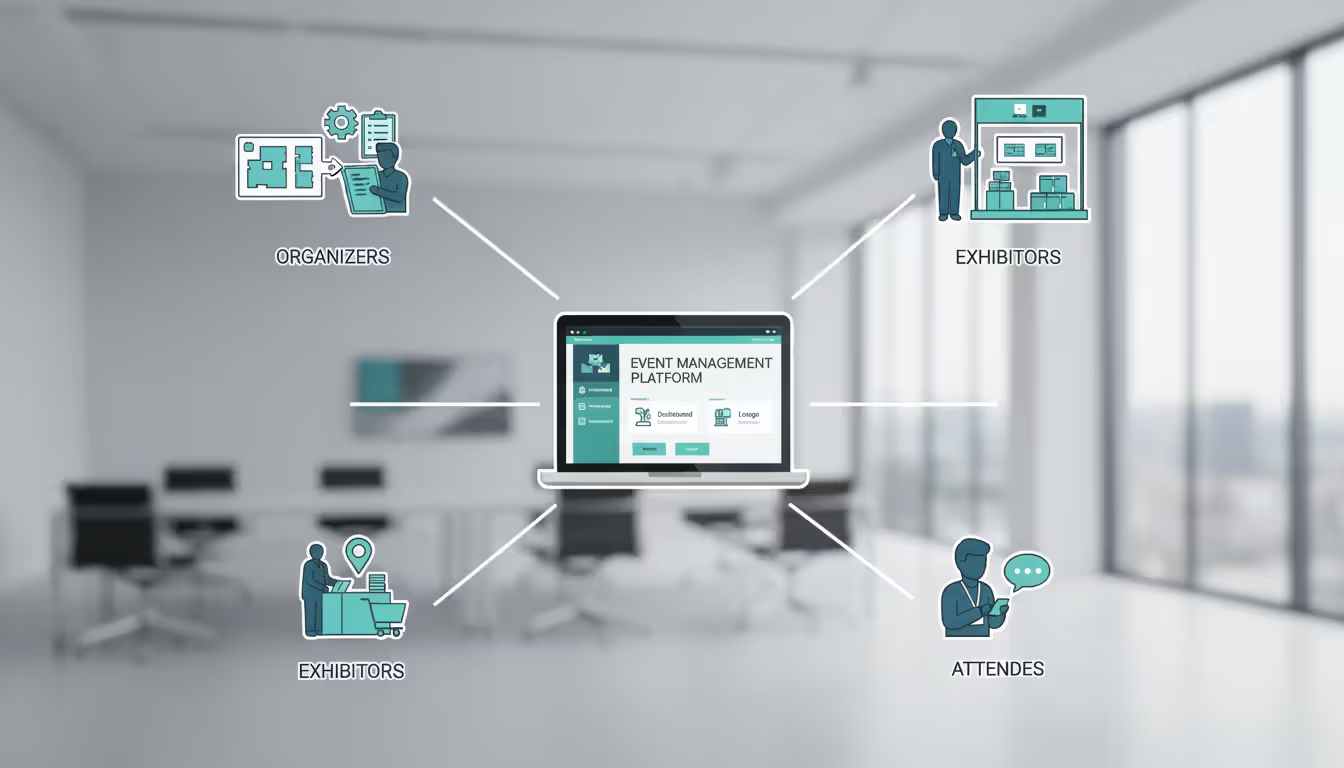
At its core, a trade show management platform handles three main constituencies: organizers (who plan and execute the event), exhibitors (who rent booth space and generate leads), and attendees (who visit to discover products and network). The software creates digital workflows connecting all three groups.
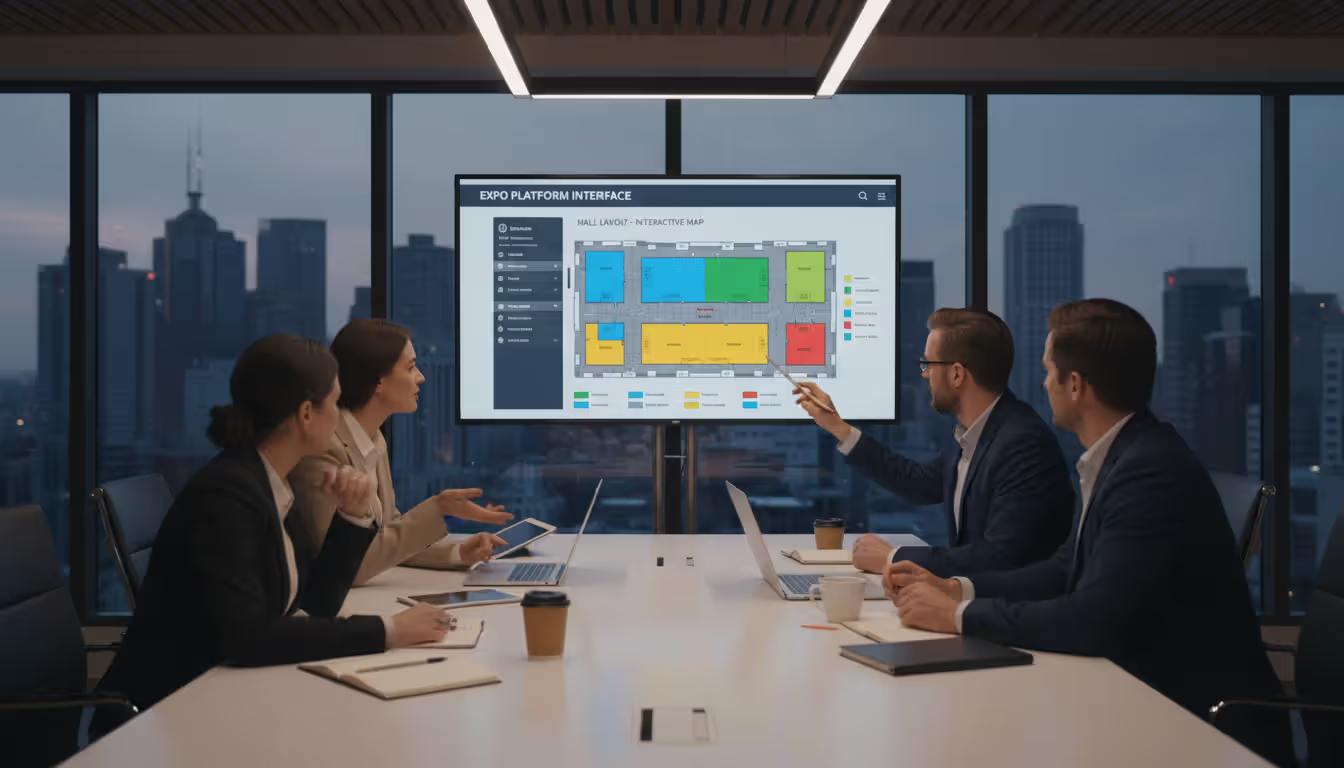
Here's how it typically works: Organizers use the platform to build a floor plan, assign booth spaces, and set pricing tiers. Exhibitors log into a portal to select their booth, upload company information, manage staff badges, and order services like electricity or furniture. Attendees register through branded event pages, build personalized agendas, and check in via mobile apps or kiosks. Throughout the event, the system captures leads through badge scans, tracks session attendance, and generates real-time analytics.
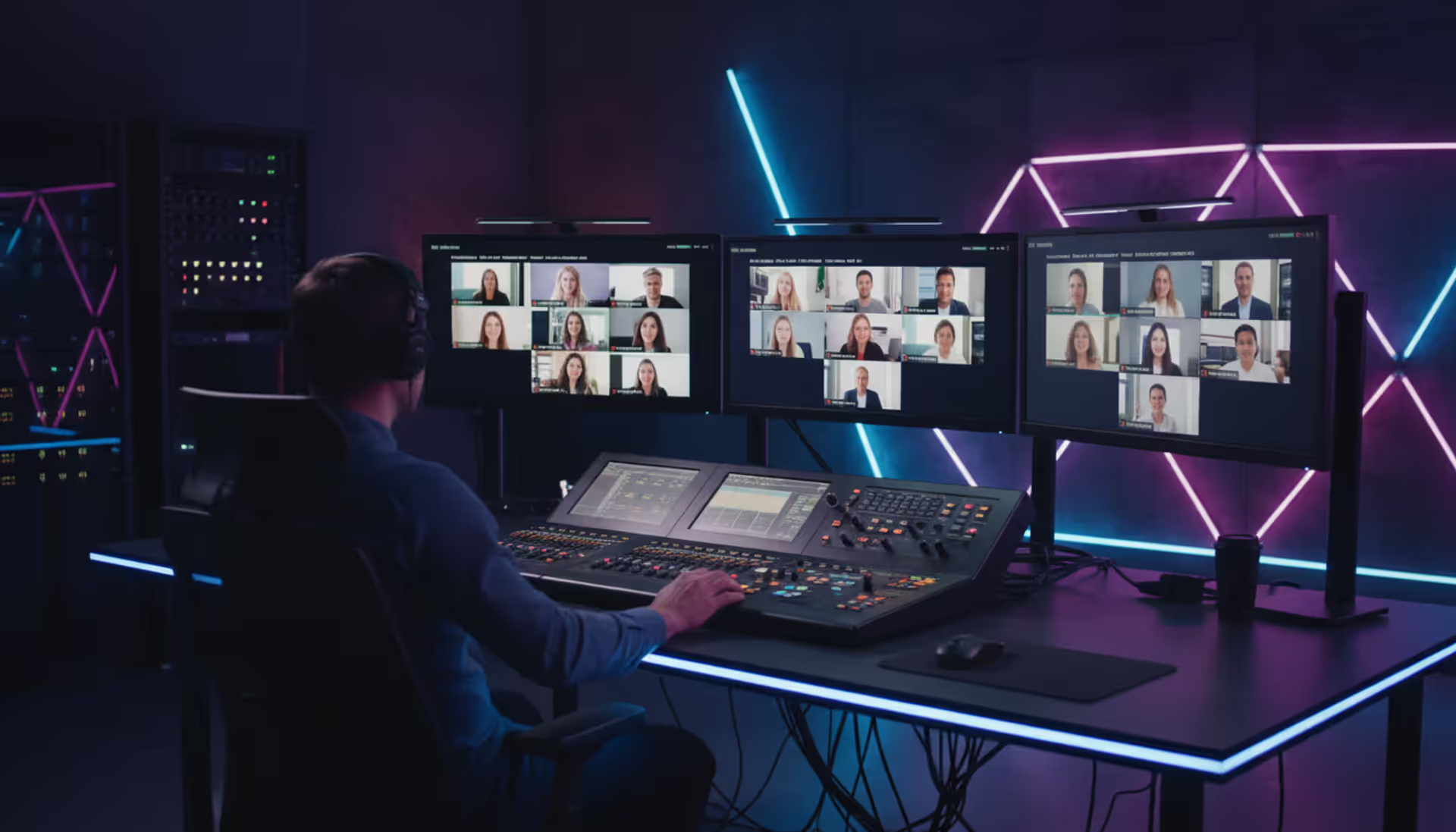
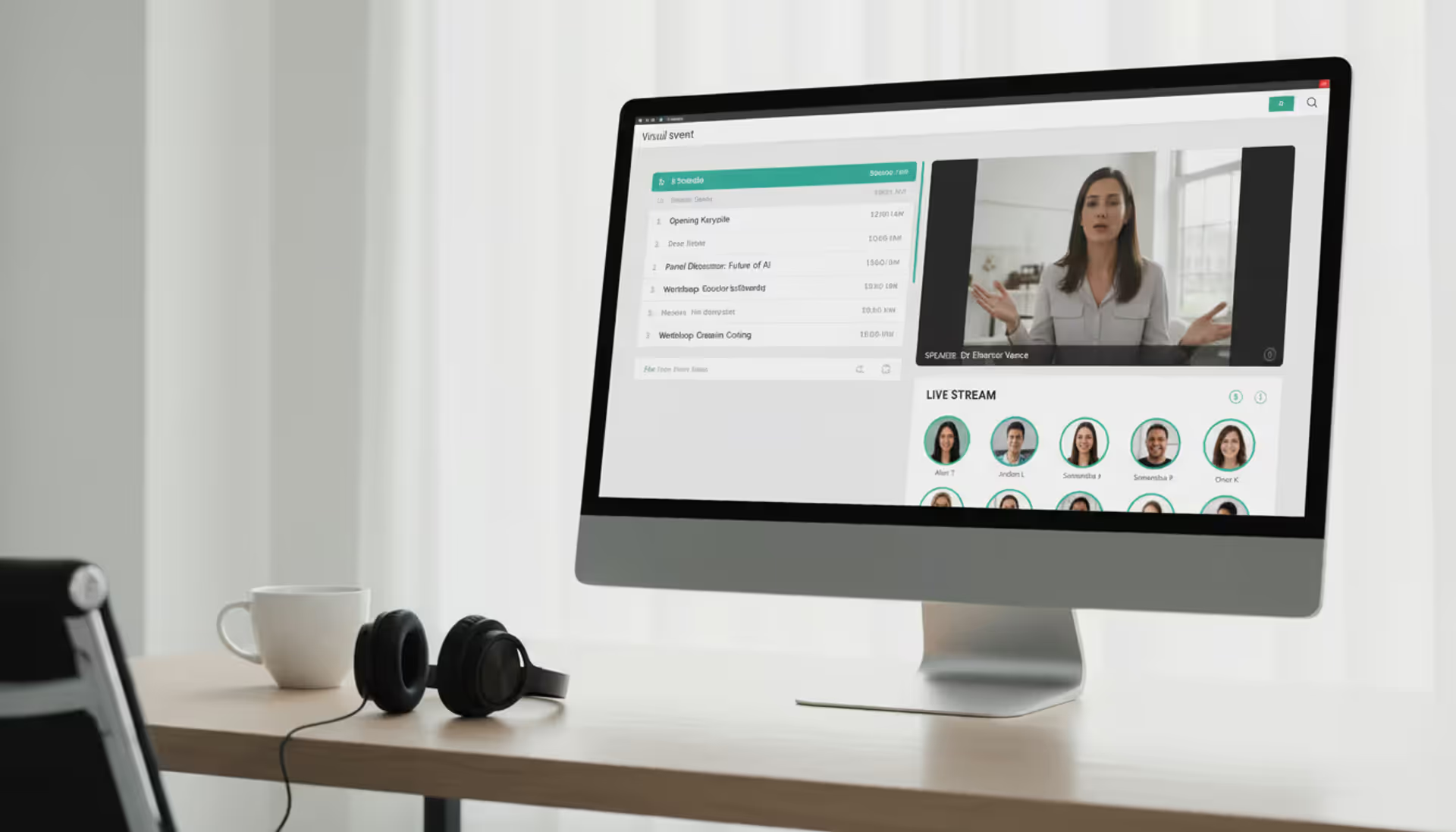
Event producers for in-person shows use these platforms to manage physical logistics—booth dimensions, aisle layouts, fire marshal capacity limits. Virtual trade show platforms shift the focus to digital environments: virtual booths with video chat, downloadable resources, and live webinar integration. Hybrid events combine both, requiring software that can handle simultaneous physical and digital experiences.
Author: Liam Crestwood;
Source: musiconmainstreet.com
Common users include corporate event teams at associations and membership organizations, independent show organizers who produce multiple events per year, convention centers offering turnkey services, and marketing agencies managing client exhibitions.
Core Features to Look for in a Trade Show Management Platform
Not all platforms offer the same depth of functionality. The best systems combine several specialized modules that would otherwise require separate vendors.
Exhibitor and Booth Management Tools
Exhibitor management software should provide a self-service portal where exhibitors can complete the entire pre-event process without phone calls or email. This includes booth selection from an interactive floor plan, contract signing with e-signature integration, and order forms for add-ons like lead scanners, Wi-Fi, or promotional upgrades.
Trade show booth management extends to post-selection tasks: uploading logos and product descriptions for the event app, managing exhibitor staff credentials (most shows allow 2–4 free badges per booth size), and accessing shipping instructions for freight delivery. The platform should enforce deadlines automatically—early-bird pricing until 60 days out, standard rates until 30 days, then late fees.
Look for approval workflows if your show requires vetting exhibitor materials. Some industries (medical devices, financial services) need compliance review before exhibitors can publish booth descriptions or promotional claims.
Attendee Registration and Check-In
Trade show registration software must handle complex ticket types: free expo-hall-only passes, paid conference bundles, VIP packages with lounge access, and group discounts for companies sending teams. The system should support promo codes, early-bird pricing that automatically expires, and waitlists for sold-out sessions.
Check-in functionality separates good platforms from great ones. Badge printing on-site requires integration with thermal printers (Zebra and Datamax are industry standards). QR code check-in via tablets speeds up lines but needs offline mode in case Wi-Fi fails. Pre-printed badges mailed to VIPs eliminate lines entirely but require address validation and tracking.
Self-service kiosks work well for large shows (5,000+ attendees) but add hardware costs. Many planners now use a hybrid approach: kiosks for pre-registered guests, staffed desks for walk-ups and troubleshooting.
Lead Capture and CRM Integration
Trade show lead capture is the primary ROI driver for exhibitors. The platform should offer multiple capture methods: barcode/QR badge scanning via mobile app, manual lead entry forms, and business card scanning with OCR (optical character recognition).
The mobile app for lead scanning must work offline—convention center Wi-Fi is notoriously unreliable. Leads sync automatically when connectivity returns. Exhibitors should be able to add custom notes, rate lead quality (hot/warm/cold), and tag leads by product interest during the conversation.
Integration with CRM platforms (Salesforce, HubSpot, Microsoft Dynamics) is non-negotiable for exhibitors who want leads pushed directly into their sales pipeline. Look for real-time sync or scheduled batch exports in CSV format. Some platforms offer native integrations; others require Zapier or API connections.
A common mistake: assuming exhibitors know how to use lead scanners. Budget time for a mandatory exhibitor orientation the day before the show opens. A five-minute tutorial prevents hundreds of support requests.
Author: Liam Crestwood;
Source: musiconmainstreet.com
Event Scheduling and Agenda Builders
Trade show scheduling software manages two types of programming: educational sessions (keynotes, workshops, panels) and one-on-one meetings between attendees and exhibitors.
For educational content, the platform should publish a searchable session catalog with speaker bios, learning objectives, and capacity limits. Attendees build personal agendas, receive calendar invites, and get reminders 15 minutes before sessions start. Track attendance via check-in scanning to prove continuing education credits (required for medical, legal, and engineering conferences).
Meeting schedulers let exhibitors set availability windows and attendees request appointments. The system prevents double-booking and sends confirmation emails. This feature is critical for trade shows in industries where deals happen through scheduled demos—think enterprise software, manufacturing equipment, or franchise sales.
Trade show analytics should reveal which sessions drove the most registrations, which exhibitors captured the most leads, and where attendees spent time on the show floor. Heatmaps generated from badge-scan data show traffic patterns, helping organizers optimize floor layouts for future events.
Types of Trade Show Software Solutions
The market offers several architectural approaches, each with trade-offs.
All-in-one platforms combine registration, exhibitor management, lead capture, and analytics in a single login. These reduce integration headaches and provide unified reporting. However, they may lack depth in specific areas—the lead scanner might be basic compared to a specialized tool, or the floor plan editor might not support complex booth shapes.
Point solutions excel at one function. A dedicated floor plan tool offers 3D visualization and drag-and-drop booth assignment but requires separate software for registration. Event planners often build a "stack" of point solutions connected via APIs or manual data exports. This approach works if you have technical resources to manage integrations.
On-site software focuses on physical events: badge printing, session check-in, and offline lead capture. These tools often include hardware bundles—printers, scanners, tablets—and provide on-site tech support during the event.
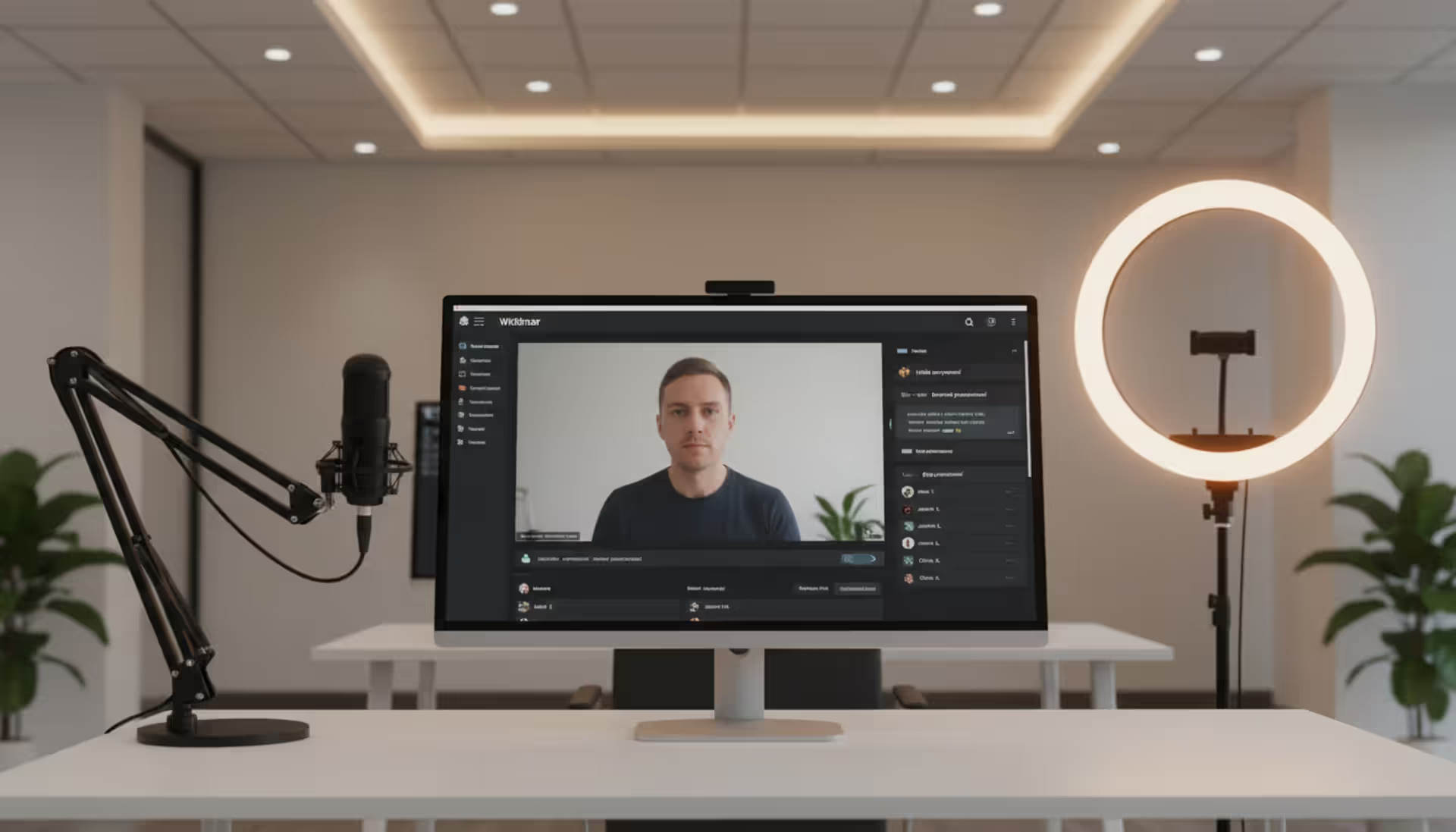
Virtual trade show platforms create browser-based event environments with virtual booths, live-streamed keynotes, and networking lounges. Attendees click through a digital floor plan, enter exhibitor "booths" to watch videos or download PDFs, and chat with reps via text or video. These platforms surged during 2020–2022 but now serve a niche: fully remote events or hybrid extensions of in-person shows.
Hybrid tools manage simultaneous physical and virtual audiences. An exhibitor might have a 10×10 booth on the show floor and a virtual booth accessible to remote attendees. The platform must unify lead capture from both channels and provide separate analytics for in-person vs. virtual engagement.
Trade show event apps (mobile apps branded for your event) serve as the attendee's digital guide: floor plans, exhibitor directories, session schedules, and push notifications for schedule changes. Many all-in-one platforms include app builders; standalone app vendors offer more customization but require separate contracts.
Open-source options exist but are rare in this category. Most trade show software operates as SaaS (software-as-service) with monthly or per-event pricing. Open-source tools require developer resources to customize and host, making them cost-effective only for organizations running dozens of events annually.
How to Choose the Right Trade Show Planning Tools for Your Event
Selection starts with honest assessment of your event's complexity and your team's capabilities.
Event size determines platform requirements. A 50-exhibitor regional show can use simpler tools with basic floor plans and manual lead retrieval. A 500-exhibitor national conference needs automated booth assignment, real-time inventory management (tracking which booth spaces are sold vs. available), and tiered exhibitor packages (bronze/silver/gold sponsorships with different benefits).
Budget constraints are real. Per-event pricing works for annual shows—you pay once, use the platform for 3–4 months of planning, then cancel until next year. Subscription models make sense if you produce multiple events or need year-round access for exhibitor communication. Per-attendee pricing scales with event size but can get expensive for large shows; calculate total cost before committing.
Feature priorities vary by industry. B2B tech shows need robust meeting schedulers because deals close through demos. Consumer expos prioritize fast check-in and crowd management. Association conferences require CEU (continuing education unit) tracking and member-only pricing tiers.
Vendor support quality matters more than feature lists. Ask how support works during your event: Is there a dedicated success manager? What's the response time for critical issues? Do they offer on-site tech support, or is it remote-only? Check references from similar-sized events in your industry.
Scalability prevents painful migrations. If your event grows from 200 to 2,000 attendees over three years, can the platform handle it without switching vendors? Look for tiered pricing that accommodates growth without forcing a complete platform change.
Ease of use determines adoption. If exhibitors find the portal confusing, they'll call your team instead of self-serving. Request a demo where you perform realistic tasks: assign a booth, upload an exhibitor logo, run a lead report. If it takes more than three clicks to complete common tasks, keep looking.
Mobile access is non-negotiable. Organizers need to check registration numbers from their phone. Exhibitors scan leads on the show floor using smartphones, not laptops. Attendees navigate the event via mobile apps. If the platform isn't mobile-optimized, it's obsolete.
Author: Liam Crestwood;
Source: musiconmainstreet.com
Common Mistakes When Implementing Trade Show Software
Even great platforms fail when implemented poorly.
Choosing features you don't need bloats costs and confuses users. A small regional show doesn't need AI-powered matchmaking or 3D virtual environments. Pay for the tier that matches your actual requirements, not the vendor's upsell pitch.
Ignoring mobile functionality creates friction. If the lead capture app crashes on iOS or the attendee app doesn't work offline, exhibitors and attendees will abandon it. Test all mobile features on multiple devices (iPhone, Android, various OS versions) weeks before the event.
Poor exhibitor onboarding guarantees support overload. Send a welcome email with login credentials, a two-minute video tutorial, and a checklist of pre-event tasks. Host a live Q&A webinar 30 days before the show. Create a one-page quick-start guide for booth staff who weren't involved in pre-event setup.
Lack of training for your own team causes last-minute panic. Designate one person as the platform expert who completes vendor training and documents internal processes. This person becomes the go-to resource when the event director needs a custom report or the registration desk encounters an edge case.
No data migration plan traps you with legacy systems. If you're switching from an old platform, map out how to import exhibitor contacts, attendee records, and historical booth assignments. Missing this step means manually re-entering thousands of records or losing valuable year-over-year data.
Underestimating setup time leads to rushed launches. Enterprise platforms require 60–90 days for full implementation: custom branding, data import, staff training, exhibitor portal testing, and attendee registration page setup. Starting four weeks before your event guarantees problems.
Pay only when you use it; predictable project cost
Setup required each time; no year-round exhibitor access
Subscription (Annual)
$6,000–$50,000/year
Multiple events or year-round engagement
Always-on access; better for frequent events
Pay even during off-months; commitment required
Per-Attendee
$2–$8 per registered attendee
Variable event sizes
Scales with event; lower upfront cost for small events
Expensive for large events; hard to budget if registration fluctuates
Several factors influence where you land in these ranges:
Event size and complexity drive base pricing. A 100-exhibitor show costs less than a 1,000-exhibitor show because of data storage, bandwidth, and support requirements.
Feature depth matters. Basic registration and exhibitor management sit at the low end. Add lead scanning hardware, custom mobile apps, and API integrations, and costs double or triple.
Customization needs increase price. White-label branding (removing the vendor's logo) costs extra. Custom reporting, unique registration fields, and specialized integrations require development time billed hourly or as add-ons.
Hidden fees catch planners off-guard. Watch for charges on badge printing (per badge), SMS notifications (per message), data storage beyond included limits, and premium support. Some vendors charge for training webinars or on-site tech support.
Hardware costs add up if you need badge printers, lead scanners, or check-in kiosks. Budget $300–$800 per badge printer, $150–$400 per lead scanner device. Some platforms include hardware in premium tiers; others require separate purchases.
ROI considerations justify the investment. Calculate time saved by automation: if your team spent 40 hours manually processing exhibitor applications and the software reduces that to 5 hours, you've saved 35 hours of labor. Exhibitor satisfaction increases when they can self-serve instead of waiting for email responses. Faster lead delivery (real-time vs. 2 weeks post-event) improves exhibitor renewal rates.
After implementing an integrated trade show management platform, we saw exhibitor satisfaction scores jump 28% and lead follow-up speed improve by 65%. Exhibitors could access their leads within minutes of scanning a badge, rather than waiting days for a spreadsheet. That immediacy directly impacted their ROI perception and drove a 15% increase in booth renewals for the following year
— Marcus Chen
Frequently Asked Questions
What is the difference between trade show software and event management software?
Event management software handles general events—corporate meetings, weddings, fundraisers—with broad features like ticketing and venue management. Trade show software specializes in exhibition-specific needs: exhibitor portals, booth assignment, lead capture, and commercial relationships between organizers, exhibitors, and attendees. Trade show platforms include features irrelevant to other event types, like floor plan editors with booth pricing or exhibitor service ordering.
Do I need separate software for virtual and in-person trade shows?
Not necessarily. Hybrid platforms manage both formats, though you'll pay for features you might not use. If you run only in-person events, a physical-focused platform saves money. If you're fully virtual, dedicated virtual event platforms offer better engagement tools (networking algorithms, gamification, virtual swag bags). Evaluate your three-year event strategy: if you'll alternate between formats, a hybrid platform prevents switching costs.
Can trade show software integrate with my existing CRM?
Most modern platforms offer CRM integration through native connectors (Salesforce, HubSpot, Zoho) or API access for custom builds. Integration depth varies—some sync leads in real-time with custom field mapping, while others export CSV files that require manual import. Confirm integration capabilities during vendor demos, and test with your actual CRM instance before signing a contract. Ask whether exhibitors can connect their individual CRMs or if only the organizer has integration access.
How long does it take to set up a trade show management platform?
Basic setup (branding, registration page, simple exhibitor portal) takes 2–3 weeks for a small event. Complex implementations (custom integrations, multi-tier exhibitor packages, mobile app customization) require 60–90 days. Factor in time for staff training, exhibitor testing, and troubleshooting. Vendors typically provide implementation timelines during sales calls—add 25% buffer for internal delays like legal review or branding approvals.
Is trade show lead capture software compatible with mobile devices?
Yes, but verify which devices and operating systems. Most platforms offer iOS and Android apps for lead scanning. Check minimum OS versions—older devices may not be supported. Test offline functionality, since convention center Wi-Fi often fails. Confirm whether the app works on exhibitor-owned devices or requires rented hardware. Some platforms use web-based scanning (no app download needed), which works on any device with a camera but requires internet connectivity.
What reports and analytics should trade show software provide?
Essential reports include registration metrics (daily sign-ups, ticket types, revenue), exhibitor analytics (booth sales by tier, service orders, lead counts per exhibitor), and attendee engagement (session attendance, floor plan traffic, app usage). Advanced platforms offer lead quality scoring, exhibitor ROI dashboards, and year-over-year comparison reports. Real-time dashboards during the event help you monitor check-in flow and identify bottlenecks. Post-event, export capabilities (PDF, Excel, CSV) let you share data with stakeholders and sponsors.
Selecting trade show software requires matching platform capabilities to your event's specific demands—exhibitor count, attendee volume, hybrid requirements, and budget realities. The right system transforms manual processes into automated workflows, freeing your team to focus on experience design rather than spreadsheet management.
Start by defining your must-have features based on your event's unique pain points. If exhibitor complaints center on slow lead delivery, prioritize platforms with real-time lead capture and CRM integration. If attendee check-in lines hurt your event's first impression, focus on fast badge printing and self-service kiosks.
Request demos from three to five vendors, bringing realistic scenarios from your last event. Ask how the platform would handle your most complex exhibitor package, your highest-volume registration day, and your worst technical failure. Vendor responses reveal whether they understand trade show operations or just sell generic event software.
Budget for the total cost of ownership: software fees, hardware purchases, staff training time, and ongoing support. A platform that costs 20% more but reduces setup time by 40 hours pays for itself quickly.
The trade show industry continues evolving toward hybrid experiences and data-driven exhibitor ROI. Platforms that integrate physical and virtual engagement, provide granular analytics, and simplify the exhibitor experience will dominate the next generation of event technology. Choose a vendor investing in these capabilities to avoid costly migrations as your events grow and expectations rise.
Selecting the right webinar platform impacts attendee experience, engagement rates, and ROI. This guide covers essential features, pricing models, use cases, and evaluation criteria to help you choose webinar software that aligns with your goals without overpaying for unused features
Virtual event production has evolved from emergency solution to strategic business tool. This comprehensive guide covers planning essentials, technical setup, engagement strategies, when to hire production companies, common mistakes to avoid, and the tools you need for successful virtual events that deliver measurable ROI
Organizing events has shifted dramatically over the past few years. Online event management software powers this transformation, enabling organizers to build, promote, and execute events entirely through digital channels. The right platform can mean the difference between a seamless virtual conference and a logistical nightmare
The content on this website is provided for general informational and educational purposes only. It is intended to explain concepts related to event management software, ticketing systems, hybrid event platforms, and operational tools for event organisers.
All information on this website, including articles, guides, and examples, is presented for general educational purposes. Outcomes may vary depending on event size, technology choices, and organisational needs.
This website does not provide professional legal, financial, or software advice, and the information presented should not be used as a substitute for consultation with qualified event tech or IT professionals.
The website and its authors are not responsible for any errors or omissions, or for any outcomes resulting from decisions made based on the information provided on this website.