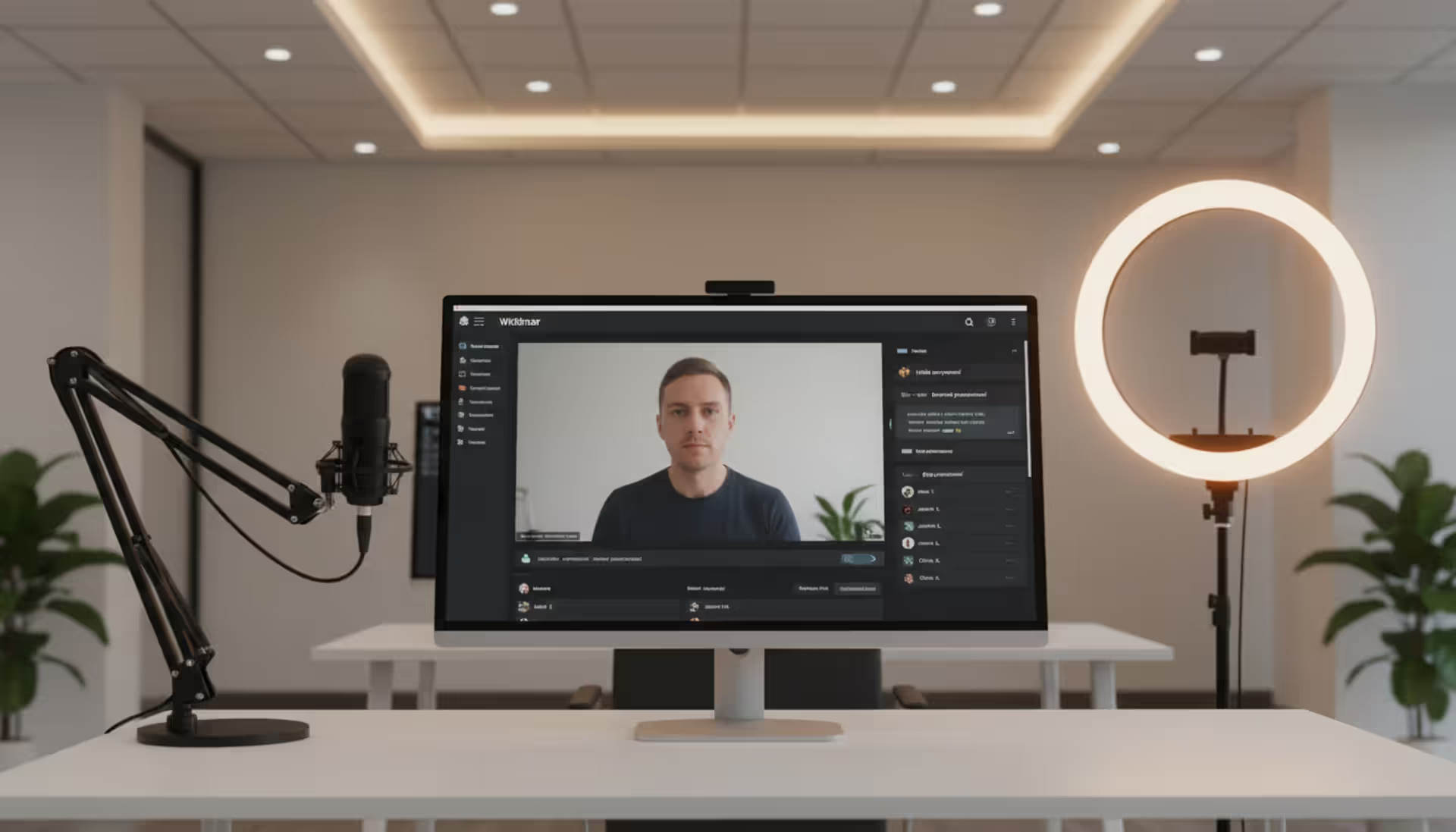
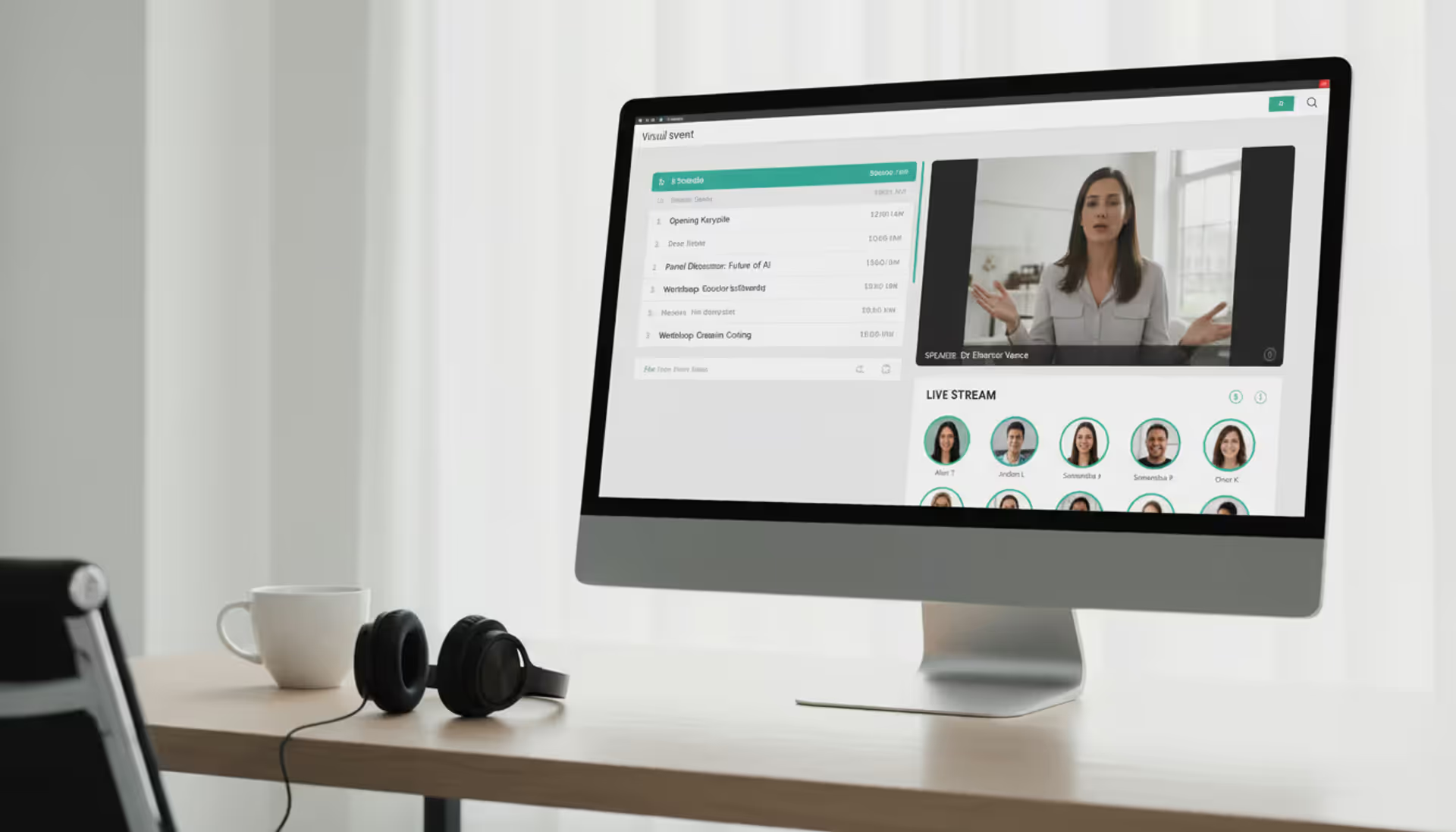
Professional workspace with a monitor displaying a webinar platform interface showing a speaker video stream, chat panel, and attendee list, with a ring light and microphone on the desk
Finding the right webinar platform matters more than most people realize. I've watched companies waste thousands of dollars on fancy features they never touch, while others cheaped out and couldn't handle their first big event. The platform you pick shapes everything—how many people actually show up, whether they stay engaged, and if you can prove ROI to leadership.
You're not short on options. Dozens of platforms compete for your budget. The tricky part? Figuring out which features you actually need versus which ones just look impressive in sales demos. Even trickier: spotting the limitations that only become obvious when you're live with 300 people waiting to hear you speak.
What Is a Webinar Platform and How Does It Work
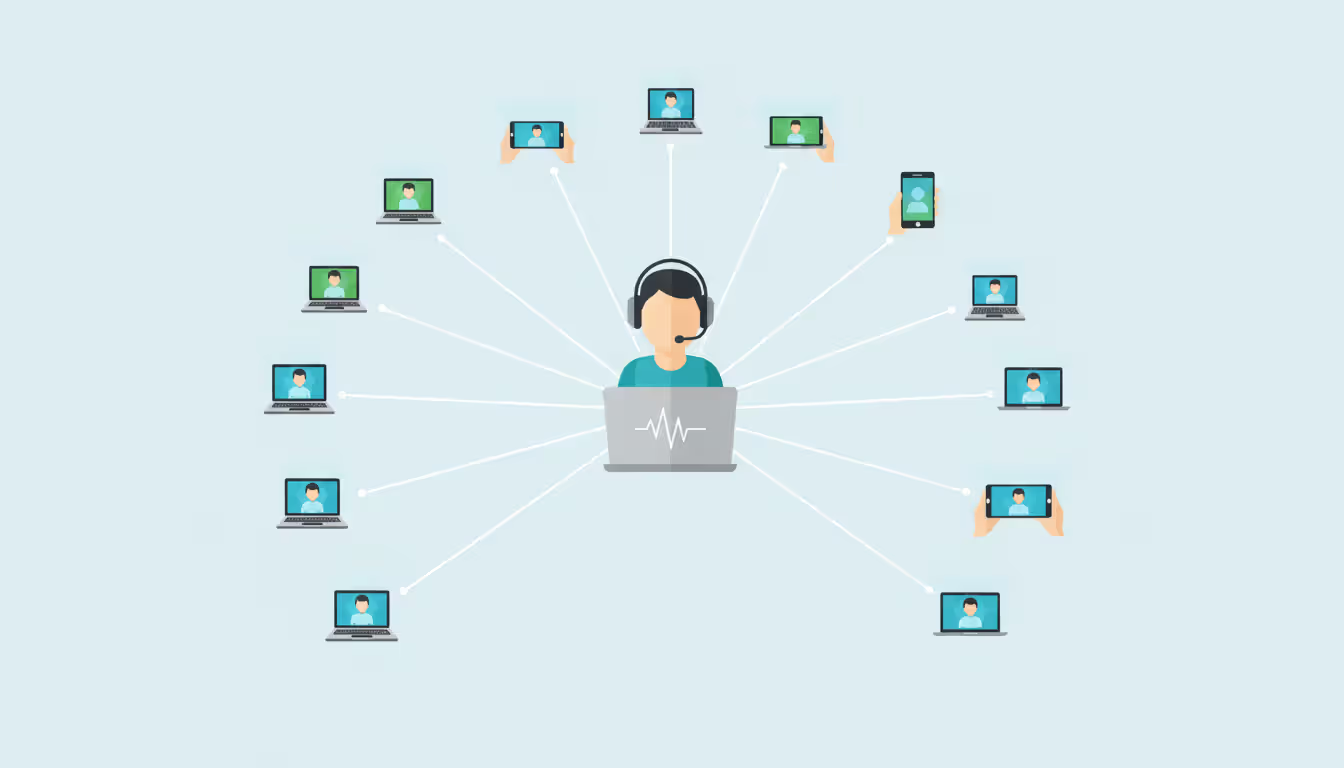
Think of a webinar platform as broadcasting software built specifically for presenting to groups online. You get the ability to stream live or pre-recorded content while your audience interacts through polls, chat, and Q&A—but you stay in control of who talks and when.
Here's what makes these tools different from Zoom or Teams meetings: video conferencing treats everyone as equals. Everyone can unmute, share screens, and interrupt. Great for collaboration. Terrible for presenting to 500 people. Webinar platforms flip this model. You're the broadcaster. Attendees watch, react, and participate only when you invite them to.
The actual mechanics work like this: You build an event and share a registration link. People sign up, giving you their email and whatever other details you ask for. The system sends confirmations, reminder emails, and calendar invites automatically. When showtime hits, attendees click a link and land in your session. You present while watching engagement metrics, answering submitted questions, and deciding who gets to speak. Afterward, you download attendance reports and review recording analytics.
This broadcast-focused design matters when scale enters the picture. Your standard virtual meeting platform starts struggling around 100 active participants. People unmute accidentally. Chat becomes chaotic. Someone shares their screen by mistake. Online seminar platforms handle these scenarios by default—attendees can't disrupt the presentation even if they try.
Author: Chloe Winslow;
Source: musiconmainstreet.com
Key Features to Look for in Webinar Software
Shopping for webinar management software means separating must-haves from nice-to-haves. Here's what actually matters:
Registration pages should work without IT help. You need drag-and-drop customization, your brand colors, and custom form fields. I've seen companies abandon platforms because adding a single dropdown menu required submitting a support ticket. Good webinar hosting software lets you build registration flows in minutes, not days. Bonus points if it generates unique join links per person—stops link sharing and improves tracking accuracy.
Engagement features determine who stays versus who quietly disappears. Polls need to launch instantly with live result displays. Your Q&A system should let attendees upvote questions (so you know what matters), allow you to answer privately before going public, and give you an easy mute button for trolls. Chat gets complicated—sometimes you want open discussion, sometimes you need to disable it entirely. Pick webinar software that gives you granular controls.
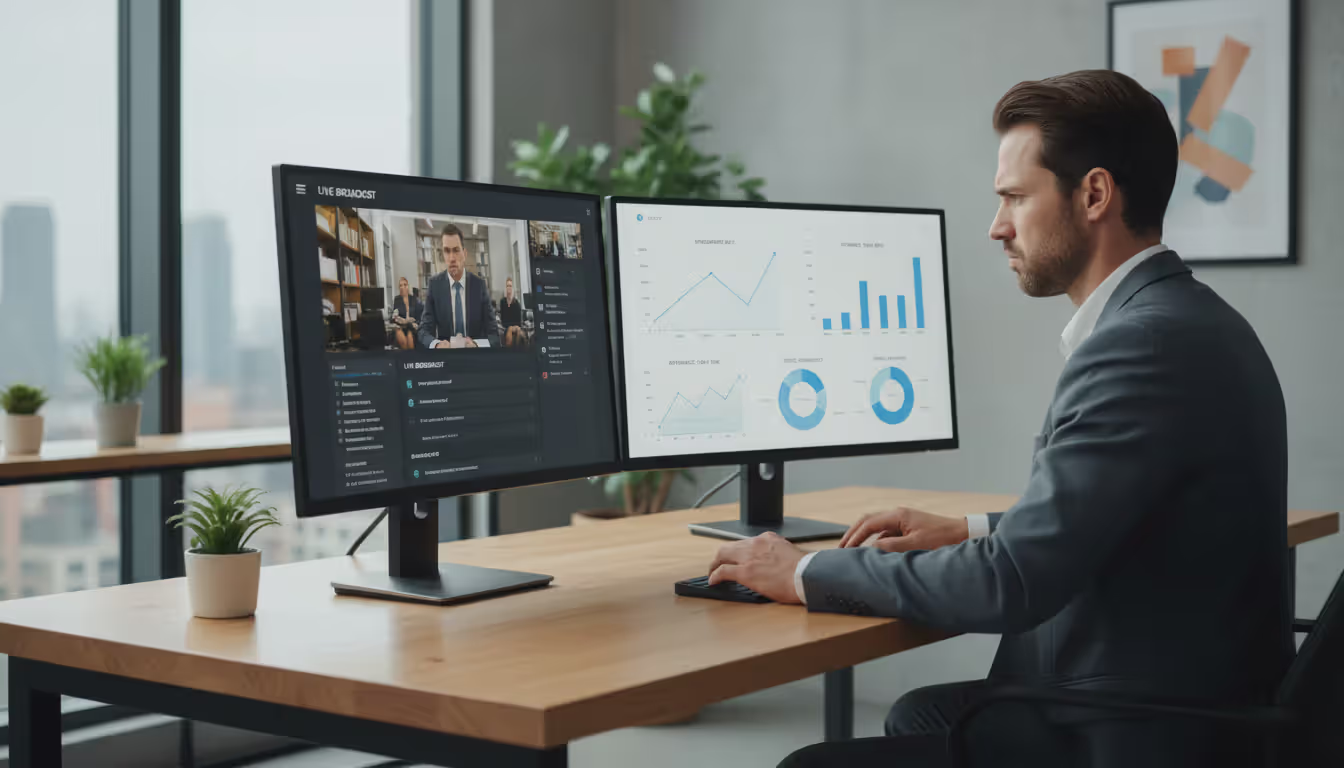
Analytics separate platforms that broadcast from platforms that teach you something. Before your event, you should see where registrants came from, which email subject lines worked, and where people abandoned your signup form. During the session, watch real-time attendance, spot who's engaged versus who's multitasking, and track poll participation. After it ends, you need individual attendee behavior—did Sarah from Enterprise Corp watch 95% or bail after ten minutes? Can you export this data to your CRM without manual copy-paste?
Recording capabilities vary wildly. Some platforms auto-record everything. Others make you remember to click "record" (which I've forgotten more times than I'll admit). Check whether recordings capture just video or include chat logs, poll results, and submitted questions. Editing tools matter if you want to trim the five-minute technical delay from the beginning. Watch for storage limits hiding in contracts—"unlimited recordings" often means 100GB of cloud space, forcing you to download and delete constantly.
Integration depth matters more than integration quantity. A platform might claim it "integrates with Salesforce," but does it sync attendance data both ways? Update lead scores based on engagement? Trigger automated tasks when someone attends three webinars? Native connections beat Zapier workarounds for reliability. Marketing automation needs to fire different email sequences based on who attended versus who registered but ghosted.
Branding options range from slapping your logo somewhere to complete white-labeling. Budget platforms force their branding on registration pages and throughout recordings. Enterprise webinar management software removes all vendor references, runs on your custom domain, and lets you control every visual element. For customer-facing events, this matters significantly.
Types of Webinar Platforms by Use Case
Marketing and Lead Generation
Marketing teams need platforms that prioritize conversions over everything else. These tools excel at A/B testing registration pages, embedding countdown timers, and scoring leads based on behavior patterns.
You'll find features like replay access gates (watch the recording after sharing three colleague emails), automated follow-up sequences that change based on attendance percentage, and alerts to sales reps when target accounts watch your demo. Some platforms track which specific product mentions generated questions or poll responses—giving your sales team conversation starters beyond "I saw you attended our webinar."
Trade-off alert: marketing-focused virtual conference platforms sometimes sacrifice streaming quality for conversion optimization. You might get fantastic registration analytics but mediocre video quality or clunky presenter controls.
Author: Chloe Winslow;
Source: musiconmainstreet.com
Corporate Training and Internal Communication
Training departments have different priorities. You need to verify someone actually attended (not just logged in and walked away), prove completion for compliance requirements, and track quiz scores.
Look for attendance certificates, assessment functionality with configurable passing scores, and detailed individual participation records. Breakout rooms become essential here—you'll split large groups for practice exercises or small team discussions. Recording controls matter more for internal use; you can't have people downloading sensitive company information without authorization.
Security features jump up the priority list. SSO integration with your identity provider, network access restrictions, downloading controls, and audit logs showing who watched what content when—these features rarely matter for marketing webinars but become critical for internal communication.
Large-Scale Virtual Conferences and Events
Event live streaming tools built for conferences operate at a different scale entirely. You're managing thousands of simultaneous attendees across multiple concurrent sessions, dealing with speaker coordination across time zones, and enabling attendee networking.
Proper virtual conference platforms include session schedulers with personal agenda builders, speaker portals for uploading materials and testing equipment, sponsor booth functionality, and networking lounges where attendees connect. Simulcasting to YouTube or LinkedIn extends your reach beyond platform capacity—useful when you hit your 5,000-person cap but registrations keep coming.
Expect significantly higher costs. Live streaming for events at this scale demands serious infrastructure. You're not paying $99/month anymore. Enterprise platforms charge thousands monthly or per-event, include dedicated support teams, and typically involve custom setup calls before your event.
Common Mistakes When Selecting a Webinar Platform
Ignoring scalability bites you six months in. You pick a platform perfect for monthly 50-person team training. Then marketing wants to host a 500-person product launch. Upgrading mid-contract often triggers early termination fees plus jump you to enterprise pricing. Check the upgrade path before signing anything—some platforms force you onto completely different products rather than adjusting your plan limits.
Overlooking mobile experience kills attendance numbers. Roughly 35% of attendees join from phones or tablets based on 2025 industry data. Platforms requiring desktop downloads or with clunky mobile registration forms create friction people won't tolerate. I always test the complete registration-to-attendance journey on my phone before choosing. Some platforms technically support mobile but deliver such degraded experiences that people give up.
Underestimating support needs becomes obvious during your first crisis. Platform advertising promises "24/7 support" which translates to chatbot responses and email tickets answered twelve hours later. When your CEO's presentation won't start and 400 people are waiting, you need a human on the phone immediately. Enterprise tiers typically include dedicated support contacts and pre-event tech checks—worth every penny for high-stakes events.
Choosing based purely on price backfires predictably. The cheapest online webinar tools often use per-attendee pricing instead of flat rates, making costs unpredictable. A $49/month platform charging $1 per registrant gets expensive fast. Others cap recording storage, charge extra for removing branding, or limit poll and survey quantities. Calculate total cost including probable overages, not just the advertised base price.
Author: Chloe Winslow;
Source: musiconmainstreet.com
Webinar Platform Pricing Models Explained
Understanding how platforms charge helps you budget realistically and avoid surprise bills.
Pricing Structure
Works Best For
What You'll Pay
Watch Out For
Flat Per-Host Fee
Consistent webinar schedules with predictable turnout
$50–$200 monthly per presenter
Attendee caps (typically 100–500 people); hour limitations per month
Tiered Per-Attendee
Occasional big events with fluctuating audience sizes
Large organizations, strict security requirements, white-label needs
$3,000–$25,000+ annually
Annual commitments required; massive overkill for small teams
Pay-Per-Event
Infrequent sessions or seasonal business models
$100–$500 each event
No monthly fees but per-event charges accumulate; limited support access
Hidden charges appear in creative ways. Webinar hosting software frequently bills separately for cloud storage beyond initial allocations. Removing platform branding might add $20–$50 monthly. API access for custom integrations typically requires enterprise tiers. Some platforms count your internal team members testing events against attendee limits. Overage fees for exceeding capacity can auto-charge $100–$500 without warning.
The freemium trap catches first-timers repeatedly. Free tiers look perfect initially, but 25–50 person attendee caps fill immediately once you promote events properly. You can't upgrade mid-event, forcing you to either turn away registrants or reschedule embarrassingly. Start with paid tiers if you're building a serious webinar program.
Per-host versus per-attendee pricing creates opposing incentives. Per-host models encourage maximizing attendance since you've paid already. Per-attendee pricing makes you hesitant about promotion, potentially limiting reach unnecessarily. For regular schedules, per-host almost always costs less long-term.
How to Evaluate Webinar Platform Performance
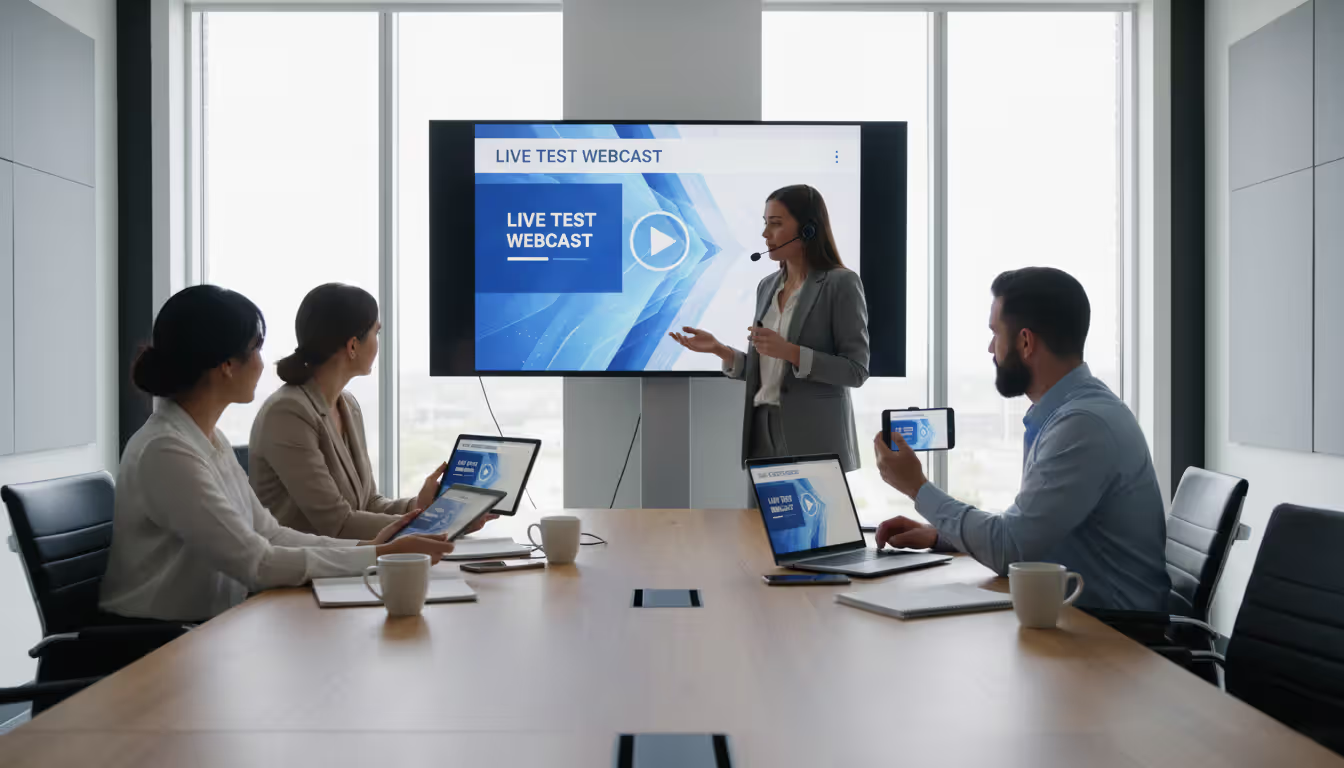
Testing streaming quality requires real-world conditions, not demo sessions. Create a test event using your actual internet connection, equipment, and presentation files. Share slides with detailed graphics, play video clips, and screen-share while running other applications. Monitor CPU usage and bandwidth consumption—some platforms devour resources.
Get colleagues joining from different locations and connection types. Someone on corporate WiFi, another on residential broadband, ideally someone on mobile data. Have them report buffering, audio sync problems, and video clarity. Quality issues frequently emerge only under actual conditions, not during vendor demos on optimized networks.
Measure latency between you and your audience. Some platforms introduce 20–30 second delays, making real-time interaction feel disconnected and awkward. Others maintain sub-five-second latency. This gap matters enormously for Q&A sessions where delayed responses confuse participants.
Tracking attendee engagement metrics helps you improve content and spot platform limitations. Monitor these specific indicators:
Average watch duration versus total event length (strong engagement means 70%+ staying through completion)
Question volume per 100 attendees (active audiences generate 8–15 questions per hundred people)
Chat message frequency (varies by event style but complete silence suggests technical problems)
Compare these metrics across different web conference platform options during trial periods. Significant variations often indicate one platform makes participation easier or more intuitive than alternatives.
Author: Chloe Winslow;
Source: musiconmainstreet.com
Reviewing post-event analytics determines whether you can actually improve over time. The best online webinar tools provide cohort analysis showing how different audience segments engaged differently. You should see breakdowns by registration source, company size, job title, or custom fields you collected.
Individual attendee reports matter for sales follow-up and training compliance. Can you identify exactly which prospects watched 90% of your product demo versus who dropped after ten minutes? For mandatory training, can you prove specific employees attended required sessions?
Export capabilities determine whether analytics remain locked in the platform or integrate with your broader data systems. CSV exports work but require manual processing. API access enables automated reporting. Some platforms offer native dashboards updating in real-time but prevent data export—problematic when creating custom reports.
The best webinar platform isn't the one with the most features—it's the one that aligns with your audience size, engagement goals, and technical capabilities
— Sarah Mitchell
Frequently Asked Questions About Webinar Platforms
What separates webinar platforms from regular video conferencing tools?
Webinar platforms prioritize one-to-many broadcasting with controlled audience participation, while video conferencing enables many-to-many collaboration. Webinars feature presenter-controlled content, moderated Q&A, and registration workflows. Video conferencing assumes everyone can speak, share screens, and contribute equally. You'd use webinar software for a 300-person product launch but video conferencing for a 10-person team brainstorm.
How many people can typical webinar platforms accommodate?
Entry-level plans usually cap attendance between 100–500 people. Mid-tier options accommodate 500–2,000 attendees. Enterprise platforms support 5,000–10,000+ simultaneous participants. Actual capacity depends on whether you're counting registrants or concurrent live viewers—many platforms allow unlimited registrations but restrict simultaneous connections. Simulcasting to YouTube or LinkedIn extends reach beyond platform restrictions.
What equipment do I need for hosting webinars?
Basic sessions require only a computer with webcam, microphone, and stable internet (10+ Mbps upload recommended). Professional productions benefit from external USB microphones ($50–$150), ring lights ($30–$100), and second monitors for managing chat while presenting. High-end setups use DSLR cameras, professional lighting, and dedicated streaming hardware, but these aren't necessary for most business applications.
Will webinar platforms integrate with my CRM or email marketing software?
Most modern platforms integrate with major CRMs like Salesforce, HubSpot, and Microsoft Dynamics through native connections or Zapier. Integration depth varies significantly—some sync only registration data while others update contact records with attendance duration, poll responses, and engagement scores. Verify whether integrations require enterprise tiers or work on standard plans. API access enables custom integrations if your CRM isn't natively supported.
Do webinar recordings get saved and shared automatically?
Recording policies vary dramatically. Some platforms auto-record all sessions to cloud storage, others require manual activation, and a few charge extra for recording capabilities. Cloud storage limits frequently apply—you might get 10–50GB included, requiring you to download and delete older recordings regularly. Sharing options range from public links to password-protected pages to integration with video hosting platforms. Verify whether recordings include chat logs, poll results, and Q&A threads or just the video stream alone.
What internet speed do I actually need for hosting professional webinars?
Hosts need minimum 10 Mbps upload speed for reliable HD video streaming; 20+ Mbps upload provides comfortable safety margin. Download speed matters less for hosts but attendees need 5+ Mbps download for smooth HD viewing. Test your connection at the actual time you'll present—bandwidth often decreases during peak evening hours. Wired ethernet beats WiFi for connection stability every time. Consider backup internet (mobile hotspot) for mission-critical events.
Choosing webinar software ultimately means balancing immediate requirements against future growth potential. A platform perfect for today's 50-person training sessions might collapse under next year's 500-person customer conference. Conversely, paying for enterprise features you won't touch for two years wastes budget better spent improving content quality or promotion.
Begin by identifying your primary application. Marketing teams prioritize lead capture and CRM integration above all else. Training departments require compliance tracking and assessment capabilities. Event organizers demand multi-session management and networking features. Searching for one platform excelling at everything usually means accepting mediocrity across the board.
Use free trials, but test realistically. Create complete events with actual presentation content, invite colleagues participating as attendees, and execute your entire workflow from registration through post-event follow-up. Technical demos from sales teams showcase best-case scenarios, not the experience you'll have independently managing events at 9 PM on a Thursday.
Budget for reasonable growth without overpaying for hypothetical scale. Currently running monthly webinars for 75 people? Pick a platform comfortably handling 200–300 rather than one built for 5,000-person conferences. Switching platforms in 18 months costs less than overpaying throughout that period.
Your webinar platform choice becomes the foundation of your online event strategy. It shapes attendee experience quality, determines what data you can collect, and influences how effectively you convert viewers into customers or engaged learners. Invest evaluation time now to avoid expensive migrations or compromised events later.
Virtual event production has evolved from emergency solution to strategic business tool. This comprehensive guide covers planning essentials, technical setup, engagement strategies, when to hire production companies, common mistakes to avoid, and the tools you need for successful virtual events that deliver measurable ROI
Managing trade shows requires coordinating exhibitors, attendees, and complex logistics. This guide breaks down trade show software categories, core features like lead capture and booth management, pricing models, and selection criteria to help event planners choose the right platform
Organizing events has shifted dramatically over the past few years. Online event management software powers this transformation, enabling organizers to build, promote, and execute events entirely through digital channels. The right platform can mean the difference between a seamless virtual conference and a logistical nightmare
The content on this website is provided for general informational and educational purposes only. It is intended to explain concepts related to event management software, ticketing systems, hybrid event platforms, and operational tools for event organisers.
All information on this website, including articles, guides, and examples, is presented for general educational purposes. Outcomes may vary depending on event size, technology choices, and organisational needs.
This website does not provide professional legal, financial, or software advice, and the information presented should not be used as a substitute for consultation with qualified event tech or IT professionals.
The website and its authors are not responsible for any errors or omissions, or for any outcomes resulting from decisions made based on the information provided on this website.