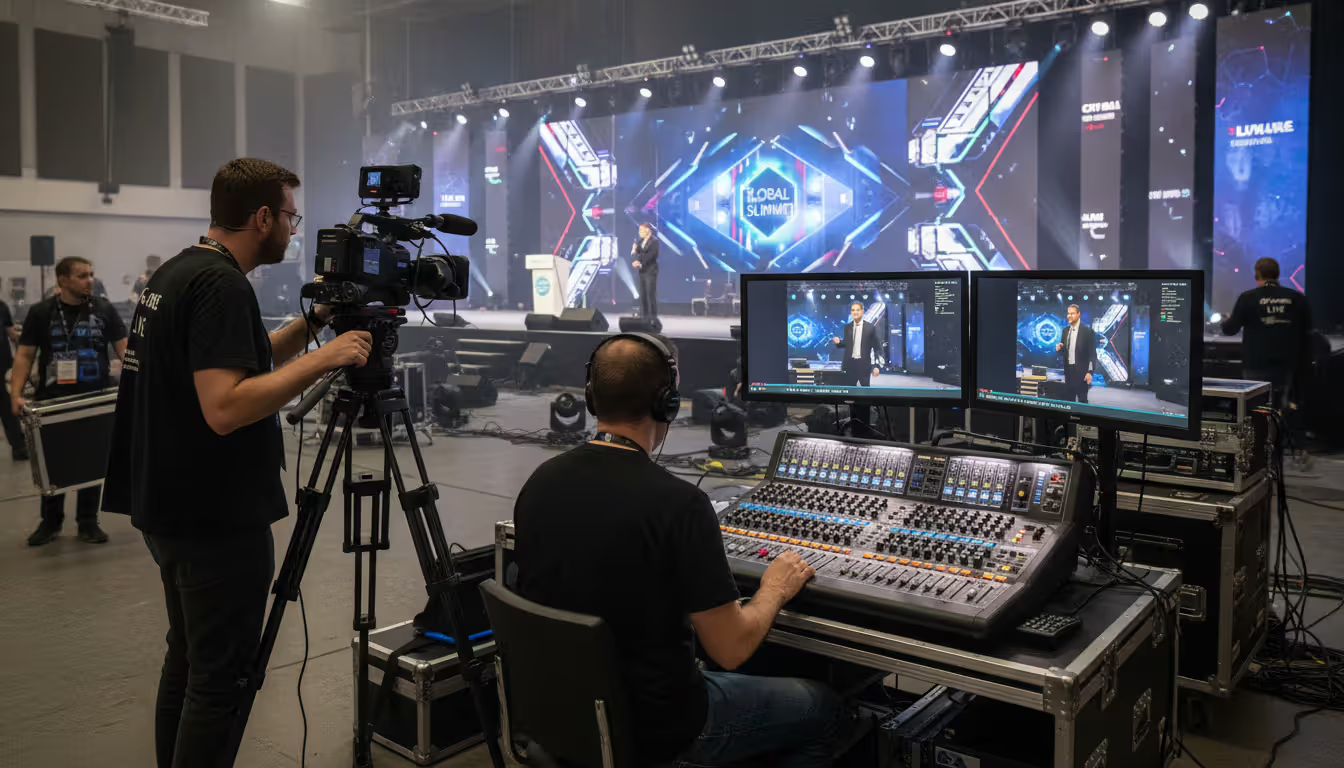
Modern conference hall with a speaker on stage, large LED screen showing remote participants via video, professional cameras and lighting, hybrid event atmosphere
Hybrid events have evolved from pandemic-era necessity to strategic advantage. Organizations now routinely host conferences, trade shows, and corporate meetings that serve both in-person and remote audiences simultaneously. But the technology powering these experiences varies dramatically in capability, complexity, and cost.
Selecting the right platform requires understanding not just feature lists, but how those features translate into actual attendee experiences. A platform that works brilliantly for a 200-person sales kickoff might collapse under the demands of a 5,000-attendee industry conference. Similarly, self-service software that empowers your marketing team could frustrate organizers who lack technical expertise.
This guide walks through the evaluation framework, feature requirements, service models, and cost structures you'll encounter when choosing hybrid event technology.
What Is a Hybrid Event Platform and How Does It Work
A hybrid event platform is software that manages both physical and virtual attendee experiences within a single event. Unlike virtual event tools that only serve remote participants, or in-person event apps that ignore online audiences, hybrid platforms bridge both environments.
The core functionality centers on three systems working together. First, registration and attendee management tracks who's attending in what format, manages ticket types, and segments communications. Second, content delivery handles live streaming from the physical venue, on-demand video libraries, and session scheduling across time zones. Third, engagement tools create interaction opportunities—chat, Q&A, polling, networking—that work for both audience segments.
Here's where hybrid differs from simply streaming a live event on Zoom. A true hybrid event platform treats virtual attendees as first-class participants, not passive viewers. They can network with other attendees, visit virtual sponsor booths, earn continuing education credits, and influence the event through real-time polling or questions.
The technical architecture typically involves on-site production equipment (cameras, encoders, audio mixers) feeding into cloud-based streaming infrastructure. The platform receives these streams, distributes them to virtual attendees, and captures engagement data. Meanwhile, in-person attendees might use the same platform via mobile app to view their agenda, message other participants, or access session materials.
Hybrid event management becomes complex because you're essentially running two events with overlapping content but different logistics. Virtual attendees need reliable streaming and digital engagement. In-person attendees need badge printing, room capacity management, and catering coordination. The platform serves as the connective tissue.
The hybrid event market has matured significantly since 2023. We're no longer asking whether organizations need hybrid capabilities—we're asking which platform architecture best serves their specific audience mix, content delivery model, and production resources
— Sarah Chen
Key Features to Look for in Hybrid Event Software
Registration management forms the foundation. Your hybrid event software should handle multiple ticket types (in-person, virtual, VIP, exhibitor), process payments, manage waitlists, and generate different confirmation emails based on attendance format. Look for platforms that let you set capacity limits separately for physical and virtual audiences—a ballroom might cap at 300 while virtual access remains unlimited.
Live streaming capabilities matter more than most organizers initially realize. Basic platforms offer single-stream broadcasting, adequate for one main stage. But multi-track conferences need simultaneous streams for breakout sessions. Evaluate maximum concurrent streams, video quality options (1080p should be standard), latency (delay between live action and virtual viewing), and backup streaming protocols. Some platforms handle streaming natively; others integrate with Vimeo, YouTube Live, or specialized services.
Audience engagement tools determine whether virtual attendees stay active or drift away. Essential features include moderated Q&A that surfaces questions from both audiences to speakers, live polling with real-time result displays, and chat functionality with options for public discussion, private messaging, and speaker-to-audience announcements. Advanced platforms offer virtual networking lounges where attendees can video chat based on shared interests, and gamification elements like leaderboards or scavenger hunts that work across both audiences.
Analytics and reporting separate professional-grade hybrid event management platforms from basic streaming tools. You need attendance tracking by session and format, engagement metrics (chat messages sent, polls answered, booth visits), content performance data (which sessions had highest completion rates), and sponsor ROI reporting. The platform should export this data in formats your CRM or marketing automation system can ingest.
Integration options prevent data silos and workflow friction. Your platform should connect with registration systems like Eventbrite or Cvent if you're not using the platform's native registration, CRM platforms (Salesforce, HubSpot) for lead capture and follow-up, marketing automation tools for email campaigns, and single sign-on systems for enterprise events. API access matters for custom integrations—check whether it's REST-based and well-documented.
Types of Hybrid Event Production Services Available
Platform providers operate on a spectrum from pure software to full-service production partners. Understanding this range helps you match service model to your team's capabilities.
Self-service platforms provide the technology and expect you to handle everything else. You get access to the software, documentation, and perhaps email support, but you're responsible for configuring the platform, managing streaming equipment, troubleshooting technical issues, and training your team. This model works for organizations with in-house AV expertise or simple events—think company all-hands meetings or webinar-style presentations. Costs run lowest here, but hidden expenses appear when you need to hire freelance production help or purchase streaming equipment.
Author: Chloe Winslow;
Source: musiconmainstreet.com
Managed service platforms offer the software plus dedicated support specialists who help configure your event, provide training sessions, monitor the live event for technical issues, and offer real-time troubleshooting during your program. You still handle physical production (cameras, audio), but the platform team ensures the software side runs smoothly. This middle ground suits most corporate events and association conferences.
Full-service hybrid event production services bundle platform, technical crew, equipment, and on-site coordination. The provider brings cameras, switchers, lighting, audio equipment, and technicians to your venue, integrates everything with their platform, and manages the technical production from setup through teardown. You focus on content and attendees; they handle the technology. This model makes sense for high-stakes events, organizations without technical staff, or complex productions requiring multiple camera angles and professional switching.
Technical production support varies even within service tiers. Some providers offer 24/7 phone support; others limit assistance to email during business hours. For international events, confirm coverage in your time zones. Ask specifically about support during your actual event—will someone monitor your stream and proactively address issues, or must you notice problems and request help?
On-site AV coordination represents a frequent gap. Your hybrid event services provider might offer excellent software but no physical presence at your venue. This works fine if you've hired a local AV company, but coordination between your AV vendor and the streaming platform becomes your responsibility. Some organizations prefer providers who can supply both on-site crew and the platform to ensure seamless integration.
Platform training and support determine how quickly your team becomes self-sufficient. Look for providers offering live training sessions (not just recorded videos), practice environments where you can build a test event, and certification programs for team members who'll manage multiple events. The best platforms provide role-based training—different sessions for registration managers, content coordinators, and technical producers.
Marketing-focused events prioritizing attendee engagement and lead capture
Unlimited virtual; 1,000+ in-person
Kaltura Virtual Events
Enterprise-grade video infrastructure, accessibility features, LMS integration, security compliance
Annual licensing starting at $20,000; usage-based pricing available
Educational institutions, healthcare organizations, and enterprises requiring compliance
100,000+ concurrent viewers
Platform selection involves trade-offs. Hopin offers the most comprehensive virtual experience but requires significant budget and planning time. Swoogo excels at complex registration scenarios and data management but has a steeper learning curve. Accelevents prioritizes user-friendliness, making it accessible for teams without technical depth, though advanced customization options are more limited. Hubilo focuses heavily on engagement metrics and AI-driven networking, ideal for events where attendee connections drive value. Kaltura serves organizations where security, compliance, and video quality are non-negotiable, though it requires more technical expertise to implement.
When evaluating the best hybrid event platform for your needs, test the actual user experience. Most providers offer demos, but insist on hands-on trial access where your team can build a sample event. Pay attention to how many clicks it takes to complete common tasks, whether the interface feels intuitive, and how easily you can find answers to questions.
Common Mistakes in Hybrid Event Management
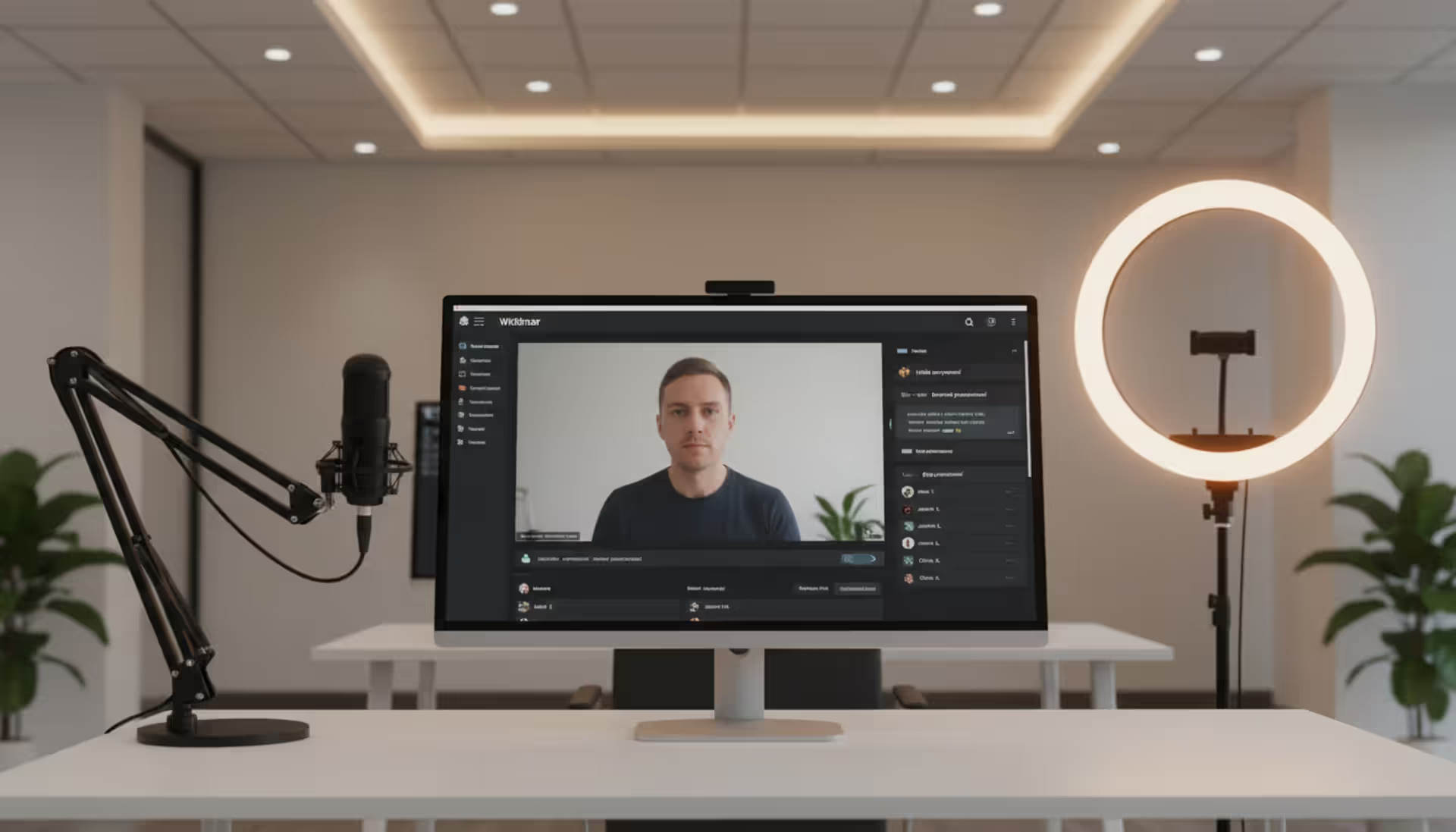
Poor audio and video quality planning kills virtual engagement faster than any other factor. Organizations budget for the platform but skimp on production equipment. A $15,000 platform subscription paired with a $200 webcam and laptop microphone creates a jarring disconnect. Virtual attendees expect broadcast-quality video and clear audio—they're comparing your event to professionally produced webinars and streaming content they consume daily.
The rule of thumb: allocate at least 30% of your hybrid event production budget to audio and video equipment and expertise. This means proper cameras (not webcams), professional microphones for speakers, audio mixing equipment to balance sound levels, and adequate lighting. For a $50,000 total event budget, $15,000 should cover production quality. Cutting corners here undermines everything else you've invested in the experience.
Author: Chloe Winslow;
Source: musiconmainstreet.com
Neglecting virtual audience engagement turns remote attendees into passive viewers who drift away. Event teams focus on the in-person experience—the room setup, catering, networking breaks—and treat virtual streaming as an afterthought. But virtual attendees need their own engagement opportunities: dedicated Q&A time, polls that influence session content, virtual networking sessions, and acknowledgment from speakers.
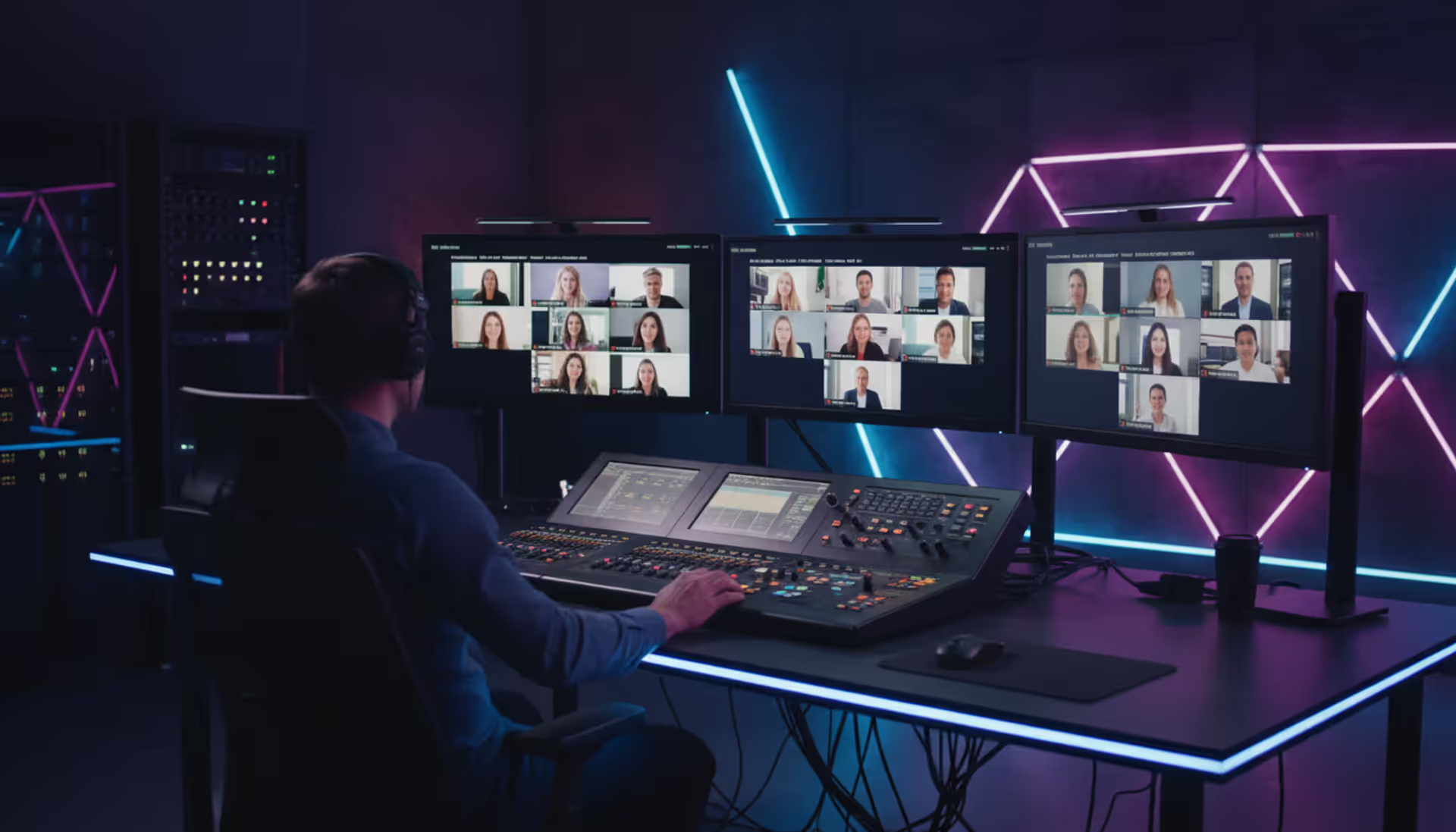
Assign a specific team member to monitor and facilitate virtual engagement during sessions. This person watches the chat, surfaces questions to speakers, responds to technical issues, and creates moments where virtual attendees feel seen. Without this role, remote participants become invisible, and speakers naturally focus only on the physical room.
Inadequate rehearsal time surfaces problems when you can't fix them. Hybrid events involve more technical complexity than purely in-person or virtual formats. Speakers need to practice using microphones correctly, looking at cameras, and acknowledging both audiences. Production teams need to test stream quality, backup systems, and transitions between sessions. Platform administrators need to verify registration flows, content uploads, and engagement tools.
Schedule a full technical rehearsal at least two days before your event. Run through every session transition, test every streaming source, and have speakers practice in the actual environment. Budget 3-4 hours for a single-day event, more for multi-day conferences. This rehearsal should happen in your actual venue with final equipment, not in someone's office with laptops.
Choosing a platform based on price alone creates expensive problems later. The cheapest hybrid event software often lacks critical features, forcing you to patch together multiple tools or accept a degraded experience. You might save $3,000 on platform costs but spend $8,000 on workarounds, additional software, and extra production time.
Evaluate total cost of ownership, not just platform licensing. Include training time (how many hours will your team spend learning the system?), integration costs (will you need custom development?), support needs (will you require paid assistance?), and production requirements (does this platform demand more expensive equipment?). Sometimes a more expensive platform with better support and easier workflows reduces total costs.
How Much Does a Hybrid Conference Platform Cost
Pricing models vary widely across hybrid event management platforms, making direct comparisons challenging. Understanding the common structures helps you evaluate true costs.
Per-event pricing charges a flat fee for each event you host. Rates typically range from $2,000 to $15,000 depending on attendee count, feature requirements, and event duration. This model suits organizations hosting occasional events—one or two conferences per year. You pay only when you use the platform, avoiding ongoing subscription costs. However, per-event pricing often includes setup fees, and costs escalate quickly with attendee count. A 500-person event might cost $3,000, while a 2,000-person event jumps to $8,000.
Per-attendee pricing charges based on registered participants, typically $5 to $25 per attendee with minimum fees. Some platforms charge only for virtual attendees; others count total registrations. This model offers predictability for budget planning but can become expensive for large events. A 1,000-attendee conference at $10 per attendee costs $10,000 in platform fees alone. Watch for platforms that charge per registration rather than per actual attendee—if 2,000 people register but only 1,200 attend, you still pay for 2,000.
Author: Chloe Winslow;
Source: musiconmainstreet.com
Subscription pricing provides unlimited or high-volume event access for a monthly or annual fee. Plans typically start at $400-$800 monthly for small event programs, scaling to $20,000-$50,000 annually for enterprise packages. This model makes sense for organizations running frequent events—monthly webinars, quarterly conferences, ongoing training programs. Calculate your breakeven point: if per-event pricing would cost $15,000 for your annual event program, a $12,000 annual subscription saves money while providing platform access year-round for smaller events.
Hidden costs appear in several areas. Data storage and bandwidth fees sometimes apply for high video usage—one provider charges $500 per terabyte of streaming data beyond included limits. Custom branding and white-labeling often cost extra, adding $1,000-$5,000 to base pricing. Integration development for connecting the platform to your existing systems can require $3,000-$10,000 in professional services. Premium support packages (dedicated account managers, 24/7 phone support) add 20-30% to base subscription costs.
ROI considerations shift the conversation from cost to value. A $10,000 hybrid conference platform that enables 1,500 virtual attendees who couldn't travel to your event expands your reach dramatically. If those virtual tickets cost $200 each, you've generated $300,000 in revenue that wouldn't exist without hybrid capabilities. Even accounting for reduced virtual ticket prices ($100 instead of $200), you're adding $150,000 in revenue against $10,000 in platform costs.
Calculate ROI beyond direct revenue. Hybrid events reduce travel costs for your own team, expand sponsor reach (virtual booth visits supplement physical traffic), and create content assets (recorded sessions) that provide value for months after the event. One association found their $8,000 platform investment generated $45,000 in additional virtual sponsorships and $22,000 in on-demand content access fees over six months.
Frequently Asked Questions About Hybrid Event Services
What's the difference between a hybrid event platform and virtual event software?
Virtual event software serves only remote attendees accessing your event online. Hybrid event platforms manage both in-person and virtual audiences simultaneously, coordinating experiences across both formats. The key difference lies in integration—hybrid platforms connect physical venue activities (badge scanning, room capacity, on-site networking) with virtual features (streaming, digital engagement, online networking). Virtual platforms assume everyone participates remotely and don't include tools for managing physical attendees, venue logistics, or on-site production.
Do I need separate platforms for in-person and virtual attendees?
Not with a true hybrid event platform. These systems manage both audiences within one interface, sharing registration databases, content libraries, and engagement tools. Using separate platforms creates data silos, forces attendees to navigate different systems, and complicates reporting. However, some organizations pair a strong in-person event app with separate streaming software when their events lean heavily toward physical attendance with minimal virtual engagement. This approach works but requires manual coordination and duplicate data entry.
How much technical support do hybrid event platforms provide?
Support levels vary dramatically by provider and pricing tier. Basic plans typically include email support during business hours with 24-48 hour response times. Mid-tier plans add live chat, phone support, and faster response guarantees. Premium plans provide dedicated account managers, 24/7 support, and proactive event monitoring where technicians watch your stream and address issues before you notice them. For first-time hybrid events or high-stakes programs, invest in premium support—the cost of technical failure during your event far exceeds support fees.
Can hybrid event software integrate with my existing registration system?
Most modern platforms offer integration capabilities, but depth varies. Common integration methods include native connectors for popular systems like Eventbrite, Cvent, and RegFox; Zapier connections for automated data syncing; and API access for custom integration development. Before committing to a platform, verify the specific integration with your registration system. Request a technical integration document and, if possible, test the integration with sample data. Some "integrations" require manual CSV uploads rather than real-time syncing, creating workflow friction.
What internet speed do I need for hybrid event production?
Upload speed matters more than download speed for hybrid events. You're sending video from your venue to the platform's streaming servers. For single-camera 1080p streaming, plan for minimum 10 Mbps upload speed with 20 Mbps recommended for reliability. Multi-camera productions or 4K streaming require 25-50 Mbps upload. Always use wired ethernet connections, not WiFi, for production equipment—WiFi introduces latency and reliability issues. Test your venue's internet at the time of day you'll be streaming, as bandwidth can vary. Many event producers bring dedicated internet connections or cellular bonded encoders as backup.
How far in advance should I book hybrid event production services?
For full-service production including on-site crews and equipment, book 8-12 weeks ahead for standard events, 4-6 months for large conferences or events during peak seasons (September-November, March-May). Self-service platforms require less lead time—you can typically launch an event in 2-4 weeks. However, adequate planning time matters more than platform availability. Budget at least 6 weeks to properly configure your platform, train your team, create content, promote virtual access, and conduct technical rehearsals. Rushed hybrid events consistently underperform because teams haven't mastered the technology or planned for both audiences.
Choosing a hybrid event platform requires balancing technical capabilities, service levels, and budget constraints against your specific event requirements and team expertise. The right platform for a 5,000-person industry conference differs fundamentally from the right choice for monthly 200-person training sessions.
Start by honestly assessing your team's technical capabilities and available time. A feature-rich platform you can't properly configure delivers less value than a simpler system your team masters completely. Prioritize platforms offering strong support and training resources if hybrid events are new to your organization.
Test extensively before committing. Most providers offer demos or trial periods—use them to build a sample event, invite colleagues to participate as test attendees, and evaluate the actual user experience rather than just feature lists. Pay attention to how intuitive the interface feels and how quickly you can accomplish common tasks.
Remember that the platform represents just one component of successful hybrid event management. Production quality, content design, promotion strategy, and audience engagement planning matter as much as technology selection. The best platform poorly implemented creates worse experiences than a basic platform executed excellently.
Budget realistically for the complete hybrid event production ecosystem—platform licensing, production equipment, technical support, training time, and contingency resources. Hybrid events require more investment than purely in-person or virtual formats, but they also expand your reach, increase accessibility, and create valuable content assets that extend event impact well beyond the live dates.
Selecting the right webinar platform impacts attendee experience, engagement rates, and ROI. This guide covers essential features, pricing models, use cases, and evaluation criteria to help you choose webinar software that aligns with your goals without overpaying for unused features
Virtual event production has evolved from emergency solution to strategic business tool. This comprehensive guide covers planning essentials, technical setup, engagement strategies, when to hire production companies, common mistakes to avoid, and the tools you need for successful virtual events that deliver measurable ROI
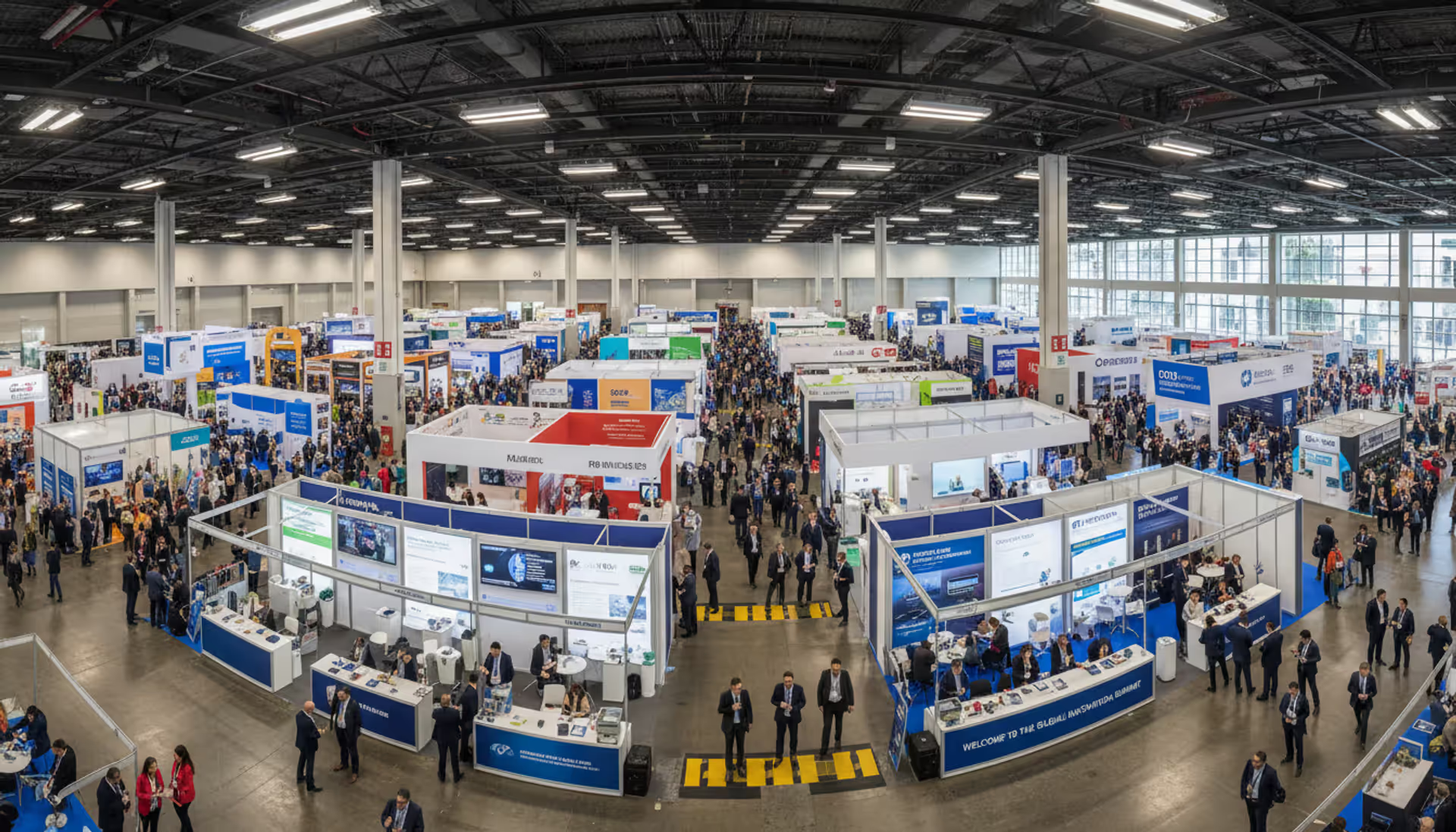
Managing trade shows requires coordinating exhibitors, attendees, and complex logistics. This guide breaks down trade show software categories, core features like lead capture and booth management, pricing models, and selection criteria to help event planners choose the right platform
The content on this website is provided for general informational and educational purposes only. It is intended to explain concepts related to event management software, ticketing systems, hybrid event platforms, and operational tools for event organisers.
All information on this website, including articles, guides, and examples, is presented for general educational purposes. Outcomes may vary depending on event size, technology choices, and organisational needs.
This website does not provide professional legal, financial, or software advice, and the information presented should not be used as a substitute for consultation with qualified event tech or IT professionals.
The website and its authors are not responsible for any errors or omissions, or for any outcomes resulting from decisions made based on the information provided on this website.